Aus öffentlichen Paketdaten erstellte Orientierung.
Das social_share-Paket bietet eine einfache und effiziente Möglichkeit, Inhalte direkt in beliebte soziale Medien-Apps auf Android und iOS zu teilen. Es unterstützt eine breite Palette an Freigabemöglichkeiten, sodass Benutzer Inhalte schnell auf Plattformen wie WhatsApp, Facebook, Instagram, Twitter und mehr veröffentlichen können. Dank der Integration nativer Absichten gewährleistet es nahtlose Teilerfahrungen über Geräte hinweg. Das Paket ist leichtgewichtig und einfach zu implementieren und eignet sich daher ideal für Anwendungen, die überzeugende Freigabefunktionen benötigen, ohne komplexe Einstellungen vornehmen zu müssen.
Anwendungsfälle
Links in sozialen Medien teilen
Nachrichten über WhatsApp senden
Inhalte auf Instagram veröffentlichen
Integration mit Facebook
Schnelle, nutzergetriebene Freigabe aktivieren
Unterstützung der plattformübergreifenden Freigabe
Hauptmerkmale
Unterstützt mehrere soziale Plattformen
Native absichtsbasierte Freigabe
Einfache API-Integration
Plattformübergreifende Kompatibilität (Android und iOS)
Leicht und schnell
Einfache Konfiguration
Geeignet für
Mobile Apps, die soziales Teilen benötigen
Apps mit Fokus auf breite Nutzerbindung
Entwickler, die eine schnelle Freigabeanwendung suchen
Projekte, die plattformspezifischen Sharing erfordern
Apps mit Benutzer-Inhalten zum Teilen
soziale oder community-getriebene Anwendungen
Hinweise
Erforderliche App-Berechtigungen unter Android
Für bestimmte Plattformen ist möglicherweise eine zusätzliche Einrichtung erforderlich
Beschränkt auf unterstützte soziale Apps
Abhängig von der Verfügbarkeit einer externen App
Nicht geeignet für benutzerdefinierte Freigabedestinationen
plattformspezifisches Verhalten kann variieren
Original-README
Originaler README-Schnappschuss aus dem verknüpften Quell-Repository. Aktuelle Inhalte finden Sie im Repository.
social_share
Wide variety of sharing options you'll need to share directly to certain popular apps or just share with default native share.
Introduction
Works on both platforms Android and iOS
It provides you with most of the popular sharing options
With this plugin you can share on instagram stories and facebook stories and also copy to clipboard
Usage
Android Configuration
Paste the following attribute in the manifest tag in the android/app/src/main/AndroidManifest.xml:
SocialShare.copyToClipboard("This is Social Share plugin");
shareTwitter
//without hashtagsSocialShare.shareTwitter("This is Social Share plugin");
//with hashtagsSocialShare.shareTwitter(
"This is Social Share twitter example",
hashtags: ["hello", "world", "foo", "bar"]);
//with hashtags and linkSocialShare.shareTwitter(
"This is Social Share twitter example",
hashtags: ["hello", "world", "foo", "bar"],url:"https://your-url-here/");
shareSms
//without url link in messageSocialShare.shareSms("This is Social Share Sms example");
//with url link in messageSocialShare.shareSms("This is Social Share Sms example",url: "https://your-url-here/");
shareWhatsapp
SocialShare.shareWhatsapp("Hello World");
shareTelegram
SocialShare.shareTelegram("Hello World");
shareOptions
This will open the default native share options
//without an imageSocialShare.shareOptions("Hello world");
//with an imageSocialShare.shareOptions("Hello world",imagePath: image.path);
checkInstalledAppsForShare
SocialShare.checkInstalledAppsForShare();
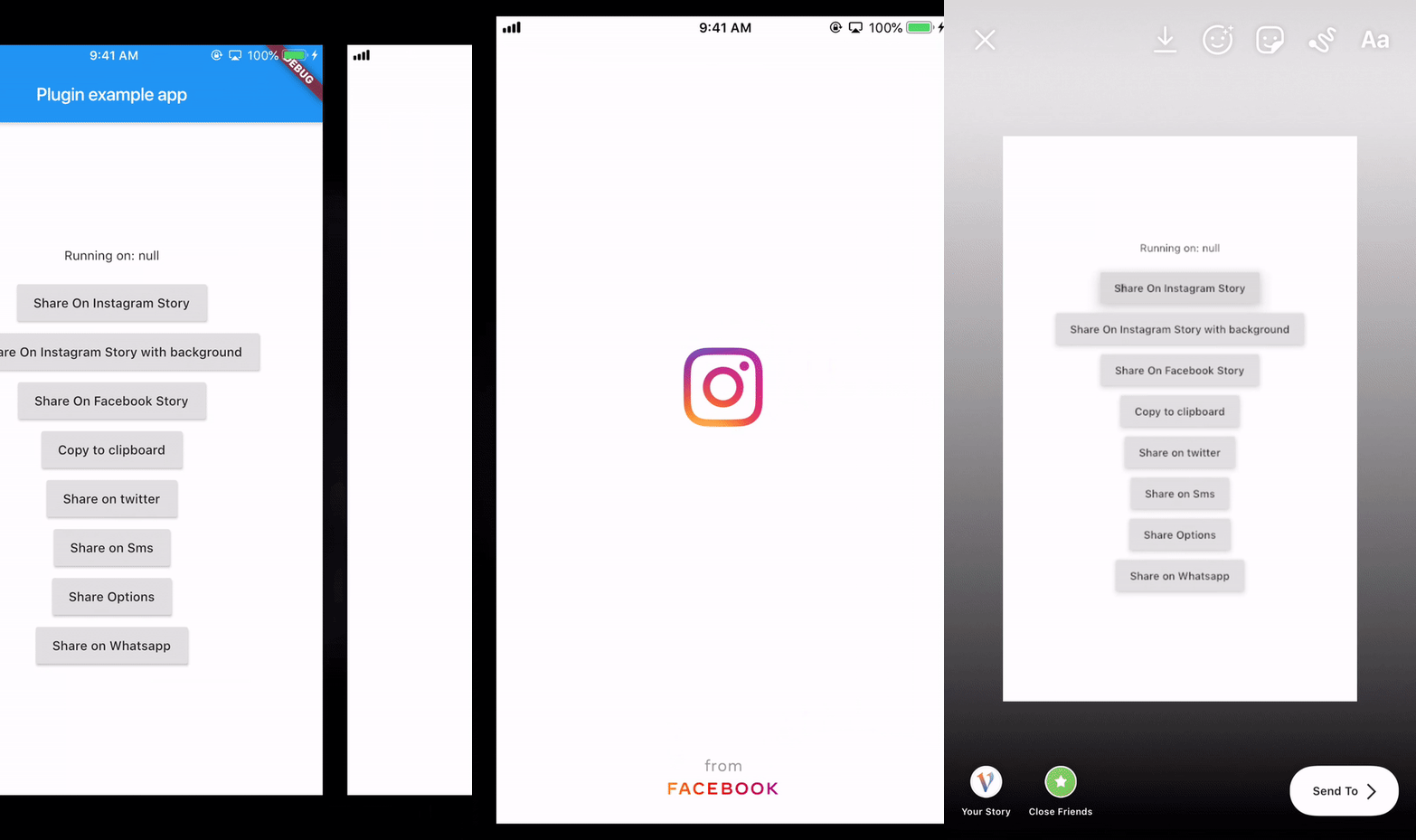
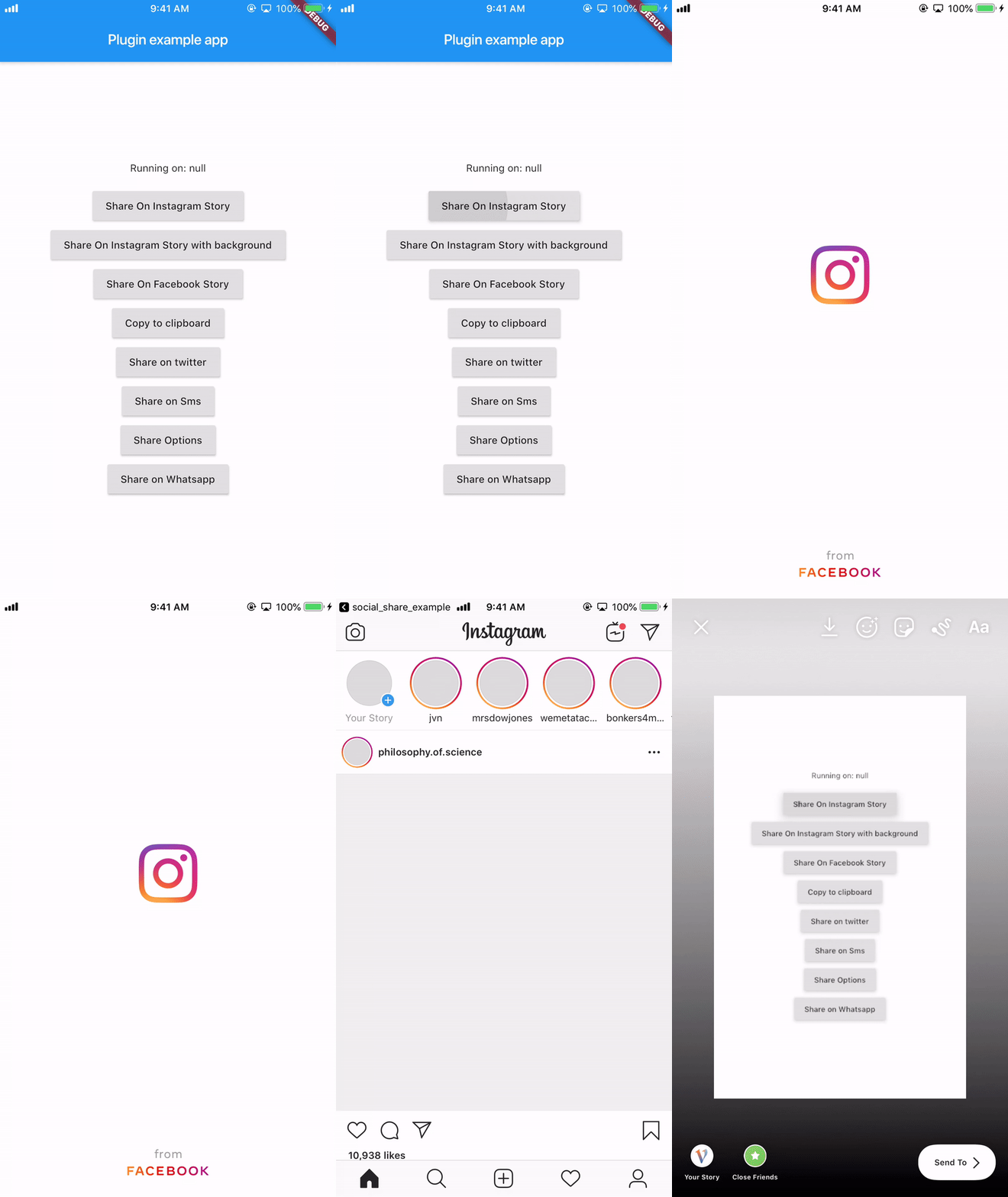
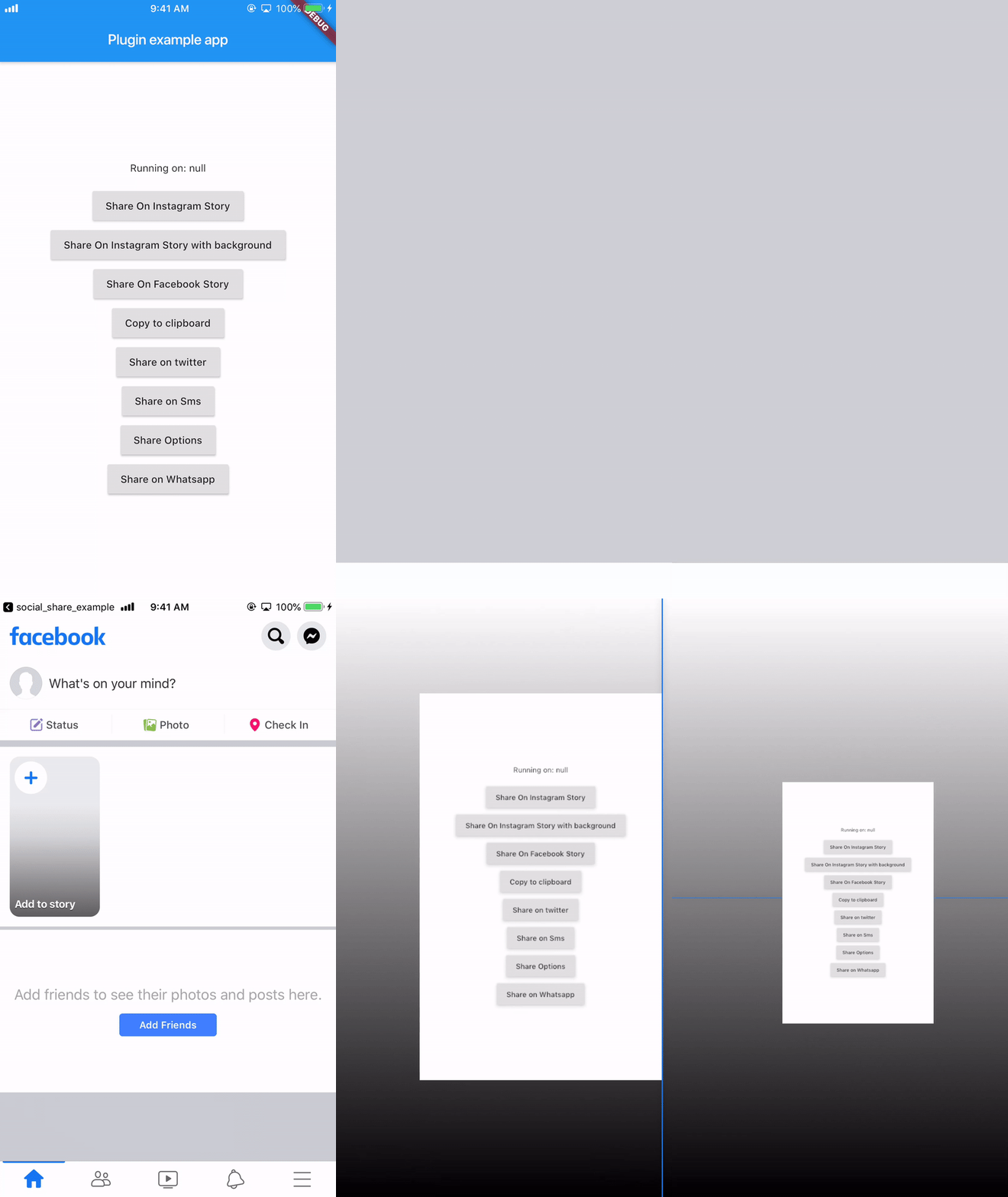
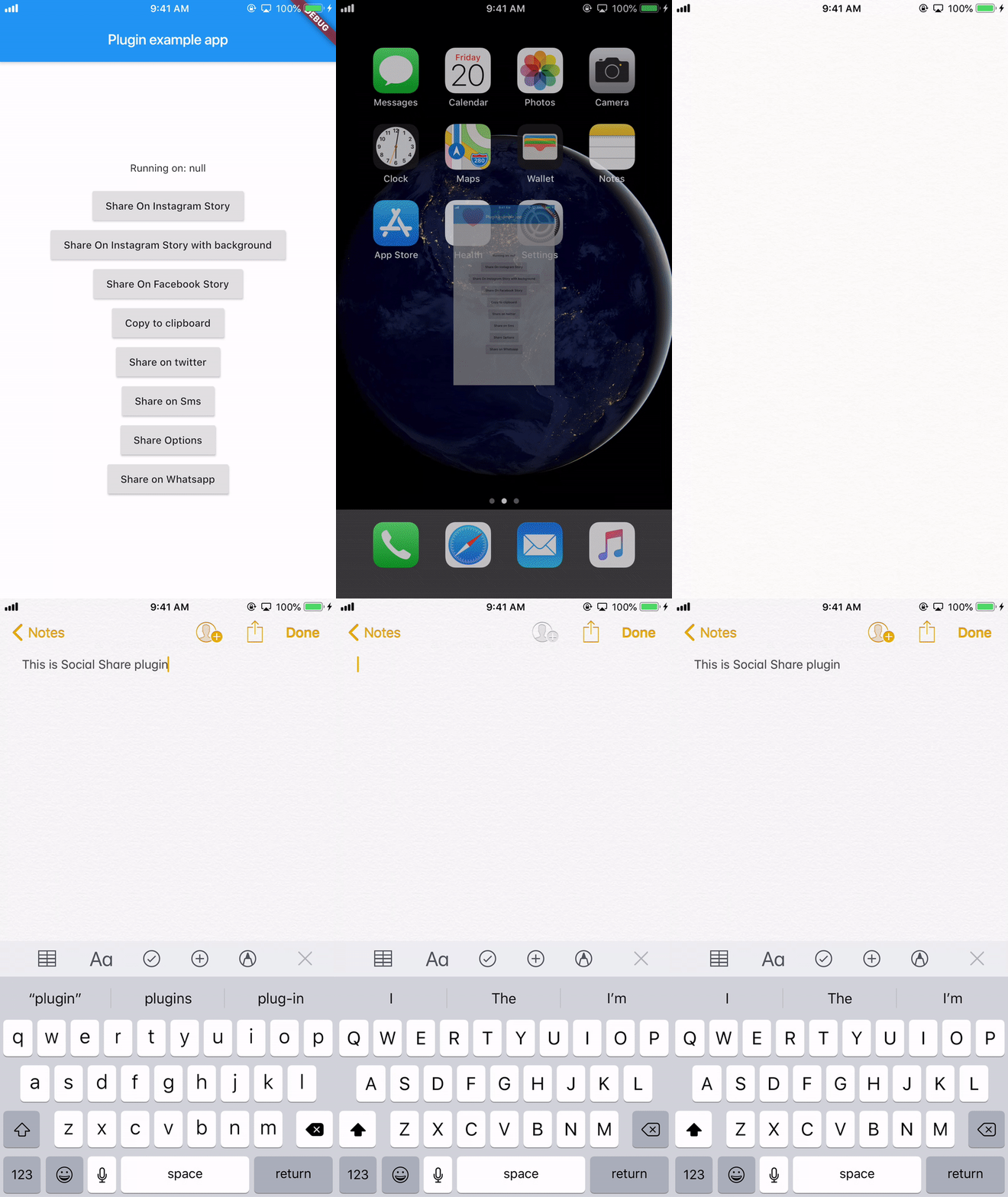
Here's few demo!
Story share on Instagram
Story share on Facebook
Copy to Clipboard
Known issues
On Android 6, Share to Instagram Stories may not open Instagram app or load the specified image.