Pakete, Repositories und App-Kategorien suchen

Cover von solid_bottom_sheet
Paketdetailsv0.1.13

solid_bottom_sheet

Eine vollständig anpassbare Bottom-Sheet, die einfach zu implementieren ist. Setzen Sie sie einfach in die bottomSheet-Eigenschaft Ihres Scaffold-Widgets und sehen Sie die Magie. Weitere Details finden Sie in der README.md.

AndroidiOSWebmacOSWindowsLinux
30-Tage-Downloads
3040
Likes
210
Pub-Punkte
120

Paket installieren

flutter pub add solid_bottom_sheet

Paketübersicht

Aus öffentlichen Paketdaten erstellte Orientierung.

SolidBottomSheet ist ein hochgradig anpassbarer Bottom-Sheet-Widget für Flutter, der für eine nahtlose Integration in die bottomSheet-Eigenschaft von Scaffold entwickelt wurde. Er bietet reibungslose Animationen, vollständige Kontrolle über Aussehen und Verhalten und unterstützt alle wichtigen Plattformen, einschließlich Mobilgeräte, Web und Desktop. Mit minimalem Setup können Entwickler schnell responsive und visuell ansprechende Bottom-Sheets erstellen, die auf das Design ihrer App abgestimmt sind. Das Paket legt Wert auf Benutzerfreundlichkeit, ohne Flexibilität einzubüßen.

Anwendungsfälle

  • Implementierung von einklappbaren Inhaltspanels
  • Interaktive Modals mit Drag-Gesten erstellen
  • Dynamische Formulare oder Filter erstellen
  • Benutzerdefinierte Navigationsdrawers gestalten
  • Erweiterbare Informationskarten hinzufügen

Hauptmerkmale

  • Völlig anpassbare Darstellung
  • Glatte Zieh-um-erweitern-Animationen
  • Plattformübergreifende Unterstützung
  • Einfache Integration mit Scaffold
  • Konfigurierbare Höhe und Snap-Punkte
  • Unterstützt verschachteltes Scrollen

Geeignet für

  • Entwickler, die eine schnelle Bottom-Sheet-Implementierung suchen
  • Apps, die eine konsistente Bottom-Sheet-UX über Plattformen hinweg erfordern
  • Designer, die fein abgestimmte Steuerung über das Blattdesign wünschen
  • Projekte mit komplexen Bottom-Sheet-Interaktionen

Hinweise

  • Kann zusätzliche Stilisierung für komplexe Layouts erfordern
  • Leistungsbeeinträchtigung bei umfangreichen Inhalten
  • Eingeschränkte integrierte Themeneinstellungen
  • Nicht ideal für sehr große oder dichte Inhaltbereiche

Original-README

Originaler README-Schnappschuss aus dem verknüpften Quell-Repository. Aktuelle Inhalte finden Sie im Repository.

Solid bottom sheet

Pub

A full customizable bottom sheet easy to implement. Just put it on your bottomSheet property on your Scaffold widget and see the magic. For more details see the README.md. Feel free to contribute. This package is open to recieve pull request on github. Enjoy! :D

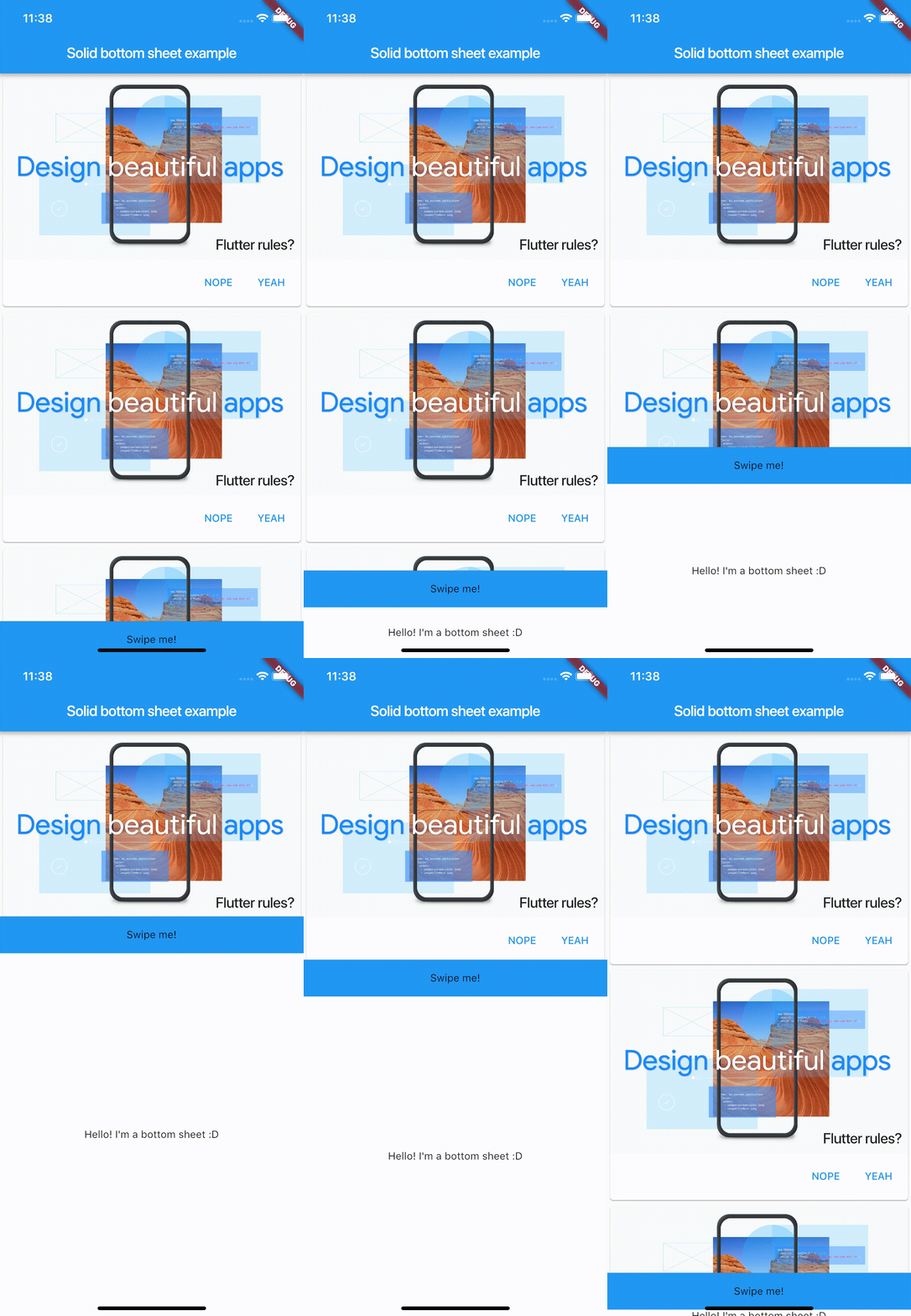
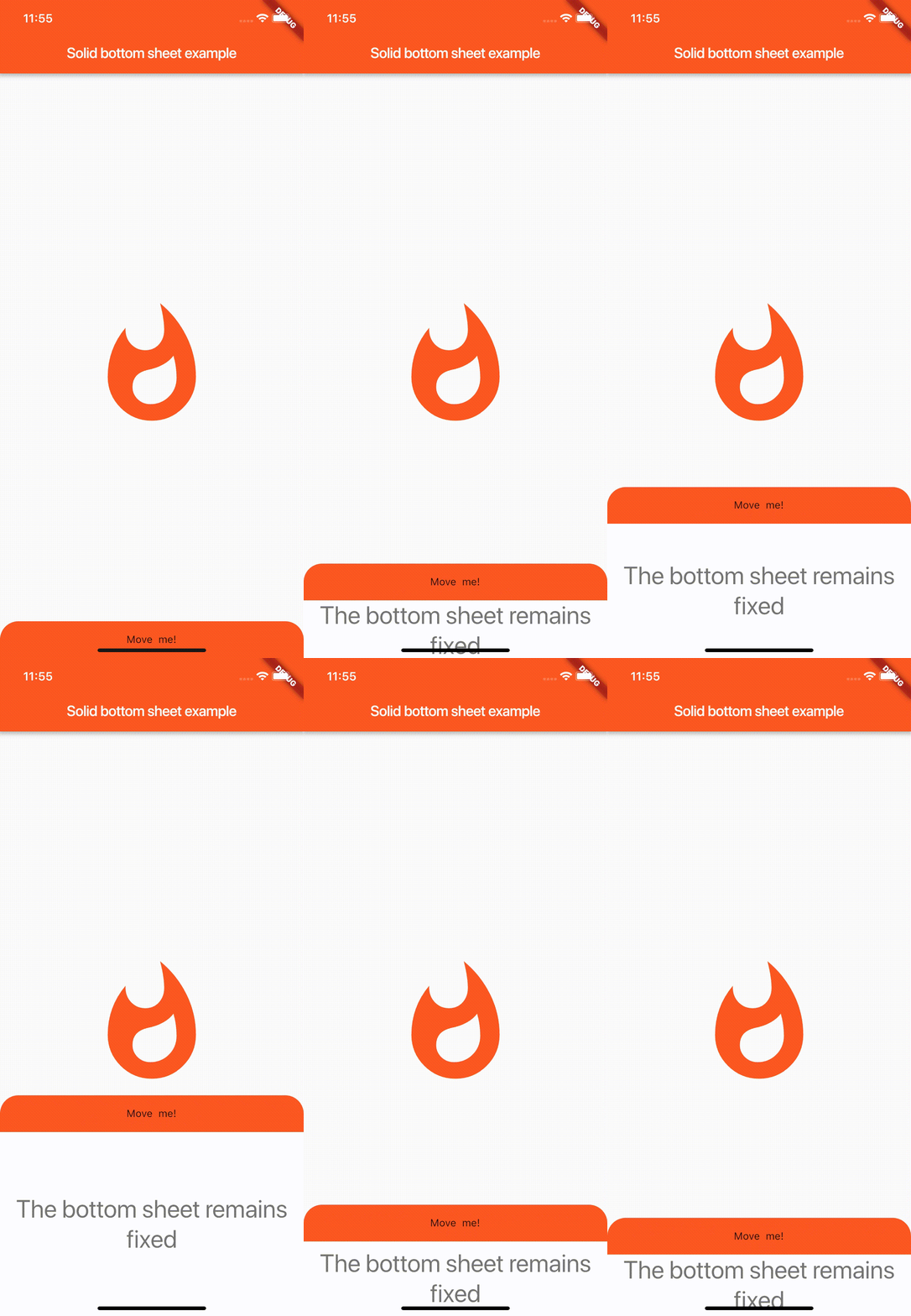
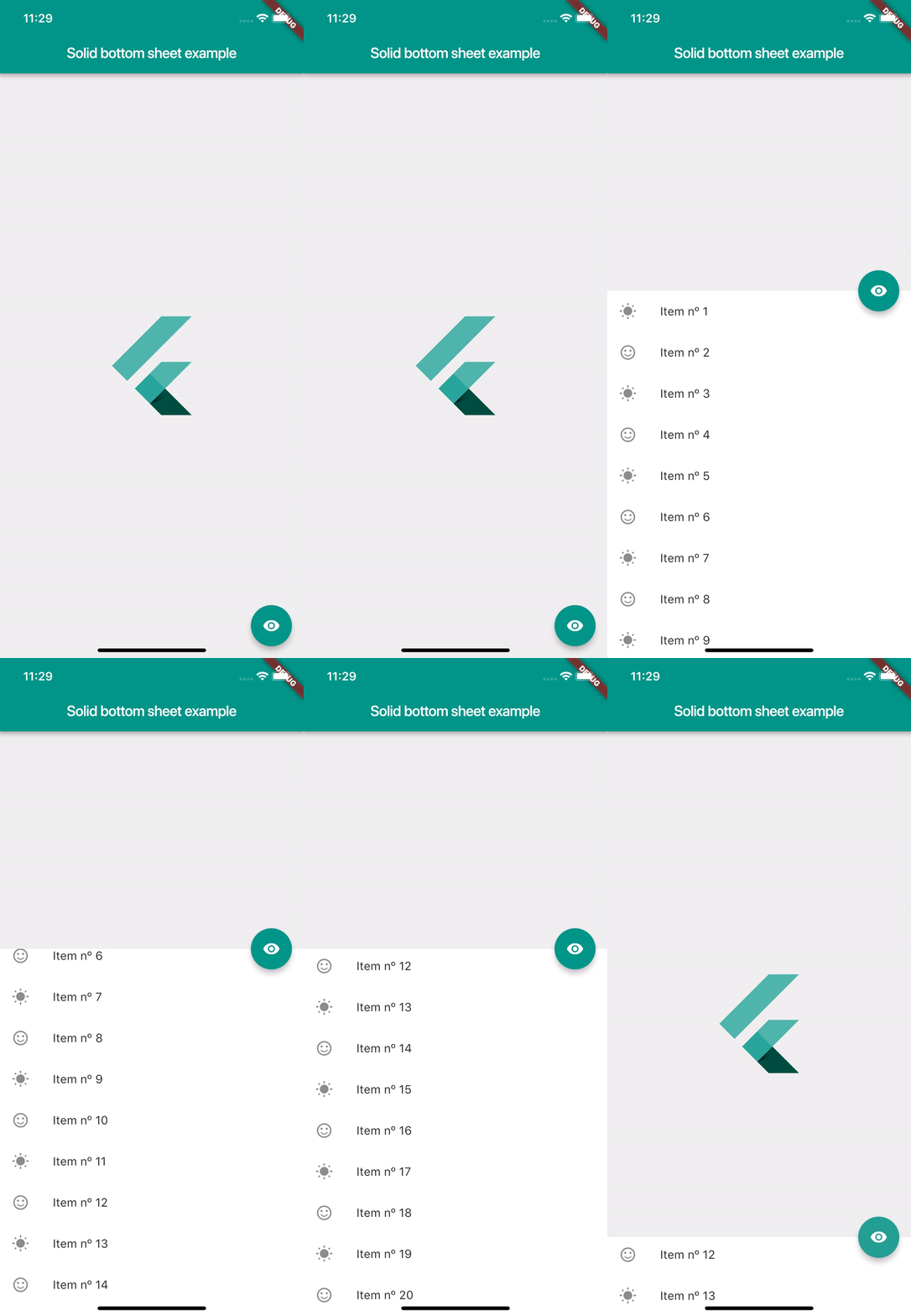
Screenshots

Usage

SolidBottomSheet(
        headerBar: Container(), // Your header here
        body: Container(), // Your body here
      ),

Properties

  // This controls the minimum height of the body. Must be greater or equal of 0.
  // By default is 0
  final double minHeight;

  // This controls the minimum height of the body. By default is 500
  final double maxHeight;

  // This is the content that will be hided of your bottomSheet. You can fit any
  // widget. This parameter is required
  final Widget body;

  // This is the header of your bottomSheet. This widget is the swipeable area
  // where user will interact. This parameter is required
  final Widget headerBar;

  // This flag is used to enable the automatic swipe of the bar. If it's true
  // the bottomSheet will automatically appear or disappear when user stops
  // swiping, but if it's false, it will stay at the last user finger position.
  // By default is true
  final bool autoSwiped;

  // This flag enable that the user can toggle the visibility with just tapping on
  // the header bar. By default is false
  final bool toggleVisibilityOnTap;

  // This flag enable that users can swipe the body and hide or show the
  // solid bottom sheet. Turn on false if you don't want to let the user
  // interact with the solid bottom sheet. By default is false.
  final bool draggableBody;
  
  // This flag enable that users can swipe the header and hide or show the 
  // solid bottom sheet. Turn on false if you don't want to let the user 
  // interact with the solid bottom sheet. By default is true. 
  final bool canUserSwipe;

  // This property defines how 'smooth' or fast will be the animation. Low is
  // the slowest velocity and high is the fastest. By default is medium.
  final Smoothness smoothness;

  // This property is the elevation of the bottomSheet. Must be greater or equal
  // to 0. By default is 0.
  final double elevation;

  // This flag controls if the body is shown to the user by default. If it's
  // true, the body will be shown. If it's false the body will be hided. By
  // default it's false.
  final bool showOnAppear;

  // This object used to control behavior internally
  // from the app and don't depend of user's interaction.
  // can hide and show  methods plus have isOpened variable
  // to check widget visibility on a screen
  final SolidController controller;

  // This method will be executed when the solid bottom sheet is completely
  // opened.
  final Function onShow;

  // This method will be executed when the solid bottom sheet is completely
  // closed.
  final Function onHide;

Controller

  // This is the current smoothness of the bottomSheet
  Smoothness smoothness;

  // Returns the value of the height as stream
  Stream<double> heightStream;

  // Returns the value of the visibility as stream
  Stream<bool> isOpenStream;

  // Returns the value of the height
  double height;

  //  Returns if the solid bottom sheet is opened or not
  bool isOpened;

  // This method sets the value of the height using streams
  void height(double value);

  // Updates the visibility value to false
  void hide();

  // Updates the visibility value to true
  void show();

Example

import 'package:flutter/material.dart';
import 'package:solid_bottom_sheet/solid_bottom_sheet.dart';

void main() => runApp(MyApp());

class MyApp extends StatelessWidget {
  @override
  Widget build(BuildContext context) {
    return MaterialApp(
      title: 'Flutter Demo',
      theme: ThemeData(
        primarySwatch: Colors.blue,
      ),
      home: MyHomePage(),
    );
  }
}

class MyHomePage extends StatefulWidget {
  @override
  _MyHomePageState createState() => _MyHomePageState();
}

class _MyHomePageState extends State<MyHomePage> {
  @override
  Widget build(BuildContext context) {
    return Scaffold(
      appBar: AppBar(
        title: Text("Solid bottom sheet example"),
      ),
      body: Center(
      child: FlutterLogo(),
      ),
      bottomSheet: SolidBottomSheet(
        headerBar: Container(
          color: Theme.of(context).primaryColor,
          height: 50,
          child: Center(
            child: Text("Swipe me!"),
          ),
        ),
        body: Container(
          color: Colors.white,
          height: 30,
          child: Center(
            child: Text(
              "Hello! I'm a bottom sheet :D",
              style: Theme.of(context).textTheme.display1,
            ),
          ),
        ),
      ),
    );
  }
}

Contribute

Feel free to fork and make pull request to enhance the package.

Github here.

Special Thanks

Viktor Goltstein - Github Nicolei Esperida - Github

Posible incoming features

  • A Shadow that covers the back of the bottom sheet to feel more native.
  • Full view option that displays the bottom sheet like a new navigated page.
  • Controller callbacks to execute when show() and hide() methods are invoked.

Kategorien

Quell-Repository

Projekte, die dieses Paket verwenden

Noch keine Daten verfügbar.