Aus öffentlichen Paketdaten erstellte Orientierung.
SwipeableTile ist ein Flutter-Paket, das die animierte Entfernung von Kacheln mit anpassbaren Hintergrundeffekten ermöglicht. Es unterstützt sowohl Swipen zum Löschen als auch Swipen zum Auslösen von Aktionen ohne Entfernen der Kachel. Ideal für interaktive Listenitems mit visuellem Feedback, funktioniert auf allen wichtigen Plattformen wie Android, iOS, Web, macOS, Windows und Linux. Das Paket verbessert die Benutzererfahrung durch flüssige Animationen und flexible Gestenverarbeitung für listenbasierte Oberflächen.
Anwendungsfälle
Swipe-to-Dismiss-Funktionalität in Listen implementieren
Interaktive Listenelemente mit Aktionstriggern erstellen
Intuitive Benutzeroberflächen für Aufgabenverwaltungs-Apps erstellen
Animierte Rückmeldung für Listenelement-Interaktionen hinzufügen
Entwerfen von reaktiven kartenbasierten Layouts
Verbesserung der Benutzerengagement durch Wischgesten
Hauptmerkmale
Animierter Hintergrund beim Wischen
Unterstützung für Abbrechen- und Aktion-Auslösen-Swipes
Plattformübergreifende Kompatibilität
Anpassbare Swipe-Schwellenwerte
Glatte Animationsübergänge
Flexible Konfiguration für Swipe-Verhalten
Geeignet für
Entwickler, die interaktive Listenoberflächen erstellen
Apps, die swipebasierte Interaktionen erfordern
UI-Designer, die sich auf gestenbasierte Erfahrungen konzentrieren
Projekte für mehrere Plattformen
Teams, die leichtgewichtige Gestenlösungen wünschen
Mobile-first-Anwendungen mit reichhaltiger Touch-Rückmeldung
Hinweise
Kann zusätzliche Stilisierung für komplexe Hintergründe erfordern
Leistungsbeeinträchtigung bei großen Listen
Eingeschränkte integrierte Anpassungsmöglichkeiten für Animationskurven
Nicht für sehr hohe Frequenz-Swipe-Ereignisse optimiert
Erfordert sorgfältige Behandlung des Zustands während Wischaktionen
Am besten geeignet für mittelgroße Listen, um die Reaktionsfähigkeit aufrechtzuerhalten
Original-README
Originaler README-Schnappschuss aus dem verknüpften Quell-Repository. Aktuelle Inhalte finden Sie im Repository.
Features
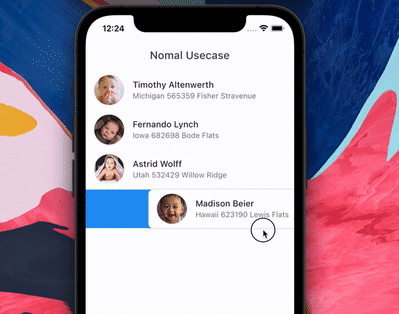
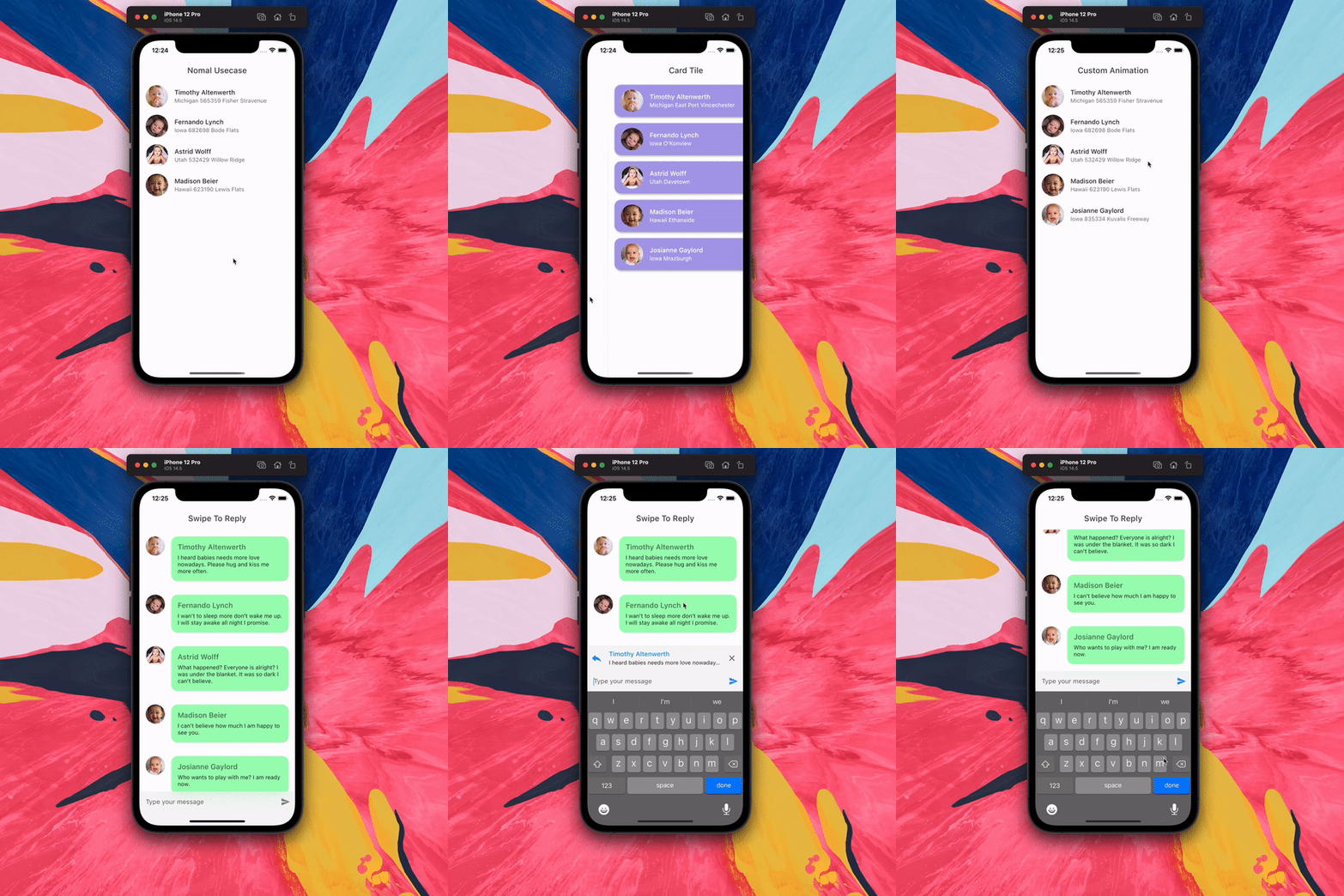
Animated tile and backgound while swiping. Add padding to tile. Swipe to trigger action.
The package is fork of Dismissible. Without any vertical, up and down swipe.
Problems with dismissible
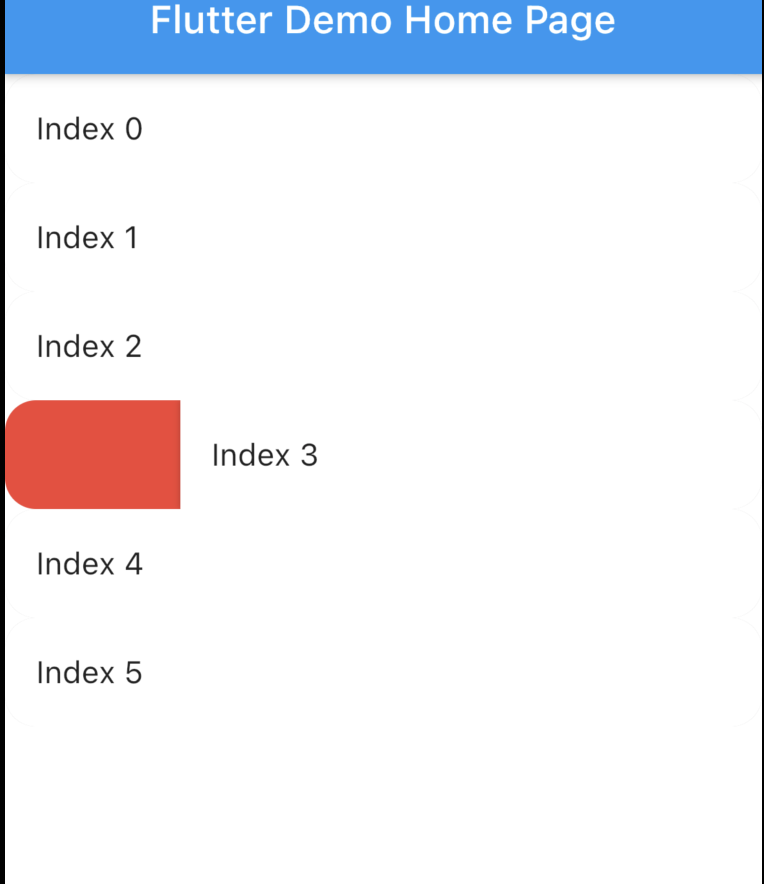
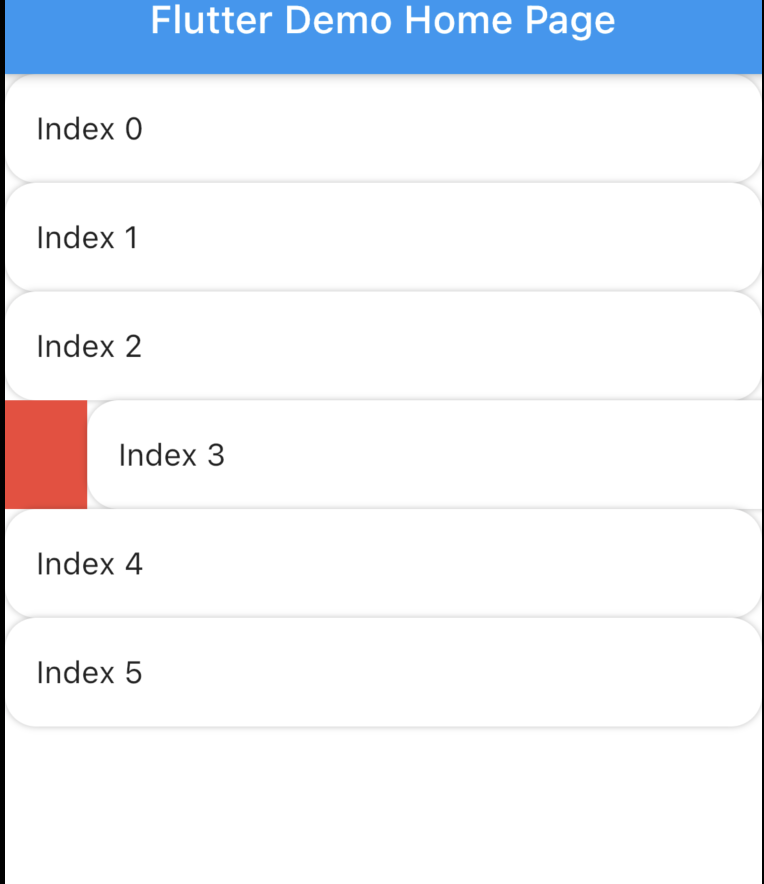
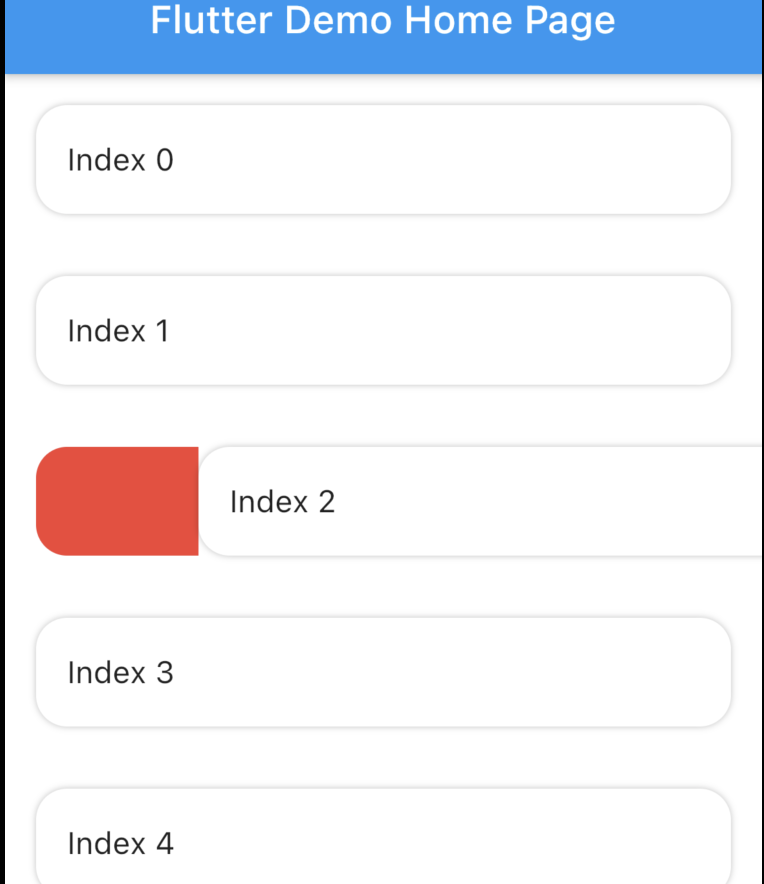
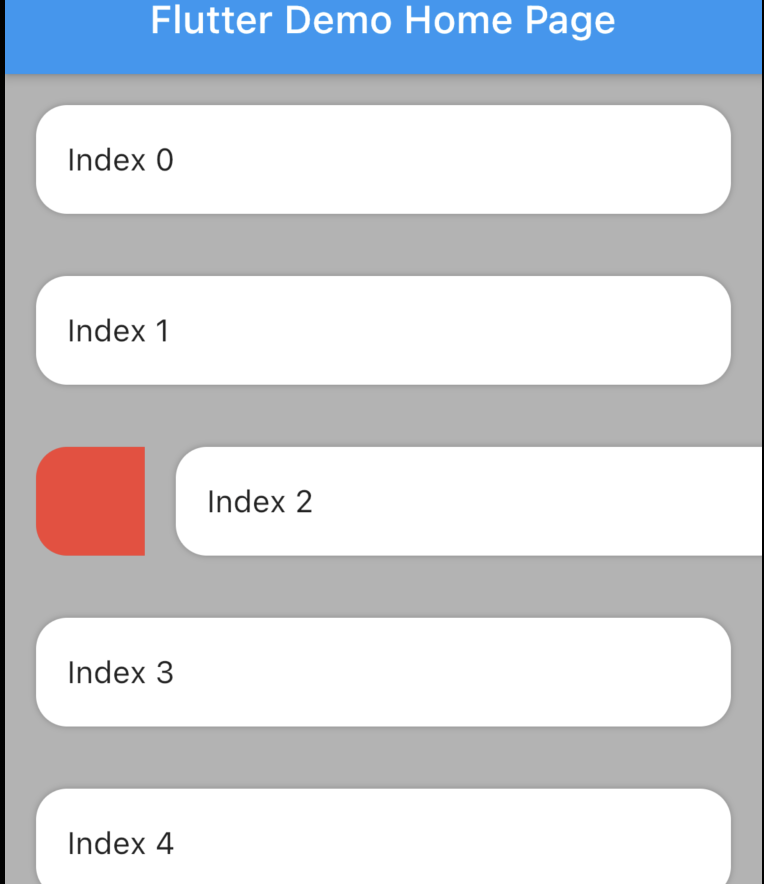
Dismissible doesn't allow animated rounded corner and elevation similar to google Gmail, Telegram, Messages (these are android apps) if you swipe you will notice. Here is the result with Dismissible.
Dismissible can't make rounded Card there is always some UI issue. Here is the result with Dismissible.
It's not possible to animated the background while swiping.
Swipe to trigger action function. Similar to telegram or instagram DM message reply.
How to use?
Installation
Add swipeable_tile to your pubspec.yaml dependencies then run flutter pub get
Set the Scaffold's (or whatever background widget you are using) backgroundColor and SwipeableTile or SwipeableTile.swipeToTrigger's color same.
There are four named constructors:
SwipeableTile When the tile is swiped there will be an elevation (remove elevation by setting isElevated to false) and rounded corner to the tile (set borderRadius to 0 if you don't want rounded corner).
SwipeableTile(
color: Colors.white,
swipeThreshold: 0.2,
direction: SwipeDirection.horizontal,
onSwiped: (direction) {// Here call setState to update state
},
backgroundBuilder: (context, direction, progress) {
if (direction == SwipeDirection.endToStart) {
// return your widget
} elseif (direction == SwipeDirection.startToEnd) {
// return your widget
}
returnContainer();
},
key: UniqueKey(),
child: // Here Tile which will be shown at the top
),
SwipeableTile.card This will make the tile look like card with constant rounded corner, unlike SwipeableTile. You also have to set the padding which will wrap around the tile as well background.
SwipeableTile.card(
color: Color(0xFFab9ee8),
shadow: BoxShadow(
color: Colors.black.withOpacity(0.35),
blurRadius: 4,
offset: Offset(2, 2),
),
horizontalPadding: 16,
verticalPadding: 8,
direction: SwipeDirection.horizontal,
onSwiped: (direction) {
// Here call setState to update state
},
backgroundBuilder: (context, direction, progress) {
// You can animate background using the progressreturnAnimatedBuilder(
animation: progress,
builder: (context, child) {
returnAnimatedContainer(
duration: constDuration(milliseconds: 400),
color: progress.value > 0.4
? Color(0xFFed7474)
: Color(0xFFeded98),
);
},
);
},
key: UniqueKey(),
child: Padding(
padding: constEdgeInsets.symmetric(vertical: 4.0),
child: // Here Tile which will be shown at the top
),
),
SwipeableTile.swipeToTrigger This is exactly the same as SwipeableTile but instead of dismiss it, it will trigger an action. The tile will return back to initial position when maximum drag reaches swipeThreshold
SwipeableTile.swipeToTriggerCard This is exactly the same as SwipeableTile.card but instead of dismiss it, it will trigger an action. The tile will return back to initial position when maximum drag reaches swipeThreshold
You can build the background dynamically and animate them using backgroundBuilder. Use direction parameter to check swipe direction and show different widget.
The progress is basically the same animation controller responsible for tile slide animation. You can use this controller to animate the background.
To trigger vibration you have to check when tile is dragged certain animation controller value. And I used vibration package for vibration and worked batter than HapticFeedback
swipeThreshold defines how far you can drag and will consider as dismiss. In case of swipe to trigger this will define maximun drag limit.
How to swipe to trigger action?
It's possible to do from backgroundBuilder using progress parameter but to select exact message (or tile) requires calling setState() which is not possible from backgroundBuilder however you can call setState() from onSwiped callback which will invoke when the tile return to initial position.
Vibrate & animate the icon when it's dragged maximum by checking progress.isCompleted or you can check animation value. Then call setState() from onSwiped User will not notice unless you set movementDuration to longer time and swipeThreshold to 0.4 (which is default). Check the example app how it's implemented.