Flutter XlsIO ist eine Dart-Bibliothek zum Erstellen von Excel-Dokumenten mit Formeln, Diagrammen, Bildern, Hyperlinks, automatisch angepassten Zeilen und Spalten und mehr.
Aus öffentlichen Paketdaten erstellte Orientierung.
Syncfusion Flutter XlsIO ist eine leistungsstarke Dart-Bibliothek zum Erstellen und Bearbeiten von Excel-Dateien innerhalb von Flutter-Anwendungen. Sie unterstützt erweiterte Funktionen wie Formeln, Diagramme, Bilder, Hyperlinks und automatische Anpassung von Zeilen und Spalten. Ideal für Apps, die überzeugende Tabellenkalkulationsfunktionen und Exportmöglichkeiten benötigen, ermöglicht sie Entwicklern die programmgesteuerte Erstellung reicher, formatierter Excel-Dokumente auf mehreren Plattformen.
Anwendungsfälle
Daten in Excel exportieren
Berichte mit Diagrammen erstellen
Vorlagen mit Formeln erstellen
Bilder und Hyperlinks einbetten
Automatisierung der Tabellenerstellung
Hauptmerkmale
Unterstützt Excel-Formeln
Enthält Diagramm- und Bild-Einbettung
Automatische Anpassung von Zeilen und Spalten
Reichhaltige Formatierungsoptionen
Plattformübergreifende Kompatibilität
Geeignet für
Geschäftsberichts-Apps
Datenexport-Tools
Finanzanwendungen
Dashboard-Exporter
Bildungssoftware
Hinweise
Lizenz für kommerziellen Einsatz erforderlich
Große Paketgröße
Lernkurve für erweiterte Funktionen
Eingeschränkte Funktionen im kostenlosen Tarif
Abhängig vom Syncfusion-Ökosystem
Original-README
Originaler README-Schnappschuss aus dem verknüpften Quell-Repository. Aktuelle Inhalte finden Sie im Repository.
Syncfusion Flutter Widgets
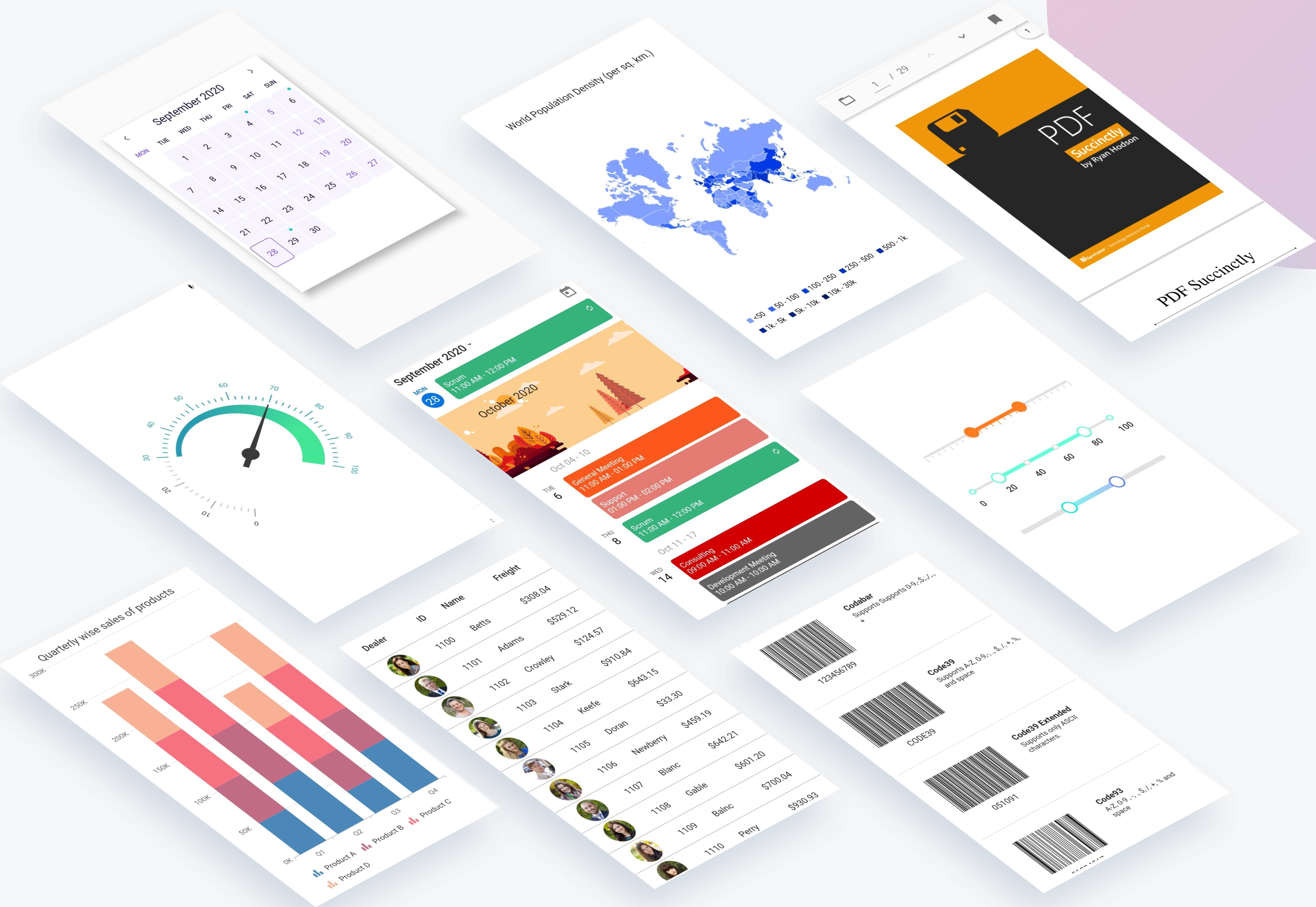
Syncfusion Flutter widgets libraries include high-quality UI widgets and file-format packages to help you create rich, high-quality applications for iOS, Android, and web from a single code base. Please find the supported platforms for our Flutter widgets.
Disclaimer: This is a commercial package. To use our packages, you need to have either the Syncfusion Commercial License or Syncfusion Community license. For more details, please check the LICENSE file.
This repository holds the source code of all the Syncfusion Flutter widgets and libraries. Source code of the widget, a working example, read me, changelog, etc., files are available in the packages directory.
Refer the required package in your application's pubspec.yaml file by mentioning its local path. For example, here we have referred the charts package.
Run the following command to get the required packages.
$ flutter pub get
Note: In the example, packages are referred from the local folder which is available in this repository. If you wish, you can also refer the packages from pub.
Step 4
Run your application either using F5 or Run > Start Debugging.
Get the demo application
Explore the full capabilities of our Flutter widgets on your device by installing our sample browser applications from the below app stores, and view samples code in GitHub.
Useful links
Take a look at the following to learn more about Syncfusion Flutter widgets:
To renew the subscription, click renew or contact our sales team at salessupport@syncfusion.com | Toll Free: 1-888-9 DOTNET.
About Syncfusion
Founded in 2001 and headquartered in Research Triangle Park, N.C., Syncfusion has more than 20,000 customers and more than 1 million users, including large financial institutions, Fortune 500 companies, and global IT consultancies.