Pakete, Repositories und App-Kategorien suchen

Cover von thanos_snap_effect
Paketdetailsv0.0.9

thanos_snap_effect

Leistungsstarker, hochanpassbarer und einfach zu verwendender 'Thanos Snap'-Effekt für Flutter.

AndroidiOSWebmacOSWindowsLinux
30-Tage-Downloads
2430
Likes
54
Pub-Punkte
160

Paket installieren

flutter pub add thanos_snap_effect

Paketübersicht

Aus öffentlichen Paketdaten erstellte Orientierung.

Das thanos_snap_effect-Paket bietet eine leistungsstarke, anpassbare 'Thanos-Snap'-Animation für Flutter-Anwendungen. Es ermöglicht Entwicklern die einfache Implementierung des ikonischen Snap-Effekts – bei dem Elemente dramatisch verschwinden – auf mehreren Plattformen wie Android, iOS, Web, macOS, Windows und Linux. Mit fließenden Übergängen und umfangreichen Anpassungsmöglichkeiten erhöht es die Benutzerengagement in Spielen, interaktiven Benutzeroberflächen oder spielerischen App-Funktionen. Das Paket ist leichtgewichtig, gut dokumentiert und einfach zu bedienen, ohne Flexibilität einzubüßen.

Anwendungsfälle

  • Spiel-UI-Effekte
  • interaktive App-Animationen
  • Spaßige Benutzeroberflächen
  • Digitale Geschichtenerzählung
  • App-Onboarding-Sequenzen

Hauptmerkmale

  • Leistungsstarke Rendering
  • Plattformübergreifende Unterstützung
  • Anpassbare Animationsgeschwindigkeit
  • Konfigurierbare Fade- und Skalierungseffekte
  • Einfache Integration mit bestehenden Widgets
  • Unterstützung für mehrere Bildschirmgrößen

Geeignet für

  • Flutter-Entwickler, die lustige Animationen suchen
  • Apps für jüngere Zielgruppen
  • Gamifizierte Anwendungen
  • UI/UX-Designer erkunden dynamische Effekte

Hinweise

  • Kann minimalistische Gestaltungstypen nicht gut unterstützen
  • Erforder sorgfältige Timing für optimale Benutzererfahrung
  • Nicht ideal für zugänglichkeitskritische Schnittstellen
  • Die Leistung kann sich auf Geräten mit geringer Leistung unterscheiden
Original-README

Originaler README-Schnappschuss aus dem verknüpften Quell-Repository. Aktuelle Inhalte finden Sie im Repository.

High-performance, high-customizable, and easy-to-use "Thanos Snap" effect for Flutter.

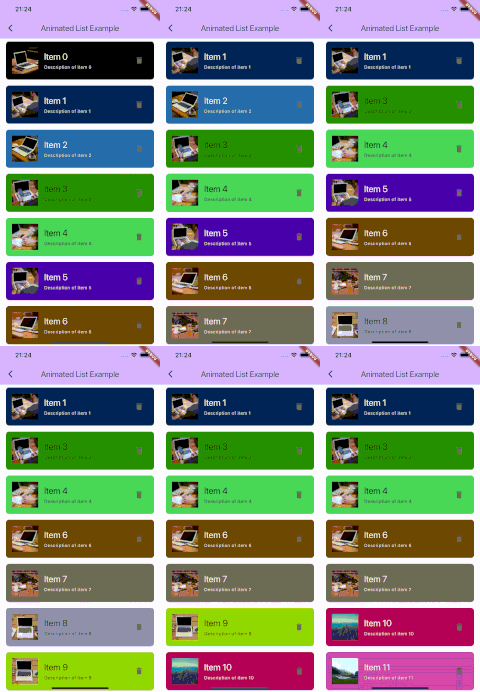
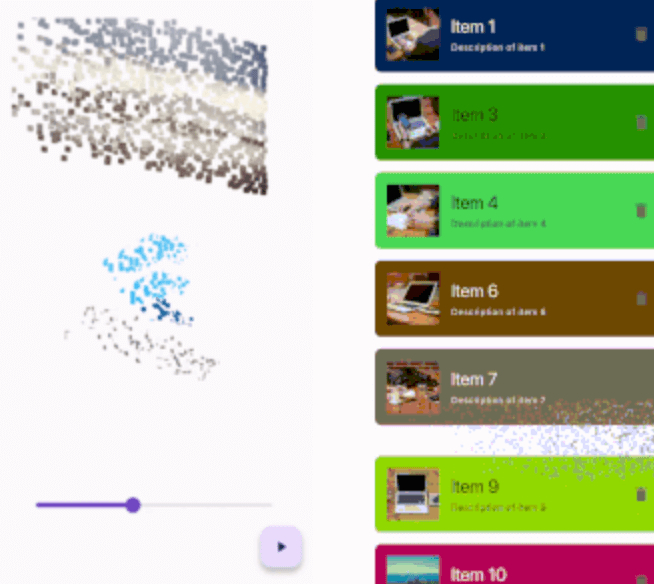
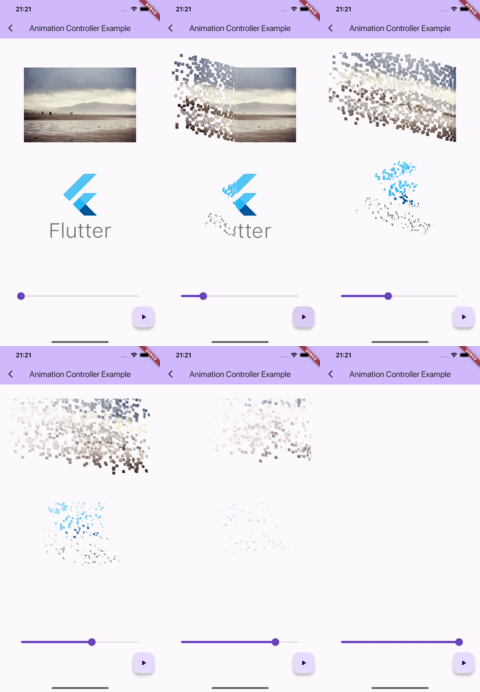
Simple controller example      Animated list example

Getting started

IMPORTANT: This package uses the custom fragment shader, so you should include the shader file in your pubspec.yaml file.

flutter:
  shaders:
    - packages/thanos_snap_effect/shader/thanos_snap_effect.glsl

Usage

This package provides a 'Snappable' widget. The principle of using this widget is similar to "Transition" widgets, like "FadeTransition", "ScaleTransition", etc.

Just wrap your widget with the Snappable widget and pass the AnimationController (or any Animation descendant) object to the "animation" property. Then just start the animation and see the magic!

Snappable(
  animation: animationController, // AnimationController object, or any other animation object with double tween from 0.0 to 1.0
  child: MyWidget(), // Your widget that you want to animate
);

Check the example for more complex examples.

Customization

You can customize the effect by passing the "outerPadding" or "style" properties to the Snappable widget.

Snappable(
  animation: _animationController,
  child: MyWidget(),
  outerPadding: const EdgeInsets.all(40.0), // The padding around the widget where particles can appear. Default value is EdgeInsets.all(40.0) 
  style: SnappableStyle(
    particleLifetime: 0.6, // Lifetime of particle before it disappears. Default value is 0.6. Must be between 0.0 and 1.0
    fadeOutDuration: 0.3, // Duration of fade out animation of particle. Fade out effect starts in particleLifetime - fadeOutDuration and ends when particleLifetime ends. Default value is 0.3. Must be between 0.0 and particleLifetime
    particleSpeed: 1.0, // Speed of particles. Default value is 1.0
    particleSize: const SnappableParticleSize.squareFromRelativeWidth(0.01), // Size of 1 particle
  ),
);
Mastering the particleSize property

There are 2 ways to define the size of particles:

Relative to the size of the widget

SnappableParticleSize.relative(width: 0.01, height: 0.02) // 1% of the width and 2% of the height of the widget
SnappableParticleSize.squareFromRelativeWidth(0.01) // 1% of the width of the widget. The height will be calculated to keep the square shape
SnappableParticleSize.squareFromRelativeHeight(0.01) // 1% of the height of the widget. The width will be calculated to keep the square shape

Absolute size (in dp)

SnappableParticleSize.absoluteDp(width: 16, height: 8) // 16dp width and 8dp height

Kategorien

Quell-Repository

Projekte, die dieses Paket verwenden