Aus öffentlichen Paketdaten erstellte Orientierung.
Vitality ist ein Flutter-Paket, das Entwicklern ermöglicht, mit Leichtigkeit fesselnde Live-Animationen in ihre Apps einzubauen. Mit Unterstützung für dynamische Hintergrundeffekte, Verläufe und Shaders verbessert es Benutzeroberflächen mit fließenden, ansprechenden Visuals über mehrere Plattformen hinweg. Das Paket lässt sich mithilfe eines einfachen Befehls nahtlos in Flutter-Projekte integrieren und ist sowohl für Anfänger als auch erfahrene Entwickler zugänglich. Durch sein leichtgewichtiges Design gewährleistet es reibungslose Leistung ohne die App-Geschwindigkeit zu beeinträchtigen. Vitality verleiht statischen Designs durch anpassbare Echtzeit-Animationen Leben, die auf Benutzerinteraktionen oder zeitbasierte Auslöser reagieren.
Anwendungsfälle
Verbesserung von App-Onboarding-Bildschirmen
Dynamische Startbildschirme erstellen
Animierte Hintergründe zu Dashboards hinzufügen
Verbesserung der Benutzerengagement durch visuelle Rückmeldung
Benutzeroberflächenelemente in Spielen oder interaktiven Apps animieren
Hauptmerkmale
Echtzeit-Live-Animationen
Unterstützung für Gradienten und Shaders
Plattformübergreifende Kompatibilität
Einfache Integration über pub add
Anpassbare Animationsparameter
Leichtgewichtig und leistungsstark
Geeignet für
UI-Designer, die dynamische Visuals suchen
Entwickler interaktiver Apps
Teams, die sich auf Benutzererfahrung konzentrieren
Am besten geeignet für nicht-kritische Benutzeroberflächenkomponenten
Nicht ideal für sehr komplexe Animationssequenzen
Original-README
Originaler README-Schnappschuss aus dem verknüpften Quell-Repository. Aktuelle Inhalte finden Sie im Repository.
vitality
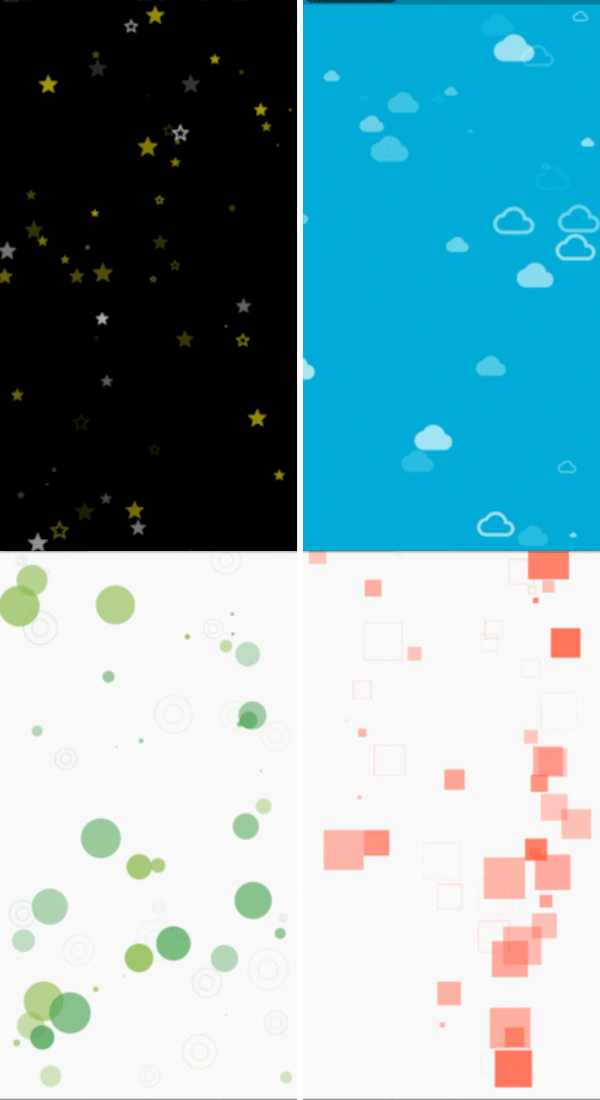
Welcome to Vitality, a dynamic Flutter package designed to effortlessly infuse your app with captivating live animations in the background. With just 10 lines of code, you can breathe life into your UI by adding randomly moving icons, circles, rectangles, images, and more. Let's explore how you can enhance your app's visual appeal with ease.
Examples:
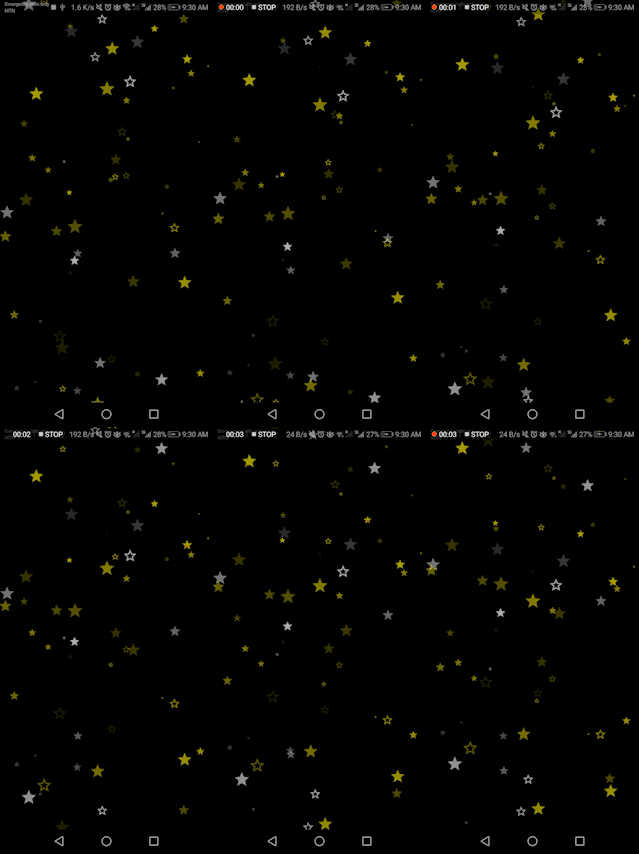
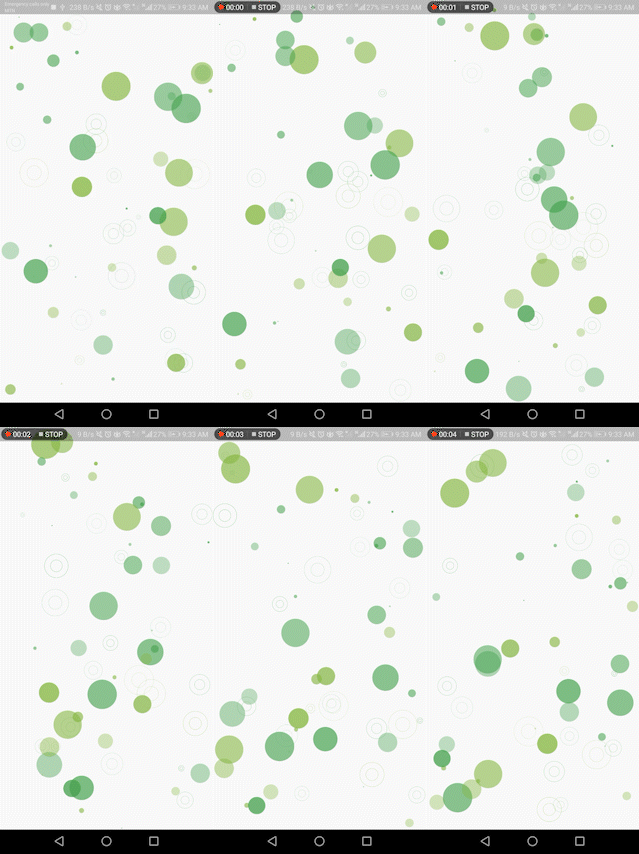
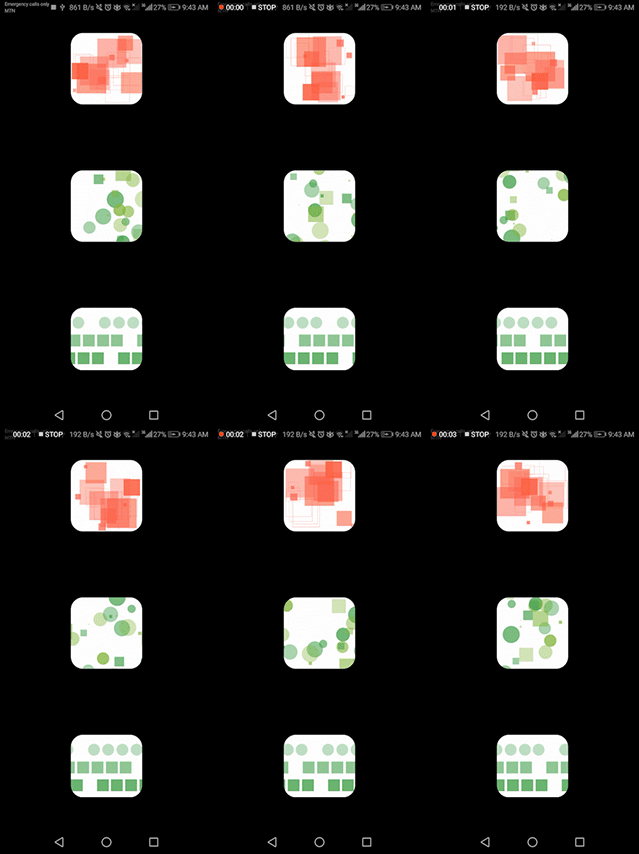
Check out these examples showcasing the versatility of the Vitality library:
Usage:
The Vitality package is designed with simplicity in mind, making integration a breeze. Take a look at the example below to quickly grasp how to use it:
whenOutOfScreenMode Determines how a shape behaves at the screen edge, values are:
none: It does nothing and continues its movements out the screen.
Reflect: It bounces and returns in the oppisite direction.
Teleport: It continues its movements to the other side of the screen.
randomItemsBehaviours Defines the shapes that the library can generate. Choose from the ShapeType enum (FilledCircle, StrokeCicle, FilledSquare, Icon, Image, etc.) :
If you desire even more customization in your animations, Vitality provides a custom mode that is straightforward to use. In this mode, you can specify the exact shapes, icons, or images you want to animate using the shapes parameter. Additionally, you can control the background with the background parameter.
Customizing Individual Shapes:
To customize individual shapes, you can pass a list of Shape objects as the shapes parameter. Each Shape object includes the following properties:
pos: Initial position of the shape [Offset].
dx: Speed on the X-axis [double].
dy: Speed on the Y-axis [double].
size: Size of the shape [double].
color: Color of the shape [Color].
whenOutOfScreenMode: Behavior of the shape at the screen edge [WhenOutOfScreenMode].
behaviour: Structure of the shape [ItemBehaviour].
For more dynamic combinations, you can use the ShapesGenerator class. This class allows you to generate shapes with specific properties,
resulting in an easier way to seamlessly combine multiple shapes, allowing you to effortlessly craft a beautiful background. The parameters include:
minWidth, minHeight: Minimum width and height for random generation [double].
maxWidth, maxHeigh: Maximum width and height for random generation [double].
enableXMovements, enableYMovements: Whether or not the shapes will move on the X and Y axes [bool].
minSize, maxSize: Minimum and maximum size values for shapes [double].
minOpacity, maxOpacity: Minimum and maximum opacity values for shapes (values between 0 and 1) [double].
minSpeed, maxSpeed: Minimum and maximum speed values for shapes [double].
behaviours: List of ItemBehaviour for random selection.
colors: List of Color for random selection.
whenOutOfScreenMode: What will happen when shapes reach the screen edge [WhenOutOfScreenMode].