Aus öffentlichen Paketdaten erstellte Orientierung.
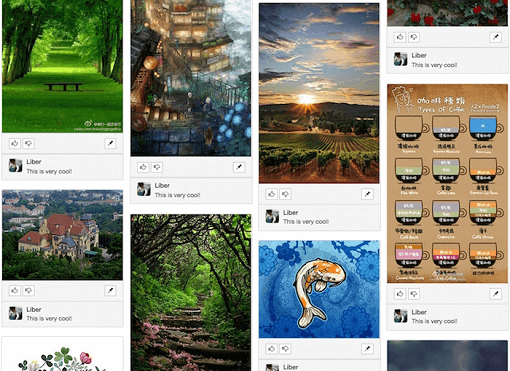
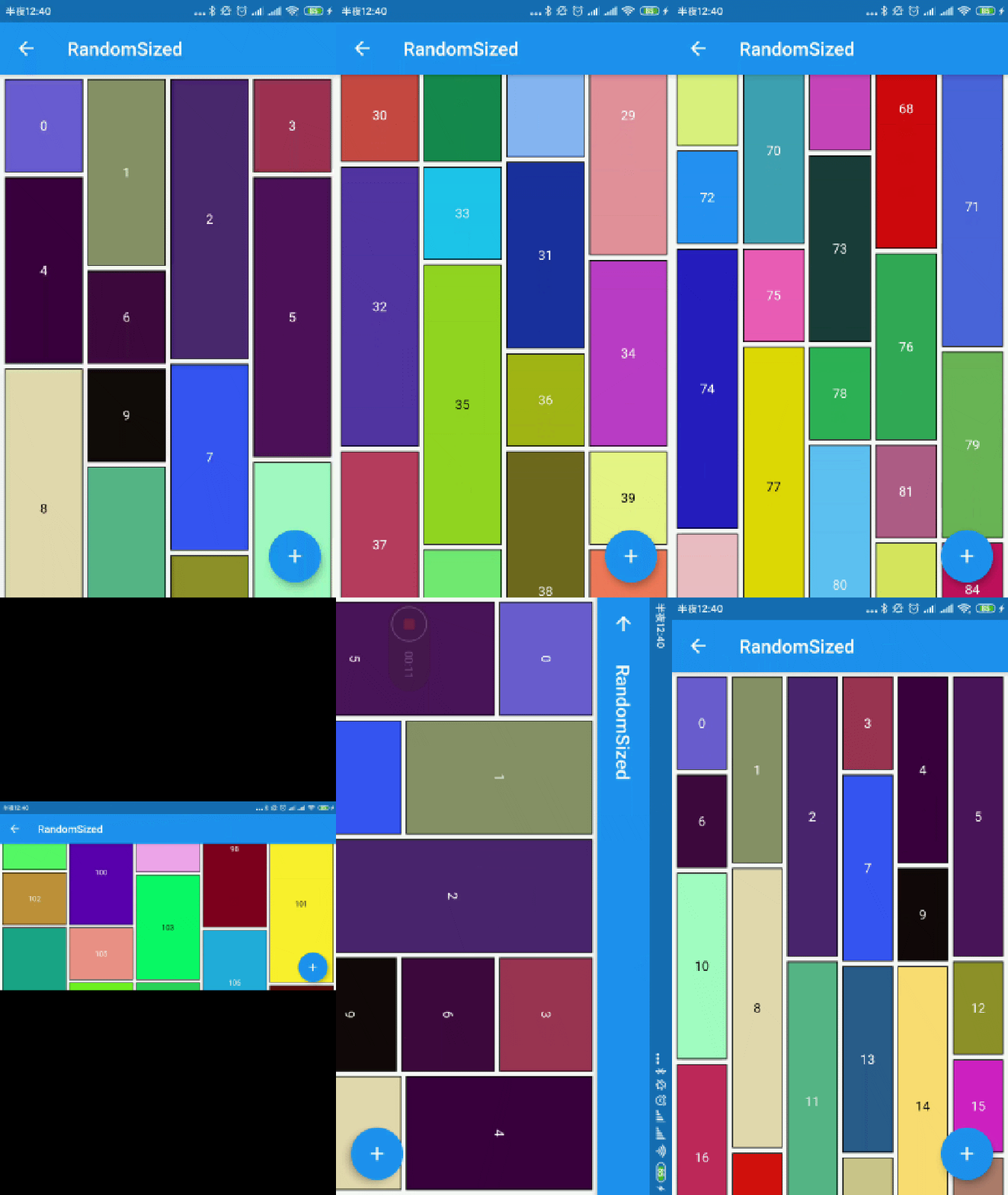
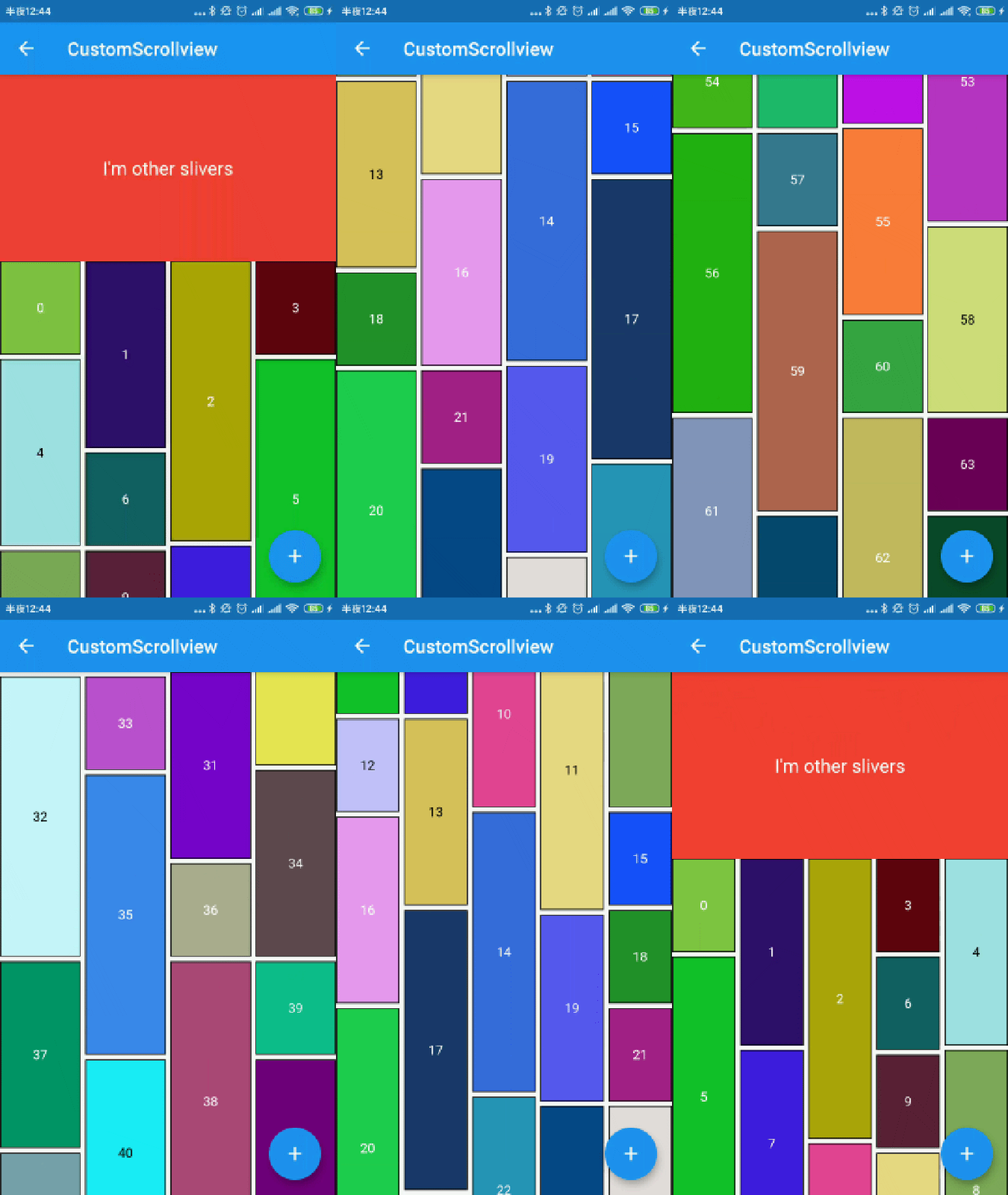
Ein Flutter-Paket, das Entwicklern ermöglicht, schnell Wasserfall-Layouts zu erstellen, eine Art Rasteransicht, bei der Elemente in Spalten mit unterschiedlichen Höhen angeordnet sind. Ideal zum Anzeigen von Bildern oder Inhalten in einem dynamischen, visuell ansprechenden Format, ähnlich wie Pinterest. Das Paket unterstützt alle wichtigen Plattformen, einschließlich Android, iOS, Web, macOS, Windows und Linux, und gewährleistet konsistente Ergebnisse über Plattformen hinweg. Es bietet anpassbare Spaltenanzahl, Abstände und Scrollverhalten, was es für verschiedene UI-Anforderungen flexibel macht.
Anwendungsfälle
Bildergalerien anzeigen
Pinterest-ähnliche Feeds erstellen
Dynamische Inhaltsgitter erstellen
Produktlisten werden angezeigt
Responsive Layouts implementieren
Hauptmerkmale
Einfache Einrichtung mit minimalem Code
Unterstützt variable Elementhöhen
Anpassbare Spaltenanzahl und Abstände
Plattformübergreifende Kompatibilität
Glatte Scrollleistung
flexibler Elementbauer
Geeignet für
Entwickler, die soziale Medien-Feeds erstellen
Designer, die visuelle Inhaltsanzeigen erstellen
Apps mit responsive Grid-Layouts
Projekte mit dynamischen oder unregelmäßigen Inhaltgrößen
Teams, die mehrere Plattformen anstreben
Hinweise
Kann für große Datensätze optimiert werden müssen
Die Leistung kann bei sehr hohen Elementanzahlen abnehmen
Erfordert sorgfältige Behandlung der Elementabmessungen, um Layoutprobleme zu vermeiden
The number of logical pixels between each child along the main axis.
0.0
crossAxisSpacing
The number of logical pixels between each child along the cross axis.
0.0
collectGarbage
Call when collect garbage, return indexs to collect
-
lastChildLayoutTypeBuilder
The builder to get layout type of last child ,Notice: it should only for last child
-
viewportBuilder
The builder to get indexs in viewport
-
closeToTrailing
Whether make layout close to trailing
false
WaterfallFlow.builder(
//cacheExtent: 0.0,
padding: EdgeInsets.all(5.0),
gridDelegate: SliverWaterfallFlowDelegateWithFixedCrossAxisCount(
crossAxisCount: 2,
crossAxisSpacing: 5.0,
mainAxisSpacing: 5.0,
/// follow max child trailing layout offset and layout with full cross axis extend/// last child as loadmore item/no more item in [GridView] and [WaterfallFlow]/// with full cross axis extend// LastChildLayoutType.fullCrossAxisExtend,/// as foot at trailing and layout with full cross axis extend/// show no more item at trailing when children are not full of viewport/// if children is full of viewport, it's the same as fullCrossAxisExtend// LastChildLayoutType.foot,
lastChildLayoutTypeBuilder: (index) => index == _list.length
? LastChildLayoutType.foot
: LastChildLayoutType.none,
),
CollectGarbage
track the indexes are collect, you can collect garbage at that monment(for example Image cache)
build lastChild as special child in the case that it is loadmore/no more item.
enumLastChildLayoutType {
/// as default child
none,
/// follow max child trailing layout offset and layout with full cross axis extend/// last child as loadmore item/no more item in [ExtendedGridView] and [WaterfallFlow]/// with full cross axis extend
fullCrossAxisExtend,
/// as foot at trailing and layout with full cross axis extend/// show no more item at trailing when children are not full of viewport/// if children is full of viewport, it's the same as fullCrossAxisExtend
foot,
}
WaterfallFlow.builder(
gridDelegate: SliverWaterfallFlowDelegateWithFixedCrossAxisCount(
lastChildLayoutTypeBuilder: (index) => index == length
? LastChildLayoutType.foot
: LastChildLayoutType.none,
),
CloseToTrailing
when reverse property of List is true, layout is as following.
it likes chat list, and new session will insert to zero index.
but it's not right when items are not full of viewport.
to solve it, you could set closeToTrailing to true, layout is as following.
support [ExtendedGridView],[ExtendedList],[WaterfallFlow].
and it also works when reverse is flase, layout will close to trailing.