Pakete, Repositories und App-Kategorien suchen

Cover von waveform_recorder
Paketdetailsv2.0.0

waveform_recorder

Ein Flutter-Paket zum Aufnehmen von Audio mit Echtzeit-Waveform-Ansicht, ideal für Sprachnachrichten und Audioaufnahme-Funktionen in Chat-Anwendungen.

AndroidiOSWebmacOSWindowsLinux
30-Tage-Downloads
16.800
Likes
53
Pub-Punkte
160

Paket installieren

flutter pub add waveform_recorder

Paketübersicht

Aus öffentlichen Paketdaten erstellte Orientierung.

Ein Flutter-Paket, das Audioaufnahmen mit Echtzeit-Waveform-Visualisierung ermöglicht und für Anwendungen entwickelt wurde, die Sprachnachrichten oder Audioeingabefunktionen erfordern. Es unterstützt mehrere Plattformen wie Android, iOS, Web, macOS, Windows und Linux und bietet eine reibungslose Benutzererfahrung mit visueller Rückmeldung während der Aufnahme. Das Paket lässt sich nahtlos in Chat- oder Kommunikations-Apps integrieren, sodass Benutzer ihre Sprachwellen sehen können, während sie sprechen. Auf Leistung und konsistente Funktionalität über Plattformen hinweg ausgelegt, vereinfacht es die Implementierung von Audioaufnahmefunktionen mit minimalem Setup.

Anwendungsfälle

  • Sprachnachrichten in Chat-Apps
  • Audio-Notizenaufnahme
  • Echtzeit-Audio-Rückmeldung
  • Podcast-Aufnahmeeinheiten
  • interaktive, sprachbasierte Spiele
  • Live-Audio-Streaming-Vorschauen

Hauptmerkmale

  • Echtzeit-Wellenformvisualisierung
  • Plattformübergreifende Unterstützung
  • Einfache API zum Aufnehmen
  • Visuelle Rückmeldung während der Aufnahme
  • niedrige Latenz-Audioprozessierung
  • Eingebaute Wiedergabesteuerung

Geeignet für

  • Entwickler, die Chat-Anwendungen erstellen
  • Ersteller von sprachbasierten Tools
  • Lern-Apps mit Audioeingabe
  • Audioaufnahme-Prototypen
  • Apps, die eine intuitive Audio-Oberfläche erfordern

Hinweise

  • Mikrofonberechtigungen auf allen Plattformen erforderlich
  • Die Webunterstützung kann browserbezogene Einschränkungen aufweisen
  • Große Aufnahmen können die Speichernutzung beeinflussen
  • Die Leistung variiert bei Geräten mit geringer Leistung
  • Beschränkte Anpassung der Wellenformdarstellung
  • Abhängig von den zugrundeliegenden Plattform-Audio-APIs

Original-README

Originaler README-Schnappschuss aus dem verknüpften Quell-Repository. Aktuelle Inhalte finden Sie im Repository.

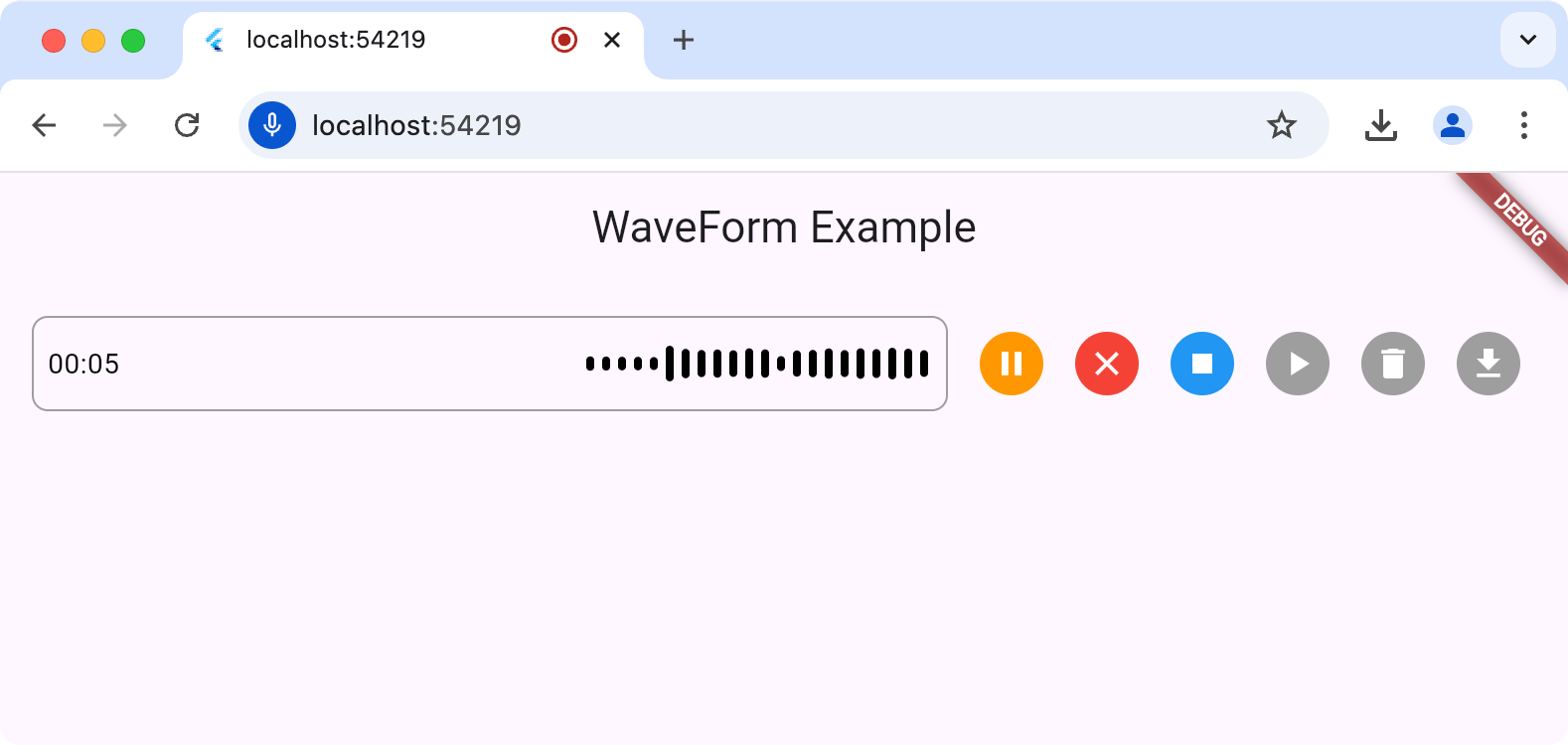
The waveform_recorder package provides a widget to show a waveform as an audio stream is being recorded in the style of recent AI chat packages.

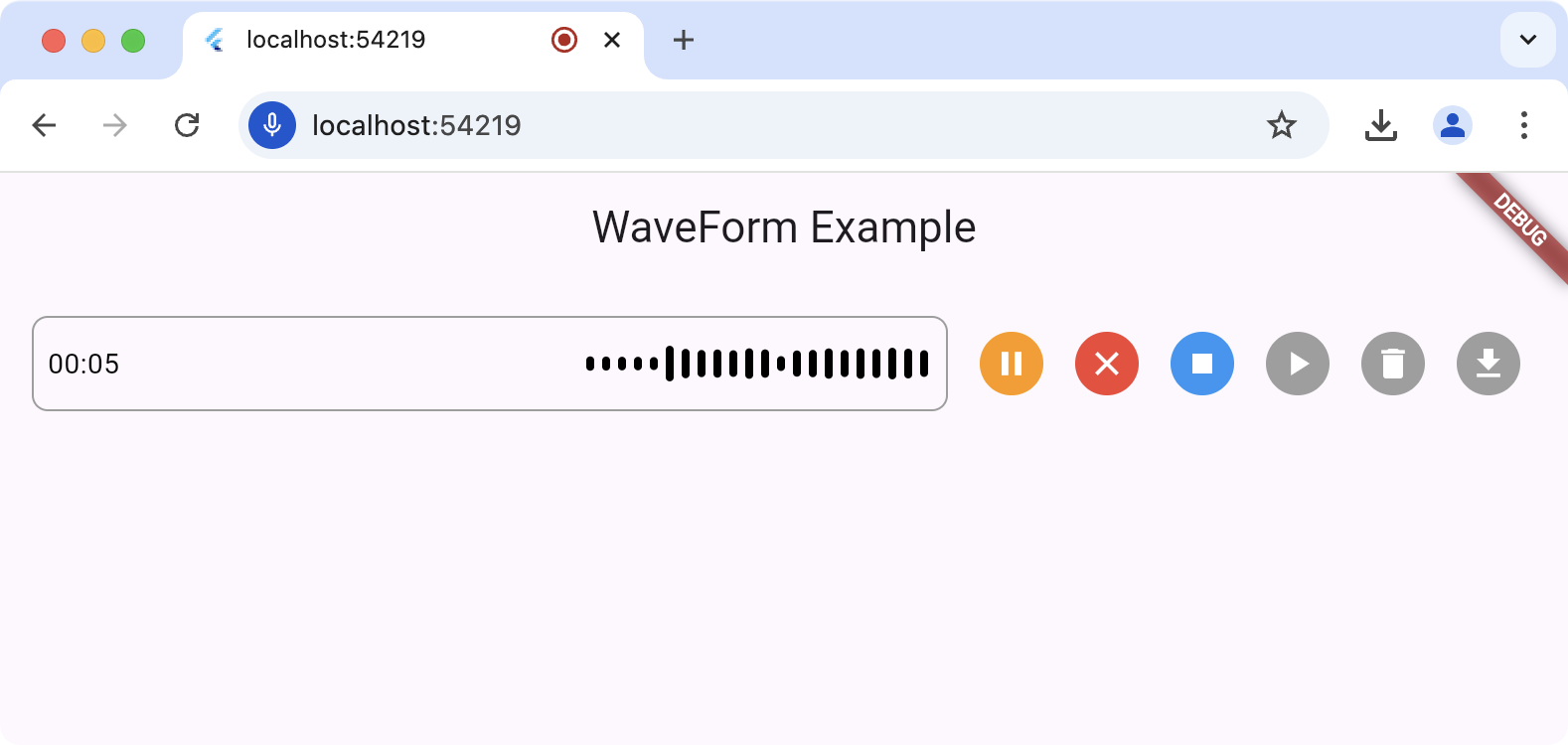
Screenshot of waveform_recorder in
action

Setup

For this package to work, you'll need to set up the underlying record package according to the setup and permission instructions.

Usage

The main entry point for this package is the WaveformRecorder widget, which requires an instance of the WaveformRecorderController to start/stop recording. Here's an example of using the recorder to record audio and then allowing the user to play it back:

import 'dart:async';

import 'package:audioplayers/audioplayers.dart';
import 'package:flutter/foundation.dart';
import 'package:flutter/material.dart';
import 'package:gap/gap.dart';
import 'package:waveform_recorder/waveform_recorder.dart';

void main() => runApp(const MyApp());

class MyApp extends StatefulWidget {
  const MyApp({super.key});

  @override
  State<MyApp> createState() => _MyAppState();
}

class _MyAppState extends State<MyApp> {
  final _textController = TextEditingController();
  final _waveController = WaveformRecorderController();

  @override
  void dispose() {
    _textController.dispose();
    _waveController.dispose();
    super.dispose();
  }

  @override
  Widget build(BuildContext context) => MaterialApp(
        home: Scaffold(
          appBar: AppBar(title: const Text('WaveForm Example')),
          body: ListenableBuilder(
            listenable: _waveController,
            builder: (context, _) => Column(
              children: [
                Expanded(
                  child: Center(
                    child: OutlinedButton(
                      onPressed: !_waveController.isRecording &&
                              _waveController.file != null
                          ? _playRecording
                          : null,
                      child: const Text('Play'),
                    ),
                  ),
                ),
                Padding(
                  padding: const EdgeInsets.all(16),
                  child: Row(
                    children: [
                      Expanded(
                        child: DecoratedBox(
                          decoration: BoxDecoration(
                            border: Border.all(color: Colors.grey),
                            borderRadius: BorderRadius.circular(8),
                          ),
                          child: _waveController.isRecording
                              ? WaveformRecorder(
                                  height: 48,
                                  controller: _waveController,
                                  onRecordingStopped: _onRecordingStopped,
                                )
                              : TextField(
                                  controller: _textController,
                                  maxLines: 1,
                                  decoration: const InputDecoration(
                                    border: InputBorder.none,
                                    contentPadding: EdgeInsets.symmetric(
                                      horizontal: 8,
                                    ),
                                  ),
                                ),
                        ),
                      ),
                      const Gap(8),
                      IconButton(
                        icon: Icon(
                          _waveController.isRecording ? Icons.stop : Icons.mic,
                        ),
                        onPressed: _toggleRecording,
                      ),
                    ],
                  ),
                ),
              ],
            ),
          ),
        ),
      );

  Future<void> _toggleRecording() => switch (_waveController.isRecording) {
        true => _waveController.stopRecording(),
        false => _waveController.startRecording(),
      };

  Future<void> _onRecordingStopped() async {
    final file = _waveController.file;
    if (file == null) return;

    _textController.text = ''
        '${file.name}: '
        '${_waveController.length.inMilliseconds / 1000} seconds';

    debugPrint('XFile properties:');
    debugPrint('  path: ${file.path}');
    debugPrint('  name: ${file.name}');
    debugPrint('  mimeType: ${file.mimeType}');
  }

  Future<void> _playRecording() async {
    final file = _waveController.file;
    if (file == null) return;
    final source = kIsWeb ? UrlSource(file.path) : DeviceFileSource(file.path);
    await AudioPlayer().play(source);
  }
}
Usage Considerations

For all platforms except the web, the output of a record operation is a file on your hard drive; it's your app's responsibility to remove this temp file when it's done with it. When executing on the web, the file (an instance of the XFile type from the cross_file package) of the recorded audio will contain a path to a blob URL but otherwise, it will be a file in the file system. You can get the path to that file from WaveformRecorderController.file.path, e.g.

  Future<void> _deleteRecording() async {
    final file = _waveController.file;
    if (file == null) return;
    if (!kIsWeb) await File(file.path).delete();
  }

Feedback

Your feedback via issues or PRs is welcome!

Kategorien

Abhängigkeiten

Abhängigkeiten 6 Einträge

Quell-Repository

Projekte, die dieses Paket verwenden