Aus öffentlichen Paketdaten erstellte Orientierung.
yoyo_player ist ein Flutter-Videoplayer-Paket, das für die HLS-(HTTP Live Streaming)-Wiedergabe mit dynamischer Qualitätsauswahl entwickelt wurde. Es ermöglicht Benutzern, während der Wiedergabe zwischen verschiedenen Videoqualitätsstufen zu wechseln und so die Streaming-Erfahrung an die Netzwerkbedingungen anzupassen. Für Einfachheit und Leistung konzipiert, integriert es sich nahtlos in Flutter-Anwendungen. Das Paket unterstützt adaptives Streaming und bietet eine saubere API zum Verwalten von Wiedergabesteuerungen und Qualitäts-Einstellungen. Ideal für medienreiche Anwendungen, die flexible Videoübertragung erfordern.
Anwendungsfälle
Streaming-Video mit Qualitätswechsel
Adaptive Video-Wiedergabe in Flutter-Anwendungen
Live-Video-Streaming mit HLS
On-Demand-Video mit mehreren Auflösungen
Mediaplayer mit Benutzerqualitätskontrolle erstellen
Hauptmerkmale
HLS-Streaming-Unterstützung
Dynamische Qualitätsauswahl
Einfache Integration mit Flutter
Adaptive Bitrate-Verarbeitung
Sauberer und minimalistischer API-Entwurf
Geeignet für
Medienanwendungen
Video-on-Demand-Plattformen
Live-Streaming-Apps
Bereitstellung von Bildungsinhalten
Apps, die responsive Video-Wiedergabe erfordern
Hinweise
Benötigt HLS-kompatible Videoquellen
Beschränkt auf iOS und Android (kein Web/Desktop-Unterstützung)
Keine integrierten Benutzeroberflächenkomponenten
Abhängig von der Verfügbarkeit eines externen HLS-Streams
Kann zusätzliche Konfiguration für benutzerdefinierte Wiedergabelogik erfordern
Original-README
Originaler README-Schnappschuss aus dem verknüpften Quell-Repository. Aktuelle Inhalte finden Sie im Repository.
YoYo Video Player
YoYo Video Player is a HLS(.m3u8) video player for flutter.
The video_player is a video player that allows you to select HLS video streaming by selecting the quality. YoYo Player wraps video_player under the hood and provides base architecture for developers to create their own set of UI and functionalities.
Features
You can select multiple quality and open
On video tap play/pause, mute/unmute, or perform any action on video.
Auto hide controls.
(.m3u8) HLS Video Streaming Support
Install & Set up
Add dependency, open the root directory pubspec.yamlFile independencies:Add the following code below
yoyo_player:#latest
Installation dependencies (please ignore if it has been installed automatically)
The data in the source url (m3u8) is regex checked and the child m3u8 files are created and saved according to the respective rules.
It starts creating child m3u8 files as soon as the video starts playing
Each time a video is completed or the main url changes, child m3u8 files are checked and deleted.
The child m3u8 files are created as follows:
If viedo quality
yoyo[vido-quality].m3u8
If video quality & audio quality
yoyo[video-quality][audio-quality].m3u8
Support M3U8
#EXT-X-MEDIA
#EXT-X-STREAM-INF(not for ios)
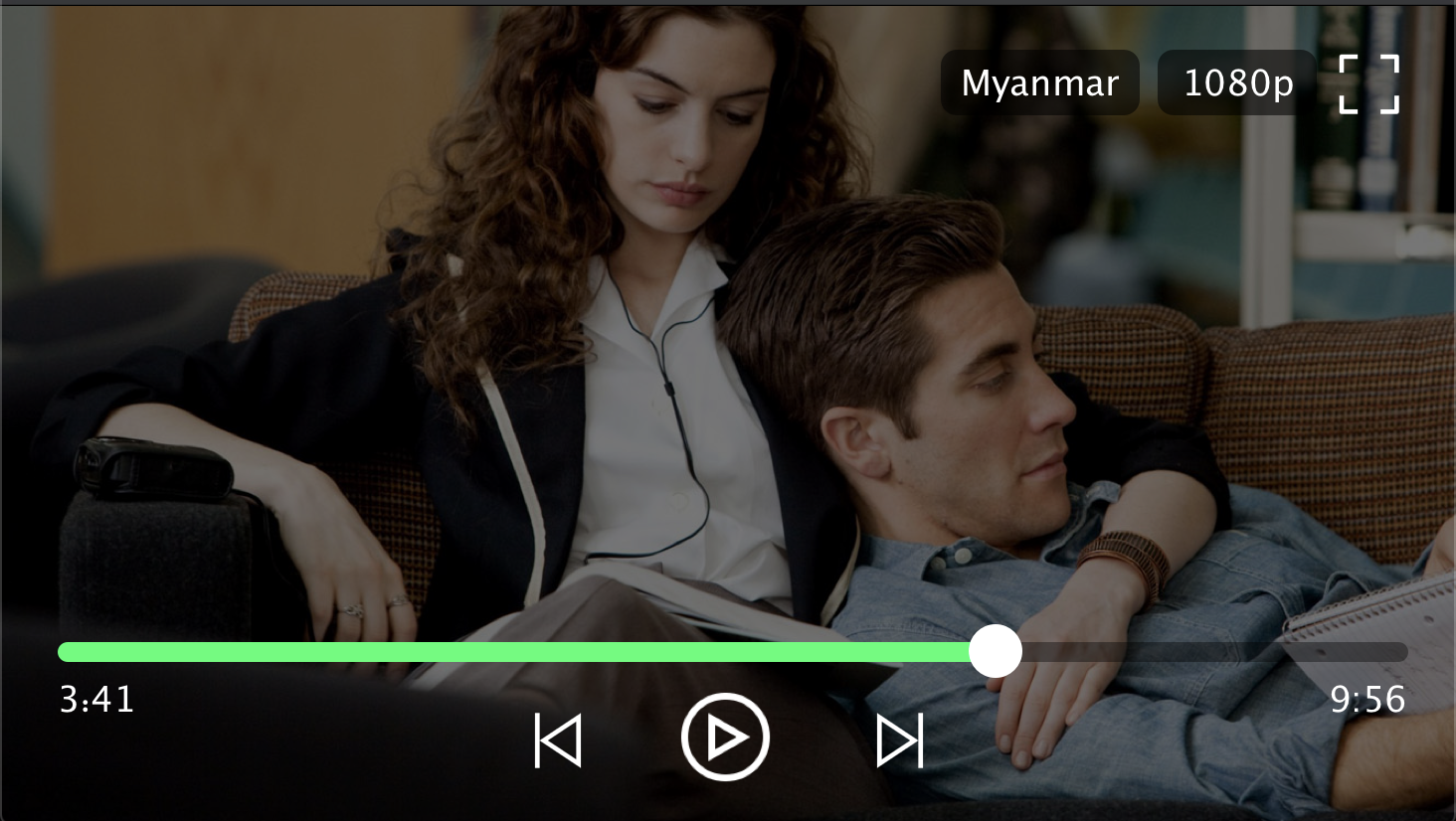
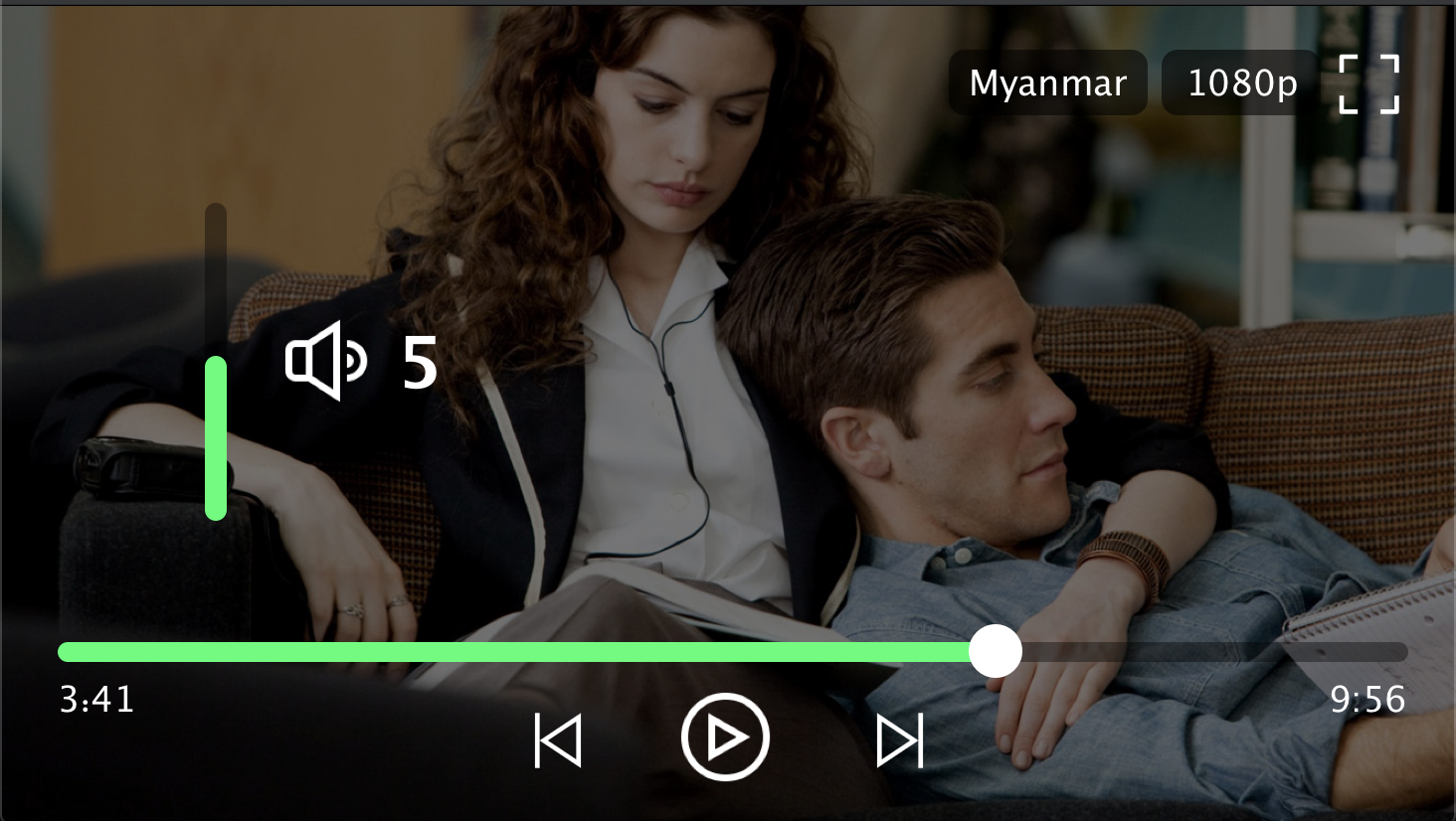
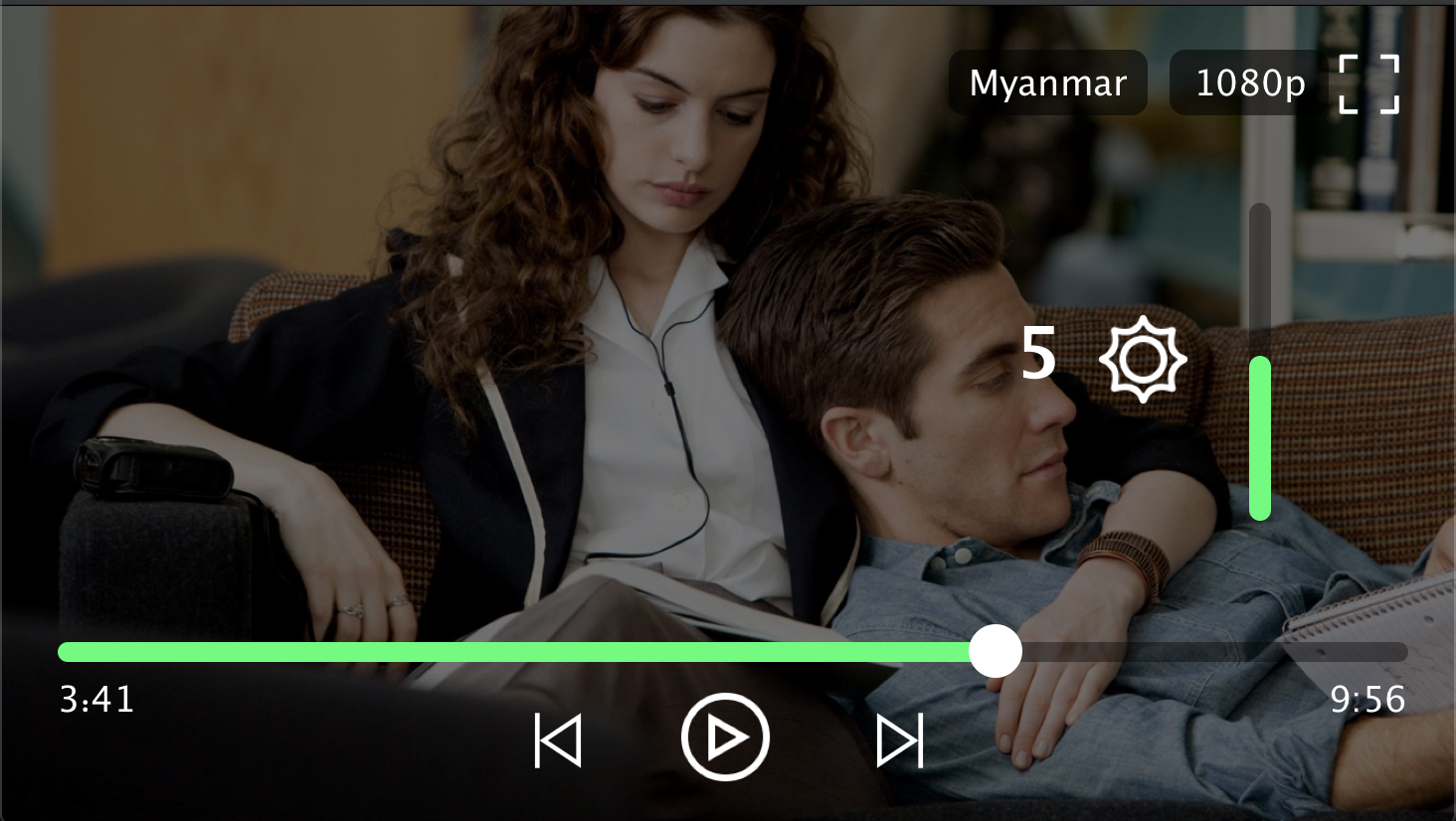
Player Screenshot
Contributors
Min Si Thu
Ko Htut
MIT License
Copyright (c) 2020 Ko Htut (Ko Min Than Htut)
Permission is hereby granted, free of charge, to any person obtaining a copy
of this software and associated documentation files (the "Software"), to deal
in the Software without restriction, including without limitation the rights
to use, copy, modify, merge, publish, distribute, sublicense, and/or sell
copies of the Software, and to permit persons to whom the Software is
furnished to do so, subject to the following conditions:
The above copyright notice and this permission notice shall be included in all
copies or substantial portions of the Software.
THE SOFTWARE IS PROVIDED "AS IS", WITHOUT WARRANTY OF ANY KIND, EXPRESS OR
IMPLIED, INCLUDING BUT NOT LIMITED TO THE WARRANTIES OF MERCHANTABILITY,
FITNESS FOR A PARTICULAR PURPOSE AND NONINFRINGEMENT. IN NO EVENT SHALL THE
AUTHORS OR COPYRIGHT HOLDERS BE LIABLE FOR ANY CLAIM, DAMAGES OR OTHER
LIABILITY, WHETHER IN AN ACTION OF CONTRACT, TORT OR OTHERWISE, ARISING FROM,
OUT OF OR IN CONNECTION WITH THE SOFTWARE OR THE USE OR OTHER DEALINGS IN THE
SOFTWARE.