सार्वजनिक जानकारी से बना चयन मार्गदर्शन। केवल संदर्भ हेतु।
Audio Manager एक Flutter प्लगइन है जिसका उद्देश्य Android, iOS और वेब प्लेटफॉर्म पर सुचारू संगीत प्रस्तुति के लिए है। इसमें मीडिया नोटिफिकेशन के लिए निर्मित समर्थन है, जिससे उपयोगकर्ता सिस्टम के नोटिफिकेशन शेड में सीधे प्लेबैक को नियंत्रित कर सकते हैं। पैकेज बैकग्राउंड ऑडियो, ट्रैक मेटाडेटा प्रदर्शन और संगीत ऐप में प्लेबैक नियंत्रण के एकीकरण को सरल बनाता है। क्रॉस-प्लेटफॉर्म स्थिरता पर ध्यान केंद्रित करते हुए, यह उपयोगकर्ता के अनुभव को उपकरण के आधार पर चिंता रहित बनाता है। यह संगीत प्लेयर या पॉडकास्ट लिस्टनर जैसे ऑडियो-केंद्रित ऐप बनाने वाले विकासकर्ताओं के लिए उपयुक्त है।
उपयोग
संगीत प्लेयर विकास
पॉडकास्ट ऐप एंटीग्रेशन
बैकग्राउंड ऑडियो प्लेबैक
मीडिया नोटिफिकेशन प्रबंधन
क्रॉस-प्लेटफॉर्म ऑडियो नियंत्रण
मुख्य विशेषताएँ
एम्बेडेड मीडिया नोटिफिकेशन
प्लेटफॉर्म के लिए समर्थन (Android, iOS, Web)
बैकग्राउंड ऑडियो प्ले बैक
ट्रैक मेटाडेटा हैंडलिंग
प्रस्तुति नियंत्रण के लिए सरल API
इनके लिए उपयुक्त
संगीत ऐप बनाने वाले विकासकर्ता
पृष्ठभूमि ऑडियो की आवश्यकता वाले ऐप्स
प्रणाली नोटिफिकेशन की आवश्यकता वाले प्रोजेक्ट
प्लेटफॉर्म-समन्वय ऑडियो समाधान
पॉडकास्ट या ऑडियो स्ट्रीमिंग ऐप्स
विचार योग्य बातें
प्लेटफॉर्म-विशिष्ट कॉन्फ़िगरेशन की आवश्यकता होती है
सूचना डिज़ाइन के लिए सीमित कस्टमाइज़ेशन
बाहरी ऑडियो स्रोत पर निर्भर करता है
कुछ प्लेटफॉर्म पर अतिरिक्त अनुमतियाँ की आवश्यकता हो सकती है
मोबाइल की तुलना में वेब समर्थन में सीमित विशेषताएं हो सकती हैं
मूल README
संबंधित सोर्स रिपॉज़िटरी के मूल README का स्नैपशॉट। नवीनतम सामग्री के लिए रिपॉज़िटरी देखें।
audio_manager
A Flutter plugin for music playback, notification handling, lock-screen controls, and desktop system media controls.
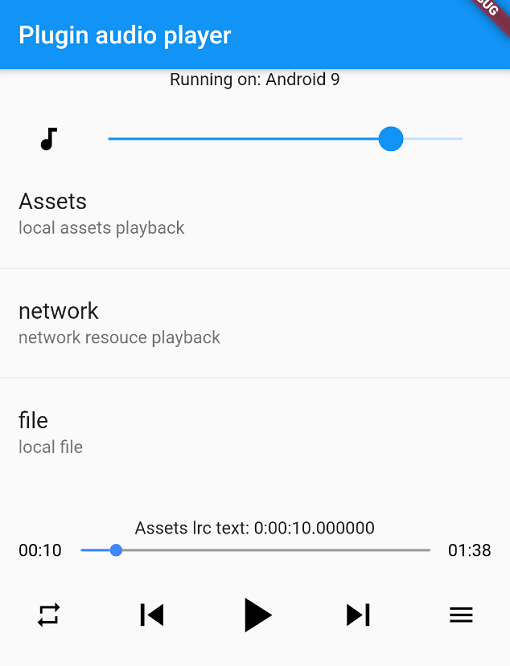
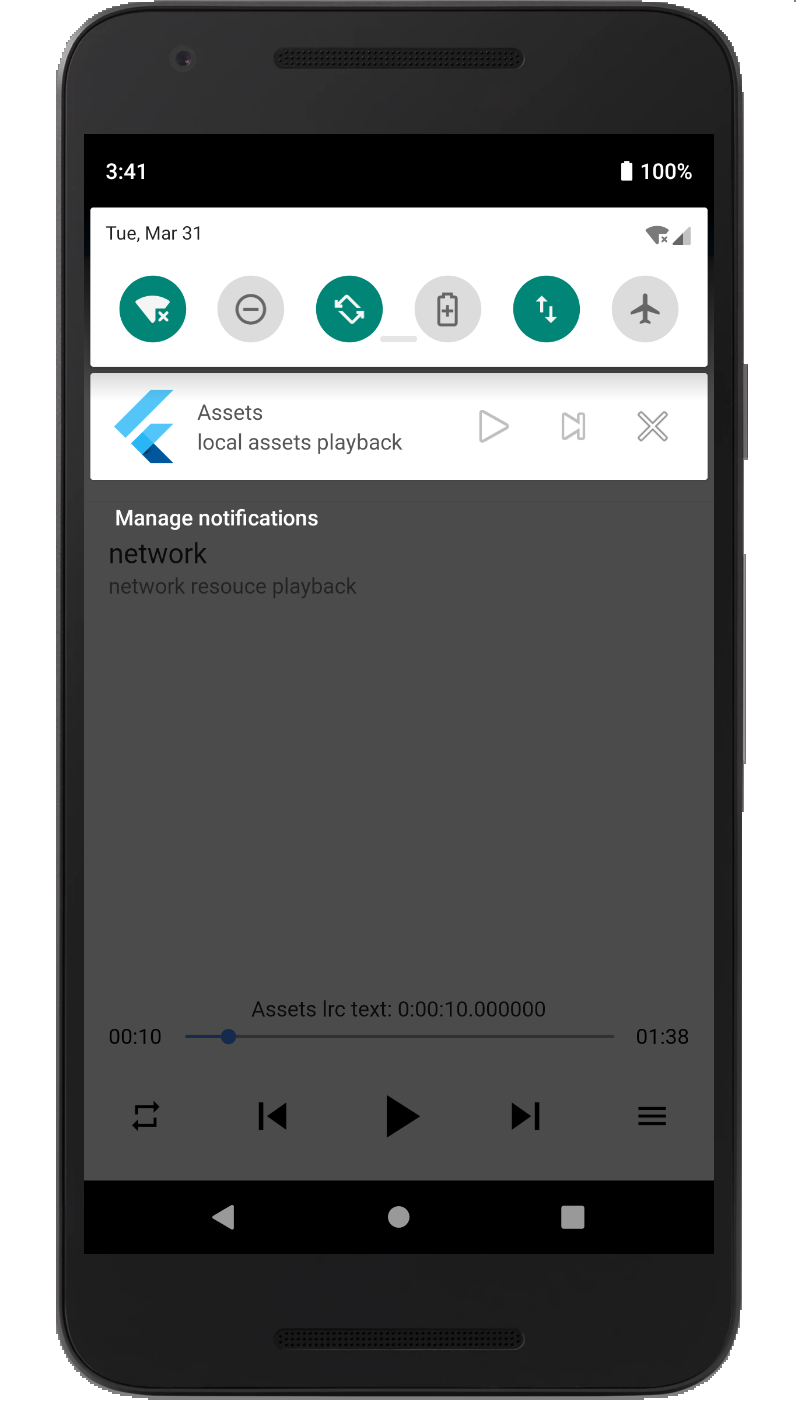
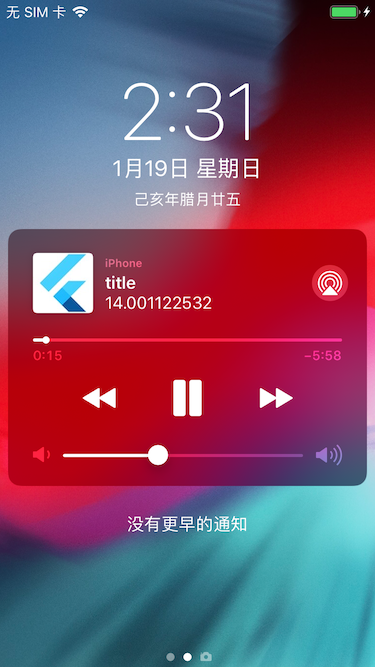
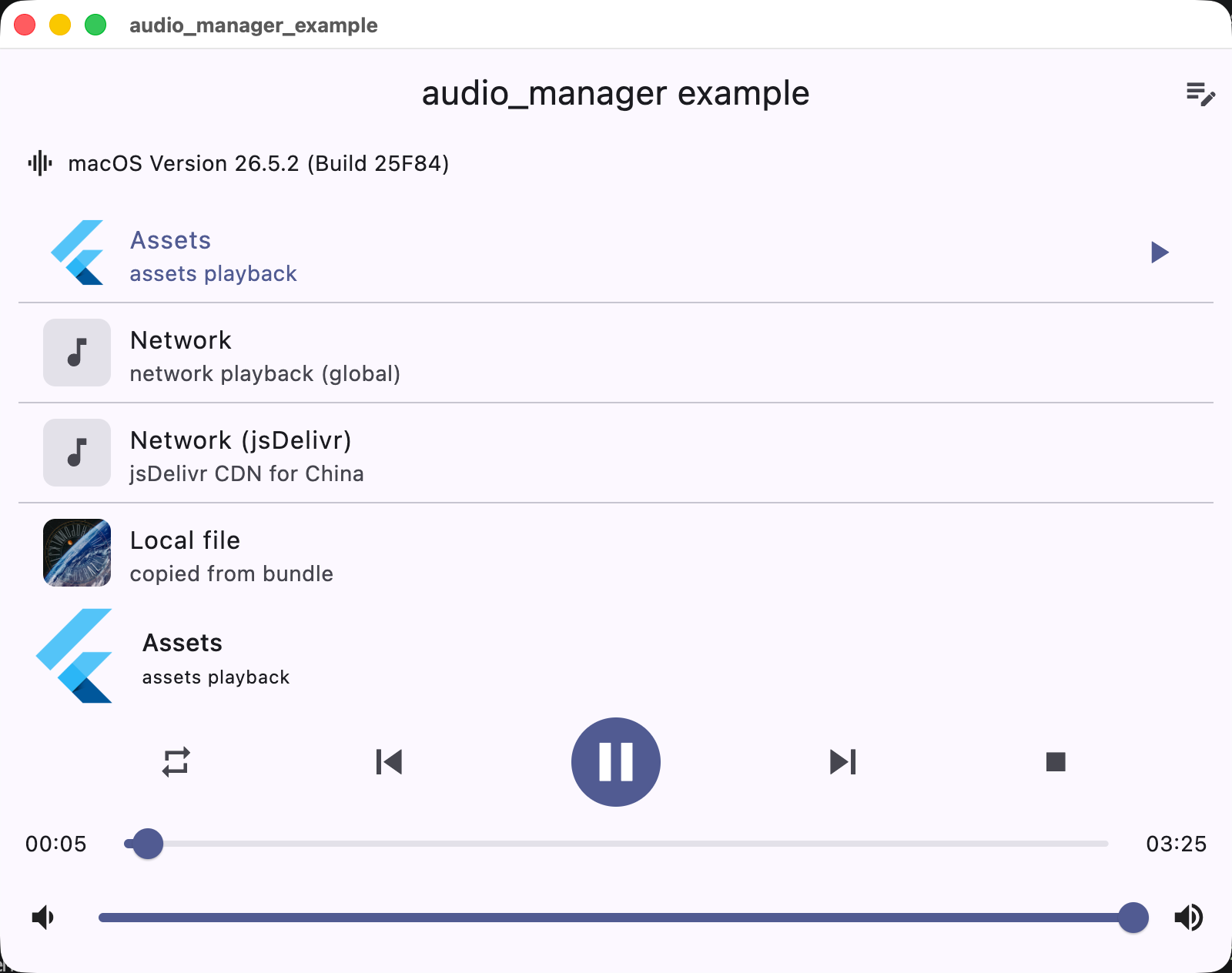
Screenshots
Android
iOS
macOS
Supported platforms
Platform
Playback / integration
iOS
AVPlayer + lock screen / Control Center
Android
MediaPlayer + MediaSession notification
macOS
AVPlayer + Now Playing / Control Center
Windows
Windows.Media.Playback + SMTC
Linux
GStreamer + MPRIS
Web
HTMLAudioElement
Installation
Add the dependency to pubspec.yaml:
dependencies:audio_manager:^1.0.0
iOS
The plugin supports both CocoaPods and Swift Package Manager (SPM) on iOS. Flutter 3.24+ integrates it via SPM automatically; otherwise it falls back to CocoaPods.
Add the following permissions in the info.plist file
⚠️ Some methods are invalid in the simulator, please use the real machine
⚠️ Only add UIBackgroundModes -> audio when your app really keeps playing audio in the background. If the app does not provide background audio, App Store review may reject it with guideline 2.5.4.
Android
Since Android9.0 (API 28), the application disables HTTP plaintext requests by default. To allow requests, add android:usesCleartextTraffic="true" in AndroidManifest.xml
⚠️ Android minimum supported version 23 (app/build.gradle -> minSdkVersion: 23)
⚠️ Compile against Android SDK 34 or newer when targeting Android 12+ apps. The plugin now requires explicit PendingIntent flags, a media playback foreground service type, and Android 13+ receiver export flags.
⚠️ Android notification and lock-screen controls use MediaSession / MediaStyle. Custom notification icons and full custom layouts are not exposed by the public API.
Desktop (macOS / Windows / Linux)
Desktop playback integrates with the system media controls: macOS Now Playing / Control Center, Windows SMTC (taskbar media flyout), and Linux MPRIS.
macOS: to stream network audio, add the com.apple.security.network.client entitlement to the app's entitlements files (DebugProfile.entitlements / Release.entitlements):