सार्वजनिक जानकारी से बना चयन मार्गदर्शन। केवल संदर्भ हेतु।
फ्लटर के CalendarDatePicker पर आधारित हल्का और कस्टमाइज़ करने योग्य कैलेंडर पिकर, जो एकल तिथि चयन, तिथि सीमा चयन और बहुत तिथि चयन के लिए समर्थन प्रदान करता है। यह विस्तृत विषयवस्तु, शैली और व्यवहार के लिए कस्टमाइज़ करने के विकल्पों के साथ एक साफ और स्पष्ट इंटरफेस प्रदान करता है। सभी मुख्य प्लेटफॉर्म जैसे Android, iOS, Web, macOS, Windows और Linux में बिना किसी दिक्कत के एकीकरण के लिए डिज़ाइन किया गया है। न्यूनतम ओवरहेड के साथ लचीले तिथि इनपुट की आवश्यकता वाले ऐप्स के लिए आदर्श है।
उपयोग
एकल तारीख़ चयन
तिथि सीमा चयन
कई तारीख़ चयन
तारीख सीमाओं वाले फॉर्म इनपुट
कैलेंडर-आधारित शेड्यूलिंग टूल्स
मुख्य विशेषताएँ
एकल, रेंज और बहु-दिन चयन का समर्थन करता है
उच्चतम कस्टमाइज़ेशन वाला UI और स्टाइलिंग
क्रॉस-प्लेटफॉर्म संगतता
हल्का और कार्यक्षम
निर्धारित तिथि सीमा और प्रमाणीकरण
एम्बेडेड स्थानीयकरण समर्थन
इनके लिए उपयुक्त
मोबाइल और वेब एप्लिकेशन
तारीख आउटपुट की आवश्यकता वाले फॉर्म
योजना और बुकिंग प्रणाली
Flutter ऐप में कस्टमाइज़ेबल तिथि चयनकर्ता
निर्मित तिथि चयनकर्ता के विकल्प खोज रहे विकासकर्ता
विचार योग्य बातें
तारीख़ सत्यापन के लिए हस्तक्षेप की आवश्यकता है
मूल लोकेल्स के अलावा सीमित बिल्ट-इन अंतर्राष्ट्रीयकरण
जटिल थीम के लिए अतिरिक्त स्टाइलिंग की आवश्यकता हो सकती है
बहुत बड़े तारीख सीमा के लिए अनअनुकूलित
डिफ़ॉल्ट दिखावट के लिए Flutter के Material या Cupertino थीम पर निर्भर करता है
मूल README
संबंधित सोर्स रिपॉज़िटरी के मूल README का स्नैपशॉट। नवीनतम सामग्री के लिए रिपॉज़िटरी देखें।
CalendarDatePicker2
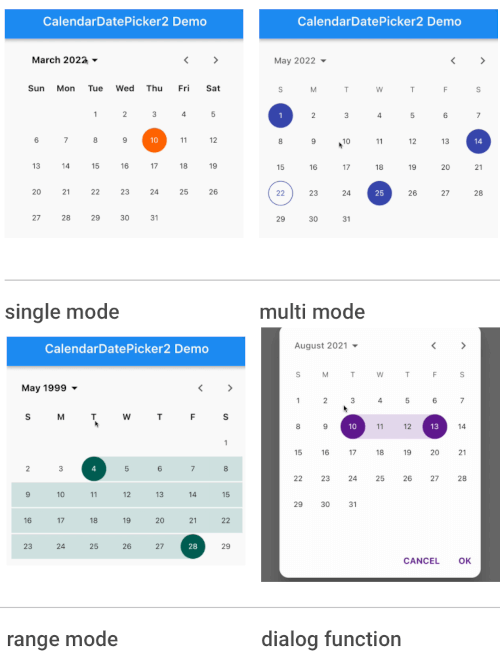
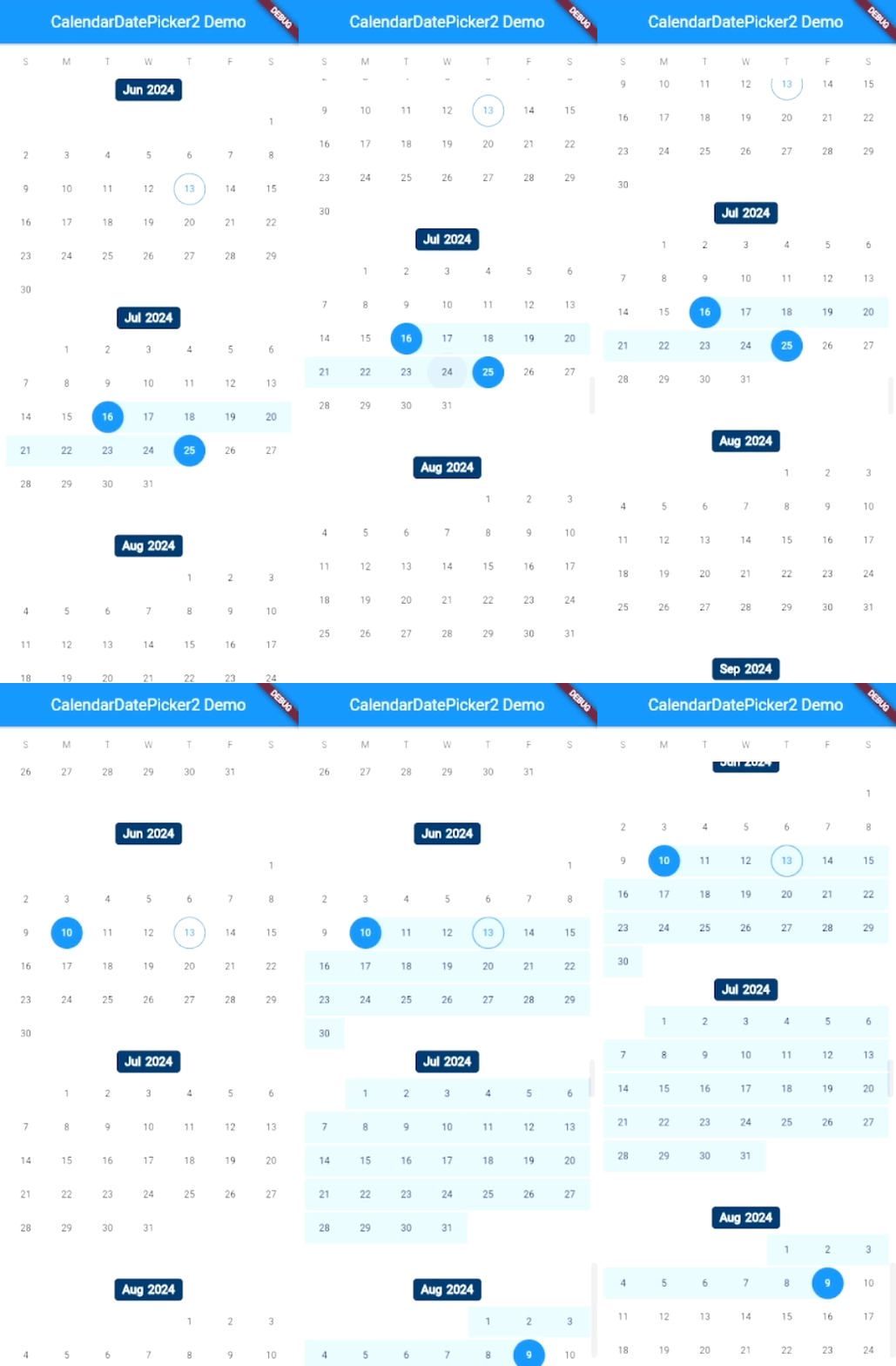
A lightweight and customizable calendar picker based on Flutter CalendarDatePicker, with support for single date picker, range picker and multi picker.
single mode
multi mode
range mode
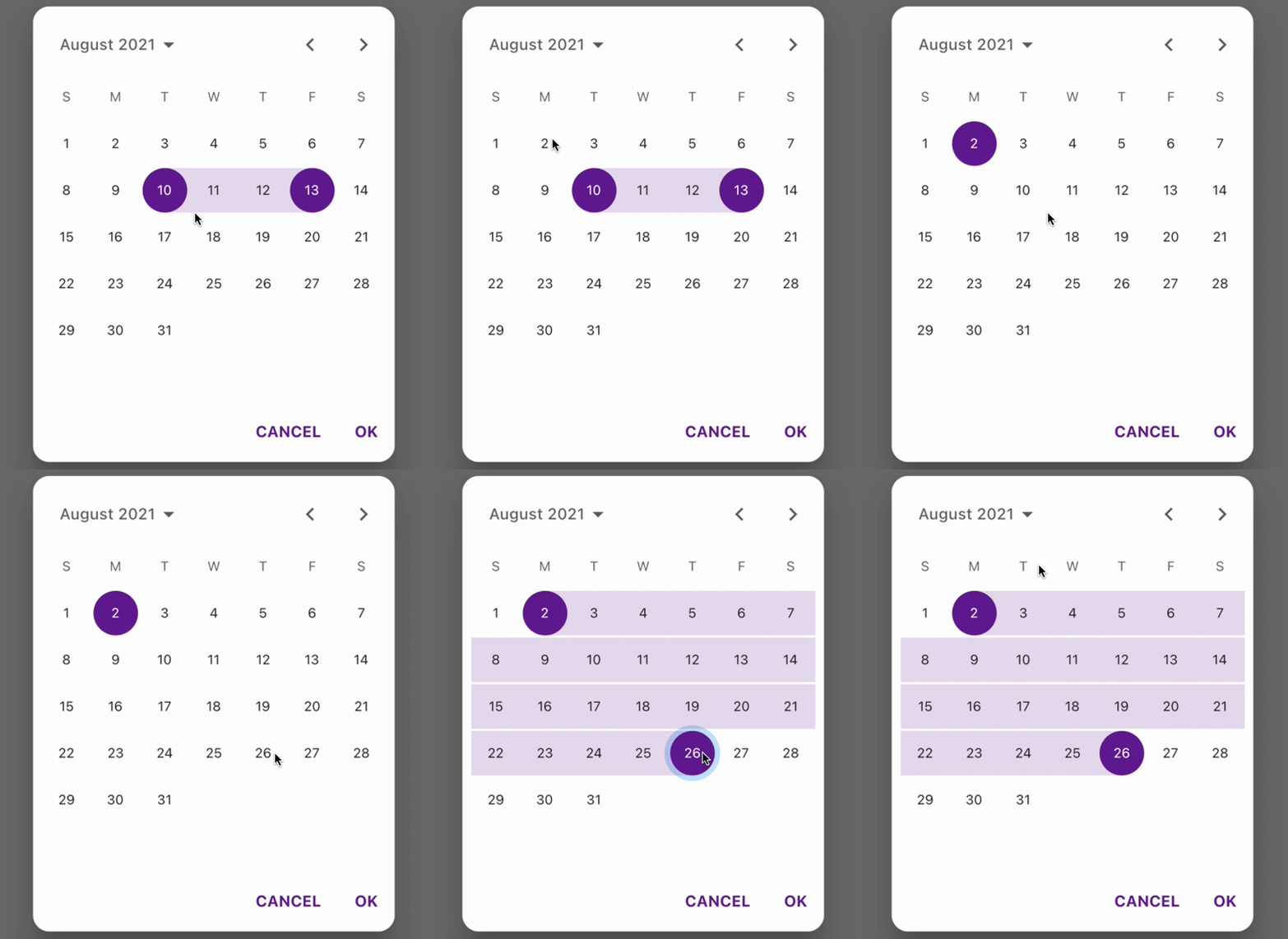
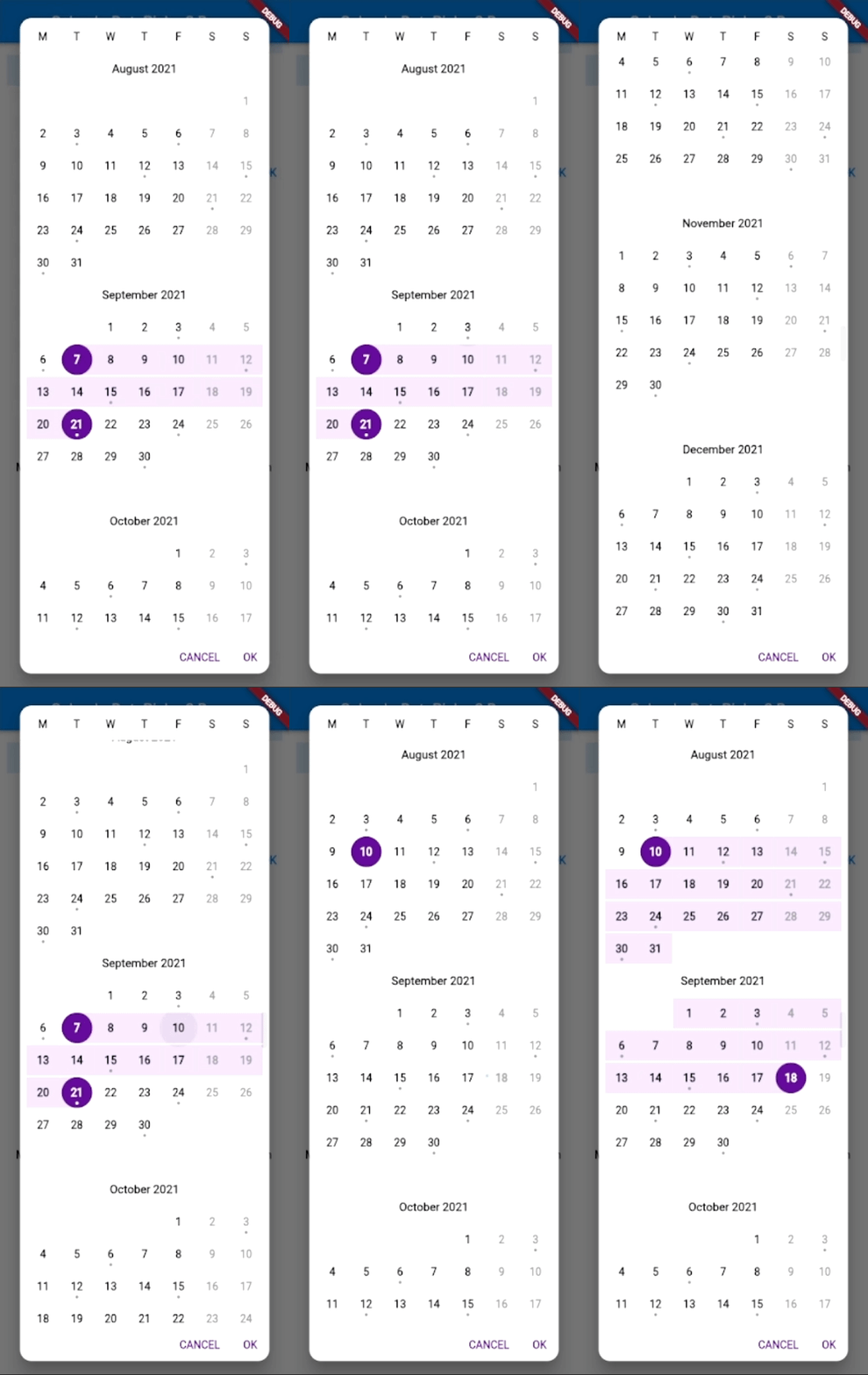
dialog function
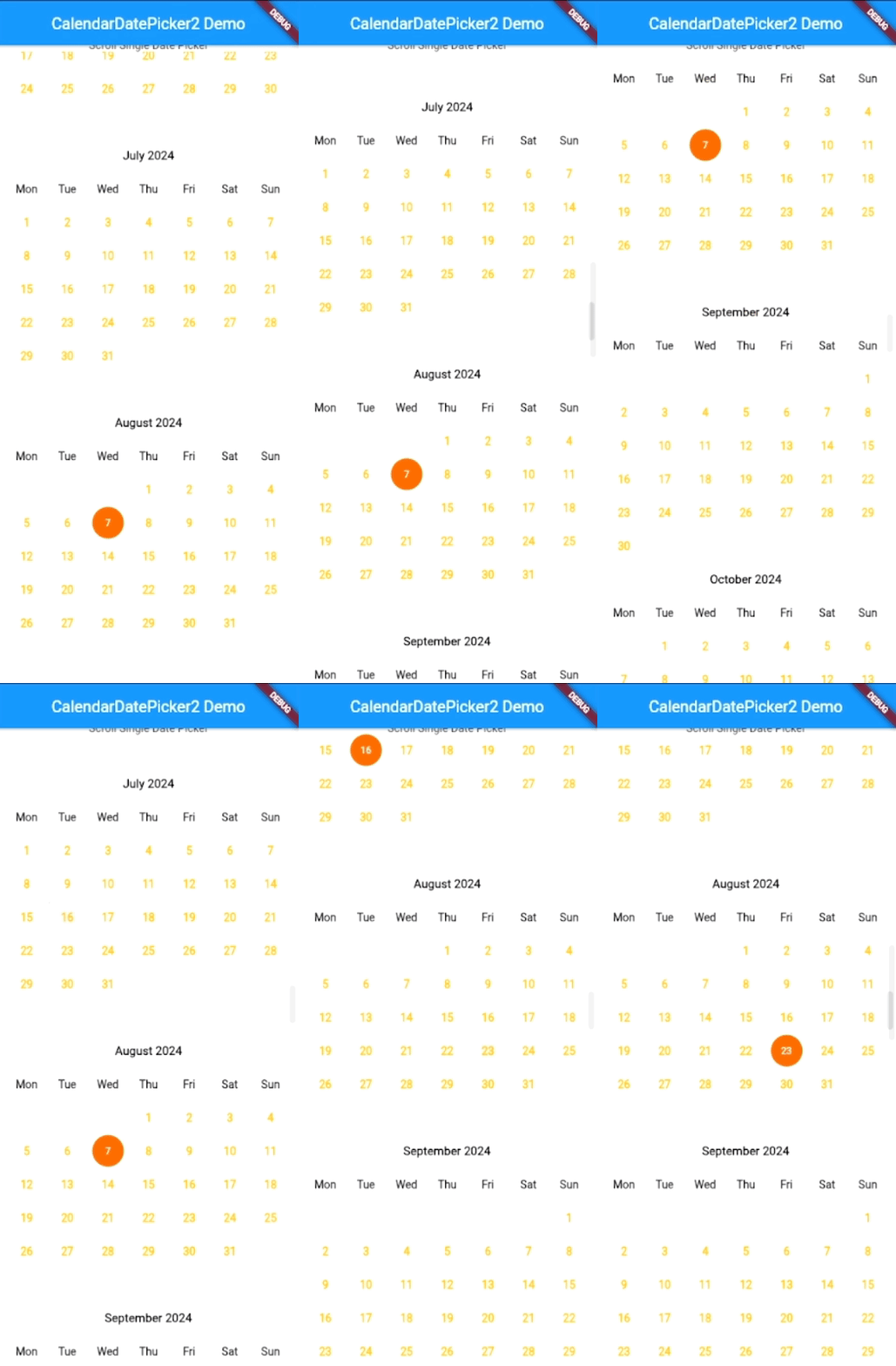
single scroll
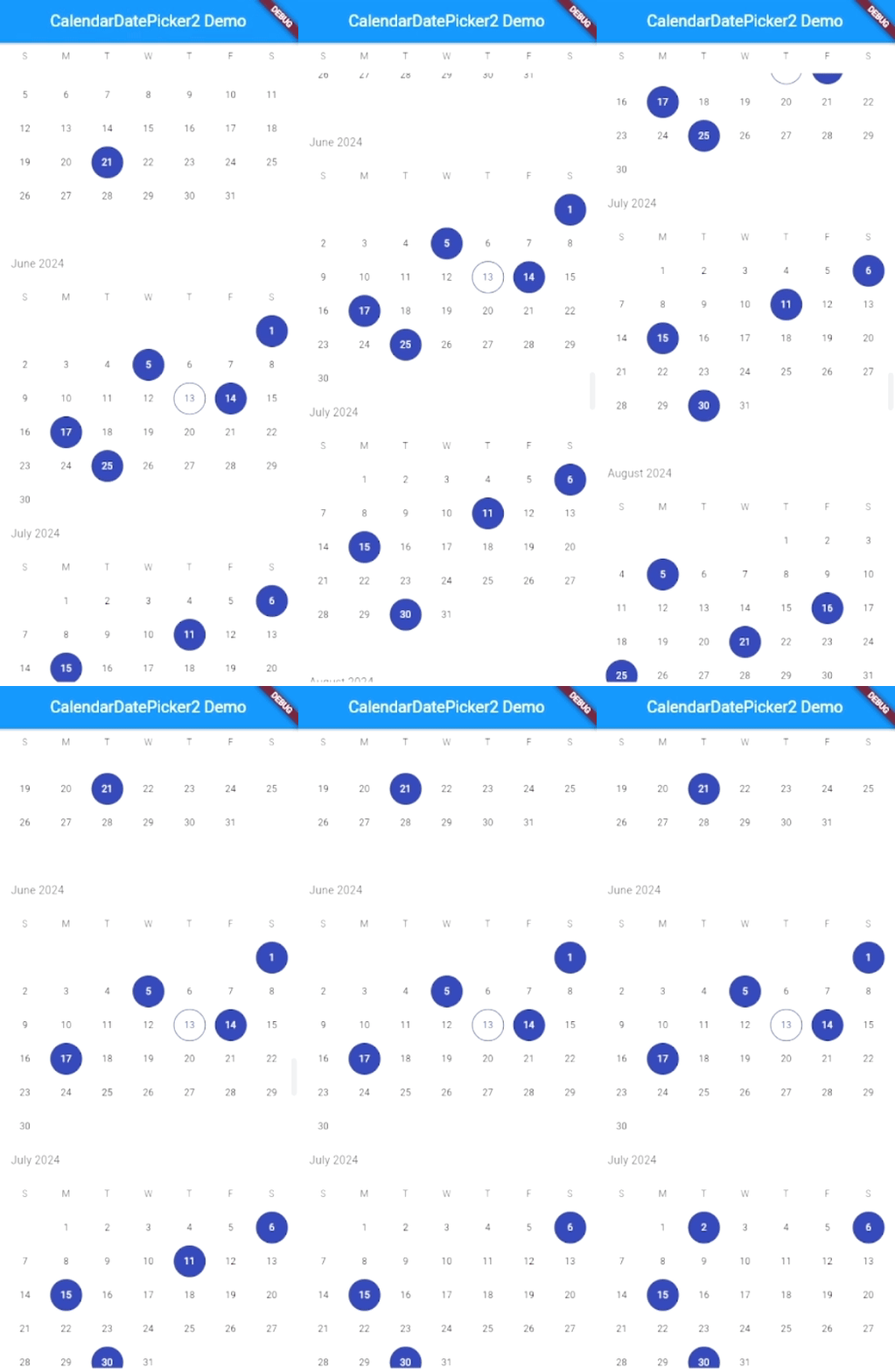
multi scroll
range scroll
dialog scroll
Intro
CalendarDatePicker2 consists of two main widgets:
CalendarDatePicker2, this widget only includes the calendar UI and will emit event whenever user taps a different date.
CalendarDatePicker2WithActionButtons, this widget includes calendar UI and the action buttons (CANCEL & OK). This widget will only emit the updated value when user taps 'OK' button.
Version 1.x.x will by default enable month picker. If you want to migrate to v1.x.x from v0.x.x and would like to keep the old behavior, you will need to set disableMonthPicker to true.
Migrate from 1.x.x
If your flutter SDK is above flutter SDK 3.27.0, you can safely migrate to v2.x.x. Otherwise you should use v1.x.x to avoid dependency issues.
During the initialization of CalendarDatePicker2Config the calendarType of the config instance will by default set to CalendarDatePicker2Type.single, so you don't have to set the calendar type specifically.
Multi Date Picker Configuration
In order to use multi mode date picker, you will need to set the calendarType of config to CalendarDatePicker2Type.multi:
This package includes built-in support to display calendar as a dialog. To use it, you will need to call showCalendarDatePicker2Dialog, which takes three required arguments: context, config, dialogSize: