सार्वजनिक जानकारी से बना चयन मार्गदर्शन। केवल संदर्भ हेतु।
एक चिकना, कस्टमाइज़ेबल कैरोसेल स्लाइडर बनाने के लिए एक Flutter विजेट जिसमें अनंत स्क्रॉलिंग और कस्टम बच्चे विजेट का समर्थन है। छवियों, कार्ड या किसी भी सामग्री को दृश्य रूप से आकर्षक क्षैतिज या ऊर्ध्वाधर स्क्रॉल करने वाले लेआउट में प्रदर्शित करने के लिए आदर्श है। यह पैकेज हल्का है और मोबाइल, वेब और डेस्कटॉप सहित कई प्लेटफॉर्म पर एप्लिकेशन में बिना किसी दिक्कत के एकीकृत होता है। यह विकासकर्ताओं को सुविधाजनक उपयोगकर्ता अनुभव के लिए संकेतकों, स्वाइप गेस्चर और स्वचालित प्लेबैक को आसानी से कॉन्फ़िगर करने की अनुमति देता है।
उपयोग
चित्र गैलरी प्रदर्शित करना
उत्पाद कैरोसेल दिखाना
ऑनबोर्डिंग स्क्रीन बनाना
चयनित सामग्री प्रस्तुत कर रहे हैं
इंटरैक्टिव स्लाइडर बनाना
प्रचार बैनर को हाइलाइट करना
मुख्य विशेषताएँ
अनंत स्क्रॉल समर्थन
कस्टमाइज़ करने योग्य बच्चा विजेट्स
स्वचालित प्रसारण कार्यक्षमता
सूचक कस्टमाइज़ेशन
प्लेटफॉर्म के अनुकूलता
चिकनी एनिमेशन
इनके लिए उपयुक्त
मोबाइल ऐप विकासकर्ता
वेब एप्लिकेशन निर्माता
डेस्कटॉप एप्लिकेशन इंटीग्रेटर्स
UI/UX डिजाइनर
ई-कॉमर्स एप्लिकेशन्स
ऑनबोर्डिंग स्क्रीन अमलीकरण
विचार योग्य बातें
बड़े डेटासेट के लिए अनुकूलन की आवश्यकता हो सकती है
सीमित बिल्ट-इन स्टाइलिंग विकल्प
भारी बच्चा विजेट्स के साथ प्रदर्शन प्रभाव
जटिल नेस्टेड लेआउट के लिए उपयुक्त नहीं
टैप इवेंट्स के हैंडलिंग के लिए मैनुअल हस्तक्षेप की आवश्यकता होती है
उन्नत विशेषताओं के लिए बाहरी निर्भरता पर निर्भर करता है
मूल README
संबंधित सोर्स रिपॉज़िटरी के मूल README का स्नैपशॉट। नवीनतम सामग्री के लिए रिपॉज़िटरी देखें।
carousel_slider_plus
A carousel slider widget.
This package is fork of carousel_slider which is not actively maintained.
If you pass the height parameter, the aspectRatio parameter will be ignored.
Build item widgets on demand
This method will save memory by building items once it becomes necessary. This way they won't be built if they're not currently meant to be visible on screen.
It can be used to build different child item widgets related to content or by item index.
CarouselSlider.builder(
itemCount: 15,
itemBuilder: (BuildContext context, int itemIndex, int pageViewIndex) {
returnContainer(
child: Text(itemIndex.toString()),
);
}
)
Carousel controller
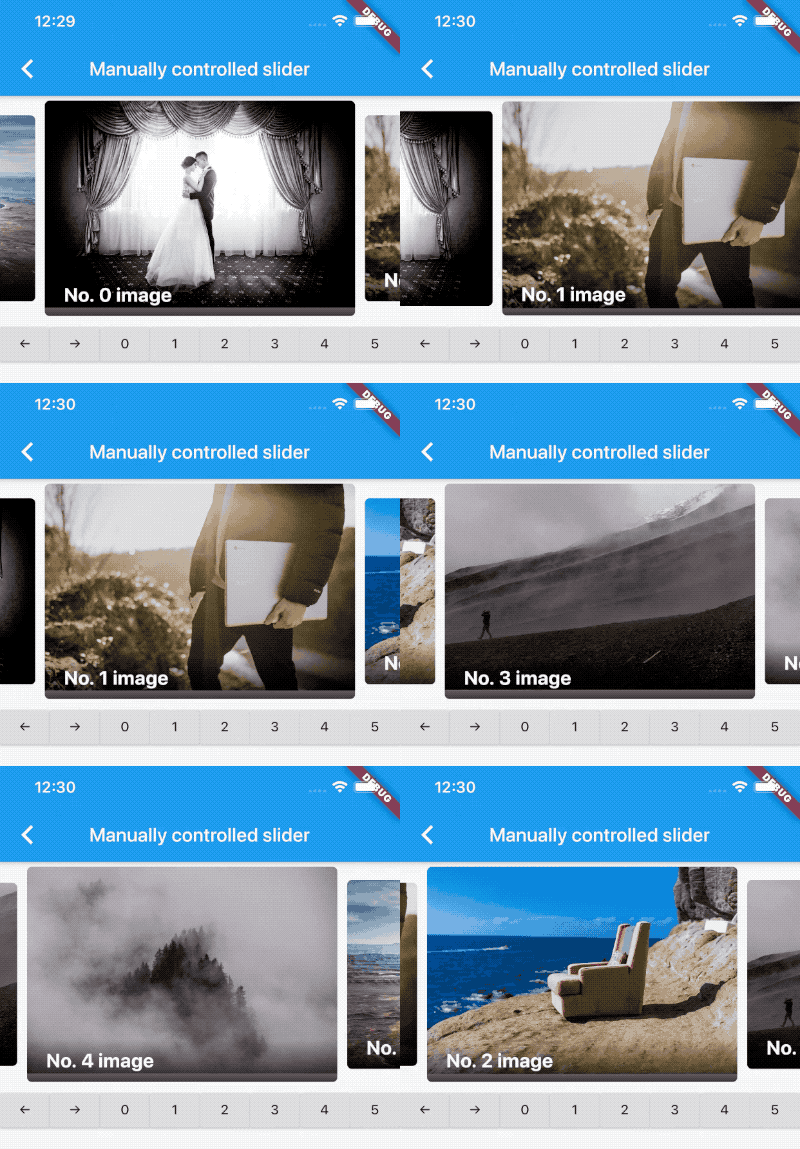
In order to manually control the PageView's position, you can create your own CarouselSliderController, and pass it to CarouselSlider. Then you can use the CarouselSliderController instance to manipulate the position.
/// Animate to the next page
controller.nextPage({Duration duration, Curve curve});


/// Animate to the previous page
controller.previousPage({Duration duration, Curve curve});


/// Jump to the given page.
controller.jumpToPage(int page);


/// Animate to the given page.
controller.animateToPage(int page, {Duration duration, Curve curve});


/// Start/Stop Auto-play (only work if `autoplay` is set to true in `CarouselOptions`)
controller.startAutoPlay();
Screenshots
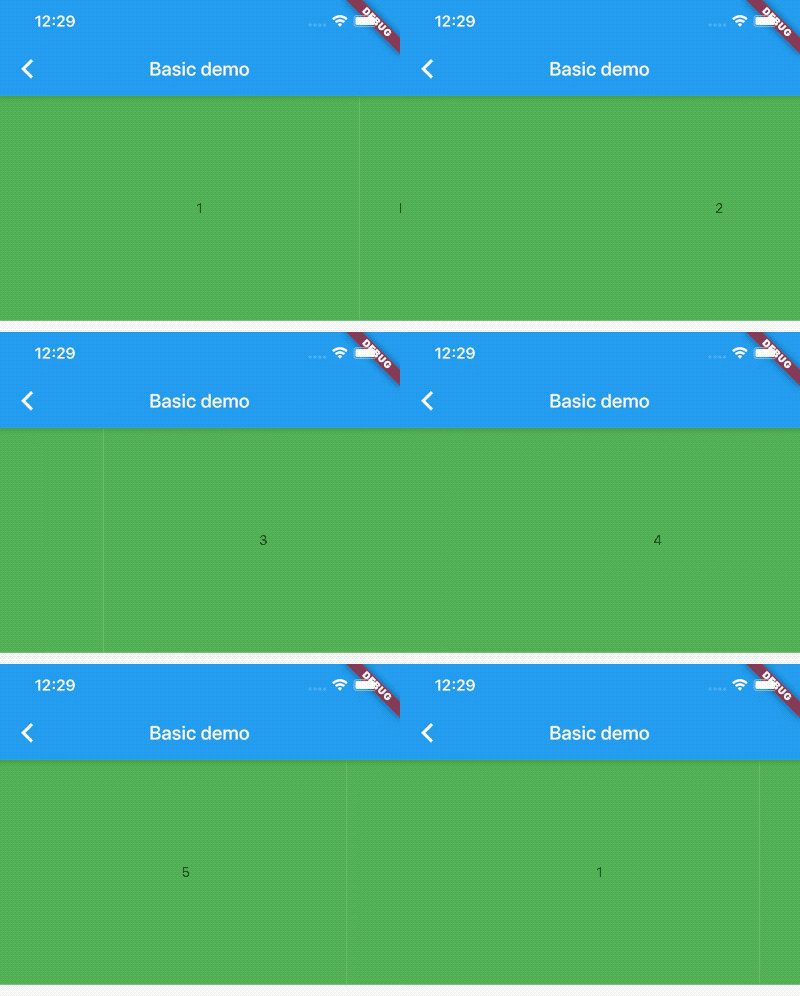
Basic text carousel slider:
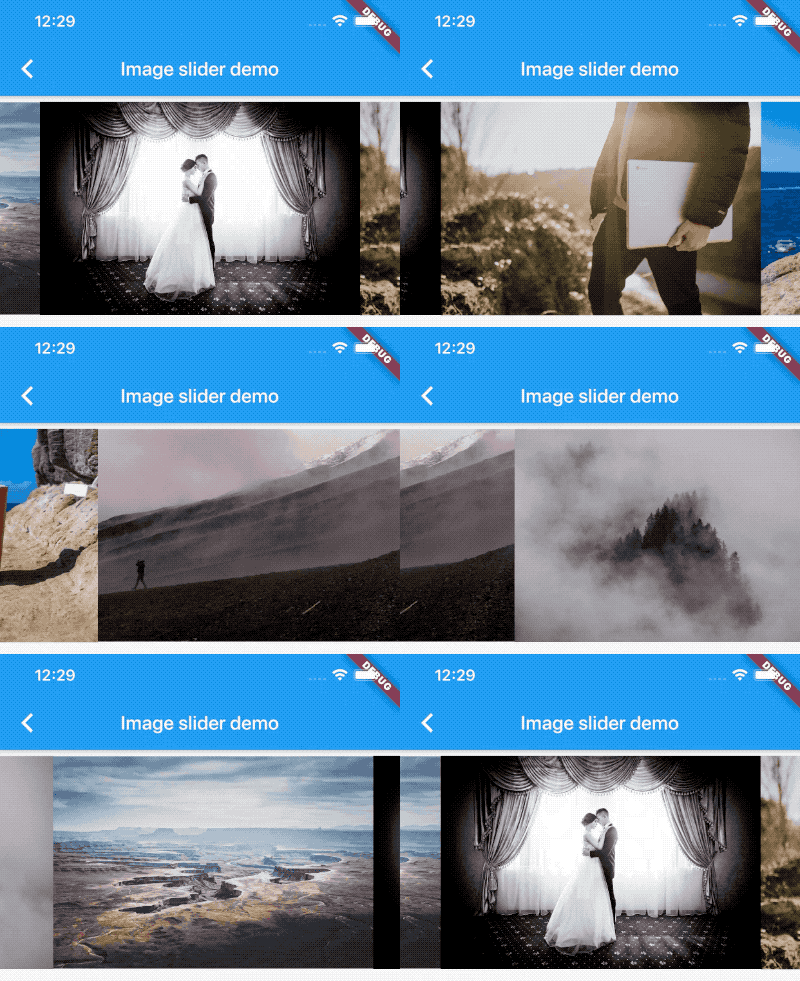
Basic image carousel slider:
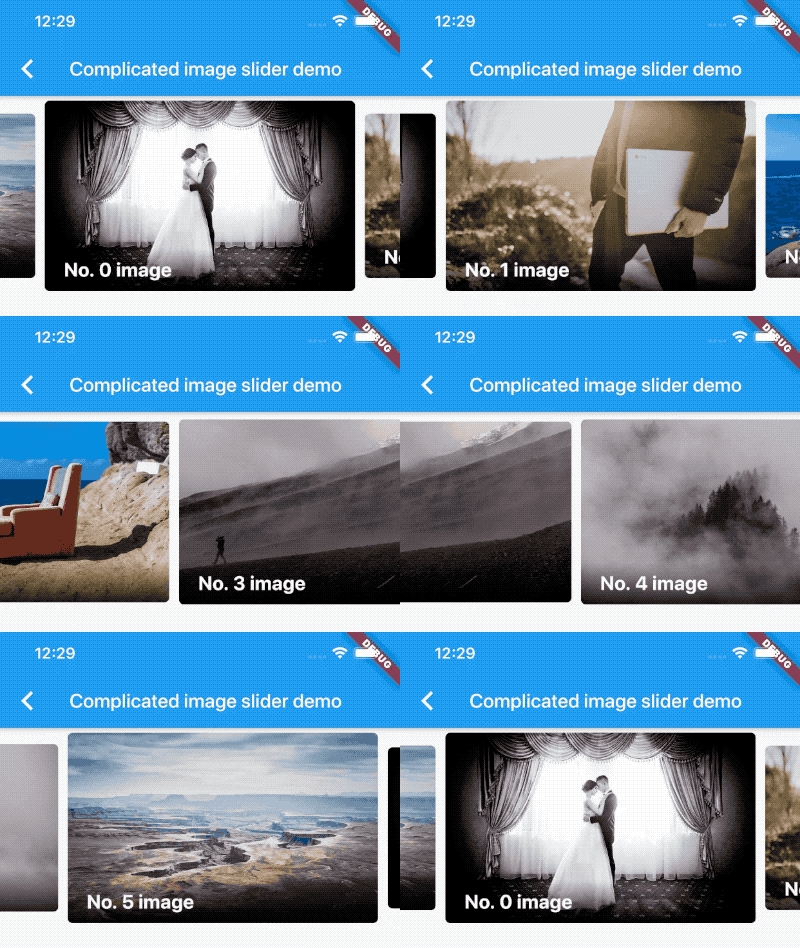
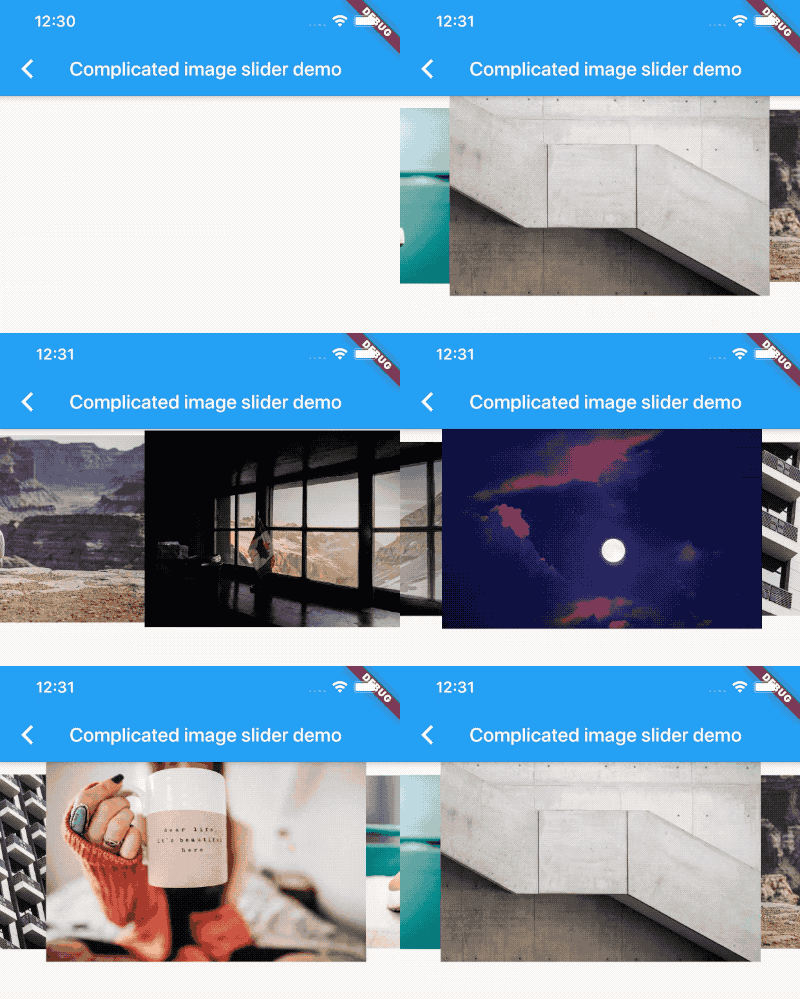
A more complicated image carousel slider:
Full Screen image carousel slider:
Image carousel slider with custom indicator:
Manually control the page position:
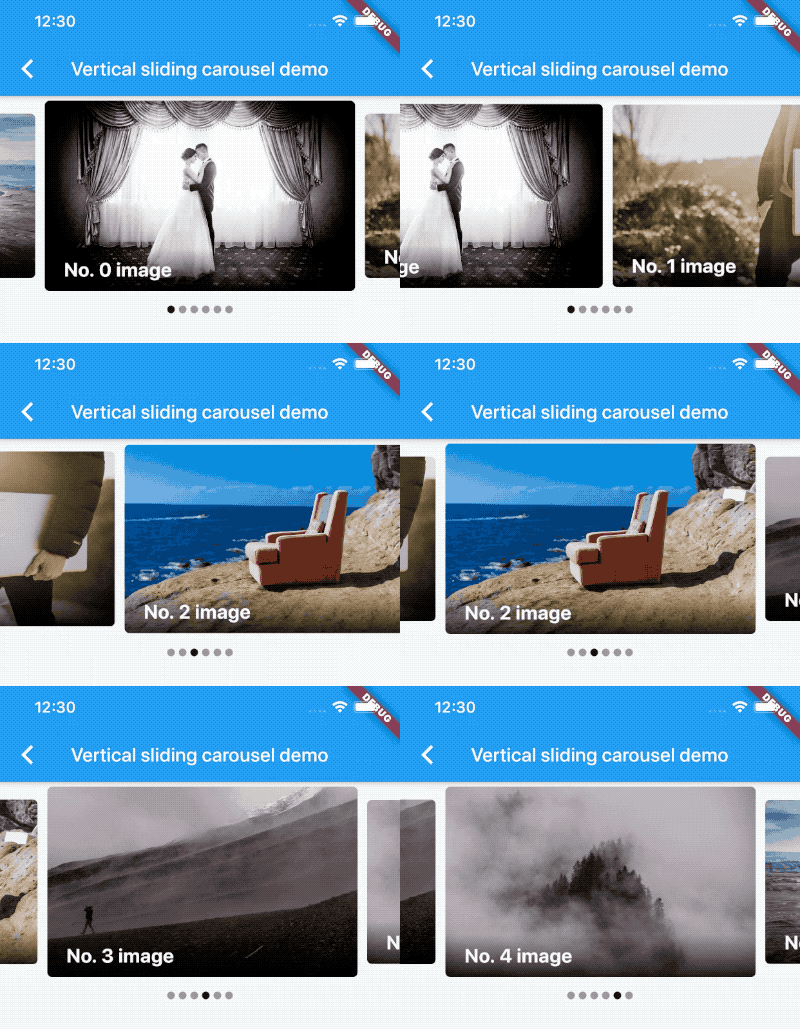
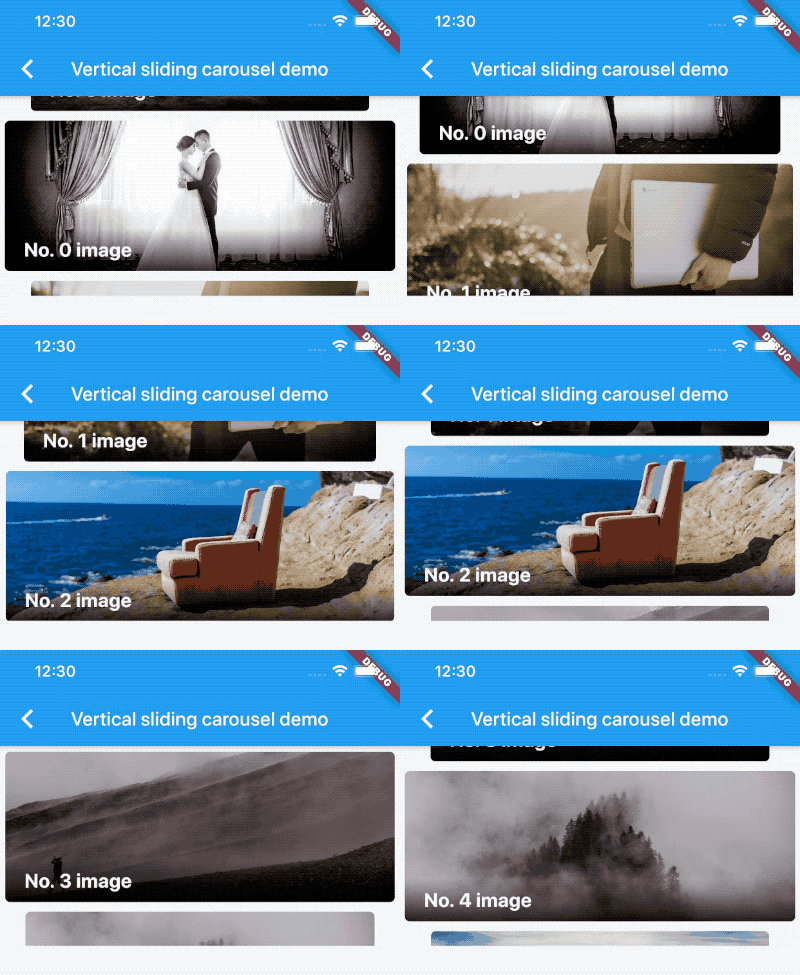
Vertical carousel slider:
Simple on-demand image carousel slider, with image auto prefetch:
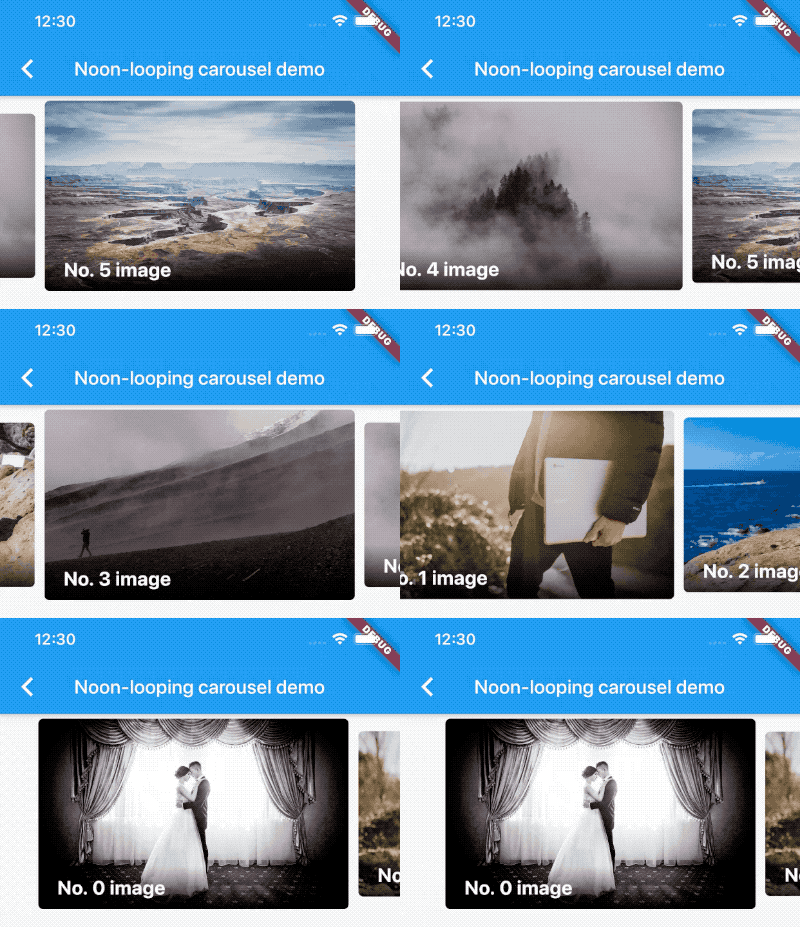
No infinite scroll:
All screenshots above can be found at the example project.