सार्वजनिक जानकारी से बना चयन मार्गदर्शन। केवल संदर्भ हेतु।
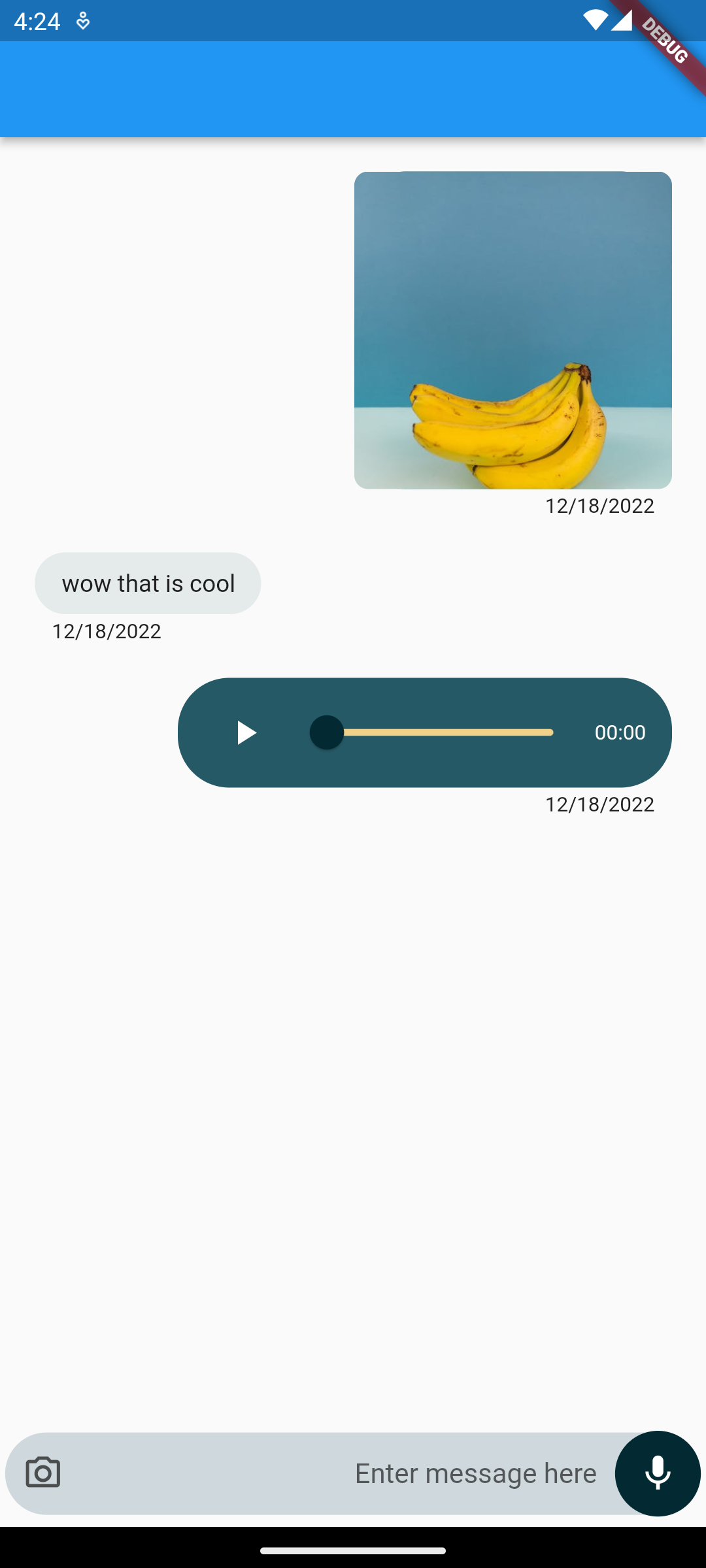
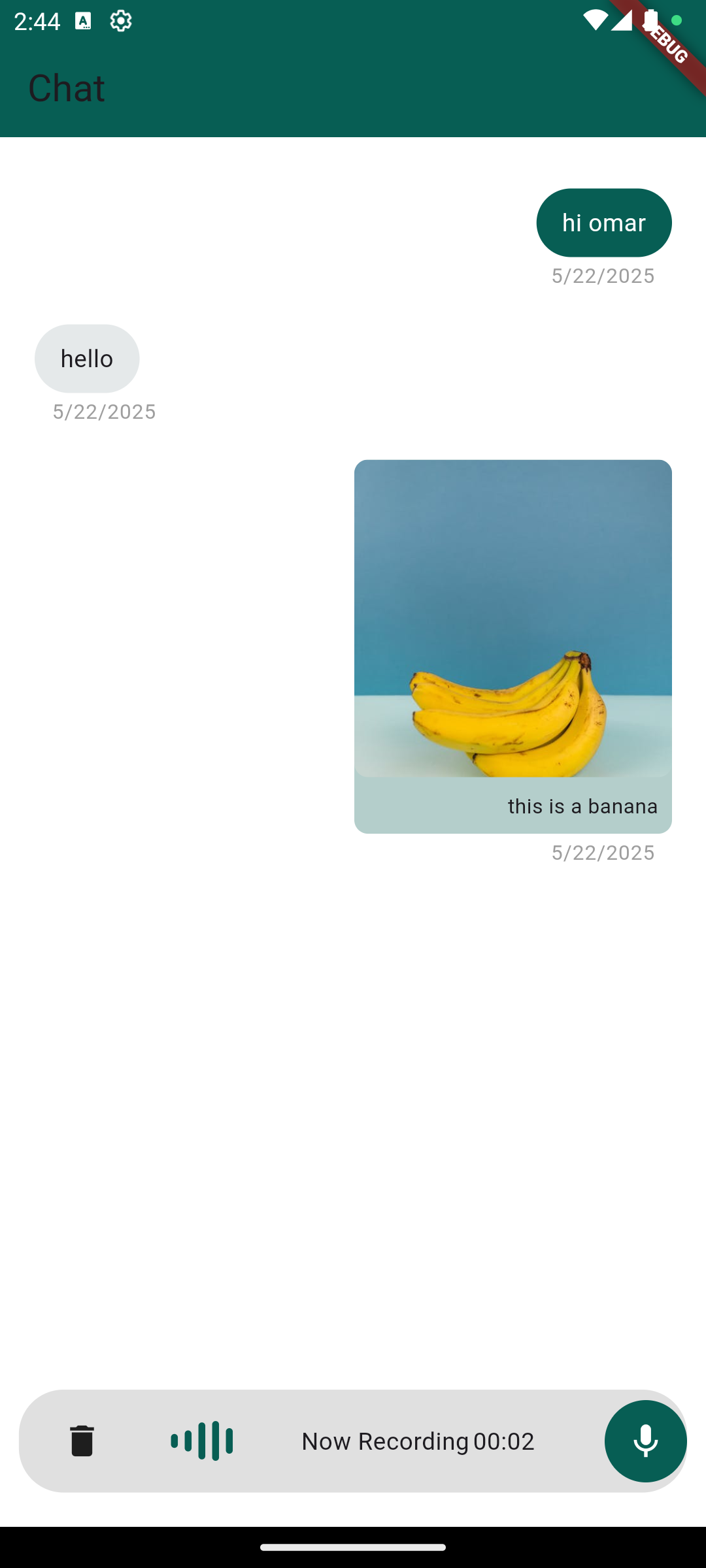
एक पूरी तरह से कार्यात्मक चैट UI जो उपयोगकर्ताओं को टेक्स्ट मैसेज, ऑडियो नोट्स और छवियां भेजने की अनुमति देता है। एक साफ, प्रतिक्रियाशील डिज़ाइन के साथ बनाया गया, यह एंड्रॉइड और आईओएस के लिए डिज़ाइन किए गए मोबाइल ऐप्स में बिल्कुल बिना किसी दिक्कत के एकीकृत होता है। इस पैकेज ने चैट के लिए तैयार घटक प्रदान करके और सामान्य संदेश व्यवहार को संभालकर चैट के कार्यान्वयन को सरल बनाया है। यह वास्तविक समय में संदेश प्रदर्शित करने का समर्थन करता है और मूल बीमा अटैचमेंट क्षमता भी शामिल है, जिससे यह संचार-केंद्रित ऐप्स के लिए आदर्श बन जाता है।
उपयोग
इंस्टेंट मैसेजिंग ऐप्स
ग्राहक समर्थन इंटरफेस
ग्रुप चैट फीचर्स
सोशल नेटवर्किंग प्लेटफॉर्म
आंतरिक टीम सहयोग उपकरण
मुख्य विशेषताएँ
संदेश भेजना
वॉइस नोट रिकॉर्डिंग और प्लेबैक
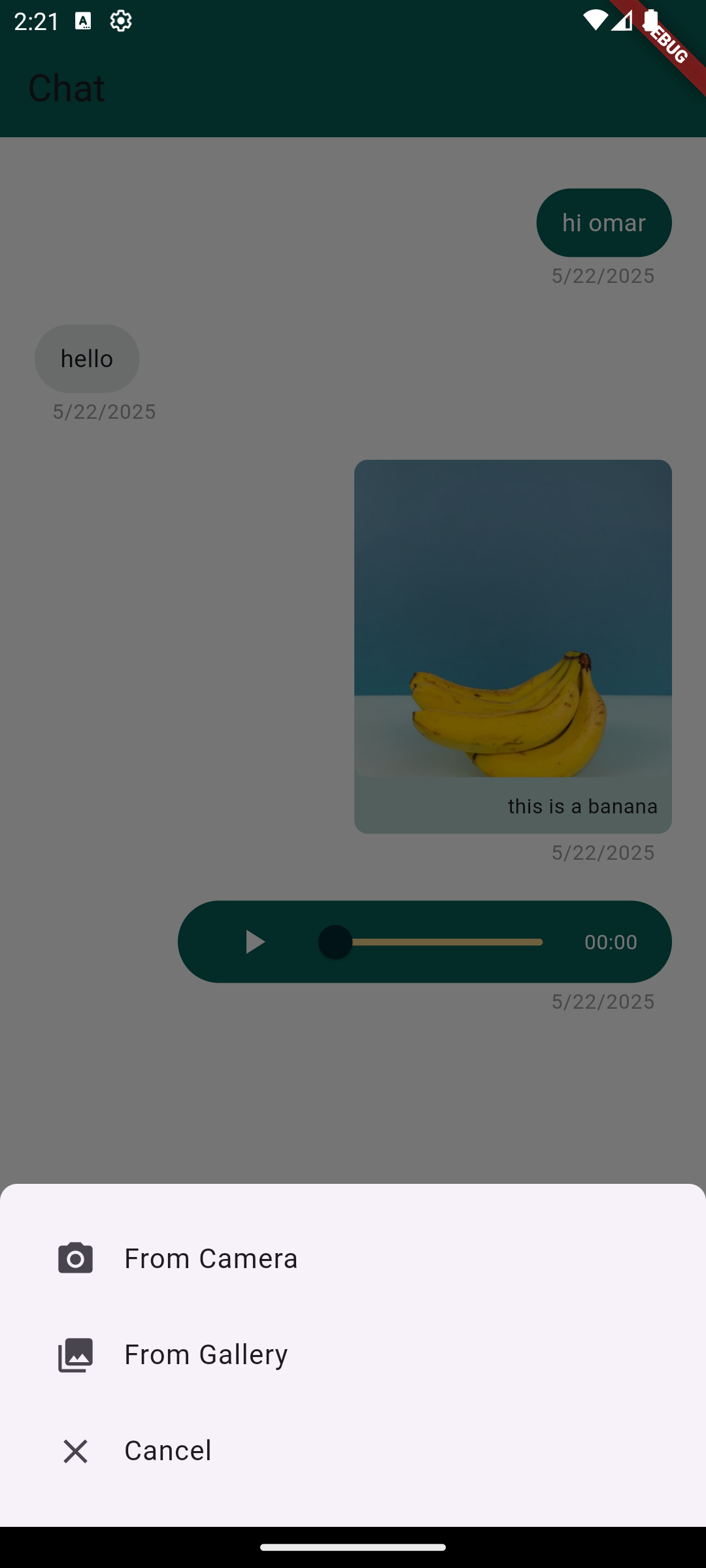
चित्र अटैचमेंट समर्थन
क्रॉस-प्लेटफ़ॉर्म सुविधा (Android और iOS)
पूर्व-निर्मित, कस्टमाइज़ करने योग्य UI घटक
इनके लिए उपयुक्त
चैट-भारी एप्लिकेशन बना रहे डेवलपर्स
त्वरित चैट एंटीग्रेशन की आवश्यकता वाली टीमें
मोबाइल-पहले संचार समाधान
चैट फीचर्स को तेजी से प्रोटोटाइपिंग
विचार योग्य बातें
संदेश स्थायित्व के लिए अतिरिक्त बैकएंड की आवश्यकता होती है
मूलभूत मीडिया प्रकार तक सीमित (कोई वीडियो या फ़ाइल नहीं)
निर्मित उपयोगकर्ता प्रमाणीकरण नहीं है
रियल-टाइम सिंक के लिए कस्टम लॉजिक की आवश्यकता होती है
ब्रांड के अनुरूपता के लिए स्टाइलिंग में समायोजन की आवश्यकता हो सकती है
मूल README
संबंधित सोर्स रिपॉज़िटरी के मूल README का स्नैपशॉट। नवीनतम सामग्री के लिए रिपॉज़िटरी देखें।
chat_package
A ready-made, highly customizable chat UI for Flutter. Drop in ChatScreen,
wire up a handful of callbacks, and you get text messages, voice notes with
slide-to-cancel, gallery images, an in-app camera, and video messages — out of
the box.
Created by Omar Mouki
Features
💬 Text messages with a customizable input field
🎙️ Voice notes — hold to record, slide to cancel, built-in playback with a seek slider
🖼️ Images from the gallery, shown inline with a full-screen viewer
📷 In-app camera — capture photos and videos with a caption step
🎞️ Video messages — inline thumbnail with tap-to-play full screen
🎨 Highly customizable — colors, sizes, text direction (LTR/RTL), icons, hints and more
🧩 Callback-driven: you own your data and state
Screenshots
Installation
Add the package to your pubspec.yaml:
dependencies:chat_package:^2.1.0
Then run flutter pub get.
Requires Dart >= 3.0 and Flutter >= 3.16.
Platform setup
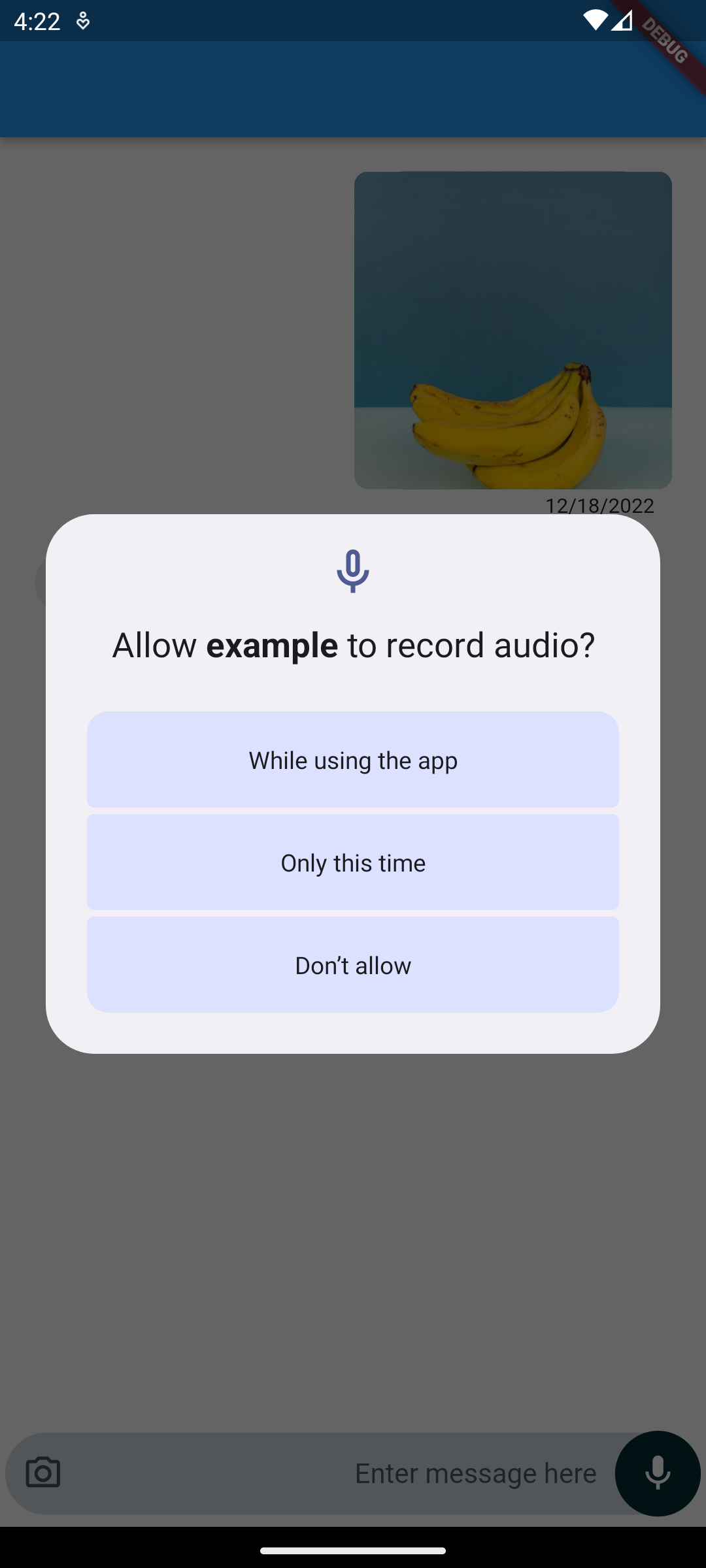
The package requests the runtime permissions it needs (microphone, camera,
photos) for you — you only need to declare them.
Android
In android/app/build.gradle, make sure the minimum SDK is at least 23
(required by the audio recorder):
android {
    defaultConfig {
        minSdkVersion 23
    }
}
Add the permissions to android/app/src/main/AndroidManifest.xml:
Add the usage descriptions to ios/Runner/Info.plist:
<key>NSCameraUsageDescription</key><string>This app needs camera access to take photos and videos.</string><key>NSMicrophoneUsageDescription</key><string>This app needs microphone access to record voice notes.</string><key>NSPhotoLibraryUsageDescription</key><string>This app needs photo library access to attach images.</string>
And enable the matching permission_handler macros in ios/Podfile:
post_install do |installer|
  installer.pods_project.targets.each do |target|
    flutter_additional_ios_build_settings(target)
    target.build_configurations.each do |config|
      config.build_settings['GCC_PREPROCESSOR_DEFINITIONS'] ||= [
        '$(inherited)',
        'PERMISSION_CAMERA=1',
        'PERMISSION_MICROPHONE=1',
        'PERMISSION_PHOTOS=1',
      ]
    end
  end
end
A message holds optional text and optional ChatMedia (an image/audio/video
url or local file path). It also offers toJson() / fromJson() so you can
persist and restore conversations from your backend.
ChatMessage(
  isSender: true,
  text: 'this is a banana',
  chatMedia: ChatMedia(
    url: 'https://example.com/banana.jpg',
    mediaType: MediaType.image, // image | audio | video
  ),
);
Note:MediaType is now a plain enum (MediaType.image, MediaType.audio,
MediaType.video). See the migration guide below.
API reference
Required
Property
Type
Description
messages
List<ChatMessage>
The messages to render.
scrollController
ScrollController
Controls the chat list.
onTextSubmit
Function(ChatMessage)
Called when a text message is sent.
handleRecord
Function(ChatMessage?, bool canceled)
Called with the recorded voice note (or (null, true) when canceled).
handleImageSelect
Function(ChatMessage?)
Called with the selected/captured image (or null).
Common optional
Property
Type
Default
Description
handleVideoSelect
Function(ChatMessage?)?
null
Captured video callback; falls back to handleImageSelect if omitted.
MediaType is now an enum. Replace MediaType.imageMediaType() →
MediaType.image, MediaType.audioMediaType() → MediaType.audio,
MediaType.videoMediaType() → MediaType.video. (The Freezed dependency was
removed.)
New handleVideoSelect callback for the in-app camera's video captures.
In-app camera now returns captured photos/videos into the chat (with an
optional caption). The attachment camera option opens the in-app camera.
Android minSdkVersion must be >= 23 for the upgraded audio recorder.
New customization params: textDirection, containerBorderRadius,
buttonRadius, message width fractions, and capture-quality settings.
Found this project useful?
If this package helped you, please consider giving it a ⭐️ on
GitHub and sharing it.
Issues and feedback
Open an issue on GitHub with
suggestions, bugs or feature requests.