सार्वजनिक जानकारी से बना चयन मार्गदर्शन। केवल संदर्भ हेतु।
एक फ्लटर पैकेज जो उपयोगकर्ताओं को टैपिंग और ड्रैगिंग गेस्चर के माध्यम से आइटम का चयन करने की अनुमति देता है। यह एक सतत चयन को संभव बनाकर उपयोगकर्ता अंतरक्रिया को बढ़ाता है, जो बैच ऑपरेशन या दृश्य सामग्री के संग्रहण की आवश्यकता वाले एप्लिकेशन के लिए आदर्श है। इस पैकेज को सभी प्रमुख प्लेटफॉर्म जैसे Android, iOS, Web, macOS, Windows और Linux के लिए समर्थित किया गया है, जिससे क्रॉस-प्लेटफॉर्म सुसंगतता सुनिश्चित होती है। प्रदर्शन और उपयोगकर्ता अनुभव को ध्यान में रखते हुए बनाया गया, यह मौजूदा फ्लटर प्रोजेक्ट में बिना किसी दिक्कत के एकीकृत हो सकता है।
उपयोग
फोटो गैलरी में बैच आइटम चयन
इंटरैक्टिव टास्क मैनेजमेंट इंटरफेस
सामग्री संकलन उपकरण
ई-कॉमर्स ऐप्स में बहुचयन
उपयोगकर्ता-निर्देशित डेटा फ़िल्टरिंग
उत्पादकता ऐप में ड्रैग-टू-सीलेक्ट
मुख्य विशेषताएँ
टैप और ड्रैग सहित चयन का समर्थन करता है
क्रॉस-प्लेटफ़ॉर्म संगतता
कस्टमाइज़ किए गए चयन व्यवहार
बड़े डेटासेट के लिए कुशल रेंडरिंग
बिल्ट-इन गेस्चर हैंडलिंग
मौजूदा ग्रिड्स के साथ आसान एकीकरण
इनके लिए उपयुक्त
इंटरैक्टिव ग्रिड-आधारित यूआई बना रहे डेवलपर्स
बहु-आइटम चयन की आवश्यकता वाले ऐप्स
कई प्लेटफॉर्म के लिए लक्षित प्रोजेक्ट्स
सुगम उपयोगकर्ता इंटरैक्शन पर ध्यान केंद्रित डिज़ाइनर
चिकन गेस्टर प्रतिक्रिया को निर्धारित करने वाली टीमें
विचार योग्य बातें
जटिल चयन तर्क के लिए अतिरिक्त अवस्था प्रबंधन की आवश्यकता हो सकती है
अगर अनुकूलित नहीं किया गया है, तो बहुत बड़े ग्रिड्स का प्रदर्शन प्रभाव हो सकता है
मूल चयन संकेतकों के आगे सीमित निर्मित स्टाइल विकल्प
केवल एकल आइटम चयन के लिए उपयुक्त नहीं है, केवल उपयोग के मामले
मूल README
संबंधित सोर्स रिपॉज़िटरी के मूल README का स्नैपशॉट। नवीनतम सामग्री के लिए रिपॉज़िटरी देखें।
drag_select_grid_view
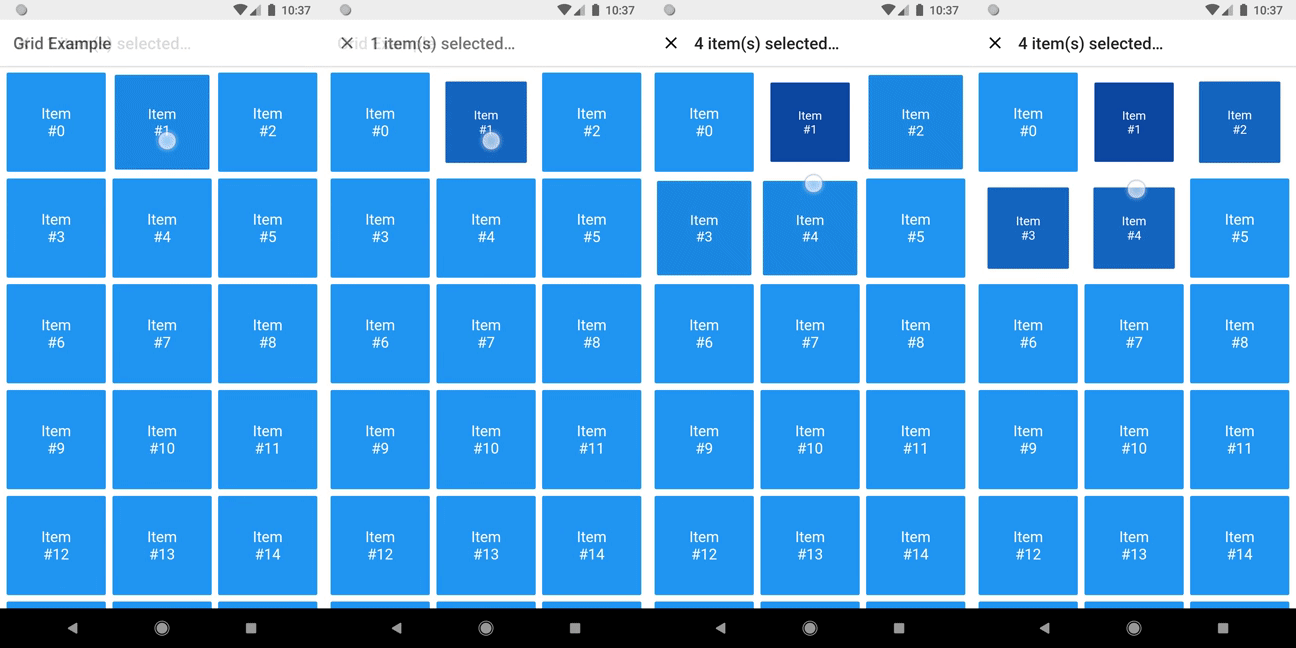
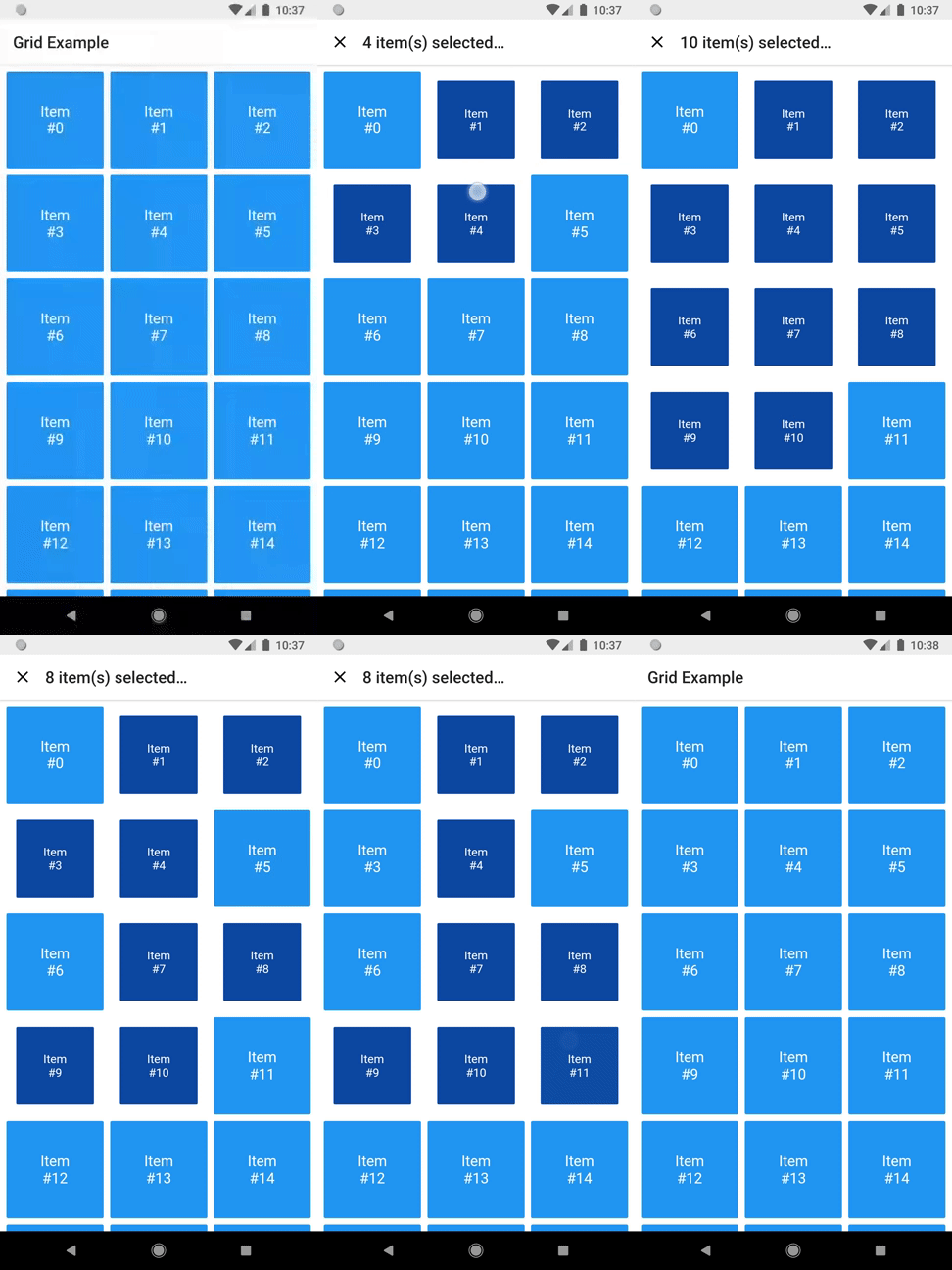
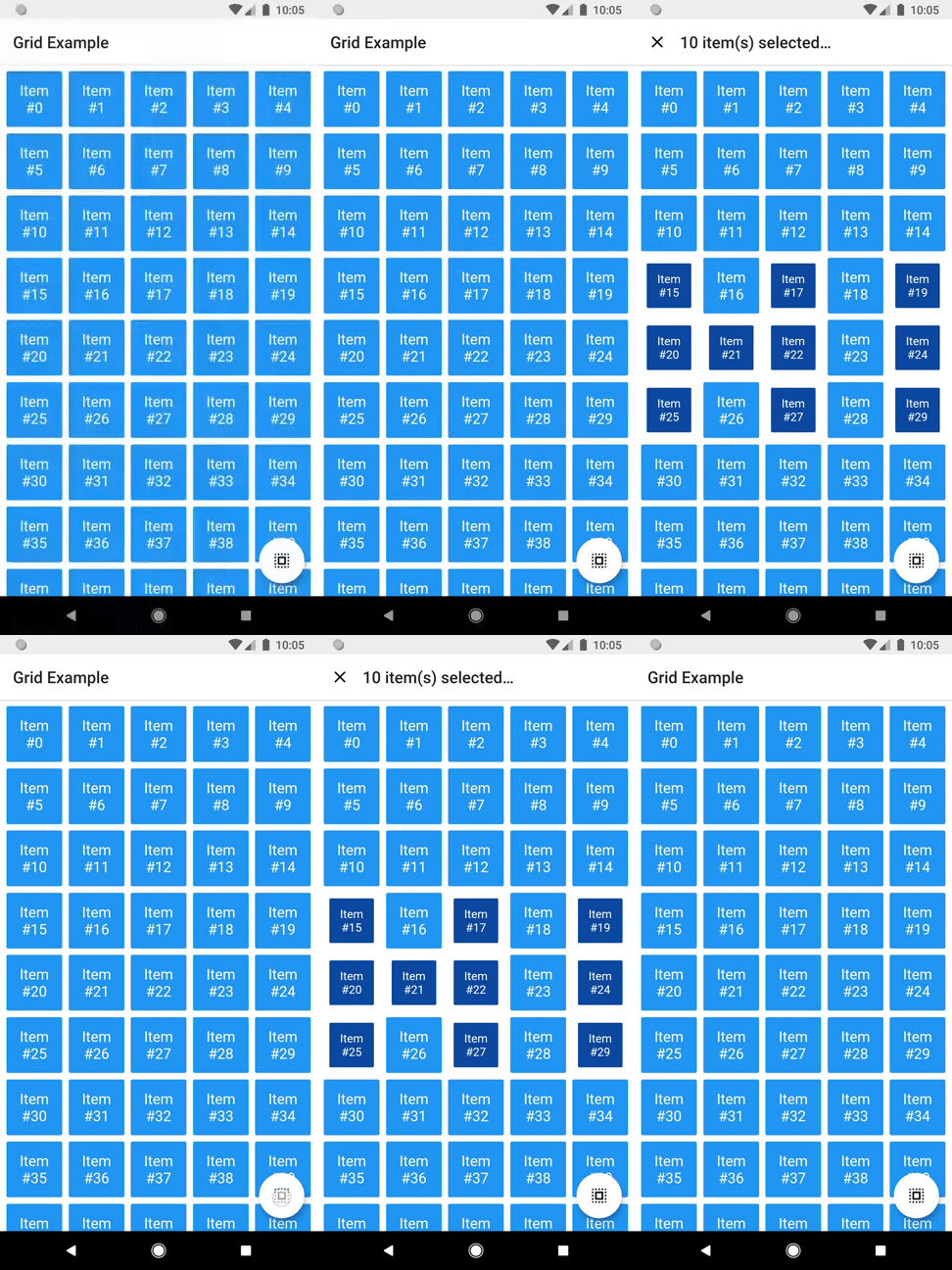
A grid that supports both dragging and tapping to select its items.
Basic usage
DragSelectGridView constructor is very similar to GridView.builder, so you should take your time to understand the latter before diving into this library.
Once you are familiar with GridView.builder, probably the only additional piece of information you'll need is DragSelectGridViewController. With it, you're able to know which indexes are selected.
As you may have noticed in the code above, DragSelectGridView must be used along two other widgets in order to provide a proper user experience. In the example, they are:
SelectableItem: A selectable widget, which is going to visually indicate whether the item is selected or not.
SelectionAppBar: A custom AppBar, which shows the amount of selected items and an option to unselect them.
The example project provides some samples of those widgets. I won't add them to the library, since they are unrelated to the grid itself, but feel free to copy them into your project, as long as you respect the license terms.
Advanced usage
You can use the setter DragSelectGridViewController.value to directly change the selection (I'm not quite sure why you'd need this, but I don't ask questions).
There are some other minor settings you can do to make DragSelectGridView fit your needs, like DragSelectGridView.autoScrollHotspotHeight. Those features are well documented, so I'll let you take your discovery time.
Hopefully, this is everything you need to know to use this library.
Running the example
cd example
flutter create .
flutter run
Thanks ❤️
Once upon a time I asked at Flutter Study Group how to implement a specific feature that I intended to add to this library. Simon Lightfoot offered to help me and effortlessly implemented what eventually became part of this library (check this gist). A big thanks to him.