सार्वजनिक जानकारी से बना चयन मार्गदर्शन। केवल संदर्भ हेतु।
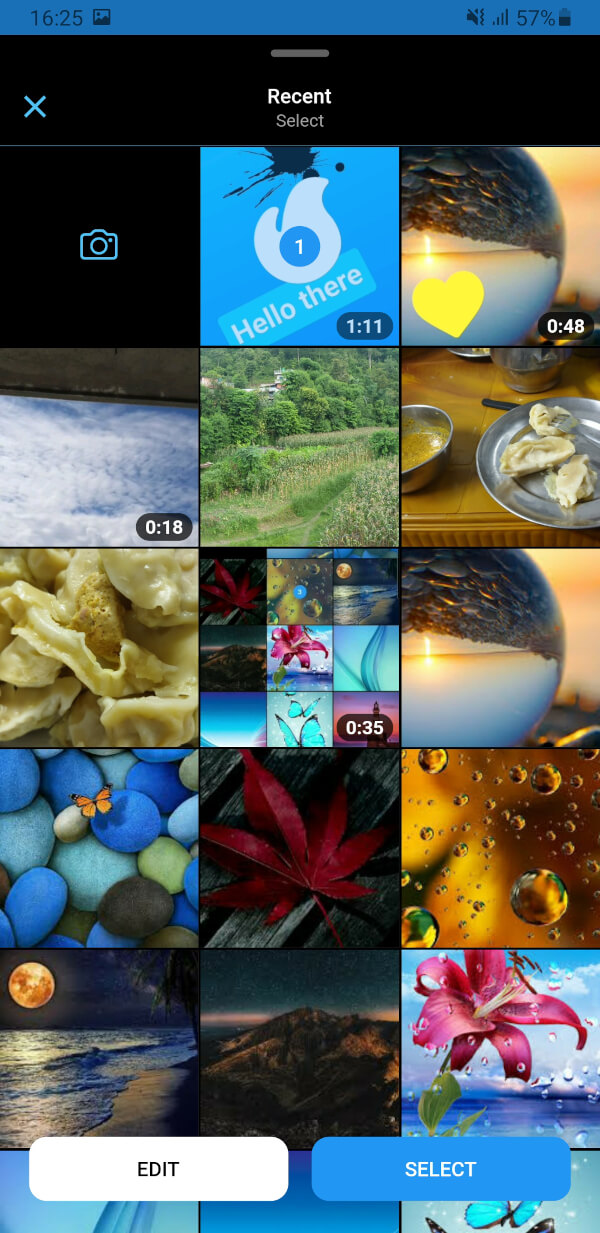
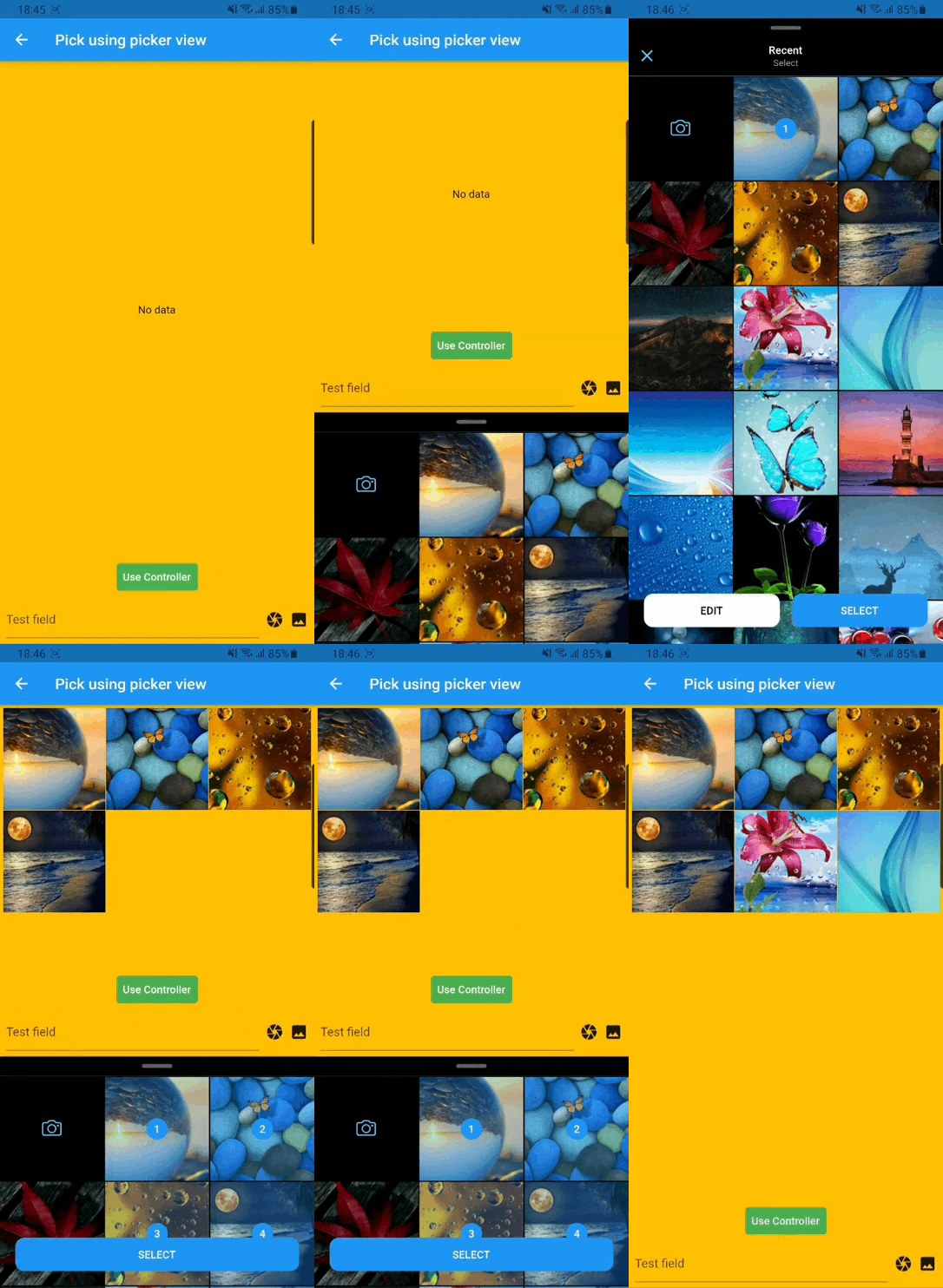
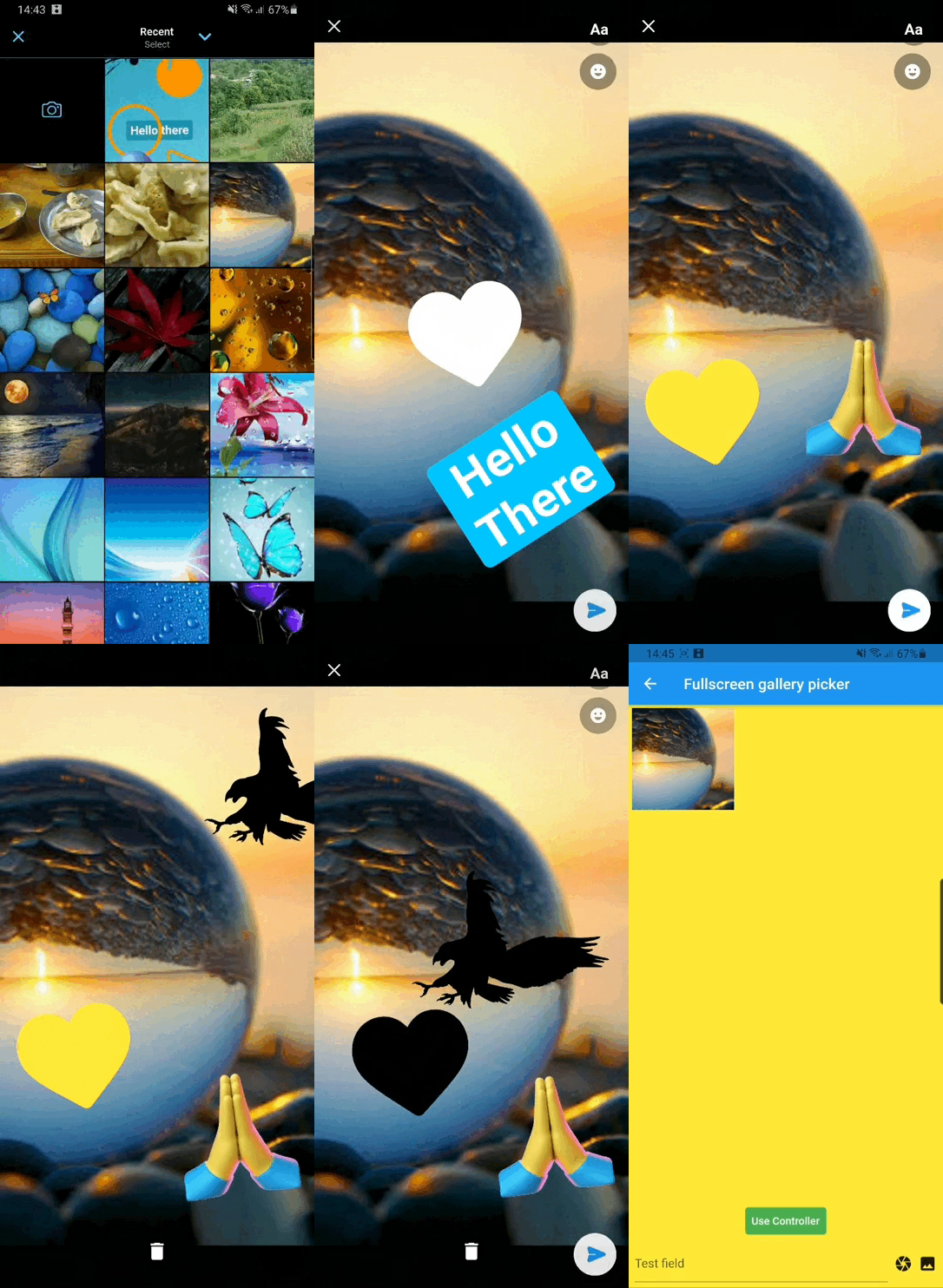
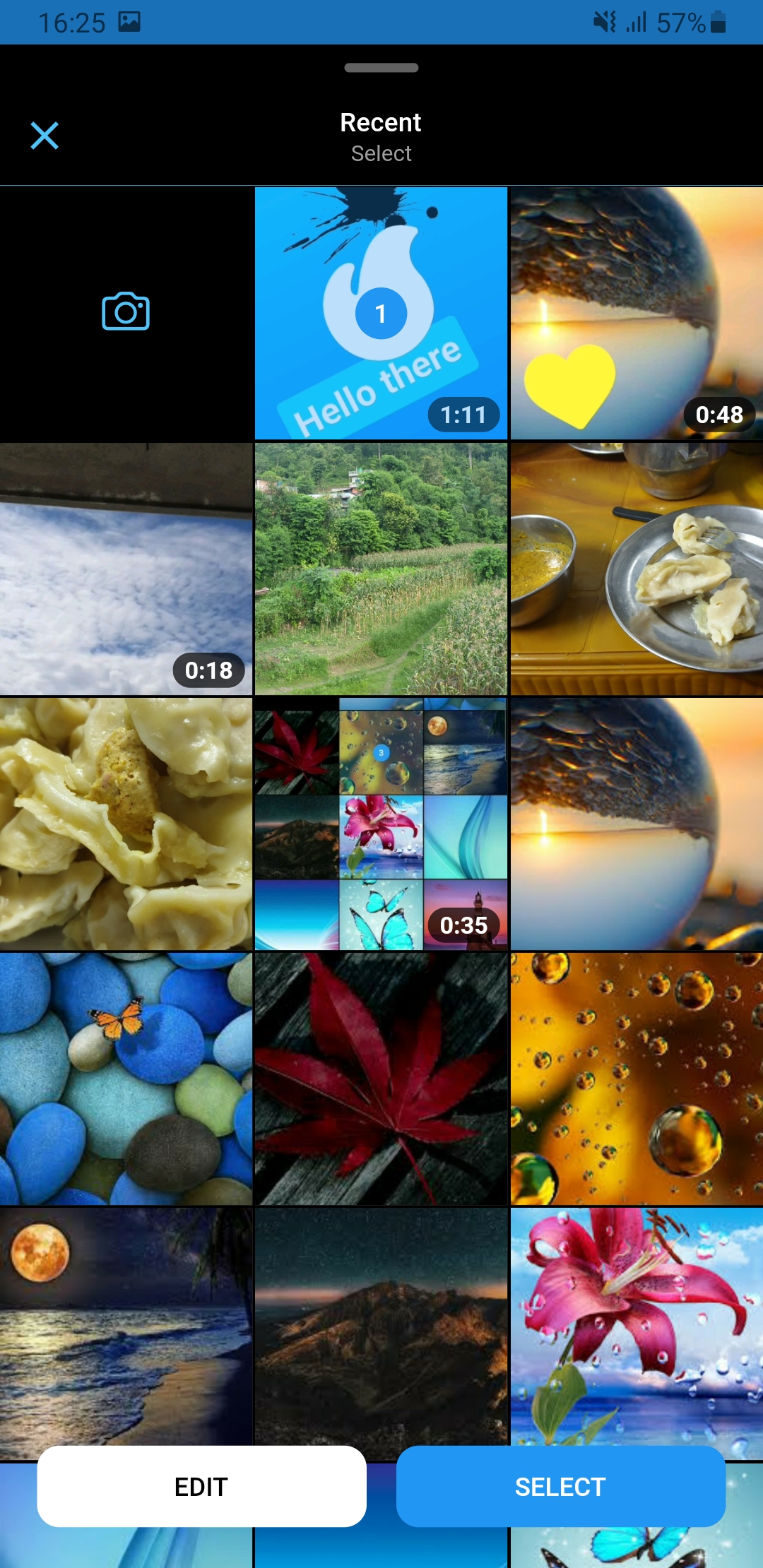
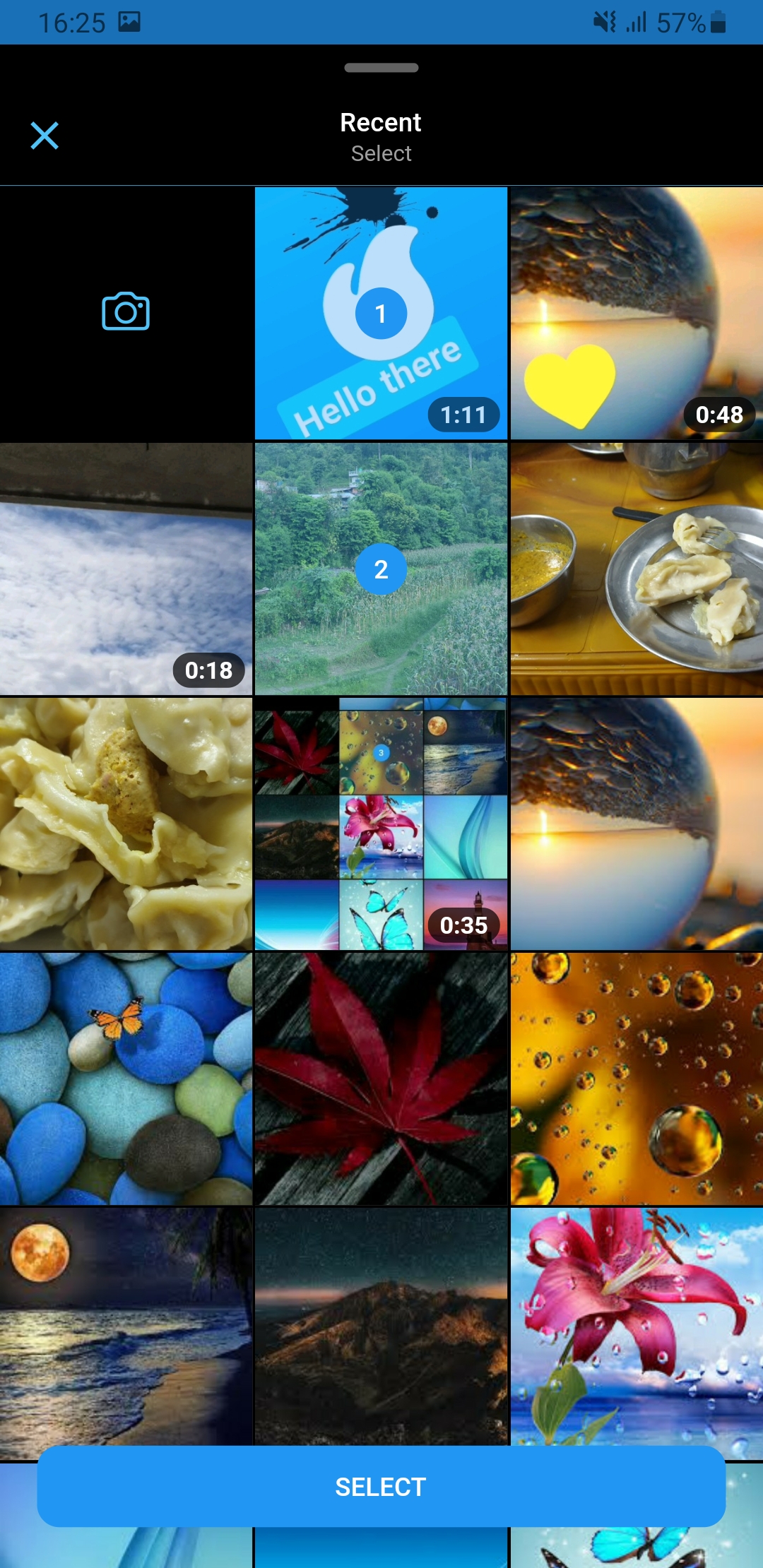
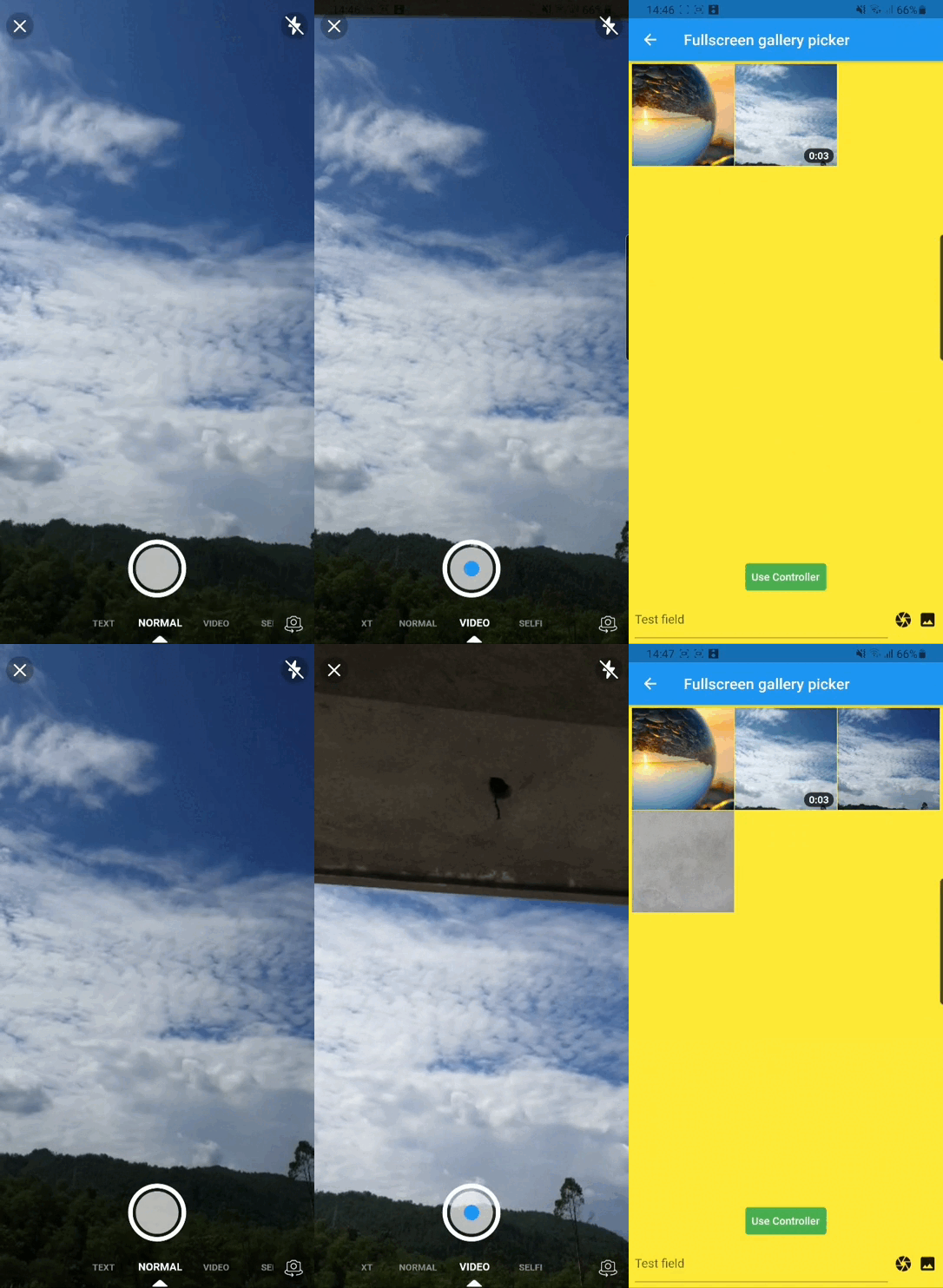
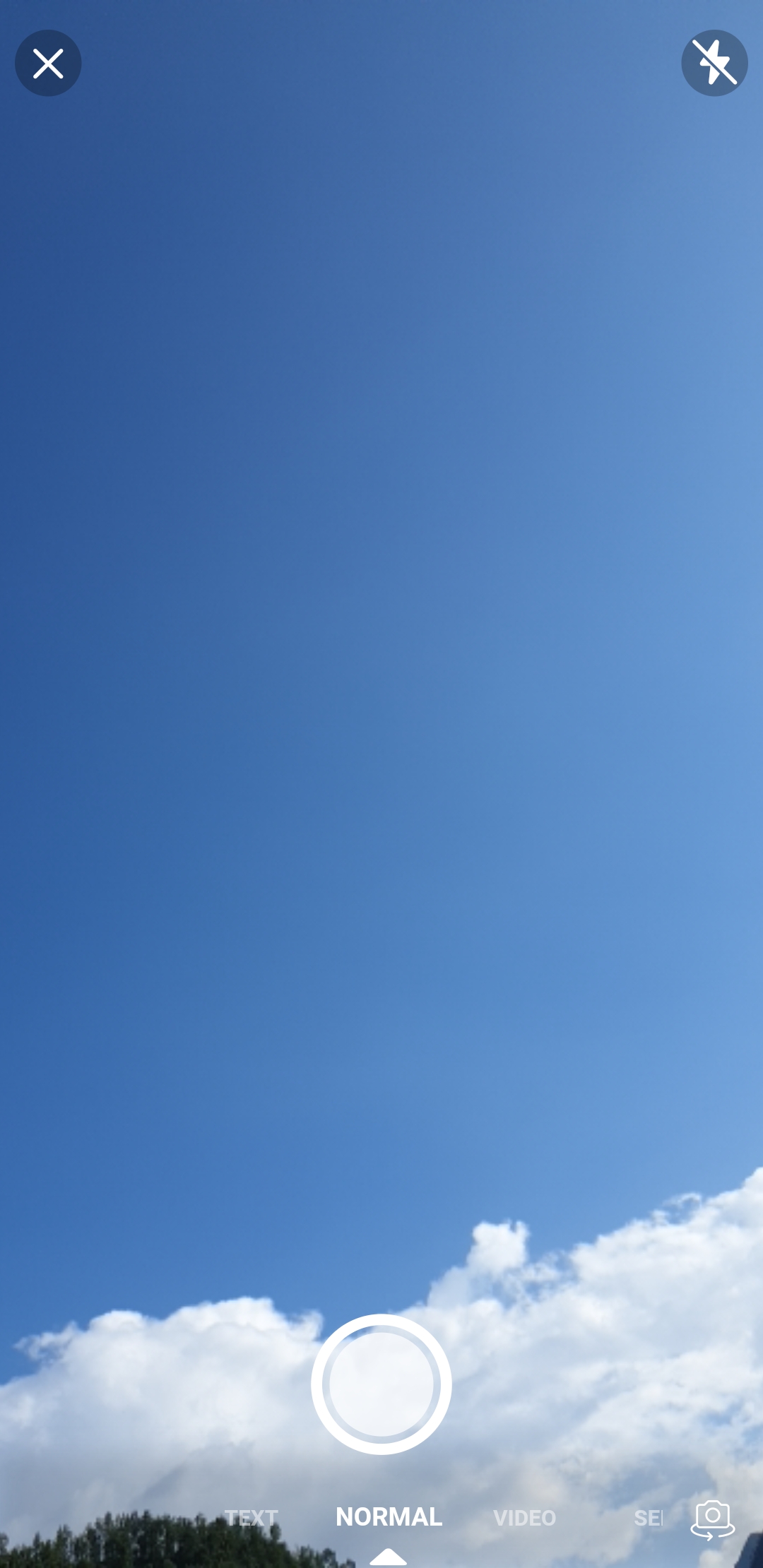
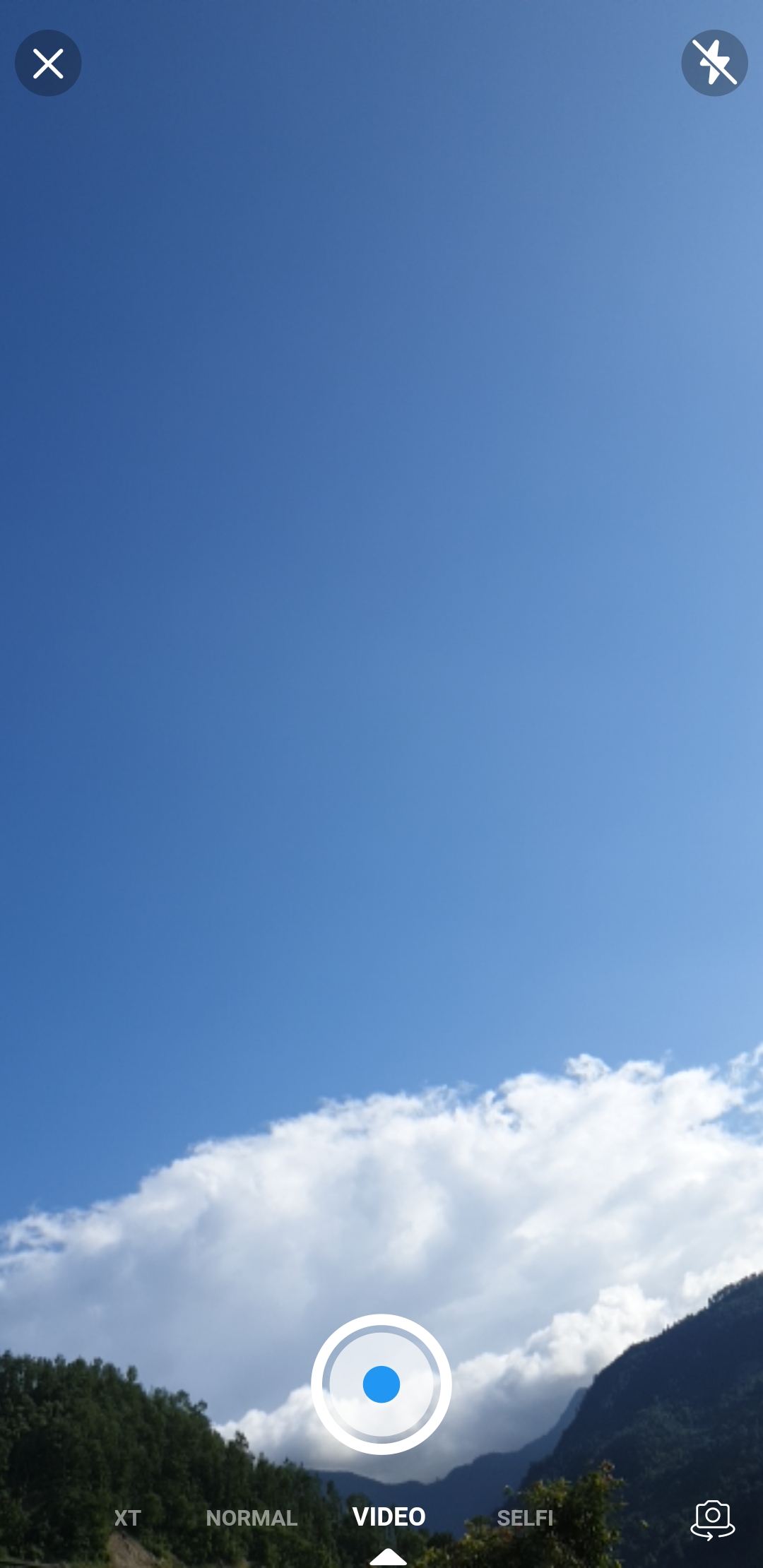
ड्रिश्या पिकर एक फ्लटर पैकेज है जो मैसेजिंग ऐप्स में कैमरा और गैलरी इंटरफ़ेस से प्रेरित एक संसाधन चयनकर्ता प्रदान करता है। यह उपयोगकर्ताओं को एक साफ, सुविधाजनक इंटरफ़ेस के माध्यम से छवियों और वीडियो का चयन करने की अनुमति देता है, जो बिना किसी अतिरिक्त कस्टमाइज़ेशन के आधुनिक उपयोगकर्ता अनुभव प्रदान करता है। इसे फ्लटर के साथ बनाया गया है, जो कैमरा कैप्चर और गैलरी ब्राउज़िंग के बीच चिकनी नेविगेशन को समर्थन देता है, जिससे यह चैट या सोशल मीडिया ऐप्स के लिए आदर्श है। यह पैकेज हल्का है और आसानी से एकीकृत किया जा सकता है, और इसके लिए वर्तमान में कोई प्लेटफ़ॉर्म सीमाएं नहीं बताई गई हैं, जिसका अर्थ है व्यापक संगतता।
उपयोग
मीडिया साझाकरण वाले चैट एप्लिकेशन
सोशल मीडिया पोस्ट निर्माण
उपयोगकर्ता प्रोफ़ाइल फोटो और वीडियो अपलोड
सामग्री निर्माण उपकरण
मीडिया-समृद्ध फॉर्म सबमिशन
मुख्य विशेषताएँ
कैमरा और गैलरी एकीकरण
मैसेंजर-शैली का उपयोगकर्ता इंटरफ़ेस डिज़ाइन
Flutter के साथ सरल एकीकरण
हल्का और कार्यक्षम
सहज मीडिया चयन प्रवाह
इनके लिए उपयुक्त
संदेश ऐप बनाने वाले विकासकर्ता
त्वरित मीडिया अपलोड की आवश्यकता वाले ऐप्स
यूआई-फोकस्ड मल्टीमीडिया पिकर्स
फ्लटर शुरुआती तैयार घटक ढूंढ रहे हैं
मूल जैसा पिकर अनुभव चाहने वाले प्रोजेक्ट
विचार योग्य बातें
स्पष्ट प्लेटफॉर्म समर्थन सूचीबद्ध नहीं है
उपलब्ध दस्तावेज़ सीमित हैं
कैमरा एक्सेस के लिए अतिरिक्त अनुमतियों की आवश्यकता हो सकती है
पूर्ण कार्यक्षमता के लिए बाहरी निर्भरताओं पर निर्भर करता है
उत्पादन वातावरणों में अभी तक व्यापक रूप से अपनाया नहीं गया है
मूल README
संबंधित सोर्स रिपॉज़िटरी के मूल README का स्नैपशॉट। नवीनतम सामग्री के लिए रिपॉज़िटरी देखें।
Drishya Picker
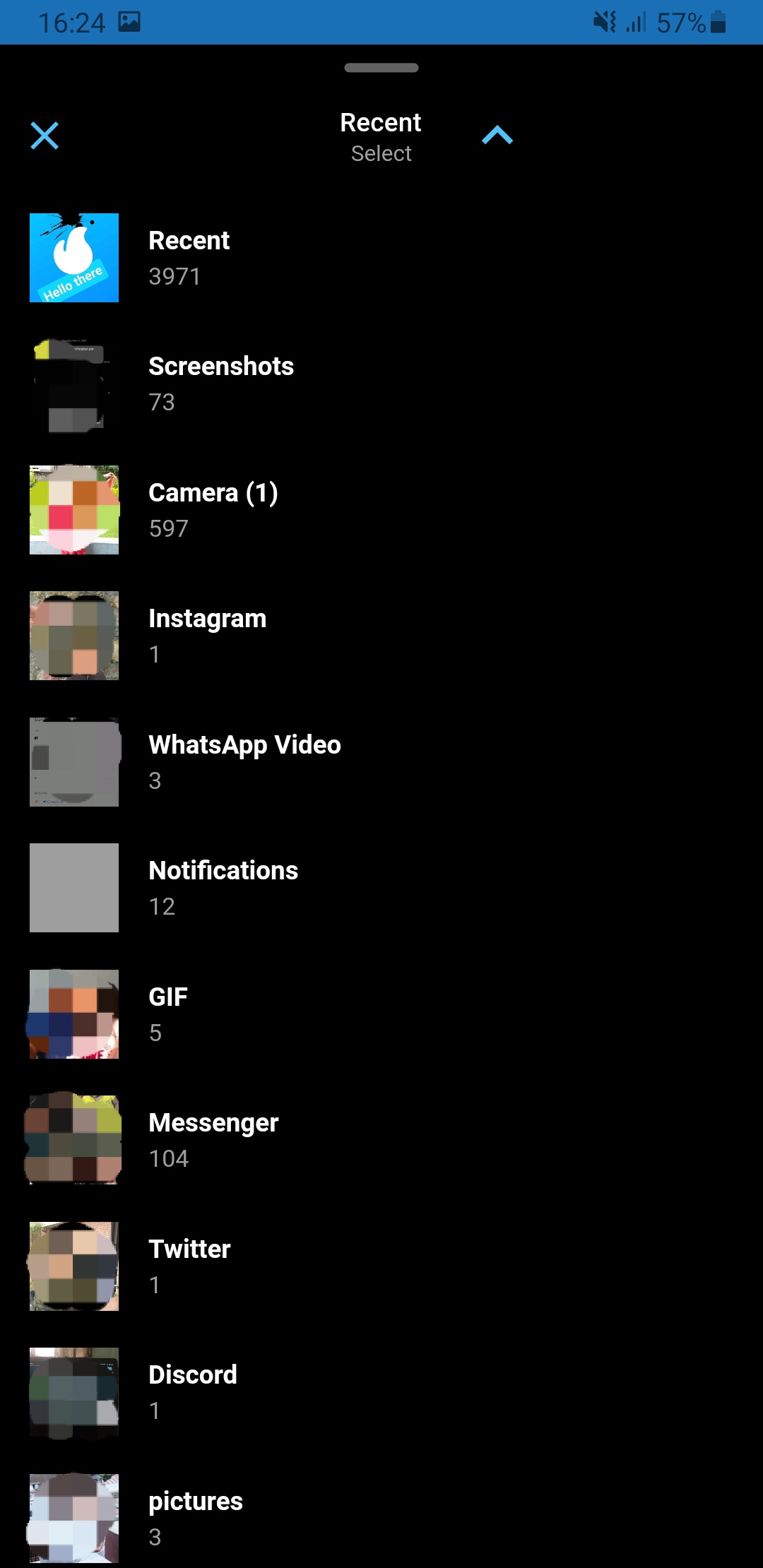
A flutter package which is clone of facebook messenger gallery picker and camera, combined as single component. Gallery view and Camera view can also be use as Flutter widget. Under the hood drishya picker used Photo Manager and Camera.
For more details (if needed) you can go through Photo Manager and Camera readme section as well.
Android
Change the minimum Android sdk version to 21 (or higher) in your android/app/build.gradle file.
minSdkVersion 21
Required permissions: INTERNET, READ_EXTERNAL_STORAGE, WRITE_EXTERNAL_STORAGE, ACCESS_MEDIA_LOCATION.
If you don't need the ACCESS_MEDIA_LOCATION permission,
see Disable ACCESS_MEDIA_LOCATION permission.
glide
Android native use glide to create image thumb bytes, version is 4.11.0.
If your other android library use the library, and version is not same, then you need edit your android project's build.gradle.
This permission is introduced in Android Q. If your app doesn't need this permission, you need to add the following node to the Android manifest in your app.
If you found some warning logs with Glide appearing,
then the main project needs an implementation of AppGlideModule.
See Generated API.
IOS
Add following content to info.plist.
<key>NSPhotoLibraryUsageDescription</key><string>Replace with your permission description..</string><key>NSCameraUsageDescription</key><string>Replace with your permission description..</string><key>NSMicrophoneUsageDescription</key><string>Replace with your permission description..</string>
Gallery
Use SlidableGallery to make gallery view slidable otherwise ignore it.
Using GalleryViewField similarly to flutter TextField to pick media. (Recommended approach, as creating and disposing of the controller has been already cared-of )
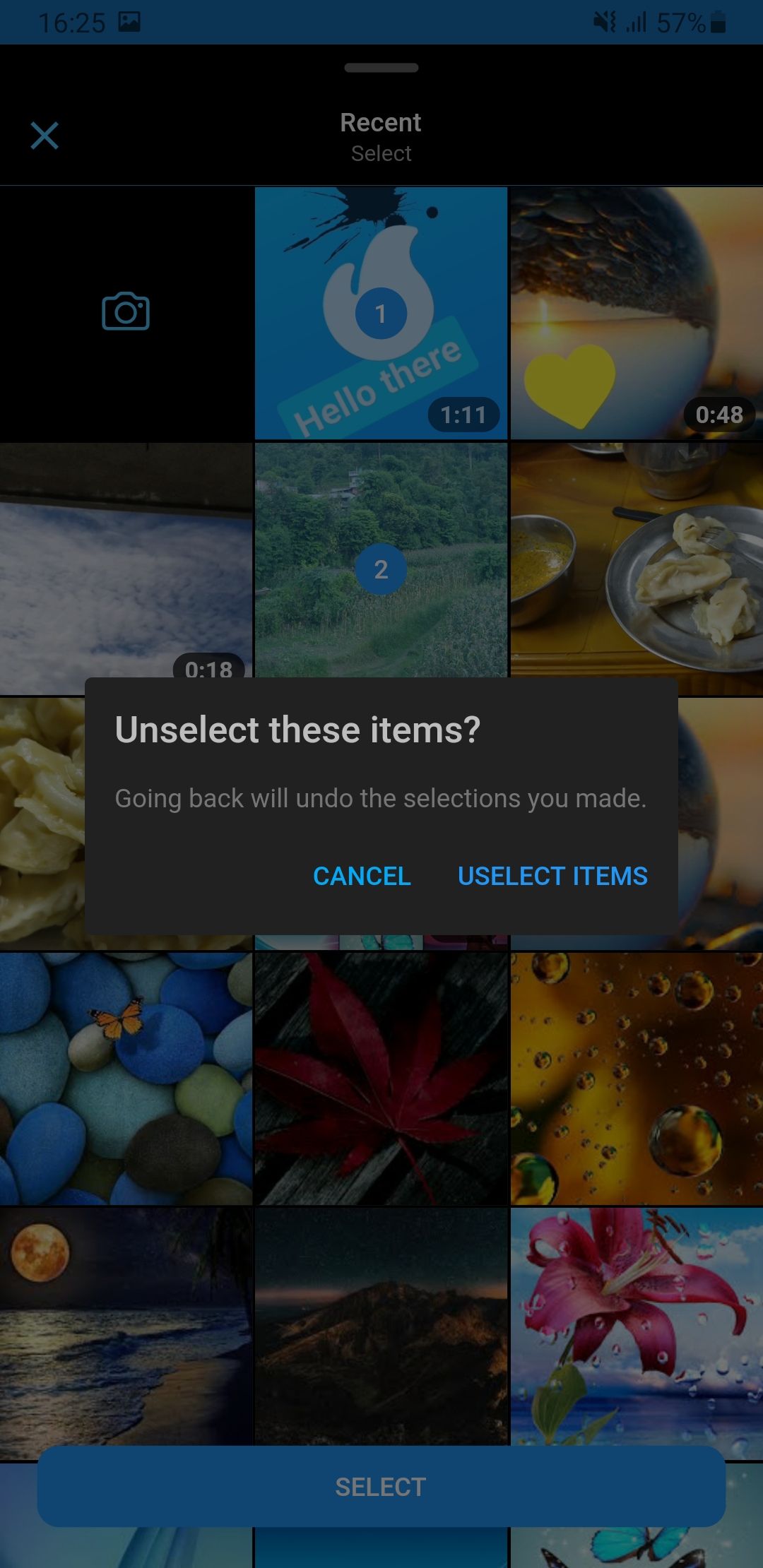
onChanged – triggered whenever a user select/unselect media
onSubmitted – triggered when a user is done with the selection
If you encounter any problems feel free to open an issue. If you feel the library is missing a feature, please raise a ticket on GitHub and I'll look into it. Pull request are also welcome.