पैकेज, रिपॉज़िटरी और ऐप श्रेणियाँ खोजें

पैकेज विवरणv1.0.4

easy_splash_screen

आपके फ्लटर ऐप के लिए आसान स्प्लैश स्क्रीन प्लगइन। आप इस प्लगइन को आसानी से लागू कर स्प्लैश स्क्रीन दिखा सकते हैं और समय बचा सकते हैं।

AndroidiOSWebmacOSWindowsLinux
30-दिन डाउनलोड
1.1 हज़ार
लाइक
72
Pub अंक
150

पैकेज इंस्टॉल करें

flutter pub add easy_splash_screen

पैकेज अवलोकन

सार्वजनिक जानकारी से बना चयन मार्गदर्शन। केवल संदर्भ हेतु।

Easy Splash Screen एक Flutter प्लगइन है जो कई प्लेटफॉर्मों पर स्प्लैश स्क्रीन के कार्यान्वयन को सरल बनाता है। यह विकासकर्ताओं को जटिल कोड लिखे बिना अपने ऐप में कस्टमाइज़ करने योग्य स्प्लैश स्क्रीन जोड़ने की अनुमति देता है। यह प्लगइन Android, iOS, Web, macOS, Windows और Linux का समर्थन करता है, जिससे स्थिर स्टार्टअप अनुभव सुनिश्चित होता है। कम सेटिंग के साथ, यह विकास समय को कम करता है और उपयोगकर्ताओं के लिए पेशेवर पहली छवि प्रदान करता है।

उपयोग

  • नए ऐप में एक स्प्लैश स्क्रीन जल्दी से जोड़ें
  • चित्र या रंग के साथ स्प्लैश प्रस्तुति को कस्टमाइज़ करें
  • प्लेटफॉर्म के बीच सुसंगत स्टार्टअप अनुभव सुनिश्चित करना
  • स्प्लैश स्क्रीन के लिए बॉयलरप्लेट कोड कम करना
  • क्रॉस-प्लेटफॉर्म एप्लिकेशन में स्प्लैश स्क्रीन को एकीकृत करना

मुख्य विशेषताएँ

  • न्यूनतम कोड के साथ सरल सेटअप
  • कई प्लेटफॉर्म का समर्थन
  • कस्टमाइज़ करने योग्य पृष्ठभूमि और छवि
  • देरी के बाद स्वचालित नेविगेशन
  • हल्का और एकीकरण में आसान

इनके लिए उपयुक्त

  • शुरुआती Flutter विकासकर्ता
  • त्वरित स्प्लैश स्क्रीन कार्यान्वयन की आवश्यकता वाले प्रोजेक्ट
  • क्रॉस-प्लेटफॉर्म मोबाइल और डेस्कटॉप एप्लिकेशन
  • एक साफ प्रारंभिक लोडिंग स्क्रीन की आवश्यकता वाले ऐप्स
  • उपयोगकर्ता इंटरफेस सेटअप में समय बचाने के लिए विकासकर्ता

विचार योग्य बातें

  • मूल शैली के अलावा सीमित कस्टमाइज़ेशन
  • अपडेट्स के लिए बाहरी भंडारण पर निर्भर करता है
  • नेविगेशन लॉजिक को हैंडल करने के लिए मैन्युअल हस्तक्षेप की आवश्यकता हो सकती है
  • जटिल स्प्लैश एनीमेशन के लिए उपयुक्त नहीं
  • स्थिर स्प्लैश स्क्रीन के लिए सर्वोत्तम, बल्कि गतिशील सामग्री के लिए नहीं
मूल README

संबंधित सोर्स रिपॉज़िटरी के मूल README का स्नैपशॉट। नवीनतम सामग्री के लिए रिपॉज़िटरी देखें।

Easy Splash Screen

  • easy_splash_screen is a flutter package for easily implement the splash screen in the app

Screenshots

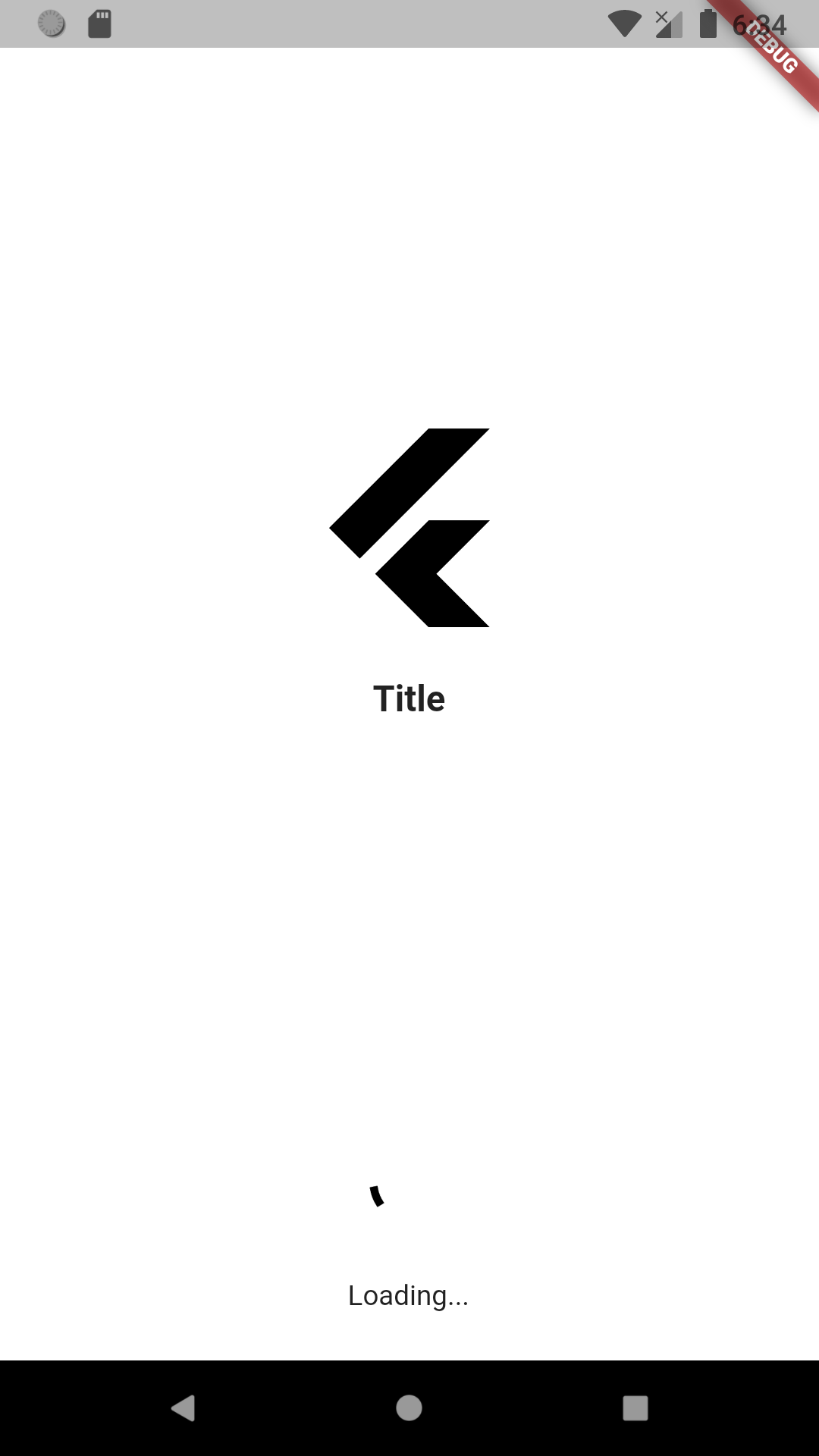
Screenshot

Usage

To use this package :

  • add the dependency to your pubspec.yaml file.
  dependencies:
    flutter:
      sdk: flutter
    easy_splash_screen:
How to use

As time based...

import 'package:easy_splash_screen/easy_splash_screen.dart';
import '../home.dart';
import 'package:flutter/material.dart';

class SplashPage extends StatefulWidget {
  SplashPage({Key? key}) : super(key: key);

  @override
  _SplashPageState createState() => _SplashPageState();
}

class _SplashPageState extends State<SplashPage> {
  @override
  Widget build(BuildContext context) {
    return EasySplashScreen(
      logo: Image.network(
          'https://cdn4.iconfinder.com/data/icons/logos-brands-5/24/flutter-512.png'),
      title: Text(
        "Title",
        style: TextStyle(
          fontSize: 18,
          fontWeight: FontWeight.bold,
        ),
      ),
      backgroundColor: Colors.grey.shade400,
      showLoader: true,
      loadingText: Text("Loading..."),
      navigator: HomePage(),
      durationInSeconds: 5,
    );
  }
}

As future based...

import 'dart:async';

import 'package:easy_splash_screen/easy_splash_screen.dart';
import '../home.dart';
import 'package:flutter/material.dart';

class SplashFuturePage extends StatefulWidget {
  SplashFuturePage({Key? key}) : super(key: key);

  @override
  _SplashFuturePageState createState() => _SplashFuturePageState();
}

class _SplashFuturePageState extends State<SplashFuturePage> {
  Future<Widget> futureCall() async {
    // do async operation ( api call, auto login)
    return Future.value(new HomePage());
  }

  @override
  Widget build(BuildContext context) {
    return EasySplashScreen(
      logo: Image.network(
          'https://cdn4.iconfinder.com/data/icons/logos-brands-5/24/flutter-512.png'),
      title: Text(
        "Title",
        style: TextStyle(
          fontSize: 18,
          fontWeight: FontWeight.bold,
        ),
      ),
      backgroundColor: Colors.grey.shade400,
      showLoader: true,
      loadingText: Text("Loading..."),
      futureNavigator: futureCall(),
    );
  }
}
Parameters
  1. title (Text)
  • App title, shown in the middle of screen in case of no image available
  1. logo (Image)
  • required
  • Your logo to be displayed in the center.
  1. logoWidth (double)
  • default 50
  • logo width as in radius
  1. backgroundColor (Color)
  • Default Colors.white
  1. backgroundImage (ImageProvider)
  • Background image for the entire screen
  1. loaderColor (Color)
  • default Colors.black
  • loader Color.
  1. loadingText (Text)
  • default Text('')
  • Loading text below loader
  1. showLoader (bool)
  • default false
  • Whether to display a loader or not
  1. durationInSeconds (int)
  • default 3
  • durationInSeconds to navigate after for time based navigation
  1. navigator (String or Widget)
  • The page where you want to navigate if you have chosen time based navigation
  1. futureNavigator (Future or Future)
  • expects a function that returns a future, when this future is returned it will navigate
  • If both futureNavigator and navigator are provided, futureNavigator will take priority

श्रेणियाँ

सोर्स रिपॉज़िटरी

इस पैकेज का उपयोग करने वाले प्रोजेक्ट

अभी कोई डेटा उपलब्ध नहीं है।