सार्वजनिक जानकारी से बना चयन मार्गदर्शन। केवल संदर्भ हेतु।
external_app_launcher पैकेज एक Flutter प्लगइन है जो ऐंड्रॉयड और iOS उपकरणों पर स्थापित अन्य एप्लिकेशन को खोलने में सक्षम बनाता है। इसके द्वारा एप्लिकेशन के पैकेज नाम या URL का उपयोग करके बाहरी एप्लिकेशन को आसानी से लॉन्च किया जा सकता है, जिसमें डीप लिंकिंग और एप्लिकेशन-विशिष्ट इंटेंट का समर्थन शामिल है। यह मानचित्र, संदेश प्रेषण या सोशल प्लेटफॉर्म जैसे मूल एप्लिकेशन के साथ एकीकरण के लिए विशेष रूप से उपयोगी है। यह प्लगइन दोनों प्रमुख मोबाइल प्लेटफॉर्मों पर बिना किसी समस्या के काम करता है और सामग्री साझा करने या उपयोगकर्ताओं को तीसरे पक्ष की सेवाओं के लिए पुनर्निर्देशित करने के लिए आदर्श है। इसकी स्थापना न्यूनतम होती है और विश्वसनीय क्रॉस-प्लेटफॉर्म कार्यक्षमता प्रदान करता है।
उपयोग
स्थान डेटा से मानचित्र ऐप खोलें
मैसेजिंग ऐप्स में उपयोगकर्ताओं को पुनर्निर्देशित कर रहे हैं
सामाजिक मीडिया ऐप्स को साझा करने के लिए लॉन्च करना
भुगतान या ईमेल ऐप्स के साथ एकीकरण
विशिष्ट ऐप स्क्रीन के लिए डीप लिंक सक्षम करें
मुख्य विशेषताएँ
Android और iOS प्लेटफॉर्म का समर्थन करता है
बाहरी एप्लिकेशन लॉन्च करने के लिए सरल API
पैकेज नाम और URL का प्रबंधन करता है
गहन लिंकिंग सक्षम करता है
प्लेटफॉर्म के अनुकूलता
इनके लिए उपयुक्त
ऐप रीडायरेक्शन की आवश्यकता वाले ऐप
साझा करने या एकीकरण विशेषताएं
तीसरे पक्ष की सेवाओं तक नेविगेशन
उपयोगी उपकरण बनाने वाले विकासकर्ता
अर्थ संभालने की आवश्यकता वाले प्रोजेक्ट
विचार योग्य बातें
सही पैकेज नाम या URL की आवश्यकता होती है
लक्ष्य ऐप स्थापित नहीं होने पर विफल हो सकता है
लॉन्च किए गए ऐप के व्यवहार पर सीमित नियंत्रण
कुछ उपकरणों पर अनुमतियाँ की आवश्यकता हो सकती है
प्लेटफॉर्म-विशिष्ट कार्यान्वयन पर निर्भर करता है
मूल README
संबंधित सोर्स रिपॉज़िटरी के मूल README का स्नैपशॉट। नवीनतम सामग्री के लिए रिपॉज़िटरी देखें।
Overview
A Flutter plugin which helps you to open another app from your app. The package asks you for four parameters out of which two are mandatory.
Getting Started
1. Add package to your project
Complete description to add this package to your project can be found here.
2. To setup native performance for the application in order to launch external apps
For opening apps in android
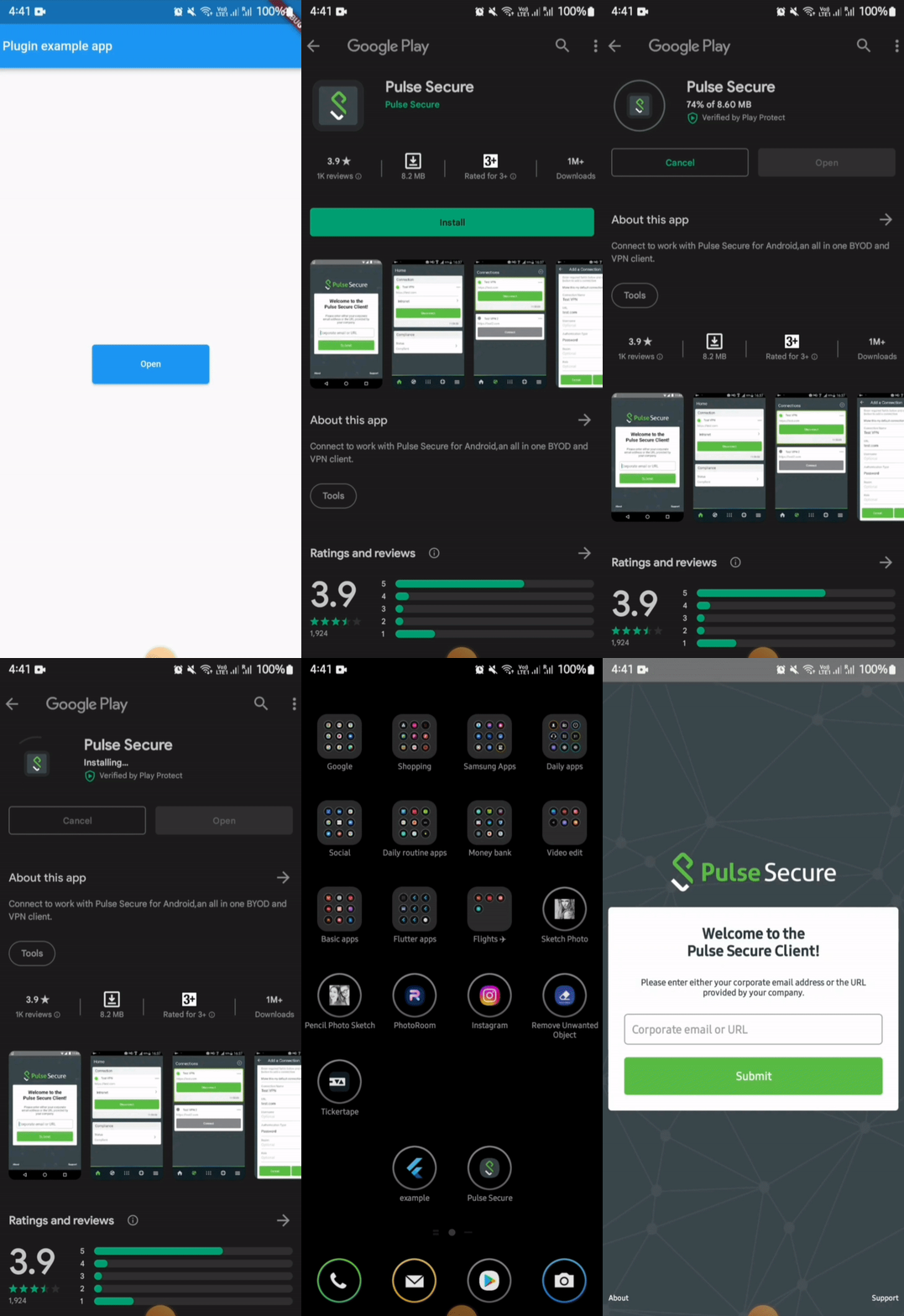
For opening an external app from your app in android, you need provide packageName of the app.
If the plugin finds the app in the device, it will be launched. But if the app is not installed in the device then it leads the user to playstore link of the app.
⚠️ Android 11+ Package Visibility (Required)
On Android 11 (API 30) and above, the OS restricts which packages your app can query. If you do not declare the target package in your AndroidManifest.xml, both isAppInstalled() and openApp() will silently behave as if the app is not installed — even if it is.
You must add a <queries> block above the <application> tag in your android/app/src/main/AndroidManifest.xml for every package you want to interact with:
<manifestxmlns:android="http://schemas.android.com/apk/res/android"><queries><!-- Declare every package you want to check or launch --><packageandroid:name="net.pulsesecure.pulsesecure" /><packageandroid:name="us.zoom.videomeetings" /><packageandroid:name="com.instagram.android" /><!-- Add more packages as needed --></queries><application...>
...
</application></manifest>
Note: Without this declaration, isAppInstalled('us.zoom.videomeetings') will always return false on Android 11+ even if Zoom is installed.
Tip: If you want to query all apps (not recommended for privacy), you can use the QUERY_ALL_PACKAGES permission instead, but this requires justification when publishing to the Play Store.
⚠️ Android 10+ Background Activity Start Limits
On Android 10 (API 29) and above, the OS restricts apps from starting activities from the background (e.g. from background services, background broadcast receivers, or background notifications). Attempting to do so will result in a SecurityException being caught and a descriptive error message being returned.
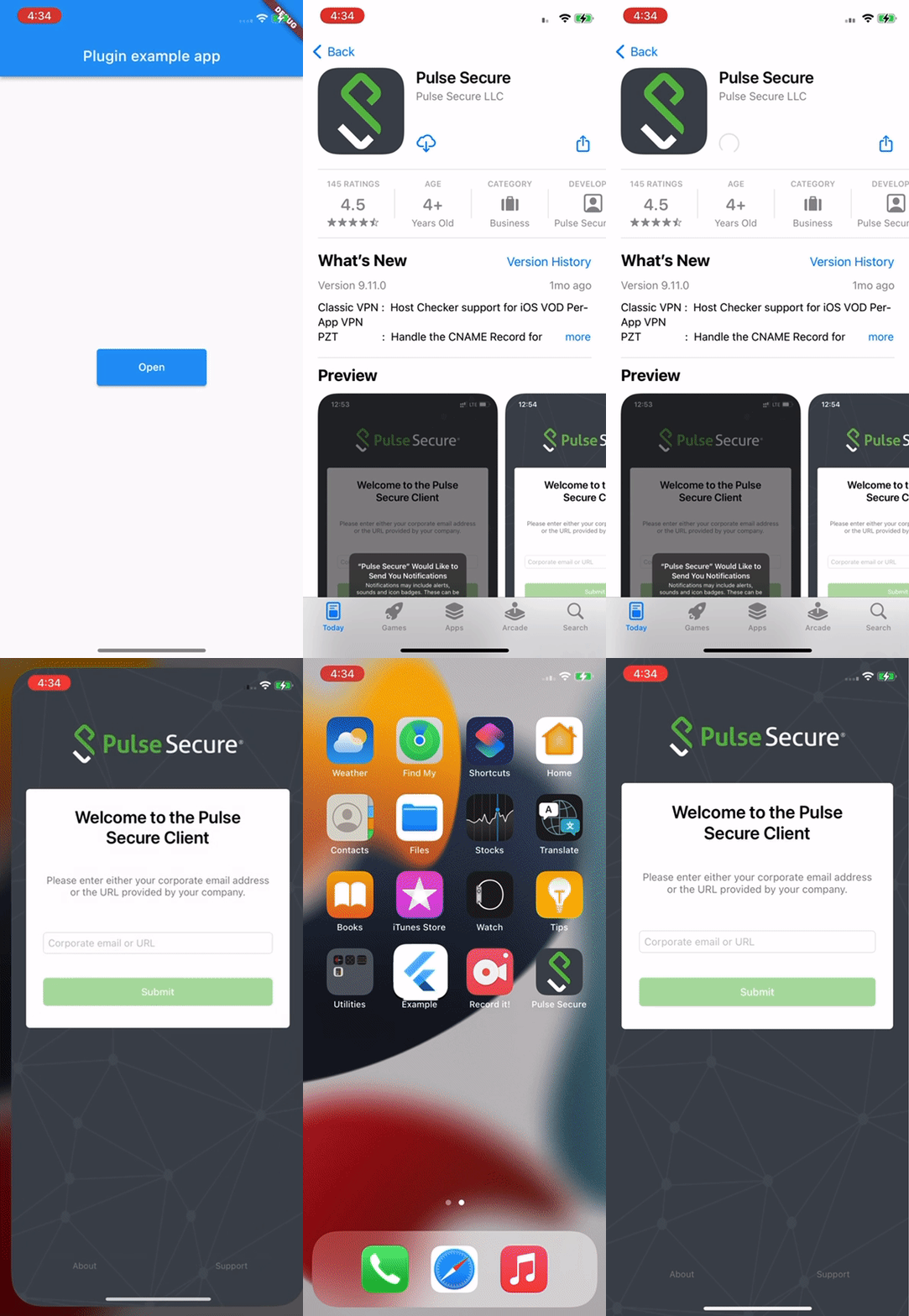
In iOS, for opening an external app from your app, you need to provide the URL scheme of the target app.
⚠️ iOS Platform Limitation: URL Schemes Required
Due to iOS security sandboxing, it is impossible to launch or query external apps using package names/bundle IDs or without a registered custom URL scheme (e.g., instagram://).
You must obtain the target app's custom URL scheme.
If your app's deployment target is iOS 9 or above, you must also whitelist the scheme in your Info.plist under LSApplicationQueriesSchemes (see below).