सार्वजनिक जानकारी से बना चयन मार्गदर्शन। केवल संदर्भ हेतु।
FastCachedNetworkImage एक फ्लटर पैकेज है जिसे नेटवर्क छवियों को कम सेटअप के साथ कुशलता से कैश करने के लिए डिज़ाइन किया गया है। इसमें कस्टमाइज़ किए जा सकने वाले लोडिंग इंडिकेटर, प्रगति प्रतिशत दिखाने और एक विशेष बिल्डर के माध्यम से त्रुटि प्रबंधन के लिए आंतरिक समर्थन है। अतिरिक्त नेटवर्क अनुरोधों को कम करके त्वरित छवि रेंडरिंग और सुधारित प्रदर्शन की आवश्यकता वाले ऐप्स के लिए आदर्श है। यह पैकेज सभी प्रमुख प्लेटफॉर्म जैसे Android, iOS, Web, macOS, Windows और Linux को समर्थन देता है, जिससे यह क्रॉस-प्लेटफॉर्म विकास के लिए बहुत लचीला बन जाता है।
उपयोग
सूचियों में URL से छवियाँ प्रदर्शित करना
चित्र कैशिंग के साथ ऐप प्रदर्शन में सुधार
छवि लोड करते समय लोडिंग स्थिति दिखाएं
बड़ी छवियों के लिए प्रगति सूचक जोड़ें
चित्र लोड विफलता को सुचारू ढंग से संभालना
मुख्य विशेषताएँ
न्यूनतम कोड के साथ आसान एकीकरण
कस्टम लोडर और त्रुटि निर्माणकर्ता के लिए समर्थन
रियल-टाइम डाउनलोड प्रगति ट्रैकिंग
प्लेटफॉर्म के अनुकूलता
स्वचालित छवि कैशिंग
कॉन्फ़िगरेबल कैश आकार और अवधि
इनके लिए उपयुक्त
भारी छवि सामग्री वाले ऐप्स
दूरस्थ छवियों के साथ सूची या ग्रिड दृश्य
प्रदर्शन पर ध्यान केंद्रित विकासकर्मी
छवि लोडिंग के दौरान स्मूथ UX की आवश्यकता वाले प्रोजेक्ट
क्रॉस-प्लेटफॉर्म एप्लिकेशन बनाने वाली टीमें
विचार योग्य बातें
उन्नत उपयोग के लिए कैश प्रबंधन की हस्तचालित कॉन्फ़िगरेशन आवश्यक है
बड़े कैश में डिवाइस स्टोरेज प्रभावित हो सकता है
कैश निकास नीतियों के लिए सीमित कस्टमाइजेशन
बहुत उच्च आवृत्ति के छवि अद्यतन के लिए अनअनुकूलित
कैश्ड संसाधनों के लिए अतिरिक्त मेमोरी की आवश्यकता हो सकती है
मूल README
संबंधित सोर्स रिपॉज़िटरी के मूल README का स्नैपशॉट। नवीनतम सामग्री के लिए रिपॉज़िटरी देखें।
Fast Cached Network Image
A flutter package to cache network image easily, with loader, error builder, and smooth fade transitions.
You can also add beautiful loaders and percentage indicators with the total and download size of the image.
Use fast_cached_network_image: 1.2.9 (without "^") for projects with Flutter SDK version < 3.27.1.
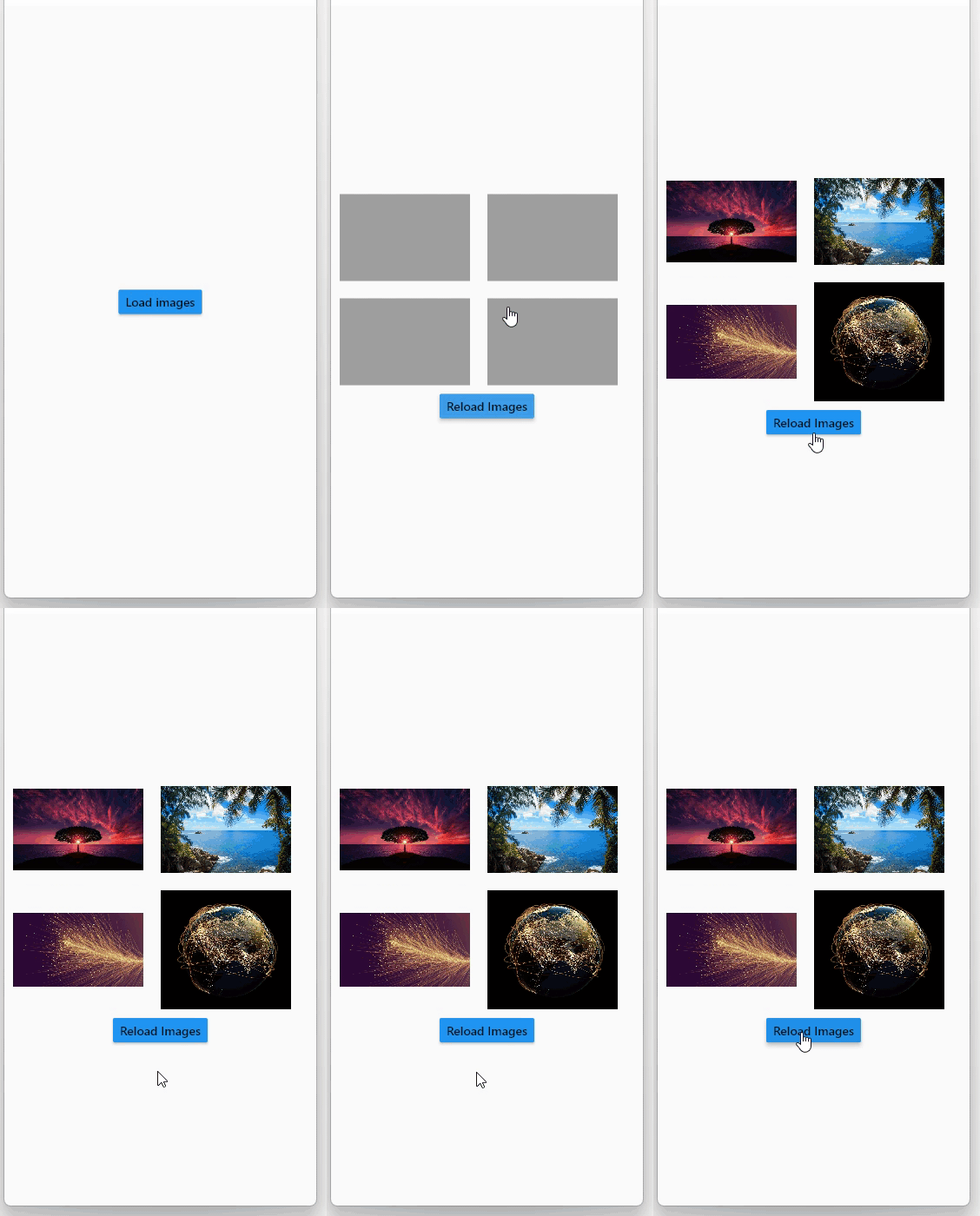
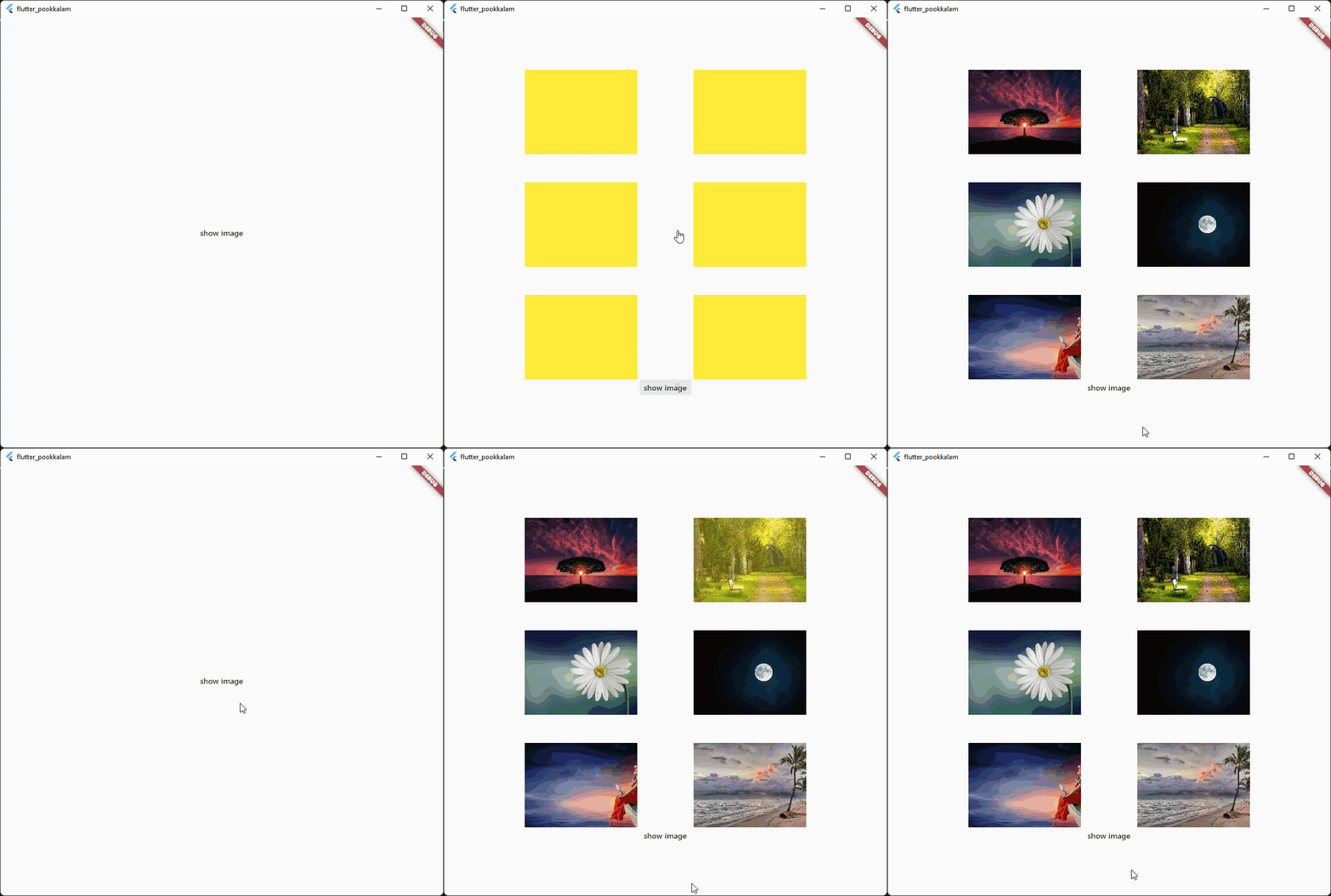
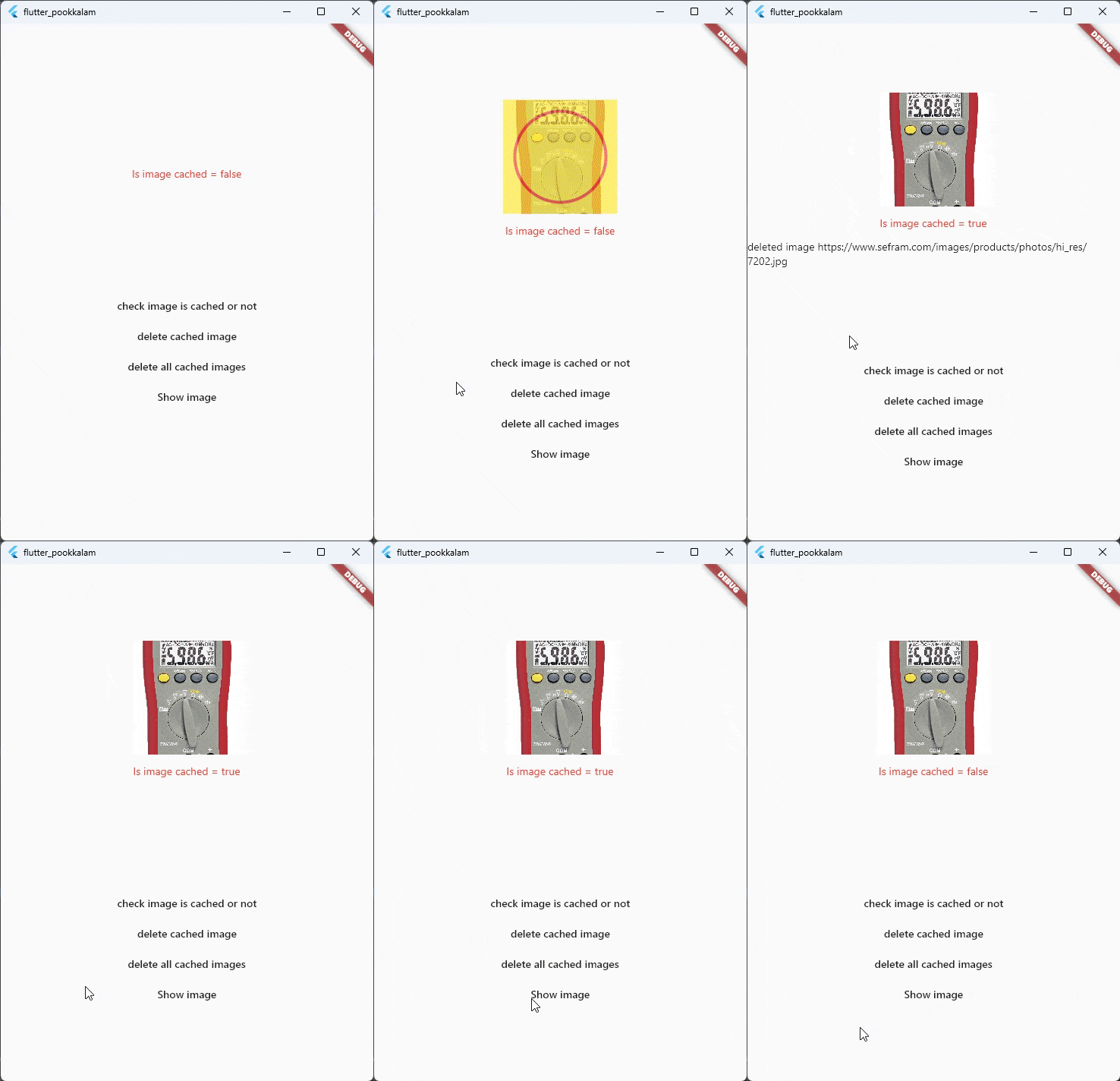
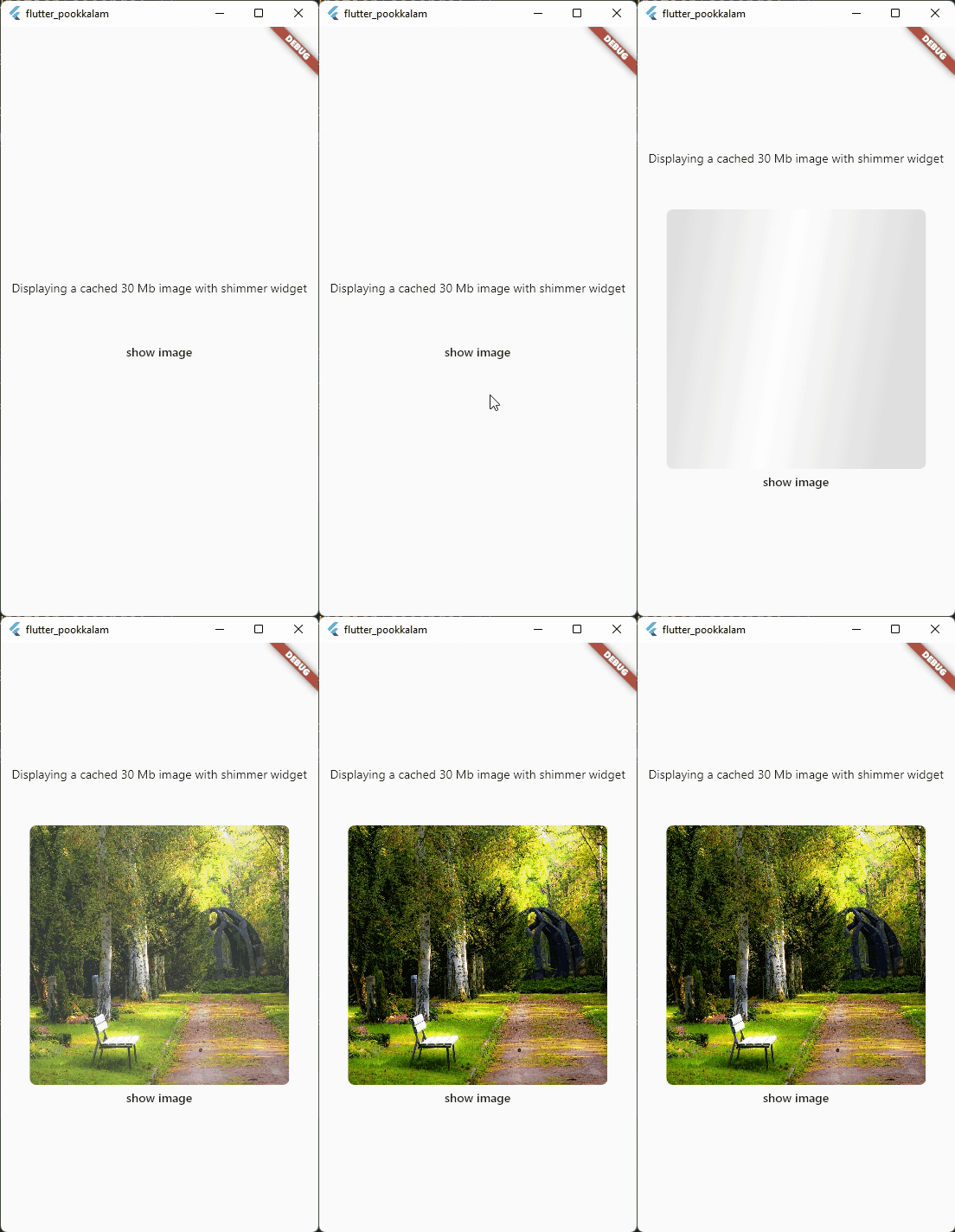
Screenshots
Use shimmer package to create a beautiful loading widget.
and then pass the storageLocation to the subDir parameter.
The clearCacheAfter property is used to set the Duration after with the cached image will be cleared. By default its set to 7 days, which means an image cached today will be deleted when you open the app after 7 days.
loadingBuilder property can be used to display a loading widget such as a shimmer. This widget will be displayed while the image is being downloaded and processed.
loadingBuilder provides a progress property which can be used to display the image download progress with the size(in bytes) of the image.
fadeInDuration: constDuration(seconds: 1);
fadeInDuration property can be use to set the fadeInDuration between the loadingBuilder and the image. Default duration is 500 milliseconds
FastCachedImageConfig.isCached(imageUrl: url));
You can pass in a url to this method and check whether the image in the url is already cached.
This method deletes the image with given url from cache.
FastCachedImageConfig.clearAllCachedImages();
This method removes all the cached images. This method can be used in situations such as user logout, where you need to
clear all the images corresponding to the particular user.
If an image had some errors while displaying, the image will be automatically re - downloaded when the image is requested again.
FastCachedImage have all other default properties such as height, width etc. provided by flutter.
If you want to use an image from cache as image provider, use


 Use


