पैकेज, रिपॉज़िटरी और ऐप श्रेणियाँ खोजें

flip_card कवर
पैकेज विवरणv0.7.0

flip_card

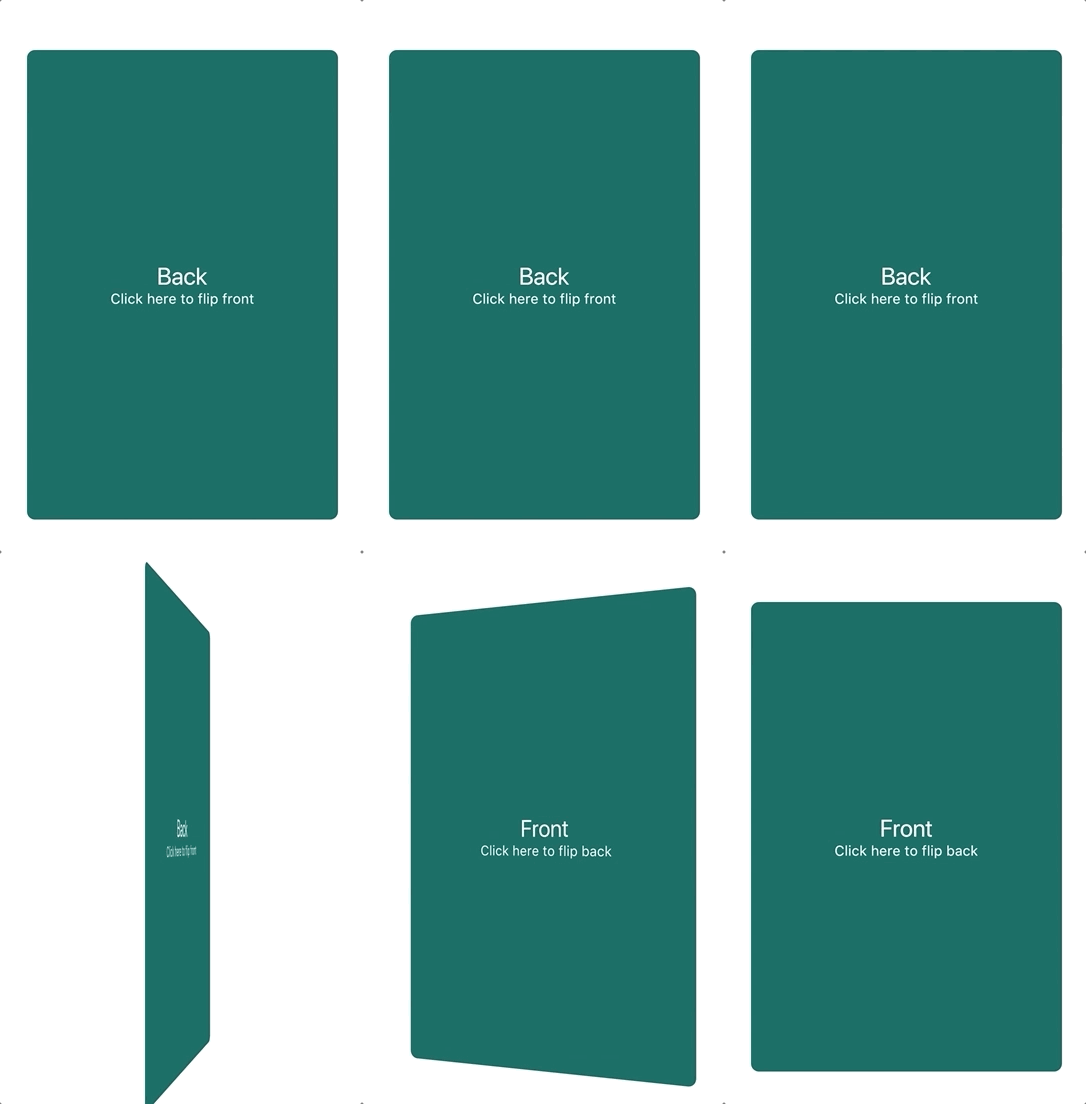
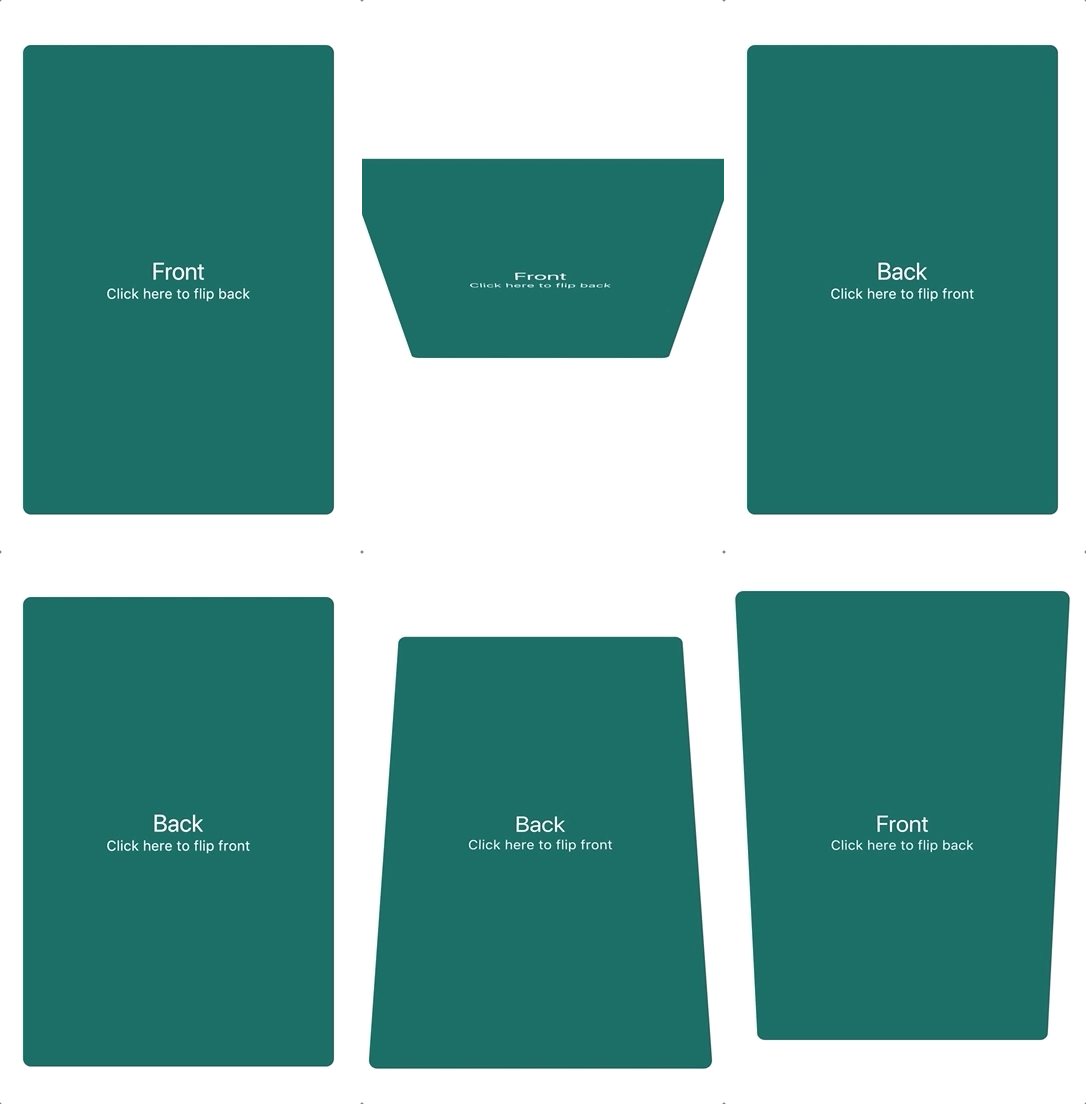
एक कंपोनेंट जो फ्लिप कार्ड एनीमेशन प्रदान करता है। इसका उपयोग उत्पाद के विवरण को छिपाने और दिखाने के लिए किया जा सकता है।

AndroidiOSWebmacOSWindowsLinux
30-दिन डाउनलोड
86.2 हज़ार
लाइक
956
Pub अंक
135

पैकेज इंस्टॉल करें

flutter pub add flip_card

पैकेज अवलोकन

सार्वजनिक जानकारी से बना चयन मार्गदर्शन। केवल संदर्भ हेतु।

FlipCard एक Flutter पैकेज है जो चिकनी फ्लिप कार्ड एनीमेशन को संभव बनाता है, जो उत्पाद विवरण जैसे अतिरिक्त जानकारी को दिखाने के लिए आदर्श है। यह अनुकूलित आगे और पीछे के विजेट्स के साथ इंटरैक्टिव फ्लिपिंग का समर्थन करता है, जो आकर्षक उपयोगकर्ता इंटरफ़ेस के लिए उपयुक्त है। पैकेज सभी मुख्य प्लेटफॉर्म जैसे Android, iOS, Web, macOS, Windows और Linux पर काम करता है, जिससे संगत व्यवहार सुनिश्चित होता है। pub add के माध्यम से सरल एकीकरण के साथ, यह UI अंतरक्रिया को जटिलता के बिना बढ़ाता है।

उपयोग

  • उत्पाद विवरण प्रकट करें
  • इंटरैक्टिव लर्निंग कार्ड्स
  • पहले/बाद की तुलना
  • उपयोगकर्ता प्रोफ़ाइल टॉगल
  • गेमिफाइड UI तत्व

मुख्य विशेषताएँ

  • स्मूथ फ्लिप एनीमेशन
  • कस्टमाइज़ किए गए सामने और पीछे का सामग्री
  • क्रॉस-प्लेटफ़ॉर्म समर्थन
  • Flutter के साथ आसान एकीकरण
  • गतिशील आधारित फ्लिपिंग
  • निर्धारित गति और दिशा

इनके लिए उपयुक्त

  • ई-कॉमर्स ऐप्स
  • शैक्षिक ऐप्स
  • इंटरैक्टिव ट्यूटोरियल
  • डैशबोर्ड विजेट्स
  • UI प्रोटोटाइपिंग

विचार योग्य बातें

  • कम शक्ति वाले उपकरणों पर प्रदर्शन पर प्रभाव पड़ सकता है
  • प्राप्त करने के लिए सावधानी से डिज़ाइन की आवश्यकता होती है
  • केवल 2D फ्लिप प्रभावों तक सीमित
  • जटिल संक्रमण के लिए उपयुक्त नहीं
  • एनीमेशन अन्य गतियों के साथ टकरा सकता है

मूल README

संबंधित सोर्स रिपॉज़िटरी के मूल README का स्नैपशॉट। नवीनतम सामग्री के लिए रिपॉज़िटरी देखें।

flip_card PRs Welcome Pub Package

A component that provides a flip card animation. It could be used for hiding and showing details of a product.

How to use

Import the package

import 'package:flip_card/flip_card.dart';
Default

Create a flip card as shown below. By default the card is touch controlled.

You can turn off touch control by setting flipOnTouch to false.

FlipCard(
  fill: Fill.fillBack, // Fill the back side of the card to make in the same size as the front.
  direction: Axis.horizontal, // default
  initialSide: CardSide.front, // The side to initially display.
  front: Container(
    child: Text('Front'),
  ),
  back: Container(
    child: Text('Back'),
  ),
)
Programmatically
Controller (Recommended)

To control the card programmatically, you can pass a controller when creating the card.

late FlipCardController _controller = FlipCardController();

@override
Widget build(BuildContext context) {
  return FlipCard(
    controller: _controller,
    front: ...,
    back: ...,
  );
}

void doStuff() {
  // Flip the card a bit and back to indicate that it can be flipped (for example on page load)
  _controller.hint(
    duration: const Duration(milliseconds: 400),
  );

  // Tilt the card a bit (for example when hovering)
  _controller.skew(0.2);

  // Flip the card programmatically
  _controller.flip();

  // Flip the card to front specifically
  _controller.flip(CardSide.front);

  // Flip the card without animation
  _controller.flipWithoutAnimation();
}
Global Key

You can also control the card via a global key as shown below.

This is not the recommended way.

final cardKey = GlobalKey<FlipCardState>();

@override
Widget build(BuildContext context) {
  return FlipCard(
    key: cardKey,
    flipOnTouch: false,
    front: Container(
      child: RaisedButton(
        onPressed: () => cardKey.currentState.toggleCard(),
        child: Text('Toggle'),
      ),
    ),
    back: Container(
      child: Text('Back'),
    ),
  );
}
Timed

You can auto-flip the widget after a certain delay without any external triggering.

FlipCard(
  fill: Fill.back, // Fill the back side of the card to make in the same size as the front.
  direction: Axis.horizontal, // default
  initialSide: CardSide.front, // The side to initially display.
  front: Container(
    child: Text('Front'),
  ),
  back: Container(
    child: Text('Back'),
  ),
  autoFlipDuration: const Duration(seconds: 2), // The flip effect will work automatically after the 2 seconds
)

श्रेणियाँ

सोर्स रिपॉज़िटरी

इस पैकेज का उपयोग करने वाले प्रोजेक्ट