एक फ्लटर पैकेज तैरते ड्रैगेबल विजेट के लिए। इस पैकेज के माध्यम से एक विकासकर्ता एक ऐसा विजेट बना सकता है जो स्क्रीन के भीतर स्वतंत्र रूप से खींचा जा सकता है।
सार्वजनिक जानकारी से बना चयन मार्गदर्शन। केवल संदर्भ हेतु।
एक फ्लटर पैकेज जो डेवलपर्स को ऐप इंटरफेस में तैरते हुए, स्वतंत्र रूप से खींचे जा सकने वाले विजेट्स बनाने की अनुमति देता है। यह उपयोगकर्ताओं को छूने या पॉइंटर इंटरैक्शन के माध्यम से स्क्रीन पर किसी भी जगह एक विजेट को ले जाने की अनुमति देता है। फ्लोटिंग पैनल, त्वरित पहुँच उपकरण या कस्टमाइज़ किए जा सकने वाले ओवरले के जैसे इंटरैक्टिव यूआई तत्वों के लिए आदर्श है। यह पैकेज सभी प्रमुख प्लेटफॉर्म जैसे Android, iOS, Web, macOS, Windows और Linux को समर्थन देता है, जिससे उपकरणों के बीच संगत व्यवहार सुनिश्चित होता है।
उपयोग
गतिशील तैरते पैनल बनाना
ड्रैग और ड्रॉप क्विक एक्शन टूल्स को लागू करना
कस्टमाइज़ेबल उपयोगकर्ता इंटरफेस ओवरले का डिज़ाइन करना
इंटरैक्टिव डैशबोर्ड घटक बनाना
उपयोगकर्ता नियंत्रित विजेट स्थाननिर्धारण सक्षम करें
मुख्य विशेषताएँ
स्वतंत्र फॉर्म स्क्रीन ड्रैगिंग
क्रॉस-प्लेटफ़ॉर्म संगतता
मौजूदा विजेट्स के साथ सरल एकीकरण
स्मूथ ड्रैग एनीमेशन
बहुपлатफॉर्म समर्थन
इनके लिए उपयुक्त
इंटरैक्टिव यूआई बनाने वाले डेवलपर्स
हिंदी में आवश्यकता होने वाले चलते तैरते तत्व वाले ऐप
कई प्लेटफॉर्म के लिए लक्षित प्रोजेक्ट्स
UX डिजाइनर डायनामिक लेआउट के प्रोटोटाइप बना रहे हैं
विचार योग्य बातें
सीमा सीमाओं के लिए अतिरिक्त तर्क की आवश्यकता हो सकती है
जटिल नेस्टेड विजेट्स के साथ प्रदर्शन प्रभाव
सीमित निर्मित गेस्चर कस्टमाइज़ेशन
उच्च आवृत्ति ड्रैग परिदृश्यों के लिए अनअनुकूलित
ड्रैग के दौरान विजेट जीवनचक्र का सावधानीपूर्वक निर्माण करने की आवश्यकता होती है
मूल README
संबंधित सोर्स रिपॉज़िटरी के मूल README का स्नैपशॉट। नवीनतम सामग्री के लिए रिपॉज़िटरी देखें।
Features
Support Android, IOS, Web etc.
This package is used to make a widget movable or draggable around the screen freely;
Works fine for any Widget;
Does not affect the functionality or performance of the particular widget;
Used physics law supported animation to make it more attractive;
Demo
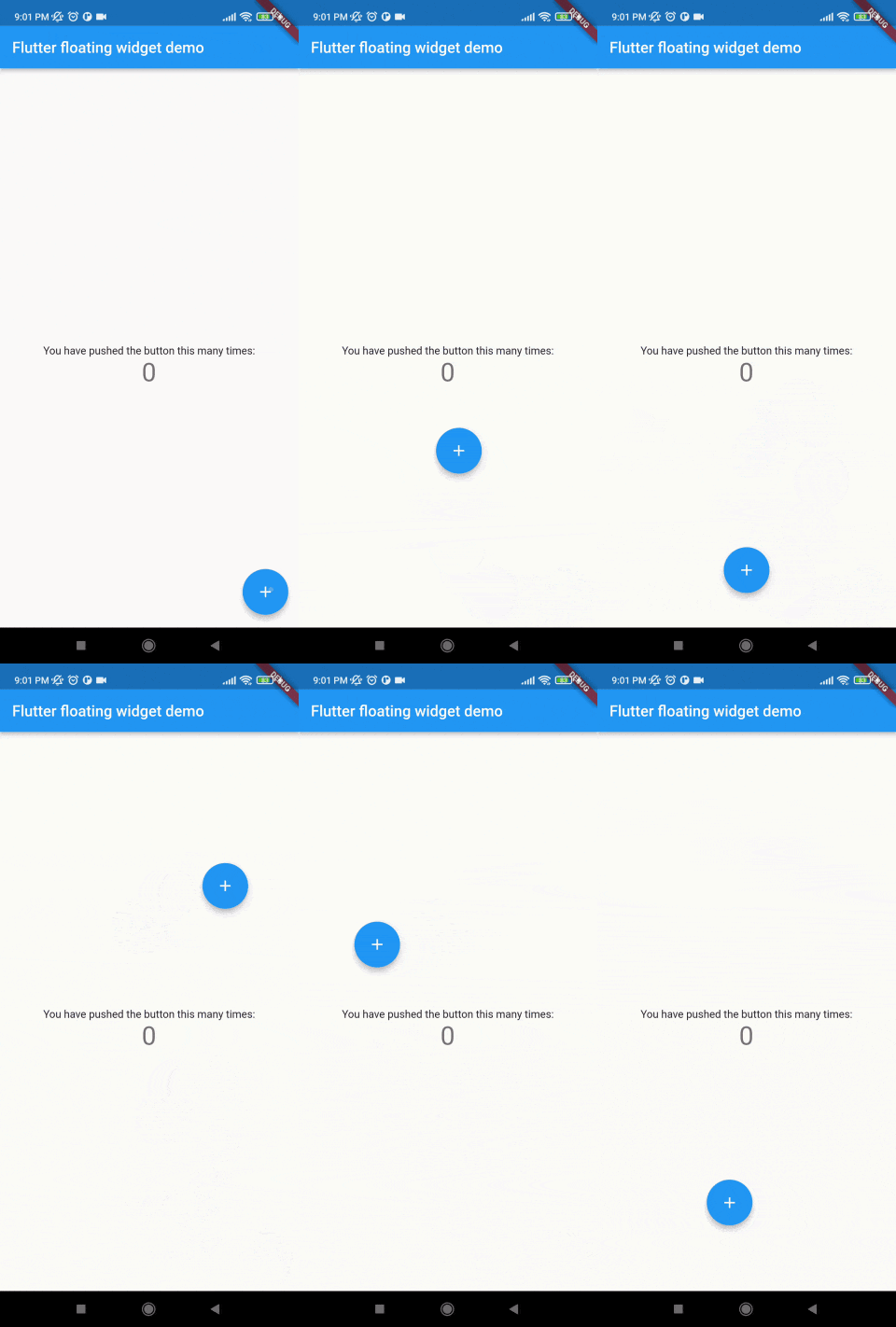
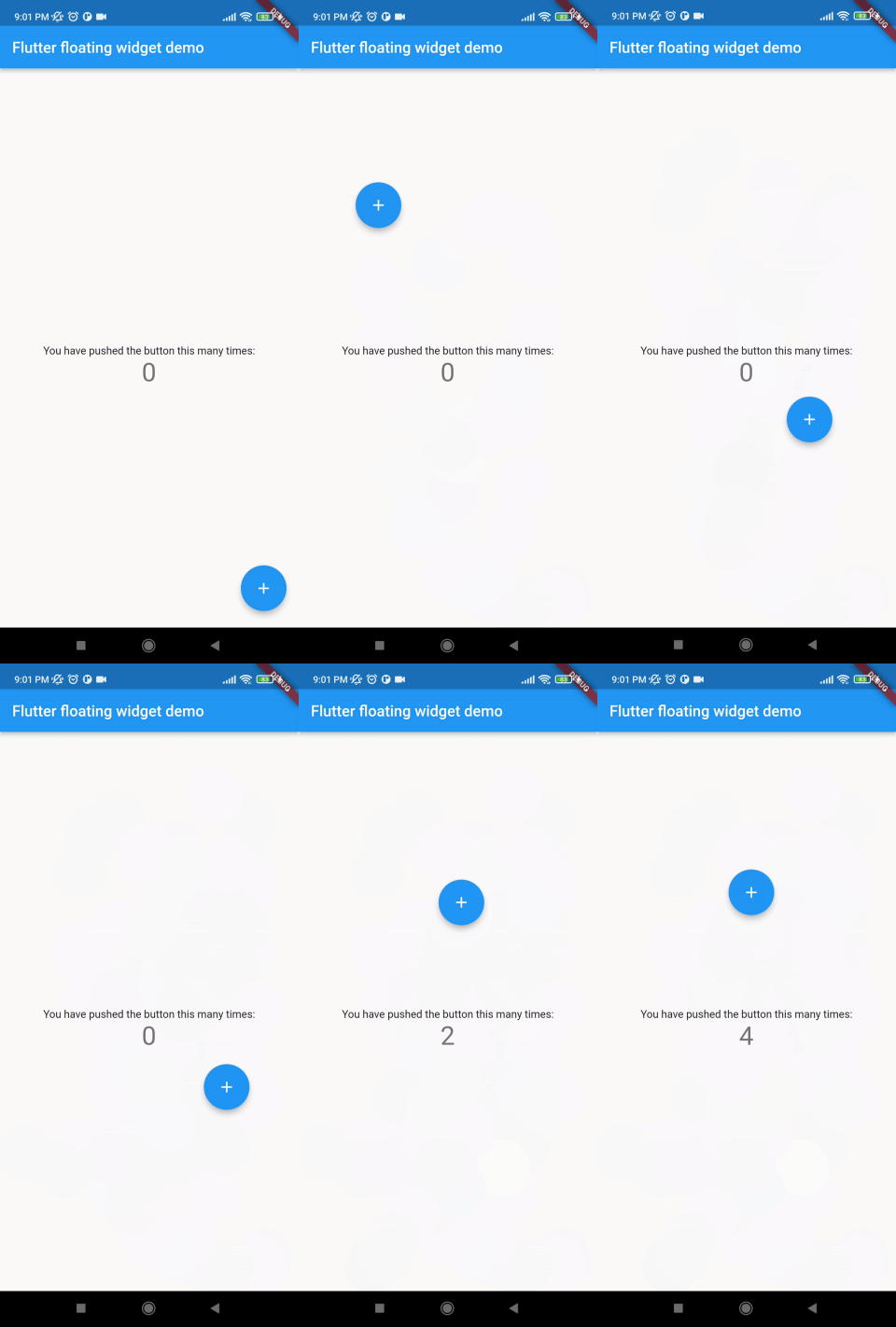
Without auto align
Initially "autoAlign" is false.
autoAlign = false
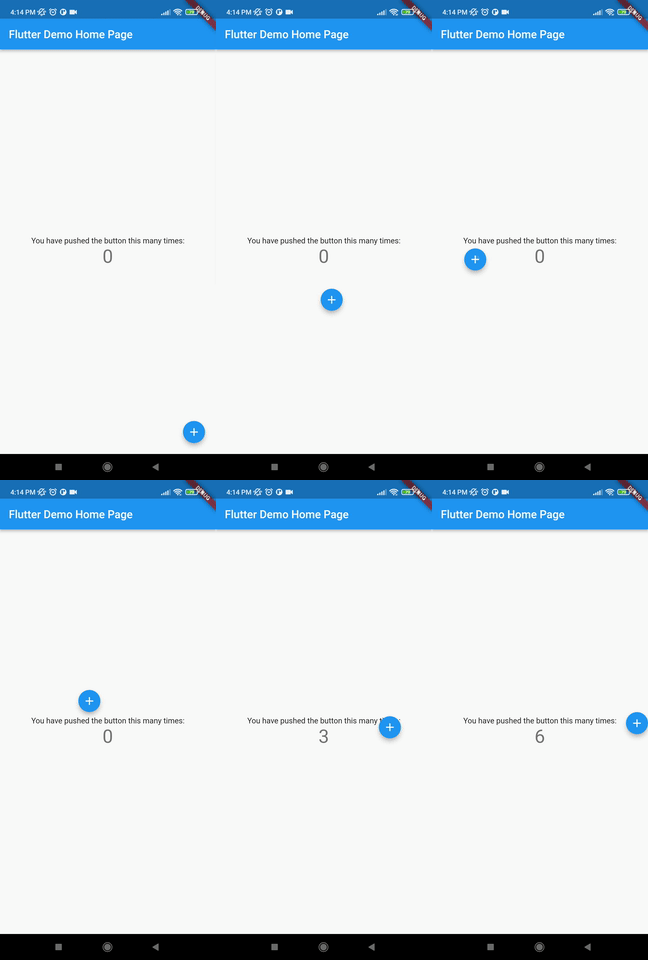
Auto align activated
Add this to your code.
autoAlign = true
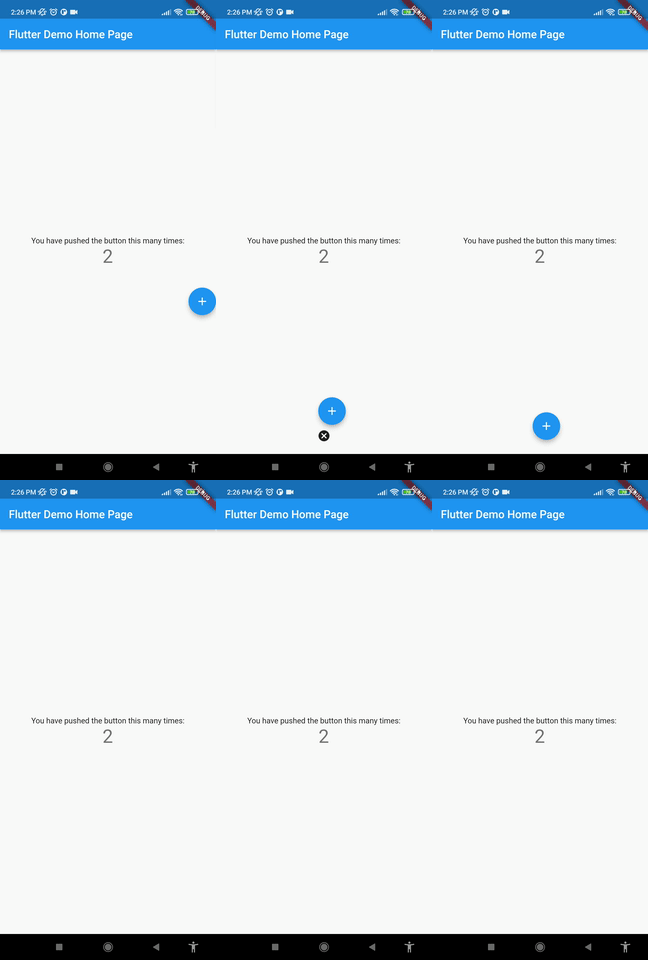
Deletion of the widget
Add this to your code.
deleteWidget: Icon(Icons.cancel),
Getting started
Install
add this in your pubspec.yaml
floating_draggable_widget: ^latest_version
mainScreenWidget is required and it accept any widget. This is actually the base Widget or the parent widget on where the floating widget will be dragged or moved.
floatingWidget is also required and it accept any widget. This is actually the particular widget which will be floated and can be mode or dragged around the screen.
floatingWidgetWidth is also required and it accepts a double value which is the width of the floating widget above mentioned.
floatingWidgetHeight is also required and it accepts a double value which is the height of the floating widget above mentioned.
onDragEvent is a function is not required, which is a event listener of the current position of floating widget, which provides only the x axis as dx and y axis as xy.
autoAlignType is a enum type. which has 3 type. onlyRight, onlyLeft, both. by default it is both. if autoAlign is true then this determines the on which side the floating widget will land after dragging ends.
disableBounceAnimation is a bool type. if autoAlign is true then then setting true to disableBounceAnimation can disable the bounce animation.
dy accepts a double value which is the distance from the top of the screen where floating widget will be positioned initially.
dx accepts a double value which is the distance from the left of the screen where floating widget will be positioned initially.
screenHeight accepts a double value which is the height of the screen initially.
screenWidth accepts a double value which is the width of the screen initially.
speed accepts a double value which is the speed factor of the floating widget after it will be let go. The more speed will be provided the slower the object will move after the user let the widget go freely.
isDraggable accepts a boolean value which determines if the widget is draggable or not.
autoAlign accepts a boolean value which determines if the widget will be auto aligns on the left or right after it is being dragged.
deleteWidget accepts a widget which is used to delete the floating widget.
onDeleteWidget accepts a function which is used to delete the floating widget.
deleteWidgetAlignment accepts an alignment value which is used to align the delete widget.
deleteWidgetAnimationCurve accepts an animation curve value which is used to animate the delete widget.
deleteWidgetAnimationDuration accepts an animation duration value which is used to animate the delete widget
hasDeleteWidgetAnimationDuration accepts an animation duration value which is used to animate the delete widget when it is dragging with the delete widget.
deleteWidgetHeight accepts a double value which is used to set the height of the delete widget.
deleteWidgetWidth accepts a double value which is used to set the width of the delete widget.
isCollidingDeleteWidgetHeight accepts a double value which is used to set the height of the delete widget.
isCollidingDeleteWidgetWidth accepts a double value which is used to set the width of the delete widget.
boxDecoration optionally accepts a box decoration value which is used to set the decoration of the delete widget.
deleteWidgetPadding optionally accepts a padding value which is used to set the padding of the delete widget.