सार्वजनिक जानकारी से बना चयन मार्गदर्शन। केवल संदर्भ हेतु।
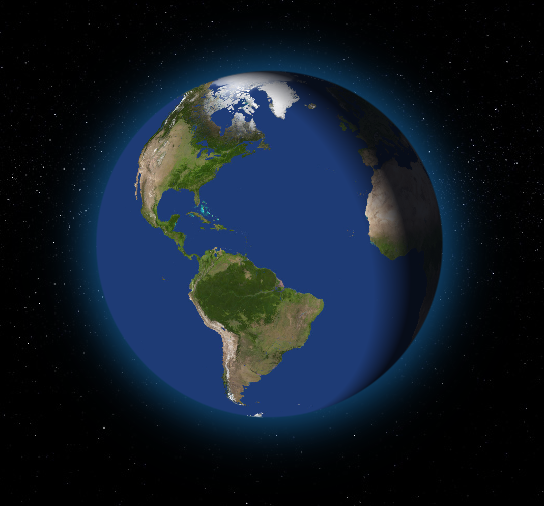
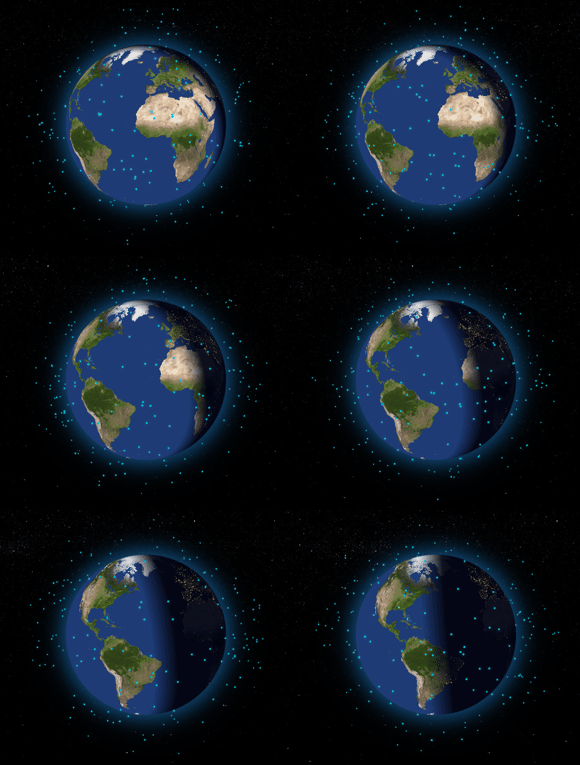
एक पूरी तरह से कस्टमाइज़ किया गया 3D इंटरैक्टिव ग्लोब विजेट जो पूरी तरह से डार्ट में बनाया गया है, जिससे डेवलपर्स कई प्लेटफॉर्मों पर वास्तविक पृथ्वी मॉडल को दिखाने और संशोधित करने में सक्षम होते हैं। इस पैकेज में स्मूथ रोटेशन, ज़ूमिंग और टच इंटरैक्शन का समर्थन है, जिससे यह भौगोलिक विजुअलाइज़ेशन, शैक्षिक एप्लिकेशन या डेटा डैशबोर्ड के लिए आदर्श है। यह शुद्ध डार्ट का उपयोग करके क्रॉस-प्लेटफॉर्म संगतता को सुनिश्चित करता है, बिना किसी नेटिव निर्भरता के। ग्लोब को कस्टम टेक्सचर, लाइटिंग और एनिमेशन के साथ स्टाइल किया जा सकता है, जिससे रचनात्मक अनुप्रयोगों के लिए लचीलापन प्रदान किया जाता है।
उपयोग
भौगोलिक डेटा विज़ुअलाइज़ेशन
शैक्षिक ऐप्स
इंटरैक्टिव मानचित्र
यात्रा और पर्यटन ऐप्स
पर्यावरण मॉनिटरिंग डैशबोर्ड
मुख्य विशेषताएँ
शुद्ध डार्ट कार्यान्वयन
क्रॉस-प्लेटफ़ॉर्म समर्थन
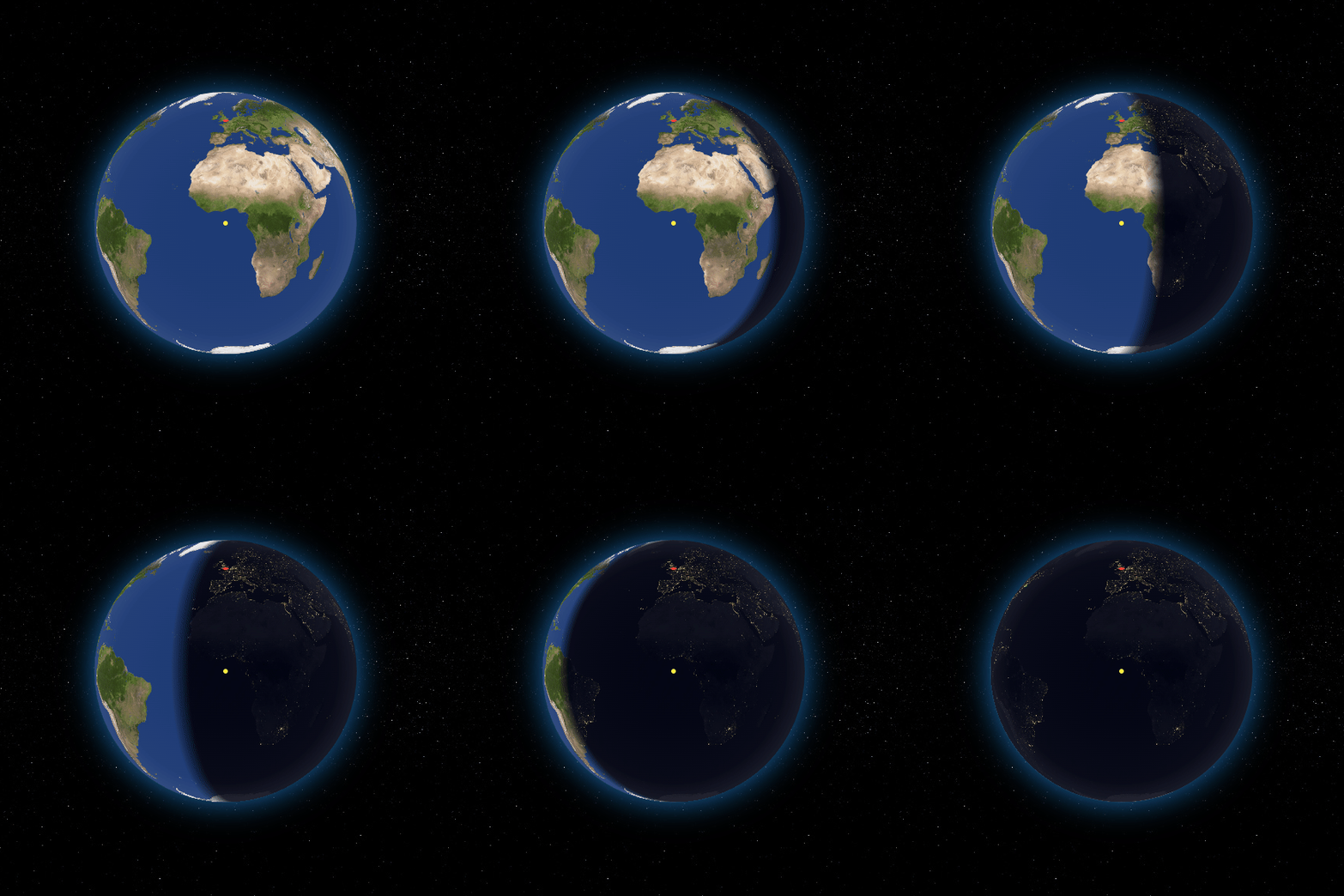
कस्टमाइज़ की गई टेक्सचर और प्रकाश
स्मूथ टच-आधारित इंटरैक्शन
वास्तविक 3D पृथ्वी रेंडरिंग
निर्धारित घूर्णन और ज़ूम
इनके लिए उपयुक्त
इंटरैक्टिव भूगोल उपकरण बनाने वाले डेवलपर्स
शैक्षिक शोधकर्ता दृश्य सीखने के अनुभव बना रहे हैं
आविष्कार-युक्त 3D ग्लोब प्रदर्शन की आवश्यकता वाले ऐप
एक ही कोडबेस के साथ कई प्लेटफॉर्म का लक्ष्य बनाने वाली टीमें
विचार योग्य बातें
कम-स्तर के उपकरणों पर अधिक प्रदर्शन की मांग
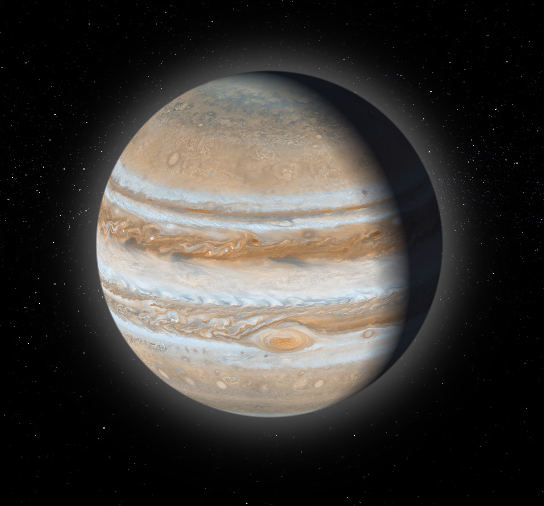
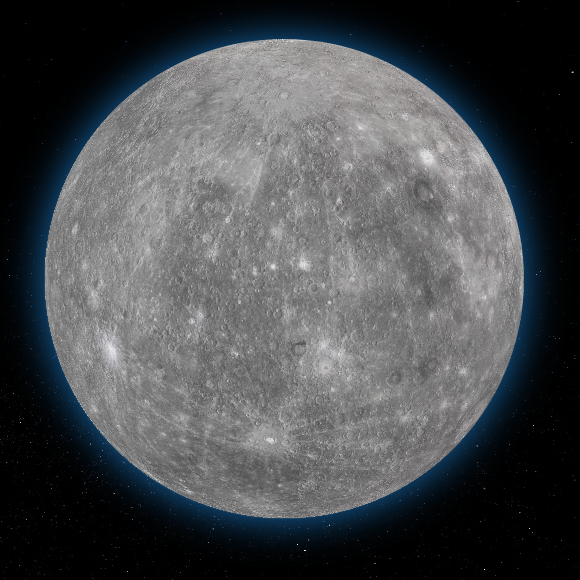
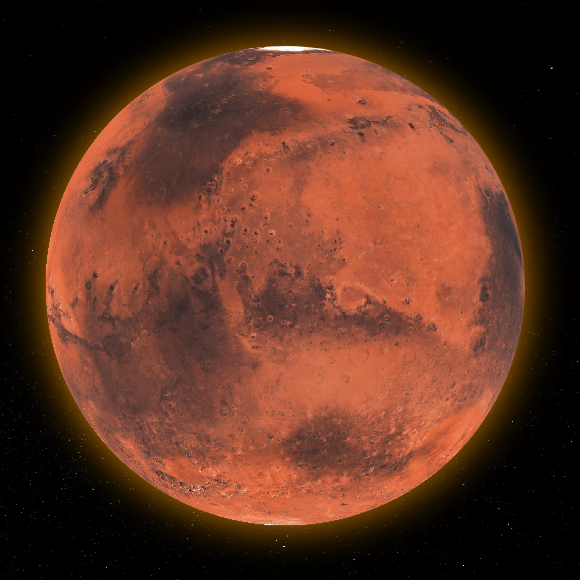
पृथ्वी-जैसे गोलाकार मॉडल तक सीमित
वेब डिप्लॉयमेंट के लिए सावधानीपूर्वक अनुकूलन की आवश्यकता होती है
टेक्सचर आकार मेमोरी उपयोग को प्रभावित करता है
प्रारंभिक सेटअप में 3D अवधारणाओं की समझ की आवश्यकता हो सकती है
मूल README
संबंधित सोर्स रिपॉज़िटरी के मूल README का स्नैपशॉट। नवीनतम सामग्री के लिए रिपॉज़िटरी देखें।
Flutter Earth Globe
Overview
Flutter Earth Globe is an interactive 3D sphere widget for Flutter applications. This widget is designed to be easy to use and highly customizable, making it ideal for any application that requires a visually appealing representation of a planet.
Why Flutter Earth Globe?
🎨 Fully Customizable - Every aspect of the globe can be styled: colors, textures, atmosphere, points, connections, satellites, and more
🚀 GPU-Accelerated - Leverages fragment shaders for smooth, high-performance rendering
⚠️ Important: When building or running for web, you must use the --wasm flag for the shaders to work correctly. Without this flag, you may experience rendering issues or strange visual behavior.
# Run for web with WASM
flutter run -d chrome --wasm

# Build for web with WASM
flutter build web --wasm
Quick Start
Here is a basic example of how to integrate the Flutter Earth Globe into your Flutter app:
// Add a point
_controller.addPoint(point);
// Update an existing point
_controller.updatePoint('point-id', label: 'New Label', style: newStyle);
// Remove a point
_controller.removePoint('point-id');
// Clear all points
_controller.clearPoints();
// Get a point by IDPoint? point = _controller.getPoint('point-id');
Connections
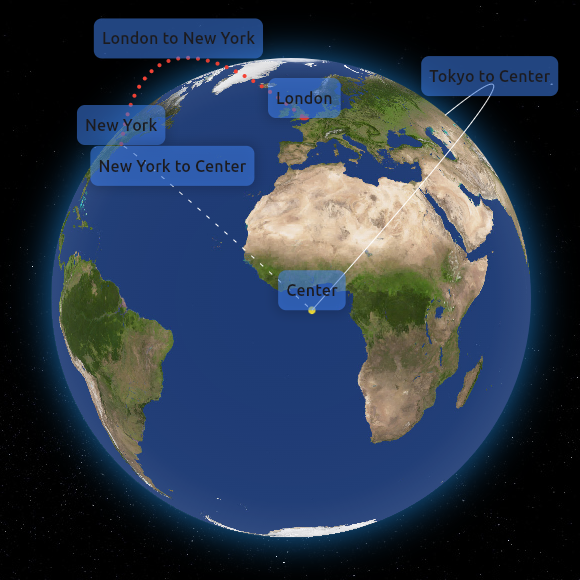
Connections are animated arcs between two coordinates on the globe.
_controller.addPointConnection(PointConnection(
id: 'connection-1',
start: constGlobeCoordinates(51.5072, 0.1276), // London
end: constGlobeCoordinates(40.7128, -74.0060), // New York
label: 'London - New York',
isLabelVisible: true,
style: PointConnectionStyle(
type: PointConnectionType.dashed,
color: Colors.cyan,
lineWidth: 2,
dashAnimateTime: 2000,
animateOnAdd: true,
),
));
📖 Connection API Reference
PointConnection Properties
Property
Type
Required
Description
id
String
✅
Unique identifier for the connection
start
GlobeCoordinates
✅
Starting coordinates
end
GlobeCoordinates
✅
Ending coordinates
label
String?
❌
Text label displayed at the midpoint
labelBuilder
Widget Function()?
❌
Custom widget builder for the label
isLabelVisible
bool
❌
Whether to show the label (default: false)
curveScale
double
❌
Height of the arc curve (default: 0.5)
style
PointConnectionStyle
❌
Visual style of the connection
onTap
VoidCallback?
❌
Callback when connection is tapped
onHover
VoidCallback?
❌
Callback when connection is hovered
PointConnectionStyle Properties
Property
Type
Default
Description
type
PointConnectionType
solid
Line type: solid, dashed, or dotted
color
Color
white
Color of the connection line
lineWidth
double
1.0
Width of solid lines
dashSize
double
4.0
Length of dashes
dotSize
double
1.0
Size of dots
spacing
double
8.0
Space between dashes/dots
dashAnimateTime
int
0
Time (ms) for dash to travel the arc (0 = disabled)
We would like to thank all the contributors who have helped make this project a success. Your contributions, big or small, make a significant impact on the development and improvement of this project.
If you would like to contribute, please feel free to fork the repository, make your changes, and submit a pull request.
How to Contribute
Fork the Repository: Click the 'Fork' button at the top right corner of this repository.
Clone Your Fork: Clone your fork to your local machine.
Create a Branch: Create a new branch for your modifications (git checkout -b feature/YourFeature).
Make Your Changes: Make the necessary changes to the project.
Commit Your Changes: Commit your changes (git commit -am 'Add some feature').
Push to the Branch: Push your changes to your branch (git push origin feature/YourFeature).
Open a Pull Request: Go to the repository on GitHub and open a pull request.
We are excited to see your contributions and are looking forward to growing this project with the community!
Support the Library
You can also support the library by liking it on pub, staring in on Github and reporting any bugs you encounter.
License
This project is licensed under the MIT License - see the LICENSE file for details.