पैकेज, रिपॉज़िटरी और ऐप श्रेणियाँ खोजें

flutter_switch_clipper कवर
पैकेज विवरणv0.0.7

flutter_switch_clipper

एक Flutter पैकेज जो दो विजेट्स के बीच डिफ़ॉल्ट क्लिपर या कस्टम क्लिपर के साथ स्विच करता है।

AndroidiOSWebmacOSWindowsLinux
30-दिन डाउनलोड
50
लाइक
60
Pub अंक
160

पैकेज इंस्टॉल करें

flutter pub add flutter_switch_clipper

पैकेज अवलोकन

सार्वजनिक जानकारी से बना चयन मार्गदर्शन। केवल संदर्भ हेतु।

एक फ्लटर पैकेज जो डिफ़ॉल्ट या कस्टम क्लिपर के उपयोग से दो विजेट्स के बीच चिकनी स्विचिंग की अनुमति देता है। यह एनीमेटेड क्लिपिंग प्रभाव के माध्यम से UI ट्रांजिशन को बढ़ाता है, जो डायनामिक और दृश्य रूप से आकर्षक इंटरफ़ेस बनाने के लिए आदर्श है। पैकेज कई प्लेटफ़ॉर्मों को सपोर्ट करता है और फ्लटर ऐप्स में बिना किसी दिक्कत के एकीकृत होता है। डेवलपर्स क्लिपर व्यवहार को विशिष्ट डिज़ाइन आवश्यकताओं के अनुरूप कस्टमाइज़ कर सकते हैं, जिससे एनीमेशन शैली और प्रदर्शन में लचीलापन मिलता है। टैब्स, टॉगल्स या कंटेंट स्विच के लिए आदर्श इंटरैक्टिव तत्वों के लिए उपयुक्त है।

उपयोग

  • एनीमेटेड विजेट संक्रमण
  • कस्टम टैब इंडिकेटर
  • इंटरैक्टिव यूआई घटक
  • गतिशील सामग्री परिवर्तन
  • स्मूथ स्क्रीन ट्रांजिशन
  • डिज़ाइन-फोकस्ड एनीमेशन

मुख्य विशेषताएँ

  • डिफ़ॉल्ट और कस्टम क्लिपर सपोर्ट
  • क्रॉस-प्लेटफॉर्म संगतता
  • स्मूथ ट्रांजिशन एनीमेशन
  • Flutter के साथ आसान एकीकरण
  • लचीले विजेट स्विचिंग
  • बहुत कस्टमाइज़ेबल क्लिपिंग प्रभाव

इनके लिए उपयुक्त

  • दृश्य आकर्षण की तलाश में UI डिज़ाइनर
  • इंटरैक्टिव इंटरफेस बनाने वाले डेवलपर्स
  • गतिशील सामग्री परिवर्तन की आवश्यकता वाले एप्स
  • कस्टम एनीमेशन की आवश्यकता वाले प्रोजेक्ट्स
  • Flutter शुरुआती उपयोगकर्ता क्लिपर प्रभावों का अन्वेषण कर रहे हैं

विचार योग्य बातें

  • जटिल क्लिप के कारण प्रदर्शन प्रभाव
  • Clipper क्लास की समझ आवश्यक है
  • बड़े विजेट के लिए अनुकूलन की आवश्यकता हो सकती है
  • मूल उपयोग के अतिरिक्त सीमित दस्तावेज़न
  • सरल स्थिर लेआउट के लिए उपयुक्त नहीं

मूल README

संबंधित सोर्स रिपॉज़िटरी के मूल README का स्नैपशॉट। नवीनतम सामग्री के लिए रिपॉज़िटरी देखें।

Flutter Switch Clipper

A Flutter package that two widgets switch with clipper.

pub package GitHub stars GitHub forks CodeFactor FlutterCandies

体验一下

体验网址:Demo

使用

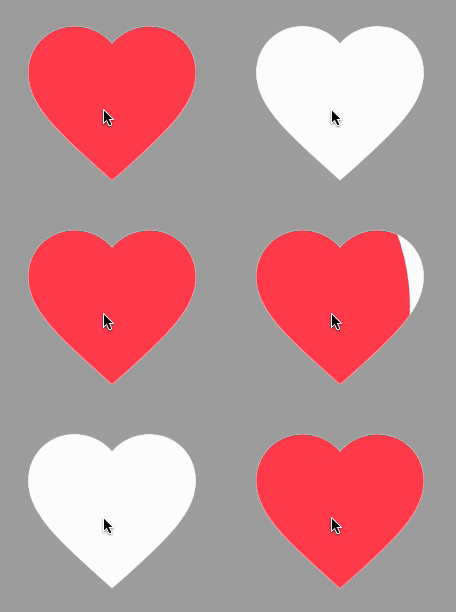
使用FillClipper并自定义相关参数

View code
SwitchClipper(
    initSelect: true,
    child: const Icon(Icons.favorite, size: 200, color: Colors.redAccent),
    background: const Icon(Icons.favorite, size: 200, color: Colors.white),
    duration: const Duration(milliseconds: 800),
    animationClip: FillClipper(fillAlignment: _alignment,fillOffset: 50),
),

使用默认FillClipper

View code
const SwitchClipper(
    enableWhenAnimating: false,
    child: Text(
        'FlutterCandies',
        style: TextStyle(
            fontWeight: FontWeight.bold,
            fontSize: 50,
            color: Colors.amber,
            height: 2,
        ),
    ),
    background: Text(
        'FlutterCandies',
        style: TextStyle(
            fontWeight: FontWeight.bold,
            fontSize: 50,
            color: Colors.white,
            height: 2,
        ),
    ),
    curve: Curves.slowMiddle,
    reverseCurve: Curves.linear,
),

使用CircleClipper切换图标颜色

View code
SwitchClipper(
    child: const Icon(Icons.accessibility_new_rounded, size: 200, color: Colors.blueAccent),
    background: const Icon(Icons.accessibility_new_rounded, size: 200, color: Colors.white),
    curve: Curves.ease,
    duration: const Duration(milliseconds: 800),
    animationClip: CircleClipper(),
),

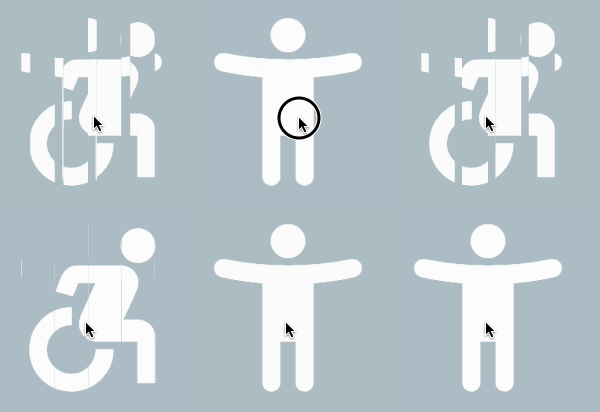
使用CircleClipper切换两个图标

View code
SwitchClipper(
    child: ColoredBox(
    color: Colors.blueGrey[200] ?? Colors.blueGrey,
    child: const Icon(Icons.accessibility_new_rounded, size: 200, color: Colors.white)),
    background: const Icon(Icons.accessible_forward_outlined, size: 200, color: Colors.white),
    curve: Curves.ease,
    duration: const Duration(milliseconds: 800),
    animationClip: CircleClipper(),
),

使用ShutterClipper

View code
SwitchClipper(
    child: ColoredBox(
        color: Colors.blueGrey[200] ?? Colors.blueGrey,
        child: const Icon(Icons.accessibility_new_rounded, size: 200, color: Colors.white)),
    background: const Icon(Icons.accessible_forward_outlined, size: 200, color: Colors.white),
    curve: Curves.ease,
    duration: const Duration(milliseconds: 800),
    animationClip: ShutterClipper(activeAlignment: _alignment),
),

使用WaveClipper

View code
SwitchClipper(
    child: const Icon(Icons.access_time_filled_rounded, size: 200, color: Colors.blue),
    background: const Icon(Icons.access_time_filled_rounded, size: 200, color: Colors.white),
    curve: Curves.ease,
    duration: const Duration(milliseconds: 2000),
    animationClip: WaveClipper(
        waveAlignment: _alignment == FillAlignment.left ? WaveAlignment.left : WaveAlignment.right,
    ),
),

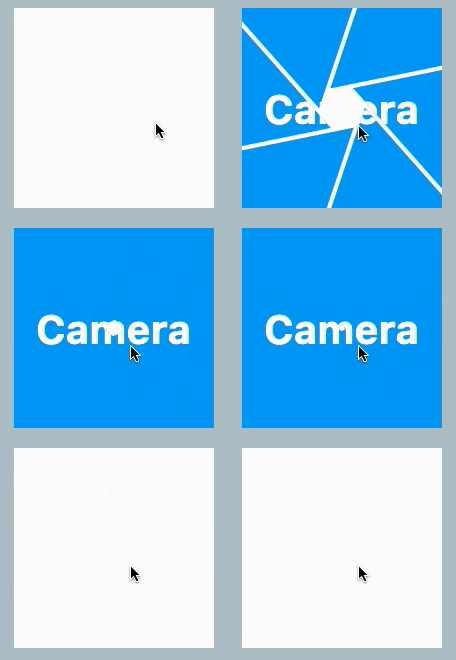
使用CameraClipper

View code
SwitchClipper(
    child: Container(
        width: 200,
        height: 200,
        alignment: Alignment.center,
        decoration: const BoxDecoration(
            shape: BoxShape.circle,
            color: Colors.blue,
        ),
        child: const Text(
            'Camera',
            style: TextStyle(color: Colors.white, fontSize: 40, fontWeight: FontWeight.bold),
        ),
    ),
    background: Container(
        width: 200,
        height: 200,
        decoration: const BoxDecoration(
            shape: BoxShape.circle,
            color: Colors.white,
        ),
    ),
    duration: const Duration(milliseconds: 2000),
    animationClip: CameraClipper(),
),

श्रेणियाँ

सोर्स रिपॉज़िटरी

इस पैकेज का उपयोग करने वाले प्रोजेक्ट

अभी कोई डेटा उपलब्ध नहीं है।