सार्वजनिक जानकारी से बना चयन मार्गदर्शन। केवल संदर्भ हेतु।
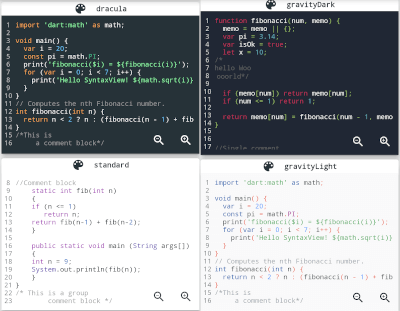
एक फ्लटर विजेट जो शुद्ध डार्ट के उपयोग से कोड स्निपेट के लिए सिंटैक्स हाइलाइटिंग प्रदान करता है। यह कई प्रोग्रामिंग भाषाओं का समर्थन करता है और बाहरी निर्भरता के बिना उच्च गुणवत्ता वाले टेक्स्ट को दर्शाता है। डॉक्यूमेंटेशन, ट्यूटोरियल या फ्लटर ऐप में विकास टूल्स में कोड को दिखाने के लिए आदर्श है। विजेट हल्का है और सभी प्रमुख प्लेटफॉर्मों में अनुकूल है जैसे मोबाइल, वेब और डेस्कटॉप।
उपयोग
एप्स में कोड उदाहरण प्रदर्शित करना
दस्तावेज़ में सिंटैक्स हाइलाइट करना
कोड संपादक घटक निर्माण
कोड स्निपेट वाले शैक्षिक ऐप्स
प्रोग्रामिंग ट्यूटोरियल का प्रदर्शन
मुख्य विशेषताएँ
शुद्ध Dart कार्यान्वयन
कई प्रोग्रामिंग भाषाओं का समर्थन करता है
क्रॉस-प्लेटफॉर्म संगतता
हल्का और कारगर
कोई मूल निर्भरता नहीं
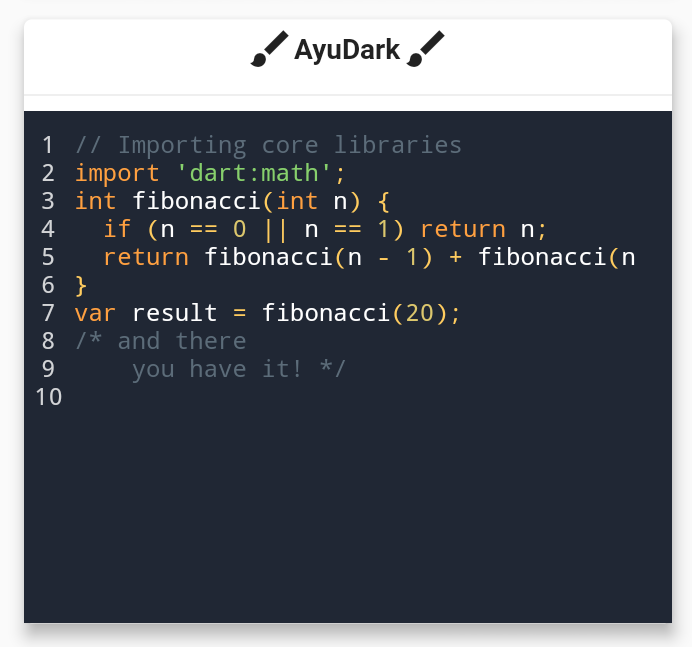
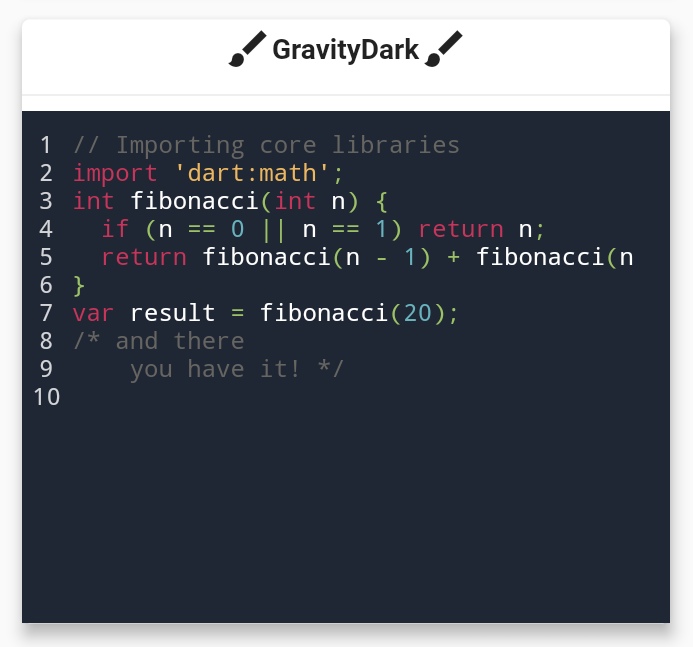
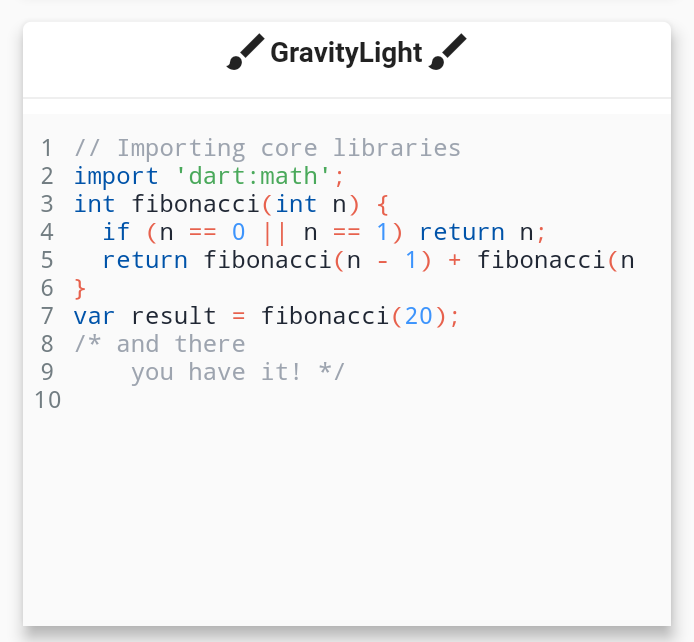
कस्टमाइज़ किए गए थीम
इनके लिए उपयुक्त
शैक्षिक ऐप बनाने वाले डेवलपर्स
दस्तावेज़ और पाठ्यक्रम ऐप्स
कोड शेयरिंग प्लेटफॉर्म
आंतरिक डेवलपर टूल्स
सिंटैक्स-हाइलाइटेड कोड वाले UI
विचार योग्य बातें
स्थिर पाठ (संपादित नहीं किया जा सकता) पर सीमित
वास्तविक समय संपादन का समर्थन नहीं करता है
थीम कस्टमाइजेशन के लिए हस्तचालित कॉन्फ़िगरेशन की आवश्यकता होती है
बहुत बड़े कोड ब्लॉक के साथ प्रदर्शन में भिन्नता हो सकती है
मूल README
संबंधित सोर्स रिपॉज़िटरी के मूल README का स्नैपशॉट। नवीनतम सामग्री के लिए रिपॉज़िटरी देखें।
flutter_syntax_view
Flutter Syntax Highlighter
Basic Usage
classHomePageextendsStatelessWidget{
constHomePage({super.key});
finalString code = """
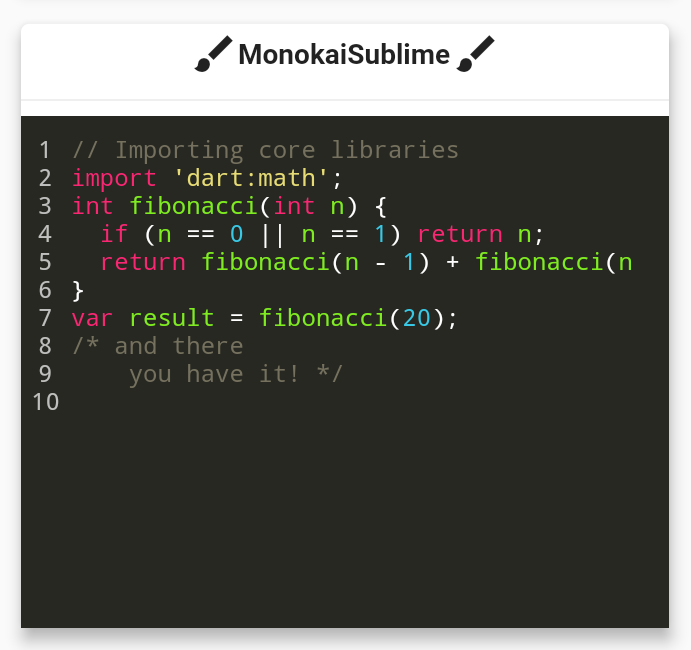
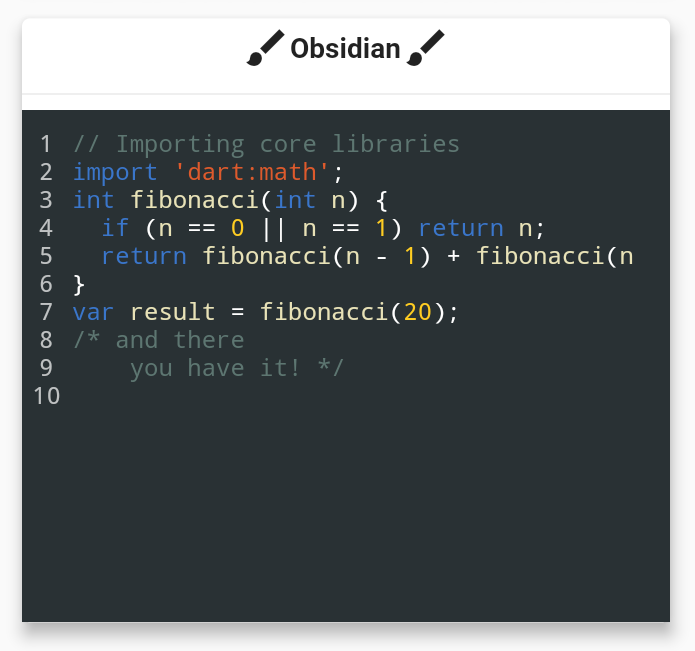
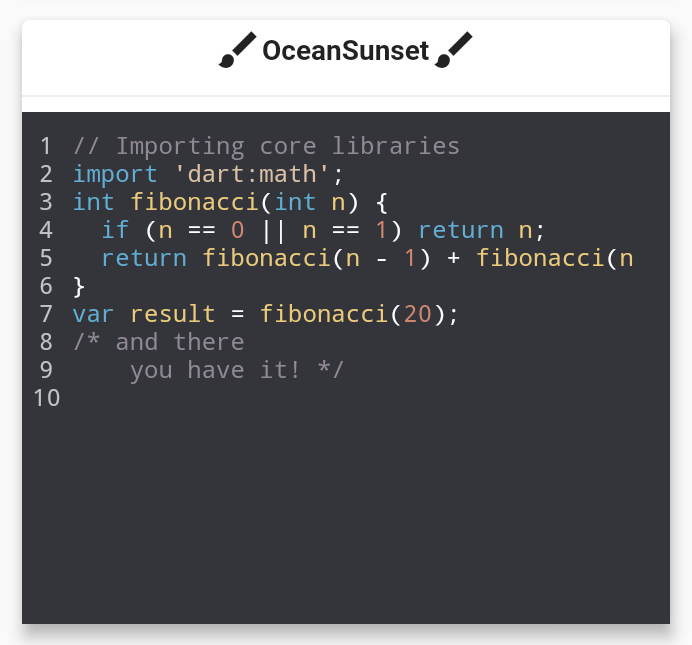
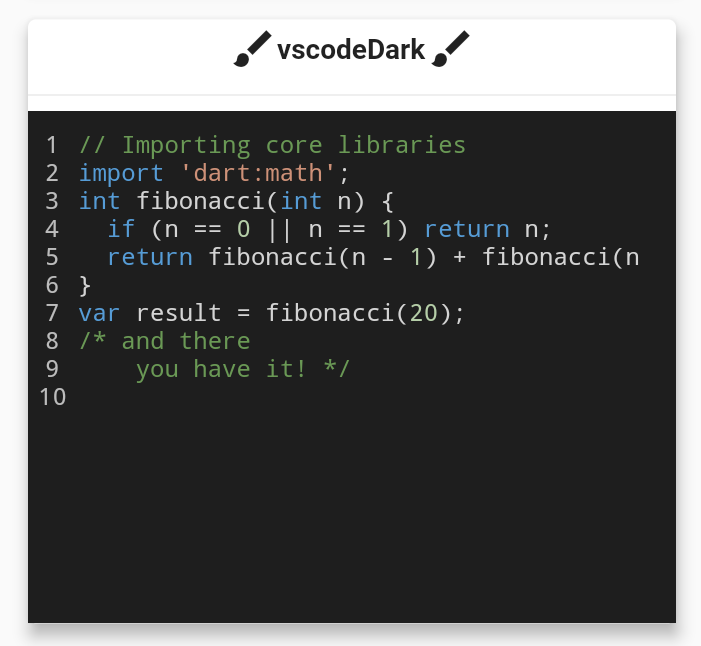
// Importing core libraries
import 'dart:math';
int fibonacci(int n) {
if (n == 0 || n == 1) return n;
return fibonacci(n - 1) + fibonacci(n - 2);
}
final int result = fibonacci(20);
/* and there
you have it! */
""";
@overrideWidgetbuild(BuildContext context) {
returnScaffold(
body: Center(
child: SyntaxView(
code: code, // Code text
syntax: Syntax.DART, // Language
syntaxTheme: SyntaxTheme.vscodeDark(), // Theme
fontSize: 12.0, // Font size
withZoom: true, // Enable/Disable zoom icon controls
withLinesCount: true, // Enable/Disable line number
expanded: false, // Enable/Disable container expansion
selectable: true// Enable/Disable code text selection
),
),
);
}
}
Create a Custom SyntaxTheme
classAppColors{
staticconstColor backgroundColor = Color(0xff1A1A19);
staticconstColor linesCountColor = Color(0xffEFE9D5);
staticconstColor commentStyle = Color(0xffEEDF7A);
staticconstColor zoomIconColor = Color(0xff77CDFF);
staticconstColor stringStyle = Color(0xffF87A53);
staticconstColor baseStyle = Color(0xffF5F5F5);
staticconstColor keywordStyle = Color(0xffCAE0BC);
staticconstColor classStyle = Color(0xffB9E5E8);
}
classHomePageextendsStatelessWidget{
HomePage({super.key});
staticconstString code = r"""
import 'dart:math' as math;
// Coffee class is the best!
class Coffee {
late int _temperature;
void heat() => _temperature = 100;
void chill() => _temperature = -5;
void sip() {
final bool isTooHot = math.max(37, _temperature) > 37;
if (isTooHot)
print("myyy liiips!");
else
print("mmmmm refreshing!");
}
int? get temperature => temperature;
}
void main() {
var coffee = Coffee();
coffee.heat();
coffee.sip();
coffee.chill();
coffee.sip();
}
/* And there
you have it */""";
finalSyntaxTheme myCustomTheme = SyntaxTheme.standard().copyWith(
backgroundColor : AppColors.backgroundColor,
linesCountColor : AppColors.linesCountColor,
commentStyle : constTextStyle(color: AppColors.commentStyle),
zoomIconColor : AppColors.zoomIconColor,
stringStyle : constTextStyle(color: AppColors.stringStyle),
baseStyle : constTextStyle(color: AppColors.baseStyle),
keywordStyle : constTextStyle(color: AppColors.keywordStyle),
punctuationStyle: constTextStyle(color: AppColors.keywordStyle),
classStyle : constTextStyle(color: AppColors.classStyle),
);
@overrideWidgetbuild(BuildContext context) {
returnScaffold(
body: Center(
child: SyntaxView(
code: code, // Code text
syntax: Syntax.DART, // Language
syntaxTheme: myCustomTheme, // Theme
fontSize: 12.0, // Font size
withZoom: true, // Enable/Disable zoom icon controls
withLinesCount: true, // Enable/Disable line number
expanded: false, // Enable/Disable container expansion
selectable: true// Enable/Disable code text selection
),
),
);
}
}
if you are familiar with Regular Expressions in Dart and would like contribute in adding further syntax support. it will be very appreciated!
Contributors ✨
Thanks goes to these wonderful people!
Features and bugs
If you face any problems feel free to open an issue at the issue tracker. If you feel the library is missing a feature, please raise a ticket on Github. Pull request are also welcome.