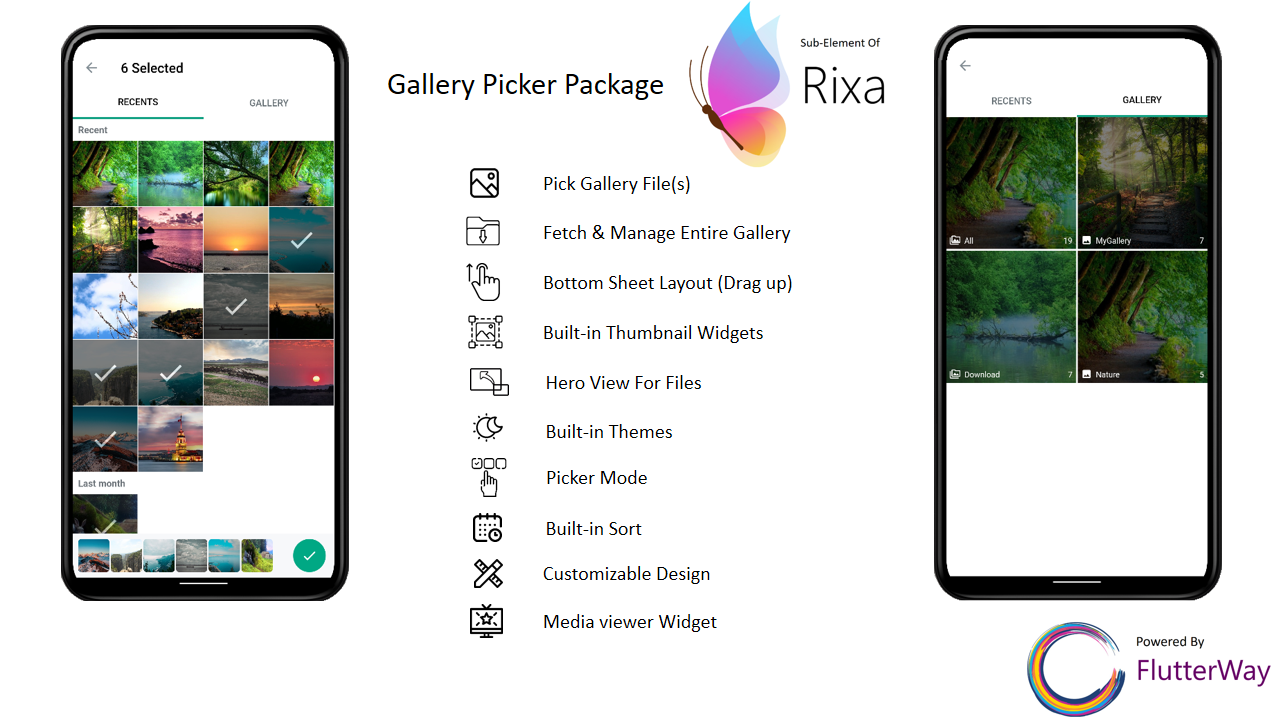
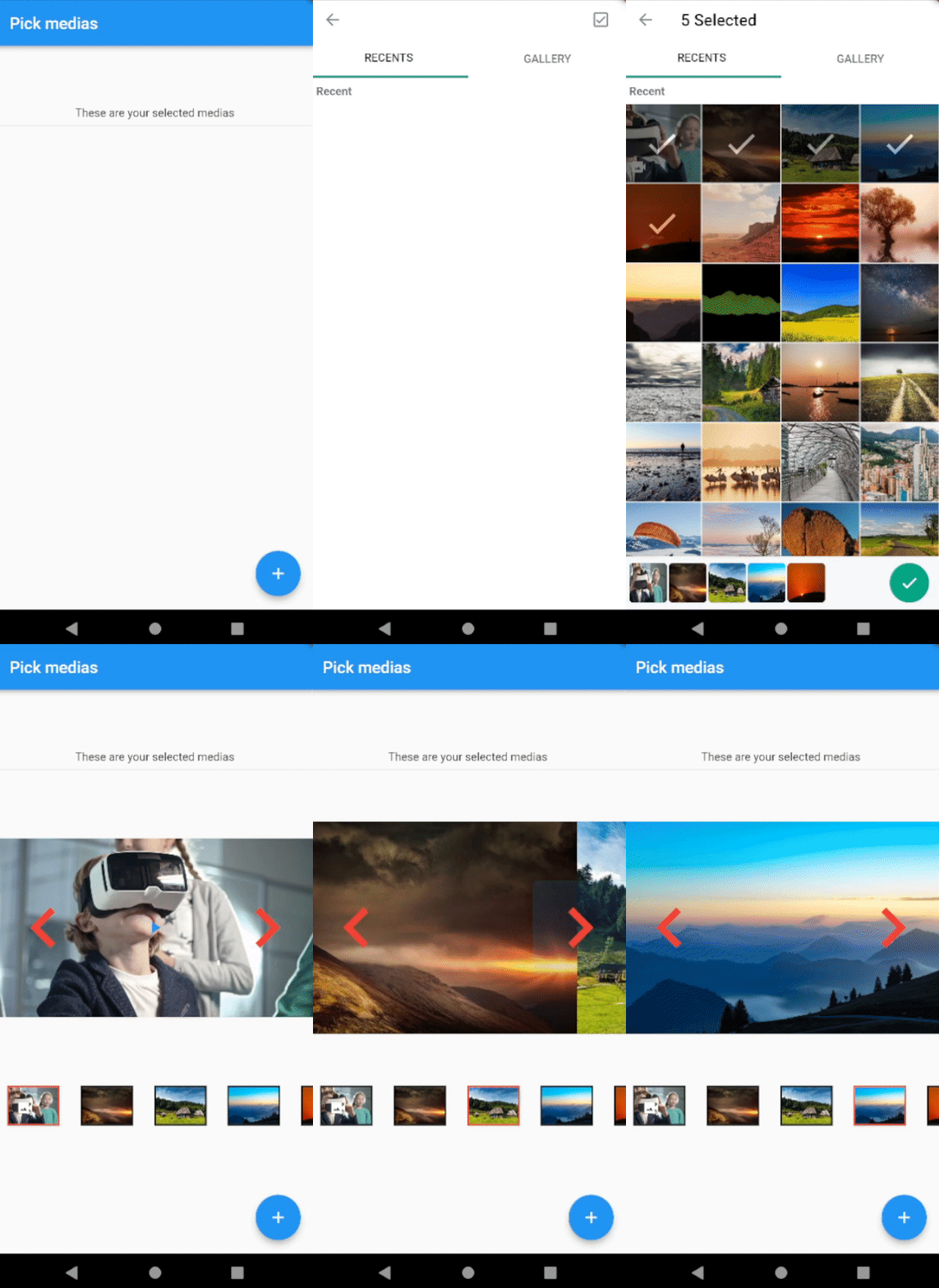
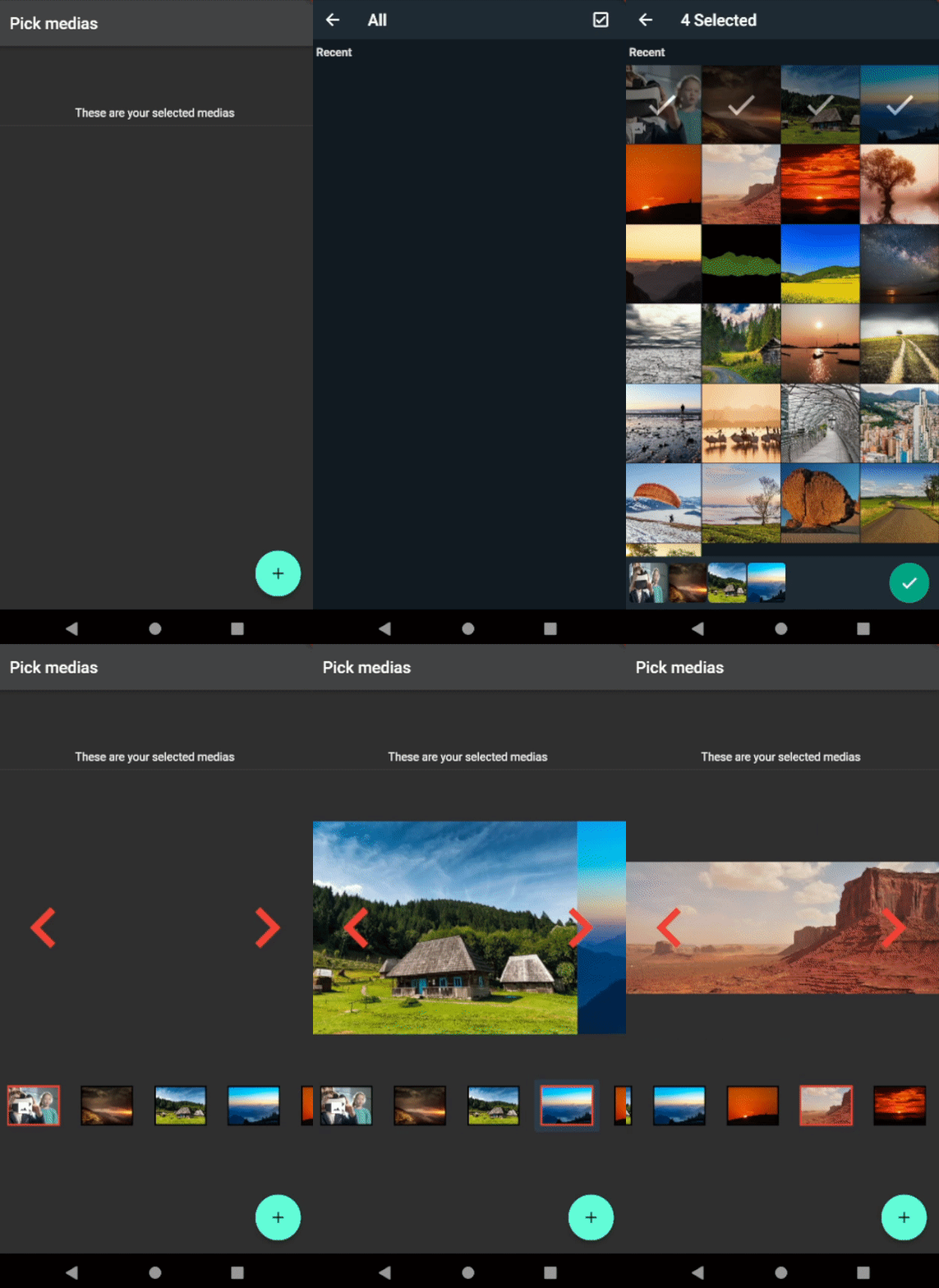
Gallery Picker एक Flutter पैकेज है जो आपको मीडिया फ़ाइल(फ़ाइलों) को चुनने, अपने गैलरी में आधुनिक उपकरणों और दृश्यों के साथ प्रबंधित और नेविगेट करने की अनुमति देता है।
सार्वजनिक जानकारी से बना चयन मार्गदर्शन। केवल संदर्भ हेतु।
गैलरी पिकर एक फ्लटर पैकेज है जो डिवाइस गैलरी से मीडिया के चयन को सरल बनाने के लिए डिज़ाइन किया गया है। यह एंड्रॉइड और आईओएस प्लेटफॉर्म पर छवियों और वीडियो को ब्राउज़, चुन और प्रबंधित करने के लिए आधुनिक, कस्टमाइज़ेबल इंटरफ़ेस प्रदान करता है। उपयोगकर्ता अनुभव को बढ़ावा देने के लिए इसमें सहज नेविगेशन और रिस्पॉन्सिव व्यू हैं। पैकेज एकल और बहु-फ़ाइल चयन दोनों का समर्थन करता है, जिससे यह फ़ोटो अपलोड, प्रोफ़ाइल छवि या कंटेंट निर्माण विशेषताओं के लिए आदर्श है। प्रदर्शन और उपयोगकर्ता अनुभव को ध्यान में रखते हुए बनाया गया, यह मौजूदा फ्लटर प्रोजेक्ट्स में बिना किसी दिक्कत के एकीकृत हो जाता है।
उपयोग
एक से अधिक छवियों या वीडियो का चयन करें
सर्वर पर मीडिया अपलोड करना
प्रोफ़ाइल या कवर फ़ोटो बनाना
सामग्री निर्माण उपकरण बनाना
सोशल ऐप्स में गैलरी ब्राउज़िंग को एकीकृत करना
मुख्य विशेषताएँ
आधुनिक, प्रतिक्रियाशील उपयोगकर्ता इंटरफेस
बहुमाध्यम चयन का समर्थन
क्रॉस-प्लेटफ़ॉर्म सुविधा (Android और iOS)
Flutter के साथ आसान एकीकरण
कस्टमाइज़ करने योग्य गैलरी नेविगेशन
निर्मित मीडिया प्रबंधन उपकरण
इनके लिए उपयुक्त
सोशल मीडिया ऐप्स
फोटो साझा करने वाले प्लेटफॉर्म
उपयोगकर्ता प्रोफ़ाइल कस्टमाइज़ेशन
सामग्री प्रबंधन प्रणाली
मीडिया अपलोड करने वाले मोबाइल ऐप्स
विचार योग्य बातें
मीडिया तक पहुँच के लिए उपयुक्त अनुमतियां आवश्यक हैं
ब्रांड सुसंगतता के लिए अतिरिक्त शैली की आवश्यकता हो सकती है
मूल गैलरी एक्सेस तक सीमित
बादल-आधारित मीडिया स्रोतों के लिए उपयुक्त नहीं
प्लेटफॉर्म-विशिष्ट गैलरी API पर निर्भर है
मूल README
संबंधित सोर्स रिपॉज़िटरी के मूल README का स्नैपशॉट। नवीनतम सामग्री के लिए रिपॉज़िटरी देखें।
gallery_picker
Gallery Picker is a flutter package that will allow you to pick media file(s), manage and navigate inside your gallery with modern tools and views.
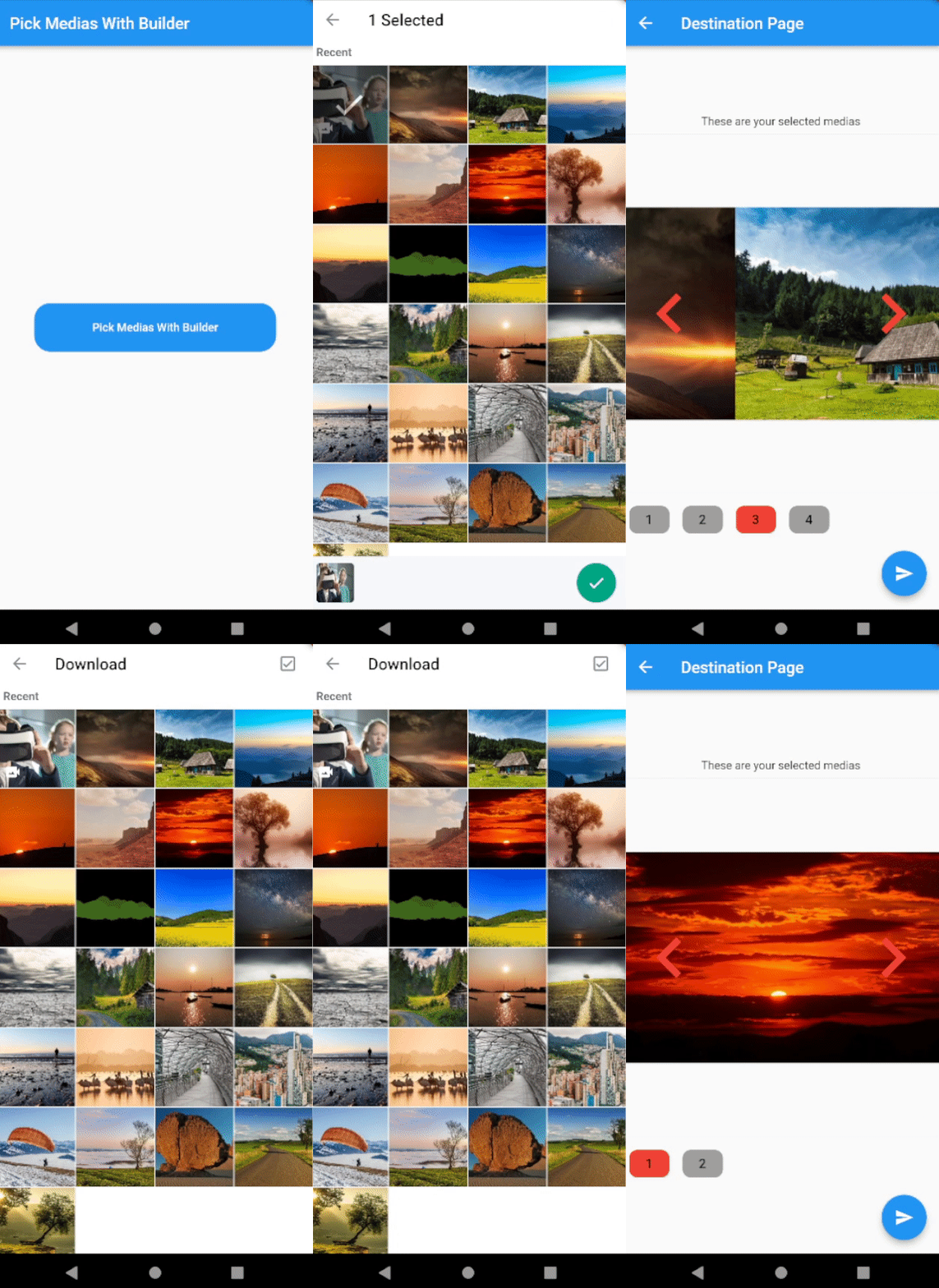
Within the Gallery Picker you can design a page that will be redirected after selecting any image(s).
Note: There are two builder called multipleMediaBuilder and heroBuilder. If you designed both of them, multipleMediaBuilder will be shown after picking multiple media files, heroBuilder will be shown after picking a single media. If you only designed multipleMediaBuilder, multipleMediaBuilder will be shown after picking any file. Use given hero tag to view your Hero image. You can see a simple example below.
There is an example at example/lib/examples/pick_medias_with_builder.dart to see how it could be done.
There are two pages called "Recent" and "Gallery". You could change the initial page.
List<MediaFile>? media = awaitGalleryPicker.pickMedia(
context: context,
startWithRecent: true,
)
MediaFile
GalleryPicker returns MediaFile list. You can reach out features below.
[✔] Medium
[✔] Id
[✔] MediaType
[✔] Thumbnail
[✔] Check with thumbnailFailed if fetching thumbnail fails
[✔] Check with fileFailed if getting file fails
[✔] File
[✔] getThumbnail function
[✔] getFile function
[✔] getData function
[✔] Check if the file selected in gallery picker
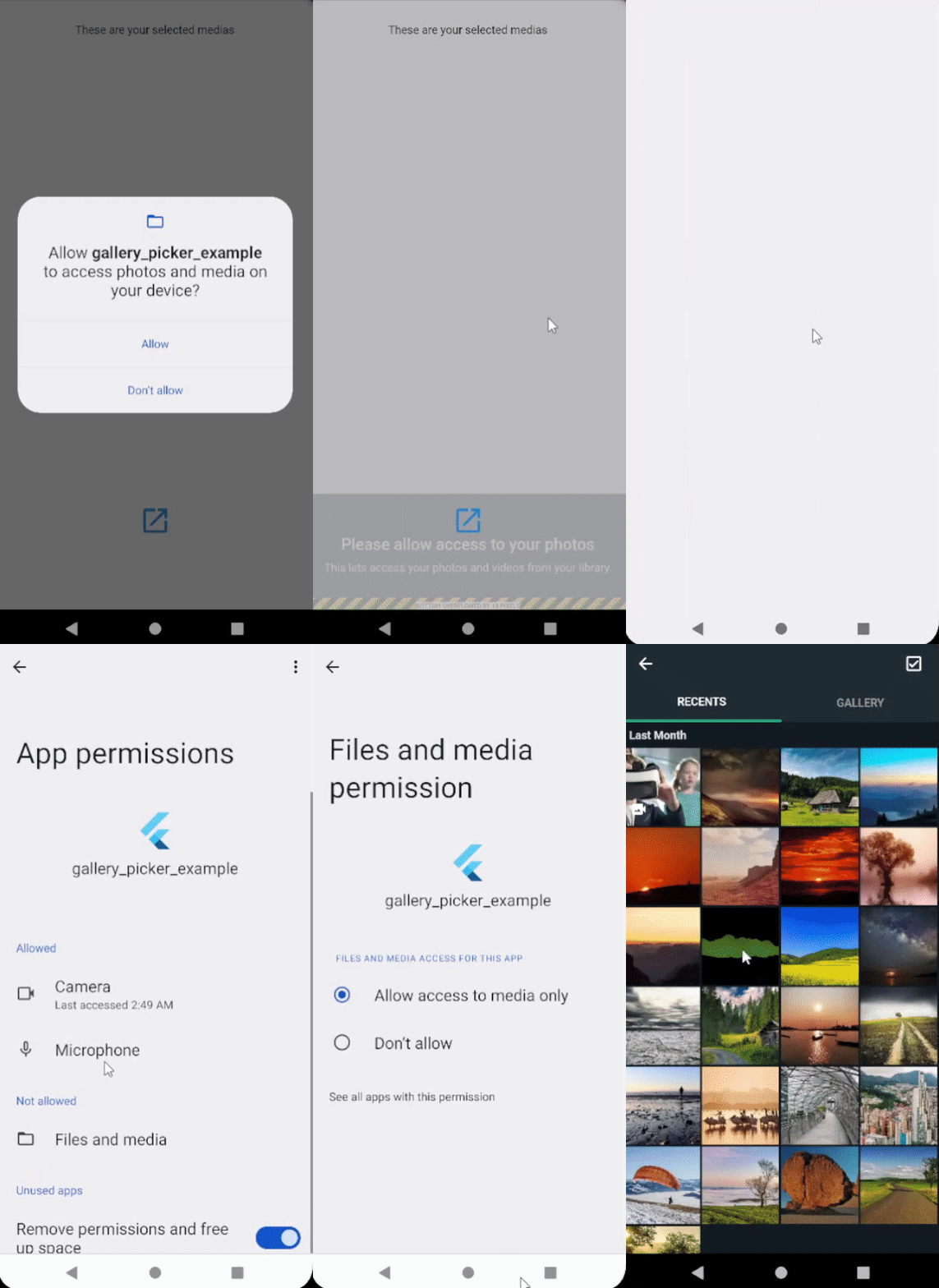
Permission
Required permissions will be requested when gallery picker is launched. In case of user's rejection of request, the problem will be handled within gallery picker package.