सार्वजनिक जानकारी से बना चयन मार्गदर्शन। केवल संदर्भ हेतु।
google_speech पैकेज एक Flutter प्लगइन है जो Google Cloud GRPC ध्वनि-से-टेक्स्ट API के साथ एकीकरण की अनुमति देता है, जिससे Flutter एप्लिकेशन में रियल-टाइम आवाज़ ट्रांसक्रिप्शन संभव होता है। यह स्ट्रीमिंग ऑडियो इनपुट का समर्थन करता है और कई प्लेटफॉर्मों पर सटीक बोली पहचान प्रदान करता है। ध्वनि-आधारित फीचर विकसित करने वाले डेवलपर्स के लिए डिज़ाइन किया गया, इससे Google के शक्तिशाली ASR (ऑटोमैटिक स्पीच रिकग्निशन) क्षमताओं तक न्यूनतम सेटअप के साथ आसानी से पहुंच मिलती है। प्लगइन Google Cloud प्रमाणीकरण को संभालता है और निरंतर ट्रांसक्रिप्शन के लिए इवेंट-आधारित प्रतिक्रियाएं प्रदान करता है। ध्वनि सहायता, डिक्टेशन टूल्स और एक्सेसिबिलिटी फीचर्स के लिए आदर्श।
उपयोग
वॉइस सहायक
रियल-टाइम ट्रांसक्रिप्शन
डिक्टेशन ऐप्स
एक्सेसिबिलिटी टूल्स
ऑडियो लॉगिंग
मुख्य विशेषताएँ
रियल-टाइम स्ट्रीमिंग
Google Cloud एकीकरण
क्रॉस-प्लेटफ़ॉर्म समर्थन
घटना-आधारित API
Google Cloud के माध्यम से प्रमाणीकरण
इनके लिए उपयुक्त
वॉइस-एनेबल्ड ऐप्स बनाने वाले डेवलपर्स
उच्च-सटीक बोलने की पहचान की आवश्यकता वाले ऐप्स
Google Cloud सेवाओं का उपयोग करने वाले प्रोजेक्ट
मोबाइल और डेस्कटॉप वॉइस एप्लिकेशन
विचार योग्य बातें
Google Cloud प्रोजेक्ट और API की की की आवश्यकता है
उपयोग के लिए बिलिंग लागू होती है
नेटवर्क कनेक्शन की आवश्यकता है
कम बैंडविड्थ कनेक्शन के साथ अधिक लेटेंसी
नेटिव निर्भरताओं के लिए प्लेटफॉर्म-विशिष्ट सेटअप
मूल README
संबंधित सोर्स रिपॉज़िटरी के मूल README का स्नैपशॉट। नवीनतम सामग्री के लिए रिपॉज़िटरी देखें।
Google Speech
This package allows the use of Google Speech Api with grpc as a pure
Dart implementation. With the support of grpc it is also possible to use the streaming transcription
of the Google Speech Api with this package.
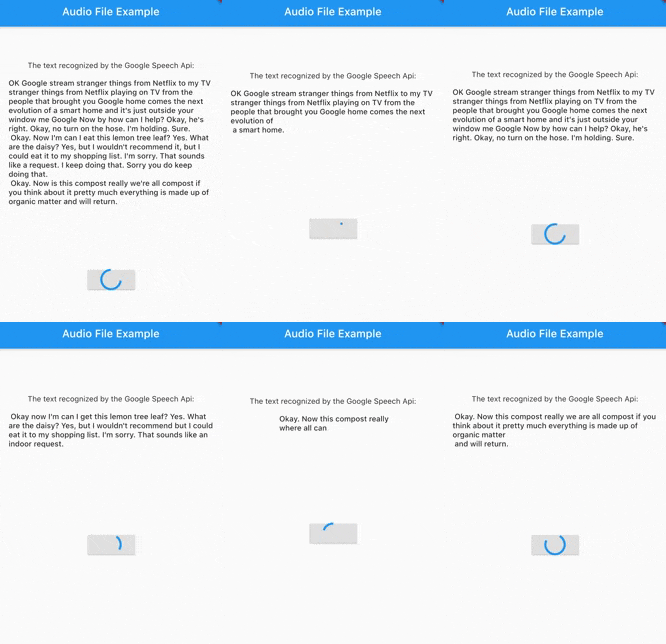
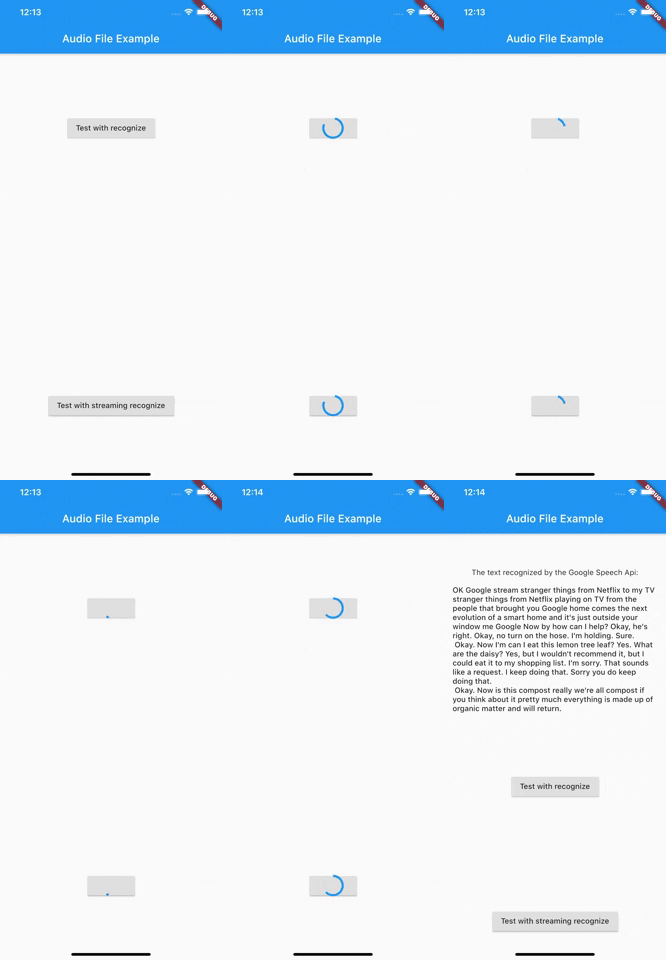
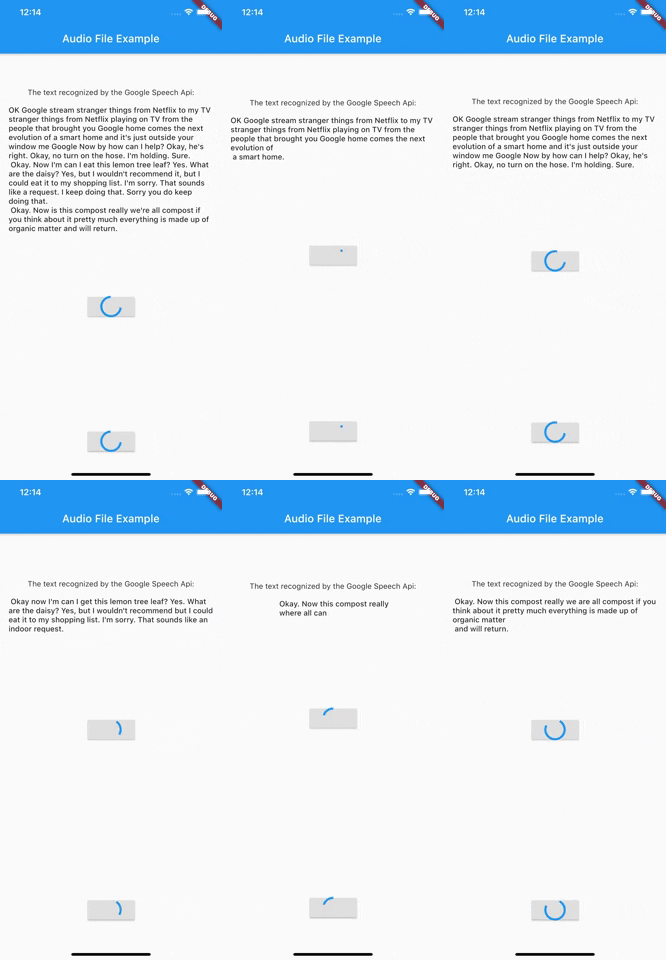
Demo recognize
Demo Streaming
Before we get started
To use the Google Speech Api it is first of all important to create a Google Cloud account and activate the Speech Api.
The best way to do this is to follow the first point of this documentation.
After you have created a service account and downloaded the Json file with the necessary access data, you can start
using this package.
At this time this package only supports authentication via service account. It is therefore necessary to create a service account and have the necessary Json data ready.
Getting Started
Authentication
As of version 3.0.0 there are now 3 different ways to authenticate. In addition to the old way viaServiceAccount, there is now also the possibility to authenticate via token or ThirdPartyAuthenticator.
Authentication via ThirdParty Authenticator [> Version 3.0.0]
final speechToText = SpeechToText.viaThirdPartyAuthenticator(
ThirdPartyAuthenticator(
obtainCredentialsFromThirdParty: () async {
// request api to get tokenfinal json = awaitrequestCredentialFromMyApi();
returnAccessCredentials.fromJson(json);
},
),
);
Authentication via Token [> Version 3.0.0]
Creates a SpeechToText interface using a token.
You are responsible for updating the token when it expires.
    final speechToText = SpeechToText.viaToken(
    'Bearer',
    '<token-here>',
    );
Authentication via a service account
There are two ways to log in using a service account. Option number one is the direct transfer of the Json file.
Make sure that the file really exists in the path you passed and that the file has a .json extension.
import'package:google_speech/speech_client_authenticator.dart';
final serviceAccount = ServiceAccount.fromFile(File('PATH_TO_FILE'));
final speechToText = SpeechToText.viaServiceAccount(serviceAccount);
Option number two is to pass the Json data directly as a string.
This could be used for example to load the data from an external service first and not
have to keep it directly in the app.
final serviceAccount = ServiceAccount.fromString(r'''{YOUR_JSON_STRING}''');
/// OR load the data from assetsfinal serviceAccount = ServiceAccount.fromString(
'${(await rootBundle.loadString('assets/test_service_account.json'))}');
final speechToText = SpeechToText.viaServiceAccount(serviceAccount);
After you have successfully connected the ServiceAccount, you can already start using the Api.
Since version 1.1.0 google_speech also supports the use of features available in the Google Speech Beta Api. For this you just have to use SpeechToTextBeta instead of SpeechToText.
Use Google Speech Version 2
Since version 4.0.0 google_speech also supports the use of features available in the Google Speech V2. For this you just have to use SpeechToTextV2 instead of SpeechToText.
An Example could be found in audio_file_example_v2
Endless stream support
Since version 5.0.0 google_speech also supports endless stream.
For this you just have to use EndlessStreamingService instead of SpeechToText.
final serviceAccount = ServiceAccount.fromString(r'''{YOUR_JSON_STRING}''');
/// OR load the data from assetsfinal serviceAccount = ServiceAccount.fromString(
'${(await rootBundle.loadString('assets/test_service_account.json'))}');
final speechToText = EndlessStreamingService.viaServiceAccount(serviceAccount);
final responseStream = speechToText.endlessStream;
speechToText.endlessStreamingRecognize(
StreamingRecognitionConfig(config: config, interimResults: true),
_audioStream!);
responseStream.listen((data) {...});