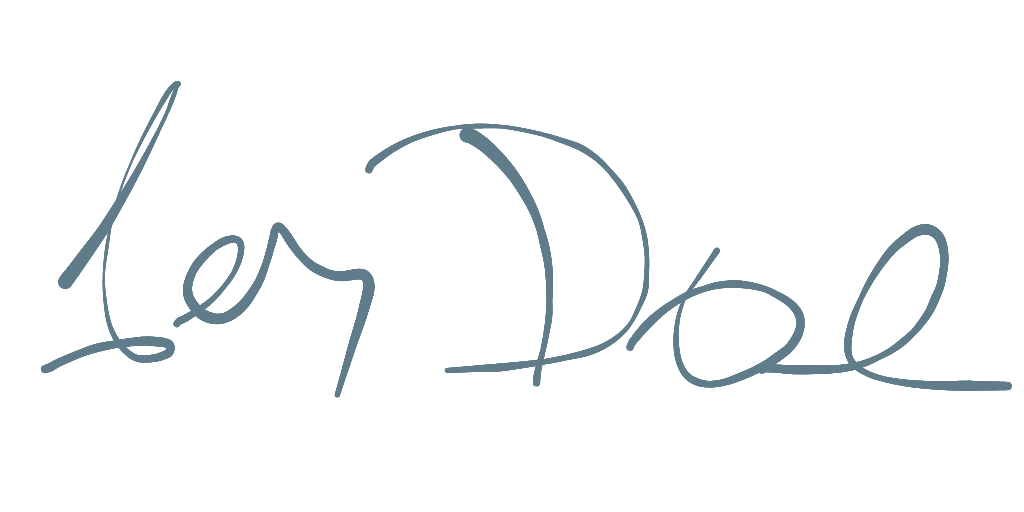
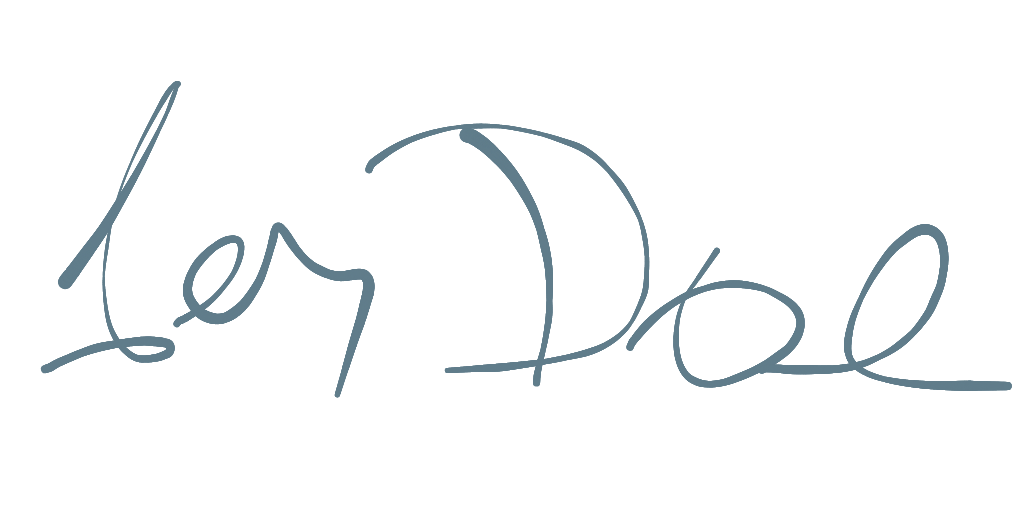
सार्वजनिक जानकारी से बना चयन मार्गदर्शन। केवल संदर्भ हेतु।
एक चिकित्सा उपकरण जो अनुकूल ड्राइंग और निर्यात विकल्प के साथ चिकित्सा पैड बनाने के लिए एक फ्लटर विजेट है। मोबाइल, वेब और डेस्कटॉप सहित विभिन्न प्लेटफॉर्म को समर्थन देता है। विभिन्न ऐप की आवश्यकताओं के अनुरूप एसवीजी निर्यात और लचीले शैली के विकल्प प्रदान करता है। उपयोगकर्ता के हस्ताक्षर की आवश्यकता वाले फॉर्म, प्रमाणीकरण और डिजिटल दस्तावेज़ के लिए उपयुक्त।
उपयोग
डिजिटल फॉर्म सबमिशन
हस्ताक्षर के माध्यम से उपयोगकर्ता प्रमाणीकरण
ई-हस्ताक्षर संग्रह
दस्तावेज़ स्वीकृति प्रवाह
ऑनलाइन समझौता हस्ताक्षर
मोबाइल ऐप पंजीकरण
मुख्य विशेषताएँ
स्मूथ सिग्नेचर ड्राइंग
SVG निर्यात समर्थन
कस्टमाइज़ किए गए स्ट्रोक चौड़ाई और रंग
क्रॉस-प्लेटफॉर्म संगतता
रियल-टाइम रेंडरिंग
निर्माण योग्य निर्यात सेटिंग्स
इनके लिए उपयुक्त
ईलेक्ट्रॉनिक हस्ताक्षर की आवश्यकता वाले ऐप्स
फॉर्म-भारी एप्लिकेशन
उपयोगकर्ता इनपुट वाले मोबाइल और वेब ऐप्स
डिजिटल दस्तावेज़ कार्यप्रवाह
शैक्षिक या उद्यम सॉफ्टवेयर
विचार योग्य बातें
उपयोगकर्ता छूने के इनपुट की आवश्यकता होती है
कम क्षमता वाले उपकरणों पर प्रदर्शन में भिन्नता हो सकती है
SVG निर्यात को अतिरिक्त प्रक्रिया की आवश्यकता हो सकती है
2D ड्राइंग तक सीमित
कोई निर्मित संग्रह या प्रमाणीकरण नहीं
उच्च आवृत्ति उपयोग के मामलों के लिए अनअनुकूलित
मूल README
संबंधित सोर्स रिपॉज़िटरी के मूल README का स्नैपशॉट। नवीनतम सामग्री के लिए रिपॉज़िटरी देखें।
Hand Signature
A Flutter plugin providing a Signature Pad for drawing smooth signatures. This library is written in a pure Dart/Flutter environment to provide support for all platforms. It's easy to use, with a variety of drawing and export settings, and also supports SVG files.
The signature pad drawing is based on Cubic Bézier curves and offers a choice between performance and 'beauty' modes.
Features
Cross-Platform: Works on any platform supported by Flutter.
Customizable: Adjust stroke width, color, and smoothing.
Multiple Drawing Types: Choose between line, shape, and arc presets for different visual styles. It's also possible to implement a custom drawing experience.
Velocity and Pressure Based Stroke: The thickness of the line can vary based on the drawing speed and pressure.
Export Options: Export signatures as PNG, SVG, or raw data (JSON/Map).
Import/Export: Save and load signature data state.
Usage
Here is a simple example of how to use the signature pad.
This class handles the logic behind the signature, controlling input touches and managing the control points of the signature curve.
SignaturePathSetup defines how input data will be handled.
threshold: Controls the minimal distance between two points. A higher distance creates a smoother, but less precise, curve.
smoothRatio: (0 - 1) Controls how smooth the curve will be. A higher ratio creates a smoother, but less precise, curve. The best results are typically between 0.5 and 0.75.
velocityRange: Controls the curve size based on the drawing speed. A thin line corresponds to a fast movement, while a thick line corresponds to a slow movement.
presureRatio: (0 - 1) Ratio between pressure sensitivity and velocity. 0.0 = only velocity, 1.0 = only pressure. Some platforms/devices (like mouse pointer) doesn't support sensitivity'
args: Custom variables - mostly used for custom HandSignatureDrawer.
HandSignature
This widget handles touch gestures and draws the curve on the canvas.
control: The HandSignatureControl that processes input and stores the raw data.
drawer: The HandSignatureDrawer that handles the painting of the signature.
backgroundColor: The background color of the signature canvas.
placeholder: A widget to display when the signature is empty.
Drawers
Drawers are responsible for rendering the signature on the canvas. You can use one of the pre-built drawers or create your own.
Pre-built Drawers
LineSignatureDrawer: Basic line with a single line width.
ShapeSignatureDrawer: Default drawer, mimics an ink pen. It varies line width based on velocity and/or pressure. This is a good option for exporting to SVG.
ArcSignatureDrawer: Also mimics an ink pen, but is less performant than ShapeSignatureDrawer. This is the default drawer when exporting to an image.
DynamicSignatureDrawer: Dynamically selects the drawing type based on provided arguments.
MultiSignatureDrawer: Combines multiple drawers, allowing for complex effects and layering.
Custom Drawer
You can create a custom drawer by extending HandSignatureDrawer and implementing the paint method. This allows full control over how the signature is rendered.
Check custom_sample.dart for dynamic setup and drawing.
Exporting
You can modify properties like canvas size, stroke width, and color during export. You can also provide a custom drawer when exporting to an image. The most common export formats are SVG and PNG. During export, data are re-rendered with the preferred setup and output dimensions.
State can be saved with toMap() and restored with the import() method.
final control = HandSignatureControl();
// Export to SVGfinal svg = control.toSvg();
// Export to PNGfinal png = await control.toImage(
width: 512,
height: 512,
drawer: ShapeSignatureDrawer(
color: Colors.black,
),
);
// Export to raw datafinal data = control.toMap();
// Import from raw data
control.import(data);
SVG:
shape: Generates a reasonably small file that is well-supported by most programs.
arc: Generates a larger SVG file, which some programs may struggle to handle.
line: A simple Bezier curve.
Image: Export to an Image or Picture object, which can then be converted to PNG bytes.
arc: Default drawer when exporting image data.
drawer: Specifies HandSignatureDrawer to use during canvas export.
JSON/Map: Export the current state as raw data, which can be used later to restore the signature.
Data is exported with timestamp and pressure information for each point.
Displaying an exported SVG file
You can display an exported SVG file using a library like flutter_svg.