सार्वजनिक जानकारी से बना चयन मार्गदर्शन। केवल संदर्भ हेतु।
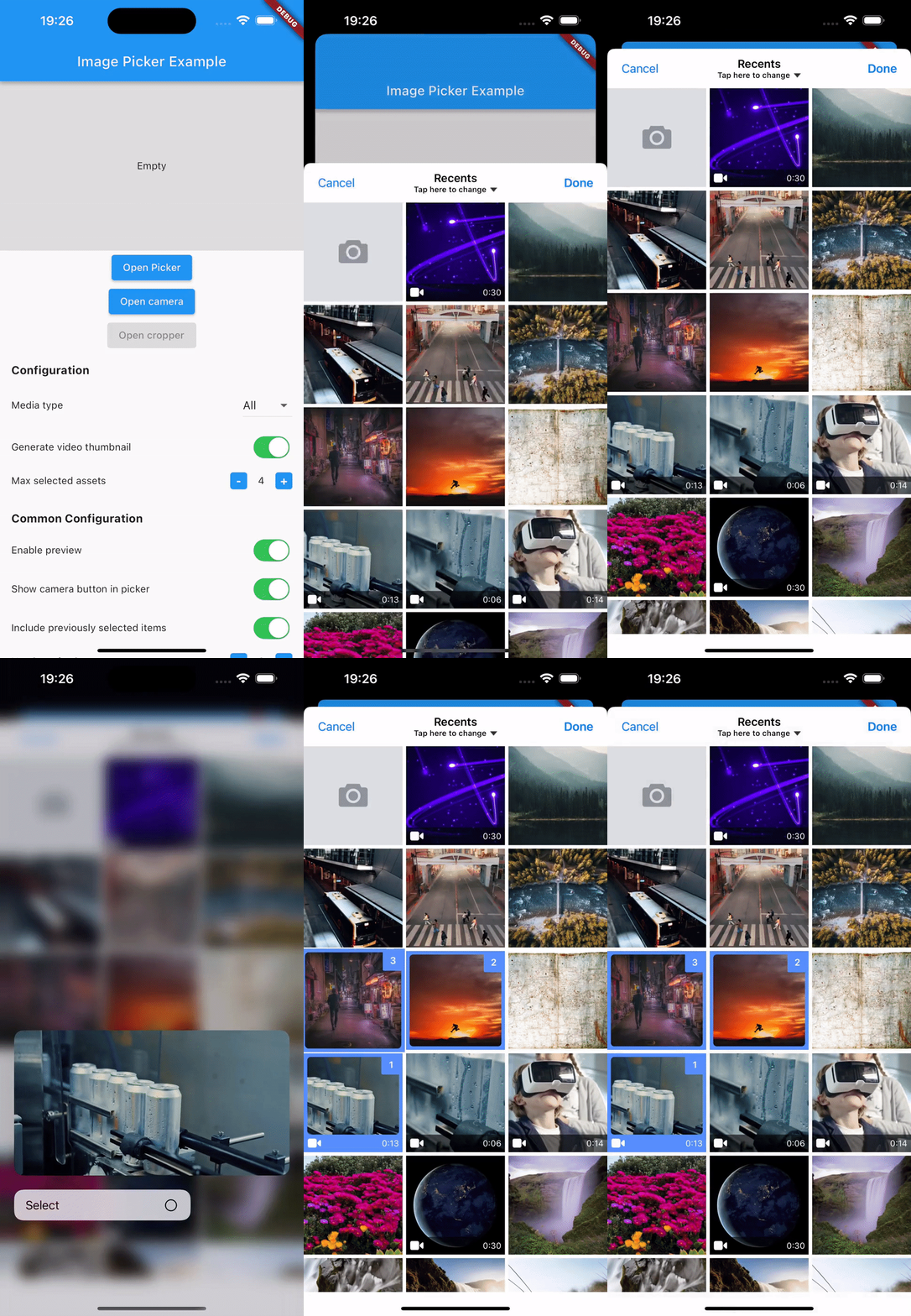
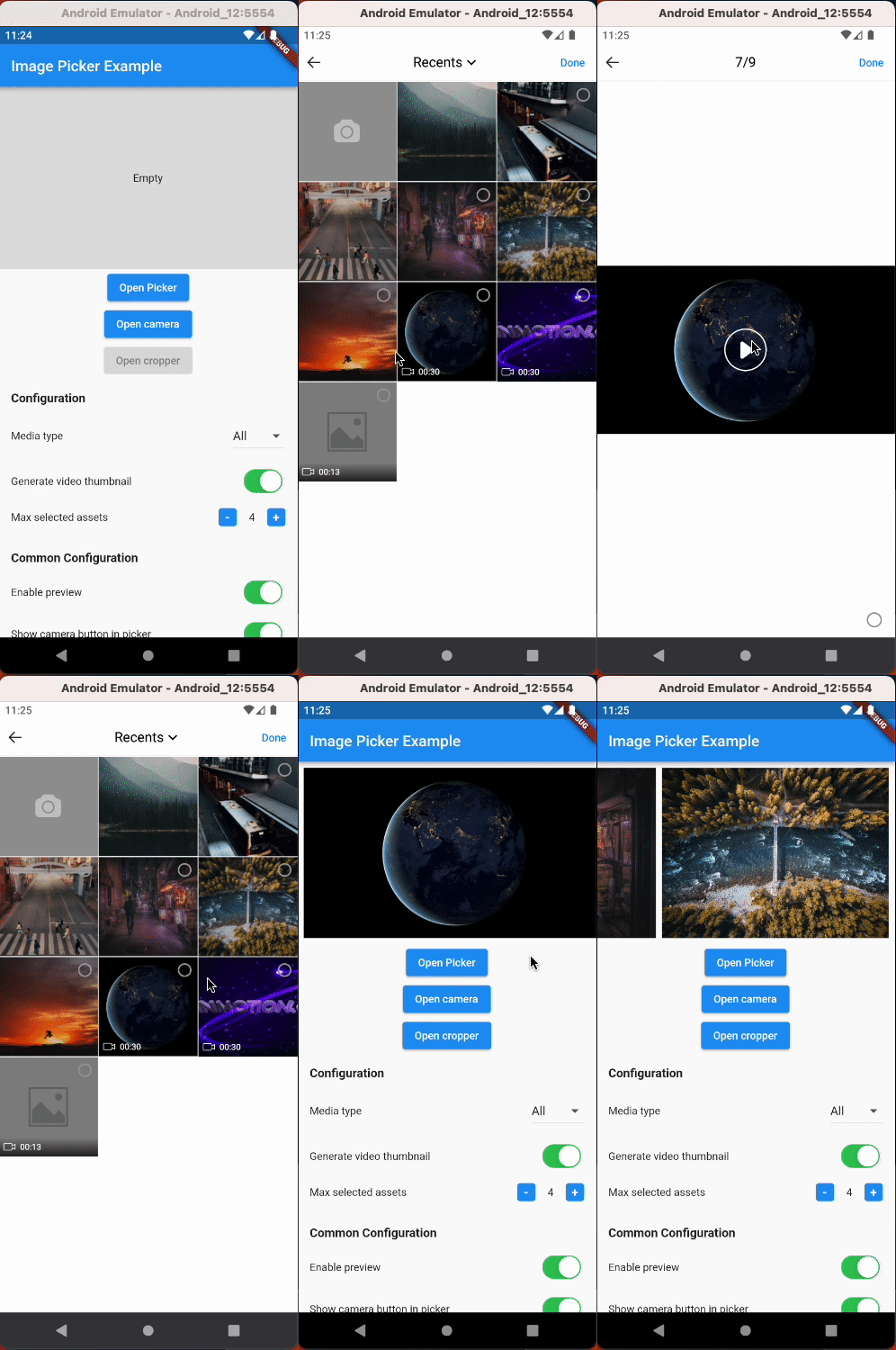
hl_image_picker एक Flutter पैकेज है जो डिवाइस लाइब्रेरी से छवि और वीडियो चयन को सरल बनाता है, छवि कटौती का समर्थन करता है, और कैमरे के माध्यम से नए मीडिया को कैप्चर करने की अनुमति देता है। यह Android और iOS के लिए एक निरंतर, क्रॉस-प्लेटफॉर्म अनुभव प्रदान करता है, ऐप में मीडिया फ़ाइलों के प्रबंधन के लिए एक सुविधाजनक इंटरफ़ेस प्रदान करता है। यह पैकेज मौजूदा Flutter प्रोजेक्ट्स के साथ आसानी से एकीकृत होता है और फ़ोटो या वीडियो अपलोड के साथ उपयोगकर्ता अंतरक्रिया को बढ़ाता है।
उपयोग
उपकरण लाइब्रेरी से छवियों और वीडियो का चयन करें
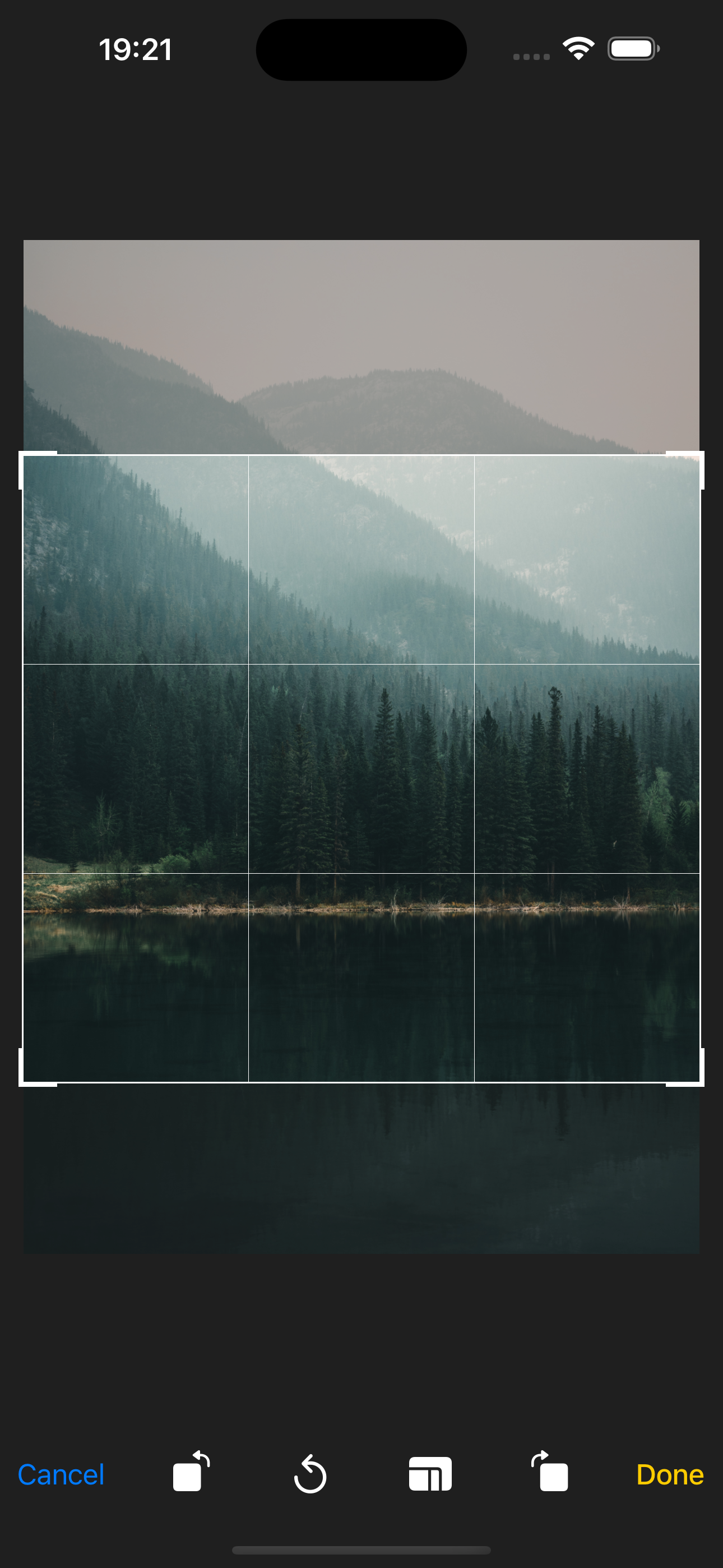
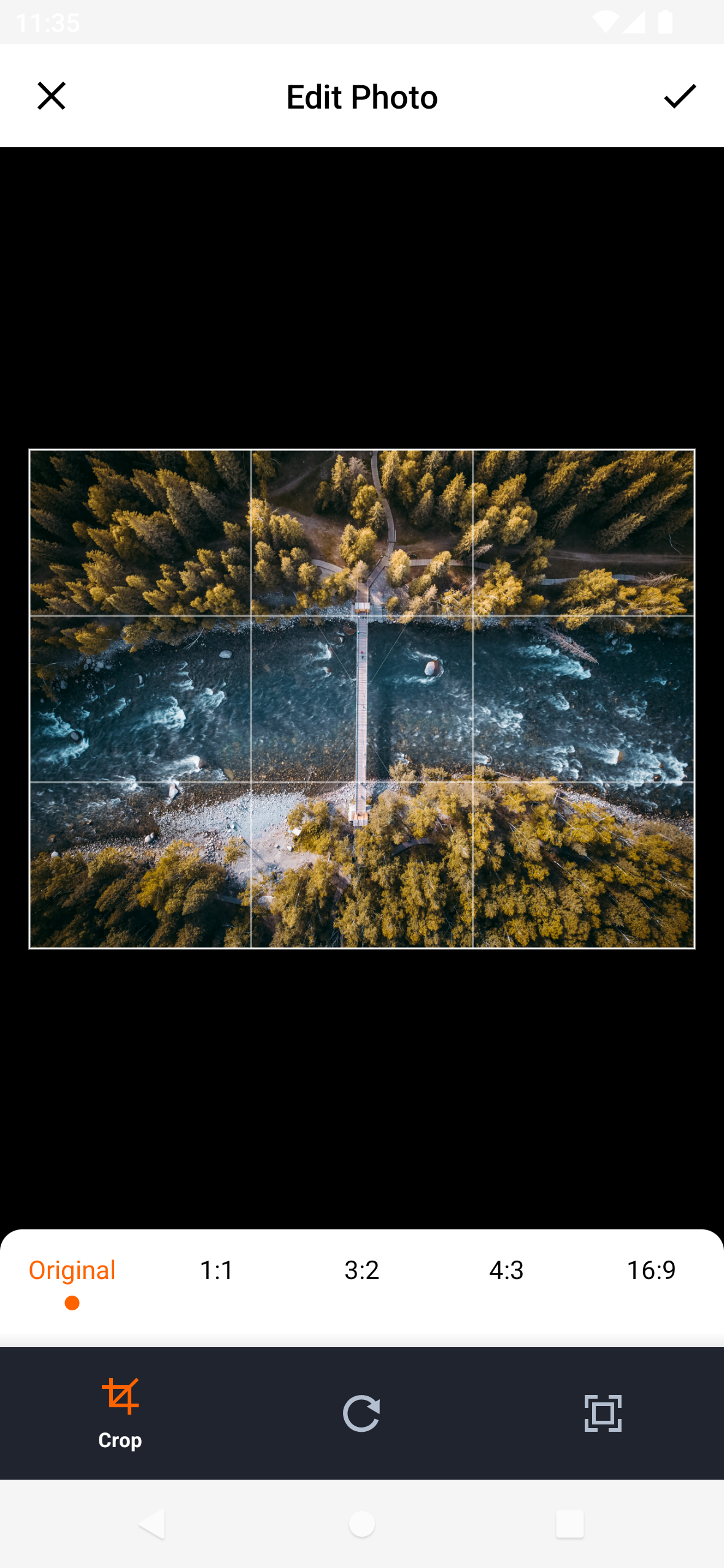
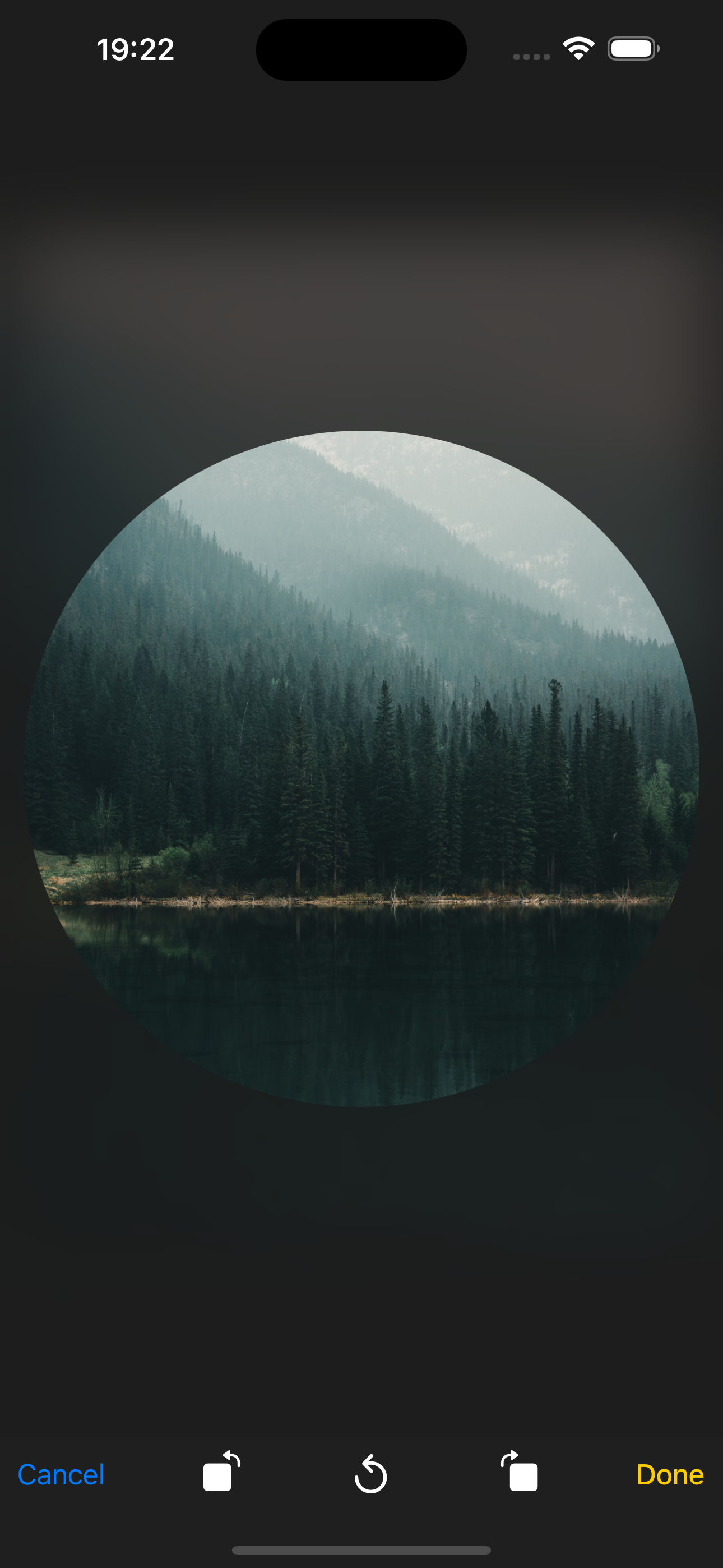
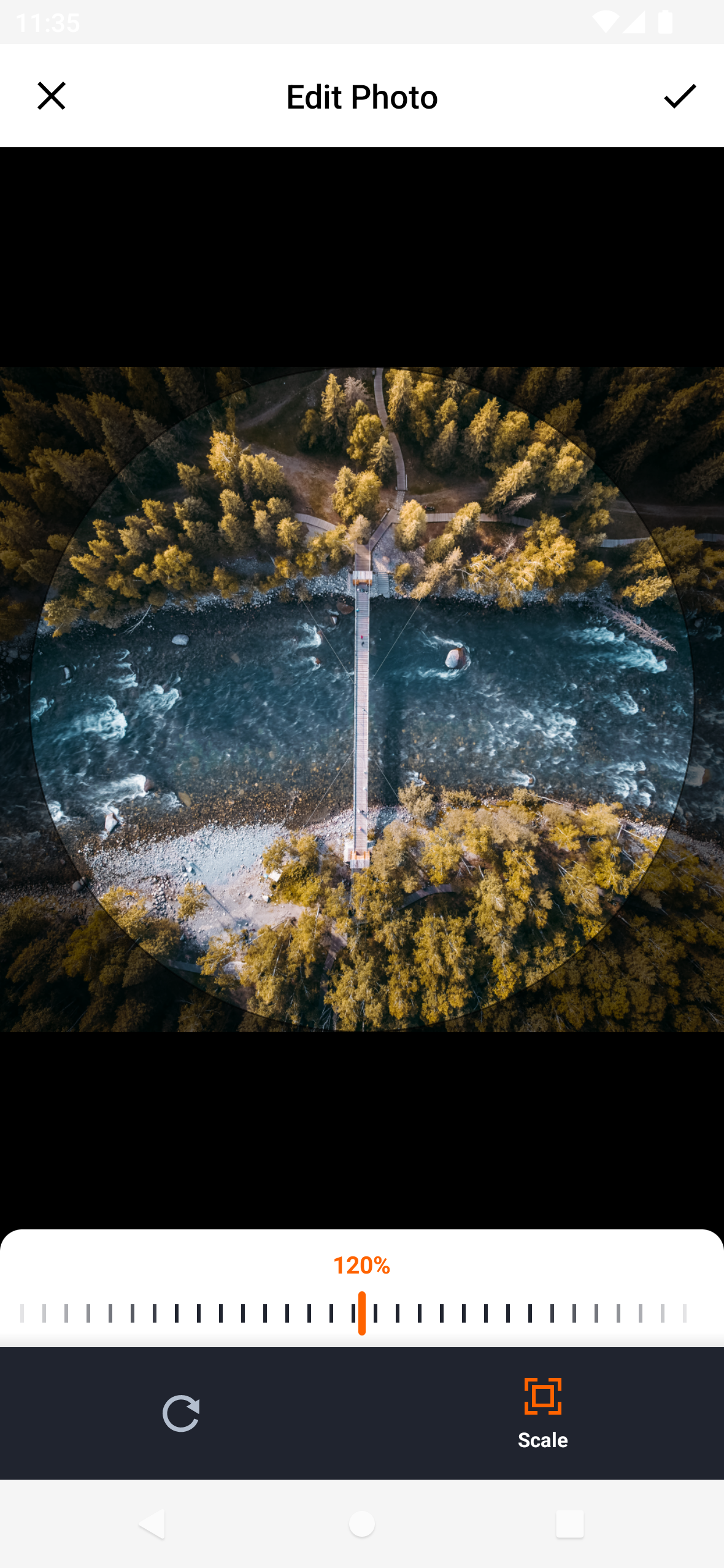
अपलोड से पहले चयनित छवियों को काटें
कैमरा के माध्यम से नए फोटो और वीडियो कैप्चर करना
फॉर्म वर्कफ्लो में मीडिया चयन को एकीकृत करना
उपयोगकर्ता प्रोफ़ाइल छवि अपलोड को सक्षम करना
मुख्य विशेषताएँ
Android और iOS के लिए क्रॉस-प्लेटफ़ॉर्म समर्थन
निर्मित छवि कटौती कार्यक्षमता
नए मीडिया के लिए कैमरा कैप्चर
Flutter प्रोजेक्ट्स के साथ सरल एकीकरण
साफ और कस्टमाइज़ करने योग्य यूआई
इनके लिए उपयुक्त
मीडिया अपलोड करने वाले ऐप्स
सोशल मीडिया प्लेटफॉर्म
उपयोगकर्ता प्रोफ़ाइल प्रबंधन प्रणाली
ई-कॉमर्स उत्पाद छवि संग्रह
फोटो संपादन या साझा करने वाले एप्लिकेशन
विचार योग्य बातें
कैमरा और स्टोरेज एक्सेस के लिए उचित अनुमतियाँ आवश्यक हैं
iOS निजता सेटिंग्स के लिए अतिरिक्त कॉन्फ़िगरेशन की आवश्यकता हो सकती है
मूल औसत संपादन विशेषताओं तक सीमित
नीचे के प्लेटफॉर्म कैमरा API पर निर्भर करता है
उन्नत वीडियो प्रसंस्करण के लिए उपयुक्त नहीं
मूल README
संबंधित सोर्स रिपॉज़िटरी के मूल README का स्नैपशॉट। नवीनतम सामग्री के लिए रिपॉज़िटरी देखें।
Flutter Image Picker Plugin
Android
iOS
Support
SDK 21+
11.0+
Simplify media selection, cropping, and camera functionality in your Flutter app. Choose images/videos from the library, crop images, and capture new photos/videos with ease.
Features:
Select images/videos from the library
Take a photo or record a video
Open image cropper
Support crop multiple images
Support quality compression for selected images
Support gif selection
iOS
Android
Installation
$ flutter pub add hl_image_picker
Note: If you are developing an application exclusively for either Android or iOS, you don't need to install hl_image_picker. Instead, you can choose one of the following packages based on your target platform:
To use the plugin, you need to perform the following setup steps:
iOS
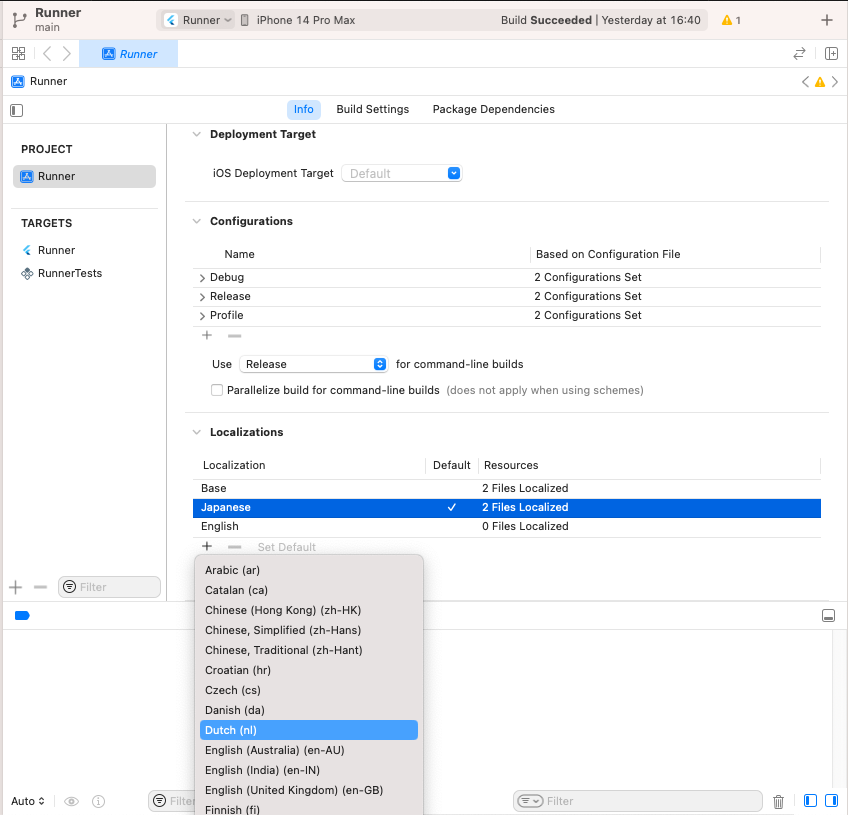
Add Privacy Description to your ios/Runner/Info.plist file.
<key>NSPhotoLibraryUsageDescription</key>
<string>This app requires access to the photo library</string>

<key>NSCameraUsageDescription</key>
<string>This app requires access to the camera</string>

<!-- Include this description only if your plugin requires recording videos and needs access to the device's microphone. -->
<key>NSMicrophoneUsageDescription</key>
<string>This app requires access to the microphone</string>
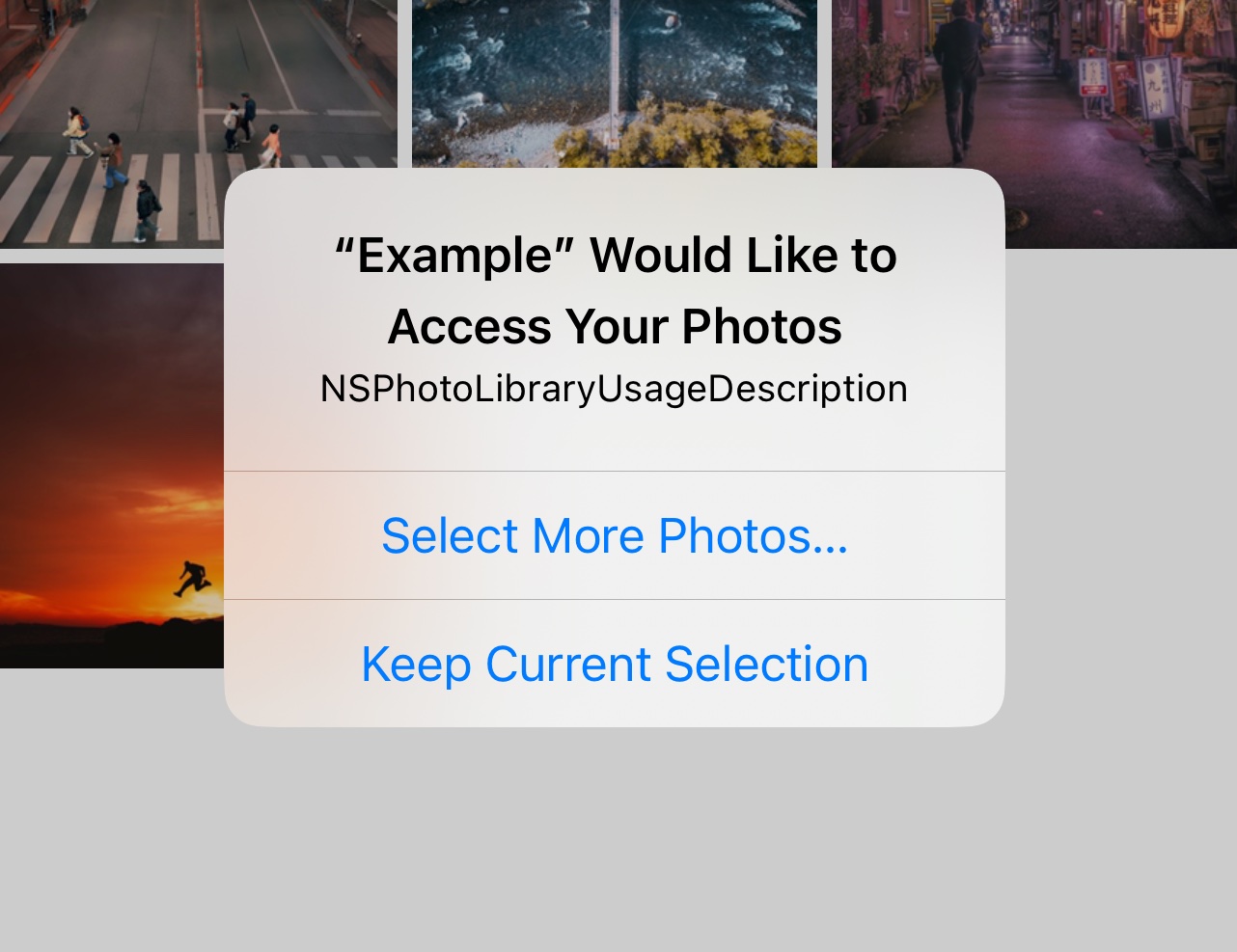
iOS 14 You can suppress the automatic prompting from the system by setting PHPhotoLibraryPreventAutomaticLimitedAccessAlert to yes in Info.plist
<!-- Android 12 and lower --><uses-permissionandroid:name="android.permission.READ_EXTERNAL_STORAGE" /><uses-permissionandroid:name="android.permission.WRITE_EXTERNAL_STORAGE" /><!-- Targeting Android 13 or higher --><uses-permissionandroid:name="android.permission.READ_MEDIA_IMAGES" /><uses-permissionandroid:name="android.permission.READ_MEDIA_VIDEO" /><!-- Request the camera permission --><uses-featureandroid:name="android.hardware.camera"android:required="false" /><uses-permissionandroid:name="android.permission.CAMERA" /><!-- Add this permission if you need to record videos --><uses-permissionandroid:name="android.permission.RECORD_AUDIO" />
A list of string IDs representing the initially selected images or videos from the library. This allows users to pre-select items before opening the picker.