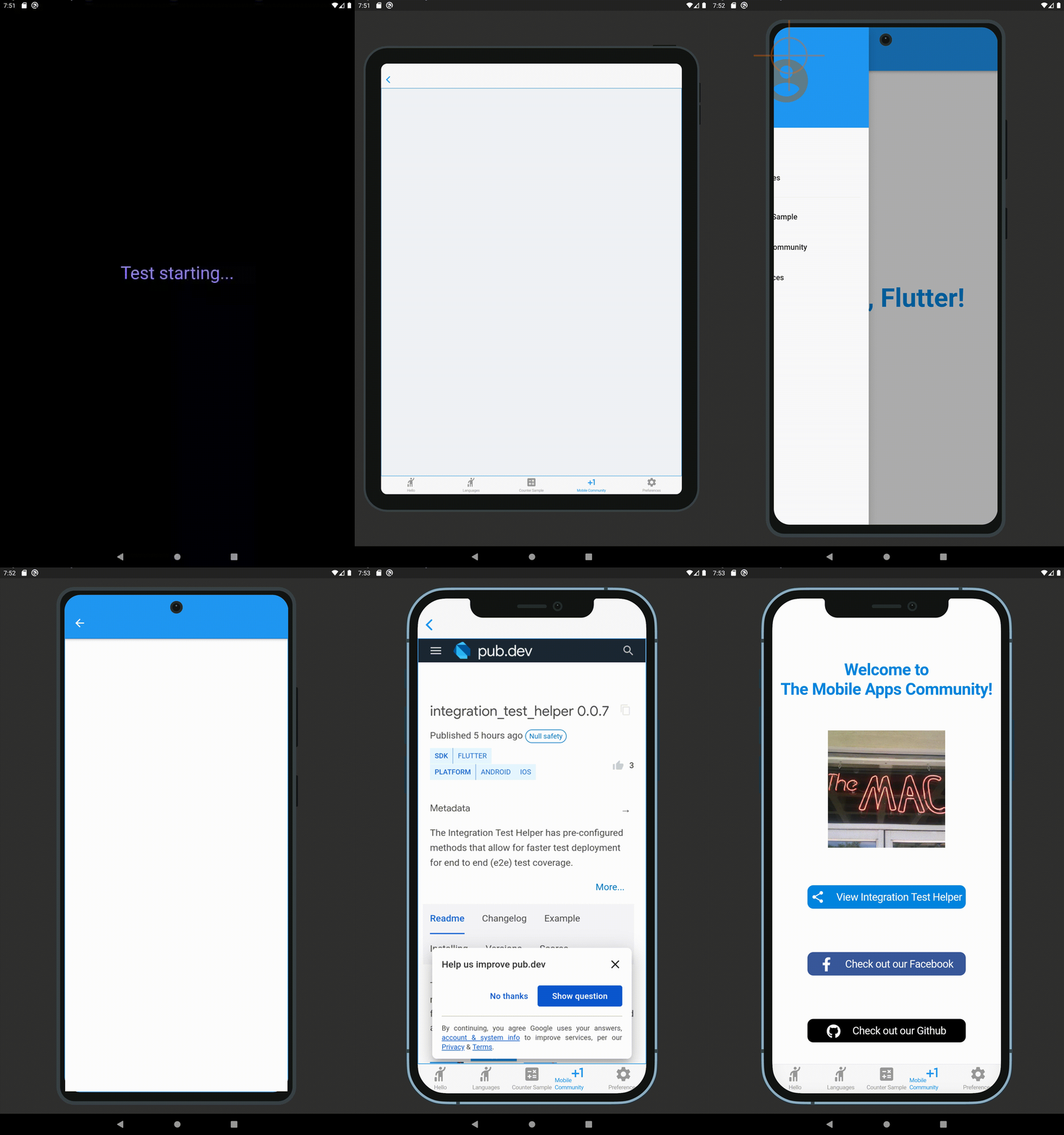
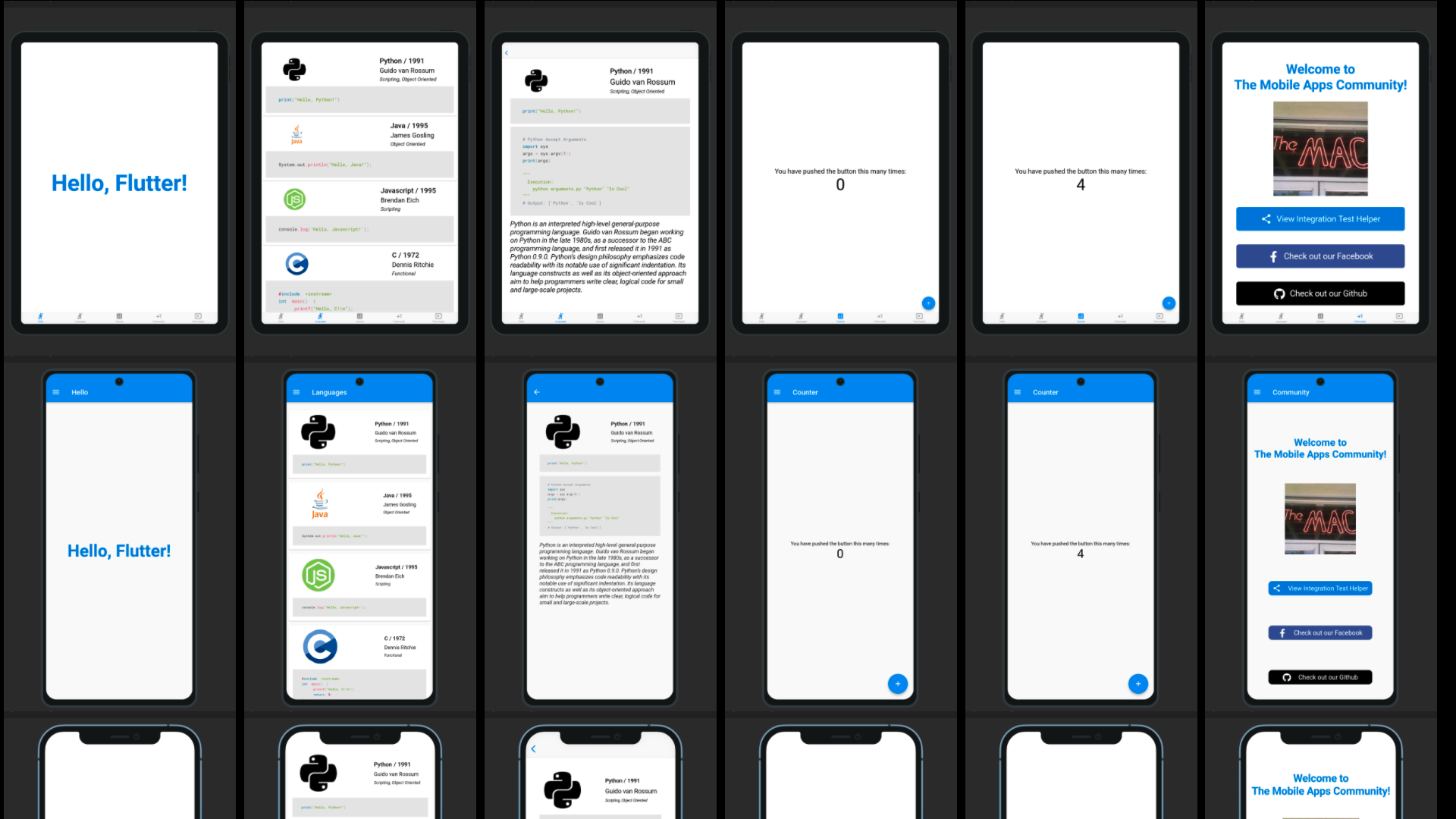
इंटीग्रेशन टेस्ट प्रीव्यू में एंड-टू-एंड (e2e) टेस्ट कवरेज के लिए तेजी से टेस्ट डेप्लॉयमेंट के लिए पूर्व-कॉन्फ़िगर्ड विधियाँ होती हैं (Android और iOS प्लेटफॉर्म UI का उपयोग करके)।
सार्वजनिक जानकारी से बना चयन मार्गदर्शन। केवल संदर्भ हेतु।
इंटीग्रेशन टेस्ट प्रीव्यू मूल एंड्रॉइड और आईओएस यूआई के साथ फ्लटर एप्लिकेशन में एंड-टू-एंड (e2e) टेस्टिंग को तेज करने के लिए पूर्व-कॉन्फ़िगर्ड तरीके प्रदान करता है। यह टेस्ट सेटअप और एक्सीक्यूशन को सरल बनाता है, जिससे डेवलपर्स को न्यूनतम बॉयलरप्लेट के साथ व्यापक e2e टेस्ट कवरेज प्राप्त करने में सक्षम होते हैं। यह पैकेज फ्लटर के integration_test फ्रेमवर्क के साथ बिना किसी असुविधा के एकीकृत है और प्लेटफॉर्म के आसान त्वरित टेस्ट डेप्लॉयमेंट के लिए डिज़ाइन किया गया है। यह रियल डिवाइस और इमुलेटर टेस्टिंग का समर्थन करता है, जिससे उत्पादन वातावरण के साथ भरोसेमंद व्यवहार सुनिश्चित होता है।
उपयोग
ई2ई परीक्षण विकास को तेज करना
मूल विंडोज़ प्लेटफॉर्म UI इंटरैक्शन का परीक्षण
क्रॉस-प्लेटफ़ॉर्म परीक्षण डिप्लॉयमेंट को सुगम बनाना
एप्लिकेशन वर्कफ्लो का एंड-टू-एंड प्रमाणीकरण
परीक्षण सेटअप समय को कम करना
CI/CD पाइपलाइन्स का समर्थन करना
मुख्य विशेषताएँ
पूर्व-संगठित परीक्षण विधियाँ
मूल एंड्रॉइड और आईओएस UI परीक्षण
न्यूनतम बॉलरप्लेट कोड
integration_test के साथ निरंतर एकीकरण
त्वरित परीक्षण डेप्लॉयमेंट
क्रॉस-प्लेटफॉर्म संगतता
इनके लिए उपयुक्त
ई2ई परीक्षण पर ध्यान केंद्रित फ्लटर टीमें
तेज़ परीक्षण चक्र की तलाश में विकासकर्ता
मूल प्लेटफॉर्म सत्यापन की आवश्यकता वाले प्रोजेक्ट
CI/CD-चालित विकास कार्यप्रवाह
स्वचालित परीक्षण अभ्यास को अपनाने वाली टीमें
विचार योग्य बातें
Android और iOS प्लेटफॉर्म सेटअप की आवश्यकता है
ई2ई परीक्षण सीमा तक सीमित
वेब या डेस्कटॉप प्लेटफॉर्म के लिए समर्थन नहीं है
integration_test फ्रेमवर्क पर निर्भर है
जटिल परिदृश्यों के लिए अतिरिक्त कॉन्फ़िगरेशन की आवश्यकता हो सकती है
मूल README
संबंधित सोर्स रिपॉज़िटरी के मूल README का स्नैपशॉट। नवीनतम सामग्री के लिए रिपॉज़िटरी देखें।
Integration Test Preview has pre-configured methods that allow for faster test deployment for end to end (e2e) test coverage (using Android and iOS platform UIs). This package is based upon the Integration Test Helper and Device Preview packages, and does much more with the combination of the two of them. It also allows for specific device size preview screenshots for the app stores, generated locally in your project path.
Features
Integration Test Preview Example
When running a test using a IntegrationTestPreview subclass, you can assign the devices that you want to test against (and take screenshots for). The following is an example of how you can test all your features end to end on multiple screen types:
import'package:flutter_test/flutter_test.dart';
import'package:integration_test_preview/integration_test_binding.dart';
import'package:device_frame/src/devices/devices.dart';
import'package:device_frame/src/info/info.dart';
import'package:example/main.dart'as app;
import'app_feature_groups.dart';
voidmain() async {
const minutesPerDevice = 3;
finalList<DeviceInfo> testDevices = [
Devices.ios.iPhone12, Devices.android.samsungGalaxyNote20, Devices.ios.iPadPro11Inches,
];
final totalExpectedDuration = Duration(minutes: testDevices.length * minutesPerDevice);
final binding = IntegrationTestPreviewBinding.ensureInitialized();
testWidgets('Testing end to end multi-screen integration', (WidgetTester tester) async {
final main = app.setupMainWidget();
final integrationTestGroups = ScreenIntegrationTestGroups(binding);
await integrationTestGroups.initializeDevices(testDevices, state: ScreenshotState.RESPONSIVE);
await integrationTestGroups.initializeTests(tester, main);
}, timeout: Timeout(totalExpectedDuration)
);
}
Reviewing the screenshot results
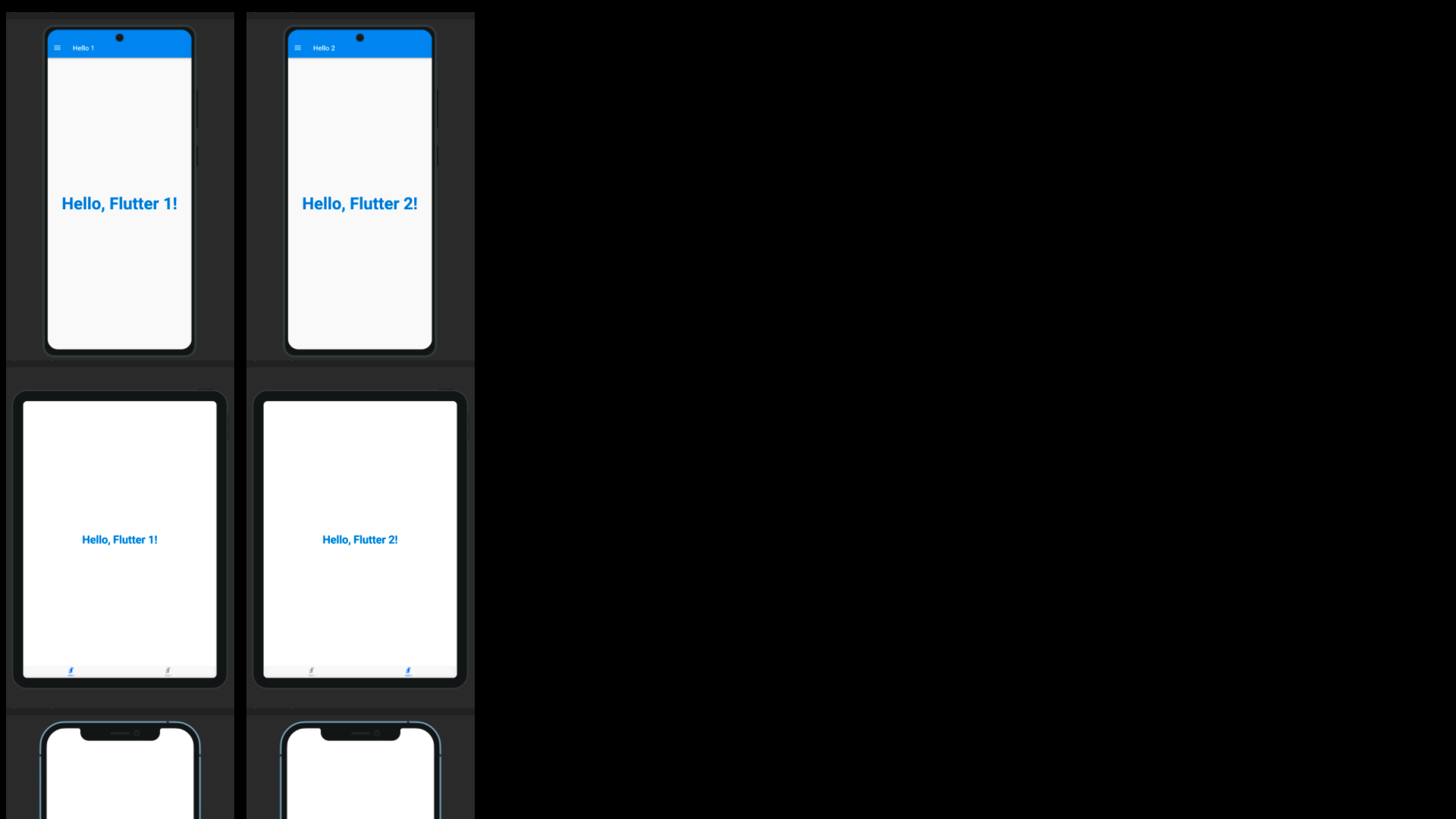
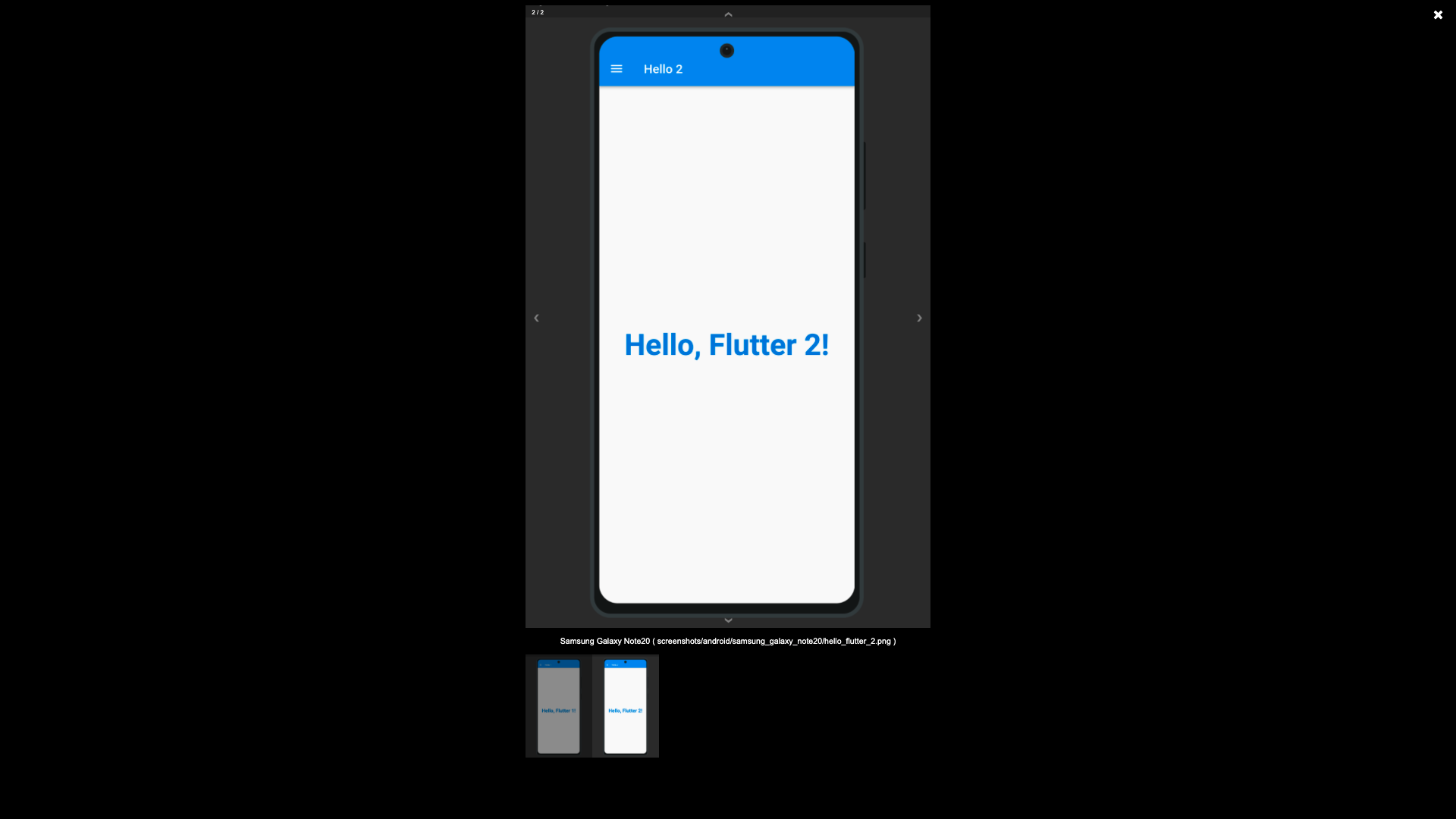
The screenshots generated using the Screenshot State, by default are written to the screenshots directory, this is possible using the test_driver/app_features_test.dart custom integrationDriver example below. The custom integrationDriver implementation allows for the generated screenshots to be displayed in an HTML page by the name of screenshots.html in your project directory.
The following file examples can be combined together (as a Hello World for the Integration Test Preview) to demonstrate how the package works. First you create a way to switch between platforms, a base Widget file that can switch between platforms (Android/iOS/etc.), create a driver file for saving to the screenshots directory, an IntegrationTestPreview subclass for grouping Widget tests against the grouped widgets.
Subclass IntegrationTestPreview (in integration_test/app_feature_groups.dart)
The Integration Test Preview supports platform specific implementations, for methods like the showHelloFlutter
method. This method uses the Drawer for Android and accomodates the Android environment UI interations. And uses
the Tab Bar for iOS and accomodates the iOS environment UI interations.