सार्वजनिक जानकारी से बना चयन मार्गदर्शन। केवल संदर्भ हेतु।
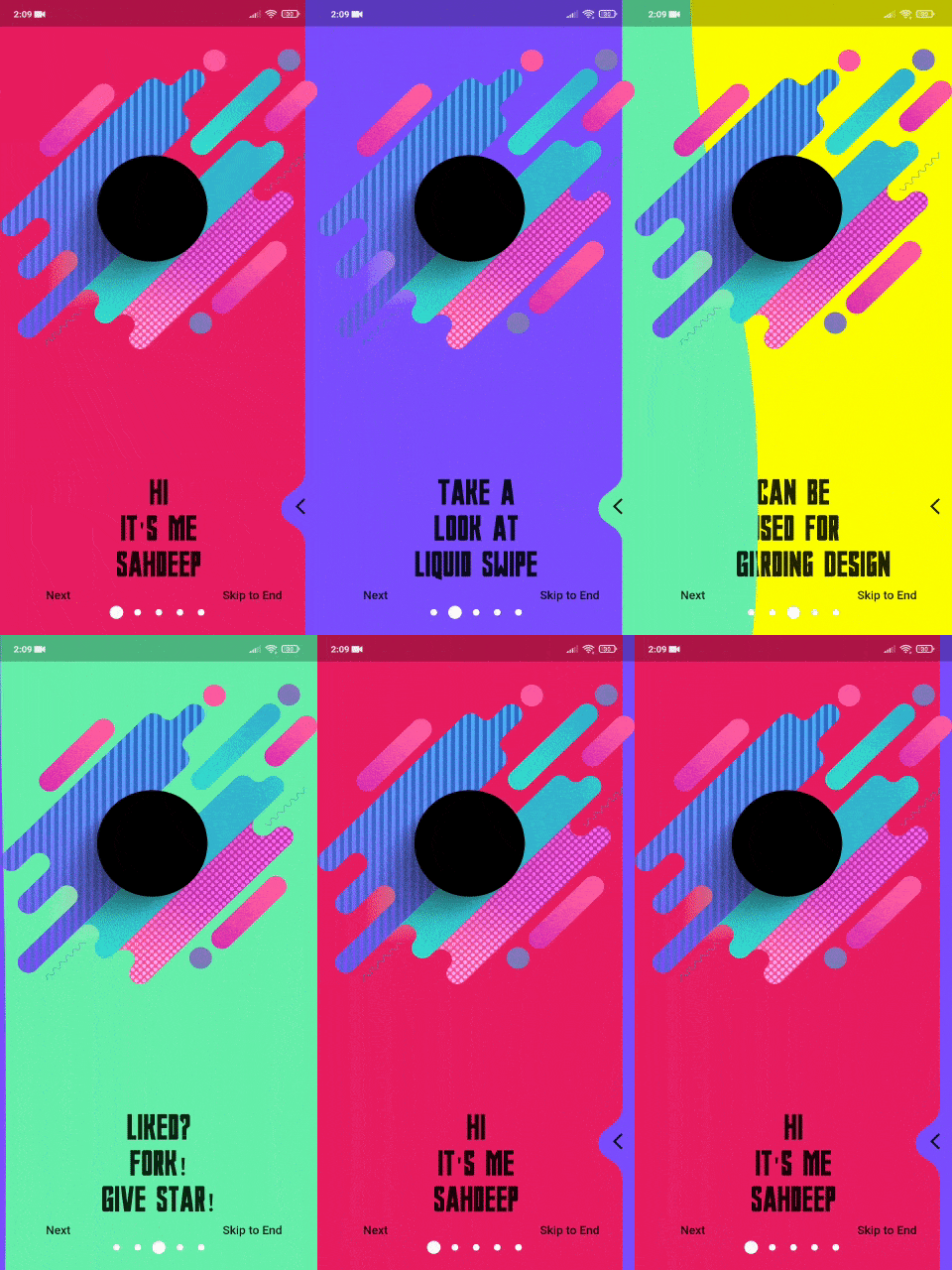
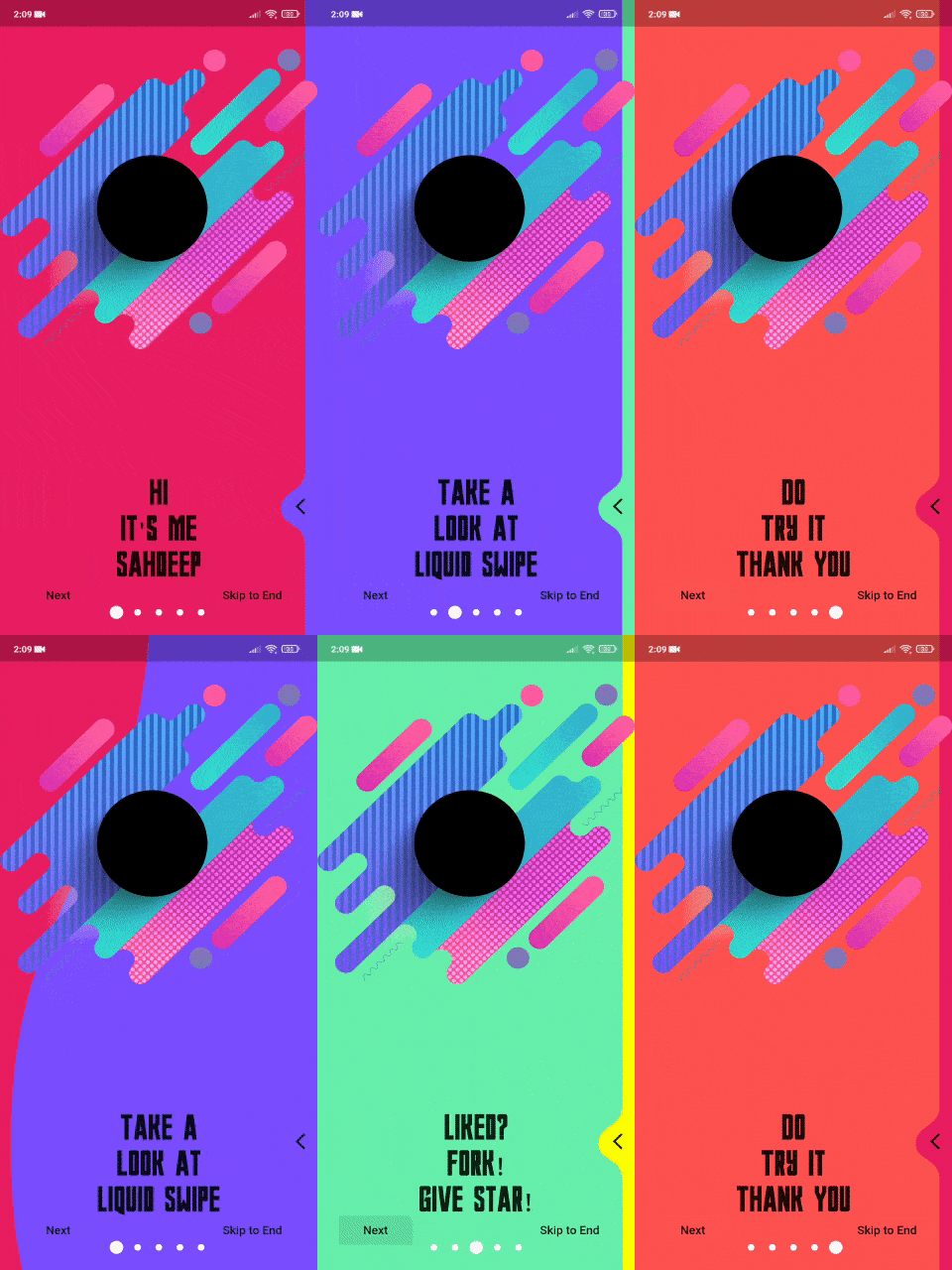
Liquid Swipe एक Flutter पैकेज है जो विजेट्स के लिए तरल, तरल-जैसा स्वाइप प्रभाव सक्षम करता है, जो चिकनी ट्रांज़िशन के साथ उपयोगकर्ता अंतरक्रिया को बढ़ाता है। यह आकर्षक ओनबोर्डिंग स्क्रीन, छवि स्लाइडर, या किसी भी ऐसे UI के निर्माण के लिए आदर्श है जिसमें गतिशील क्षैतिज स्वाइप की आवश्यकता होती है। प्लगइन कई प्लेटफॉर्मों के लिए समर्थन करता है, जिनमें Android, iOS, Web, macOS, Windows और Linux शामिल हैं, जिससे उपकरणों के बीच सुसंगत व्यवहार सुनिश्चित होता है। `flutter pub add liquid_swipe` के माध्यम से न्यूनतम सेटअप के साथ विकासकर्ता आसानी से इस प्रभाव को अपने एप्लिकेशन में एकीकृत कर सकते हैं। स्रोत कोड खुला स्रोत है और GitHub पर रखा गया है, जिससे पारदर्शिता और समुदाय योगदान सुनिश्चित होता है।
उपयोग
ऑनबोर्डिंग स्क्रीन्स
इमेज स्लाइडर्स
इंटरैक्टिव ट्यूटोरियल
स्वाइप-आधारित नेविगेशन
डायनामिक कंटेंट कैरोसल
मुख्य विशेषताएँ
स्मूथ तरल संक्रमण प्रभाव
क्रॉस-प्लेटफ़ॉर्म समर्थन
Flutter के साथ आसान एकीकरण
कस्टमाइज़ किए गए स्वाइप व्यवहार
ओपन-सोर्स और सक्रिय रूप से बनाए रखा जा रहा है
इनके लिए उपयुक्त
एनिमेटेड यूआई चाहने वाले डेवलपर्स
इंटरैक्टिव ओनबोर्डिंग वाले ऐप्स
डिज़ाइन-केंद्रित मोबाइल एप्लिकेशन
बहु-प्लेटफॉर्म Flutter प्रोजेक्ट्स
UI/UX सुधार प्रेमी
विचार योग्य बातें
कम क्षमता वाले उपकरणों पर प्रदर्शन प्रभावित हो सकता है
बड़े डेटासेट के सावधानीपूर्वक निर्माण की आवश्यकता होती है
जटिल गेस्चर के लिए सीमित कस्टमाइज़ेशन
स्थिर सामग्री के लिए उपयुक्त नहीं
हल्के विजेट्स के साथ सबसे अच्छा उपयोग किया जाता है
मूल README
संबंधित सोर्स रिपॉज़िटरी के मूल README का स्नैपशॉट। नवीनतम सामग्री के लिए रिपॉज़िटरी देखें।
This repository contains the Liquid Swipe Flutter source code.
Liquid swipe is the revealing clipper to bring off amazing liquid like swipe to stacked Container/Widgets and inspired by Cuberto's liquid swipe and IntroViews.
Only Rules/Limitation to its Usage is, you can't use any method in Liquid Controller before build method is being called in which LiquidSwipe is initialized. So we have to use them after LiquidSwipe is Built
Properties
currentPage - Getter to get current Page. Default value is 0.
isUserGestureDisabled - If somehow you want to check if gestures are disabled or not. Default value is false;
Methods
animateToPage({required int page, int duration = 600})
Animate to mentioned page within given Duration Remember the duration here is the total duration in which it will animate though all pages not the single page.
jumpToPage({required int page})
Jump Directly to mentioned Page index but without Animation.
shouldDisableGestures({required bool disable})
Use this method to disable gestures during runtime, like on certain pages using OnPageChangeCallback.