सार्वजनिक जानकारी से बना चयन मार्गदर्शन। केवल संदर्भ हेतु।
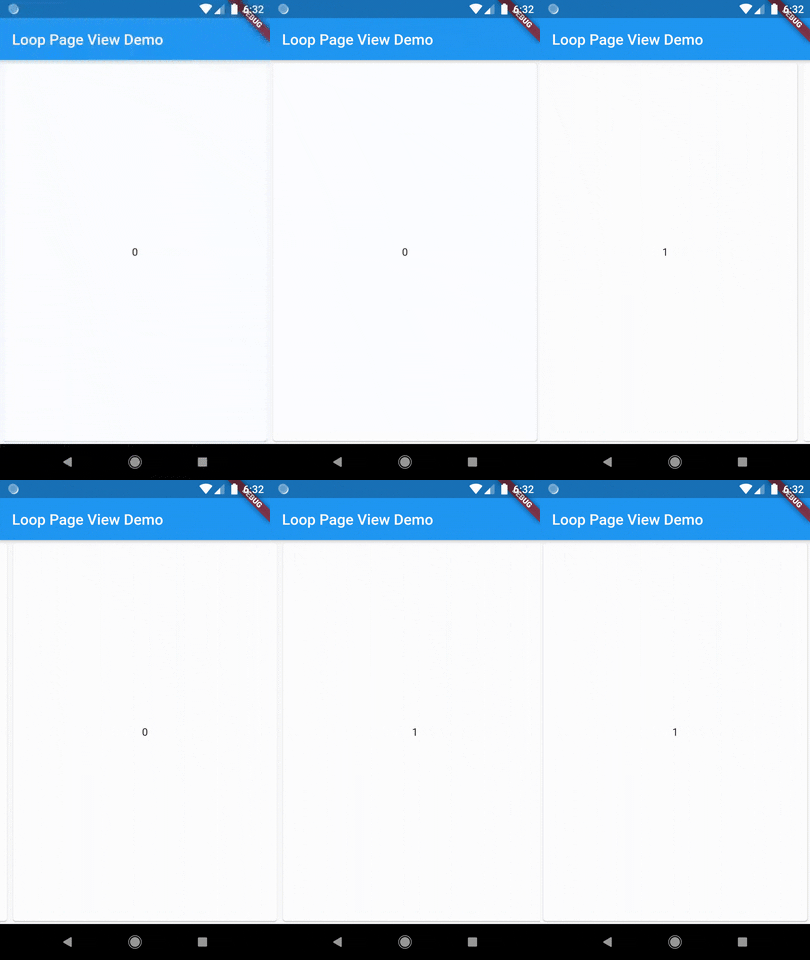
LoopPageView एक Flutter पैकेज है जो PageView कार्यक्षमता को दोनों दिशाओं में बिना रुकावट के अनंत स्क्रॉल करने के लिए विस्तारित करता है। यह मानक PageView बिल्डर निर्माणकर्ता को लपेटता है, जिससे उपयोगकर्ता को खुद इंडेक्स प्रबंधन किए बिना अनंत स्क्रॉल करने वाली सूचियाँ बनाने में सक्षम बनाता है। कैरोसेल, छवि गैलरी या किसी भी ऐसे UI के लिए आदर्श जिसमें निरंतर नेविगेशन की आवश्यकता हो। पैकेज सभी प्रमुख प्लेटफॉर्मों का समर्थन करता है और न्यूनतम सेटअप के साथ कार्यान्वयन को सरल बनाता है।
उपयोग
अनंत छवि स्लाइडर
निरंतर उत्पाद कैरोसेल
अंतहीन सामग्री फीड
इंटरैक्टिव ऑनबोर्डिंग स्क्रीन्स
डायनामिक डेटा प्रस्तुतीकरण
मुख्य विशेषताएँ
द्विदिशात्मक अंतहीन स्क्रॉलिंग
सरल बिल्डर पैटर्न एकीकरण
क्रॉस-प्लेटफॉर्म समर्थन
न्यूनतम बॉलरप्लेट
स्वचालित इंडेक्स प्रबंधन
इनके लिए उपयुक्त
अनंत स्क्रॉल इंटरफेस बना रहे डेवलपर्स
चिकन ट्रांजिशन की आवश्यकता वाले UI डिज़ाइनर
पुनरावृत्ति सामग्री लेआउट वाले ऐप्स
तरल नेविगेशन की आवश्यकता वाले मोबाइल और वेब एप्लिकेशन
विचार योग्य बातें
भारी विजेट्स के साथ प्रदर्शन पर प्रभाव पड़ सकता है
सावधानीपूर्वक मेमोरी प्रबंधन की आवश्यकता होती है
बहुत बड़े डेटासेट के लिए बिना अनुकूलन के आदर्श नहीं है
मूल लूपिंग के आगे सीमित कस्टमाइजेशन
मूल README
संबंधित सोर्स रिपॉज़िटरी के मूल README का स्नैपशॉट। नवीनतम सामग्री के लिए रिपॉज़िटरी देखें।
loop_page_view
LoopPageView is an enhanced PageViewbuilder for Flutter, enabling infinite scrolling in both directions. It utilizes a customLoopPageController that supports direct animated jumps between pages and configurable scrolling and looping behavior. You can set the scrolling direction and control the start of infinite looping for precise customization
LoopPageView operates exactly like a PageViewbuilder constructor, but it always requires an item count, as well as a LoopPageController as its controller. The LoopPageController functions similarly to a PageController, but it correctly handles the endless scrolling of LoopPageView.
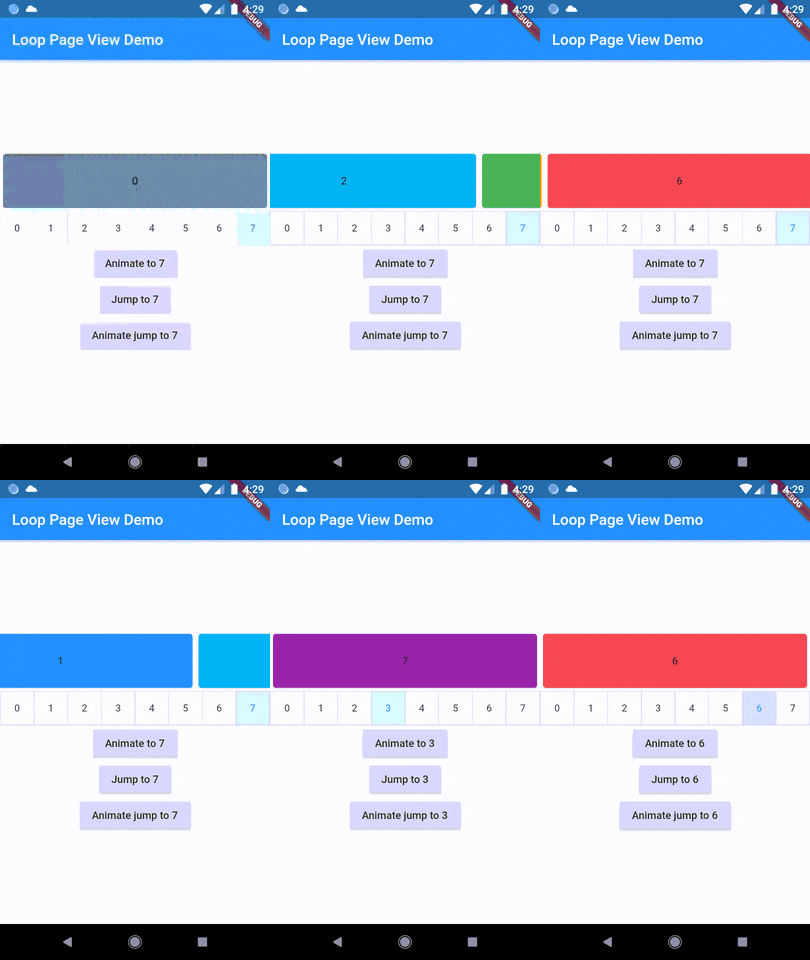
A new method, animateJumpToPage, has been added to LoopPageController. This allows it to animate a jump to any page without having to build the intervening pages, provided that viewportFraction is set to 1.0.
The direction to which the LoopPageViewController animates can be set by updating LoopPageViewController.scrollMode. LoopScrollMode.shortest animates in the direction that requires the least amount of steps. On the other hand, LoopScrollMode.forwards always animates forwards, and LoopScrollMode.backwards always animates backwards.
You can set when the infinite looping starts setting LoopPageViewContoller' LoopActivationMode with the following modes:
LoopActivationMode.immediate: This mode triggers infinite looping right from the first page, immediately after the LoopPageView is launched.
LoopActivationMode.afterFirstLoop: In this mode, infinite looping is only triggered after the first complete forward loop is performed.
LoopActivationMode.forwardOnly: This mode enables only forward infinite scrolling, preventing backward looping.