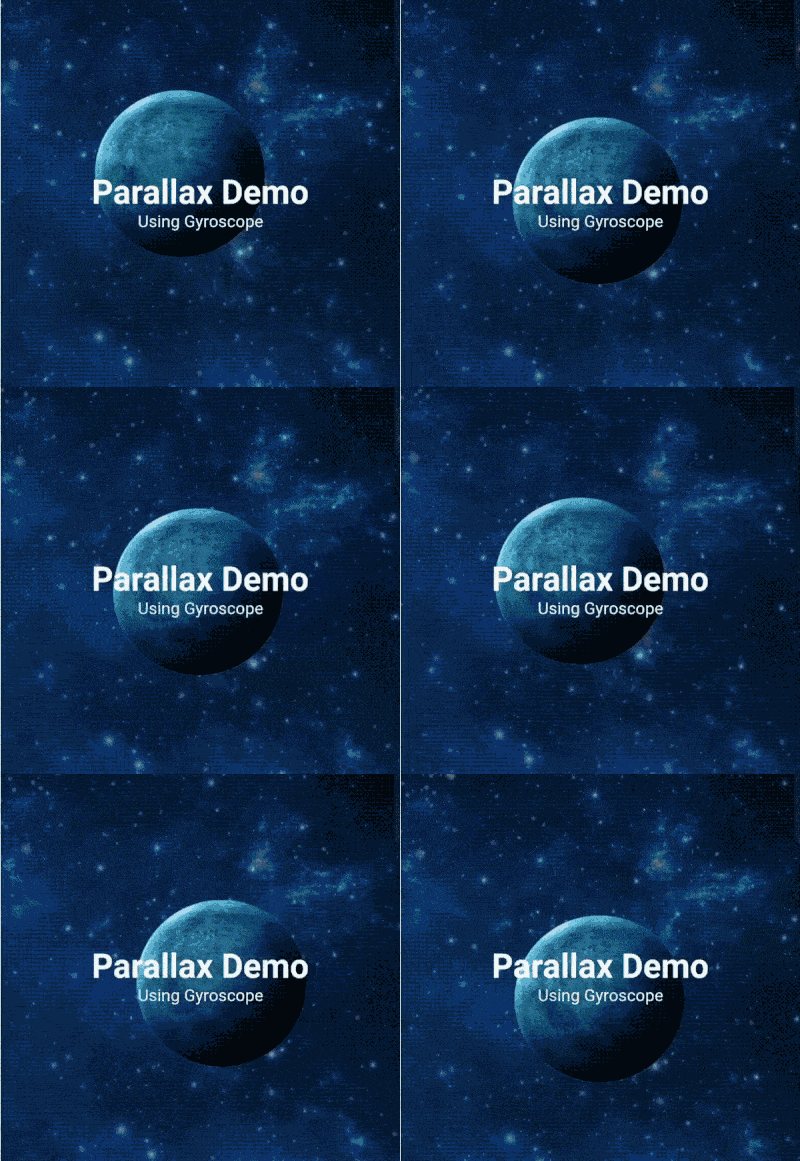
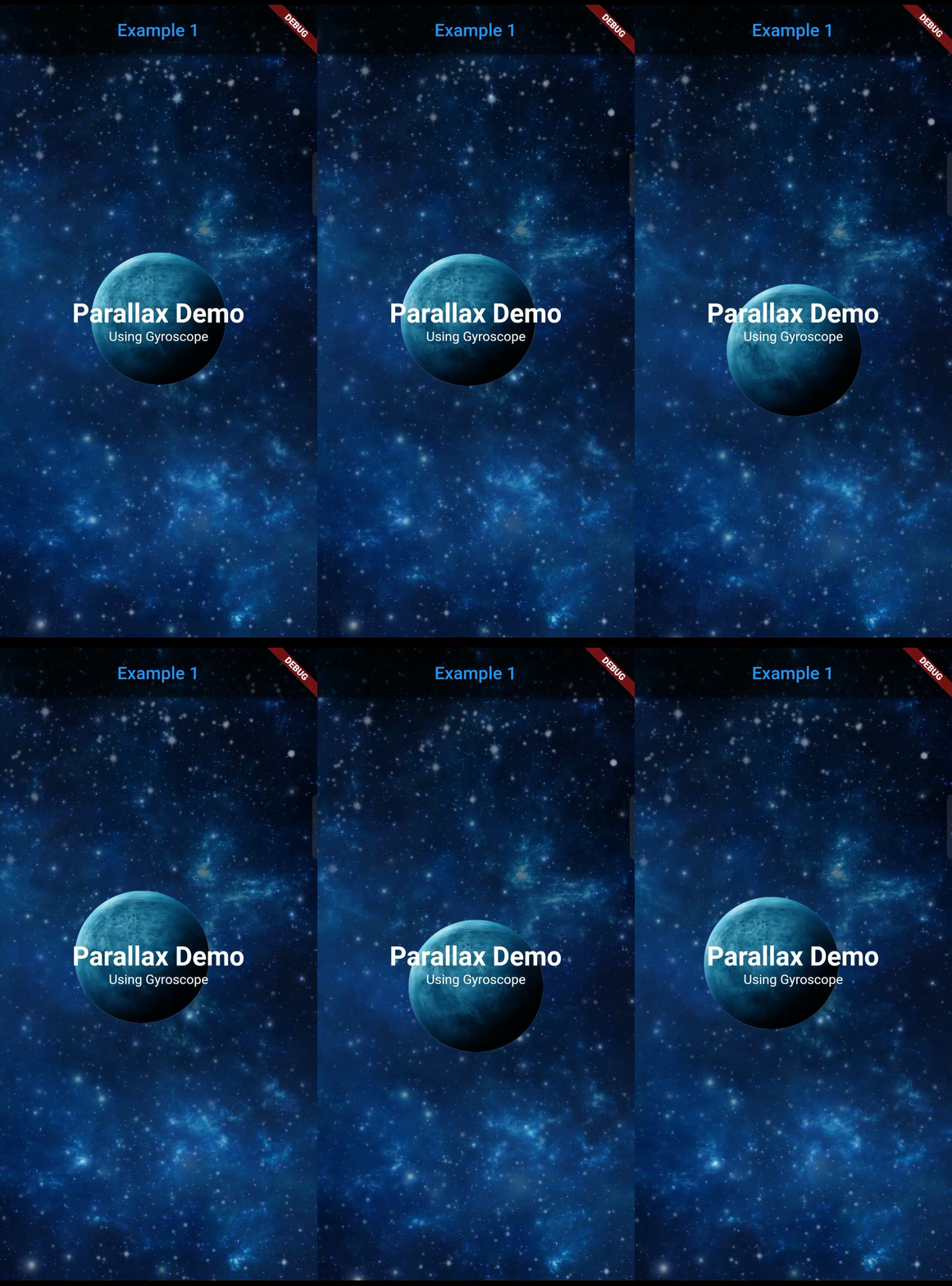
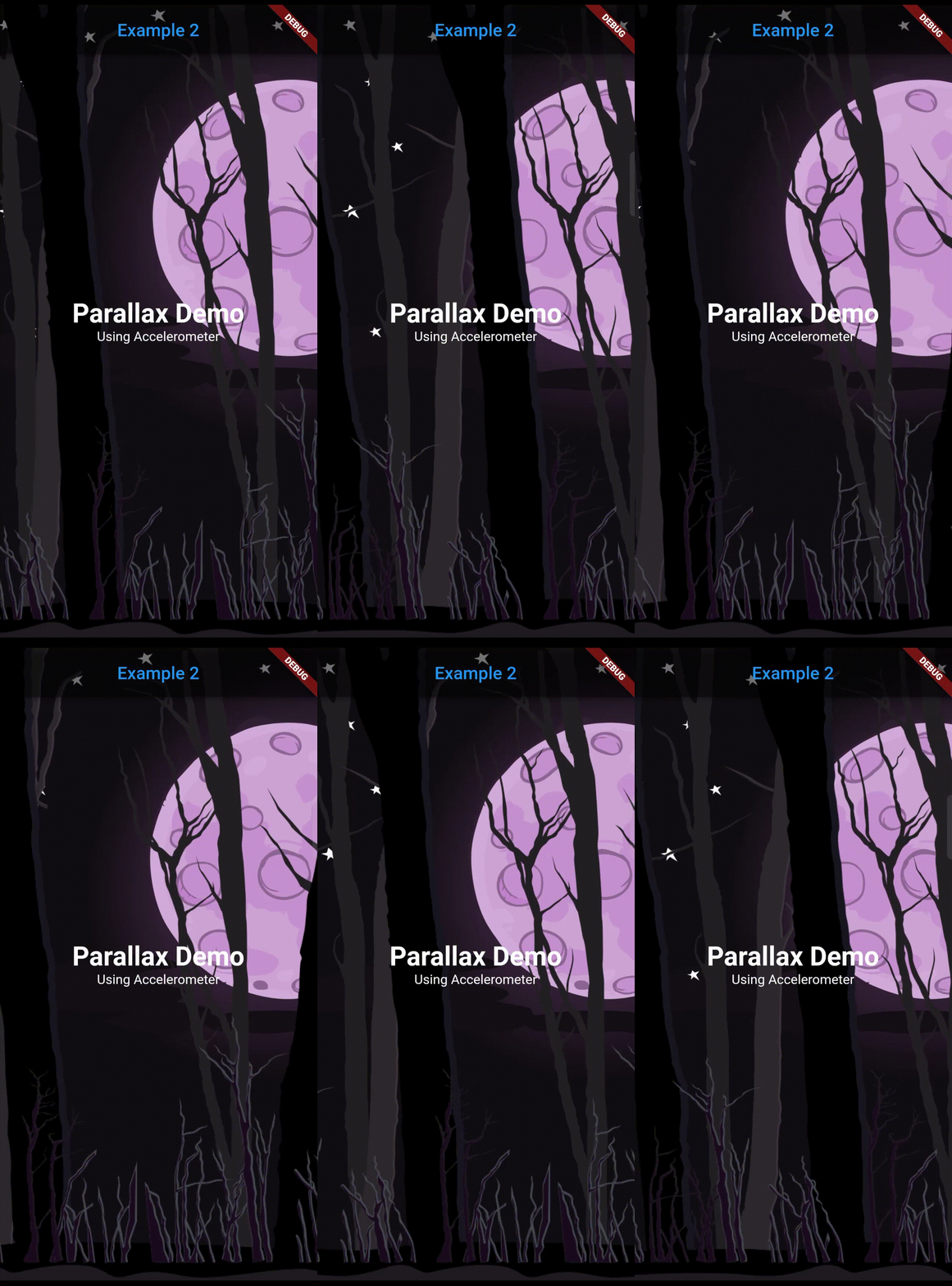
सार्वजनिक जानकारी से बना चयन मार्गदर्शन। केवल संदर्भ हेतु।
एक फ्लटर पैकेज जो डेवलपर्स को उपकरण सेंसर डेटा (जैसे एक्सीलरोमीटर और गायरोस्कोप) के प्रति प्रतिक्रिया करने वाले डायनामिक पैरलैक्स बैकग्राउंड बनाने में सक्षम बनाता है। यह वास्तविक समय के सेंसर इनपुट के आधार पर बैकग्राउंड तत्वों को स्वचालित रूप से समायोजित करके ऐप इंटरफेस में गहन, गति-संवेदनशील विजुअल प्रभावों के एकीकरण को सरल बनाता है। उपयोगकर्ता भागीदारी को सूक्ष्म, प्रतिक्रियाशील एनीमेशन के साथ बढ़ाने के लिए आदर्श है। यह पैकेज दोनों एंड्रॉइड और आईओएस प्लेटफॉर्म के लिए समर्थित है और न्यूनतम सेटअप के साथ चिकनी प्रदर्शन के लिए डिज़ाइन किया गया है।
उपयोग
अंगीकृत ऐप ओनबोर्डिंग स्क्रीन बनाना
डैशबोर्ड में गतिशील प्रतिक्रिया वाले पृष्ठभूमि को जोड़ना
गेमिंग या इंटरैक्टिव यूआई को बढ़ाना
आकर्षक उत्पाद प्रदर्शन पृष्ठों का डिज़ाइन करना
सेंसर-आधारित दृश्य कथानक का कार्यान्वयन
मुख्य विशेषताएँ
सेंसर-आधारित रियल-टाइम पैरलैक्स प्रभाव
कम लेटेंसी के साथ चिकनी एनिमेशन
क्रॉस-प्लेटफॉर्म समर्थन (Android और iOS)
आवश्यक न्यूनतम कॉन्फ़िगरेशन
कस्टम बैकग्राउंड विजेट्स का समर्थन करता है
प्रदर्शन के लिए अनुकूलित
इनके लिए उपयुक्त
इंटरैक्टिव तत्वों की तलाश में UI/UX डिजाइनर
गति-संवेदनशील एप्लिकेशन बना रहे डेवलपर्स
आकर्षक दृश्य प्रतिक्रिया की आवश्यकता वाले ऐप्स
गेमिफाइड या अनुभवजन्य मोबाइल इंटरफेस
इंटरैक्टिव प्रोटोटाइप का प्रोटोटाइपिंग
विचार योग्य बातें
उपकरण सेंसर उपलब्ध होने की आवश्यकता है
लगातार सेंसर उपयोग के साथ बैटरी जीवन प्रभावित हो सकता है
स्टैटिक या धीमी गति वाले पृष्ठभूमि के लिए सबसे उपयुक्त
जटिल एनीमेशन के लिए उपयुक्त नहीं
सेंसर संवेदनशीलता सेटिंग्स पर सीमित नियंत्रण
मूल README
संबंधित सोर्स रिपॉज़िटरी के मूल README का स्नैपशॉट। नवीनतम सामग्री के लिए रिपॉज़िटरी देखें।
Parallax Sensors Bg
Get a parallax effect in the background of a page that responds to a corresponding sensor
detection (Accelerometer, Gyroscope, User accelerometer, Magnetometer)
Note: Accelerometer is preferred over other sensors.
Features
Supports 4 sensors: Accelerometer, User Accelerometer, Gyroscope, Magnetometer.
Simplified use of image.
Predefined filters for image: Blur and darken.
Any widgets can be used as a layer.
Can lock or reverse the movement of any axis.
Many parameters for precise customization.
Getting started
Add dependency in pubspec.yaml and run flutter pub get
Type of the sensor whose detected values will be used for parallax movement. (accelerometer, userAccelerometer, gyroscope, magnetometer).
layers
List<Layer>
required
Individual layers for the parallax effect. The declaration of the layers sequentially are positioned from bottom to top (Farthest to nearest from parallax perspective).
reverseVerticalAxis
bool
false
Reverses the movement of vertical axis.
reverseHorizontalAxis
bool
false
Reverses the movement of horizontal axis.
lockVerticalAxis
bool
false
Stops the movement of vertical axis.
lockHorizontalAxis
bool
false
Stops the movement of horizontal axis.
animationDuration
int
300
The duration in milliseconds it takes for the movement change to complete. Ideal value is from 200 to 400.
child
Widget?
null
The fixed body of the page, above the parallax layer.
Layer class arguments:
Argument
Type
Default
Description
sensitivity
double
required
Moving sensitivity of the layer.
offset
Offset?
null
Position of the layer from the center.
image
ImageProvider<Object>?
null
Image that the layer will show. By default, the image will take the size of the screen.
imageFit
BoxFit
BoxFit.cover
BoxFit type of the image.
imageHeight
double?
null
Height of the image.
imageWidth
double?
null
Width of the image.
preventCrop
bool
false
If set to true, it will ignore the imageHeight and imageWidth if given and will set the height and width of the image slightly more than the screen size such that it doesn't get cropped even at the extreme value of the sensor.
imageBlurValue
double?
null
Blurs the image. Value can be any positive fractional number.