सार्वजनिक जानकारी से बना चयन मार्गदर्शन। केवल संदर्भ हेतु।
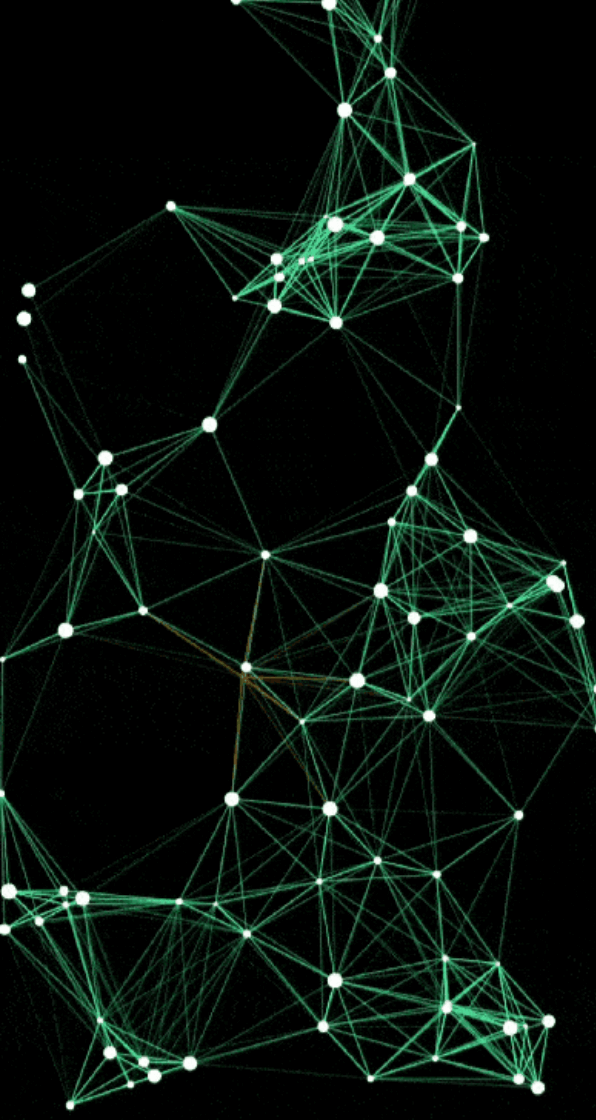
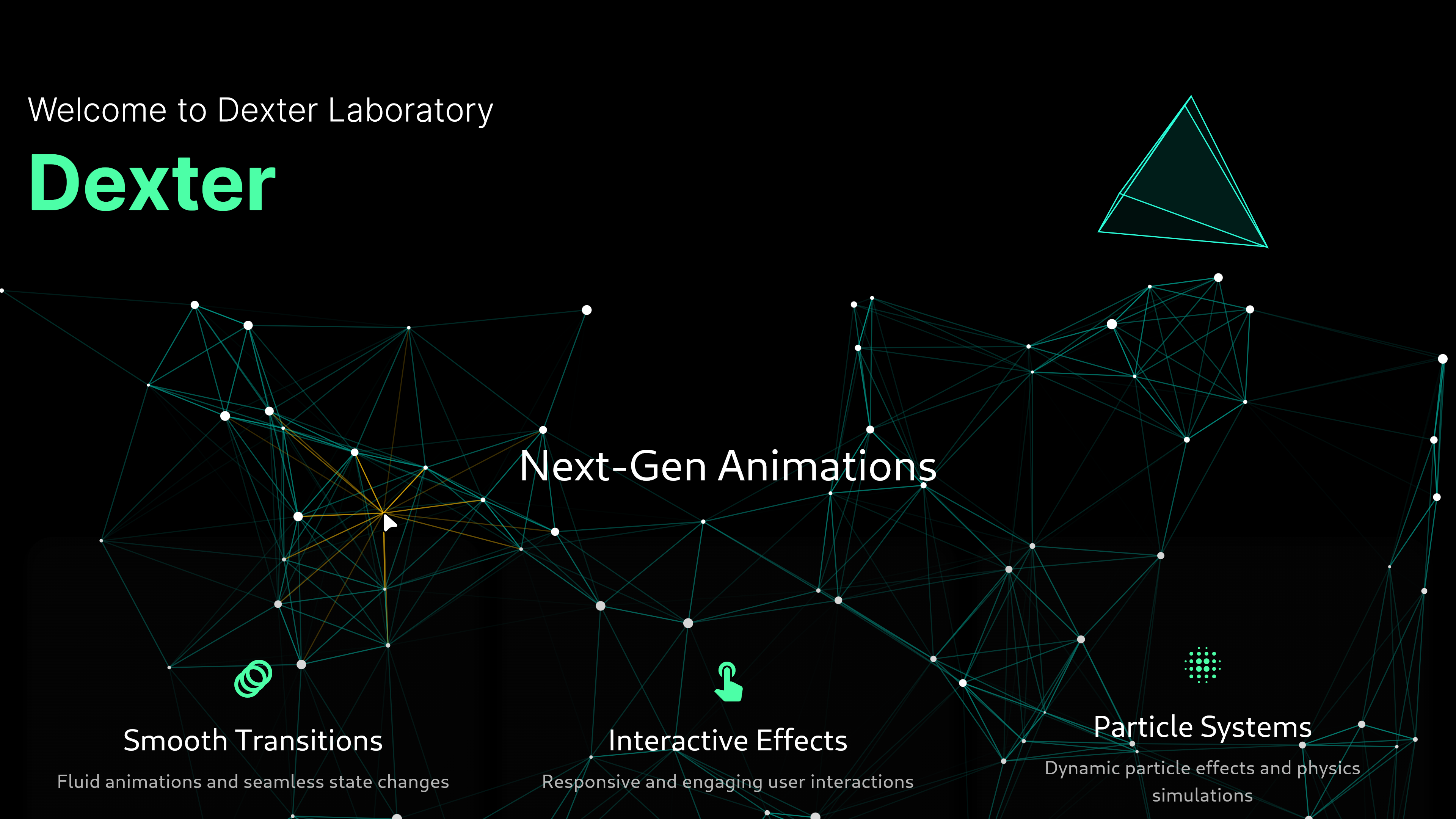
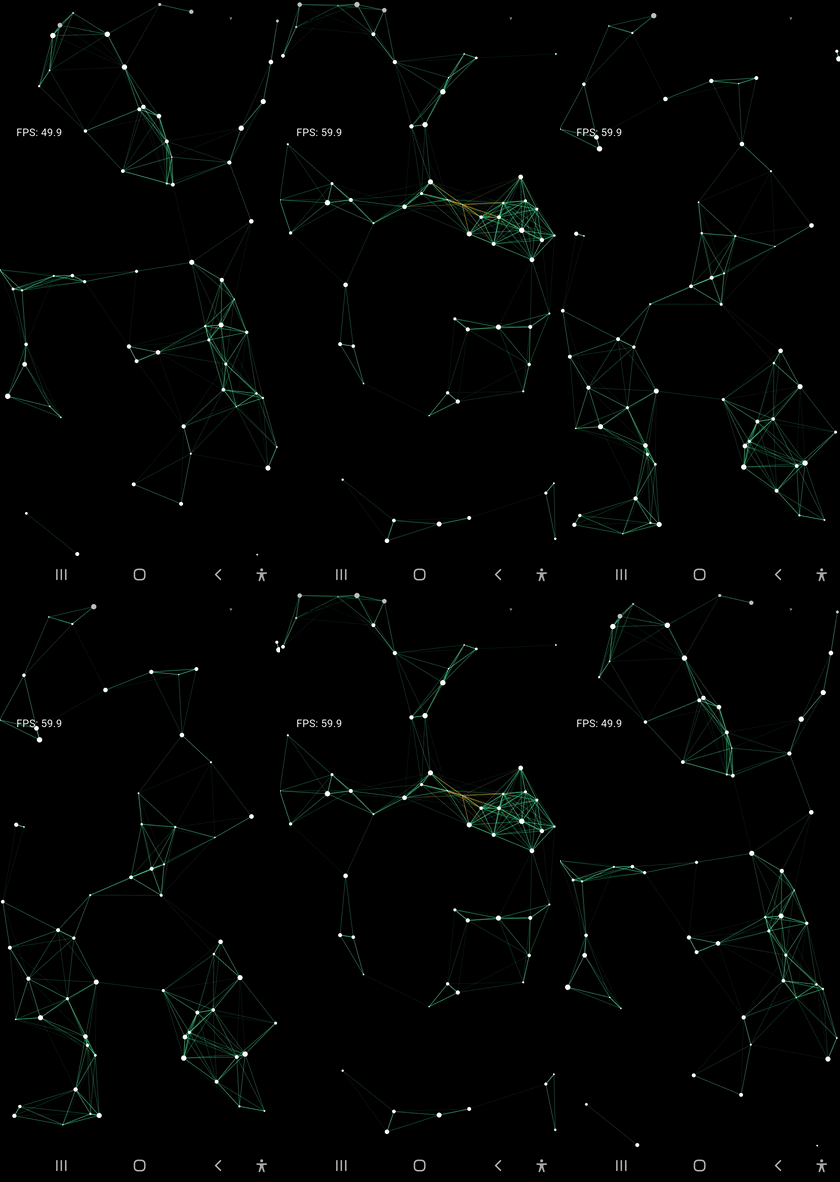
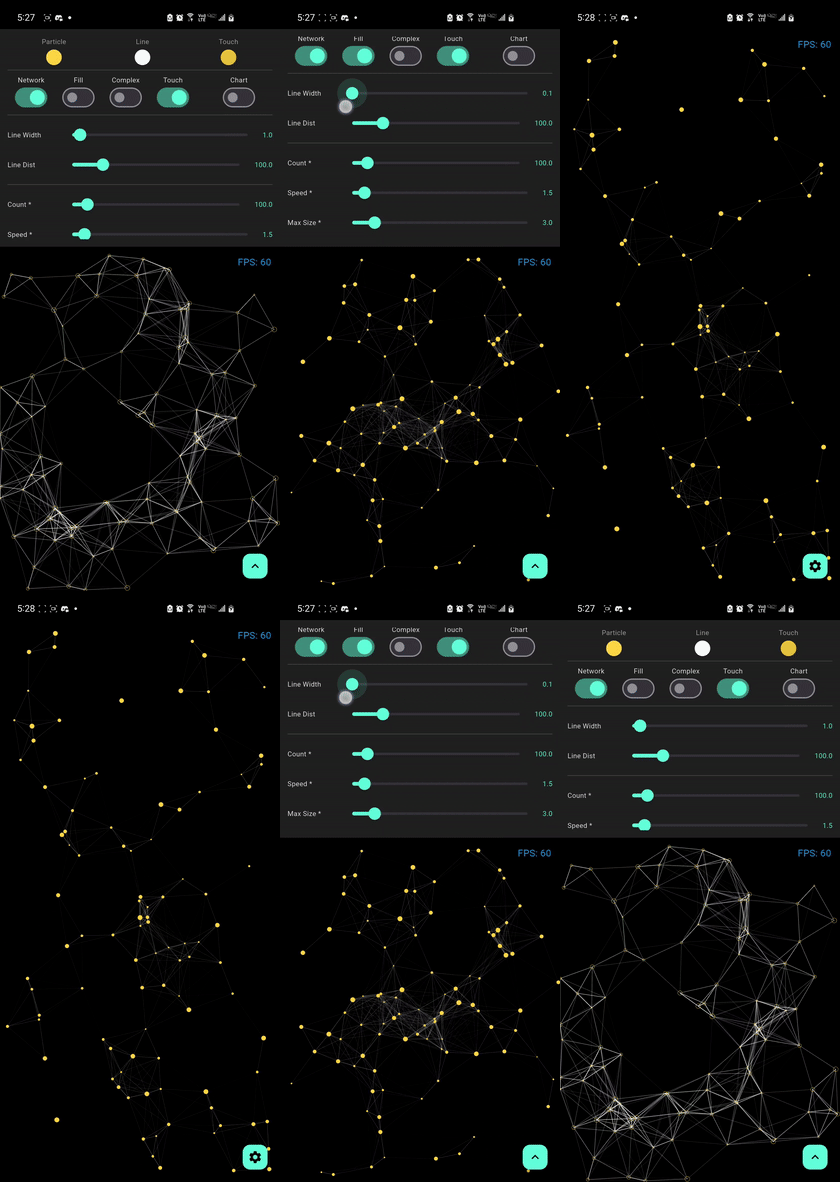
Flutter के लिए एक उच्च प्रदर्शन, कस्टमाइज़ेबल इंटरैक्टिव पार्टिकल नेटवर्क विजेट जो एक जुड़े हुए कणों का उपयोग करके डायनामिक बैकग्राउंड एनीमेशन बनाता है। लैंडिंग पेज, ऐप इंट्रो और विजुअल इफेक्ट्स को बढ़ावा देने के लिए आदर्श। यह सुचारू, प्रतिक्रियाशील इंटरैक्शन के साथ उपलब्ध है। पैकेज कई प्लेटफॉर्मों का समर्थन करता है और कण के व्यवहार, रंग और नेटवर्क कनेक्शन पर बहुत अच्छा नियंत्रण प्रदान करता है। यह जटिल नेटवर्क के साथ भी प्रदर्शन बनाए रखने के लिए कुशल रेंडरिंग का उपयोग करता है।
उपयोग
लॉगिन पेज बैकग्राउंड
एप्प ऑनबोर्डिंग एनिमेशन
इंटरएक्टिव वेबसाइट हेडर्स
विज़ुअल डैशबोर्ड तत्व
रचनात्मक UI संक्रमण
मुख्य विशेषताएँ
रियल-टाइम कण इंटरैक्शन
कस्टमाइज़ किए गए कण रंग और आकार
निर्धारित करने योग्य संबंध लाइनें
क्रॉस-प्लेटफ़ॉर्म समर्थन
कम मेमोरी उपयोग
चिकनी एनिमेशन प्रदर्शन
इनके लिए उपयुक्त
दृश्य आकर्षण की तलाश में डिज़ाइनर
आकर्षक UI बनाने वाले डेवलपर्स
एनिमेटेड बैकग्राउंड वाले प्रोजेक्ट्स
इंटरैक्टिव वेब और मोबाइल ऐप्स
प्रदर्शन-केंद्रित अनुप्रयोग
विचार योग्य बातें
कम शक्तिशाली उपकरणों पर प्रदर्शन प्रभावित हो सकता है
उत्तम उपयोगकर्ता अनुभव के लिए सावधानीपूर्वक ट्यूनिंग की आवश्यकता होती है
स्थिर या न्यूनतम डिज़ाइन के लिए उपयुक्त नहीं
पृष्ठभूमि परत के रूप में सबसे अच्छा उपयोग किया जाता है
मुख्य पैरामीटर के आगे सीमित कस्टमाइजेशन
मूल README
संबंधित सोर्स रिपॉज़िटरी के मूल README का स्नैपशॉट। नवीनतम सामग्री के लिए रिपॉज़िटरी देखें।
particles_network
Transform your Flutter app's UI with a high-performance particle network animation that responds to touch and adapts seamlessly to any screen size.
Particles Network
High-performance, GPU-accelerated particle systems for Flutter with advanced physics.
Integrated Gravity System: Support for Global and Point gravity
Interactive Forces: Create attraction points or repulsion fields
Mass-based Simulation: Larger particles respond differently to forces
Ultra-High Performance & Zero Allocations
Zero-Allocation Color LUT (_lineColorLut): Precomputed 256-level alpha lookup table with inverse distance precomputation ($255.0 / \text{lineDistance}$), completely eliminating Color allocations and GC overhead during connection rendering.
Touch Inactivity Bypass (isTouchActive): Skips all touch physics calculations, distance queries, and forced QuadTree rebuilds when the screen is idle.
Precalculated Trajectory Buffer (TrajectoryBuffer): Deterministic trajectory precomputation during idle states for smooth 120 FPS playback with zero per-frame physics computation.
GPU-accelerated rendering via Fragment Shaders for smooth performance
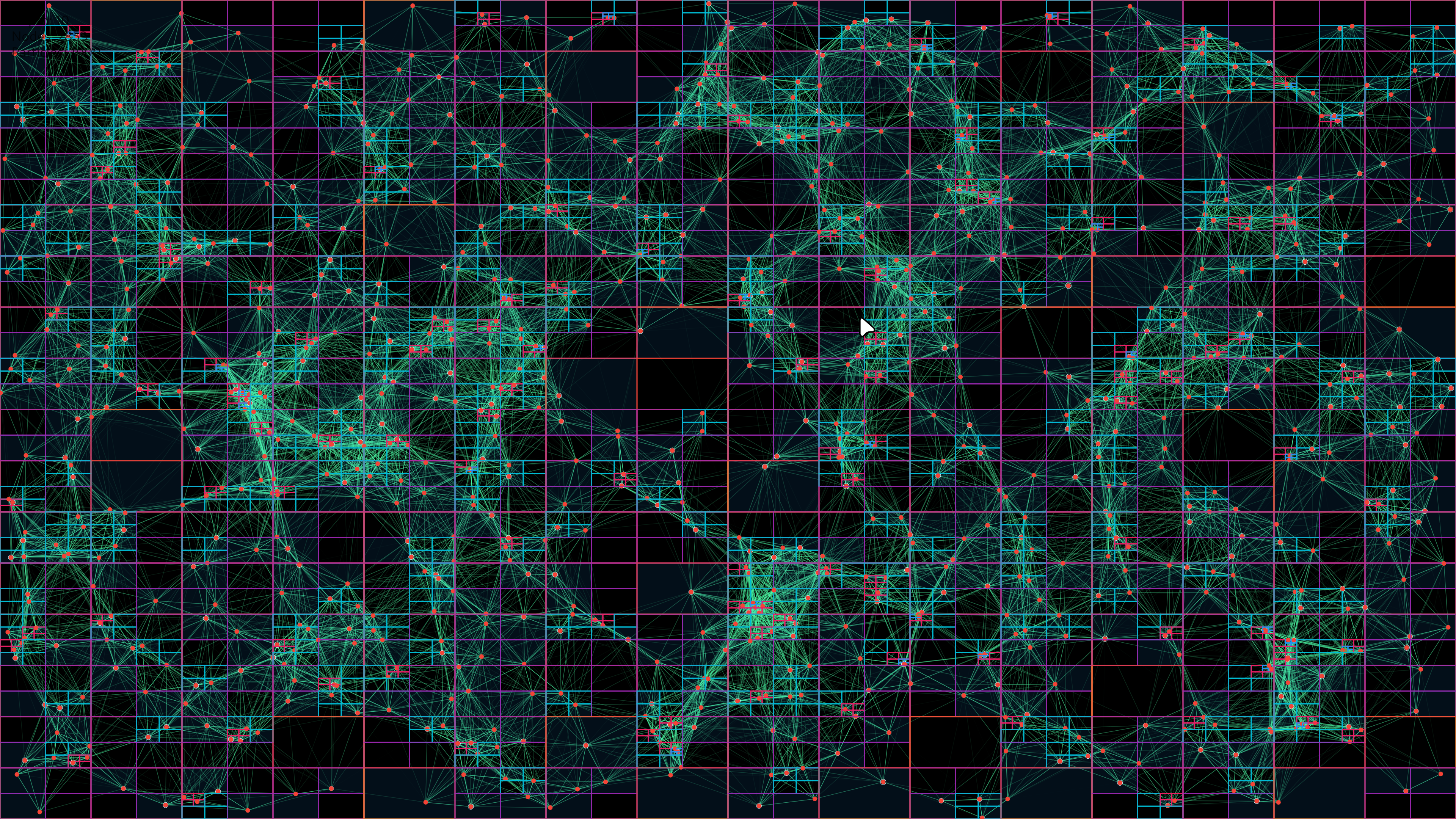
Advanced QuadTree spatial partitioning for O(log n) neighbor searches
Compressed QuadTree structure for optimal memory usage
Rich Customization
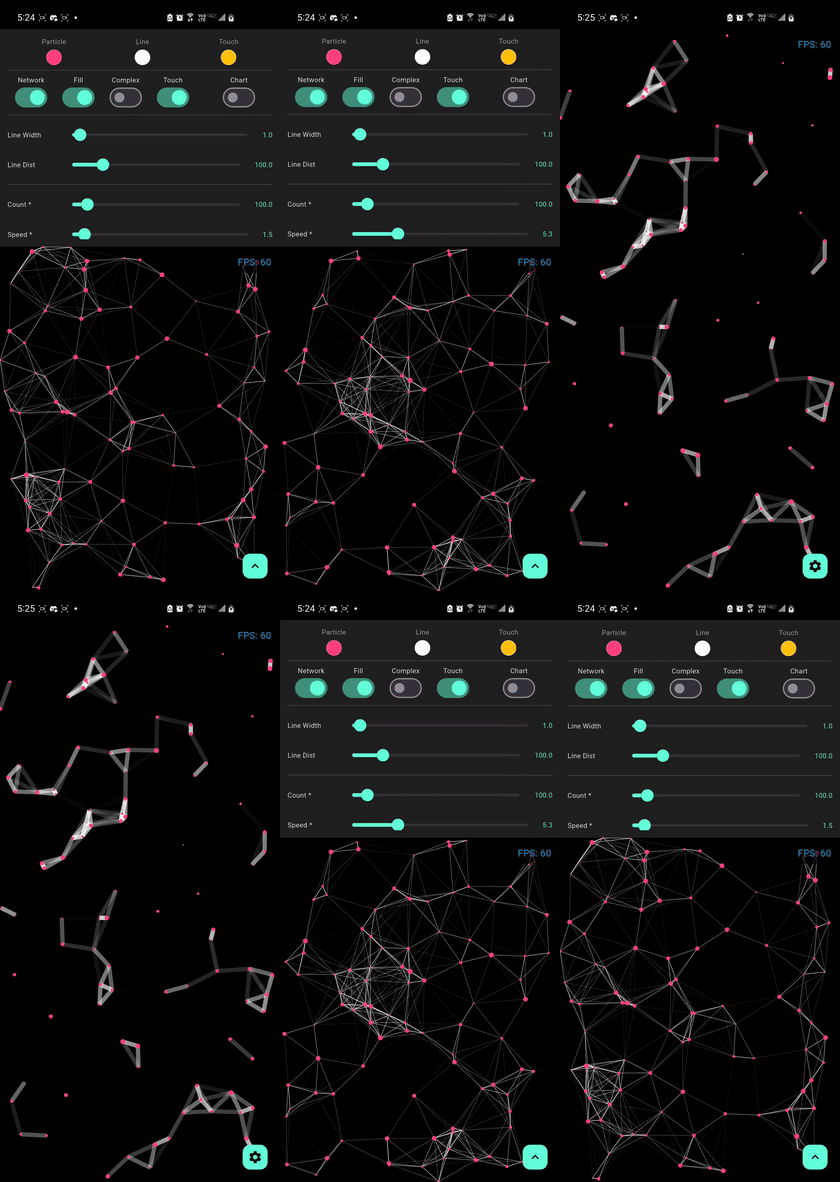
Control particle count, speed, size, and colors
Full Gravity Control: Adjust strength, direction, and type
Adjust connection distance and line thickness
Enable or disable touch interactions
Demo
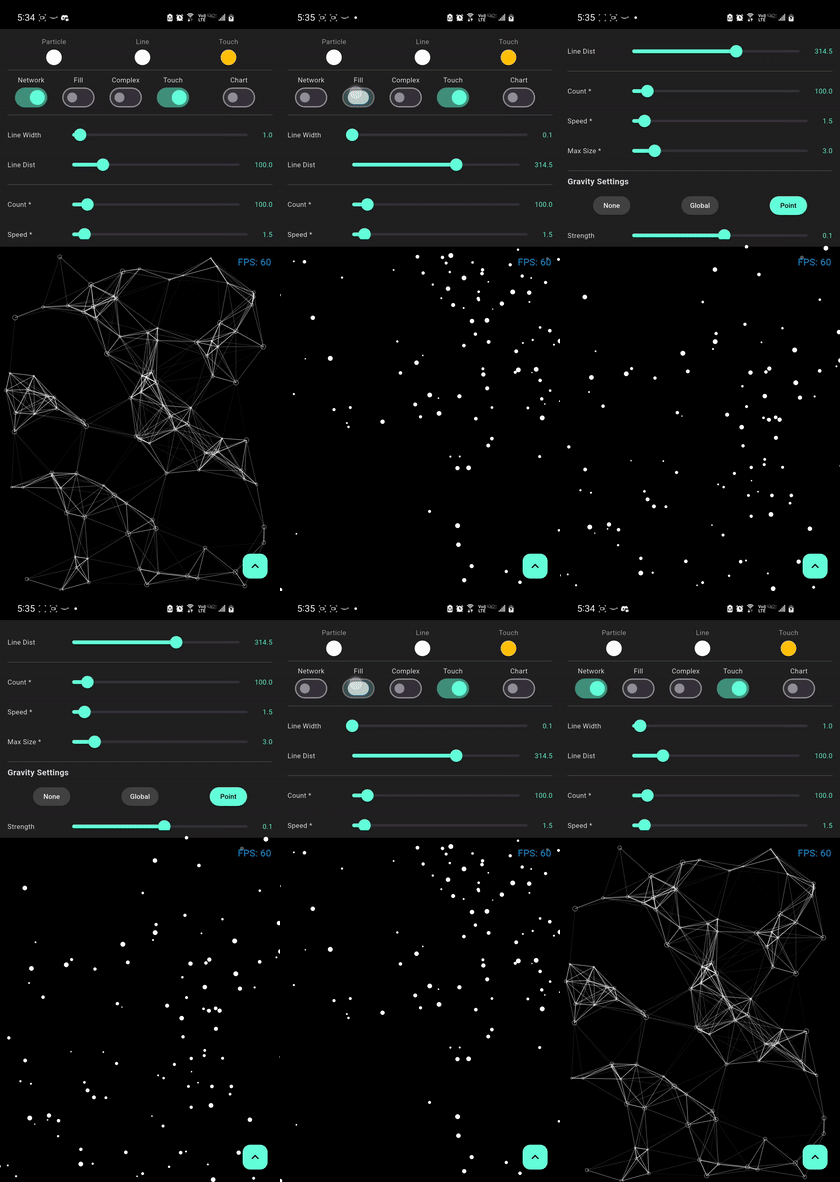
Particle Effects
Default Network
Bold Lines
Gravity Effect
Mass Gravity Effect
Complex Optimized
Particle no stroke
Live Demo
Experience the performance and fluid animations directly in your browser:
[!TIP]
For the best experience on web, our demo uses CanvasKit rendering to ensure smooth 60 FPS performance for the particle physics and shaders.
Use Cases
Perfect for creating stunning visual effects in:
Landing Pages - Create memorable first impressions
Game Backgrounds - Add dynamic ambiance to game menus
App Onboarding - Engage users with interactive tutorials
Portfolio Sites - Showcase your creativity
Marketing Pages - Capture attention with motion
Data Visualization - Animated backgrounds for dashboards
[!NOTE]
Performance may vary based on device specifications, screen resolution, and other running applications. These benchmarks use default settings with drawNetwork: true and fill: true.
[!NOTE]
Physical properties like Mass are automatically calculated based on the particle's size. Larger particles will feel heavier and respond more realistically to the applied forces.
This package combines advanced CPU-side spatial partitioning with GPU-side rendering using Fragment Shaders to achieve optimal performance even with a large number of particles.
GPU-Accelerated Rendering
The particle network uses Fragment Shaders for rendering, which offloads the drawing work to the GPU. This allows for:
Smooth 60 FPS performance even with 500+ particles
Efficient rendering of complex visual effects
Reduced CPU usage for better battery life
[!TIP]
For web deployments, use CanvasKit rendering mode for the best shader performance. Add --web-renderer canvaskit to your build command.
Spatial Partitioning
The package uses an advanced Compressed QuadTree spatial data structure for efficient particle management.
Path compression to reduce memory for clustered particles
Smart node consolidation and rebalancing
Memory-efficient structure with typed arrays and sparse representation
Zero-Allocation Color LUT (_lineColorLut)
To prevent micro-stutters and frame drops caused by Garbage Collector (GC) pauses during connection rendering:
Precomputed 256-Level Alpha Table: A lookup table List<Color> _lineColorLut stores all 256 opacity gradations for the configured lineColor.
Precomputed Inverse Distance: Precalculates the inverse distance constant ($255.0 / \text{lineDistance}$) upon initialization.
Zero Allocations: Replaces expensive dynamic color.withAlpha(...) allocations and division operations per connection with an instantaneous $O(1)$ table lookup, eliminating thousands of short-lived Color objects per second from the heap.
Issue: Performance Degradation with Many Particles
Solution: Enable complex mode and optimize settings:
ParticleNetwork(
particleCount: 500,
isComplex: true, // Enable optimization
fill: false, // Use outline mode
lineDistance: 80, // Reduce connection distance
drawNetwork: true, // Can disable if needed// ...
)
Issue: Gravity Not Working
Solution: Ensure gravity type is set correctly:
// For global gravityParticleNetwork(
gravityType: GravityType.global, // Must be set
gravityStrength: 0.5, // Non-zero value
gravityDirection: Offset(0, 1), // Direction vector
)
// For point gravityParticleNetwork(
gravityType: GravityType.point, // Must be set
gravityStrength: 1.0, // Non-zero value
gravityCenter: Offset(200, 200), // Valid coordinates
)
FAQ
Q: What's the recommended particle count?
A: It depends on your target platform:
Mobile: 60-150 particles for smooth 60 FPS
Web (CanvasKit): 100-300 particles
Desktop: 200-500 particles
High-end devices with isComplex: true: 500-1000 particles
Note: Some properties like particleCount, maxSpeed, and maxSize require a widget rebuild to take effect. You can force this by changing the widget's key.
Migration Guide
Migrating from 1.x to 1.9.x
New Features:
Gravity system (global and point-based)
GPU-accelerated rendering with Fragment Shaders
Compressed QuadTree for better performance
Simplified API exports
Breaking Changes:
None! Version 1.9.x is fully backward compatible.
New Parameters:
ParticleNetwork(
// New gravity parameters (optional)
gravityType: GravityType.none, // none, global, or point
gravityStrength: 0.1, // Force intensity
gravityDirection: Offset(0, 1), // For global gravity
gravityCenter: null, // For point gravity// All existing parameters still work
)
Recommended Updates:
Update your pubspec.yaml:
dependencies:particles_network:^1.9.2
Run:
flutter pub get
(Optional) Experiment with the new gravity features!
Credits & Acknowledgments
This package is built with:
Flutter - Google's UI toolkit for building beautiful, natively compiled applications
Fragment Shaders - GPU-accelerated rendering for optimal performance
QuadTree Algorithm - Efficient spatial partitioning for particle management
Inspired by:
Classic particle.js effects
Modern web animation libraries
Physics simulation principles
Special Thanks:
The Flutter team for the amazing framework
The open-source community for continuous feedback and contributions
All developers who have starred, used, and contributed to this package