सार्वजनिक जानकारी से बना चयन मार्गदर्शन। केवल संदर्भ हेतु।
फोटोफिल्टर्स एक फ्लटर पैकेज है जो विकासकर्ताओं को उनके ऐप में छवियों पर विभिन्न प्रकार के दृश्य फिल्टर लगाने की अनुमति देता है। यह आंतरिक फिल्टर और कस्टम फिल्टर बनाने का समर्थन करता है, जिससे उपयोगकर्ता अद्वितीय उप-फिल्टर डिज़ाइन कर सकते हैं। यह पैकेज मोबाइल और डेस्कटॉप ऐप्स में फोटो एडिटिंग फीचर्स के लिए आदर्श है। एंड्रॉइड, आईओएस, मैकओएस, विंडोज और लिनक्स पर समर्थन के साथ, यह क्रॉस-प्लेटफॉर्म सुसंगतता प्रदान करता है। इसका सरल एपीआई मौजूदा प्रोजेक्ट में एकीकरण को सरल बनाता है।
उपयोग
फोटो ऐप्स में इमेज संपादन
उपयोगकर्ता द्वारा अपलोड की गई तस्वीरों में रचनात्मक प्रभाव जोड़ना
कस्टमाइज़ करने योग्य फोटो फिल्टर गैलरी बनाएं
सोशल मीडिया ऐप फोटो शेयरिंग में सुधार करना
कलात्मक छवि परिवर्तन उपकरण बनाना
मुख्य विशेषताएँ
निर्मित और कस्टम फ़िल्टर का समर्थन
उप-फ़िल्टर बनाने की क्षमता
प्लेटफॉर्म के अनुकूलता
Flutter के साथ आसान एकीकरण
हल्का और कार्यक्षम निरूपण
इनके लिए उपयुक्त
फोटो एडिटिंग ऐप्स बनाने वाले डेवलपर्स
रचनात्मक उपकरण निर्माता
प्लेटफॉर्म-सहित बहुमाध्यम एप्लिकेशन
दृश्य सुधार की तलाश में UI डिजाइनर
रियल-टाइम छवि फ़िल्टरिंग की आवश्यकता वाले ऐप्स
विचार योग्य बातें
चित्र प्रसंस्करण मूलभूत ज्ञान की आवश्यकता होती है
कस्टम फ़िल्टर बनाने में प्रयोग और त्रुटि की आवश्यकता हो सकती है
कम क्षमता वाले उपकरणों पर प्रदर्शन में भिन्नता हो सकती है
मूल उदाहरणों के अतिरिक्त सीमित दस्तावेज़न
जटिल फ़िल्टर के लिए अतिरिक्त संपत्ति प्रबंधन की आवश्यकता हो सकती है
मूल README
संबंधित सोर्स रिपॉज़िटरी के मूल README का स्नैपशॉट। नवीनतम सामग्री के लिए रिपॉज़िटरी देखें।
Photo Filters package for flutter
A flutter package for iOS and Android for applying filter to an image. A set of preset filters are also available. You can create your own filters too.
There are two types of filters. ImageFilter and ColorFilter.
Image Filter
Image filter applies its subfilters directly to the whole image one by one. It is computationally expensive since the complexity & time increases as the number of subfilters increases.
You can create your own custom image filter as like this:
Color filter applies its subfilters to each pixel one by one. It is computationally less expensive than the ImageFilter. It will loop through the image pixels only once irrespective of the number of subfilters.
You can create your own custom color filter as like this:
import'package:photofilters/filters/color_filters.dart';
var customColorFilter = newColorFilter(name: "Custom Color Filter");
customColorFilter.addSubFilter(SaturationSubFilter(0.5));
customColorFilter
.addSubFilters([BrightnessSubFilter(0.5), HueRotationSubFilter(30)]);
You can inherit the ColorFilter class too
classMyColorFilterextendsColorFilter{
MyColorFilter() : super(name: "My Custom Color Filter") {
this.addSubFilter(BrightnessSubFilter(0.8));
this.addSubFilter(HueRotationSubFilter(30));
}
}
Sub filters
There are two types of subfilters. One can be added to the ColorFilter and the other can be added to the ImageFilter. You can inherit ColorSubFilter class to implement the former and you can use the ImageSubFilter mixin to implement the latter. You can create a same subfilter that can be used for both Image and Color Filters. The BrightnessSubFilter is an example of this.
classBrightnessSubFilterextendsColorSubFilterwithImageSubFilter{
finalnum brightness;
BrightnessSubFilter(this.brightness);
///Apply the [BrightnessSubFilter] to an Image.@overridevoidapply(Uint8List pixels, int width, int height) =>
image_filter_utils.brightness(pixels, brightness);
///Apply the [BrightnessSubFilter] to a color.@override
RGBA applyFilter(RGBA color) =>
color_filter_utils.brightness(color, brightness);
}
Getting Started
For help getting started with Flutter, view our online documentation.
For help on editing package code, view the documentation.


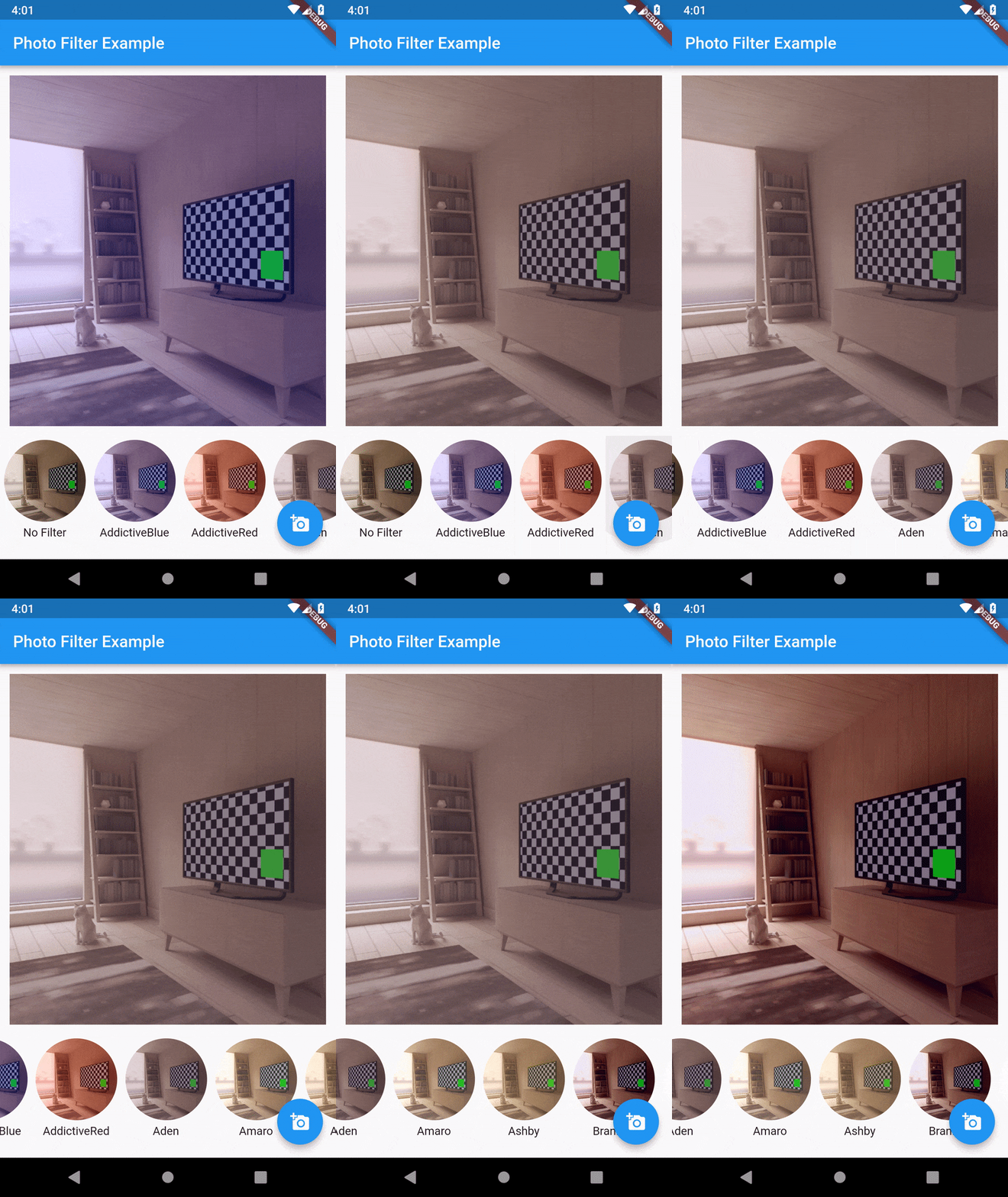
 No Filter
 AddictiveBlue
 AddictiveRed
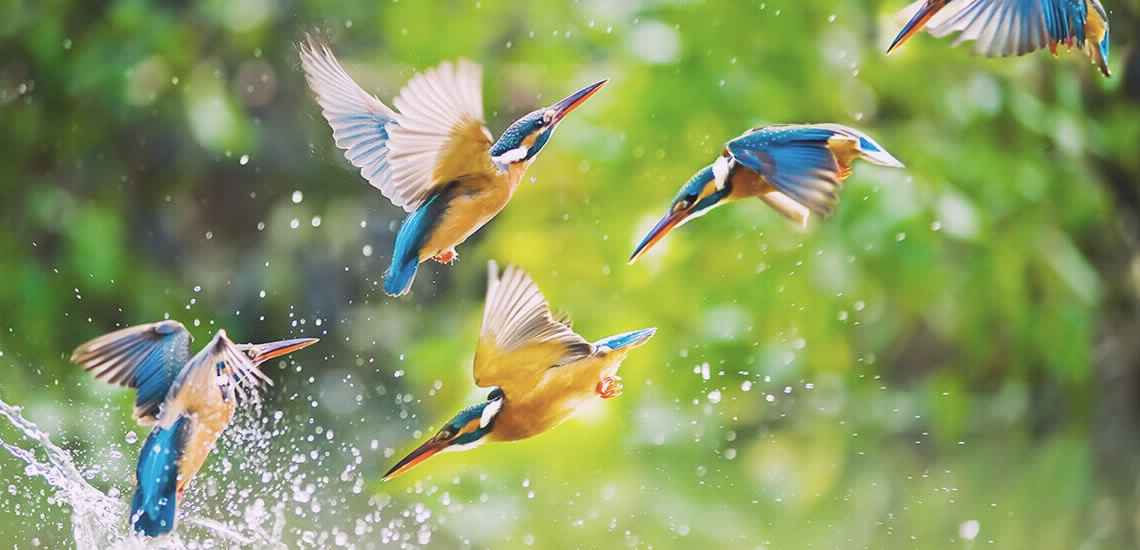 Aden
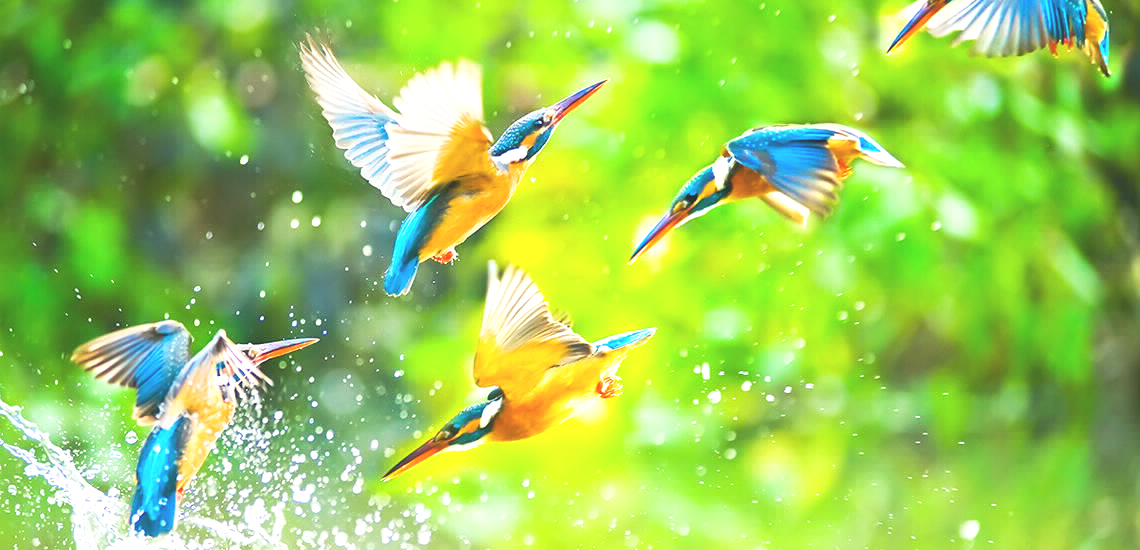 Amaro
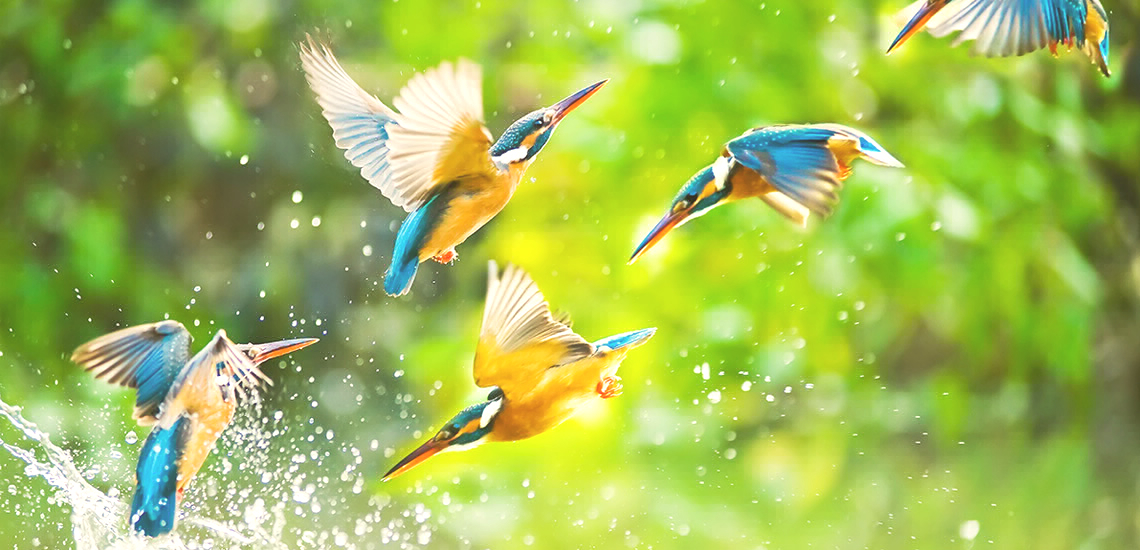 Ashby
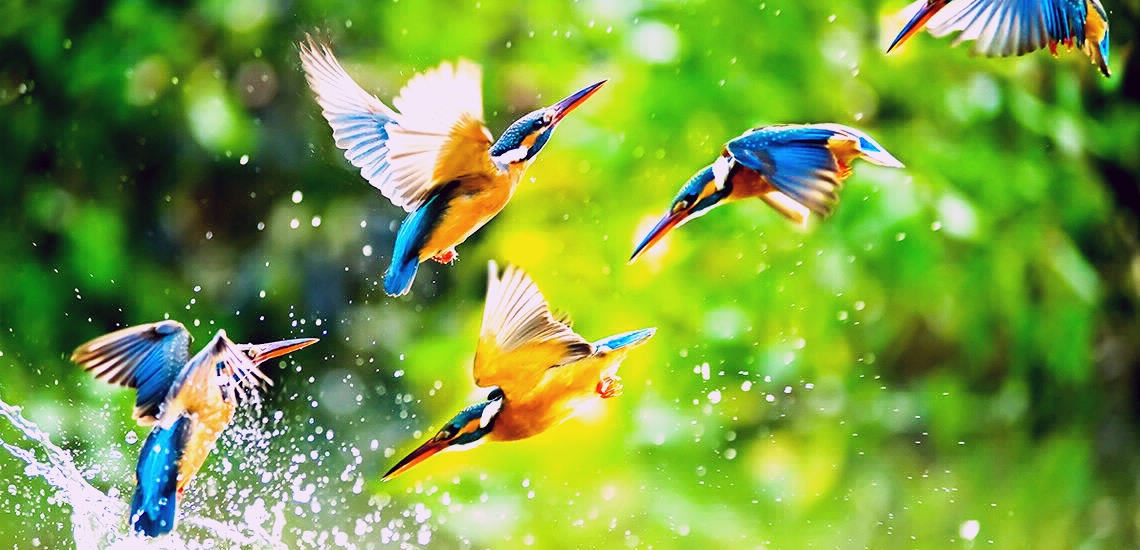 Brannan
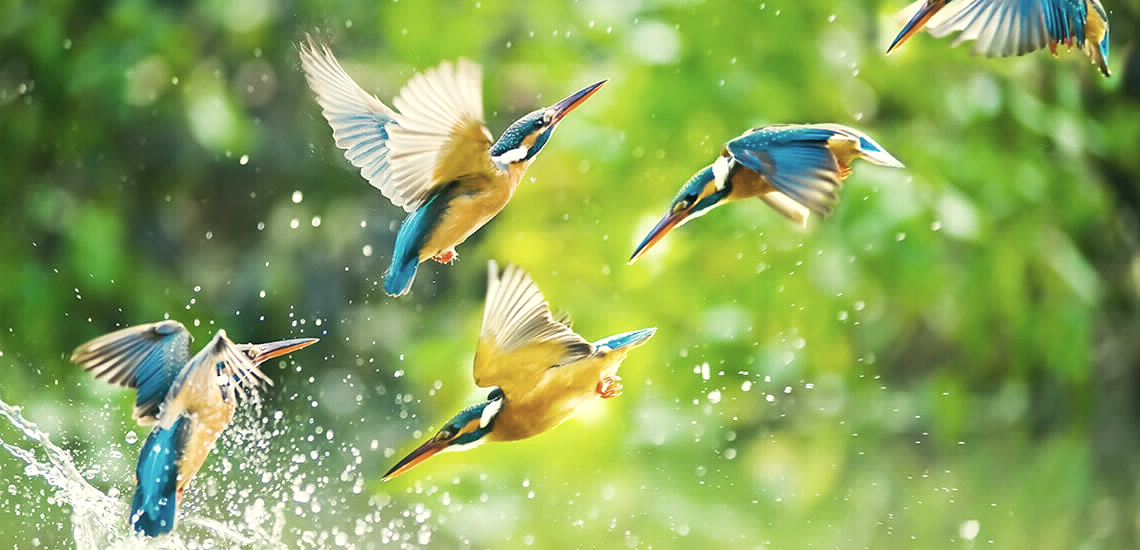 Brooklyn
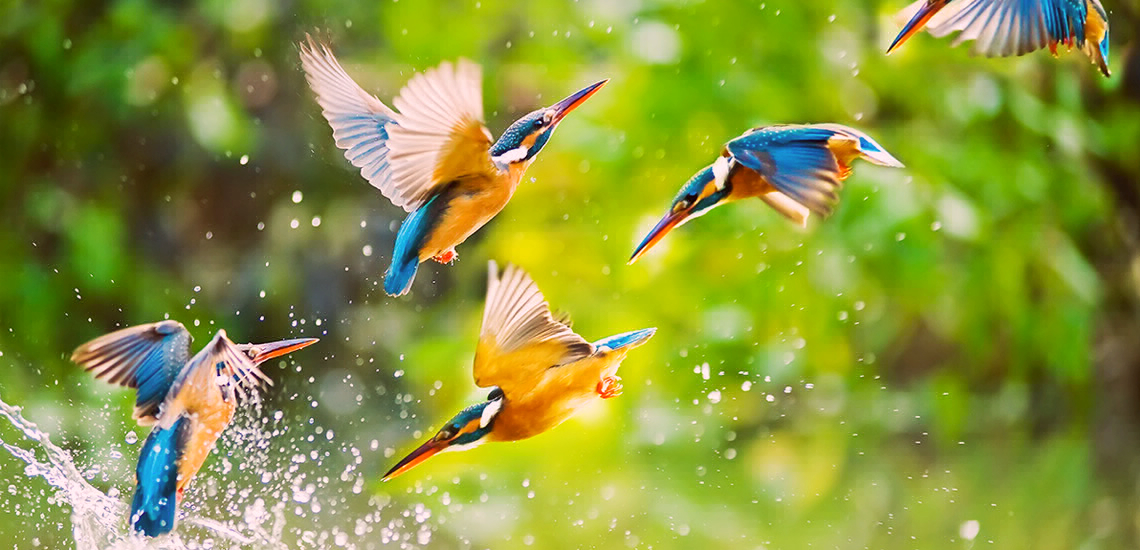 Charmes
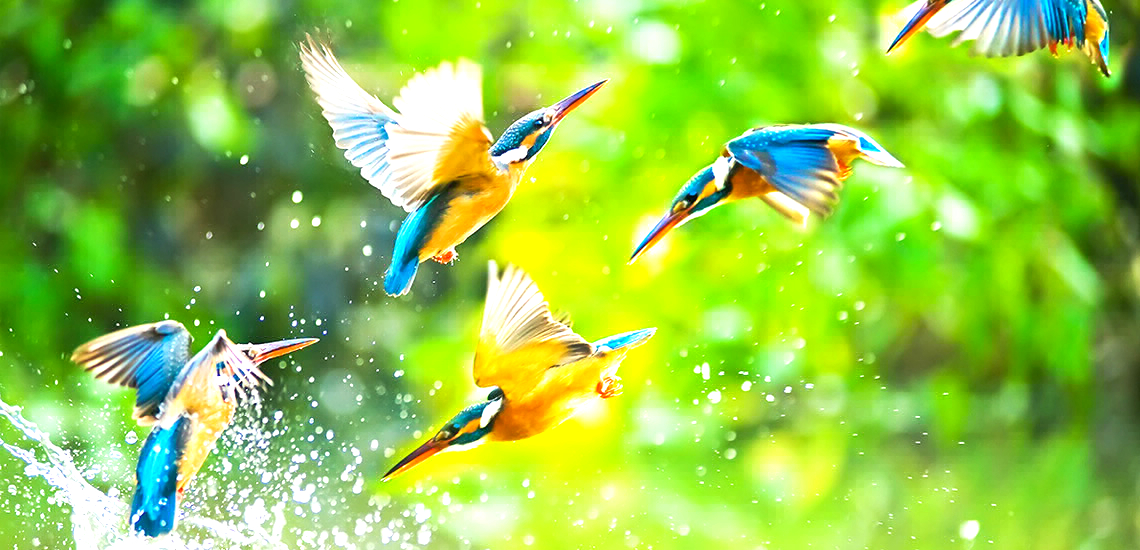 Clarendon
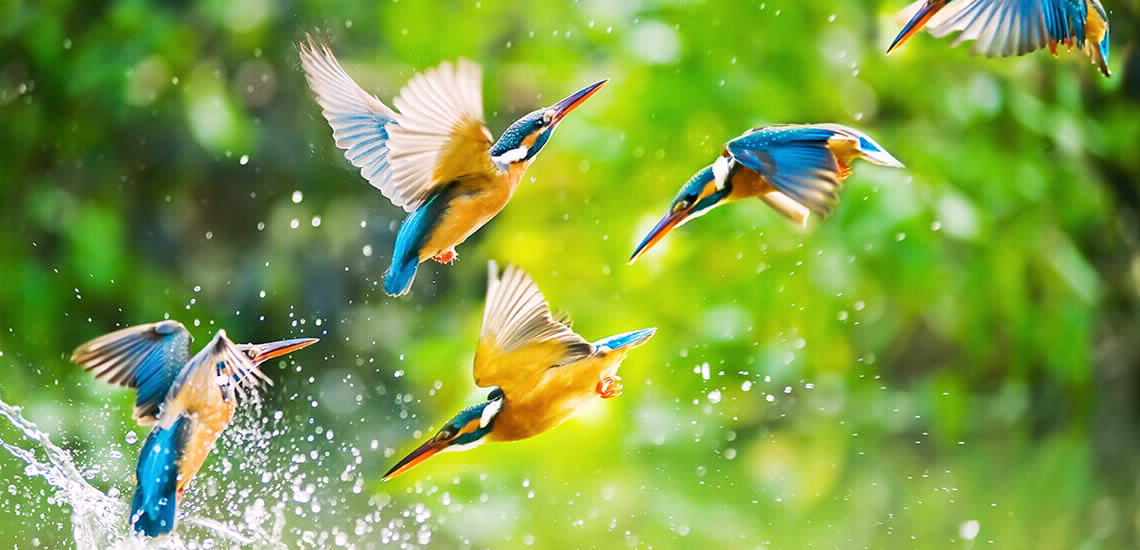 Crema
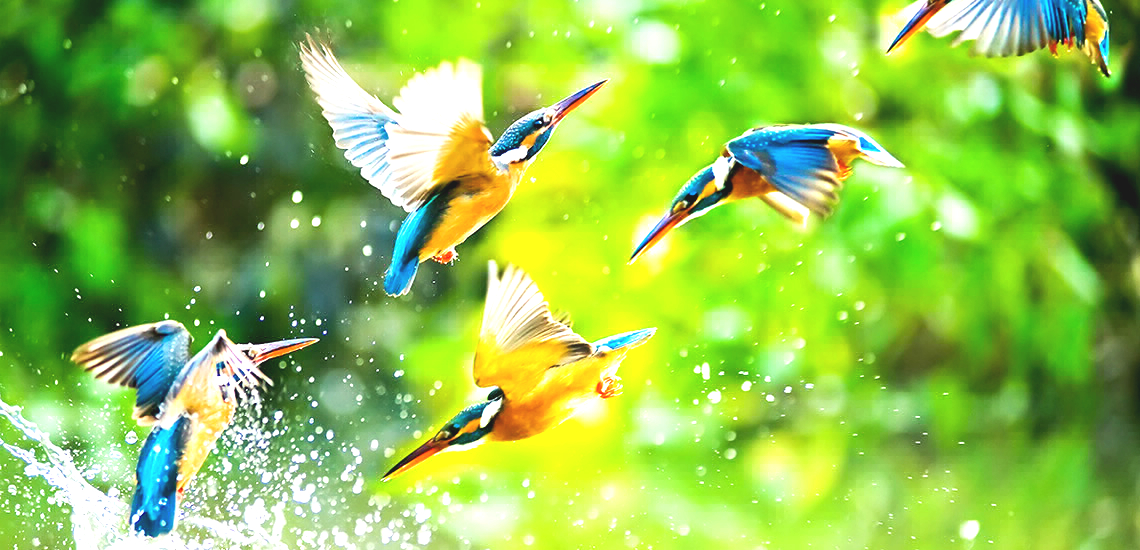 Dogpatch
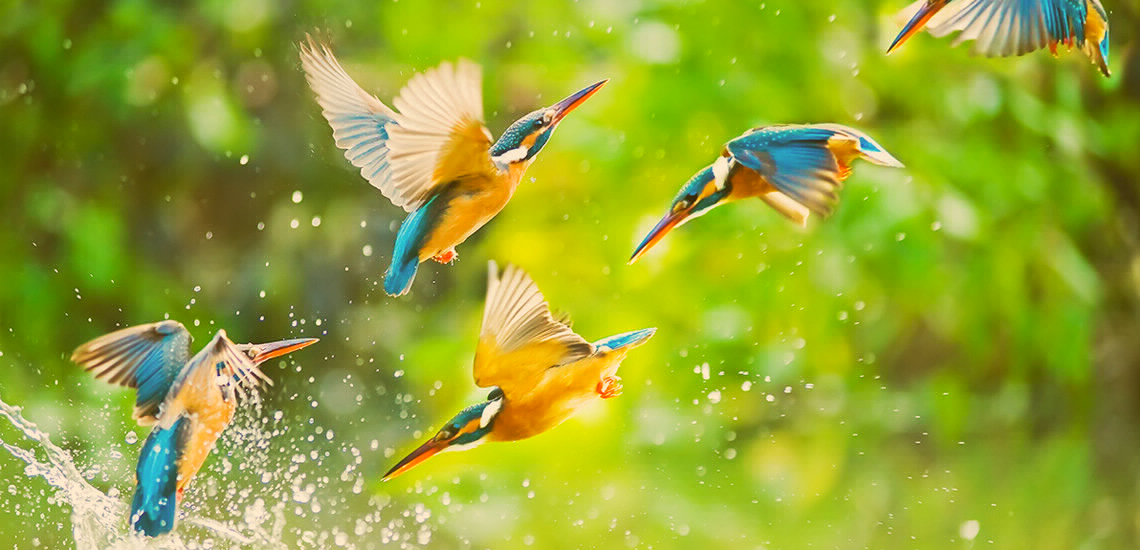 Earlybird
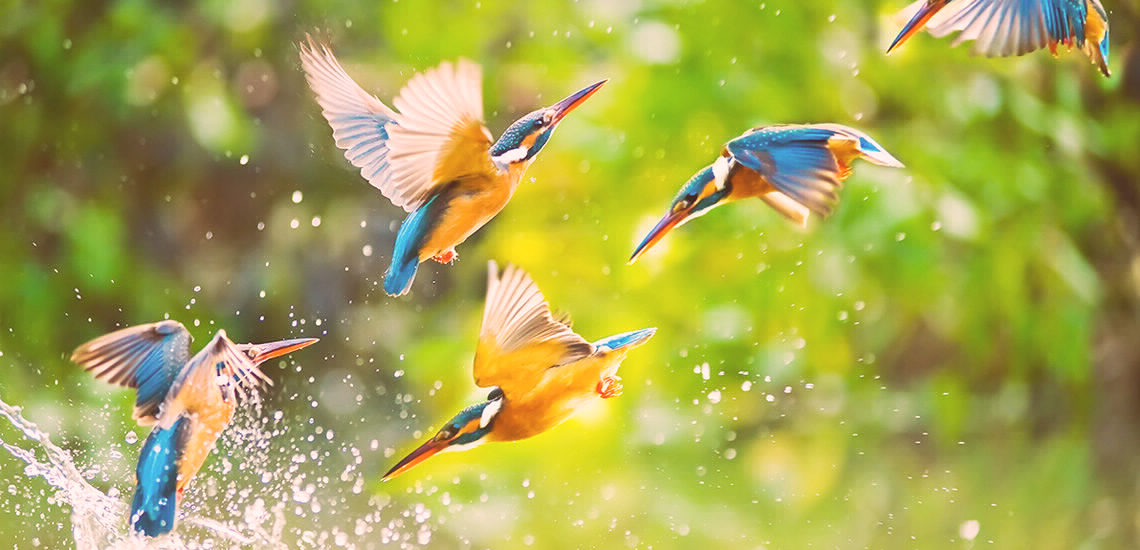 1977
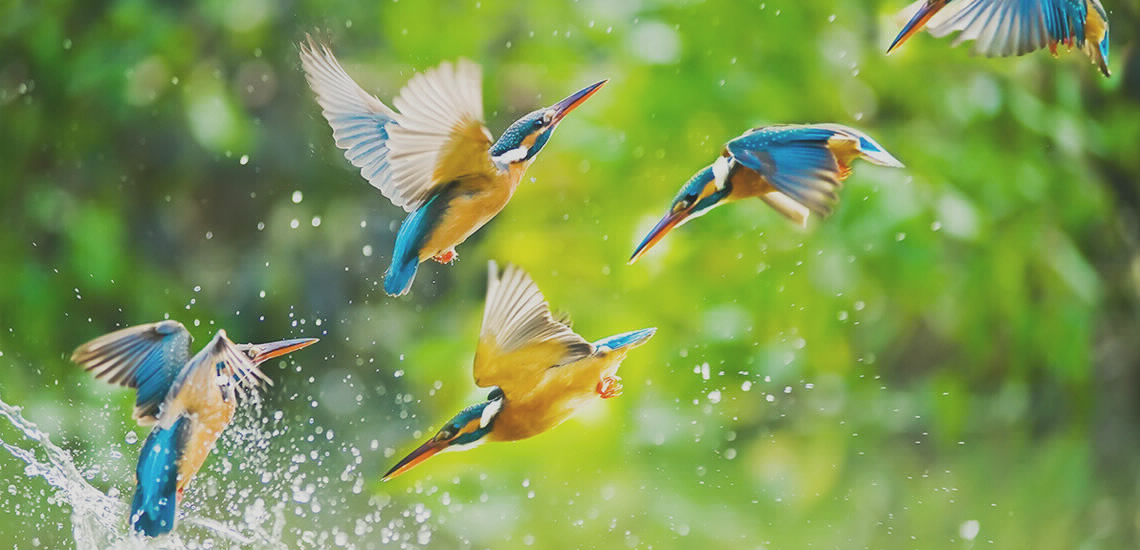 Gingham
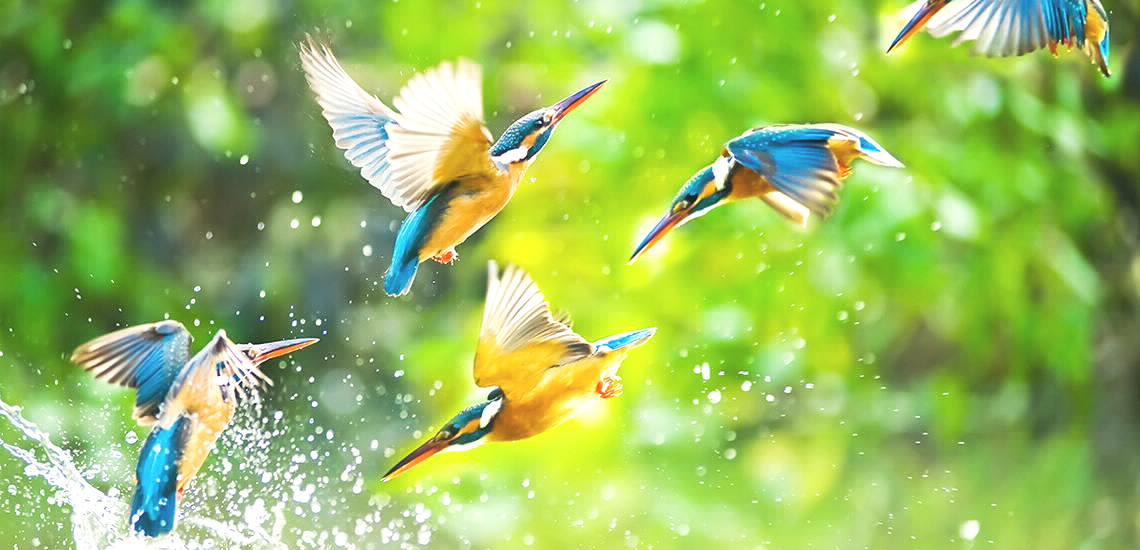 Ginza
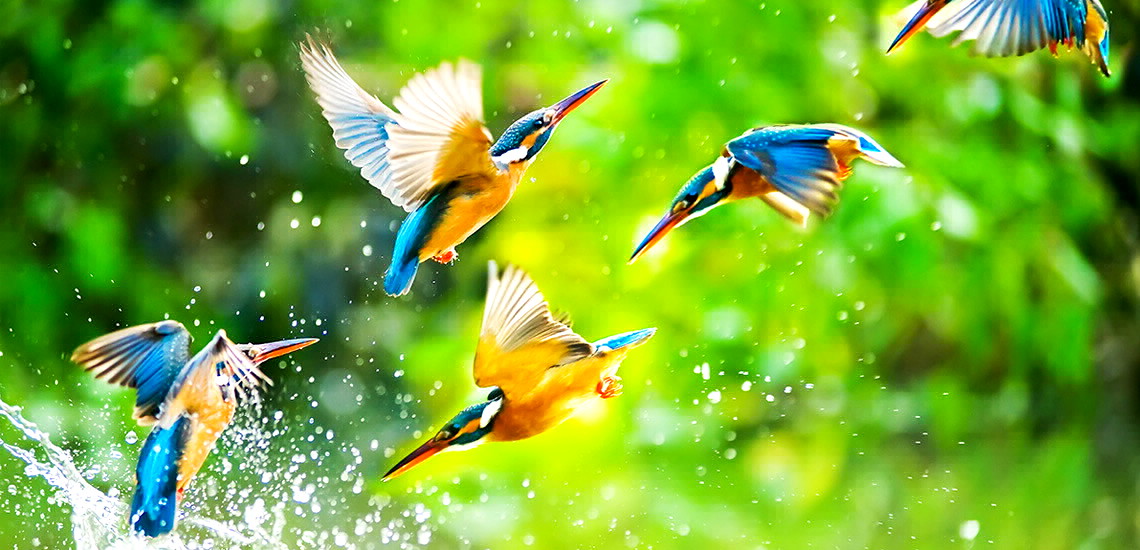 Hefe
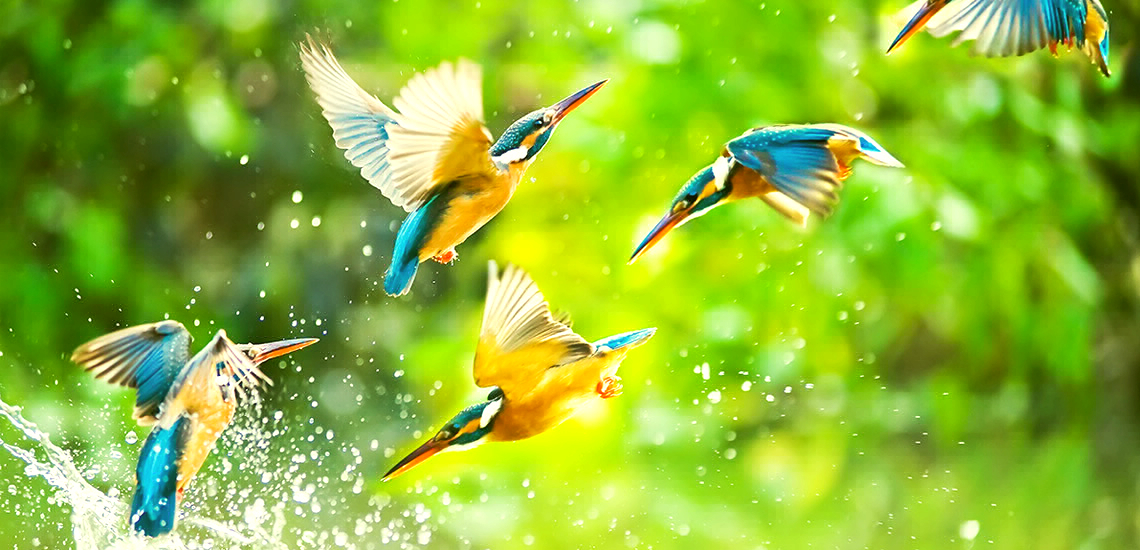 Helena
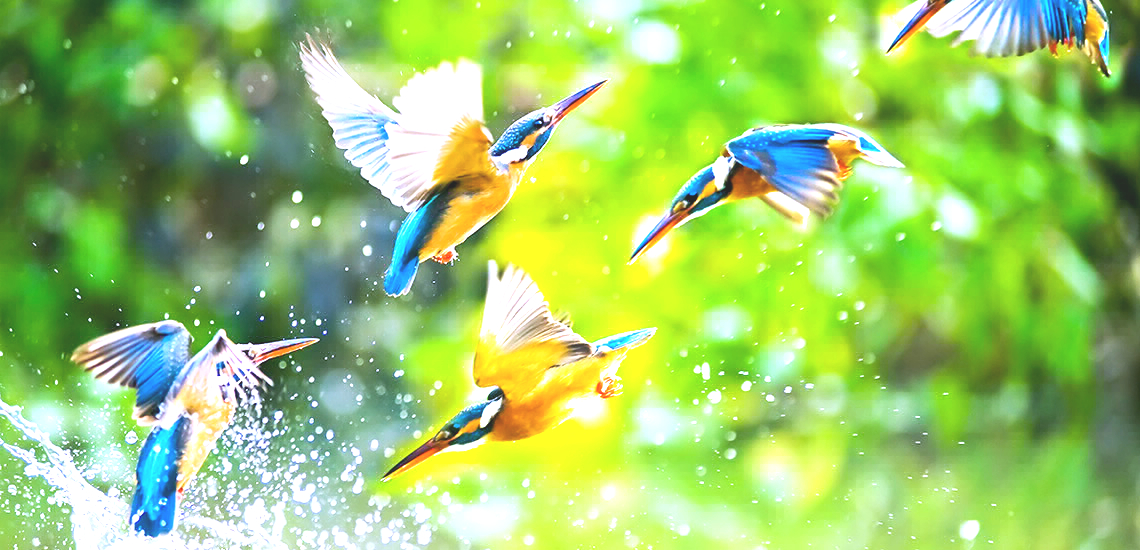 Hudson
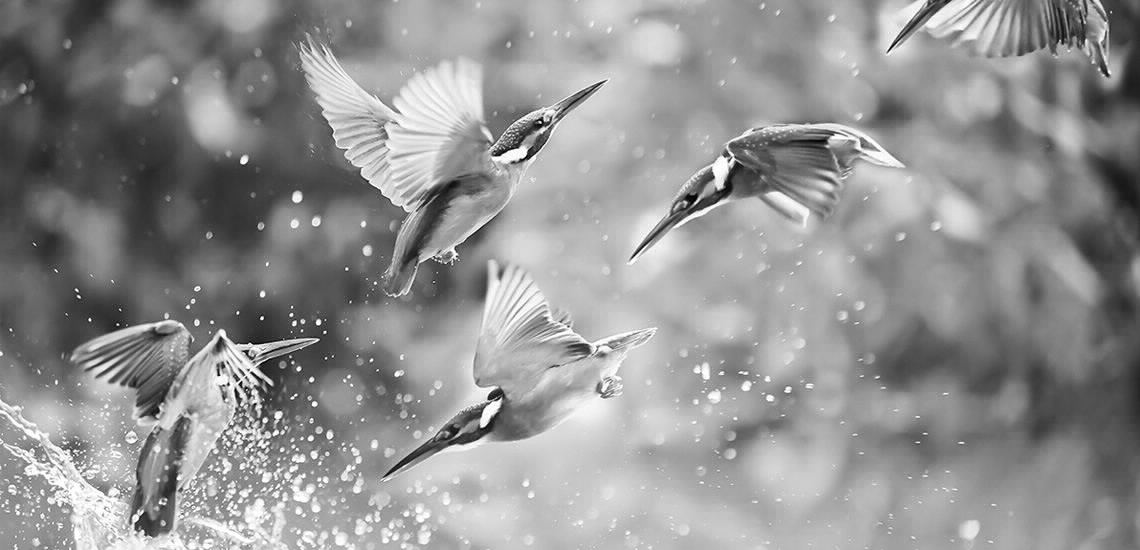 Inkwell
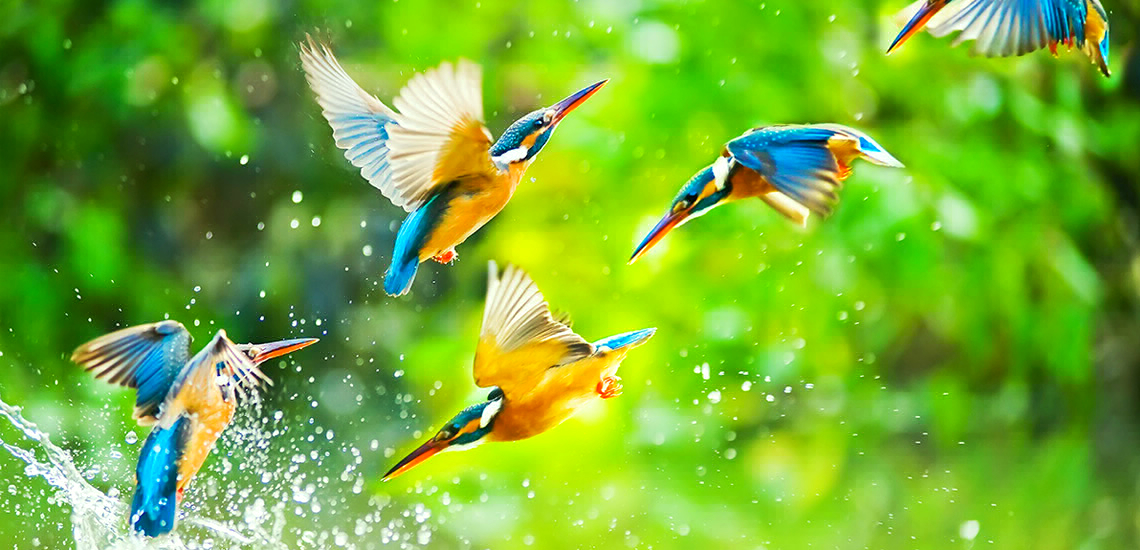 Juno
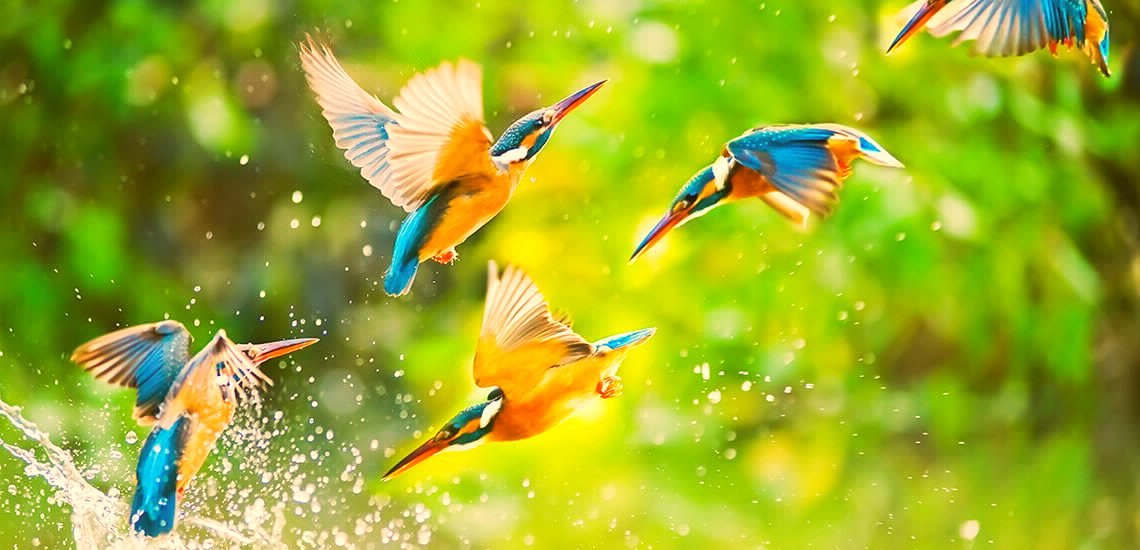 Kelvin
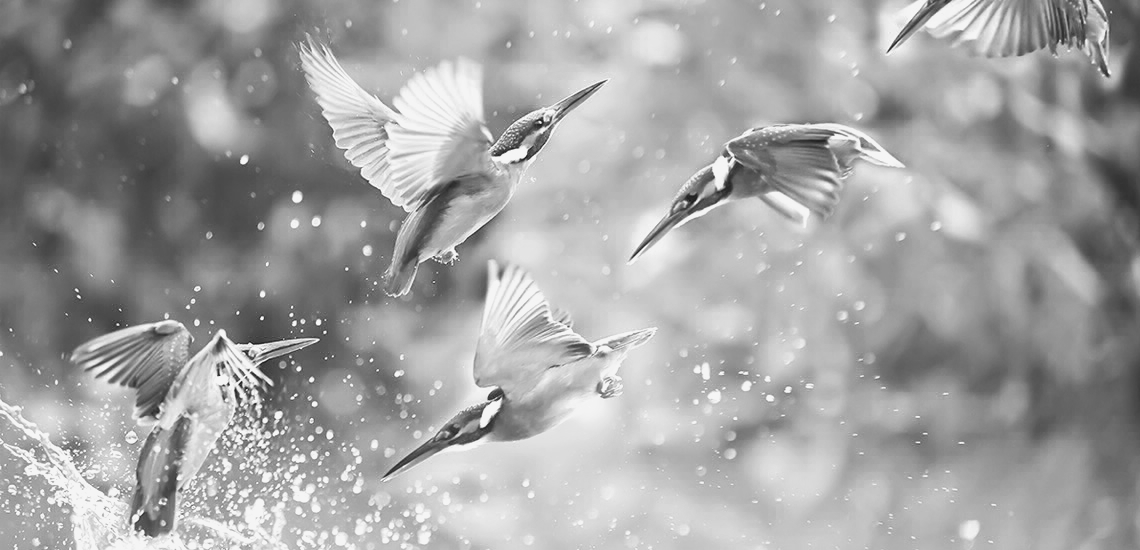 Lark
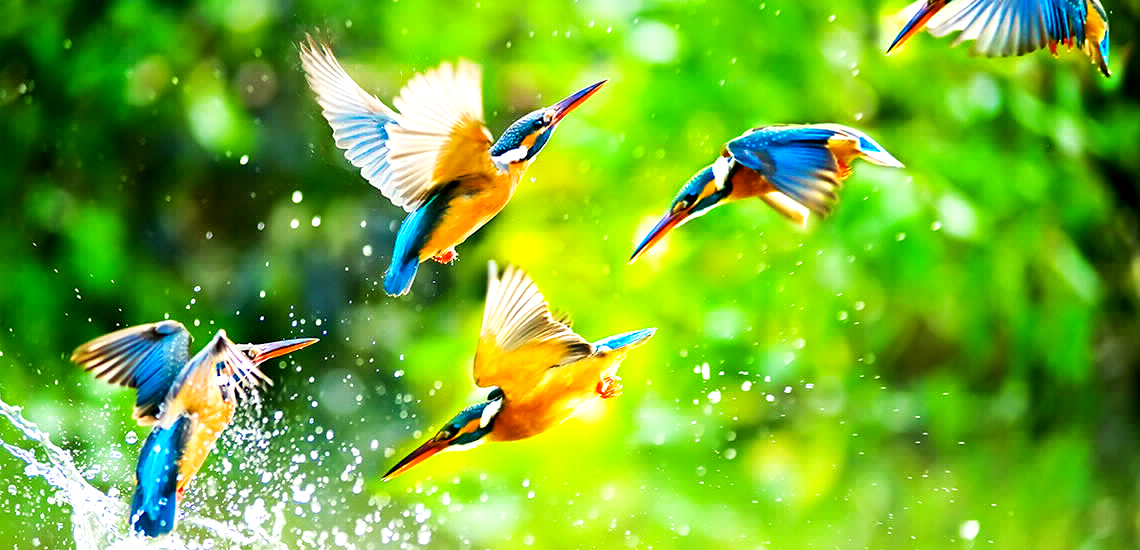 Lo-Fi
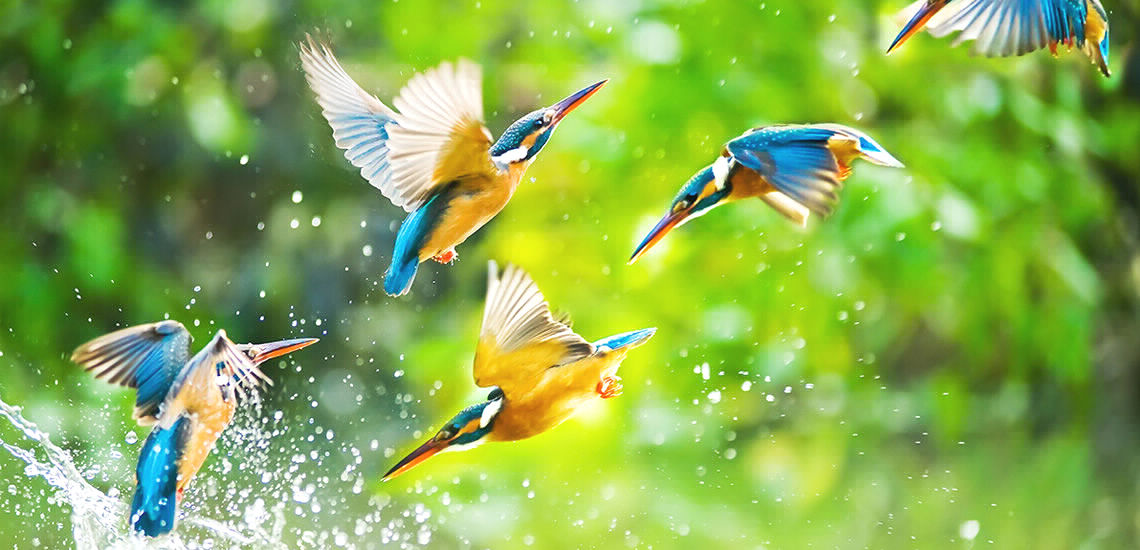 Ludwig
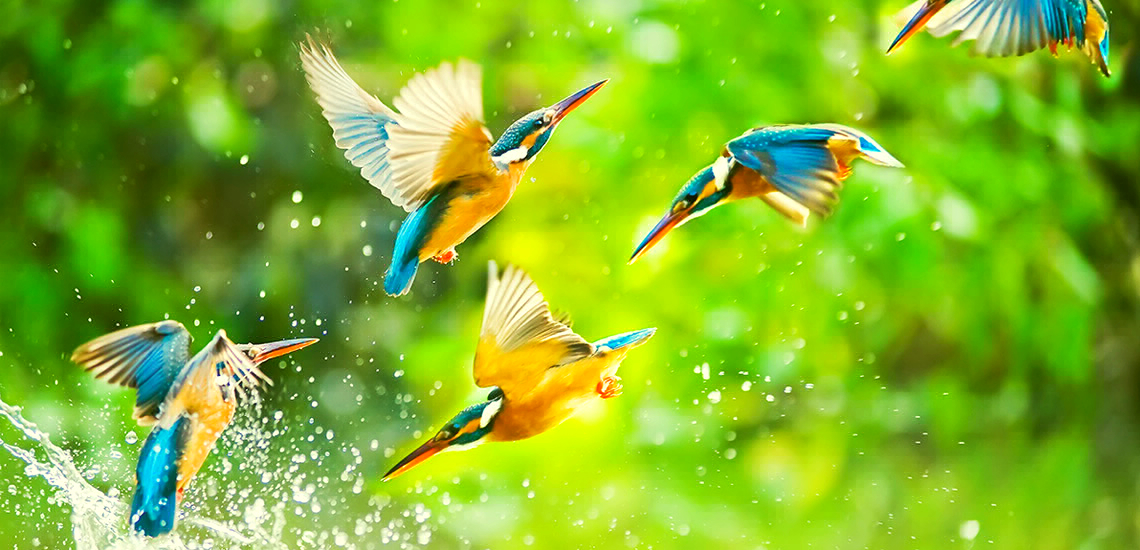 Maven
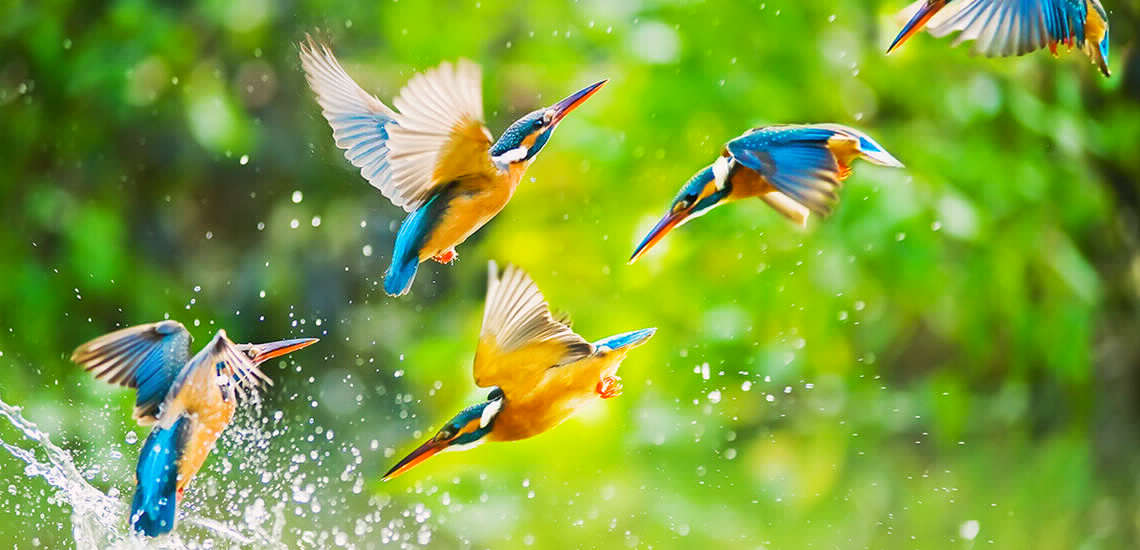 Mayfair
 Moon
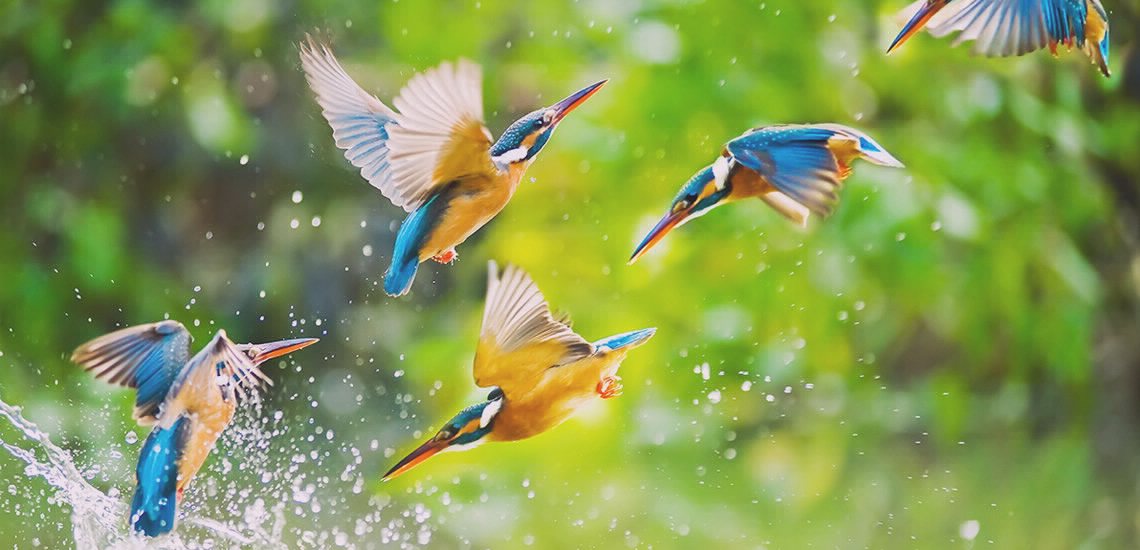 Nashville
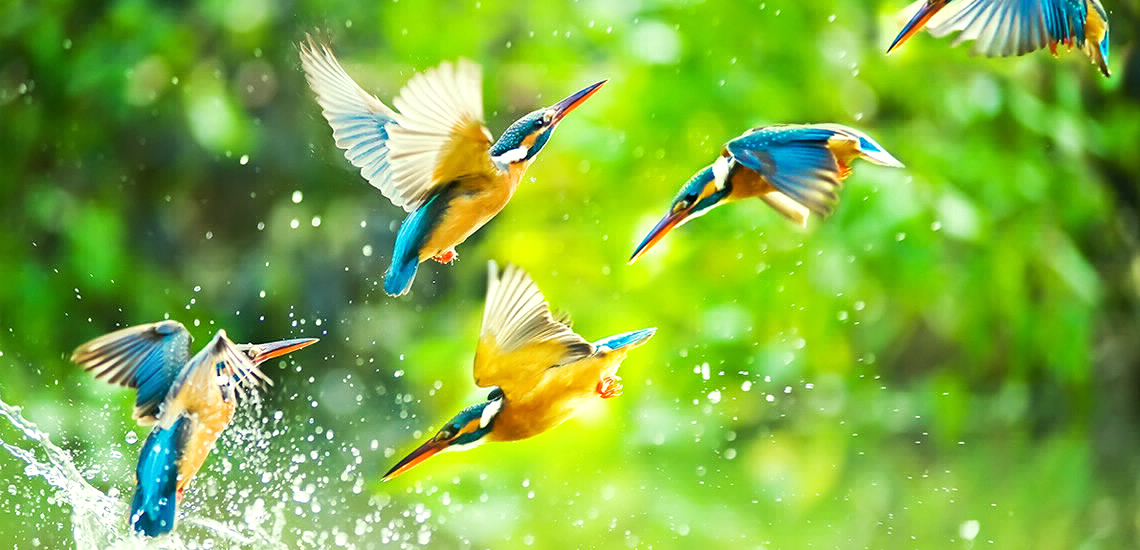 Perpetua
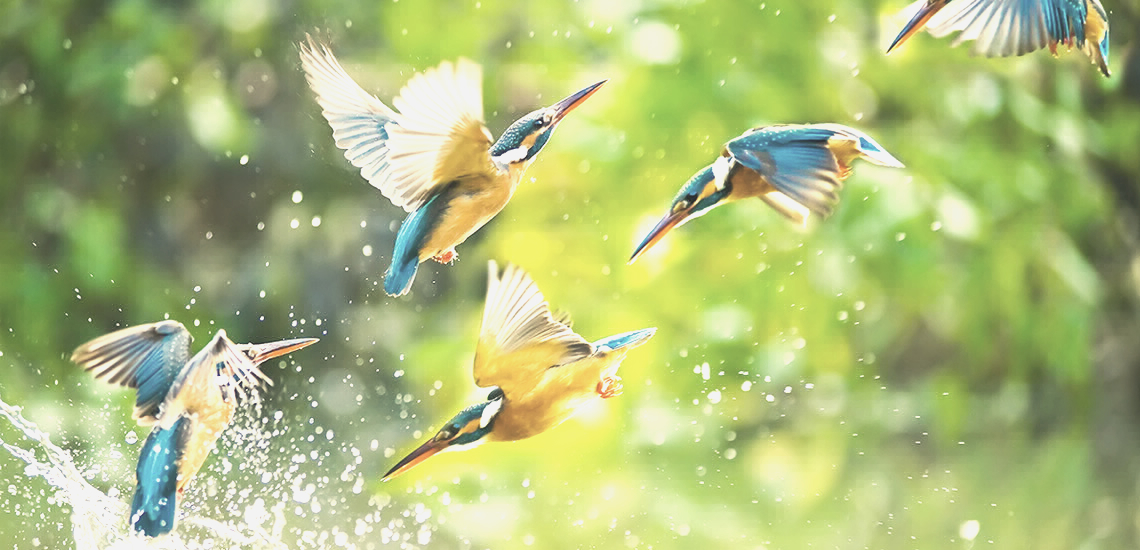 Reyes
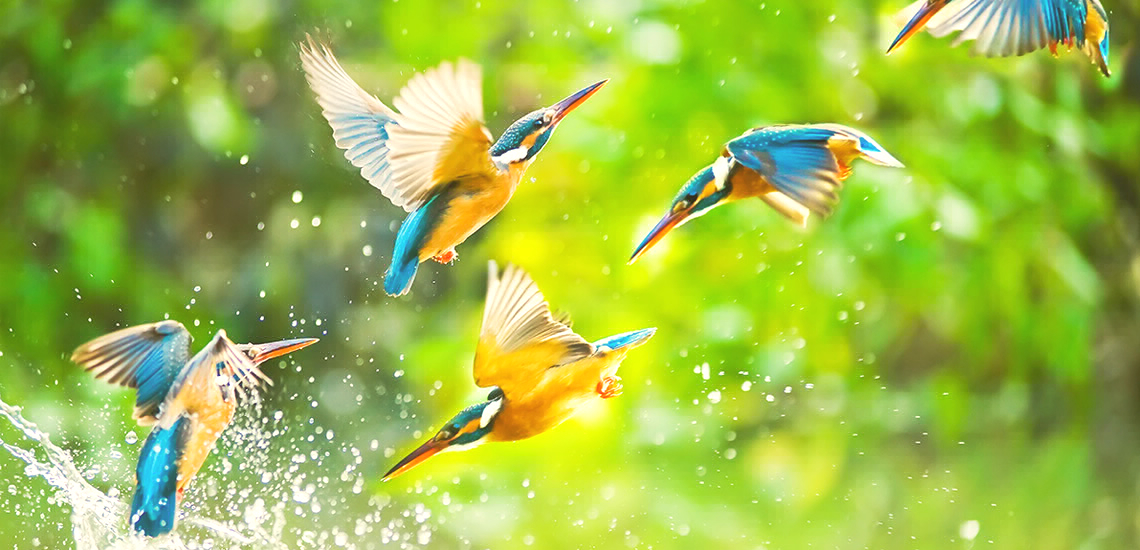 Rise
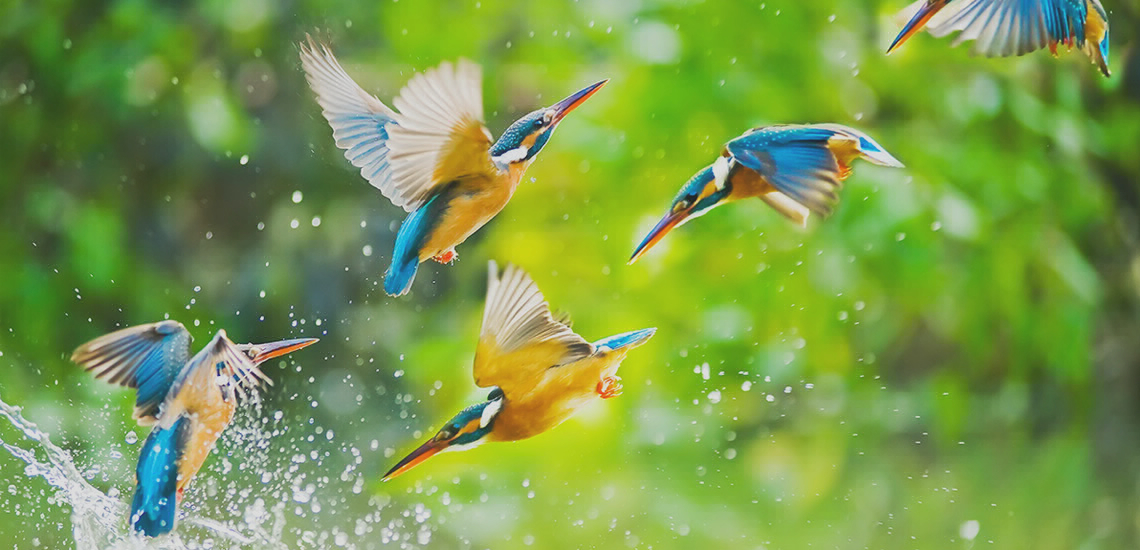 Sierra
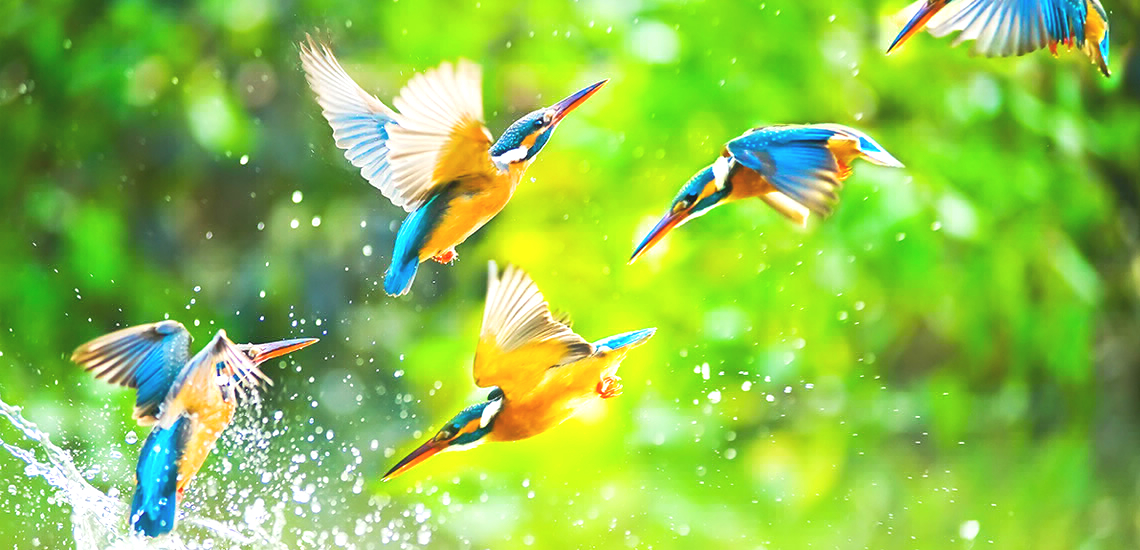 Skyline
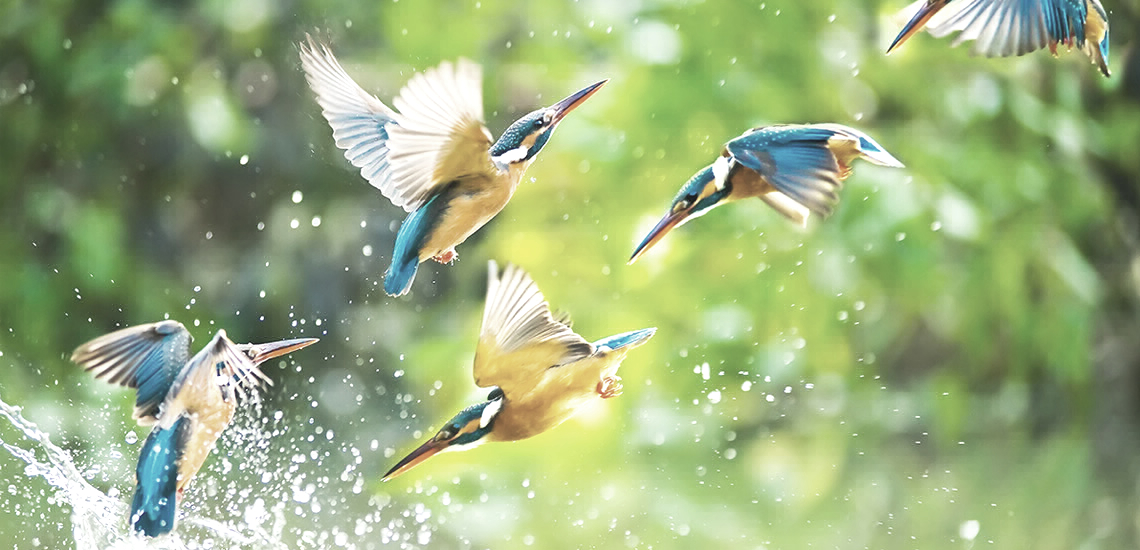 Slumber
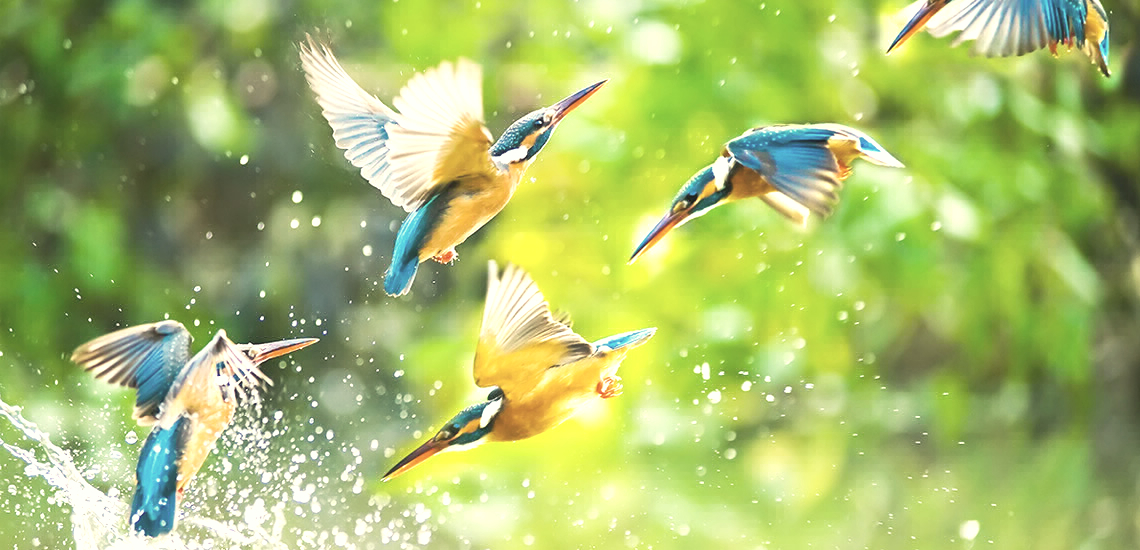 Stinson
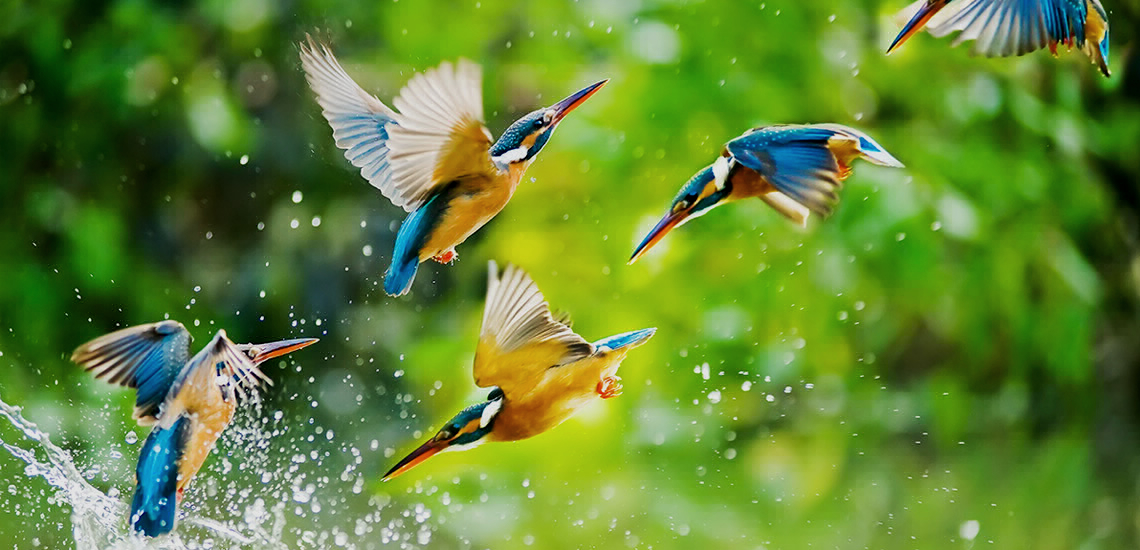 Sutro
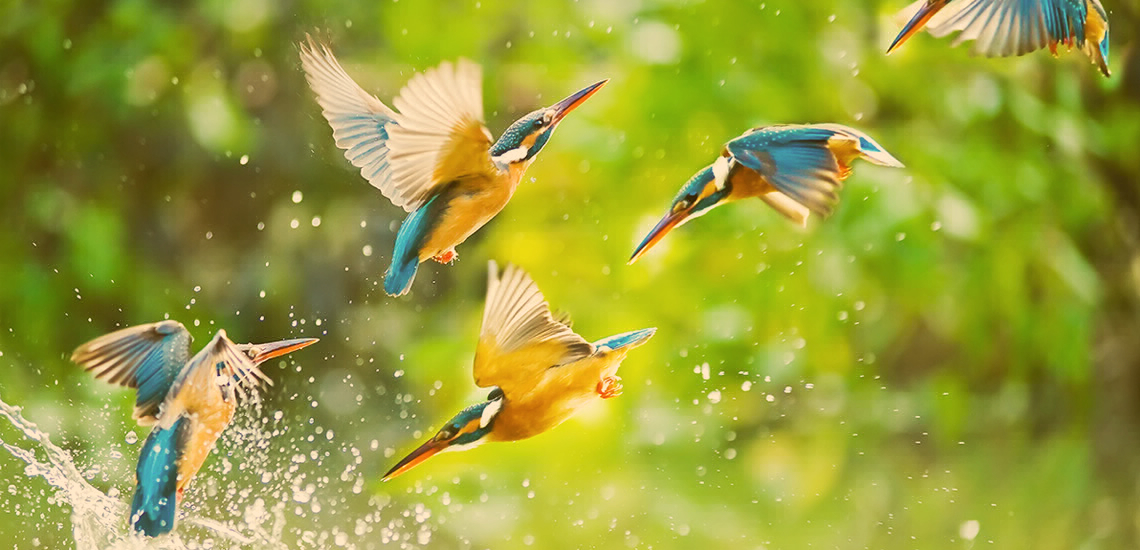 Toaster
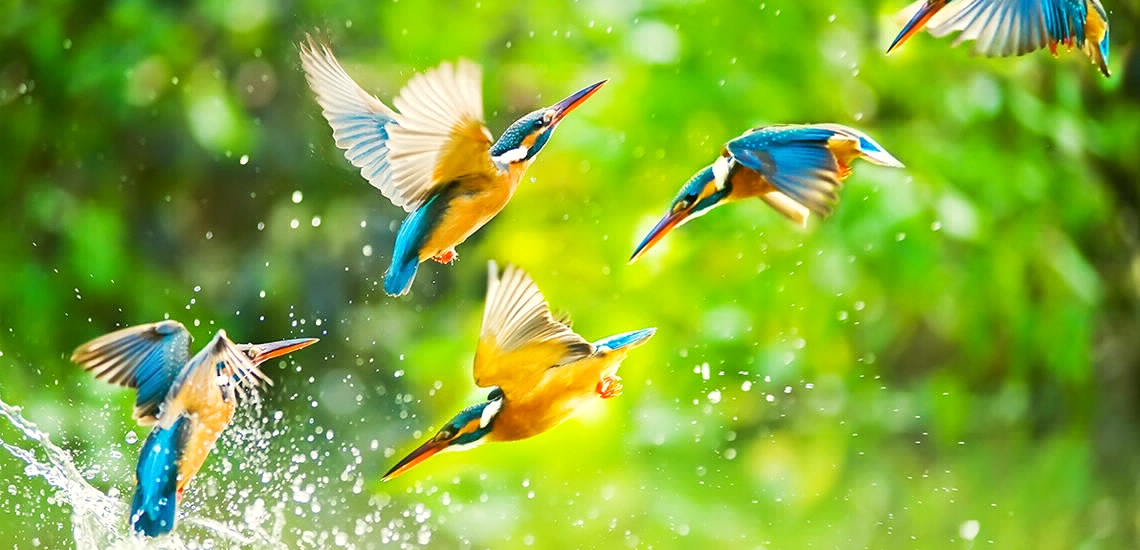 Valencia
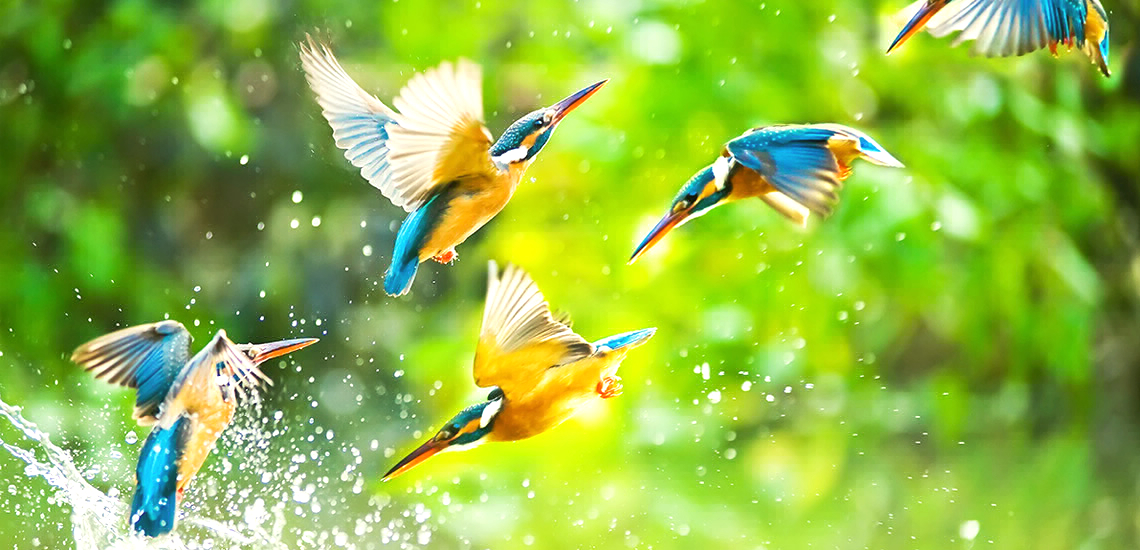 Vesper
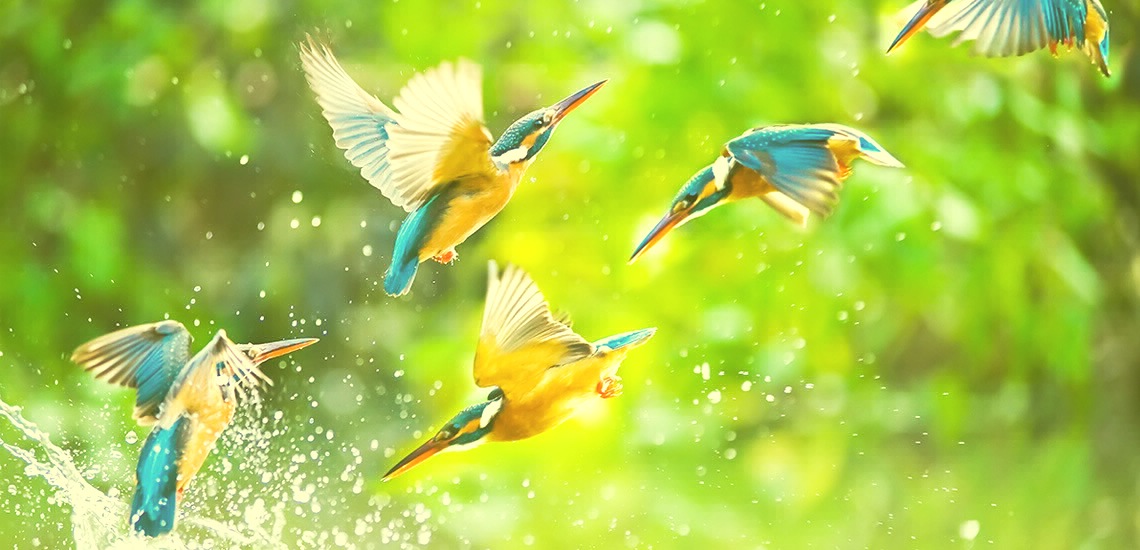 Walden
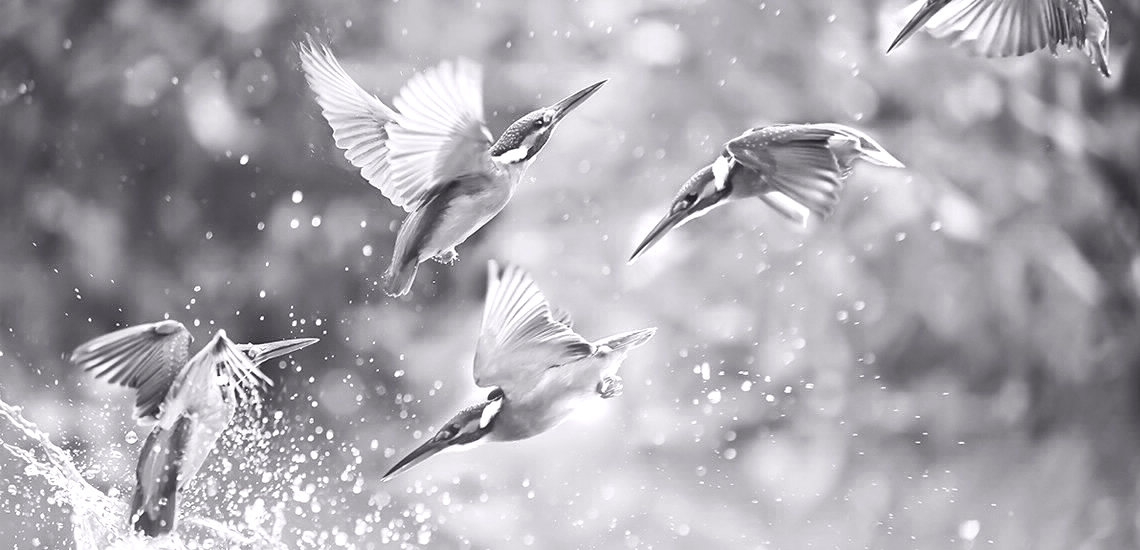 Willow
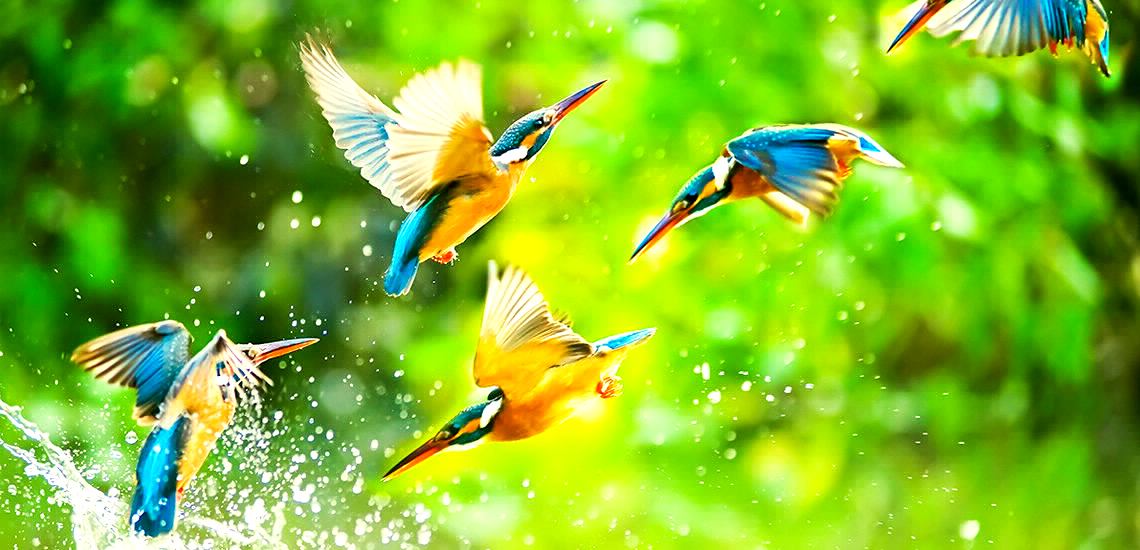 X-Pro II
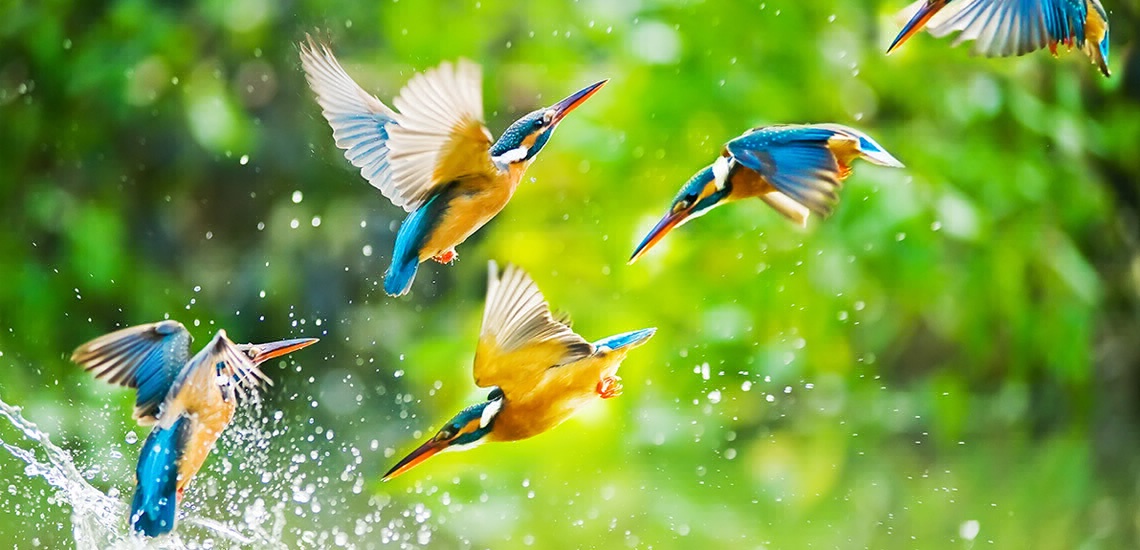 Identity
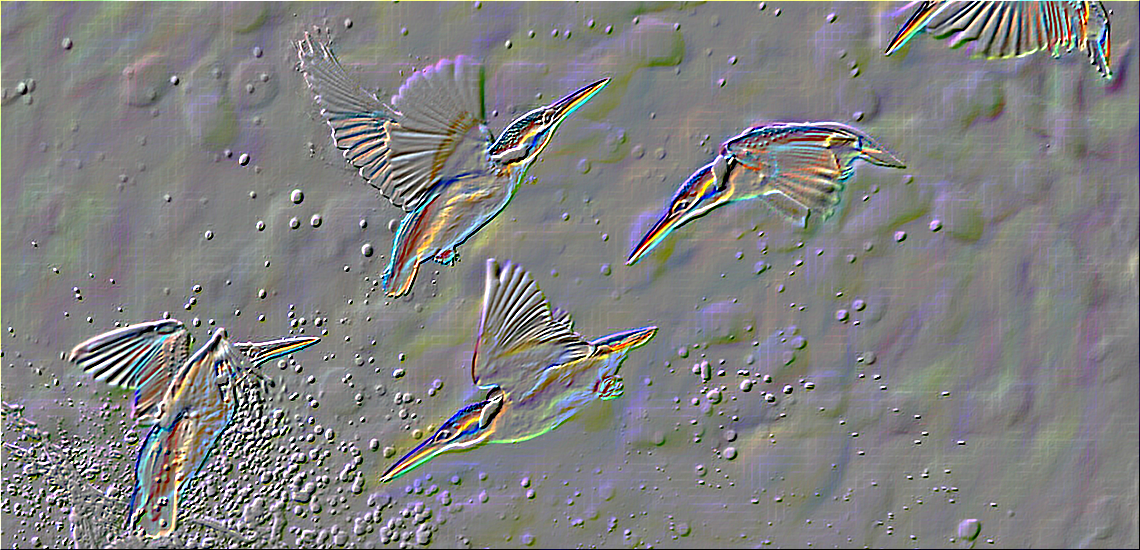 Emboss
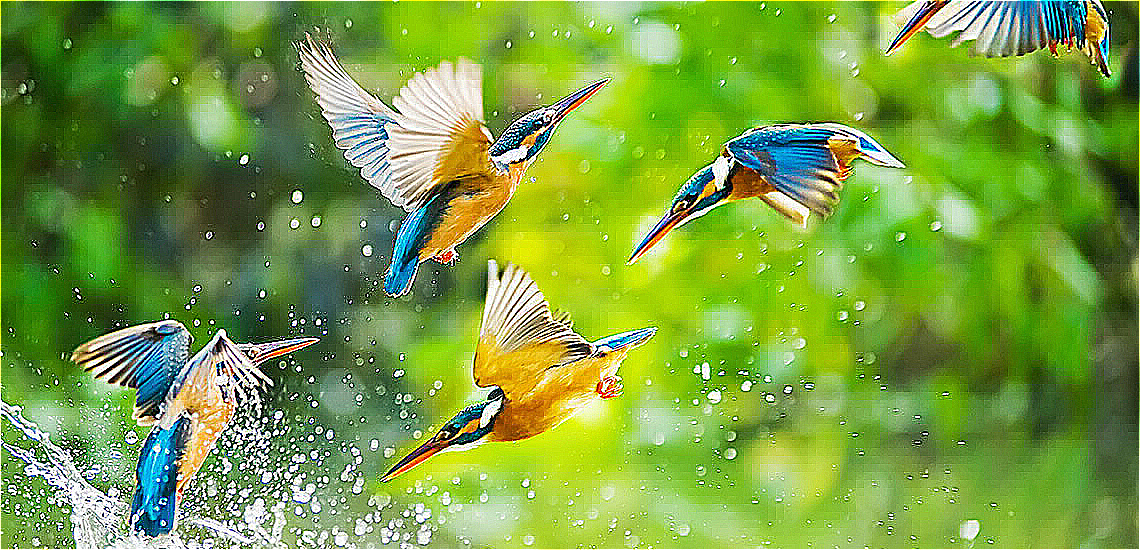 Sharpen
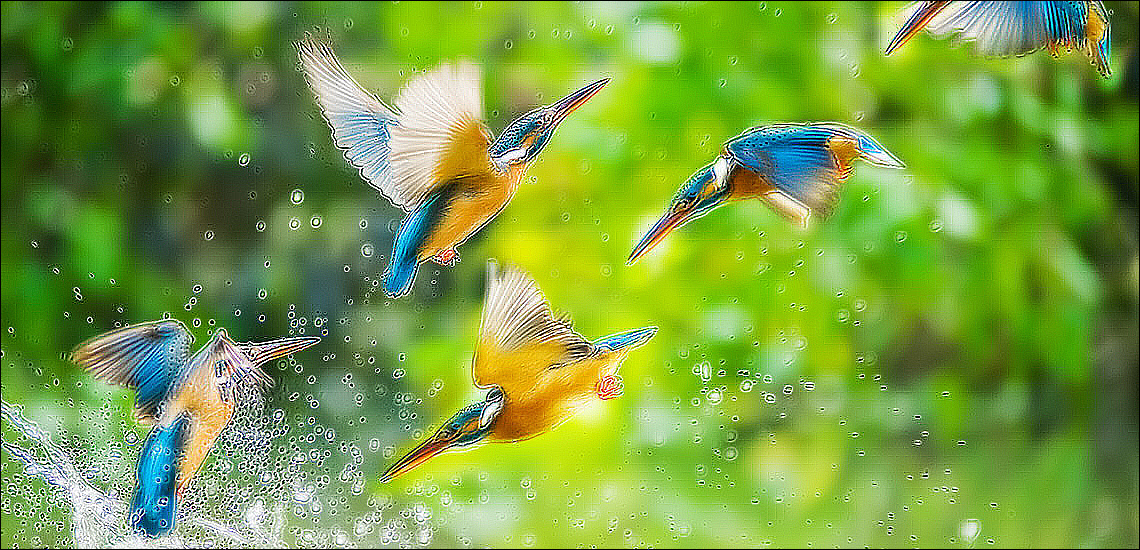 Colored Edge Detection
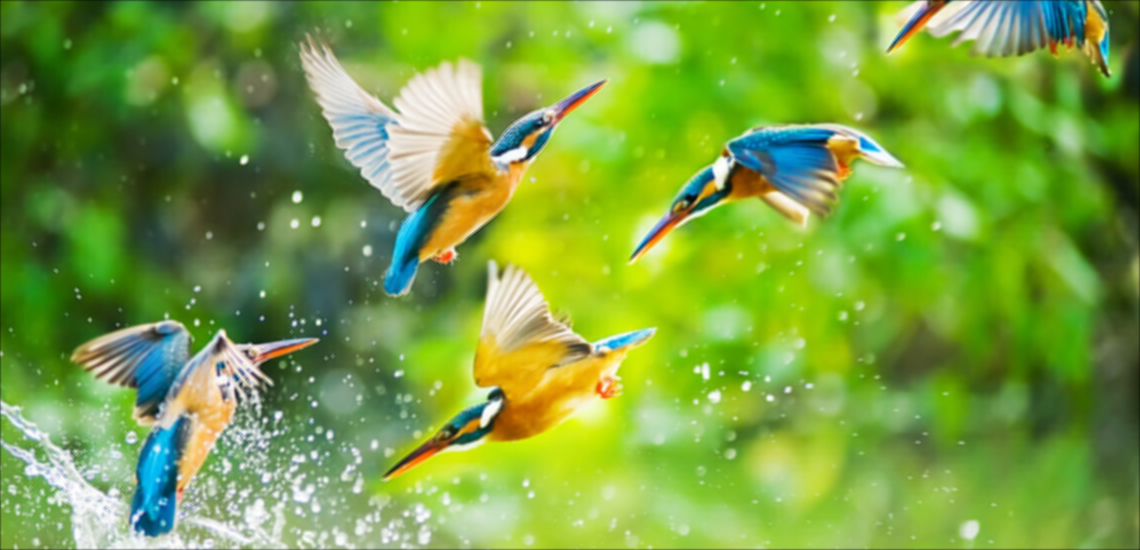 Blur
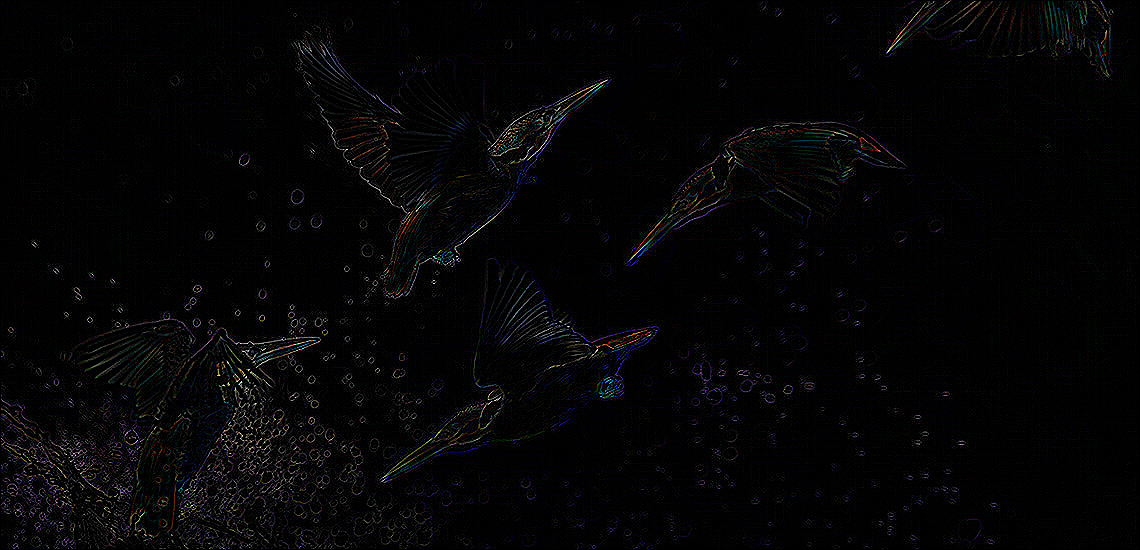 Edge Detection Medium
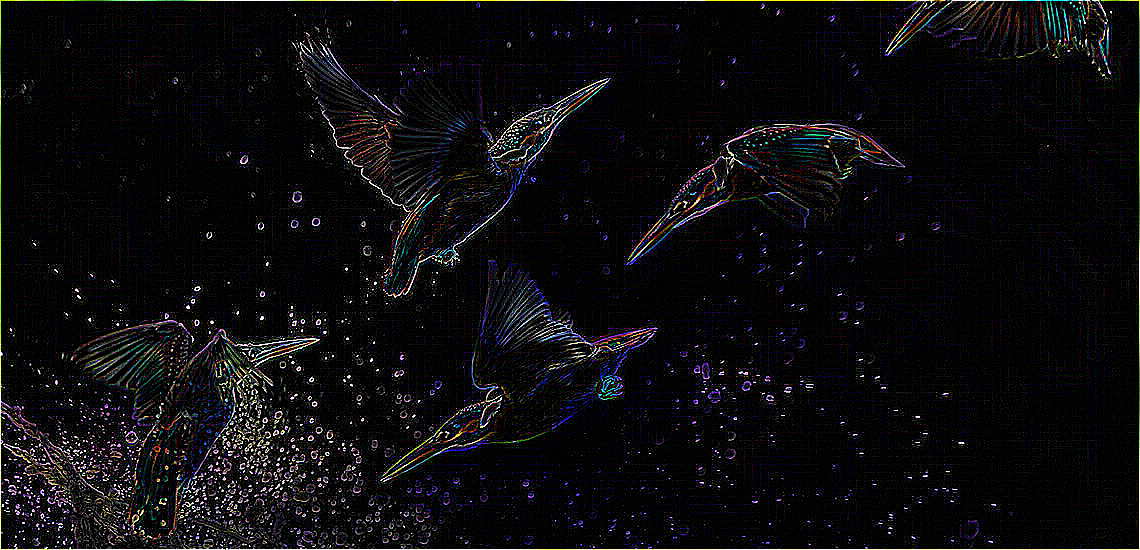 Edge Detection Hard
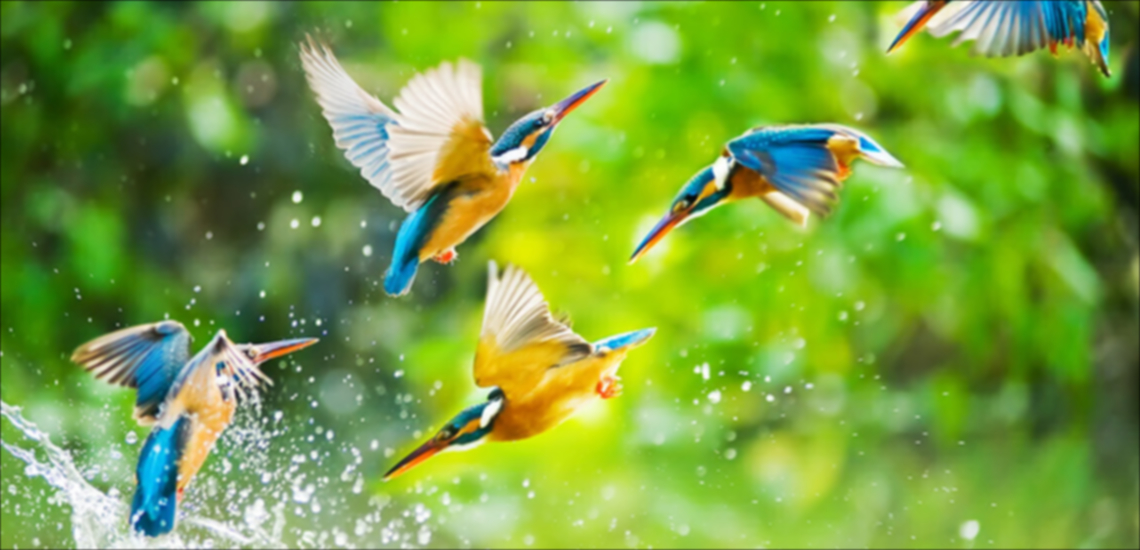 Guassian Blur
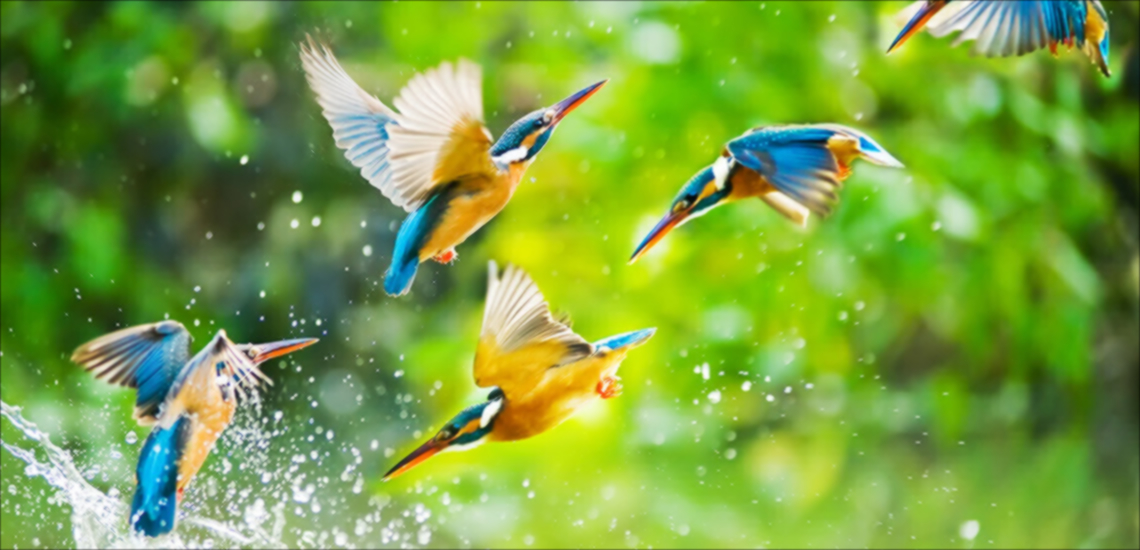 Low Pass
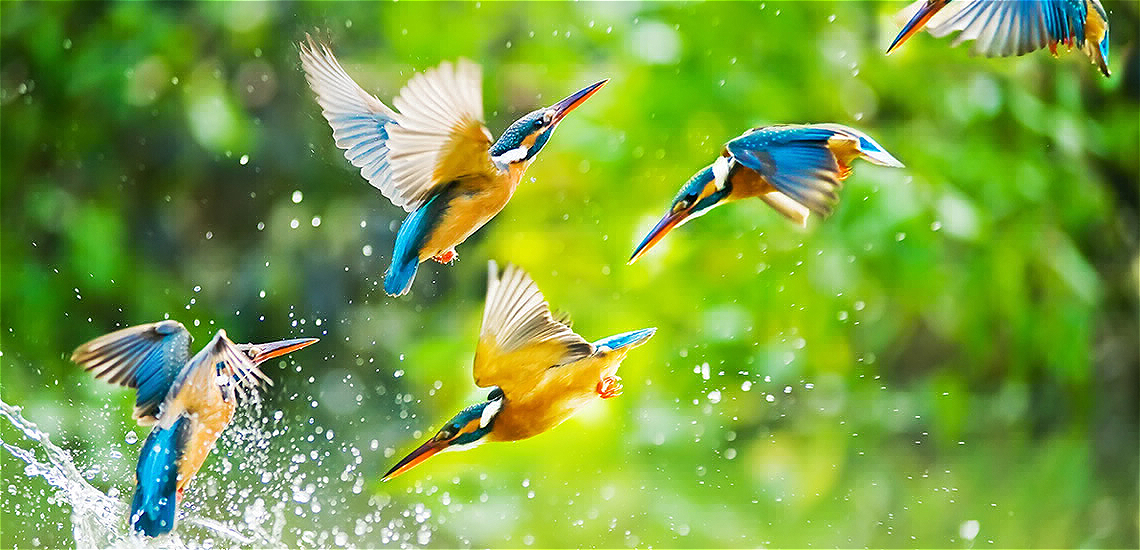 High Pass
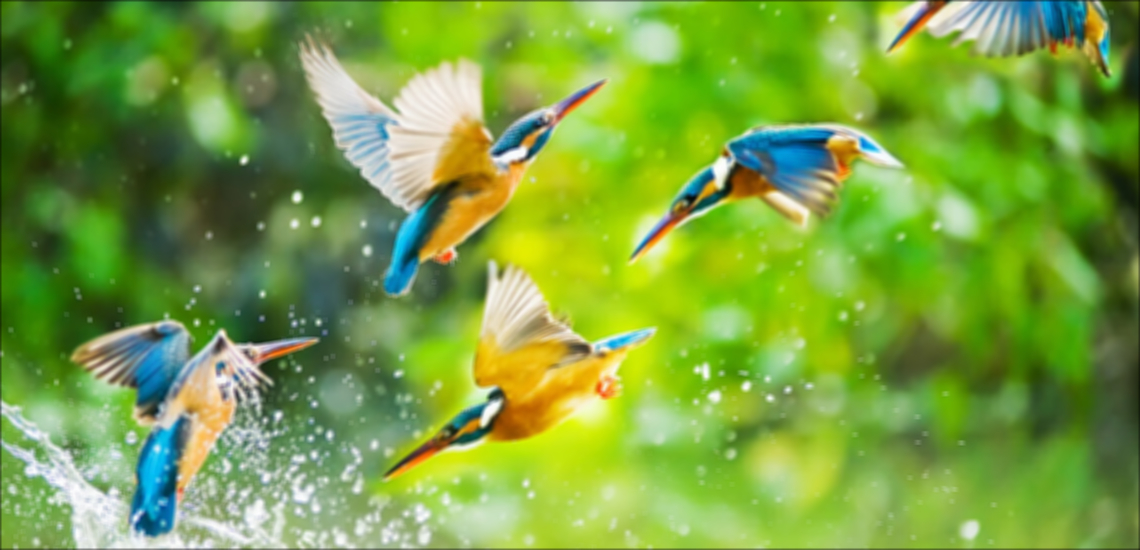 Mean