सार्वजनिक जानकारी से बना चयन मार्गदर्शन। केवल संदर्भ हेतु।
pwa_install पैकेज फ्लटर एप्लिकेशन को मोबाइल वेब उपयोगकर्ताओं को अपने एप्लिकेशन को प्रोग्रेसिव वेब एप्लिकेशन (PWA) के रूप में स्थापित करने के लिए प्रेरित करने में सक्षम बनाता है। यह निर्धारित करता है कि क्या उपयोगकर्ता मोबाइल डिवाइस पर वेब ब्राउज़र के माध्यम से एप्लिकेशन का उपयोग कर रहा है और एक नेटिव स्थापना प्रॉम्प्ट को ट्रिगर करता है, जिससे उपयोगकर्ता भागीदारी और रखरखाव में सुधार होता है। पैकेज फ्लटर के वेब प्लेटफॉर्म के साथ बिना किसी दिक्कत के एकीकृत है और एंड्रॉइड, आईओएस, मैकओएस, विंडोज और लिनक्स सहित कई ऑपरेटिंग सिस्टम का समर्थन करता है। यह ब्राउज़र-स्तरीय PWA क्षमताओं का उपयोग करके एक चिकनी स्थापना अनुभव प्रदान करता है।
उपयोग
PWA स्थापित करने के लिए वेब उपयोगकर्ताओं को प्रेरित करना
मोबाइल ब्राउज़र पर ऐप एंगेजमेंट बढ़ाना
वेब-आधारित Flutter ऐप्स के लिए रिटेंशन में सुधार करना
PWA के माध्यम से ऑफलाइन पहुंच सक्षम करें
क्रॉस-प्लेटफ़ॉर्म डिप्लॉयमेंट को सरल बनाना
हाइब्रिड ऐप वितरण का समर्थन करना
मुख्य विशेषताएँ
मोबाइल वेब एक्सेस का पता लगाता है
प्राकृतिक PWA स्थापना प्रस्ताव ट्रिगर करता है
कई प्लेटफॉर्मों के बीच काम करता है
आवश्यक सेटअप न्यूनतम
Flutter web के साथ एकीकरण
ब्राउज़र PWA API का उपयोग करता है
इनके लिए उपयुक्त
वेब-पहले फ्लटर ऐप्स बनाने वाले डेवलपर्स
मोबाइल वेब उपयोगकर्ताओं का लक्ष्य निर्धारित करने वाली टीमें
PWA के अपनाने की दिशा में बनाई गई ऐप्स
कम घर्षण स्थापना की आवश्यकता वाले प्रोजेक्ट
क्रॉस-प्लेटफॉर्म वेब एप्लिकेशन
हाइब्रिड ऐप रणनीतियाँ
विचार योग्य बातें
PWA कार्यक्षमता के लिए HTTPS की आवश्यकता है
PWA स्थापना प्रस्तावों के समर्थन वाले ब्राउज़र तक सीमित
सभी मोबाइल डिवाइस पर ट्रिगर नहीं हो सकता है
उपयोगकर्ता अनुमति सेटिंग्स पर निर्भर करता है
गैर-वेब प्लेटफॉर्म के लिए अनुपयुक्त
इंस्टॉलेशन व्यवहार ब्राउज़र के अनुसार भिन्न होता है
मूल README
संबंधित सोर्स रिपॉज़िटरी के मूल README का स्नैपशॉट। नवीनतम सामग्री के लिए रिपॉज़िटरी देखें।
PWA Install
A small Flutter package that allows you to prompt mobile web users to install your Flutter app as a progressive web application (PWA) on demand.
A very basic example can be found here: PWA Install
The contents of this package are based on this article by Pete LePage (@petele)
Out-of-the-Box
As of release 1.20, all Flutter apps can be installed as PWAs. Combine this with the fact that all Chromium based browsers support PWAs and it becomes clear that designing your Flutter application for a mobile browser can be the most effective way of reaching a large audience.
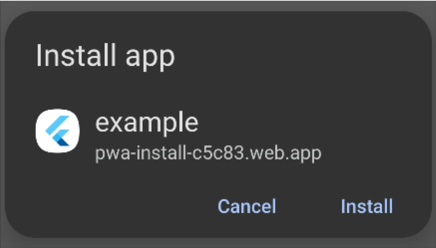
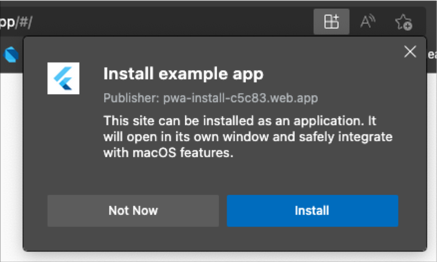
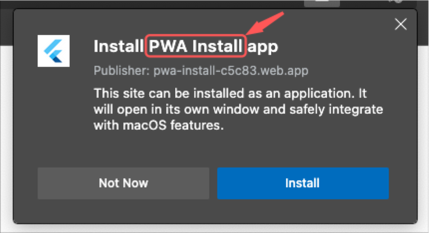
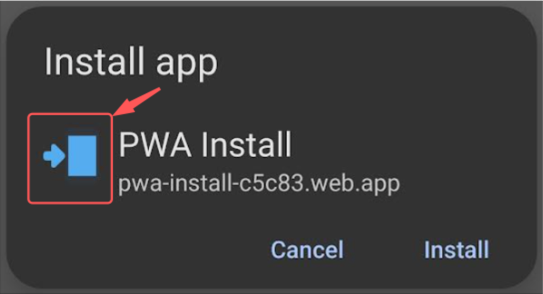
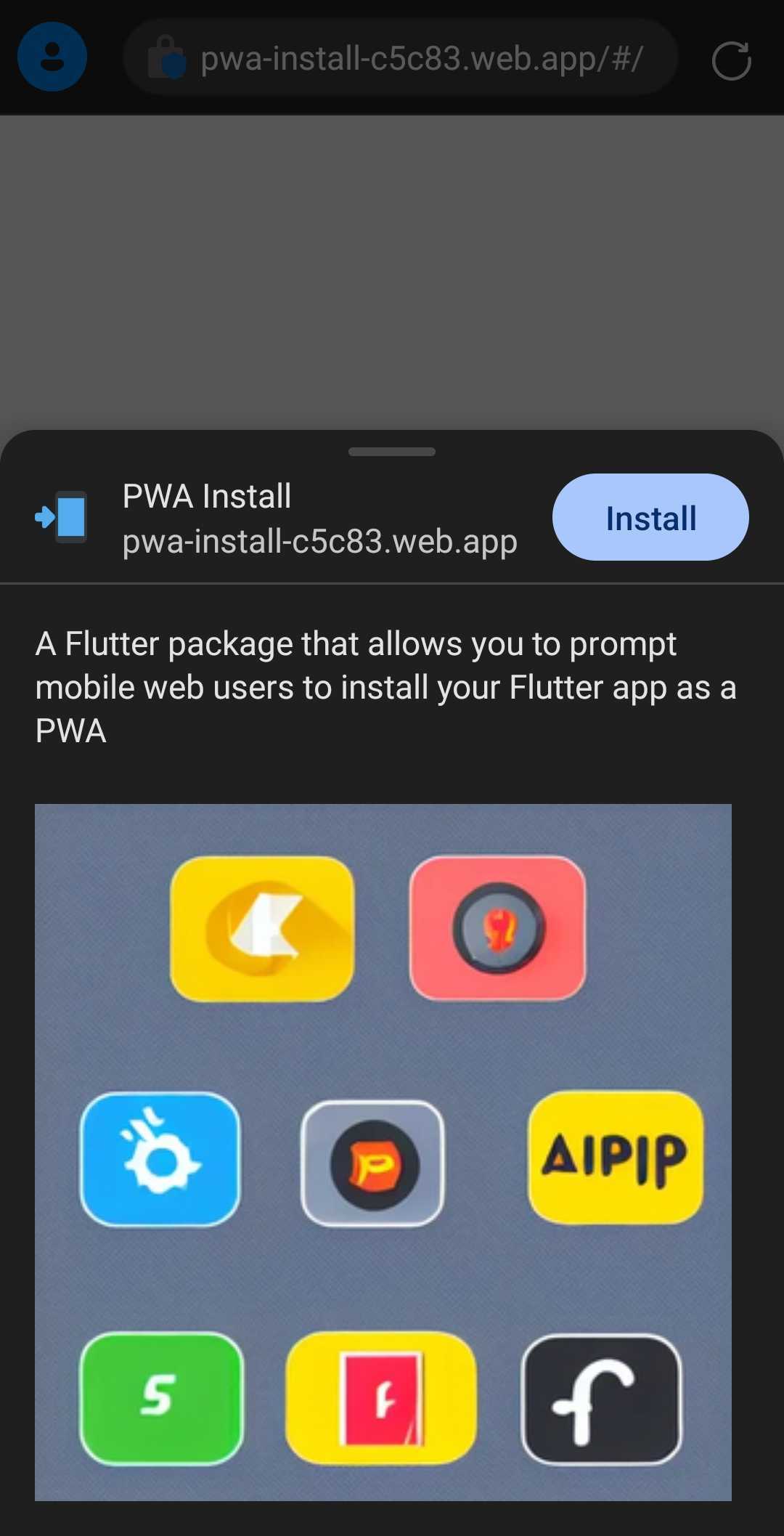
When a Flutter app is opened in a supported browser, the user will see an install prompt like this:
Mobile Prompt
Web Prompt
This is awesome, but there's a caveat. The browser will only show the install prompt to users the first time they open your app. If the user refreshes the page or returns to the app while it's still in their browser history, the prompt will not be shown.
The PWA Install Package
With this package, you can prompt the user to install your app as a PWA on demand (e.g, on a button click). This package works by capturing the beforeinstallprompt event web browsers use to install PWAs. The event is captured when your app is launched and can be called anytime thereafter.
Setup
1. Update index.html
Add the following <script> tag to the body of web/index.html:
The following method can be called in main.dart before calling runApp(). PWAInstall() is instantiated as a singleton so you can use the class directly.