पैकेज, रिपॉज़िटरी और ऐप श्रेणियाँ खोजें

radio_group_v2 कवर
पैकेज विवरणv3.3.2

radio_group_v2

एक विजेट जो रेडियो बटन को समूह में एकत्र करता है ताकि उपयोगकर्ता को ऐप में चयन करते समय सुखद अनुभव प्रदान किया जा सके।

30-दिन डाउनलोड
883
लाइक
32
Pub अंक
160

पैकेज इंस्टॉल करें

flutter pub add radio_group_v2

पैकेज अवलोकन

सार्वजनिक जानकारी से बना चयन मार्गदर्शन। केवल संदर्भ हेतु।

radio_group_v2 एक Flutter विजेट है जो समूहित रेडियो बटन के निर्माण को सरल बनाता है, अंतर्निहित अपवर्जकता और एक सुसंगत उपयोगकर्ता अनुभव सुनिश्चित करता है। इसके माध्यम से उपयोगकर्ता एक सेट में से एक विकल्प चुन सकते हैं, जिसमें कस्टमाइज़ेशन, राज्य प्रबंधन और चिकनी इंटरैक्शन का समर्थन शामिल है। फॉर्म और सेटिंग्स के लिए आदर्श है जहां एकल चयन आवश्यक है, इसके द्वारा स्पष्ट डिज़ाइन और प्लेटफॉर्म के अनुसार सुसंगत व्यवहार के माध्यम से उपयोगकर्ता अनुभव को बढ़ावा दिया जाता है।

उपयोग

  • एकल चयन के साथ फॉर्म इनपुट
  • उपयोगकर्ता प्राथमिकता सेटिंग्स
  • सर्वेक्षण या प्रश्नावली इंटरफेस
  • ऑनबोर्डिंग फ्लो
  • डायनामिक विकल्प समूह

मुख्य विशेषताएँ

  • परस्पर अपवाही चयन
  • कस्टमाइज़ेबल दिखावट
  • निर्मित अवस्था प्रबंधन
  • मौजूदा विजेट्स के साथ आसान एकीकरण
  • प्रतिक्रियाशील डिज़ाइन समर्थन

इनके लिए उपयुक्त

  • फॉर्म बना रहे विकासकर्ता
  • सुसंगतता की तलाश में UI डिज़ाइनर
  • एकल-चयन इनपुट की आवश्यकता वाले ऐप
  • Flutter शुरुआती उपयोगकर्ता अवस्था प्रबंधन सीख रहे हैं
  • हल्के रेडियो समूह समाधान की आवश्यकता वाले प्रोजेक्ट

विचार योग्य बातें

  • केवल एकल चयन तक सीमित
  • कोई निर्मित वैधता नहीं है
  • चयन कॉलबैक के हस्तक्षेप से प्रबंधित करने की आवश्यकता है
  • बहु-चयन परिदृश्यों के लिए उपयुक्त नहीं
  • पैरेंट विजेट के लेआउट सीमाओं पर निर्भर करता है
मूल README

संबंधित सोर्स रिपॉज़िटरी के मूल README का स्नैपशॉट। नवीनतम सामग्री के लिए रिपॉज़िटरी देखें।

Radio Group

A widget that groups radio buttons so they can work together to give the user a pleasant experience when making selections within the app.

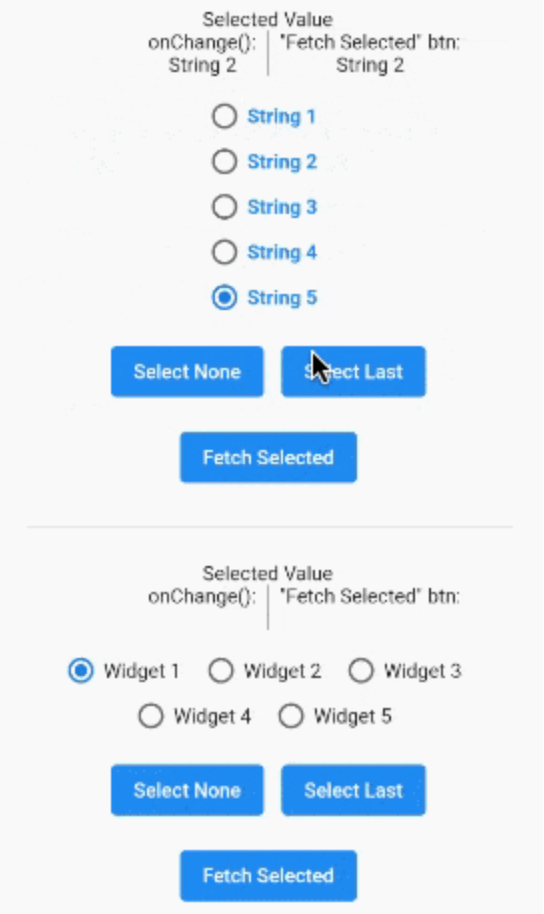
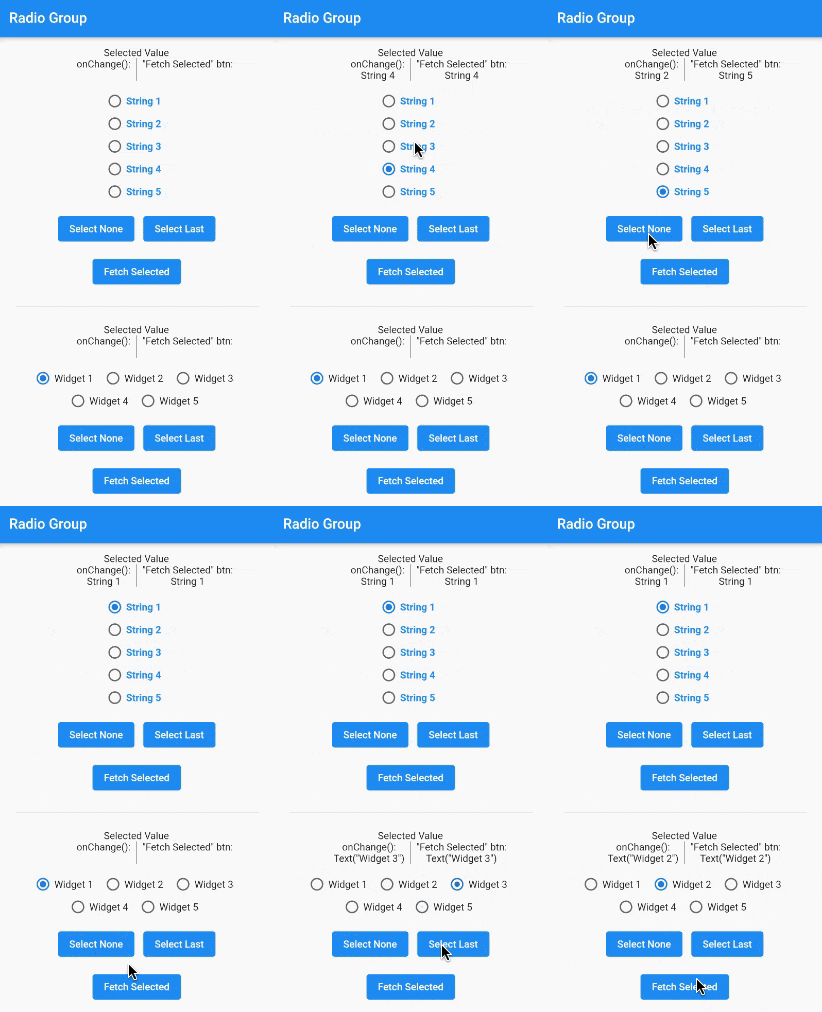
A gif demonstrating the radio group in action.

Installation

In the pubspec.yaml of your flutter project, add the following dependency:

dependencies:
  radio_group_v2: ^3.3.1

Import it to each file you use it in:

import 'package:radio_group_v2/radio_group_v2.dart';

Usage

Example 1

This example is a very basic, vertical radio group.

RadioGroupController myController = RadioGroupController();

RadioGroup(
  controller: myController,
  values: ["Choice1", "Choice2", "Choice3"],
)
Example 2

This example is a horizontal radio group with some decoration, and it starts with the first button selected.

RadioGroupController myController = RadioGroupController();

RadioGroup(
  controller: myController,
  values: ["Choice1", "Choice2", "Choice3"],
  indexOfDefault: 0,
  orientation: RadioGroupOrientation.Horizontal,
  decoration: RadioGroupDecoration(
    spacing: 10.0,
    labelStyle: TextStyle(
      color: Colors.blue,
    ),
    activeColor: Colors.amber,
  ),
)
Example 3

This example shows how to programmatically select an item using two different methods.

RadioGroupController myController = RadioGroupController();

List<String> items = ["Choice1", "Choice2", "Choice3"];

RadioGroup(
  controller: myController,
  values: items,
)

// Method 1 - Selects a specific item from the list.
myController.value = items[1]; // Selects Choice2

// Method 2 - Selects whatever item is at the given
//            index in the list.
myController.selectAt(2); // Selects Choice3
Example 4

This example shows how to programmatically select an item using two different silent methods. This means, when the new value in is selected in the list, the onChanged method will not be called.

RadioGroupController myController = RadioGroupController();

List<String> items = ["Choice1", "Choice2", "Choice3"];

RadioGroup(
  controller: myController,
  values: items,
)

// Method 1 - Selects a specific item from the list.
myController.setValueSilently(items[1]); // Selects Choice2

// Method 2 - Selects whatever item is at the given
//            index in the list.
myController.selectSilentlyAt(2); // Selects Choice3
Example 5

This example shows how to retrieve the selected value.

RadioGroupController myController = RadioGroupController();

RadioGroup(
  controller: myController,
  values: ["Choice1", "Choice2", "Choice3"],
)

String selected = myController.value.toString();

If you found this helpful, please consider donating. Thanks!

buy me a coffee      paypal      venmo


श्रेणियाँ

सोर्स रिपॉज़िटरी

इस पैकेज का उपयोग करने वाले प्रोजेक्ट

अभी कोई डेटा उपलब्ध नहीं है।