सार्वजनिक जानकारी से बना चयन मार्गदर्शन। केवल संदर्भ हेतु।
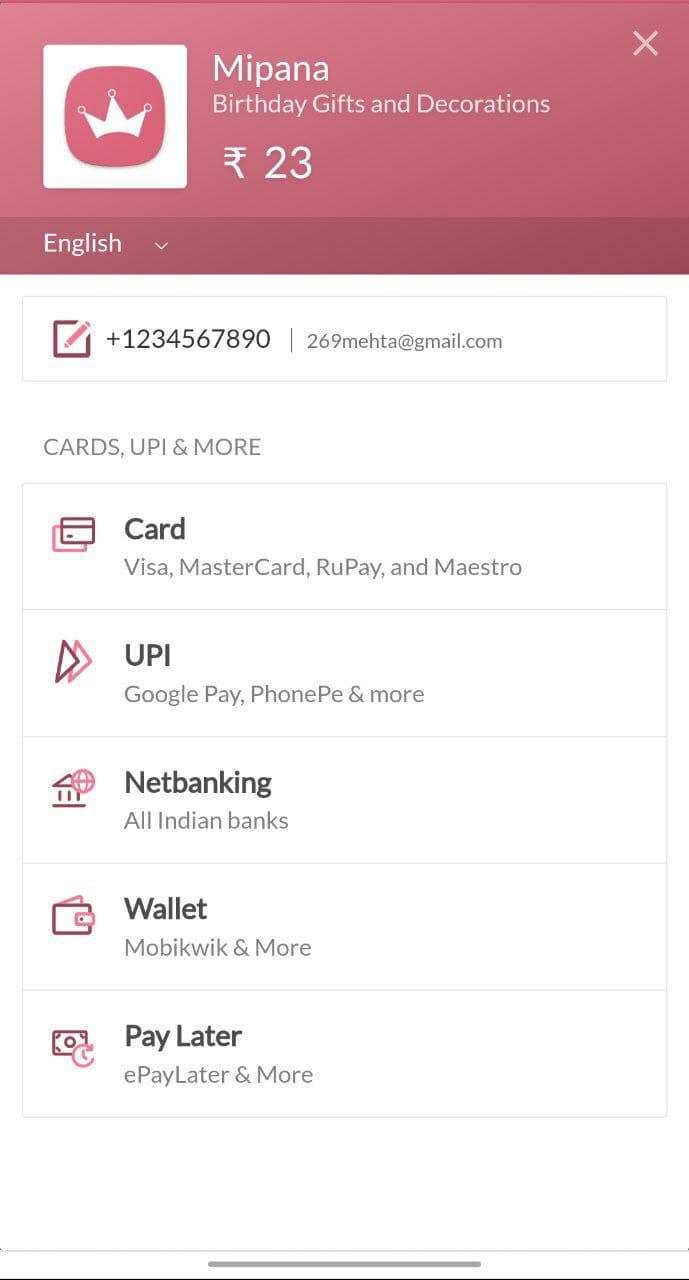
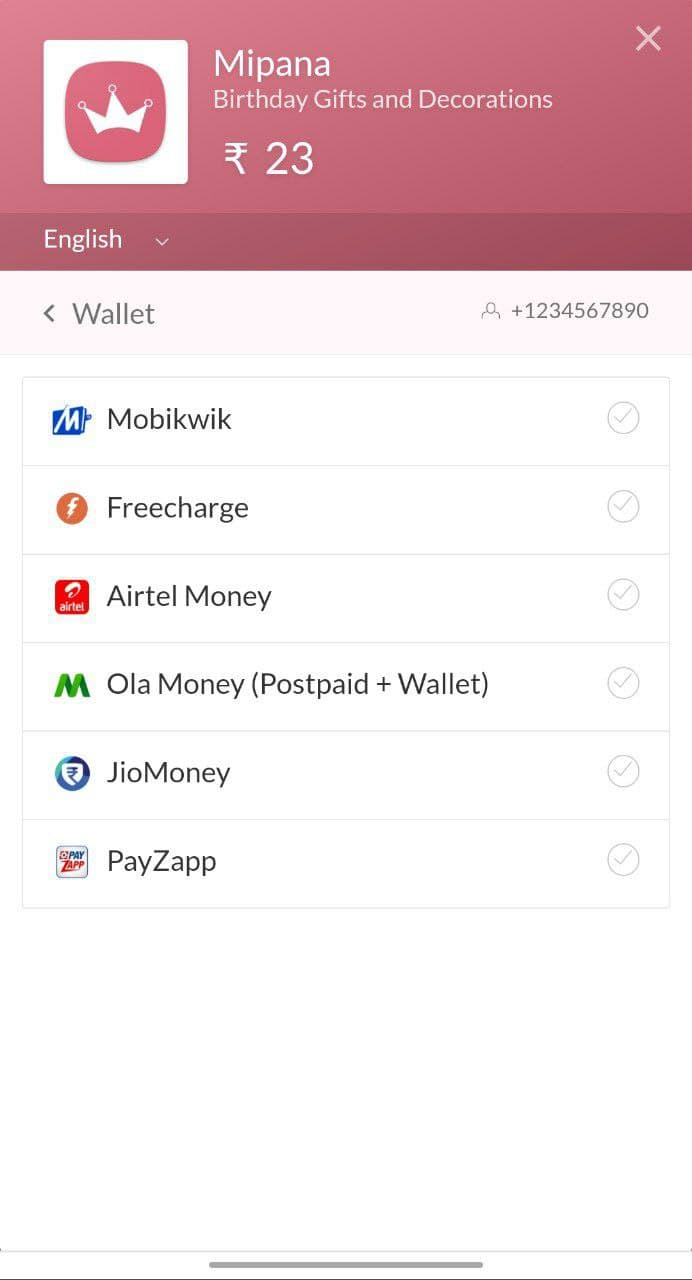
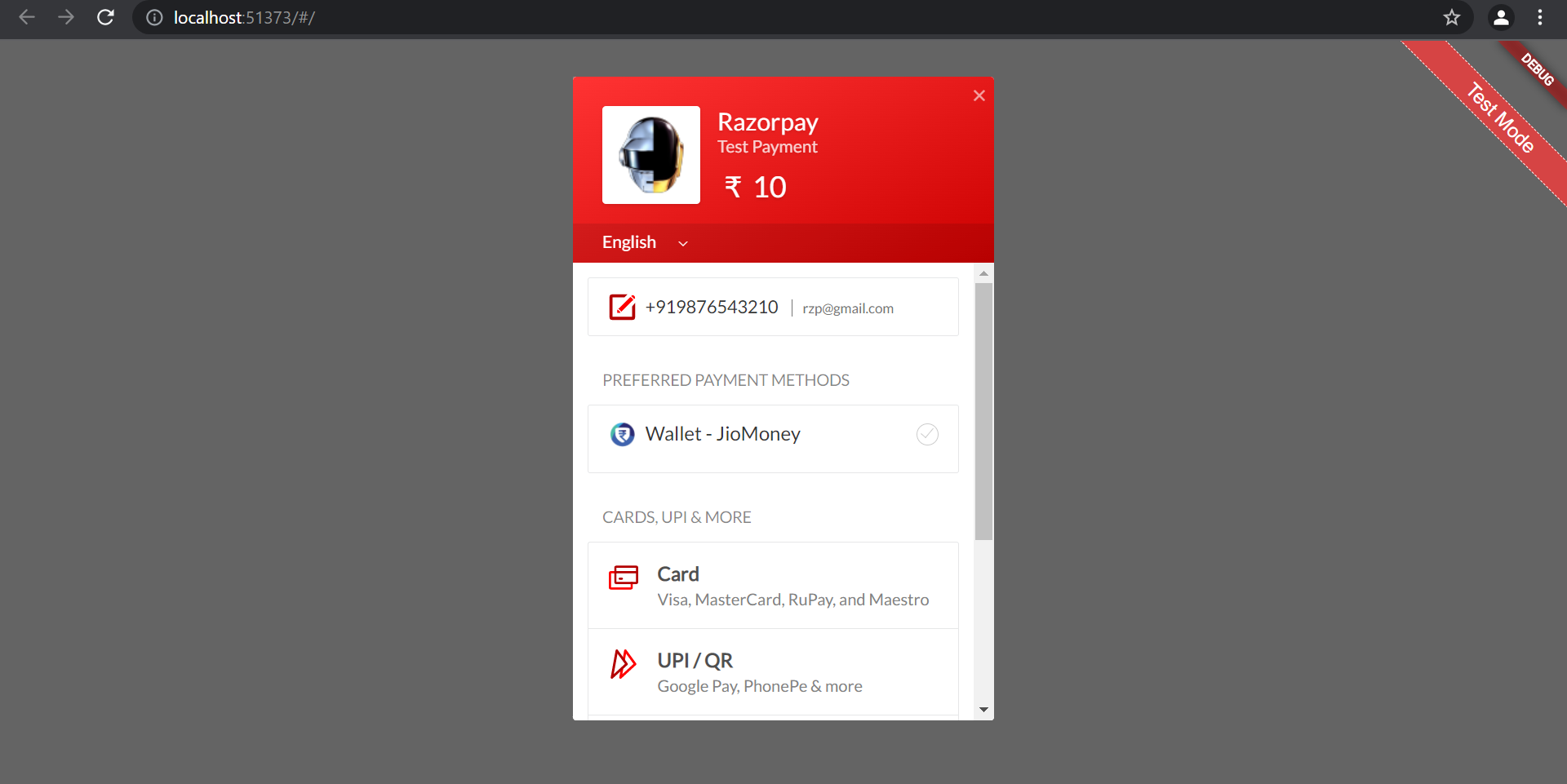
Razorpay Web एक Flutter प्लगइन है जो Android, iOS, Web, macOS, Windows और Linux सहित कई प्लेटफॉर्मों पर Razorpay भुगतान SDK को एकीकृत करता है। यह विकासकर्ताओं को अपने Flutter एप्लिकेशन में सुरक्षित, बिना किसी रुकावट के भुगतान प्रसंस्करण के लिए सक्षम बनाता है। इस प्लगइन में कार्ड, UPI, नेट बैंकिंग और वॉलेट जैसे विभिन्न भुगतान विधियों का समर्थन है, जिससे उपयोगकर्ताओं की व्यापक पहुंच सुनिश्चित होती है। प्लेटफॉर्म के आधार पर एक समान API के साथ, यह क्रॉस-प्लेटफॉर्म भुगतान के कार्यान्वयन को सरल बनाता है। स्रोत कोड GitHub पर सार्वजनिक रूप से उपलब्ध है, जिससे पारदर्शिता और कस्टमाइज़ेशन की गारंटी मिलती है।
उपयोग
एप्लिकेशन इन-परचेज़
ई-कॉमर्स चेकआउट
सब्सक्रिप्शन बिलिंग
इवेंट टिकटिंग
दान संग्रह
मुख्य विशेषताएँ
क्रॉस-प्लेटफ़ॉर्म समर्थन
सुरक्षित भुगतान प्रसंस्करण
कई भुगतान विधियाँ
सुसंगत API
ओपन-सोर्स कोड
इनके लिए उपयुक्त
भुगतान की आवश्यकता वाले Flutter ऐप
बहुप्लेटफॉर्म लक्षित विकासकर्ता
वैश्विक ग्राहकों वाली कंपनियां
ई-कॉमर्स ऐप बनाने वाली स्टार्टअप
UPI और कार्ड भुगतान की आवश्यकता वाले ऐप्स
विचार योग्य बातें
Razorpay खाता सेटअप की आवश्यकता है
वेब प्लेटफॉर्म को उचित SSL कॉन्फ़िगरेशन की आवश्यकता है
भुगतान के संचालन स्थानीय नियमों का पालन करना चाहिए
Razorpay के समर्थित देशों तक सीमित
भुगतान सफलता/असफलता कॉलबैक को हैंडल करने की आवश्यकता है
मूल README
संबंधित सोर्स रिपॉज़िटरी के मूल README का स्नैपशॉट। नवीनतम सामग्री के लिए रिपॉज़िटरी देखें।
🔒 Production Ready - Built on official Razorpay SDKs for mobile platforms
🪟 Native Windows Support - Seamless WebView integration with InAppWebView
🧪 Test Mode - Full sandbox environment support for development
📱 External Wallets - Support for Paytm, PhonePe, Google Pay, and more
⚡ Zero Configuration - Works out of the box with minimal setup
☕ Support the Development
🏆 Help Keep This Project Alive & Thriving
As a full-time developer working on this plugin in my limited spare time, your support means the world! Every contribution helps me dedicate more hours to:
✨ Adding new features • 🐛 Fixing bugs faster • 📚 Improving documentation • 🚀 Supporting new platforms
🌟 If this plugin saved you hours of work, consider buying me a chai!
Your support directly impacts how much time I can invest in making this plugin better for everyone.
Use Test Keys for development (no real transactions)
Switch to Live Keys for production
💡 New to Razorpay? Learn about the payment flow before integrating.
📦 Installation
Add razorpay_web to your pubspec.yaml:
dependencies:razorpay_web:^3.1.1
Then run:
flutter pub get
Platform-Specific Setup
🤖 Android Setup
Minimum Requirements
Min SDK Version: 19 (Android 4.4+)
Update android/app/build.gradle:
android {
    defaultConfig {
        minSdkVersion 19  // Ensure this is at least 19
    }
}
ProGuard Rules (if using)
Add to your ProGuard configuration:
-keepattributes *Annotation*
-dontwarn com.razorpay.**
-keep class com.razorpay.** {*;}
-optimizations !method/inlining/
-keepclasseswithmembers class * {
  public void onPayment*(...);
}
🍎 iOS Setup
Minimum Requirements
Min Deployment Target: iOS 10.0
Bitcode: Enabled
Update ios/Podfile:
platform :ios, '10.0'

post_install do |installer|
  installer.pods_project.targets.each do |target|
    target.build_configurations.each do |config|
      config.build_settings['ENABLE_BITCODE'] = 'YES'
      config.build_settings['SWIFT_VERSION'] = '5.0'
    end
  end
end
Add use_frameworks! if you encounter Swift header issues:
use_frameworks!
Then run:
cd ios && pod install
🌐 Web Setup
Add the Razorpay checkout script to web/index.html inside the <body> tag:
<body><!-- Other content --><scriptsrc="https://checkout.razorpay.com/v1/checkout.js"></script><scriptsrc="main.dart.js"type="application/javascript"></script></body>
🪟 Windows Setup
Requirements
Microsoft Edge WebView2 Runtime (pre-installed on Windows 10/11)
No additional configuration needed! The plugin uses flutter_inappwebview to provide a native-like payment experience.
⚠️ Important: You must pass context parameter when calling open() on Windows.
🐧 Linux Setup
Uses the same WebView implementation as Windows. No additional setup required.
🍏 macOS Setup
Requirements
Uses the same WebView implementation as Windows.
Entitlements Configuration
Add network client permission to your entitlements files:
voidmakeOrderPayment() {
// First, create an order on your backend// Then use the order_id in optionsvar options = {
'key': 'rzp_test_1DP5mmOlF5G5ag',
'amount': 50000,
'name': 'Product Name',
'order_id': 'order_xyz123', // Order ID from backend'prefill': {
'contact': '9876543210',
'email': 'customer@example.com'
}
};
_razorpay.open(options, context: context);
}
Contributions are welcome! Here's how you can help:
Reporting Issues
Check existing issues before creating a new one
Provide detailed reproduction steps
Include platform information (OS, Flutter version, plugin version)
Share relevant code snippets and error messages
Pull Requests
Fork the repository
Create a feature branch (git checkout -b feature/amazing-feature)
Make your changes
Add tests for new functionality
Ensure all tests pass (flutter test)
Run code analysis (flutter analyze)
Format your code (dart format .)
Commit your changes (git commit -m 'Add amazing feature')
Push to the branch (git push origin feature/amazing-feature)
Open a Pull Request
Development Setup
# Clone the repository
git clone https://github.com/gauravmehta13/razorpay_web.git
cd razorpay_web
# Get dependencies
flutter pub get
# Run tests
flutter test# Run example appcd example
flutter run