सार्वजनिक जानकारी से बना चयन मार्गदर्शन। केवल संदर्भ हेतु।
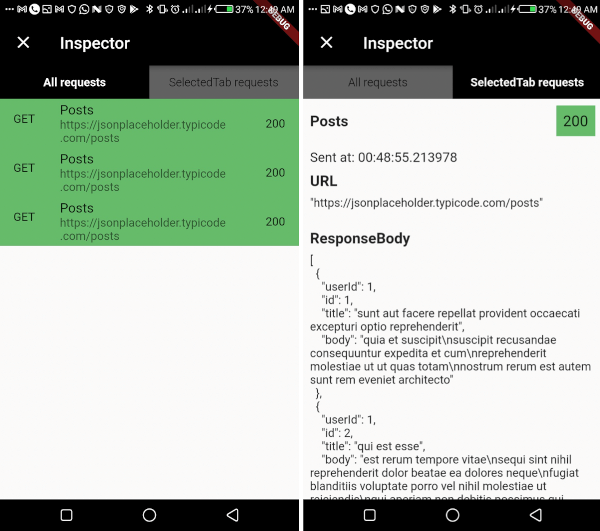
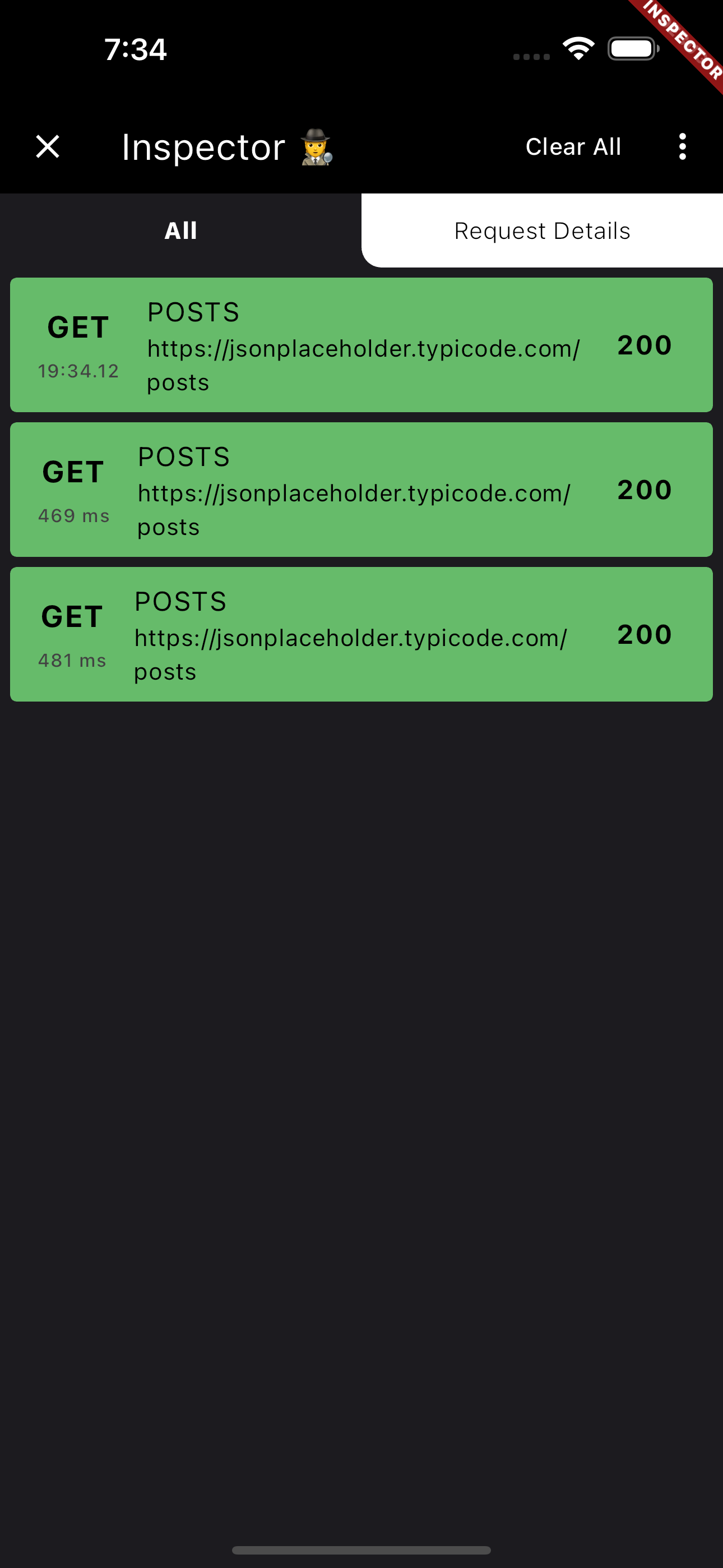
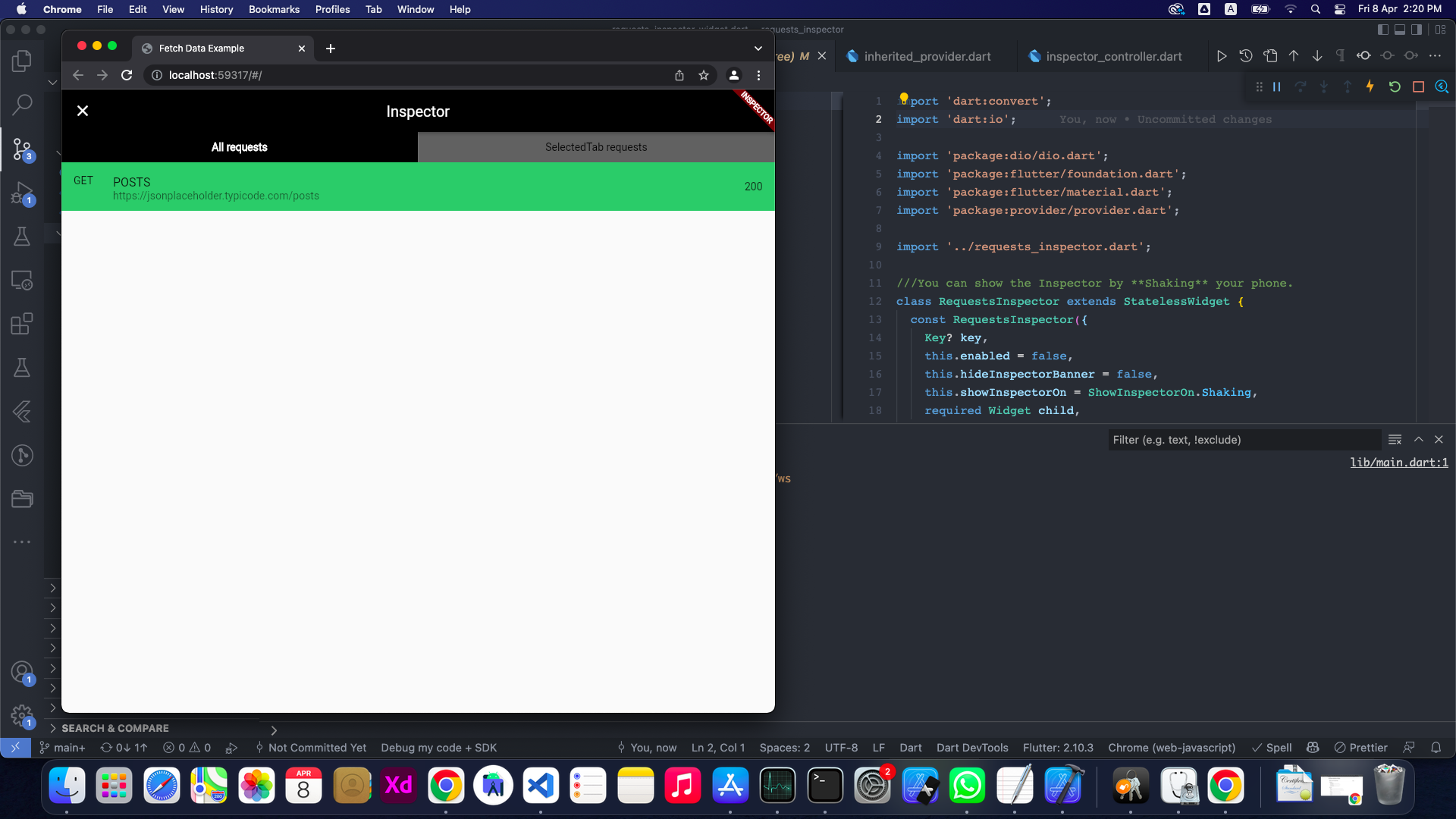
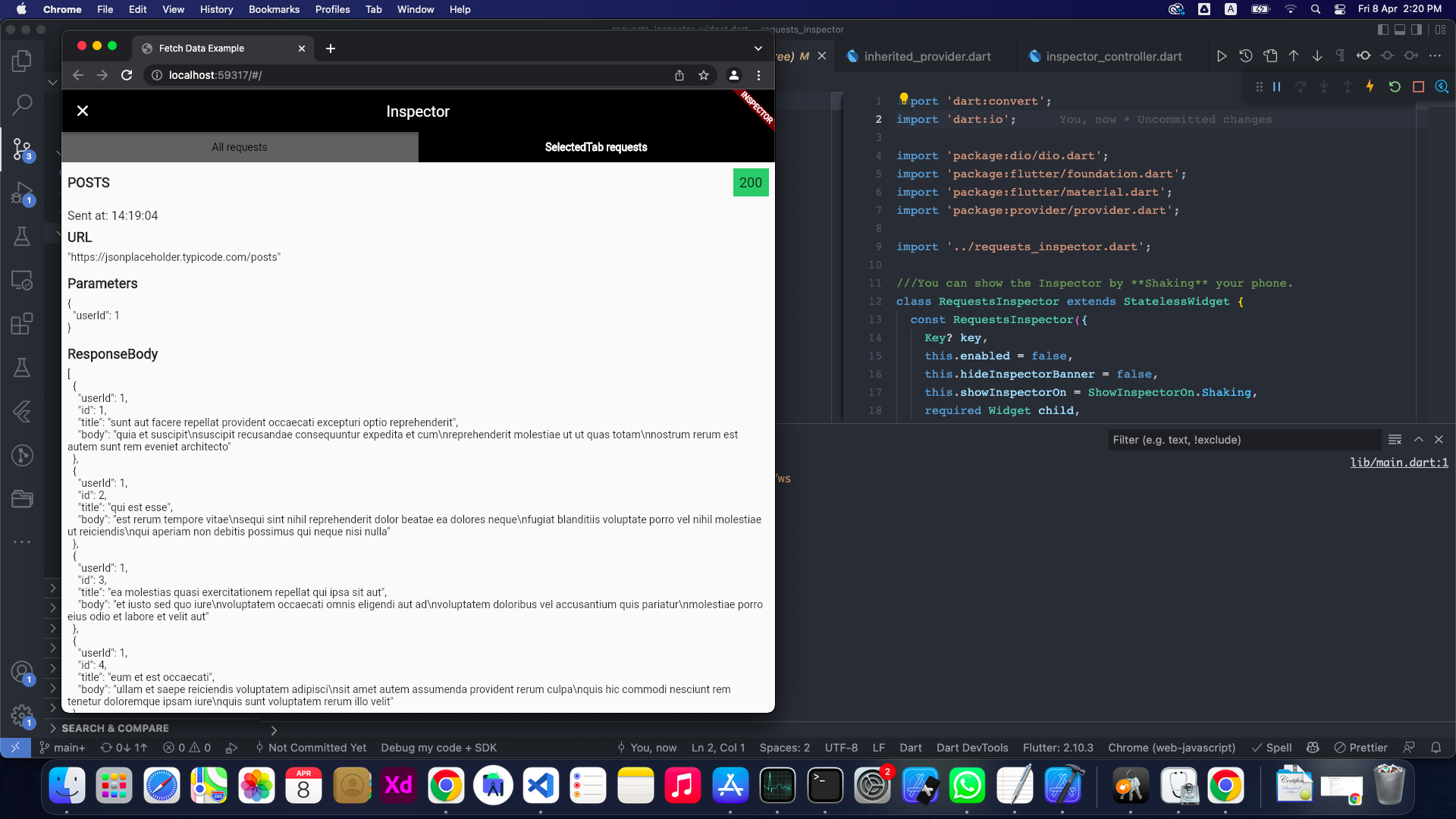
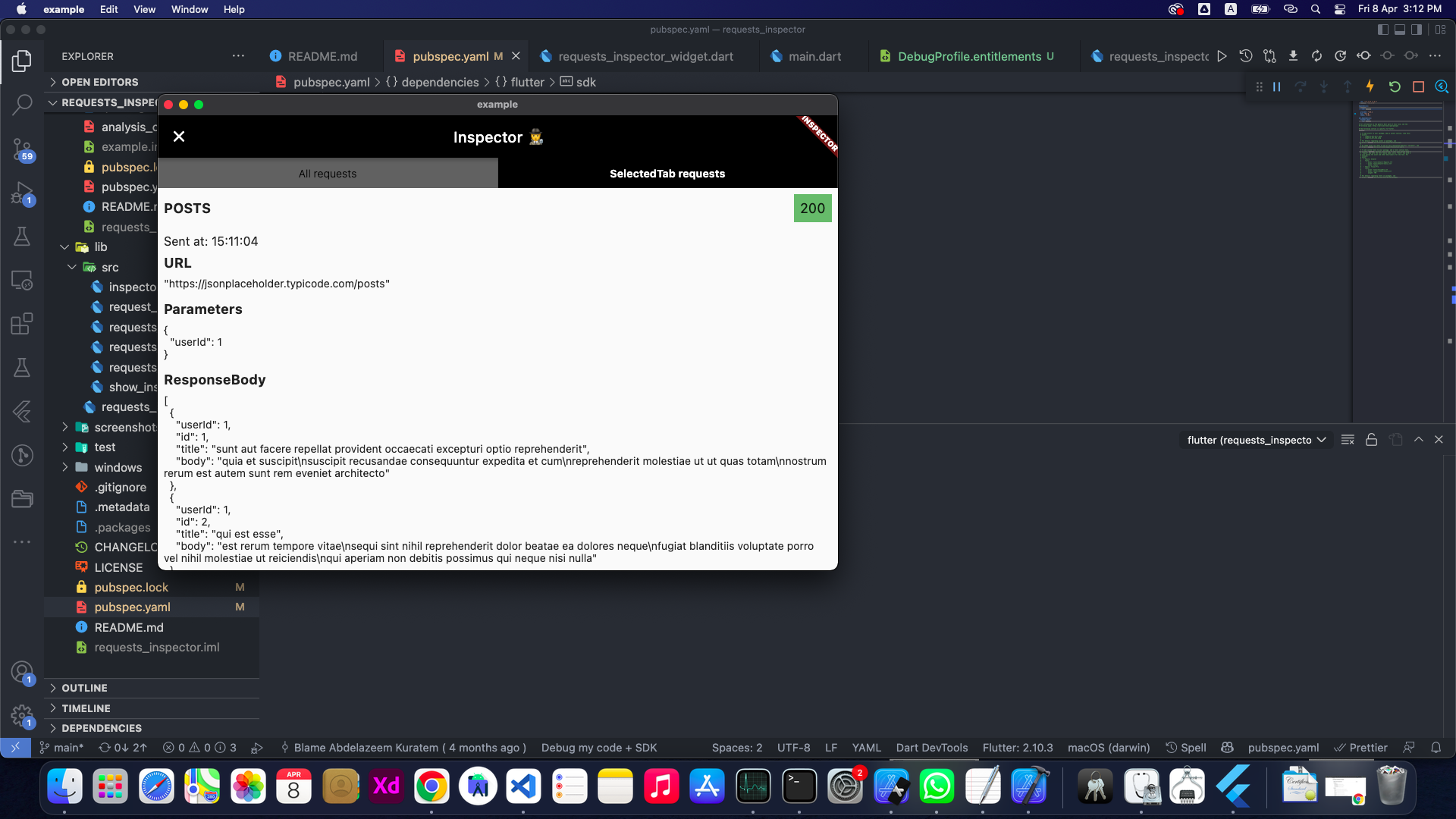
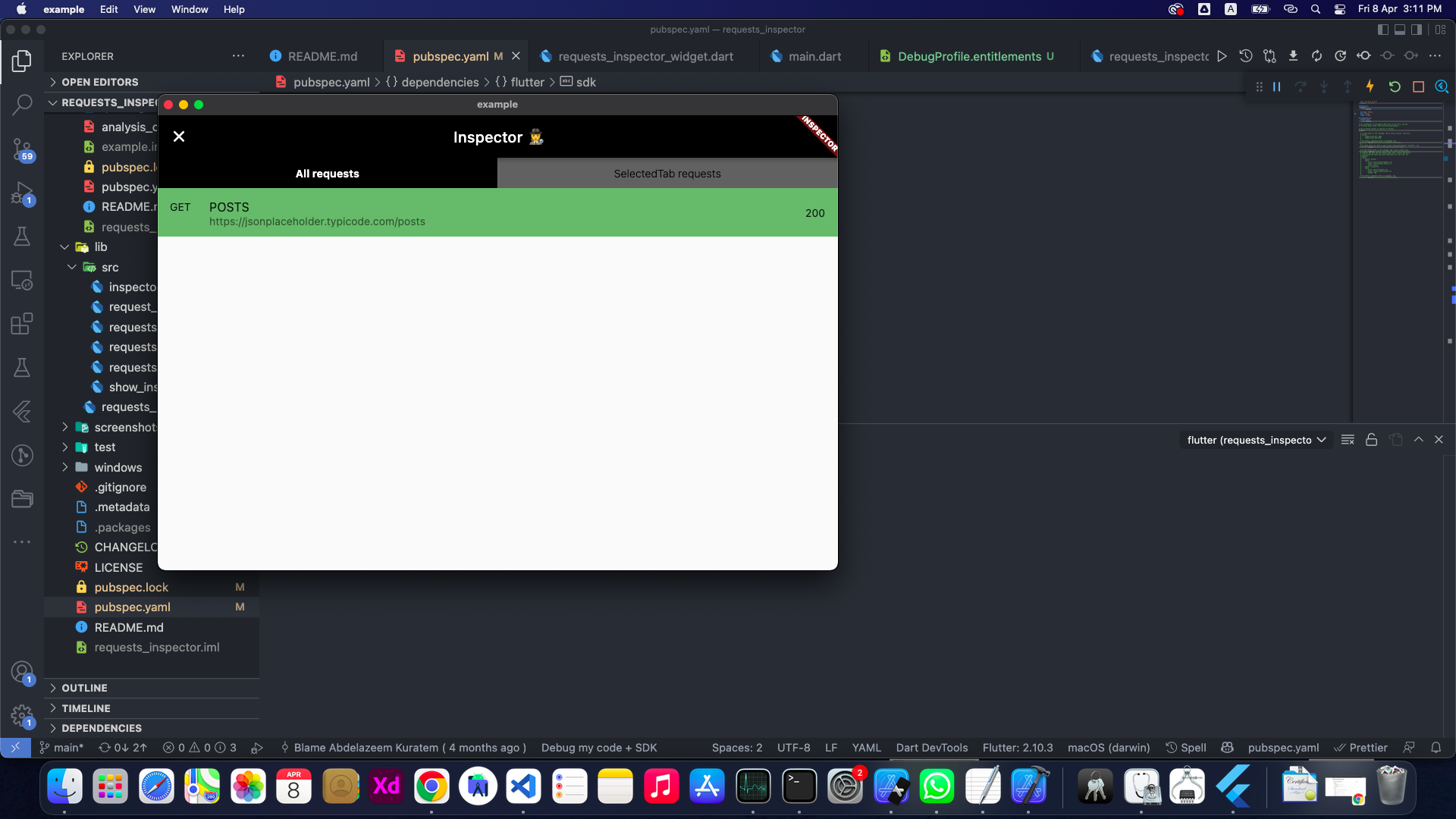
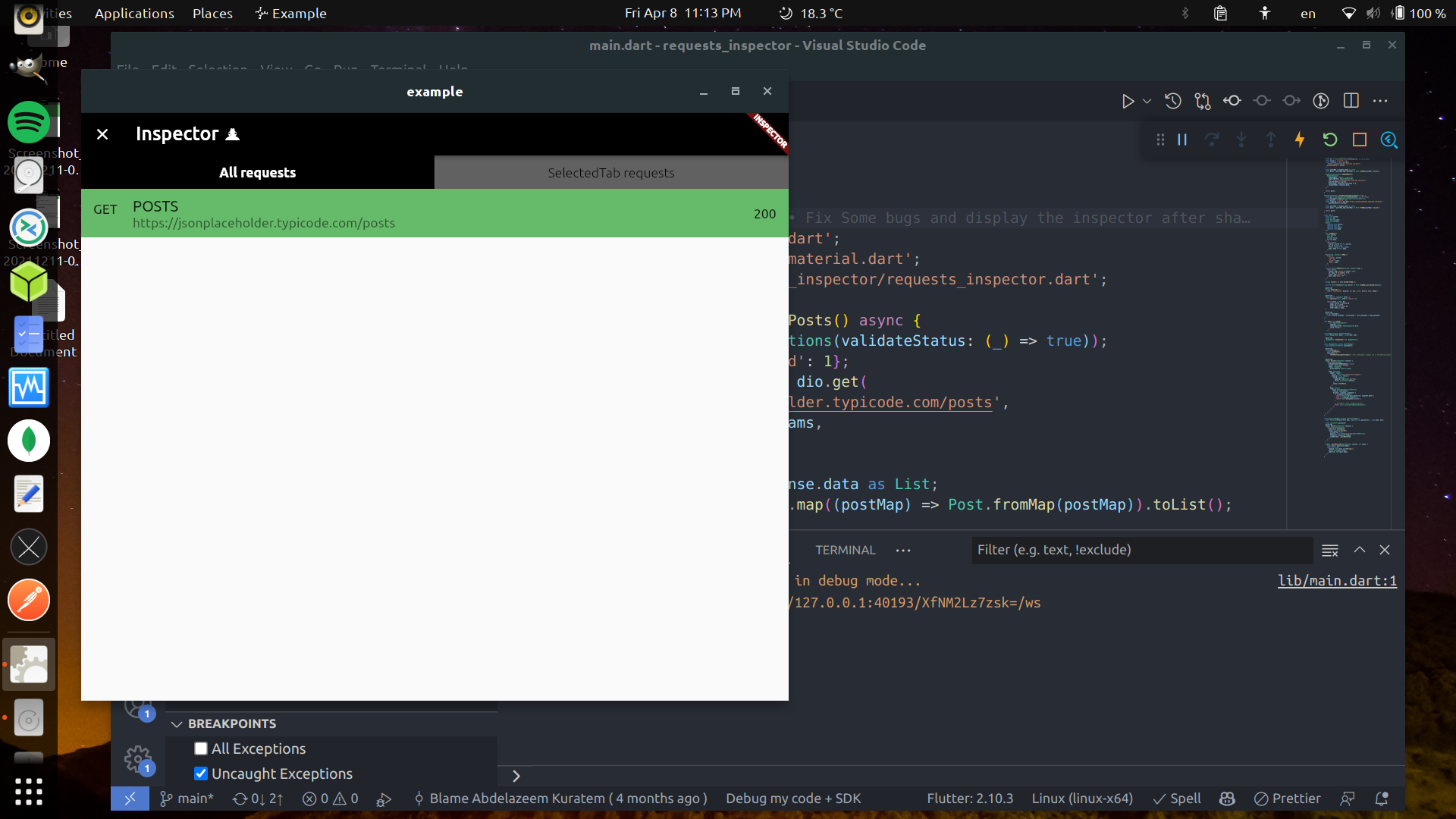
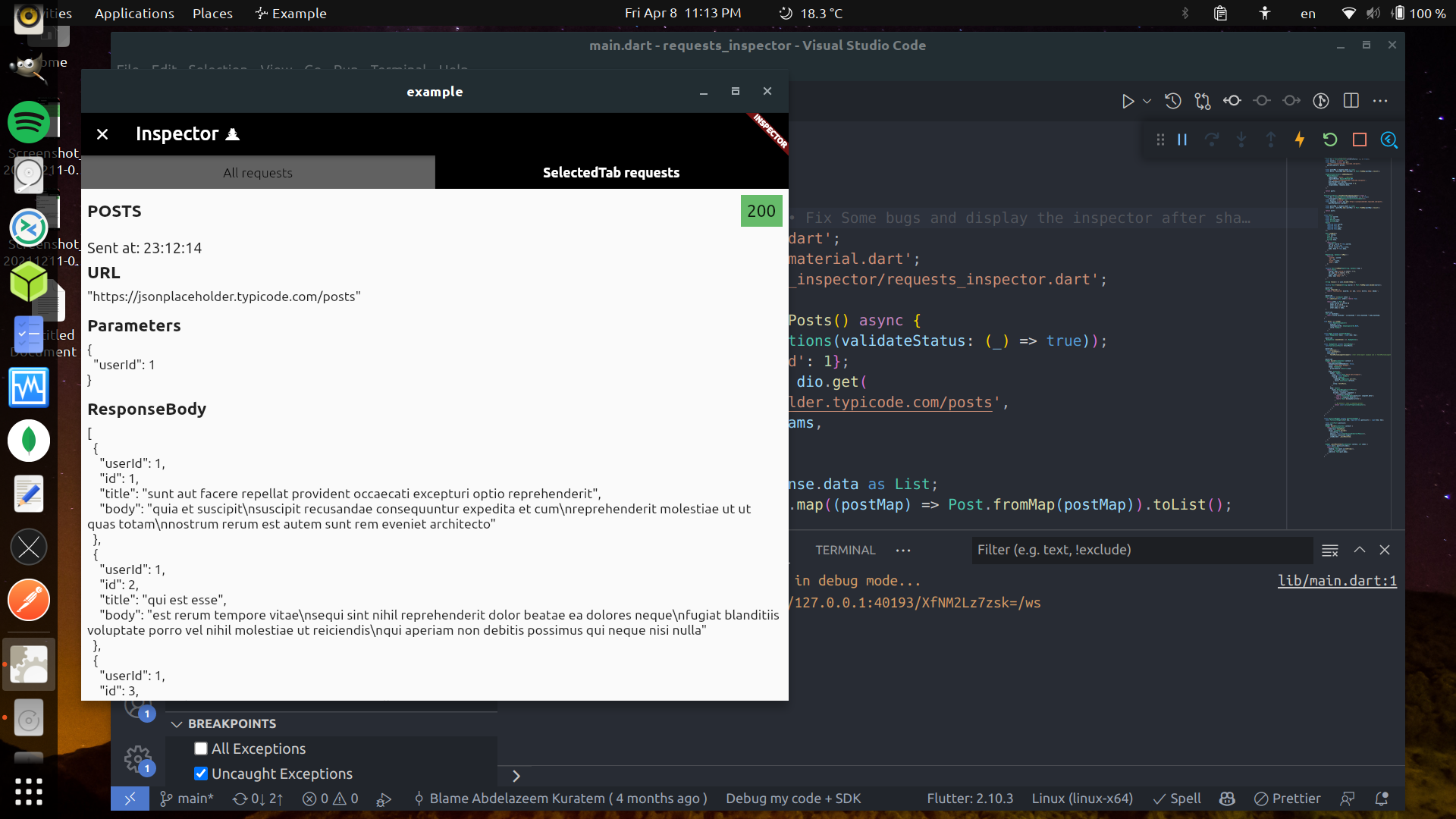
RequestsInspector एक Flutter पैकेज है जिसका उपयोग विकास के दौरान HTTP और GraphQL अनुरोधों के निरीक्षण के लिए किया जाता है। यह सभी बाहरी API कॉल को लॉग करता है और डिवाइस को हिलाकर रिक्वेस्ट/रिस्पॉन्स डेटा को रियल-टाइम में प्राप्त करने की अनुमति देता है, एक विशेष निरीक्षक विजेट को दिखाता है। कोड में बदलाव किए बिना नेटवर्क गतिविधि में त्वरित दृश्यता की आवश्यकता वाले विकासकर्मियों के लिए आदर्श। पैकेज दोनों Android और iOS प्लेटफॉर्म का समर्थन करता है और अस्तित्व में दिए गए HTTP क्लाइंट्स (जैसे dio या http) के साथ बिना किसी बाधा के एकीकृत होता है। इसका हल्का डिज़ाइन कम प्रदर्शन प्रभाव सुनिश्चित करता है।
उपयोग
API एंडपॉइंट्स का डिबगिंग
GraphQL के प्रश्नों का निगरानी करें
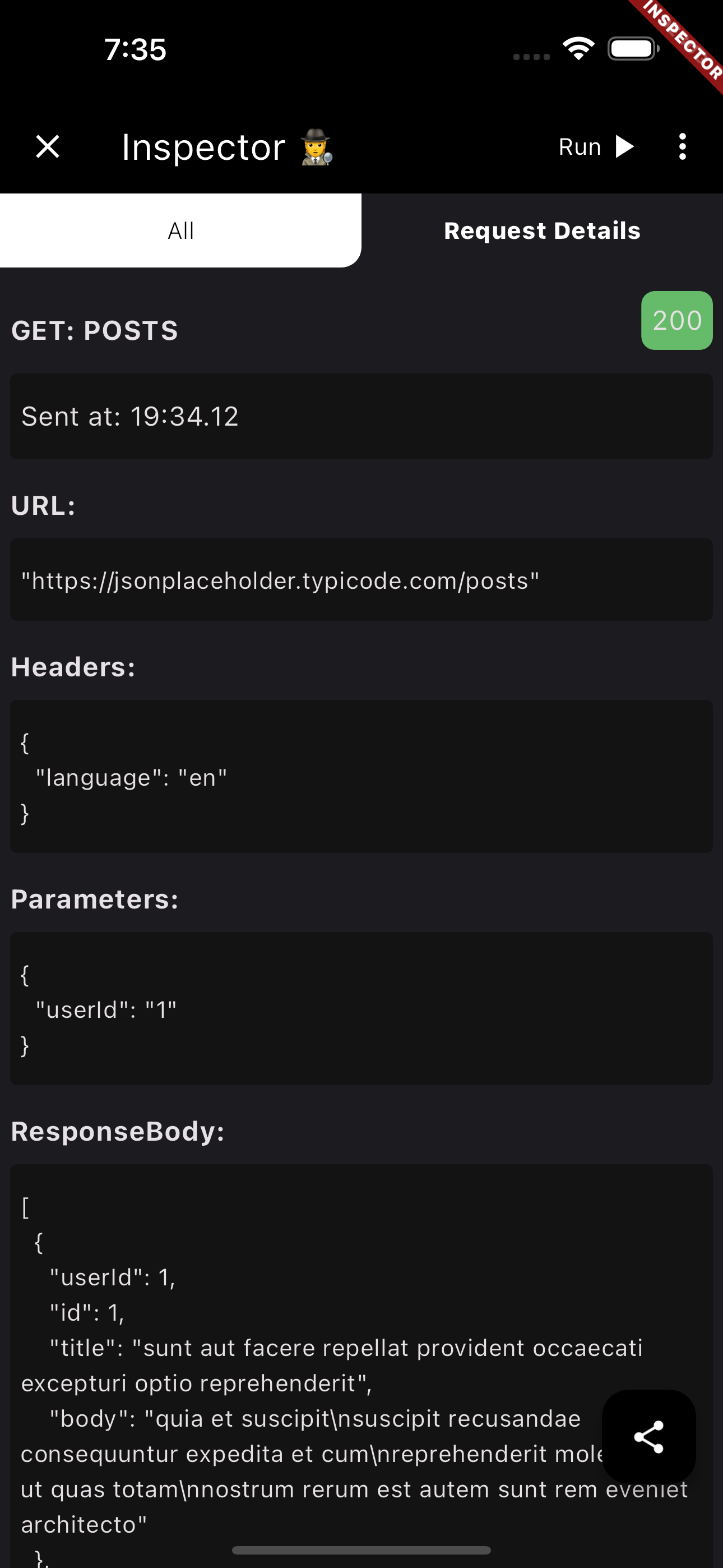
अनुरोध हेडर्स और बॉडीज की जांच करना
विकास के दौरान रीयल-टाइम नेटवर्क लॉगिंग
असफल अनुरोधों का निवारण
मुख्य विशेषताएँ
हिलाएं-खोलें निरीक्षक
HTTP और GraphQL का समर्थन करता है
क्रॉस-प्लेटफॉर्म (Android और iOS)
आवश्यक सेटअप न्यूनतम
लाइव अनुरोध/प्रतिक्रिया देखें
इनके लिए उपयुक्त
डिबग मोड में Flutter विकासकर्ता
टीम्स एपीआई इंटीग्रेशन का परीक्षण
फ्रंटएंड इंजीनियर्स नेटवर्क समस्याओं का निदान कर रहे हैं
REST/GraphQL का उपयोग करने वाले मोबाइल ऐप डेवलपर्स
किसी भी त्वरित नेटवर्क जांच की आवश्यकता होने वाले व्यक्ति के लिए
विचार योग्य बातें
उत्पादन उपयोग के लिए नहीं बनाया गया है
हल्लाकर गति के लिए भौतिक उपकरण की आवश्यकता होती है
डिबग बिल्ड्स के लिए सीमित
लॉग का स्थायी भंडारण नहीं है
कुछ उपकरणों पर अनुमति की आवश्यकता हो सकती है
मूल README
संबंधित सोर्स रिपॉज़िटरी के मूल README का स्नैपशॉट। नवीनतम सामग्री के लिए रिपॉज़िटरी देखें।
requests_inspector 🕵
A Flutter package for logging API requests (Http Requests & GraphQL) requests.
Main Features:
Log your Http request, GraphQL and WebSockets.
Intercept your requests and responses for testing.
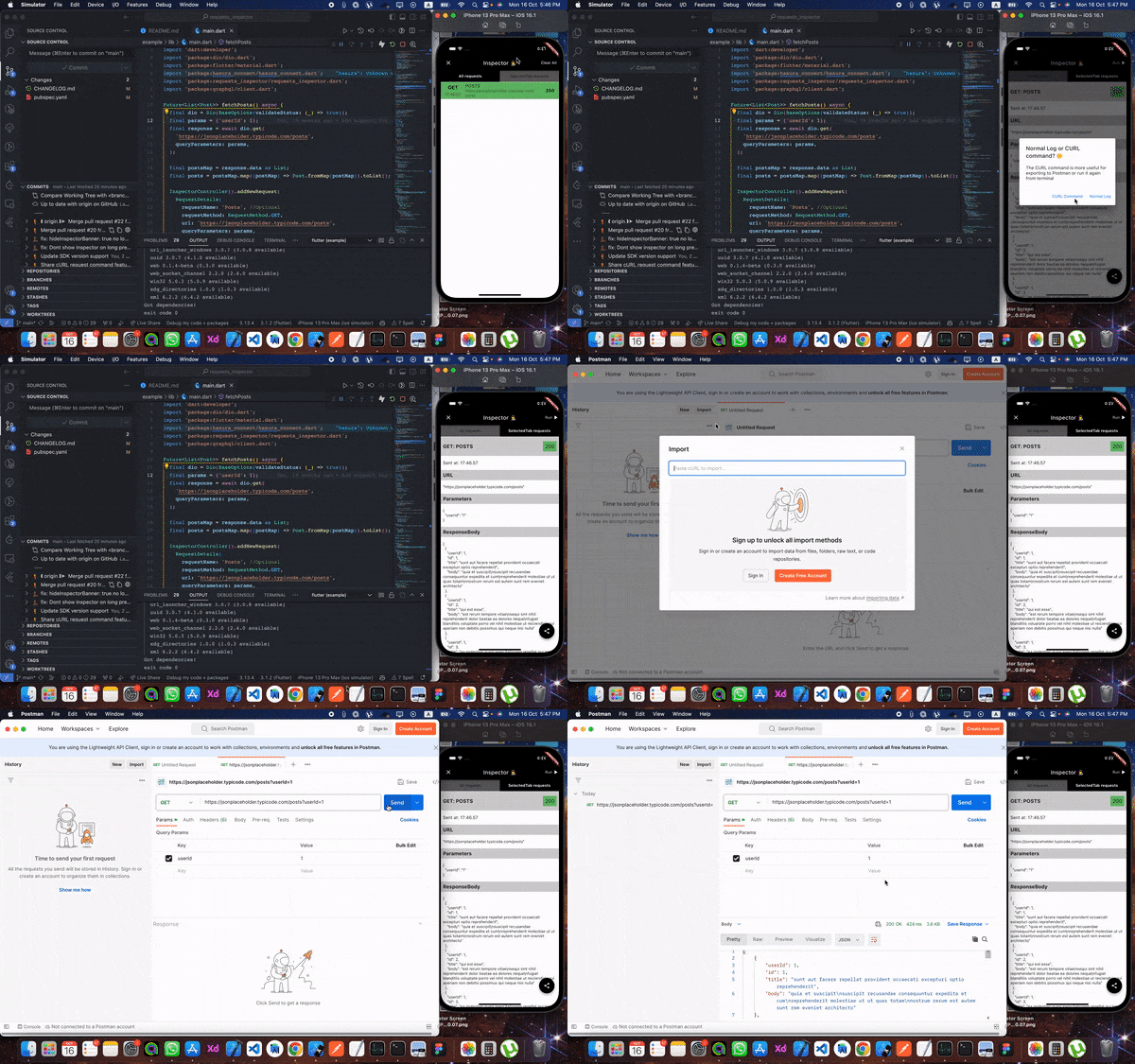
Share request details as json, cURL, or HAR file to re-run it again (ex. Postman).
And more and more
To get the RequestsInspector widget on your screen:
📱💃 : Shake your phone.
📱👈 : Long-Press on any free space on the screen.
Also you can share the request details as (Log, cURL command, or HAR file) with your team to help them debug the API requests.
From Inspector to Postman 🧡 🎉️
Now you can extract cURL command from the inspector to send the request again from your terminal or Postman 💪💪
HAR File Support 📦 🎉️
You can now share requests as HAR (HTTP Archive) files! HAR files are a standard format that can be imported into various tools like Postman, Proxyman, or any HAR-compatible tool for debugging and analysis. You can share HAR files in two formats:
HAR text: Copy the HAR content as text
HAR file (.har): Share as a downloadable .har file
The HAR format includes complete request/response details, headers, timing information, and more, making it perfect for comprehensive API debugging and sharing with your team.
Setup
First, add it at the top of your MaterialApp with enabled: true.