पैकेज, रिपॉज़िटरी और ऐप श्रेणियाँ खोजें

पैकेज विवरणv0.1.1

rough

Rough एक पुस्तकालय है जो आपको एक अनियमित, हाथ से बनाई गई शैली में ड्रॉ करने की अनुमति देता है

30-दिन डाउनलोड
10
लाइक
32
Pub अंक
40

पैकेज इंस्टॉल करें

flutter pub add rough

पैकेज अवलोकन

सार्वजनिक जानकारी से बना चयन मार्गदर्शन। केवल संदर्भ हेतु।

Rough एक Flutter लाइब्रेरी है जो डेवलपर्स को अपने ऐप में खुरची, हाथ से बने ड्राइंग बनाने की अनुमति देती है। यह वास्तविक पेंसिल या पेन के ड्राइंग में अनियमितताओं की नकल करता है, जिससे डिजिटल कला को अधिक प्राकृतिक और प्राकृतिक महसूस होता है। इंटरैक्टिव ड्राइंग फीचर्स, सिग्नेचर इनपुट या कलात्मक UI तत्वों के लिए आदर्श, Rough रॉफ एस्थेटिक के साथ लाइन, शेप और टेक्स्ट को रेंडर करने के लिए एक सरल API प्रदान करता है। लाइब्रेरी हल्की है और pub.dev के माध्यम से Flutter प्रोजेक्ट में आसानी से एम्बेड की जा सकती है।

उपयोग

  • हैंड-ड्रॉन शैली के टिप्पणियाँ
  • डिजिटल हस्ताक्षर अधिग्रहण
  • कलात्मक यूआई तत्व
  • आधारित बेस्ड इंटरफेस
  • इंटरैक्टिव व्हाइटबोर्ड

मुख्य विशेषताएँ

  • हैंड-ड्रॉन लाइन रेंडरिंग
  • कस्टमाइज़ किए गए रूखेपन
  • आकृतियों और पाठ के लिए समर्थन
  • हल्का और आसान एकीकरण
  • रियल-टाइम स्केचिंग सपोर्ट

इनके लिए उपयुक्त

  • अभियान विकासकर्ता जो अभिव्यक्तिशील ड्राइंग टूल की तलाश में हैं
  • जैविक दृश्य प्राप्त करने वाले डिज़ाइनर
  • ड्राइंग फीचर वाले शैक्षिक ऐप्स
  • इंटरैक्टिव स्केच के प्रोटोटाइपिंग

विचार योग्य बातें

  • 2D ड्राइंग तक सीमित
  • कोई उन्नत संपादन उपकरण नहीं
  • जटिल सीन के साथ प्रदर्शन में भिन्नता हो सकती है
  • उच्च अक्षर ग्राफिक्स के लिए नहीं बनाया गया

मूल README

संबंधित सोर्स रिपॉज़िटरी के मूल README का स्नैपशॉट। नवीनतम सामग्री के लिए रिपॉज़िटरी देखें।

Pub GitHub Release Date GitHub

Rough

Rough is a library that allows you draw in a sketchy, hand-drawn-like style. It's a direct port of Rough.js.

Installation

In the dependencies: section of your pubspec.yaml, add the following line:

dependencies:
  rough: <latest_version>

Basic usage

Right now only drawing via canvas is supported. This is a basic documentation in case you want to play around with Rough. I can't ensure non-breaking changes of the library interface.

To draw a figure you have to:

  1. Create a DrawConfig object to determine how your drawing will look.
  2. Create a Filler to be used when drawing objects (you have to provide a configuration for the filling and a DrawConfig for the filling path).
  3. Create a Generator object using the created DrawConfig and Filler. This will define a drawing/filling style.
  4. Invoke the drawing method from the Generator to create a Drawable.
  5. Paint the Drawable in the canvas using the drawRough method extension for Canvas.

Here an example on how to draw a circle:

//Create a `DrawConfig` object.
DrawConfig myDrawConfig = DrawConfig.build(
  roughness: 3,
  curveStepCount: 14,
  maxRandomnessOffset: 3,
);

//Create a `Filler` with a configuration (we reuse the drawConfig in this case).
FillerConfig myFillerConfig = FillerConfig(
    hachureGap: 8,
    hachureAngle: -20,
    drawConfig: myDrawConfig,
);
Filler myFiller = ZigZagFiller(myFillerConfig);

//Create a `Generator` with the created `DrawConfig` and `Filler`
Generator generator = Generator(
  myDrawConfig,
  myFiller,
);

//4. Build a circle `Drawable`.
Drawable figure = generator.circle(200, 200, 320);

//5. Paint the `Drawable` in the canvas.
Canvas.drawRough(figure, pathPaint, fillPaint);

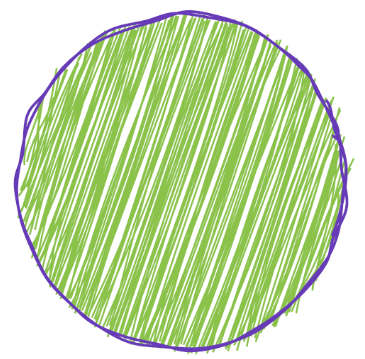
And this is the result:

Result

Both DrawConfig and FillerConfig will use default values for anything not specified.

Samples

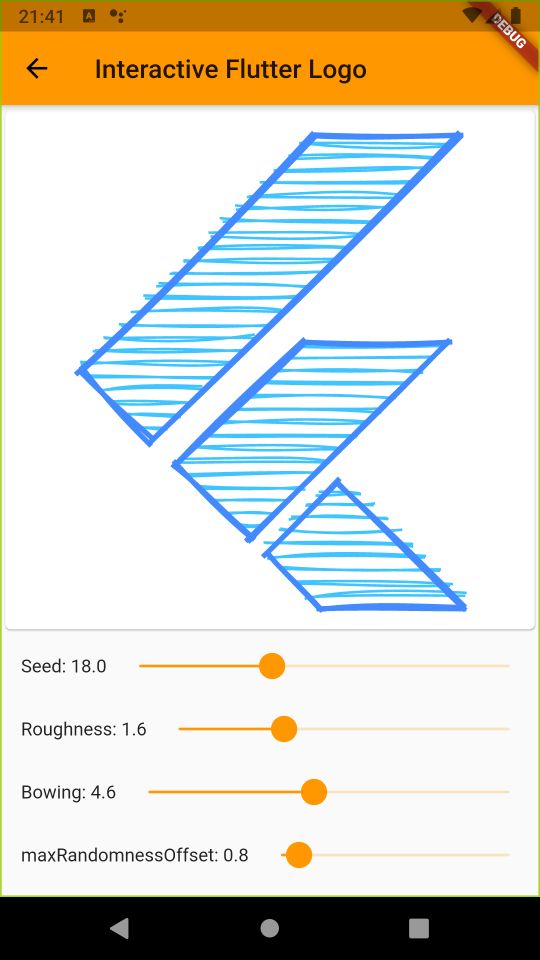
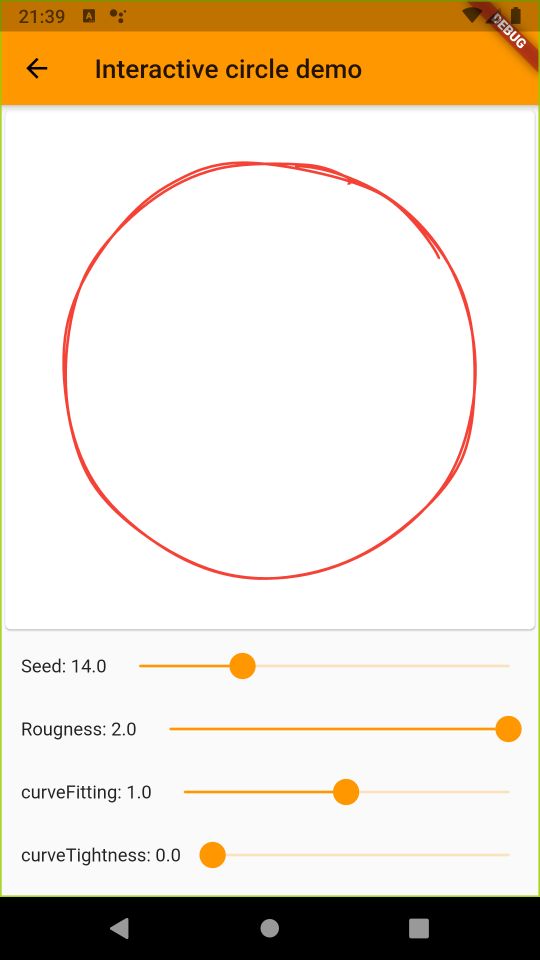
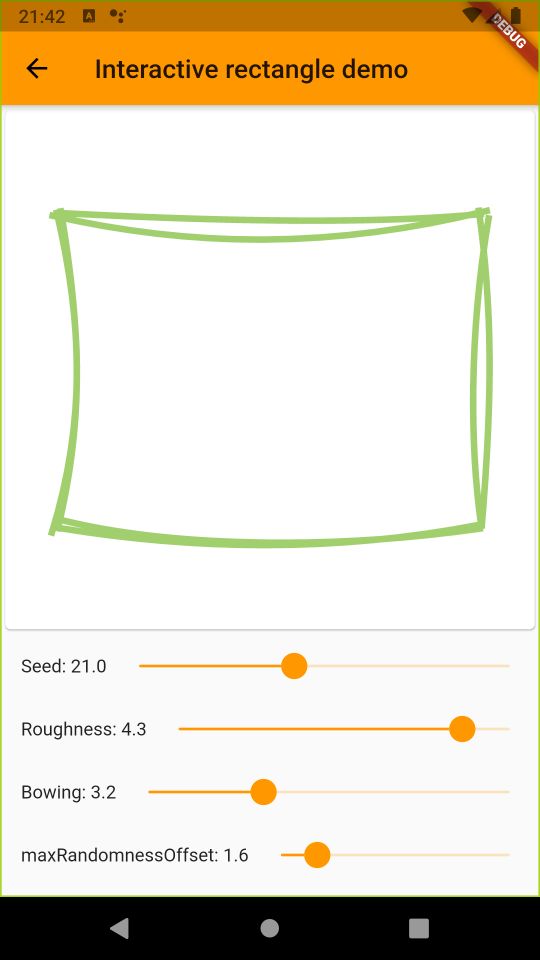
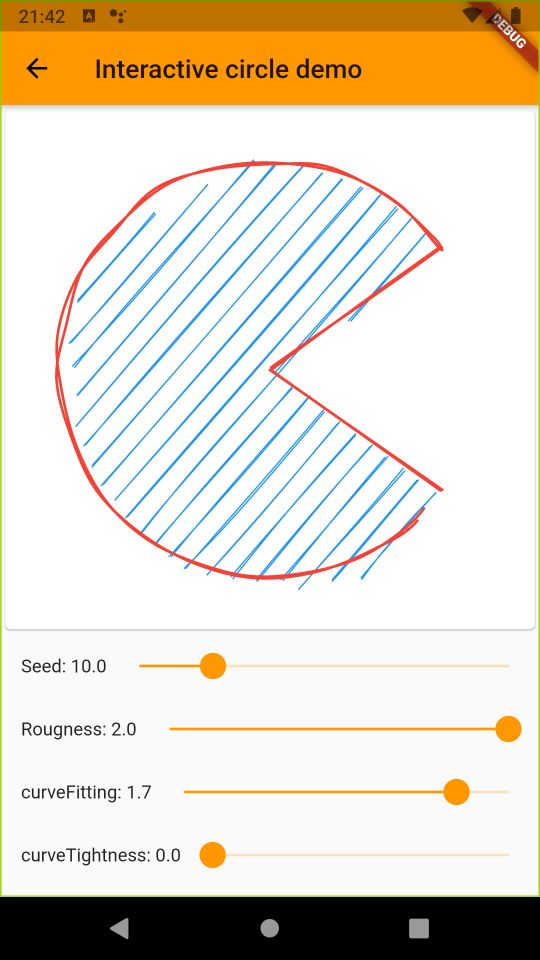
Some screenshots of the example app:

Example 1 Example 2 Example 3 Example 4

श्रेणियाँ

सोर्स रिपॉज़िटरी

इस पैकेज का उपयोग करने वाले प्रोजेक्ट

अभी कोई डेटा उपलब्ध नहीं है।