सार्वजनिक जानकारी से बना चयन मार्गदर्शन। केवल संदर्भ हेतु।
ScrollSnapList एक फ्लटर विजेट है जिसे सूचियों में चिकनी, आइटम-स्नैप करने वाले स्क्रॉल को सक्षम करने के लिए डिज़ाइन किया गया है। जब उपयोगकर्ता स्क्रॉल करते हैं, तो सूची स्वचालित रूप से निकटतम आइटम पर स्नैप हो जाती है, जिससे कैरोसेल-जैसे या पृष्ठ-आधारित इंटरफ़ेस में नेविगेशन में सुधार होता है। यह सभी प्रमुख प्लेटफ़ॉर्म जैसे Android, iOS, Web, macOS, Windows और Linux को समर्थन देता है। पैकेज स्क्रॉल-आधारित इंटरैक्शन के लिए सरल वास्तविकीकरण सुनिश्चित करता है जहाँ सूची के आइटम के साथ निपुणता से संरेखण आवश्यक होता है, जैसे छवि स्लाइडर, ओनबोर्डिंग स्क्रीन या टैब आधारित सामग्री में। प्रदर्शन और उपयोग में आसानी के लिए बनाया गया, यह मौजूदा फ्लटर प्रोजेक्ट में आसानी से एकीकृत हो सकता है।
उपयोग
ऑनबोर्डिंग स्क्रीन्स
इमेज कारौसल
टैब्ड कंटेंट नेविगेशन
उत्पाद स्लाइडर
पेज़ वाली सूचियाँ
इंटरैक्टिव ट्यूटोरियल
मुख्य विशेषताएँ
आइटम्स में स्वचालित स्नैप
स्मूथ स्क्रॉल ट्रांजिशन
क्रॉस-प्लेटफॉर्म समर्थन
सरल एकीकरण
कस्टमाइज़ किए गए स्नैपिंग व्यवहार
लंब और क्षैतिज लेआउट का समर्थन करता है
इनके लिए उपयुक्त
इंटरैक्टिव लिस्ट इंटरफेस बना रहे डेवलपर्स
स्वाइप-आधारित नेविगेशन के लिए डिज़ाइनर
सटीक स्क्रॉल समायोजन की आवश्यकता वाले ऐप
कैरोसेल या पेजिंग की आवश्यकता वाले प्रोजेक्ट्स
फ्लटर शुरुआती उपयोगकर्ता सहज स्क्रॉल नियंत्रण की खोज कर रहे हैं
विचार योग्य बातें
कस्टम एनिमेशन के लिए अतिरिक्त स्टाइलिंग की आवश्यकता हो सकती है
बहुत बड़े डेटासेट के साथ प्रदर्शन प्रभाव
सीमित निर्मित गेस्चर कस्टमाइज़ेशन
लगातार स्क्रॉलिंग के लिए आदर्श नहीं है बिना फिक्सिंग के
स्थिर चिपकाव के लिए आइटम के आयामों का सावधानीपूर्वक निर्माण की आवश्यकता होती है
मूल README
संबंधित सोर्स रिपॉज़िटरी के मूल README का स्नैपशॉट। नवीनतम सामग्री के लिए रिपॉज़िटरी देखें।
scroll_snap_list
A wrapper for ListView.builder widget that allows "snaping" event to an item at the end of user-scroll.
This widget allows unrestricted scrolling (unlike other widget that only able to "snap" to left/right neighbor at a time).
Support horizontal & vertical list
Use ListView.Builder, means no Animation
You can use this widget to achieve:
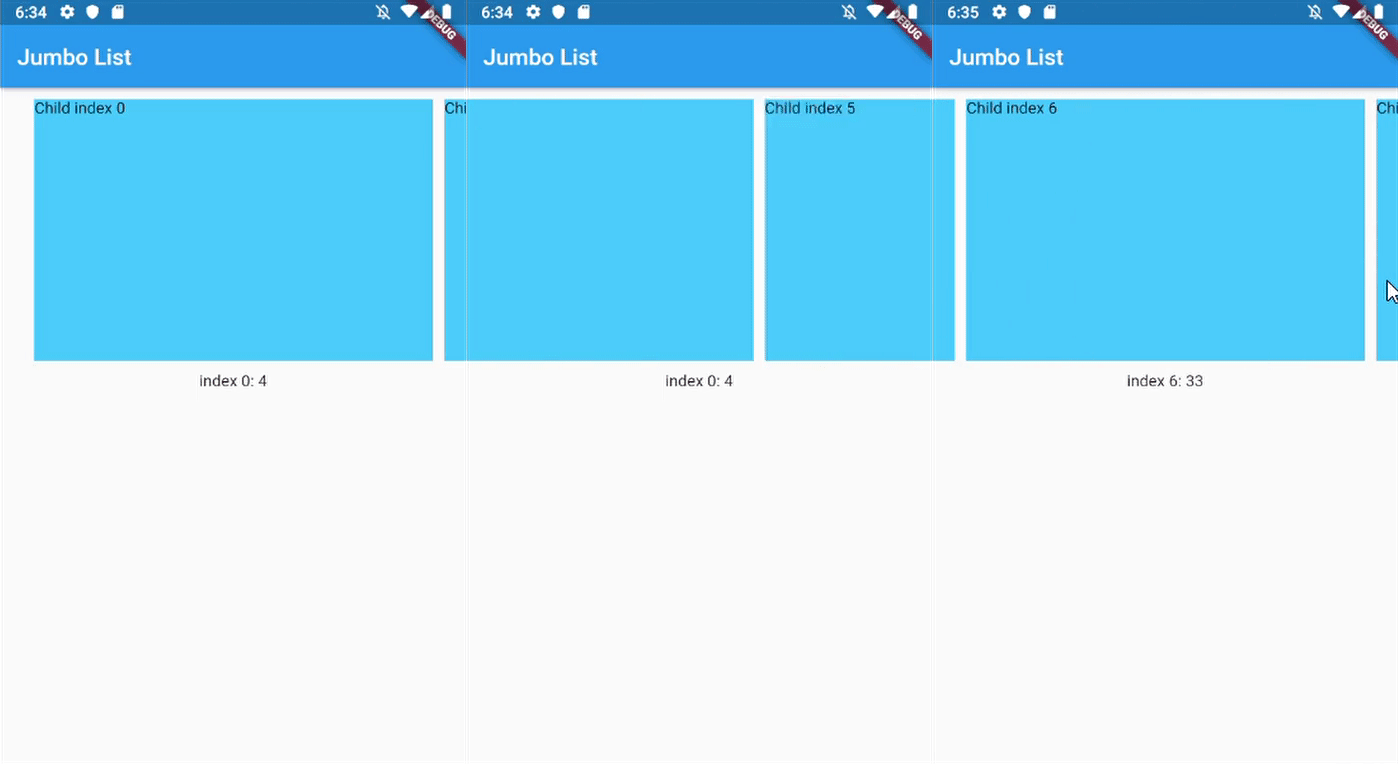
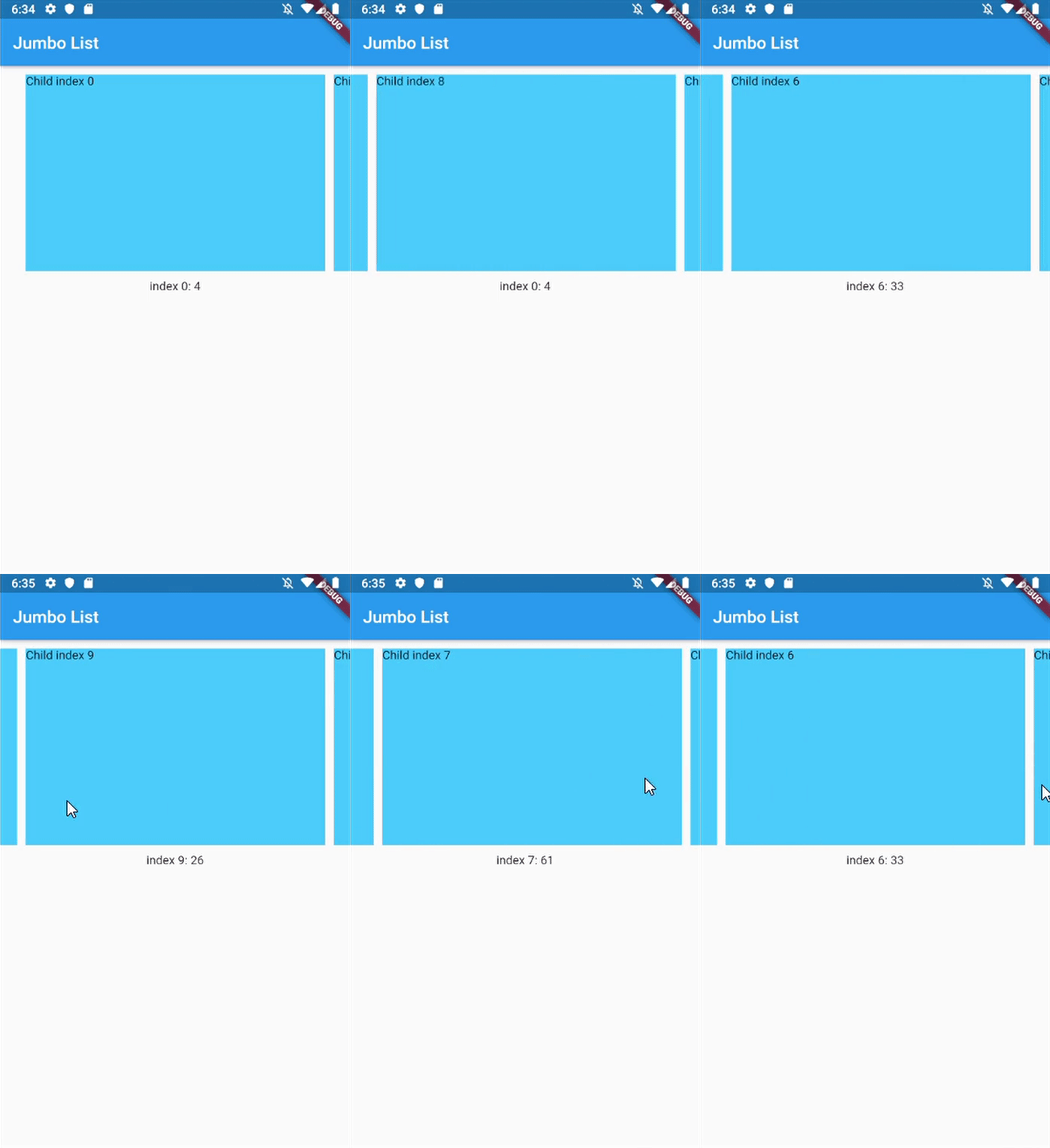
Unrestricted scrollable Jumbotron
Show daily entry for Health App and shows its detail directly below the list (reduce number of click)
Scrollable InputSelect, like datetime picker in cupertino
Horizontal Jumbotron List
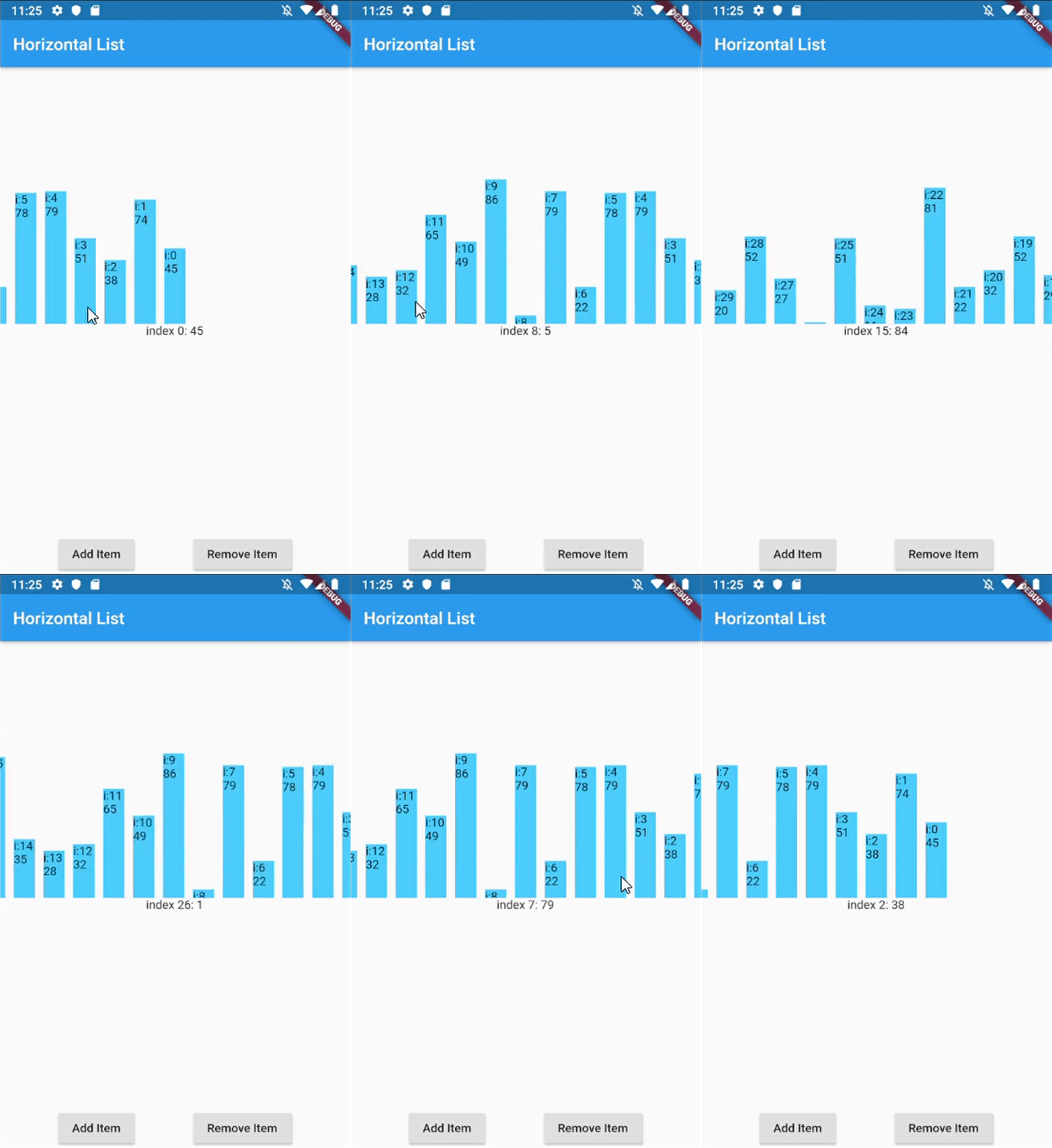
Horizontal List with infinite-loading
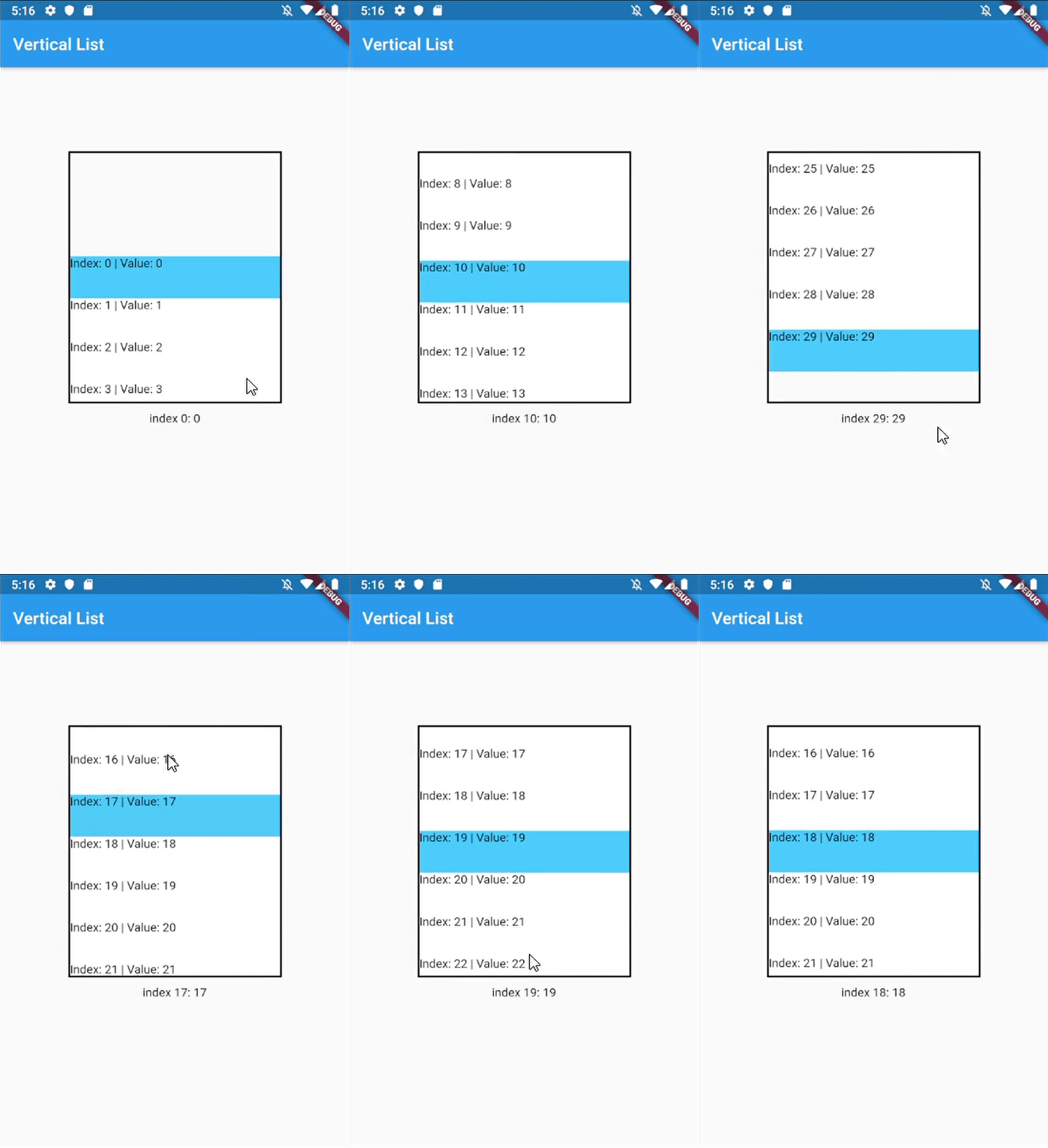
Vertical list with InkWell ListItems
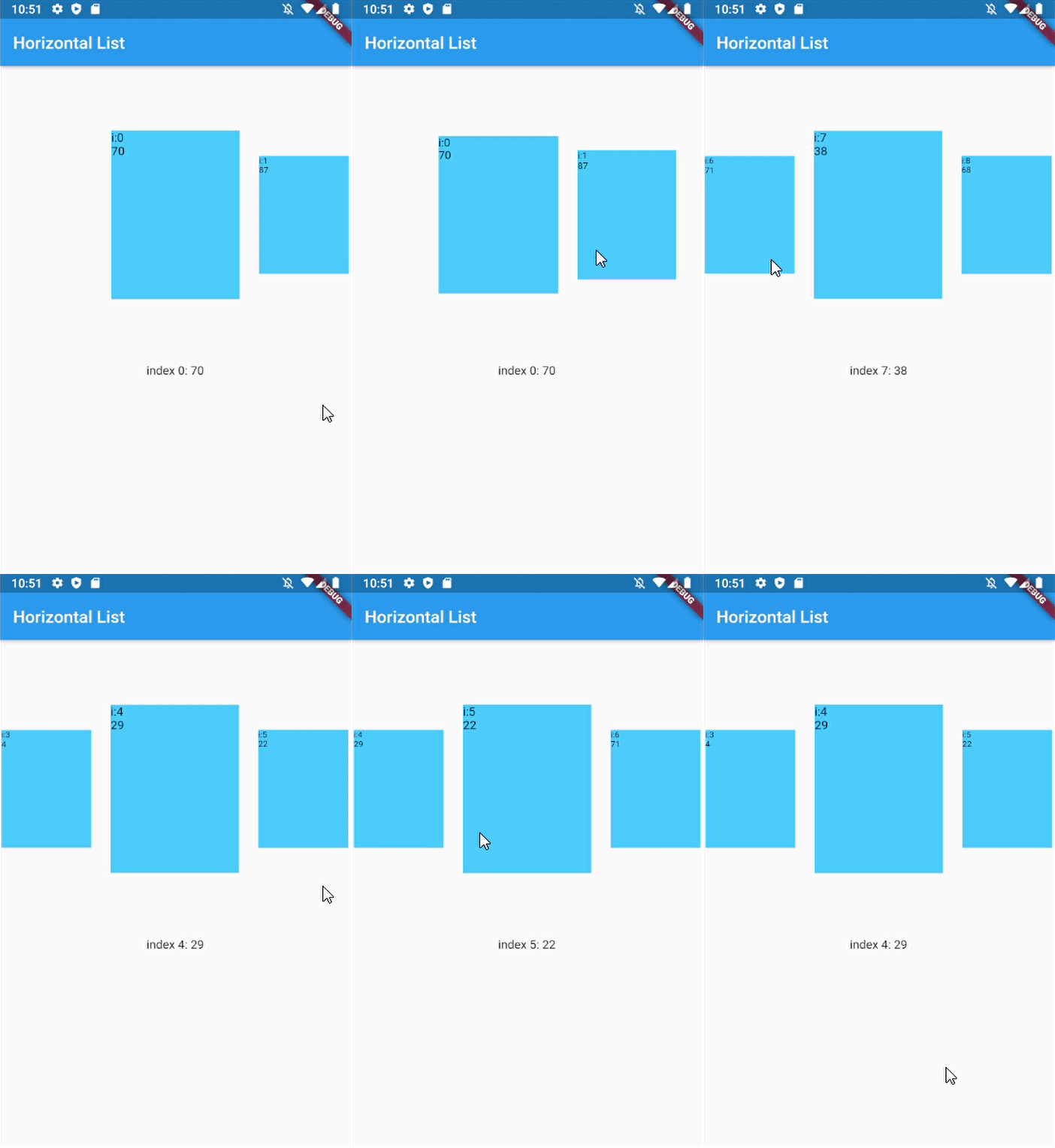
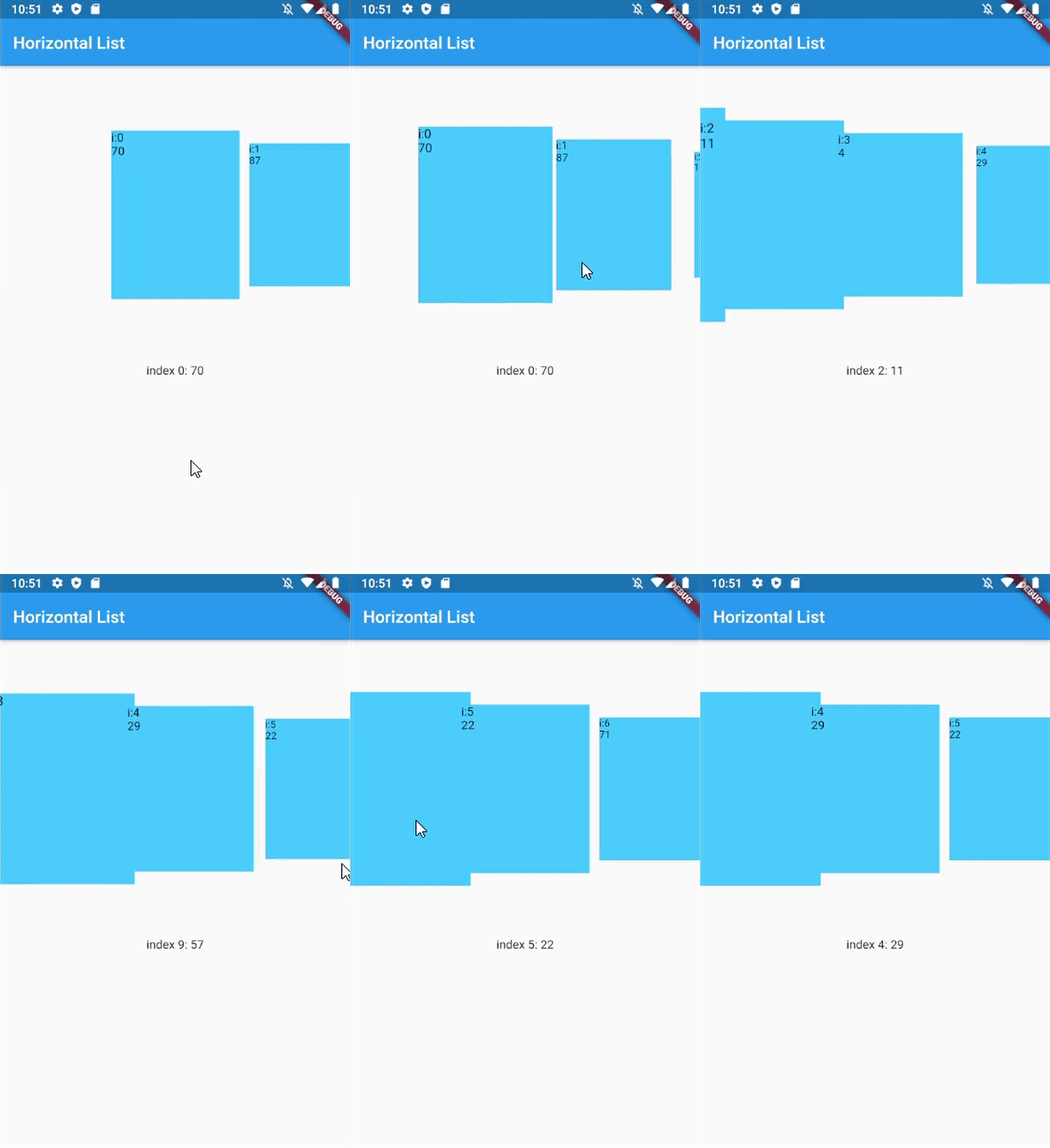
Horizontal with dynamic item size
Horizontal with custom dynamic item size
Getting Started
In your flutter project pubspec.yaml add the dependency:
dependencies:...scroll_snap_list:^[version]
Usage example
This library doesn't use other library, so it should work out of the box.
Key for ScrollSnapList, used to call ScrollSnapListState
listViewKey
Key for ListView inside ScrollSnapListState, often used to preserve scroll location
itemBuilder
Same as ListView's itemBuilder
curve
Animation curve when snapping
duration
Animation duration
endOfListTolerance
Pixel tolerance to trigger onReachEnd
focusOnItemTap
Focus to an item when user tap on it. Inactive if the list-item have its own onTap detector (use state-key to help focusing instead).
focusToItem
Method to manually trigger focus to an item. Call with help of GlobalKey<ScrollSnapListState>
margin
Container's margin
itemCount
Number of item in this list
itemSize
Size used is width if scrollDirection is Axis.horizontal, height if Axis.vertical. Composed of the size of each item + its margin/padding.
onItemFocus
Callback function when list snaps/focuses to an item
onReachEnd
Callback function when user reach end of list. E.g. load more data from db
reverse
Same as ListView's reverse to reverse scrollDirection
updateOnScroll
Calls onItemFocus (if it exists) when ScrollUpdateNotification fires
initialIndex
Optional initial position which will not snap until after the first drag
scrollDirection
ListView's scrollDirection
listController
External ScrollController
dynamicItemSize
Scale item's size depending on distance to center
dynamicSizeEquation
Custom equation to determine dynamic item scaling calculation
dynamicItemOpacity
Custom opacity for offset item (single value)
selectedItemAnchor
Anchor location for selected item in the list (Start, Middle, End)
shrinkWrap
ListView's shrinkWrap
scrollPhysics
ListView's scrollPhysics
clipBehavior
ListView's clipBehavior
keyboardDismissBehavior
ListView's keyboardDismissBehavior
allowAnotherDirection
Allow List items to be scrolled using other direction
dispatchScrollNotifications
Control if ScrollNotifications should be dispatched to further ancestors. Default: false
Other Notice
By default, SnapScrollList set focusOnItemTap as true. Means any tap event on items will trigger snap/focus event to that item.
This behavior use GestureDetector, so if the list's items have their own detector (e.g. InkWell, Button), SnapScrollList unable to trigger snap event on its own. To handle this, we may use GlobalKey<ScrollSnapListState> to trigger the event manually.