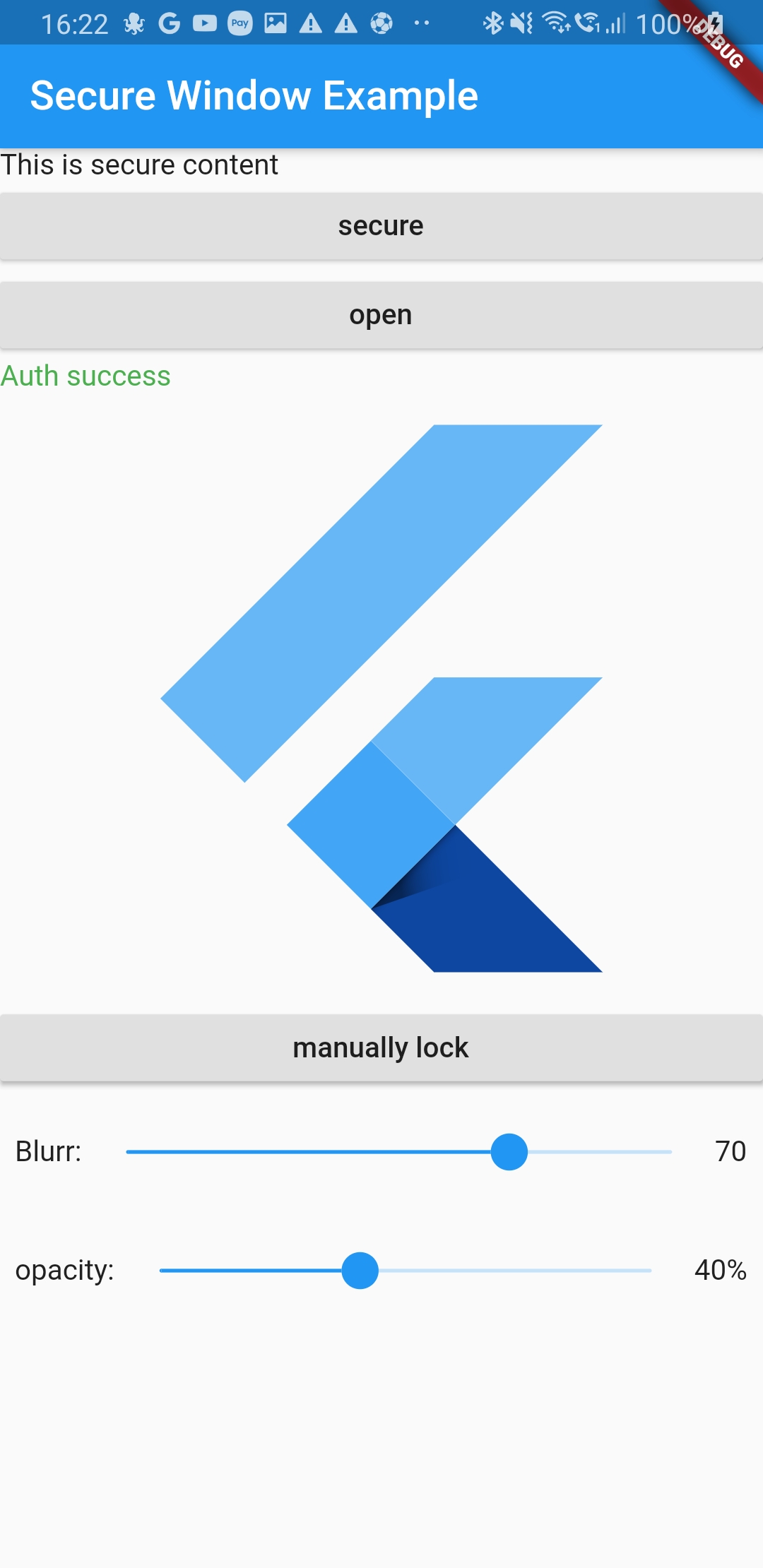
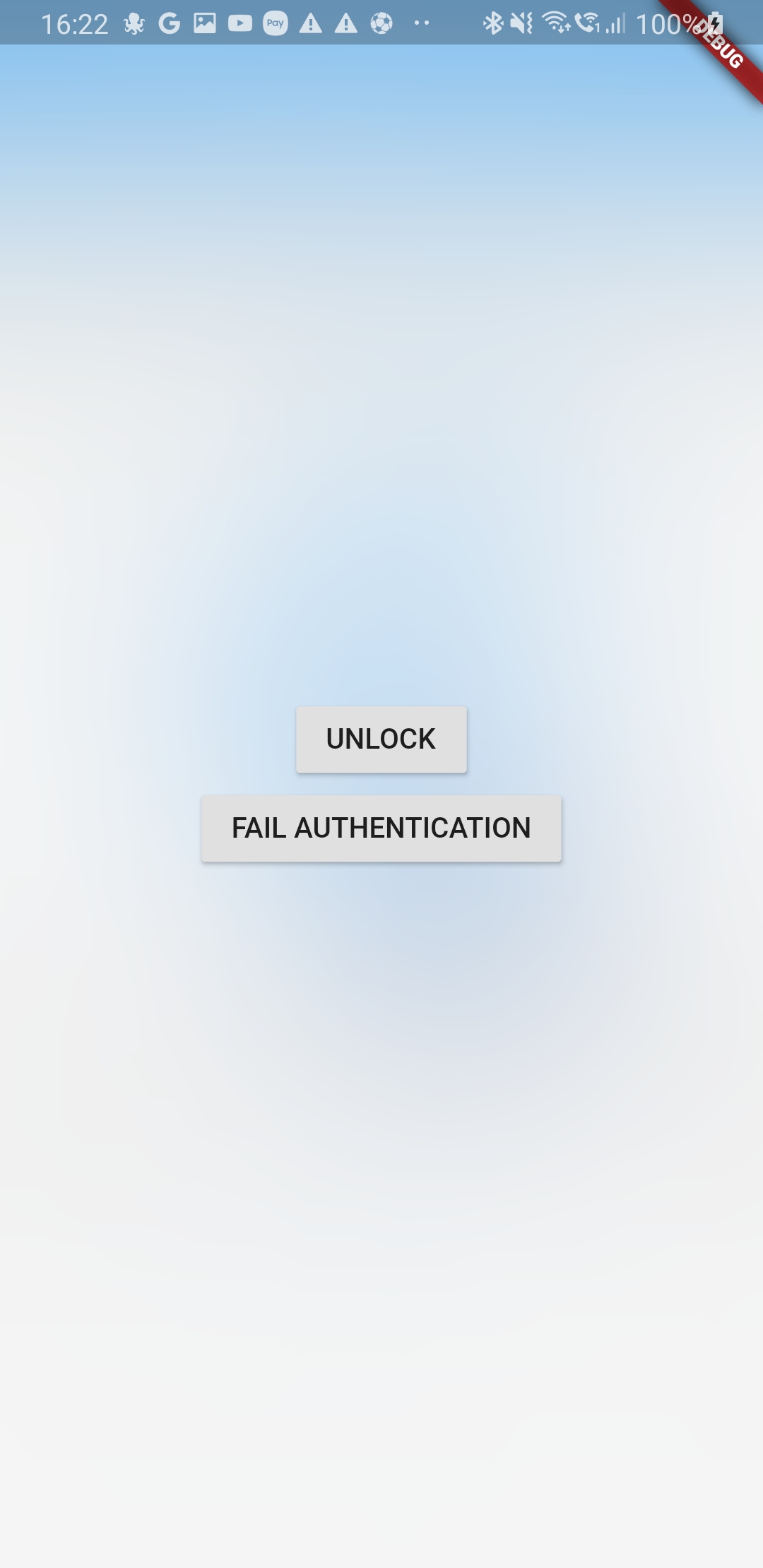
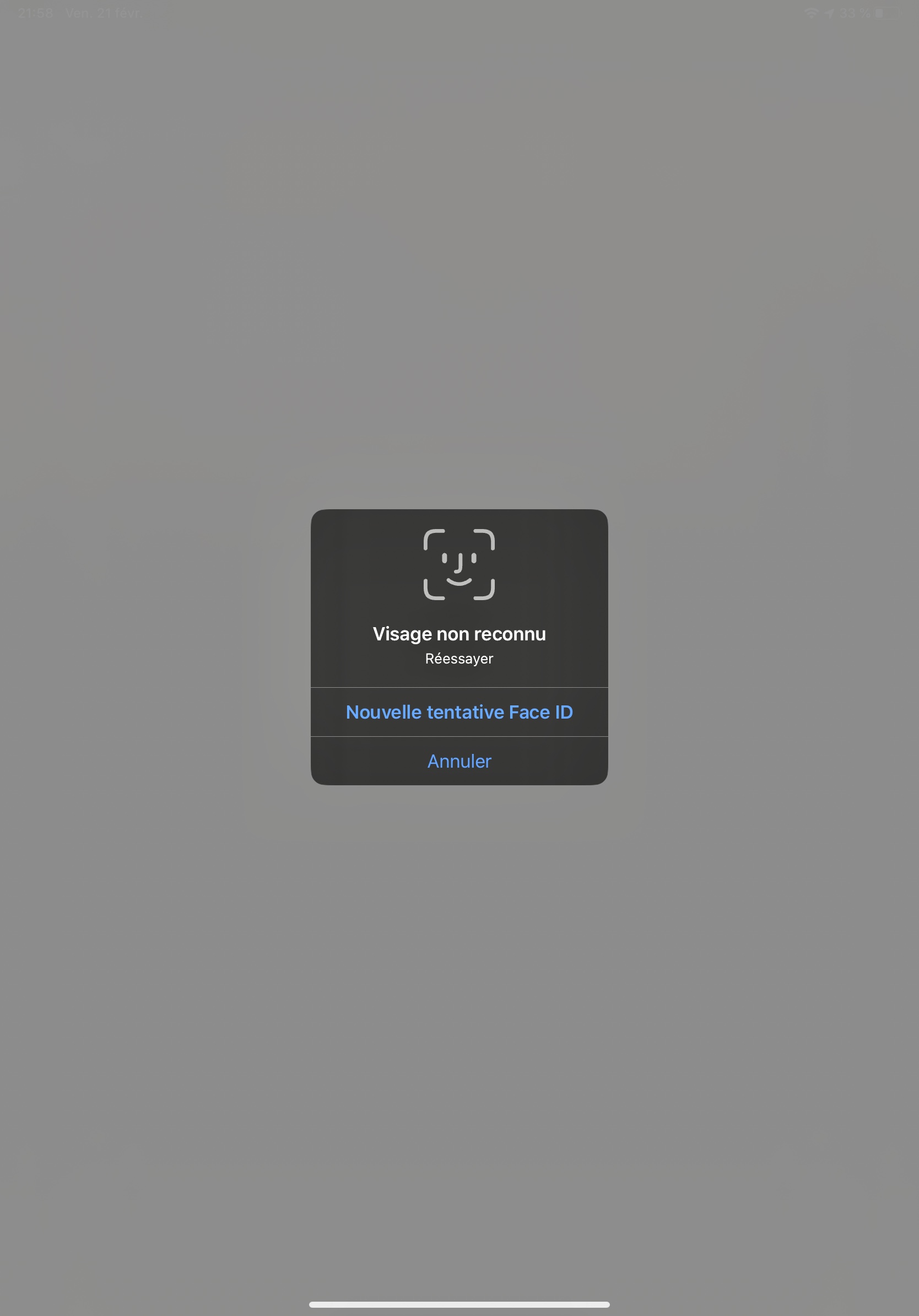
जब उपयोगकर्ता ऐप छोड़ता है, तो ऐप की सामग्री की दृश्यता सुरक्षित करें। ऐप स्विचर में सामग्री छिप जाएगी और उपयोगकर्ता लौटने पर लॉक की गई सामग्री के ऊपर बर्फ का अवरोध दिखाई देगा।
सार्वजनिक जानकारी से बना चयन मार्गदर्शन। केवल संदर्भ हेतु।
secure_application पैकेज उपयोगकर्ता ऐप छोड़ने पर संवेदनशील सामग्री को छिपाकर ऐप सुरक्षा में सुधार करता है। यह सामग्री को ऐप स्विचर में दिखाए जाने से रोकता है और लौटने पर लॉक की गई सामग्री पर बर्फ की ओवरले लगाता है, जिससे गोपनीयता सुरक्षित रहती है। यह पैकेज Android, iOS, Web और Windows के लिए डिज़ाइन किया गया है और Flutter ऐप में बिना किसी असुविधा के एकीकृत होता है, जब तक उपयोगकर्ता डेटा को पृष्ठभूमि संक्रमण के दौरान सुरक्षित रखा जाता है। पैकेज प्लेटफॉर्म-विशिष्ट विशेषताओं का उपयोग करता है ताकि उपयोगकर्ता अनुभव को प्रभावित न करें।
उपयोग
एप्प स्विच करते समय संवेदनशील यूआई तत्वों की रक्षा करना
एप्प में व्यक्तिगत या गोपनीय डेटा को सुरक्षित करना
बहु-उपयोगकर्ता वातावरण में स्क्रीनशॉट लीक को रोकना
स्वास्थ्य या वित्तीय एप्लिकेशन में गोपनीयता सुनिश्चित करना
डेटा सुरक्षा मानकों के अनुपालन बनाए रखना
मुख्य विशेषताएँ
एप्प स्विचर में एप्प कंटेंट छिपाता है
लौटने पर फ्रॉस्ट बारियर ओवरले लागू करता है
क्रॉस-प्लेटफॉर्म समर्थन (Android, iOS, Web, Windows)
न्यूनतम एकीकरण प्रयास
प्लेटफॉर्म-नेटिव सुरक्षा तंत्र
इनके लिए उपयुक्त
गोपनीयता-केंद्रित मोबाइल और डेस्कटॉप एप्लिकेशन
वित्तीय और स्वास्थ्य देखभाल एप्लिकेशन
बहु-उपयोगकर्ता उपकरण परिवेश
GDPR या HIPAA संगति की आवश्यकता वाले ऐप्स
उपयोगकर्ता डेटा सुरक्षा को प्राथमिकता देने वाले विकासकर्ता
विचार योग्य बातें
उचित प्लेटफॉर्म की अनुमति की आवश्यकता है
कम क्षमता वाले उपकरणों पर प्रदर्शन प्रभावित हो सकता है
सभी स्क्रीन प्रकारों पर फ्रॉस्ट बारियर प्रभाव दिखाई नहीं दे सकता है
पूर्ण ऐप एन्क्रिप्शन का प्रतिस्थापन नहीं है
प्लेटफॉर्म के आधार पर उपयोगकर्ता अनुभव में भिन्नता हो सकती है
मूल README
संबंधित सोर्स रिपॉज़िटरी के मूल README का स्नैपशॉट। नवीनतम सामग्री के लिए रिपॉज़िटरी देखें।
previously nammed secure_window
secure_application
This plugin allow you to protect your application content from view on demand
Pluggin in iOS is in swift
Pluggin in Android is in Kotlin / AndroidX libraries
Pluggin is also working for web
Plugin work for windows (will lock when you minimize the window and lock screen)
Usage
Installation
Add secure_application as a dependency in your pubspec.yaml file (what?).
SecureApplication(
        onNeedUnlock: (secure) => print(
            'need unlock maybe use biometric to confirm and then use sercure.unlock()'),
        child: MyAppContent(),
)
Put the content you want to protect in a SecureGate (could be the whole app)
Secure application is in MaterialApp/Builder so just above your app naviagator
I wrap the route i want to protect in onGenerateRoute with a SecureGate but you could put it anywhare you want if you only want to protect part of your page
Ask validation will display a dialog above everything to ask is you want to unlock app or not
if the user switch app or leave app the content will not be visible in the app switcher
and when it goes back to the app it will lock it
locked
the child of the SecureGates will be hidden bellow the blurry barrier
paused
even if secured SecureGates will not activate when user comes back to the app
authenticated
last authentication status. To help you manage visibility of some elements of your UI
depending on auth status
secureApplicationController.authFailed() will set it to false
secureApplicationController.authLogout() will set it to false
secureApplicationController.authSuccess() will set it to true
You could use the authenticationEvents for the same purpose as it is a BehaviorSubject stream
Streams
There is two different BehaviorStream (emit last value when you subscribe):
authenticationEvents: When there is a successful or unsucessful authentification (you can use it for example to clean your app if authentification is not successful)
lockEvents: Will be called when the application lock or unlock. Usefull for example to pause media when the app lock
Example
Look at example app to see a use case
Authentication
This tool does not impose a way to authenticate the user to give them back access to their content
You are free to use your own Widget/Workflow to allow user to see their content once locked (cf SecureApplication widget argument onNeedUnlock)
On Android as soon as you secure the application the user will not be able to capture the screen in the app (even if unlocked)
We might give an option to allow screenshot as an option if need arise
iOS
Contrary to Android we create a native frosted view over your app content so that content is not visible in the app switcher.
When the user gets back to the app we wait for ~500ms to remove this view to allow time for the app to woke and flutter gate to draw
Widgets
SecureApplication
Api Doc
this widget is required and need to be a parent of any Gate
it provides to its descendant a SecureApplicationProvider that allow you to secure or open the application
You can pass you own initialized SecureApplicationController if you want to set default values
SecureGate
Api Doc
The child of this widget will be below a blurry barrier (control the amount of blurr and opacity with its arguments)
if the provided SecureApplicationController is locked
When app will become inactive we add a top view with a blurr filter
We remove this app 500ms after the app become active to avoid your content form being breifly visible