पैकेज, रिपॉज़िटरी और ऐप श्रेणियाँ खोजें

shimmer_animation कवर
पैकेज विवरणv2.2.2+1

shimmer_animation

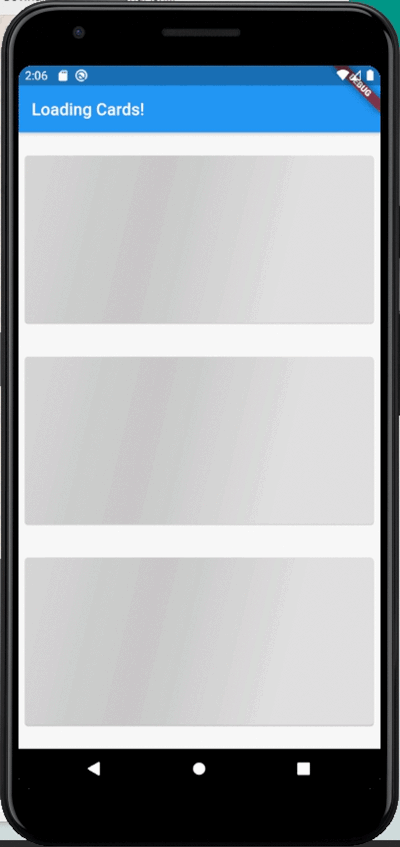
इस शिमर एनिमेशन विजेट की मदद से आप अपने प्रोजेक्ट में आसानी से सरल लेकिन सुंदर स्केलेटन लोडर ला सकते हैं।

AndroidiOSWebmacOSWindowsLinux
30-दिन डाउनलोड
12 हज़ार
लाइक
517
Pub अंक
160

पैकेज इंस्टॉल करें

flutter pub add shimmer_animation

पैकेज अवलोकन

सार्वजनिक जानकारी से बना चयन मार्गदर्शन। केवल संदर्भ हेतु।

ShimmerAnimation एक Flutter पैकेज है जो अपने ऐप में स्केलेटन लोडर को लागू करने का एक सरल और शानदार तरीका प्रदान करता है। यह विकासकर्मियों को चिकने, एनीमेटेड प्लेसहोल्डर UI बनाने की अनुमति देता है जो वास्तविक सामग्री के लोड होने के दिखने की नकल करता है, जिससे अनुभव और उपयोगकर्ता अनुभव में सुधार होता है। न्यूनतम सेटअप के साथ, यह Android, iOS, Web, macOS, Windows और Linux जैसे कई प्लेटफॉर्म को सपोर्ट करता है। विजेट बहुत कस्टमाइज़ेबल है और मौजूदा Flutter प्रोजेक्ट में आसानी से एकीकृत होता है।

उपयोग

  • सूचियों के लिए प्लेसहोल्डर लोड हो रहे हैं
  • डेटा फ़ेच के दौरान खाली स्क्रीन को रोकना
  • धीमी लोडिंग इंटरफेस में UX सुधारना
  • आधुनिक, डायनामिक उपयोगकर्ता इंटरफेस बनाना
  • ग्रिड में कंटेंट स्केलेटन दिखाएं
  • रियल-टाइम डेटा लोडिंग का नकल करना

मुख्य विशेषताएँ

  • स्मूथ शिमर एनीमेशन प्रभाव
  • प्लेटफॉर्म के अनुकूलता
  • Flutter के साथ आसान एकीकरण
  • कस्टमाइज़ेबल रंग और ग्रेडिएंट
  • विभिन्न कंटेनर आकारों का समर्थन करता है
  • हल्का और कार्यक्षम

इनके लिए उपयुक्त

  • दृश्य चमक की तलाश में UI/UX डिज़ाइनर
  • डेटा-भारी एप्लिकेशन बनाने वाले डेवलपर्स
  • संगठन जो संवेदित प्रदर्शन पर ध्यान केंद्रित करते हैं
  • आधुनिक लोडिंग स्थितियों की आवश्यकता वाले प्रोजेक्ट्स
  • डायनामिक या एसिंक कंटेंट वाले ऐप्स
  • इंटरैक्टिव इंटरफेस के प्रोटोटाइपिंग

विचार योग्य बातें

  • जटिल लेआउट के लिए अतिरिक्त स्टाइलिंग की आवश्यकता हो सकती है
  • स्थिर स्थानापन्न सामग्री के लिए आदर्श नहीं
  • बहुत बड़ी सूचियों पर प्रदर्शन प्रभाव
  • मूल एनिमेशन के आगे सीमित कस्टमाइज़ेशन
  • उचित लोडिंग स्थिति प्रबंधन के साथ सर्वोत्तम उपयोग
  • Flutter के widget वृक्ष की समझ आवश्यक है

मूल README

संबंधित सोर्स रिपॉज़िटरी के मूल README का स्नैपशॉट। नवीनतम सामग्री के लिए रिपॉज़िटरी देखें।

Shimmer Animation

pub package Libraries.io dependency status for latest release License

Supports Null Safety

This shimmer animation widget can help you bring simple yet beautiful skeleton loaders to your project with ease.

Shimmer is very widely used as the default animation for skeleton loaders or placeholder widgets throughout the development community. Therefore, having an easy to use, yet customizable widget ready to use for Android, iOS and Web, gives developers an advantage to focus on their actual functionality, let shimmer make the loading experience smoother.

Examples

An example can be found in the example directory of this repository.

A list of detailed examples can be found in this Examples Repository

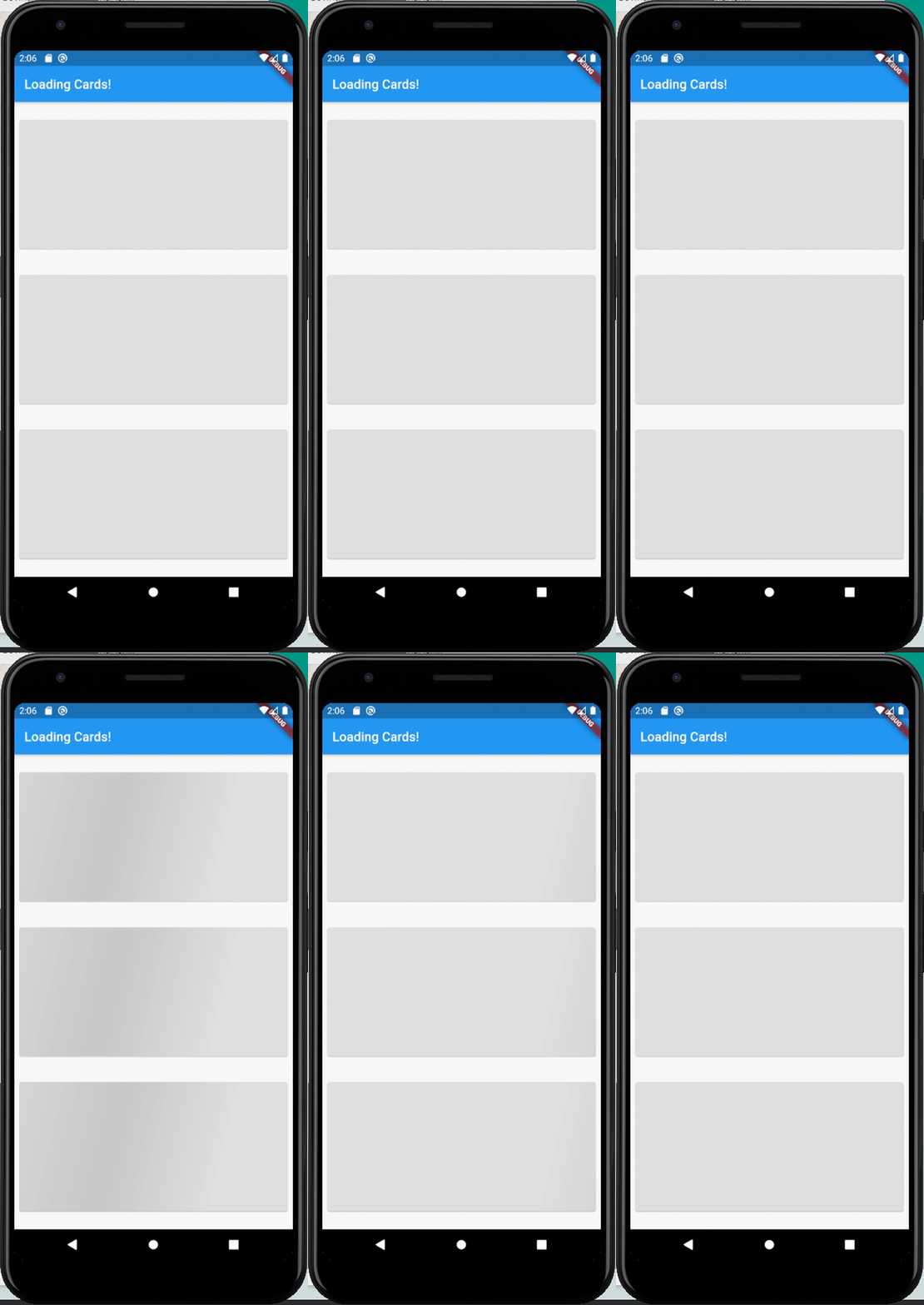
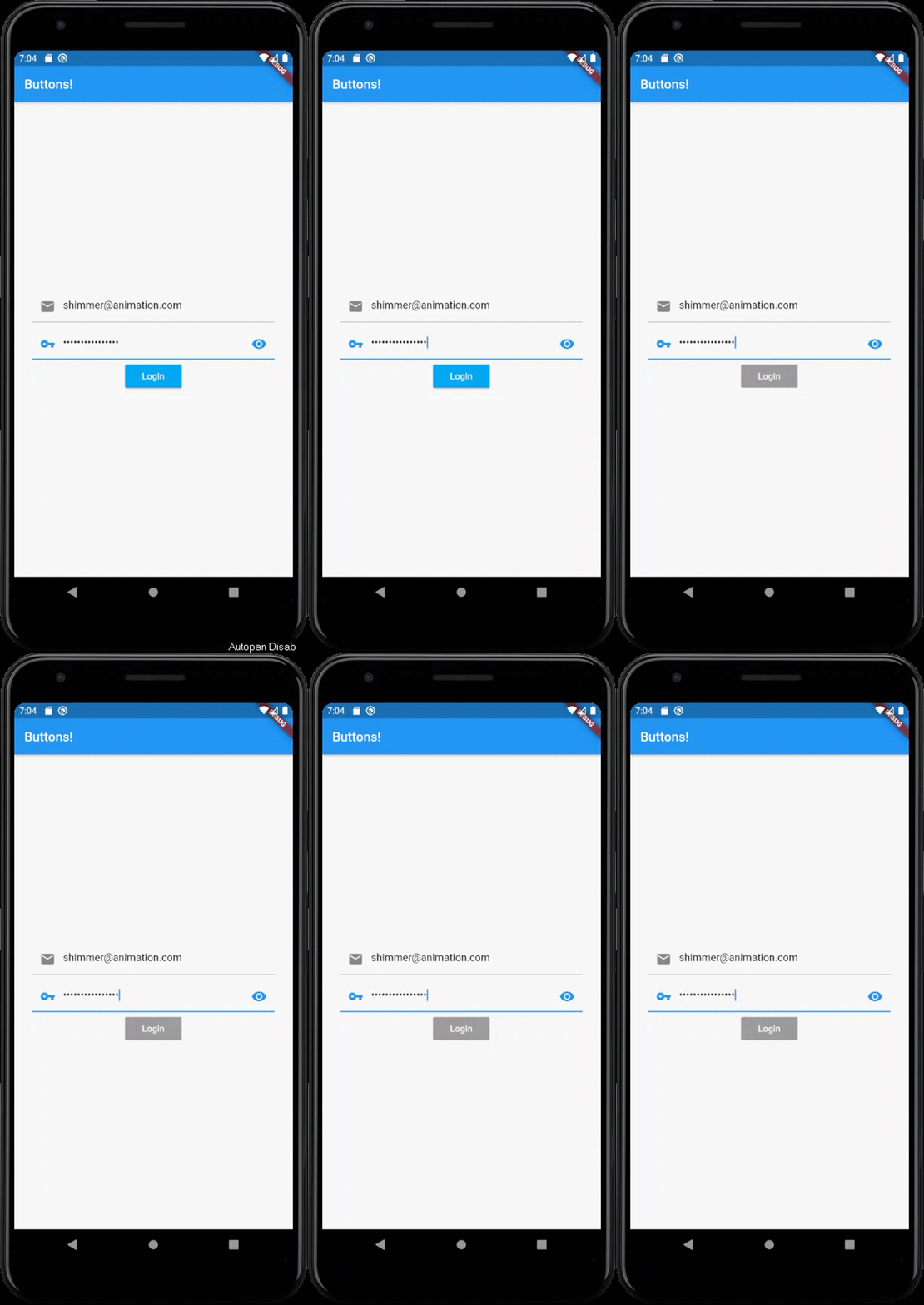
Full Screen Loading Widgets Loading Buttons

How to use

Add shimmer_animation to pubspec.yaml of your project:

dependencies:
  shimmer_animation: ^2.1.0

Import it in your Dart code:

import 'package:shimmer_animation/shimmer_animation.dart';

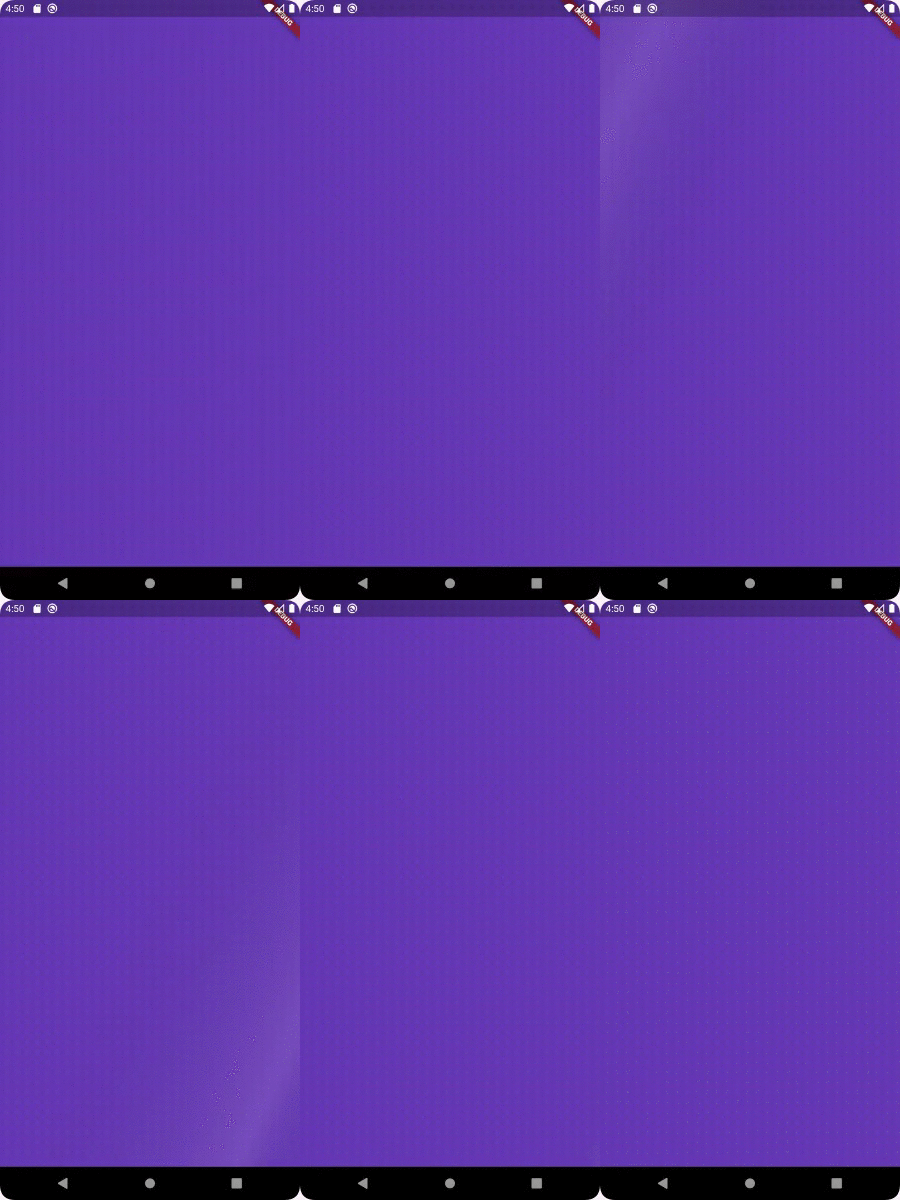
Wrap any widget with Shimmer() widget to apply animaton:

  Shimmer(
    child: Container(
      color: Colors.deepPurple,
    ),
  ),

A number of parameters can be passed to customise the look and feel of this animation:

  Shimmer(
    duration: Duration(seconds: 3), //Default value
    interval: Duration(seconds: 5), //Default value: Duration(seconds: 0)
    color: Colors.white, //Default value
    colorOpacity: 0, //Default value
    enabled: true, //Default value
    direction: ShimmerDirection.fromLTRB(),  //Default Value
    child: Container(
      color: Colors.deepPurple,
    ),
  ),
Parameters:
  • @required child : accepts a child Widget over which the animation is to be displayed
  • color : accepts a parameter of type Color and sets the color of the animation overlay. Default value is Colors.white
  • color : accepts a parameter of type double and sets the Opacity of the color of the animation overlay. Default value is 0.3
  • enabled : accepts a bool which toggles the animation on/off. Default value is true
  • duration : accepts a Duration that would be the time period of animation. Default value is Duration(seconds: 3)
  • interval : accepts a Duration that would be the interval between the repeating animation. Default value is Duration(seconds: 0) i.e. no interval
  • direction : accepts a ShimmerDirection and aligns the animation accordingly. Default value is ShimmerDirection.fromLBRT()

A detailed API Reference can be found here.

License

MIT License.

श्रेणियाँ

सोर्स रिपॉज़िटरी

इस पैकेज का उपयोग करने वाले प्रोजेक्ट