पैकेज, रिपॉज़िटरी और ऐप श्रेणियाँ खोजें

sticky_and_expandable_list कवर
पैकेज विवरणv1.1.3

sticky_and_expandable_list

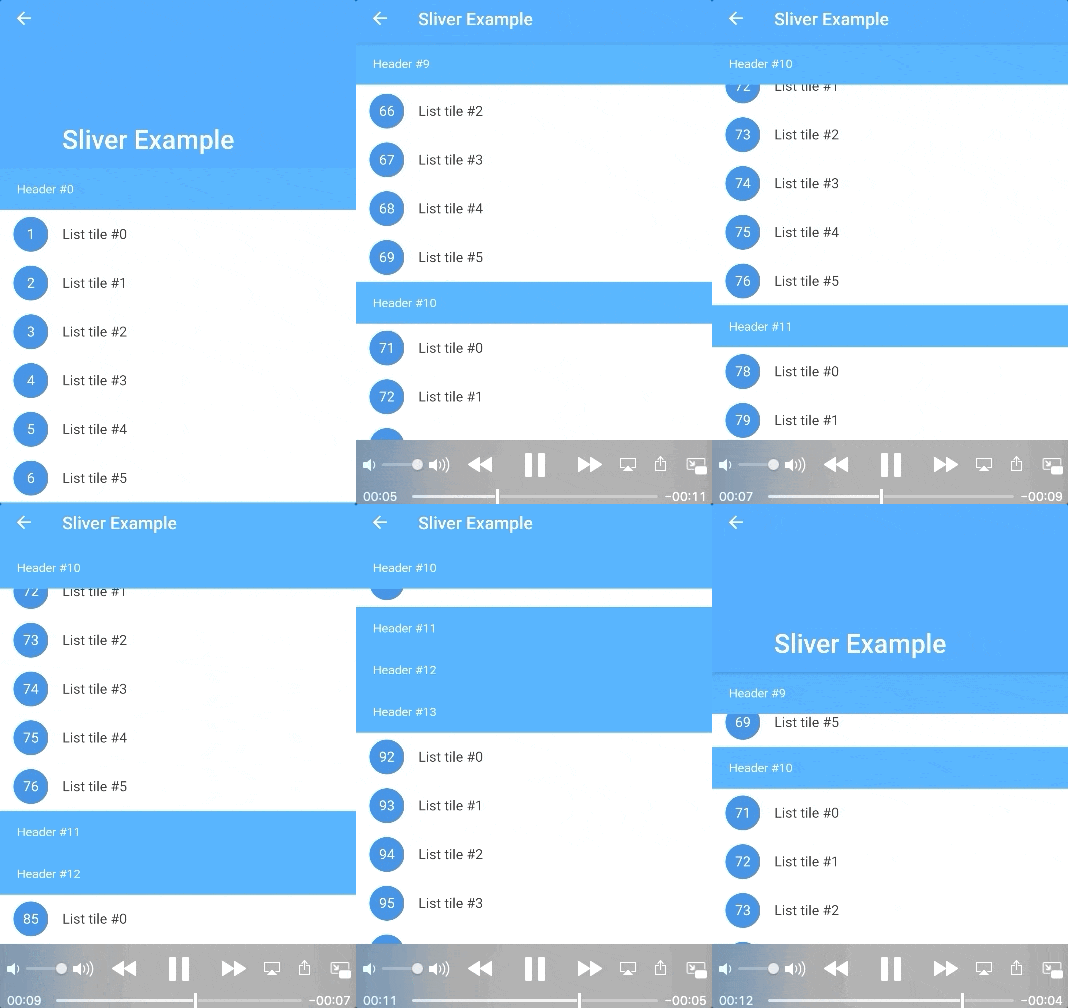
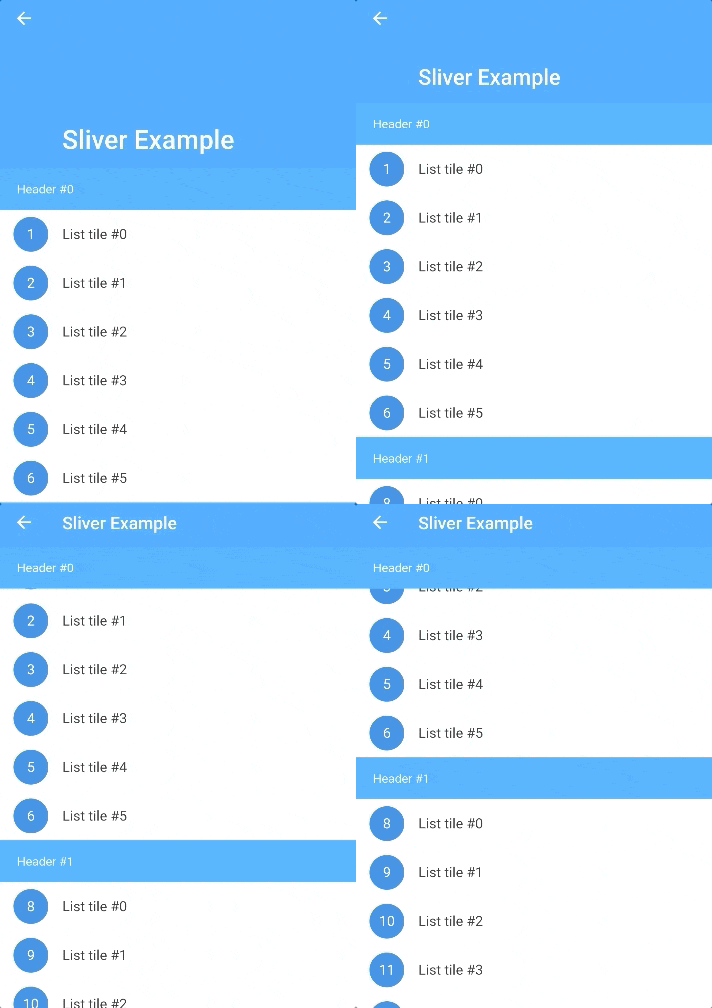
एक समूहित सूची बनाएं, जिसमें अनुभाग को विस्तारित/संकुचित करने का समर्थन हो और स्टिकी हेडर हो, और स्लिवर विजेट के साथ उपयोग करने के लिए समर्थन हो।

AndroidiOSWebmacOSWindowsLinux
30-दिन डाउनलोड
7.8 हज़ार
लाइक
175
Pub अंक
140

पैकेज इंस्टॉल करें

flutter pub add sticky_and_expandable_list

पैकेज अवलोकन

सार्वजनिक जानकारी से बना चयन मार्गदर्शन। केवल संदर्भ हेतु।

एक फ्लटर पैकेज जो समूहित सूचियों के निर्माण की अनुमति देता है, जिसमें सहज खंड और स्टिकी हेडर होते हैं, जो विषयवस्तु को आयोजित करने के लिए उपयुक्त है। यह Sliver विजेट्स के साथ बिना किसी बाधा के एकीकृत होता है, जिससे यह CustomScrollView जैसे कस्टम स्क्रॉल व्यू में उपयोग के लिए उपयुक्त होता है। पैकेज सभी प्रमुख प्लेटफॉर्मों को समर्थन देता है, जिसमें Android, iOS, Web, macOS, Windows और Linux शामिल हैं, और उपकरणों के बीच एक संगत अनुभव प्रदान करता है। यह न्यूनतम बॉयलरप्लेट कोड के साथ जटिल सूची इंटरैक्शन को सरल बनाता है।

उपयोग

  • समूहित डेटा प्रदर्शन
  • संक्षिप्त अनुभाग सूची
  • स्टिकी हेडर नेविगेशन
  • कस्टम स्क्रॉल व्यू
  • डायनामिक कंटेंट संगठन
  • लंबी सूचियों के लिए अनुकूलित उपयोगकर्ता इंटरफेस

मुख्य विशेषताएँ

  • विस्तार्य/संकुचित खंड
  • स्टिकी अनुभाग हेडर
  • Sliver विजेट संगतता
  • क्रॉस-प्लेटफॉर्म समर्थन
  • आवश्यक सेटअप न्यूनतम
  • चिकनी एनीमेशन

इनके लिए उपयुक्त

  • जटिल सूचियों के निर्माण करने वाले विकासकर्ता
  • इंटरैक्टिव लेआउट की आवश्यकता वाले UI डिज़ाइनर
  • हायरार्किकल डेटा वाले ऐप्स
  • हेडर के साथ स्क्रॉल करने योग्य इंटरफ़ेस
  • मोबाइल और वेब एप्लिकेशन

विचार योग्य बातें

  • Sliver विजेट्स के बारे में समझना आवश्यक है
  • बहुत बड़े डेटासेट के साथ प्रदर्शन पर प्रभाव पड़ सकता है
  • मूल शैली के आगे सीमित कस्टमाइजेशन
  • मध्यम आकार के समूहित डेटा के लिए सबसे उपयुक्त
  • सरल समतल सूचियों के लिए सुझाव नहीं है

मूल README

संबंधित सोर्स रिपॉज़िटरी के मूल README का स्नैपशॉट। नवीनतम सामग्री के लिए रिपॉज़िटरी देखें।

sticky_and_expandable_list

Flutter implementation of sticky headers and expandable list.Support use it in a CustomScrollView.

Pub README i18n:中文说明

Screenshot

Features

  • Build a grouped list, which support expand/collapse section and sticky header.
  • Use it with CustomScrollView、SliverAppBar.
  • Listen the scroll offset of current sticky header, current sticky header index and switching header index.
  • Only use one list widget, so it supports large data and a normal memory usage.
  • More section customization support, you can return a new section widget by sectionBuilder, to customize background,expand/collapse animation, section layout, and so on.
  • Support add divider.
  • Support overlap content.
  • Support scroll to index like ListView, by scroll-to-index.
  • Pull to refresh and load more, by pull_to_refresh.

Getting Started

In the pubspec.yaml of your flutter project, add the following dependency:

dependencies:
  sticky_and_expandable_list: ^1.1.3

Basic Usage

sectionList is a custom data source for ExpandableListView. We should create a model list to store the information of each section, the model must implement ExpandableListSection.

    //In this example, we create a custom model class(ExampleSection).
    //class ExampleSection implements ExpandableListSection<String> {}
    //so: SliverExpandableChildDelegate<String, ExampleSection>()
    List<ExampleSection> sectionList = List<ExampleSection>();
    return ExpandableListView(
      builder: SliverExpandableChildDelegate<String, ExampleSection>(
          sectionList: sectionList,
          headerBuilder: (context, sectionIndex, index) =>
              Text("Header #$sectionIndex"),
          itemBuilder: (context, sectionIndex, itemIndex, index) {
            String item = sectionList[sectionIndex].items[itemIndex];
            return ListTile(
              leading: CircleAvatar(
                child: Text("$index"),
              ),
              title: Text(item),
            );
          }),
    );

Detail Examples

If you want to use it with sliver widget, use SliverExpandableList instead of ExpandableListView.

FAQ

How to expand/collapse item?
setState(() {
  sectionList[i].setSectionExpanded(true);
});

Example

How to listen current sticky header or the sticky header scroll offset?
  @override
  Widget build(BuildContext context) {
    ExpandableListView(
      builder: SliverExpandableChildDelegate<String, ExampleSection>(
        headerController: _getHeaderController(),
      ),
    )
  }

  _getHeaderController() {
    var controller = ExpandableListController();
    controller.addListener(() {
      print("switchingSectionIndex:${controller.switchingSectionIndex}, stickySectionIndex:" +
          "${controller.stickySectionIndex},scrollPercent:${controller.percent}");
    });
    return controller;
  }
How to set background for each section?

Use sectionBuilder

Customize expand/collapse animation support?

Example

Change Log

CHANGELOG

श्रेणियाँ

सोर्स रिपॉज़िटरी

इस पैकेज का उपयोग करने वाले प्रोजेक्ट