सार्वजनिक जानकारी से बना चयन मार्गदर्शन। केवल संदर्भ हेतु।
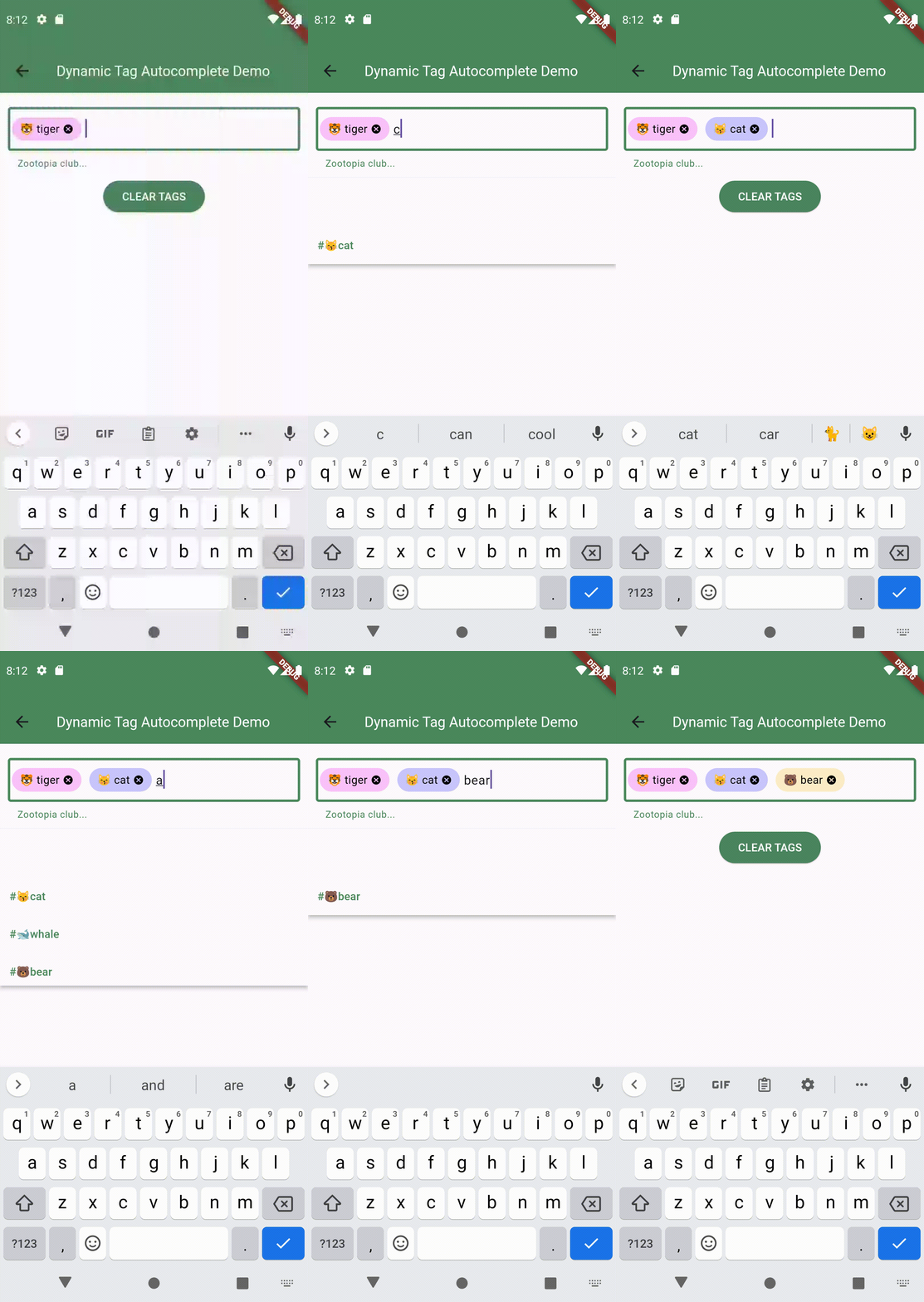
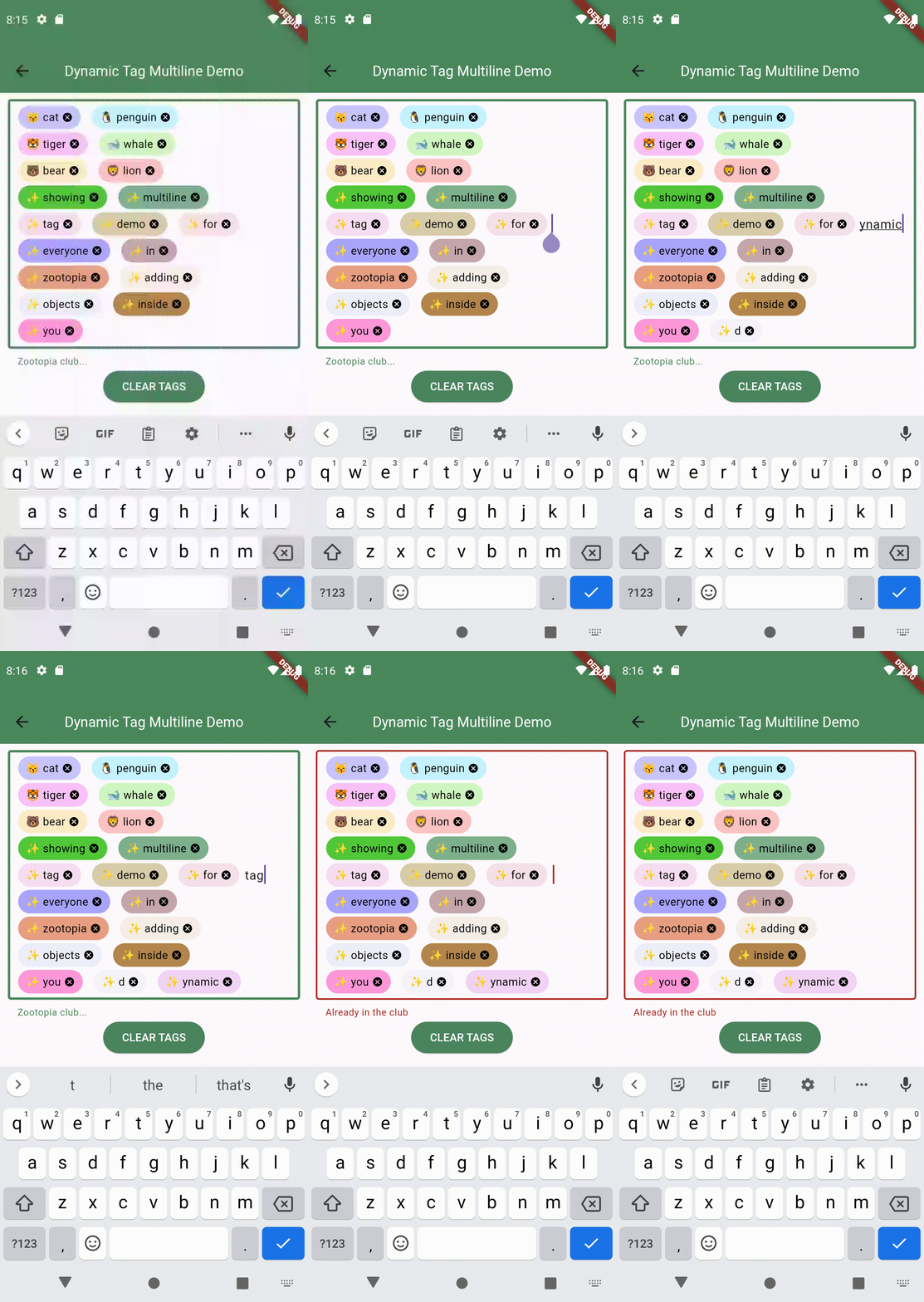
एक फ्लटर पैकेज जो उपयोगकर्ताओं को टेक्स्ट फ़ील्ड में सीधे टैग इनपुट और प्रबंधित करने की अनुमति देता है। यह टैग को डायनामिक रूप से जोड़ने, संपादित करने और हटाने के लिए एक सहज इंटरफ़ेस प्रदान करता है, विजुअल फीडबैक के साथ फॉर्म इंटरैक्शन को बढ़ावा देता है। नोट्स, सोशल मीडिया या टास्क मैनेजमेंट टूल्स में टैगिंग सिस्टम जैसे कीवर्ड या श्रेणी इनपुट की आवश्यकता वाले एप्लिकेशन के लिए आदर्श है। यह पैकेज एंड्रॉइड, आईओएस, वेब, मैकओएस, विंडोज और लिनक्स जैसे कई प्लेटफॉर्म को सपोर्ट करता है, जिससे उपकरणों के बीच संगत व्यवहार सुनिश्चित होता है।
उपयोग
उपयोगकर्ता इनपुट को टैग करना
डायनामिक कीवर्ड वाले फॉर्म फ़ील्ड्स
सोशल मीडिया पोस्ट टैगिंग
कार्य या प्रोजेक्ट वर्गीकरण
टैग सुझाव के साथ खोज फ़िल्टर
मुख्य विशेषताएँ
इनलाइन टैग निर्माण
कस्टमाइज़ किए गए टैग स्टाइल
क्रॉस-प्लेटफ़ॉर्म समर्थन
मौजूदा फ़ॉर्म के साथ आसान एकीकरण
रियल-टाइम टैग प्रबंधन
इनके लिए उपयुक्त
इंटरैक्टिव फॉर्म बनाने वाले डेवलपर्स
कीवर्ड टैगिंग की आवश्यकता वाले ऐप्स
बहु-प्लेटफॉर्म एप्लिकेशन
गतिशील सामग्री आवेदन वाले UI
विचार योग्य बातें
टैग सीमाओं का सावधानीपूर्वक निपटारा करने की आवश्यकता है
कस्टम वैधता तर्क की आवश्यकता हो सकती है
बड़ी संख्या में टैग के साथ प्रदर्शन
सीमित निर्मित-स्वचालित पूर्ण करने वाली सुविधाएँ
स्टाइल कस्टमाइज़ेशन में अतिरिक्त कोड की आवश्यकता हो सकती है
मूल README
संबंधित सोर्स रिपॉज़िटरी के मूल README का स्नैपशॉट। नवीनतम सामग्री के लिए रिपॉज़िटरी देखें।
textfield_tags
Textfield_tags is a widget that allows developers to create tags inside a textfield. The widget comes with 2 default controllers that allow you to store tags as regular strings or objects. Alternatively, you can create your own controller by extending the base controller class to have custom tag controllers.
Environment
sdk: ">=2.12.0 <4.0.0"
flutter: ">=1.17.0"
Installation
dependencies:textfield_tags:^3.0.1
$ flutter pub get
Getting Started
To get started using this widget, you will need to first import the package inside your project following the installation guide found on Flutter.dev.
Usage
To use this widget,
import 'package:textfield_tags/textfield_tags.dart'; inside your dart file
Follow one of the examples bellow and call the widget TextFieldTags(...).
Read the api documentation on these properties for more details or see the examples provided in the example folder.
Examples With Different Controllers
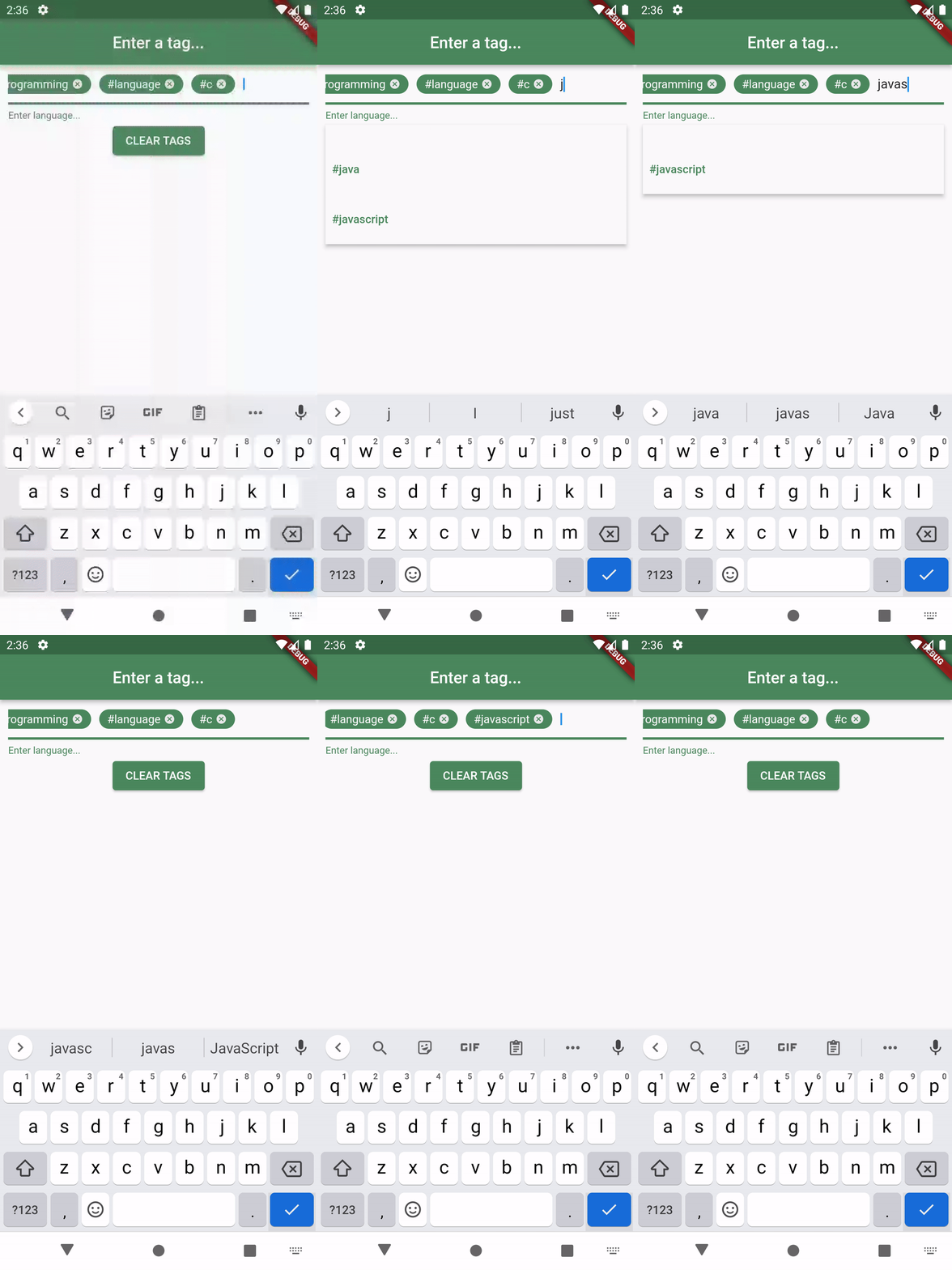
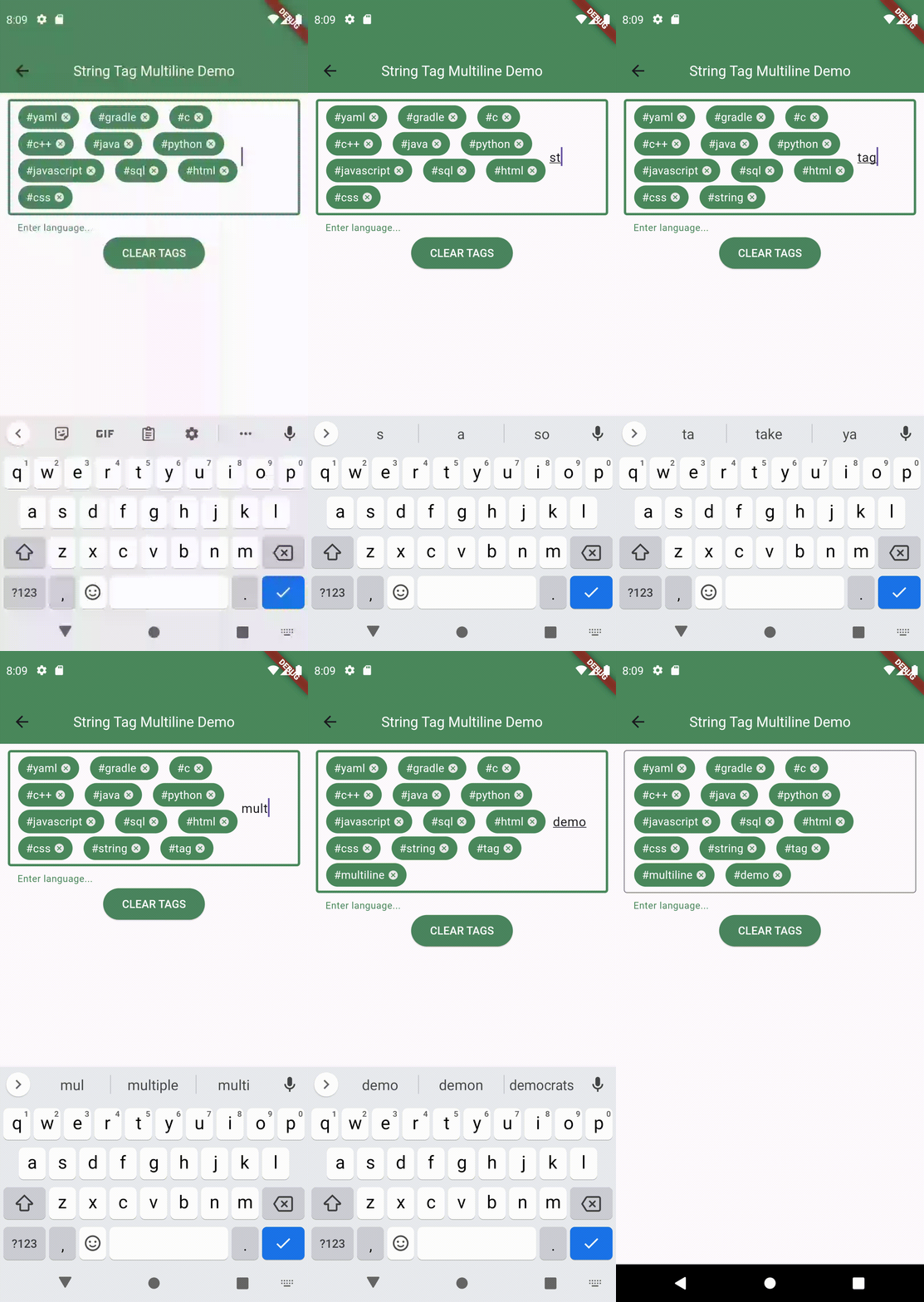
By default, the widget comes with 2 built-in controllers: one that allows you to manage string type tags and another one that allows you to use any type of tags including objects, ints, strings, etc. We will show examples of the two controllers in actions bellow.
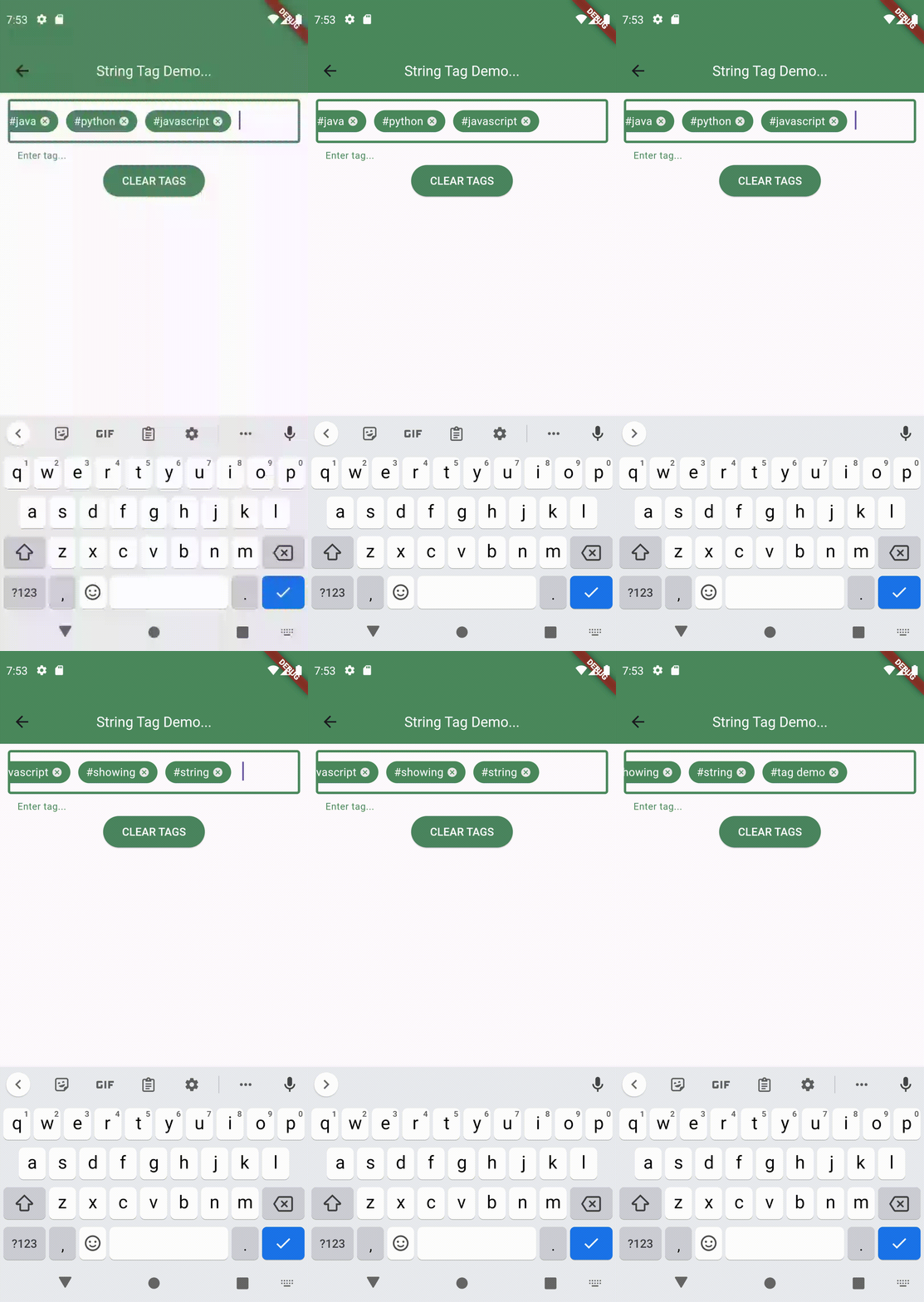
Using String type tags (StringTagControlle)
If you only want to use string based tags, then the StringTagController is ideal for you. The example bellow shows how you can utilize the StringTagController<String>() controller to manage string tags.
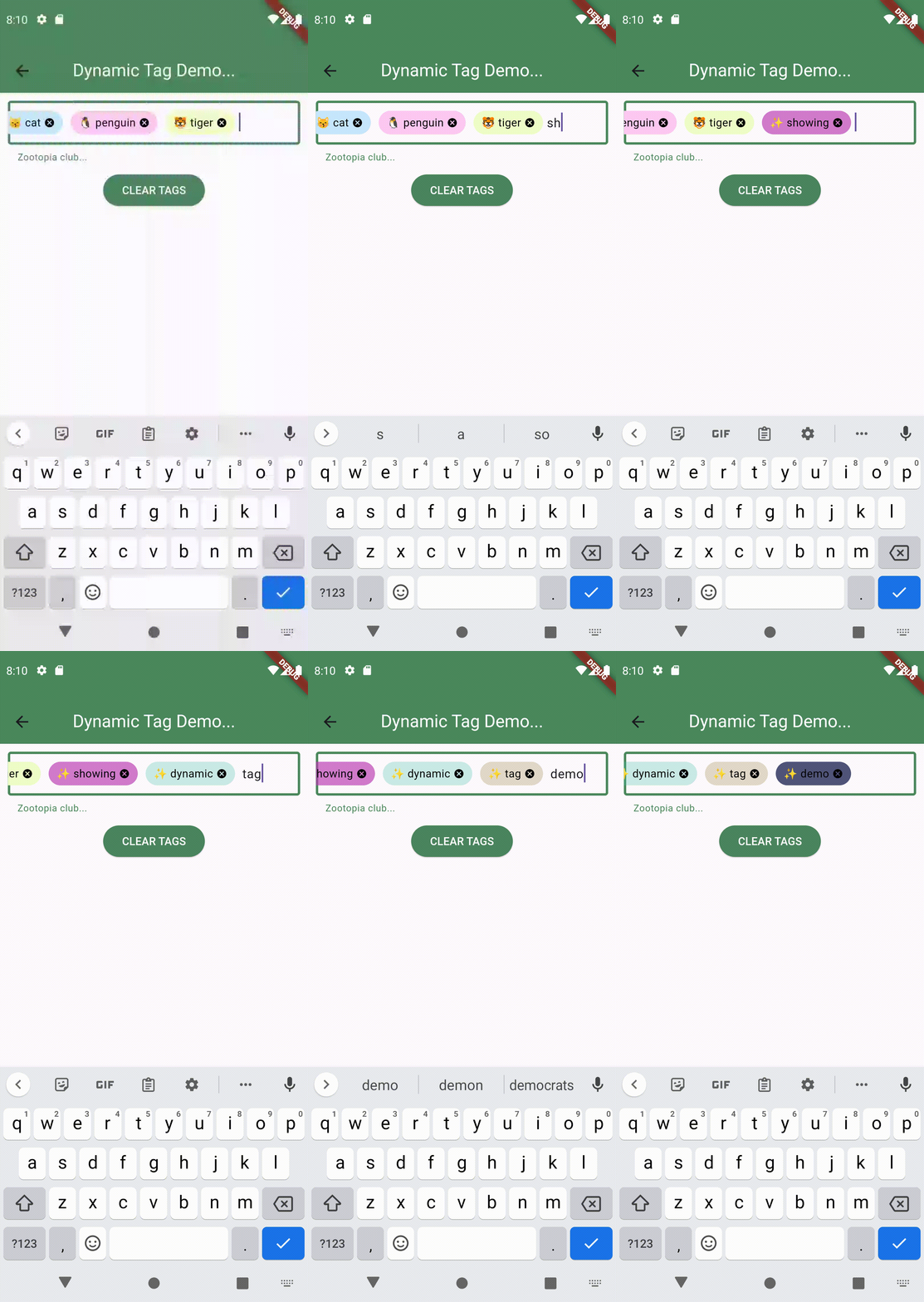
If you want to store dynamic type of datas with each tags, then using DyanmicTagController will be ideal for you. This will offer you more flexibiliity and customization and will allow you to design the tags based on their own stored data.
More Advanced Functionality Via A Custom Controller
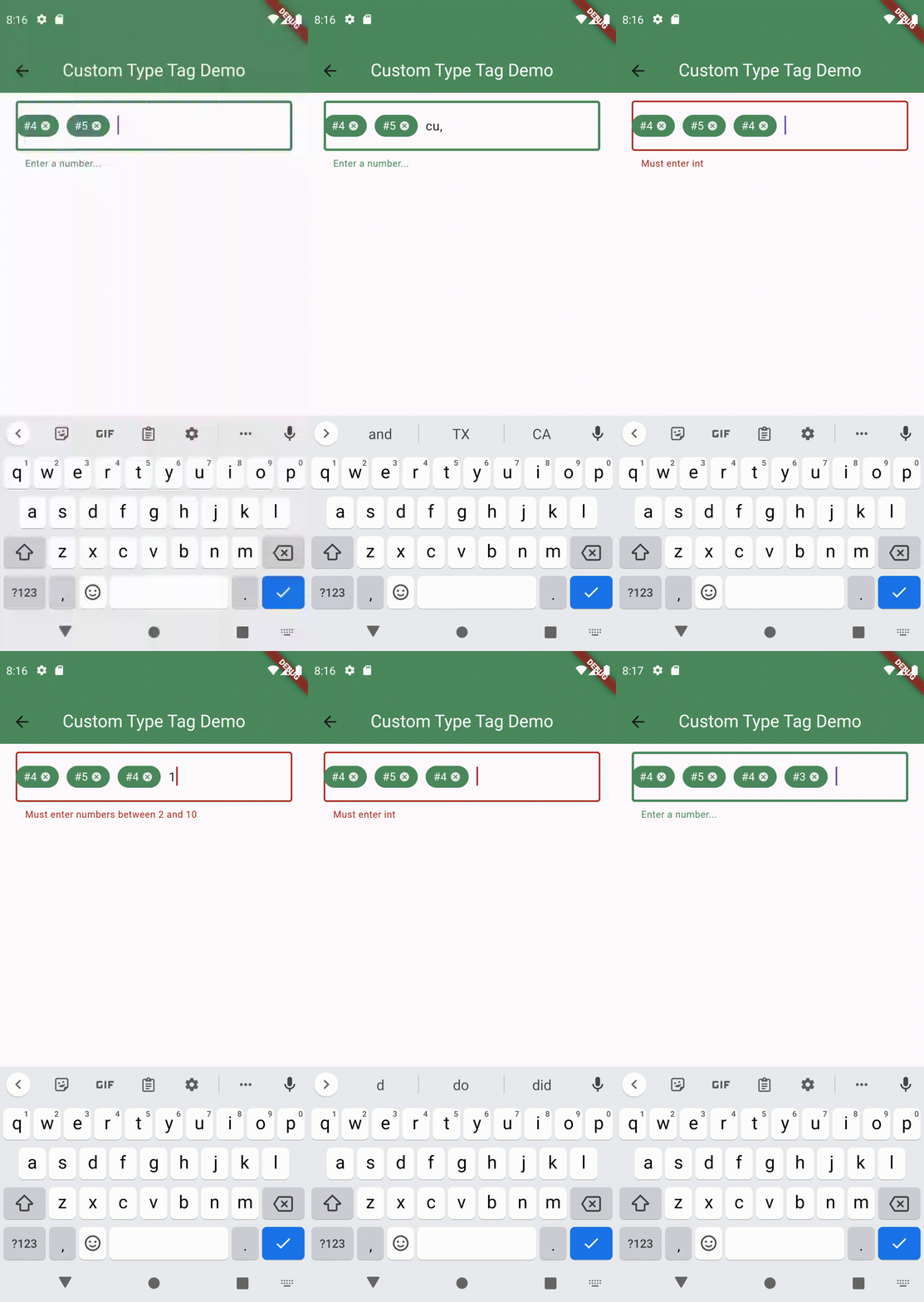
If you feel like you want more functionality than what is offered by the 2 default controllers, then you can easily extend TextfieldTagsController class to your own custom class and inherit all its functionalities and add your own stuffs as bellow example shows.
The bellow example shows you how you can use a numbers
tag picker that selects numbers between 2 and 10 with the exception of number 8.