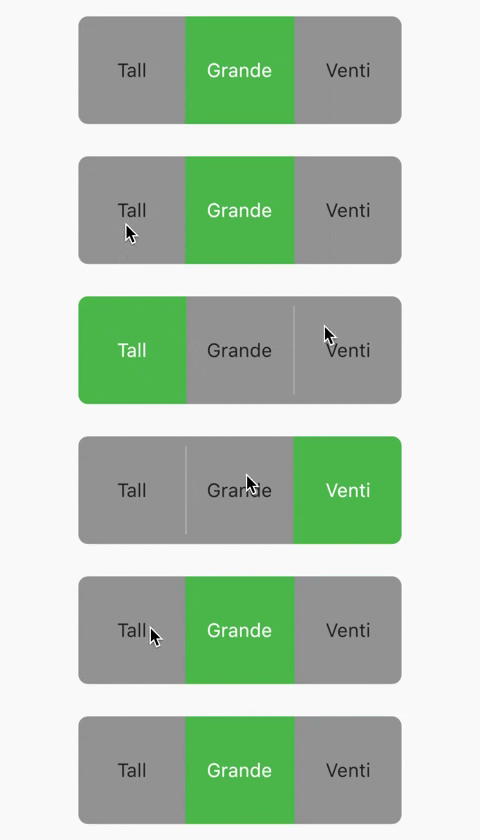
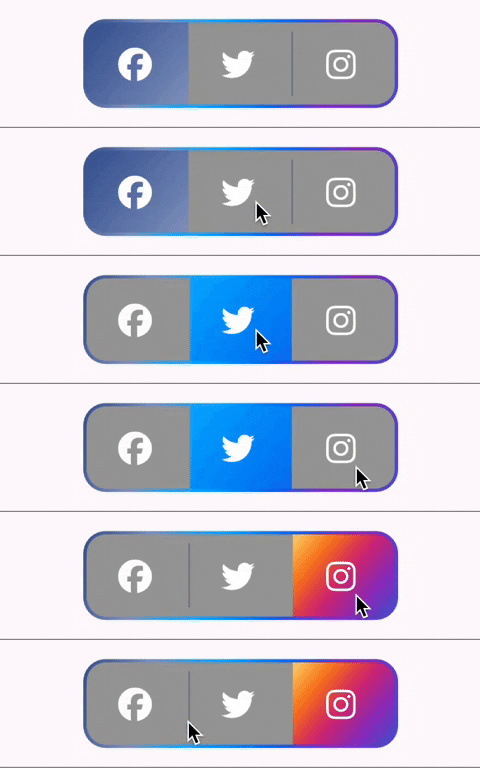
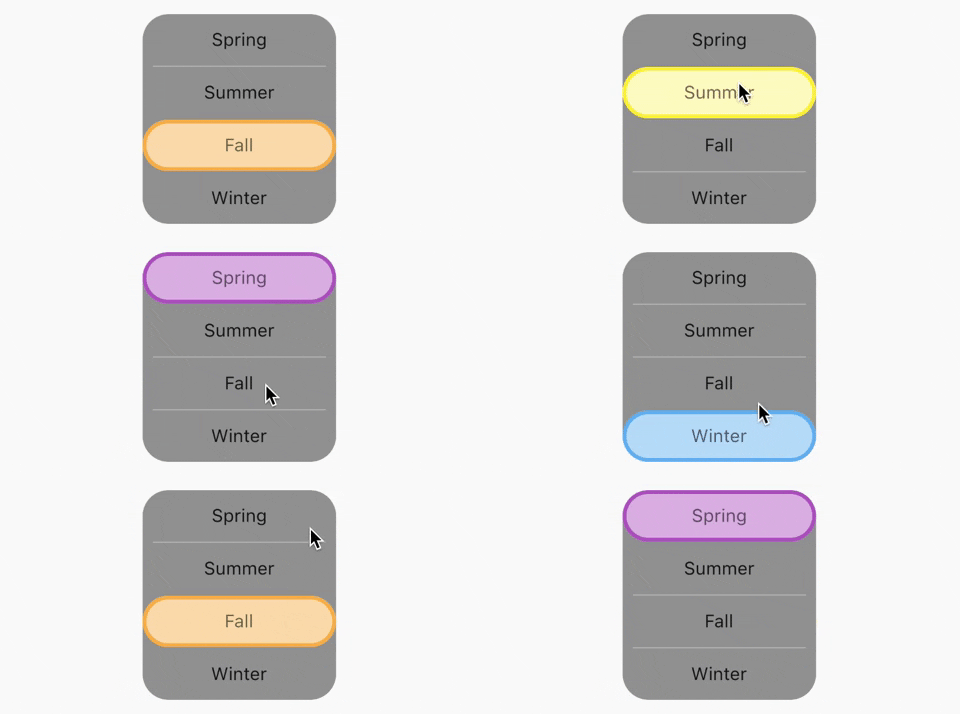
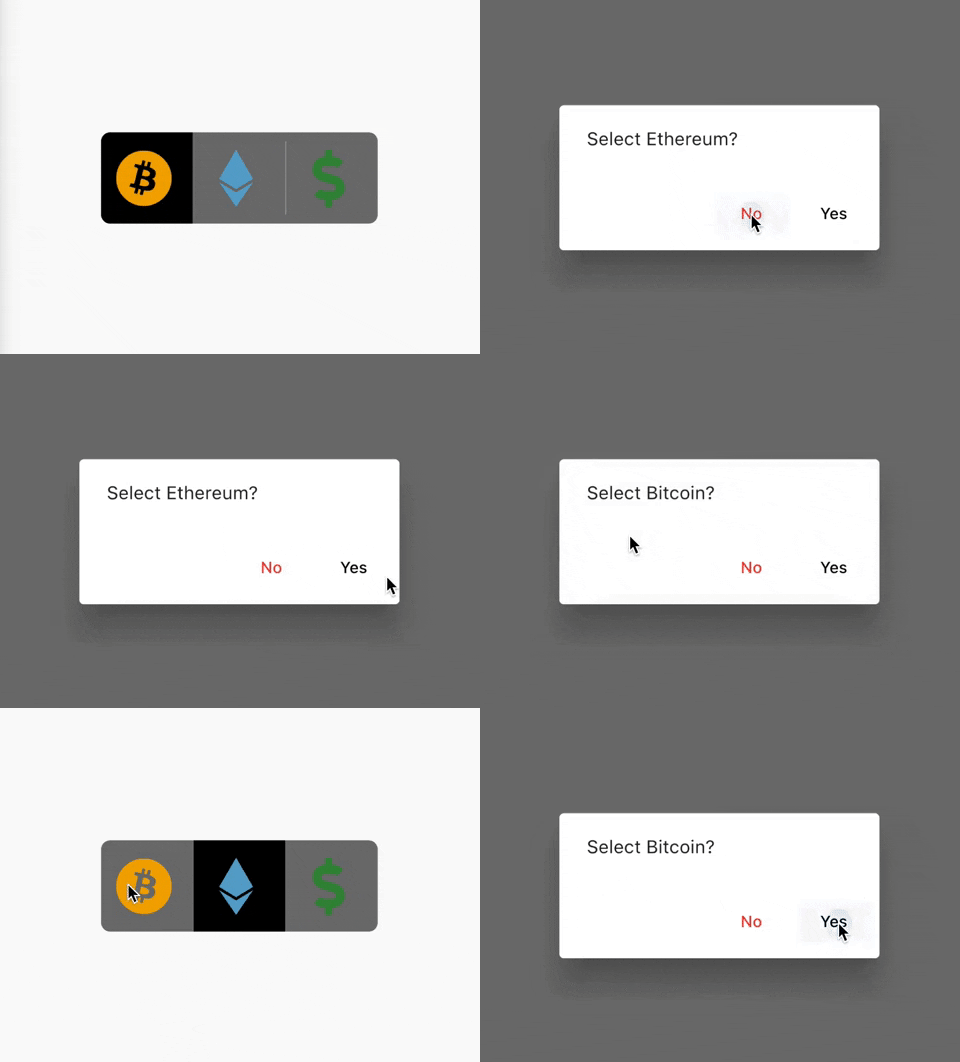
टॉगल स्विच - एक सरल टॉगल स्विच विजेट। इसे आवश्यक आइकन, चौड़ाई, रंग, पाठ, कोने की त्रिज्या आदि के साथ पूरी तरह से कस्टमाइज़ किया जा सकता है। यह चयन अवस्था भी बनाए रखता है।
सार्वजनिक जानकारी से बना चयन मार्गदर्शन। केवल संदर्भ हेतु।
फ्लटर के लिए एक कस्टमाइजेबल टॉगल स्विच विजेट जो दिखावट और व्यवहार के सभी कस्टमाइजेशन को सपोर्ट करता है। उपयोगकर्ता चौड़ाई, रंग, आइकन, पाठ, कोने की त्रिज्या और अधिक को समायोजित कर सकते हैं। यह रीबिल्ड के दौरान चयन अवस्था बनाए रखता है और ऑन/ऑफ टॉगलिंग की आवश्यकता वाले विभिन्न यूआई आवश्यकताओं के लिए उपयुक्त है। यह पैकेज हल्का है और मोबाइल, वेब और डेस्कटॉप सहित सभी प्रमुख प्लेटफॉर्म के साथ संगत है।
उपयोग
उपयोगकर्ता प्राथमिकता सेटिंग्स
ऑन/ऑफ फीचर टॉगल
फॉर्म इनपुट नियंत्रण
डार्क मोड स्विच
प्रोफ़ाइल कॉन्फ़िगरेशन पैनल
मुख्य विशेषताएँ
पूरी तरह से कस्टमाइज़ किया गया डिज़ाइन
चयन अवस्था बनाए रखता है
आइकन और पाठ का समर्थन करता है
क्रॉस-प्लेटफॉर्म संगतता
समायोज्य आकार और शैली
सरल API एकीकरण
इनके लिए उपयुक्त
प्रतिक्रियाशील UI विकसित करने वाले डेवलपर्स
टॉगल-आधारित इनपुट की आवश्यकता वाले एप्स
कस्टमाइज़ किए गए फॉर्म घटक
बहु-प्लेटफॉर्म Flutter प्रोजेक्ट
विचार योग्य बातें
कुछ मामलों में राज्य के हस्तक्षेप से प्रबंधन की आवश्यकता होती है
सीमित आंतरिक एनीमेशन
सरल टॉगल लॉजिक के लिए सबसे उपयुक्त
जटिल इंटरैक्टिव विजेट्स के लिए उपयुक्त नहीं
मूल README
संबंधित सोर्स रिपॉज़िटरी के मूल README का स्नैपशॉट। नवीनतम सामग्री के लिए रिपॉज़िटरी देखें।
Toggle Switch
A simple toggle switch widget. It can be fully customized with desired icons, width, colors, text, corner radius, animation etc. It also maintains selection state.
Getting Started
In the pubspec.yaml of your flutter project, add the following dependency:
dependencies:...toggle_switch:^2.3.0
Import it:
import'package:toggle_switch/toggle_switch.dart';
Usage Examples
Basic toggle switch
// Here, default theme colors are used for activeBgColor, activeFgColor, inactiveBgColor and inactiveFgColorToggleSwitch(
initialLabelIndex: 0,
totalSwitches: 3,
labels: ['America', 'Canada', 'Mexico'],
onToggle: (index) {
print('switched to: $index');
},
),
Basic toggle switch with custom height and font size
// When ToggleSwitch is used with Directionality widget and textDirection is set to TextDirection.rtl (right-to-left),
// switches are displayed right to left along with their respective index values. In this case, corner radius of switches aren't set correctly.
// To fix this, please use textDirectionRTL parameter and set it to true as shown in the example below.
Directionality(
  textDirection: TextDirection.rtl,
  child: ToggleSwitch(
    initialLabelIndex: 0,
    cornerRadius: 12.0,
    textDirectionRTL: true,
    activeFgColor: Colors.white,
    totalSwitches: 2,
    labels: ['left', 'right'],
    onToggle: (index) {
      print('switched to: $index');
    },
  ),
),