연결된 소스 저장소의 README 원문 스냅샷입니다. 최신 내용은 저장소에서 확인하세요.
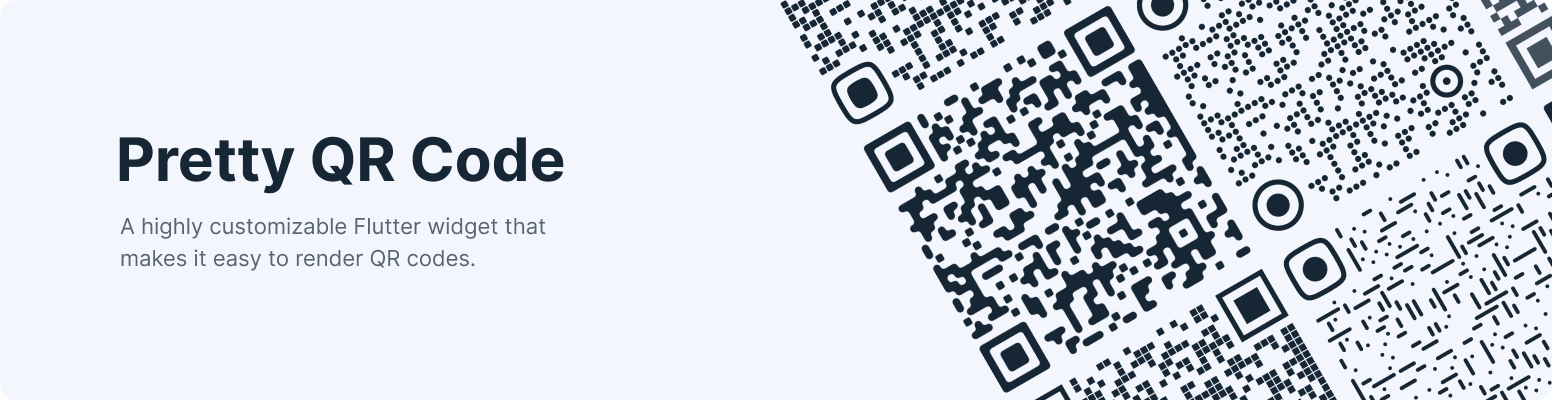
Pretty QR Code


A highly customizable Flutter widget that makes it easy to render QR codes. Built on top of the qr package.
Features
- Live Preview
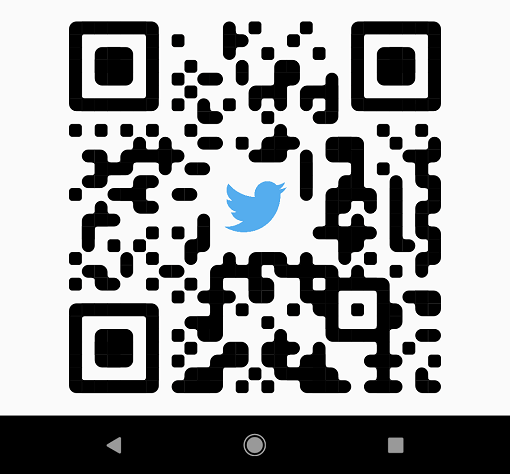
- Shapes - The widget provides functionality for rendering various built-in shapes, namely smooth, squares and dots, or you can even create your patterns using the package API.
- Themes - Allows you easily switch between themes using the material theme extension.
- Branding - Configure the display of the embedded image and adjust its style to best fit your needs.
- Exporting - Save the QR сode as an image for sharing, embedding, or anything else.
- Customization - Customize the appearance by setting the shape color or filling with a gradient.
If you want to say thank you, star us on GitHub or like us on pub.dev.
Usage
First, follow the package installation instructions and add a PrettyQrView widget to your app:
PrettyQrView.data(
  data: 'lorem ipsum dolor sit amet',
  decoration: const PrettyQrDecoration(
    image: PrettyQrDecorationImage(
      image: AssetImage('images/flutter.png'),
    ),
    quietZone: PrettyQrQuietZone.standart,
  ),
)
If you want to pass non-string data or want to specify a QR version, consider using the default PrettyQrView constructor:
@protected
late QrImage qrImage;

@override
void initState() {
  super.initState();

  final qrCode = QrCode(
    8,
    QrErrorCorrectLevel.H,
  )..addData('lorem ipsum dolor sit amet');

  qrImage = QrImage(qrCode);
}

@override
Widget build(BuildContext context) {
  return PrettyQrView(
    qrImage: qrImage,
    decoration: const PrettyQrDecoration(),
  );
}
Note: Do not create QrImage inside the build method; otherwise, you may have an undesired jank in the UI thread.
Combine several styles
To combine multiple styles in a single QR code, you can use PrettyQrCustomShape, as shown in the example below:
PrettyQrView.data(
  data: 'lorem ipsum dolor sit amet',
  decoration: const PrettyQrDecoration(
    shape: PrettyQrShape.custom(
      PrettyQrSquaresSymbol(),
      finderPattern: PrettyQrSmoothSymbol(),
      alignmentPatterns: PrettyQrDotsSymbol(),
    ),
  ),
)
Save the symbol as an image
You can save the QR code as an image using the toImage or toImageAsBytes extension methods that apply to QrImage. Optionally, the configuration parameter may be used to set additional saving options, such as pixel ratio or text direction.
final qrCode = QrCode.fromData(
  data: 'lorem ipsum dolor sit amet',
  errorCorrectLevel: QrErrorCorrectLevel.H,
);

final qrImage = QrImage(qrCode);
final qrImageBytes = await qrImage.toImageAsBytes(
  size: 512,
  format: ImageByteFormat.png,
  decoration: const PrettyQrDecoration(),
);
See the example folder for more code samples of the various possibilities.
Contributing
Contributions are welcomed!
Here is a curated list of how you can help:
- Fix typos/grammar mistakes
- Report parts of the documentation that are unclear
- Report bugs and scenarios that are difficult to implement
Planned for future release(s)
Quiet ZoneGradient fillingExport as imageError handling APIBackground color for QR codeTiming Patterns and Alignment PatternsSupport custom clippers for embedded images (#38)- Export as vector image (#42)