모바일 애플리케이션 내에서 QR 코드 스캔을 가능하게 하는 플러터 패키지로, 안드로이드에는 ZXing, iOS에는 MTBBarcodeScanner과 같은 네이티브 스캔 라이브러리를 활용합니다. 실시간 QR 코드 탐지용 간단하고 임베디드 가능한 카메라 뷰를 제공합니다. 최소한의 설정으로 원활한 통합이 가능하도록 설계되어 QR 코드를 통해 빠르게 데이터를 가져와야 하는 앱에 적합합니다. 전면 및 후면 카메라 모드를 모두 지원하며 사용자 정의 가능한 오버레이 표시 기능도 제공합니다. 다양한 조명 조건과 장치 유형에서도 효율적으로 작동합니다.
사용 사례
매장 내 제품 정보 조회
디지털 티켓 또는 탑승권 검증
QR 코드를 통한 사용자 인증
장치 간 비접촉 데이터 공유
소매 앱에서의 재고 관리
주요 기능
Android 및 iOS에서의 네이티브 스캔 성능
Flutter 위젯과의 간편한 통합
다중 카메라 방향 지원
사용자 정의 가능한 스캔 오버레이 및 피드백
실시간 QR 코드 감지
경량이고 빠른 초기화
적합한 대상
QR 스캔 기능이 필요한 모바일 앱
소매 및 이벤트 관리 앱
인증 및 로그인 시스템
접촉 없이 데이터를 교환해야 하는 앱
크로스 플랫폼 바코드 지원을 찾는 개발자
고려 사항
런타임 시 카메라 권한이 필요합니다
오래된 기기에서는 성능이 다를 수 있습니다
QR 코드 스캔에 한정됨(기타 바코드는 제외)
UI 일관성을 위해 추가 스타일링이 필요할 수 있습니다
실패한 스캔에 대한 내장된 오류 처리 없음
원본 README
연결된 소스 저장소의 README 원문 스냅샷입니다. 최신 내용은 저장소에서 확인하세요.
Project in Maintenance Mode Only
Since the underlying frameworks of this package, zxing for android and MTBBarcodescanner for iOS are both not longer maintaned, this plugin is no longer up to date and in maintenance mode only. Only bug fixes and minor enhancements will be considered.
I am developing a new plugin mobile_scanner that uses the latest version of MLKit for detecting barcodes and QR codes. On Android it also uses the latest version of CameraX, and on iOS the native AVFoundation for best camera performance.
QR Code Scanner
A QR code scanner that works on both iOS and Android by natively embedding the platform view within Flutter. The integration with Flutter is seamless, much better than jumping into a native Activity or a ViewController to perform the scan.
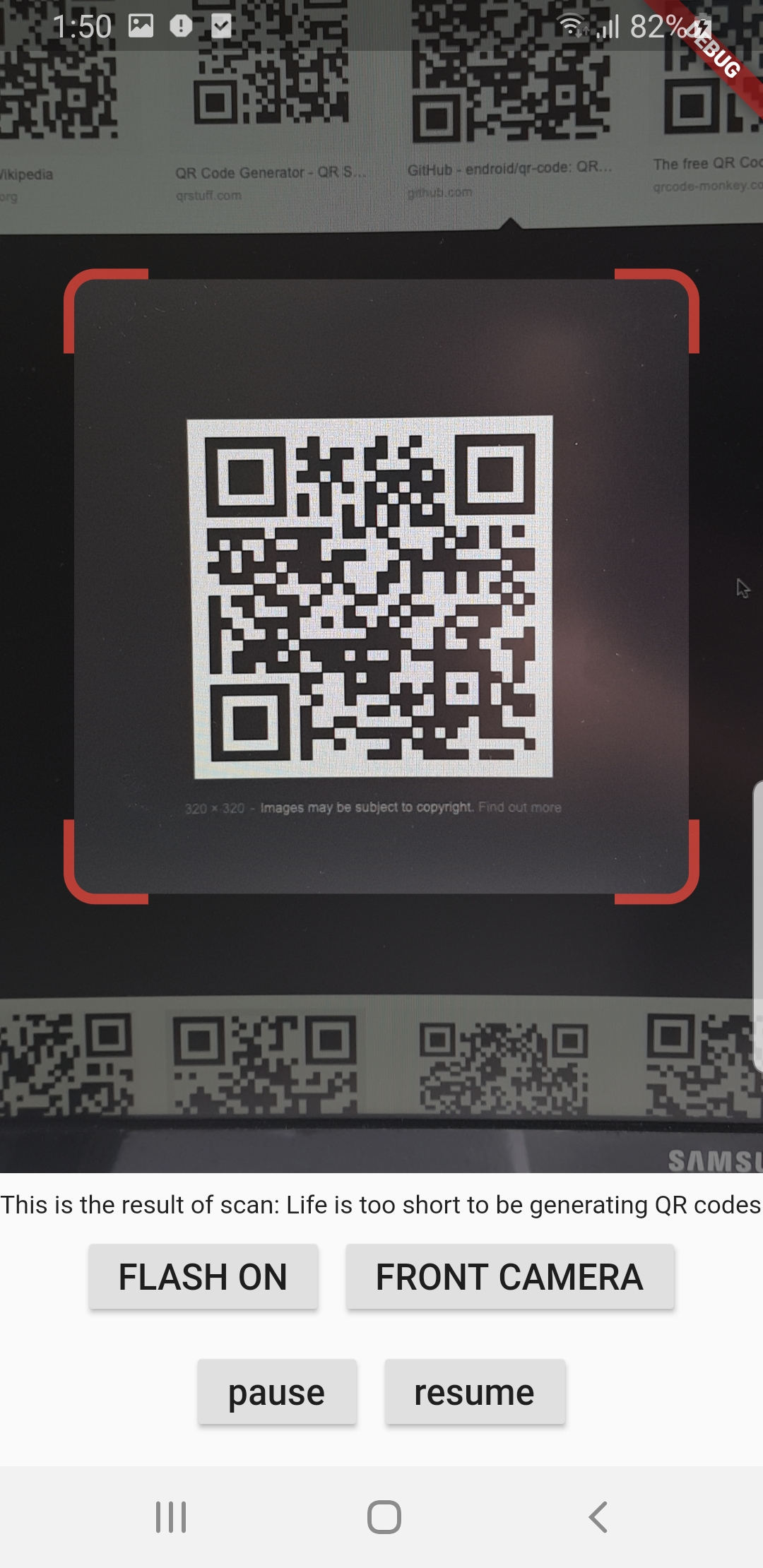
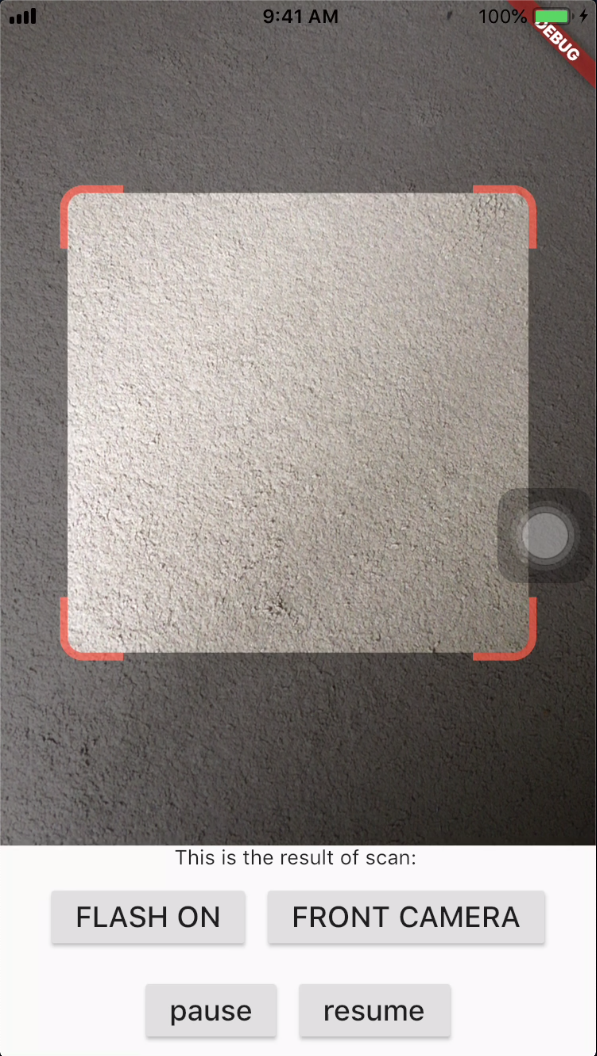
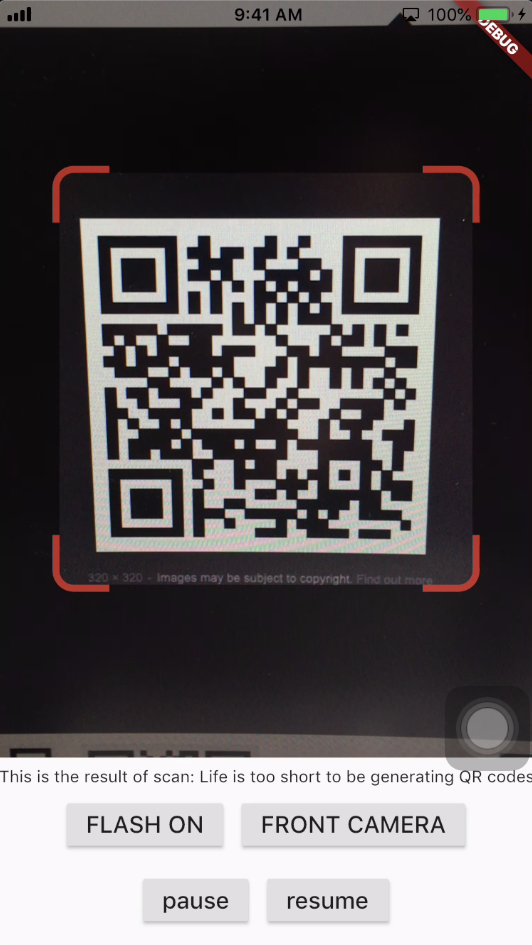
Screenshots
Android
iOS
Get Scanned QR Code
When a QR code is recognized, the text identified will be set in 'result' of type Barcode, which contains the output text as property 'code' of type String and scanned code type as property 'format' which is an enum BarcodeFormat, defined in the library.
class_QRViewExampleStateextendsState<QRViewExample> {
finalGlobalKey qrKey = GlobalKey(debugLabel: 'QR');
Barcode? result;
QRViewController? controller;
// In order to get hot reload to work we need to pause the camera if the platform// is android, or resume the camera if the platform is iOS.@overridevoidreassemble() {
super.reassemble();
if (Platform.isAndroid) {
controller!.pauseCamera();
} elseif (Platform.isIOS) {
controller!.resumeCamera();
}
}
@overrideWidgetbuild(BuildContext context) {
returnScaffold(
body: Column(
children: <Widget>[
Expanded(
flex: 5,
child: QRView(
key: qrKey,
onQRViewCreated: _onQRViewCreated,
),
),
Expanded(
flex: 1,
child: Center(
child: (result != null)
? Text(
'Barcode Type: ${describeEnum(result!.format)} Data: ${result!.code}')
: Text('Scan a code'),
),
)
],
),
);
}
void_onQRViewCreated(QRViewController controller) {
this.controller = controller;
controller.scannedDataStream.listen((scanData) {
setState(() {
result = scanData;
});
});
}
@overridevoiddispose() {
controller?.dispose();
super.dispose();
}
}
Android Integration
In order to use this plugin, please update the Gradle, Kotlin and Kotlin Gradle Plugin:
In android/build.gradle change ext.kotlin_version = '1.3.50' to ext.kotlin_version = '1.5.10'
In android/build.gradle change classpath 'com.android.tools.build:gradle:3.5.0' to classpath 'com.android.tools.build:gradle:4.2.0'
In android/gradle/wrapper/gradle-wrapper.properties change distributionUrl=https\://services.gradle.org/distributions/gradle-5.6.2-all.zip to distributionUrl=https\://services.gradle.org/distributions/gradle-6.9-all.zip
In android/app/build.gradle change
defaultConfig{...minSdkVersion 16} to
defaultConfig{...minSdkVersion 20}
Warning
If you are using Flutter Beta or Dev channel (1.25 or 1.26) you can get the following error:
Please note: on web, only QR codes are supported. Other barcodes and 2D codes cannot be scanned.
Web support is in very early stage. Features such as flash, pause or resume are not implemented. Moreover, the camera
preview does not respect the surrounding constraints. This is not at last due to Flutter's early state of platform views
on web.
Flip Camera (Back/Front)
The default camera is the back camera.
await controller.flipCamera();
Flash (Off/On)
By default, flash is OFF.
await controller.toggleFlash();
Resume/Pause
Pause camera stream and scanner.
await controller.pauseCamera();
Resume camera stream and scanner.
await controller.resumeCamera();
SDK
Requires at least SDK 20.
Requires at least iOS 8.
TODOs
iOS Native embedding is written to match what is supported in the framework as of the date of publication of this package. It needs to be improved as the framework support improves.
In future, options will be provided for default states.
Finally, I welcome PR's to make it better :), thanks