sms_autofill 패키지는 Android 및 iOS에서 SMS 인증 코드를 자동으로 감지하고 채우는 데 사용되는 Flutter 플러그인입니다. SMS로 전송된 일회용 비밀번호(OTP)를 자동으로 추출함으로써 인증 프로세스 중 사용자 경험을 단순화하고 수동 입력 오류를 줄이며 전환율을 향상시킵니다. 이 플러그인은 OTP 입력을 위한 텍스트 필드와 원활하게 통합되며, 플랫폼별 API를 활용하여 도착한 메시지를 감지하고 프로그래밍 방식으로 필드를 채웁니다.
사용 사례
로그인 흐름에서 자동 OTP 입력
계정 인증 시 사용자 번거로움 줄이기
양식 완료율 향상
양자리 인증을 지원합니다
SMS 코드를 사용한 빠른 가입 활성화
주요 기능
자동 SMS 코드 감지
크로스 플랫폼 지원 (Android 및 iOS)
TextFormField과의 원활한 통합
최소한의 설정 필요
수신 메시지에서 실시간 코드 추출
적합한 대상
OTP 입력을 요구하는 인증 화면
SMS 기반 2단계 인증을 사용하는 앱
전화 인증이 있는 사용자 온보딩 흐름
PIN/OTP 필드의 사용자 경험을 향상시키고자 하는 개발자
양식 기각을 줄이려는 프로젝트
고려 사항
감지하기 위해 적절한 SMS 메시지 형식이 필요합니다
모든 기기 또는 통신사에서 작동하지 않을 수 있습니다
자동으로 채워지는 메시지에 대한 제어가 제한되어 있음
플랫폼 수준의 SMS 권한에 따라 다릅니다
모든 에뮬레이터 환경에서 작동할 것이라고 보장할 수 없습니다
원본 README
연결된 소스 저장소의 README 원문 스냅샷입니다. 최신 내용은 저장소에서 확인하세요.
sms_autofill
Flutter plugin to provide SMS code autofill support.
For iOS, this package is not needed as the SMS autofill is provided by default, but not for Android, that's where this package is useful.
No permission to read SMS messages is asked to the user as there no need thanks to SMSRetriever API.
Usage
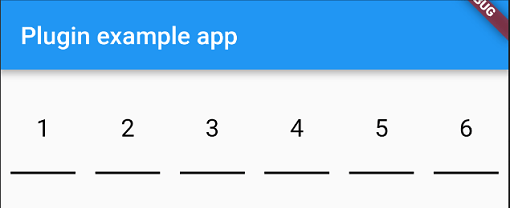
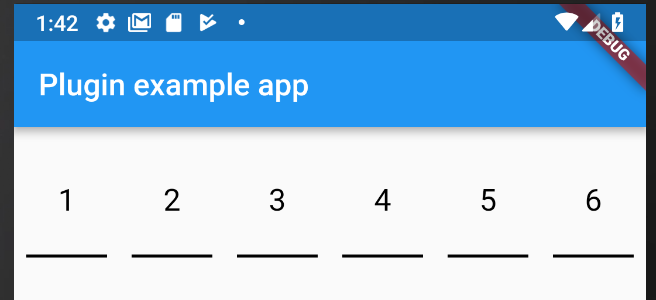
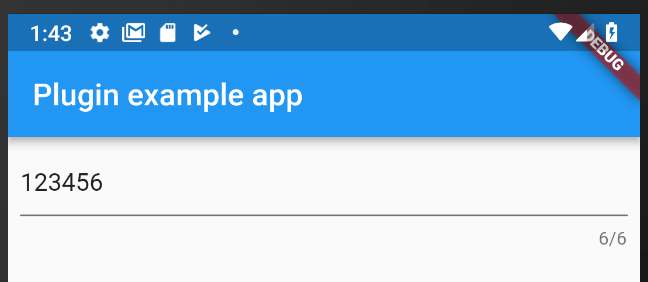
You have two widgets at your disposable for autofill an SMS code, PinFieldAutoFill and TextFieldPinAutoFill.
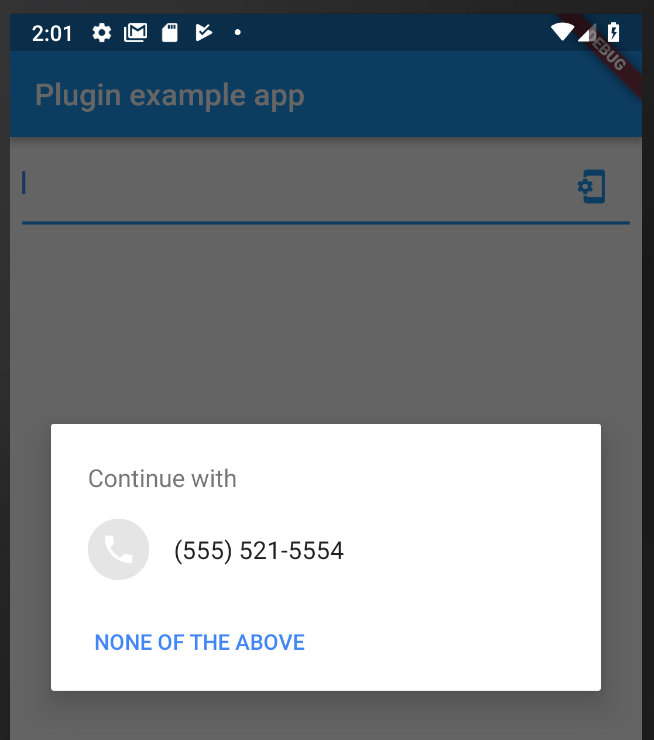
Just before you sent your phone number to the backend, you need to let the plugin know that it needs to listen for the SMS with the code.
To do that you need to do:
awaitSmsAutoFill().listenForCode();
This will listen for the SMS with the code during 5 minutes and when received, autofill the following widget.
PinFieldAutoFill
PinFieldAutoFill(
                decoration: // UnderlineDecoration, BoxLooseDecoration or BoxTightDecoration see https://github.com/TinoGuo/pin_input_text_field for more info,
                currentCode: // prefill with a code
                onCodeSubmitted: //code submitted callback
                onCodeChanged: //code changed callback
                codeLength: //code length, default 6
              ),