패키지, 저장소 및 앱 카테고리 검색

stories_editor 표지
패키지 상세v0.2.2

stories_editor

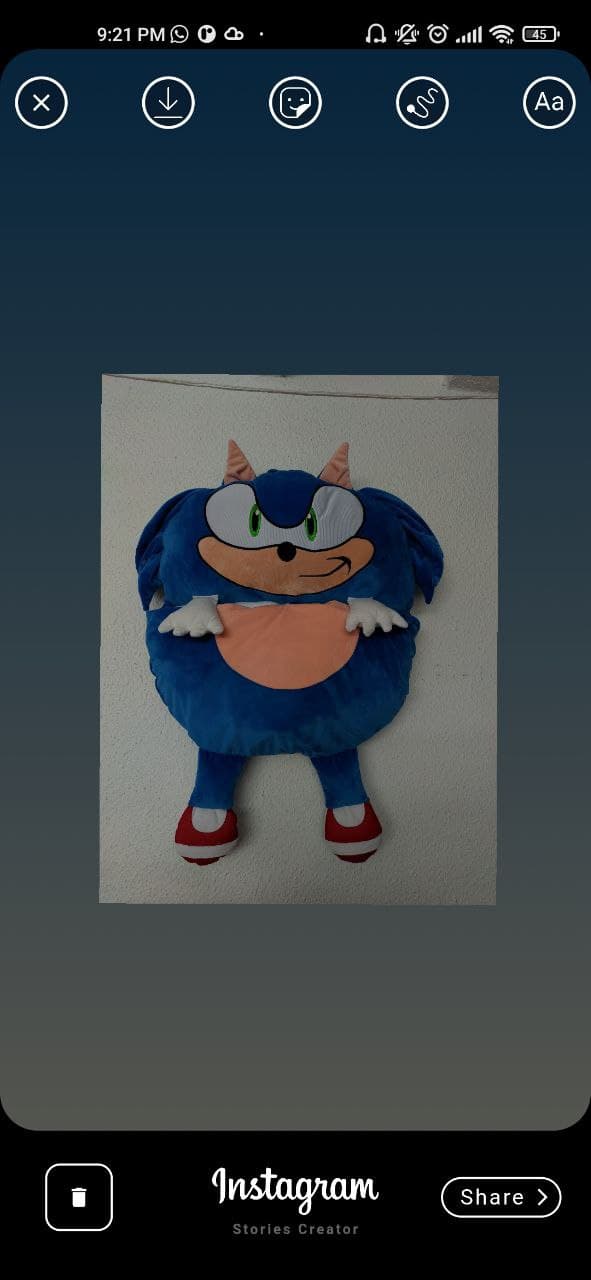
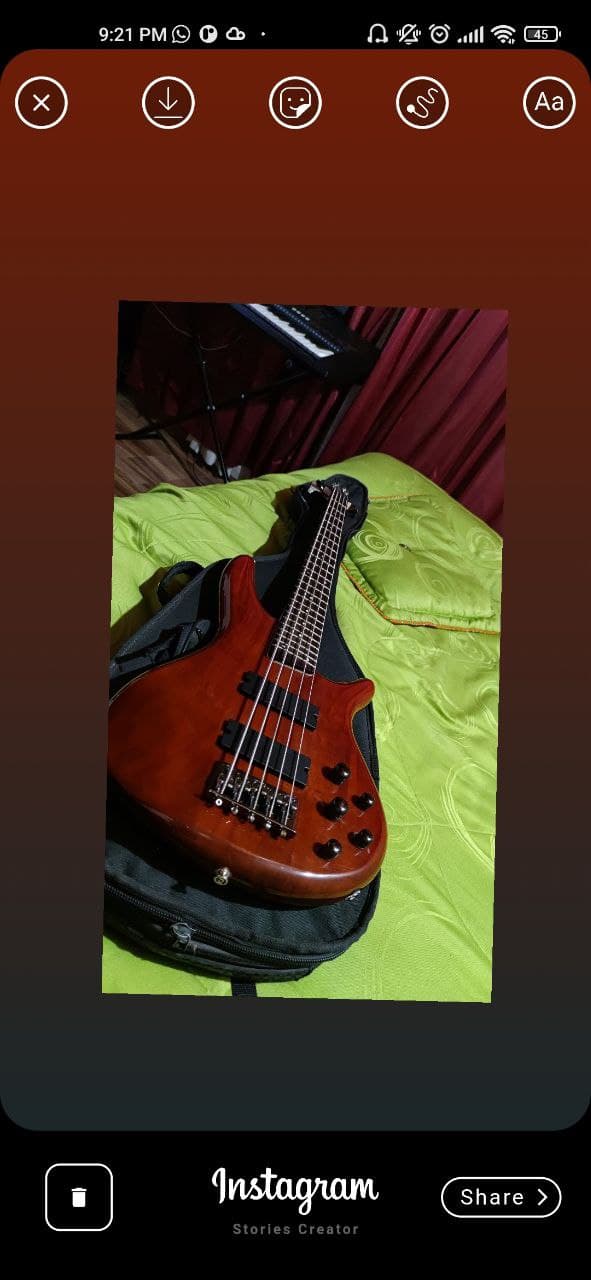
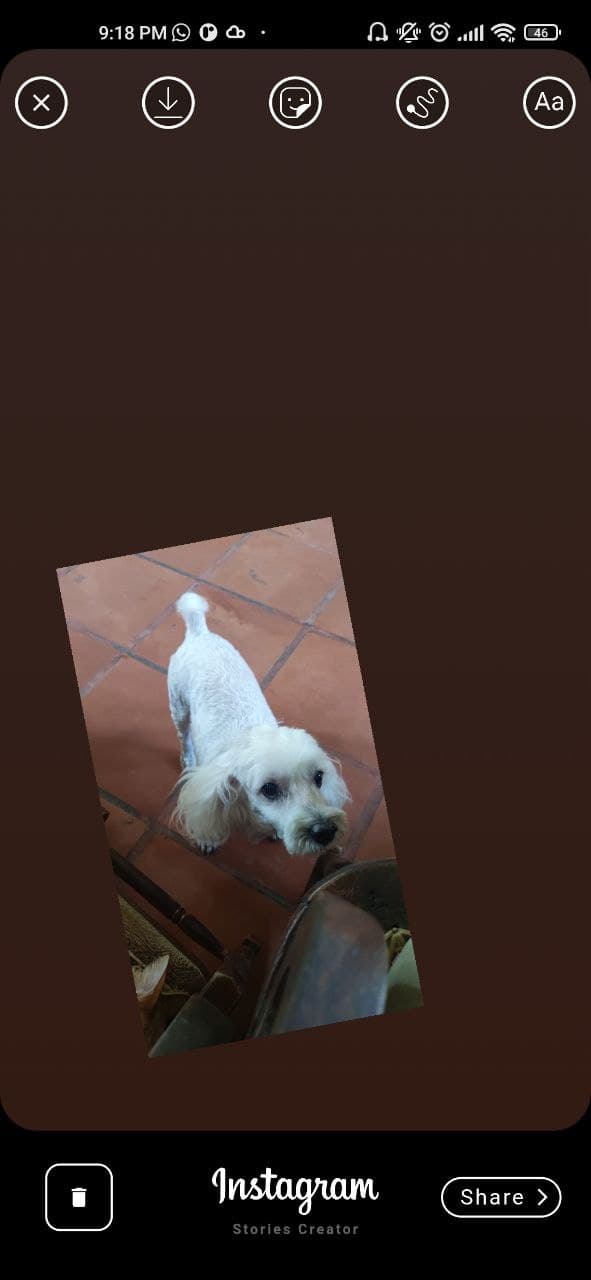
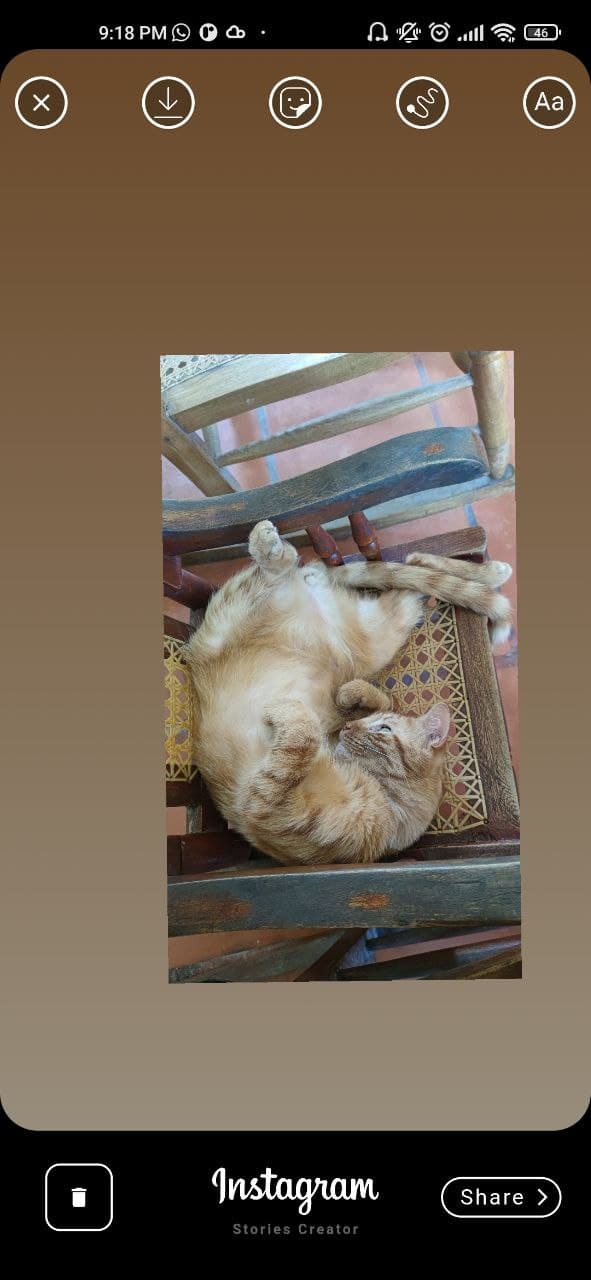
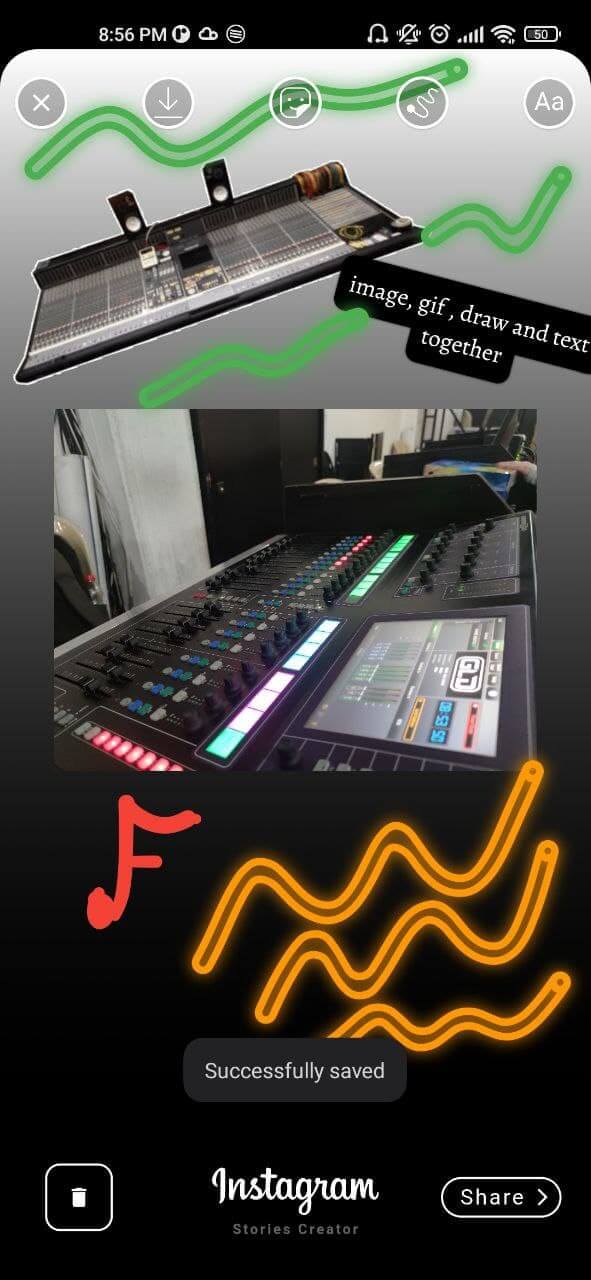
이 패키지는 인스타그램 스토리 생성기의 스타일로 만들어졌으며, 이미지, 텍스트, 스티커(GIF), 손가락으로 그린 그림을 포함한 이미지를 만들 수 있습니다.

30일 다운로드
45
좋아요
108
Pub 점수
55

패키지 설치

flutter pub add stories_editor

패키지 개요

공개 정보를 바탕으로 생성한 선택 가이드입니다.

stories_editor 패키지는 Flutter 앱 내에서 인스타그램 스타일의 스토리를 생성할 수 있도록 해줍니다. 이미지, 텍스트, 애니메이션 스티커(GIF), 손가락 입력을 통한 자유로운 그림 그리기 기능을 지원합니다. 멀티미디어 편집을 위해 설계되어 실시간 구성, 사용자 맞춤 설정 및 스토리 내보내기를 가능하게 합니다. 소셜 미디어 기능, 콘텐츠 제작 도구 또는 상호작용형 스토리텔링 앱에 이상적입니다. 단순성과 성능에 중점을 두고 개발되어 기존의 Flutter 프로젝트에 원활하게 통합될 수 있습니다.

사용 사례

  • 소셜 미디어 스토리 생성
  • 사용자 생성 콘텐츠 도구
  • 인터랙티브 스토리텔링 앱
  • 오버레이를 사용한 사진 편집
  • 실시간 그림 기능
  • 애니메이션 스티커 통합

주요 기능

  • 이미지 오버레이 지원
  • 스타일링이 적용된 텍스트 추가
  • 애니메이션 GIF 스티커
  • 손가락 그림 캔버스
  • 실시간 미리보기
  • 내보내기 및 저장 기능

적합한 대상

  • 소셜 앱을 개발하는 개발자
  • 스토리 도구가 필요한 콘텐츠 창작자
  • 다중미디어 편집이 필요한 앱
  • Flutter 초보자가 UI 구성 요소 탐색 중
  • 상호작용 그림이 필요한 프로젝트

고려 사항

  • 제한된 플랫폼 지원(지정된 플랫폼 없음)
  • 이미지/GIF 자산의 수동 처리가 필요합니다
  • 복잡한 조합에 따라 성능이 달라질 수 있습니다
  • 내장 압축 옵션이 언급되지 않음
  • 외부 자산 관리에 의존

원본 README

연결된 소스 저장소의 README 원문 스냅샷입니다. 최신 내용은 저장소에서 확인하세요.

I won't be giving support or any update for a while beacuse i don't have time to spend in this project.

Flutter version 3.3.6

Previous branches was deleted (4-Nov-2022)

if you want to make a ull request you must be using the new "main" branch, the problems with gallery, overflow design were solved and the function to create Gif / mp4 was removed due to performance issues.

flutter stories editor

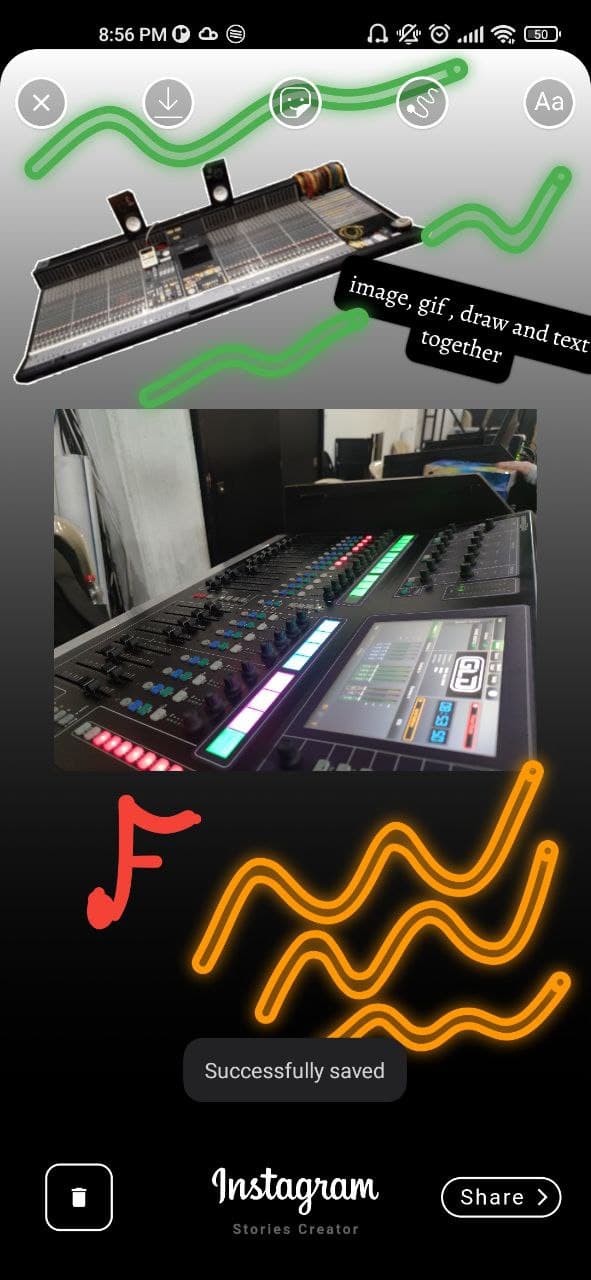
This is a package created in the style of the instagram story creator, with which you can create images with images, texts, stickers (Gifs), finger drawing. They can be exported as an image to the gallery or shared directly to social networks.

Features

[✔️] Draggable image

[✔️] Draggable text

[✔️] Draggable Gif/Sticker (giphy API)

[✔️] Gradient container background

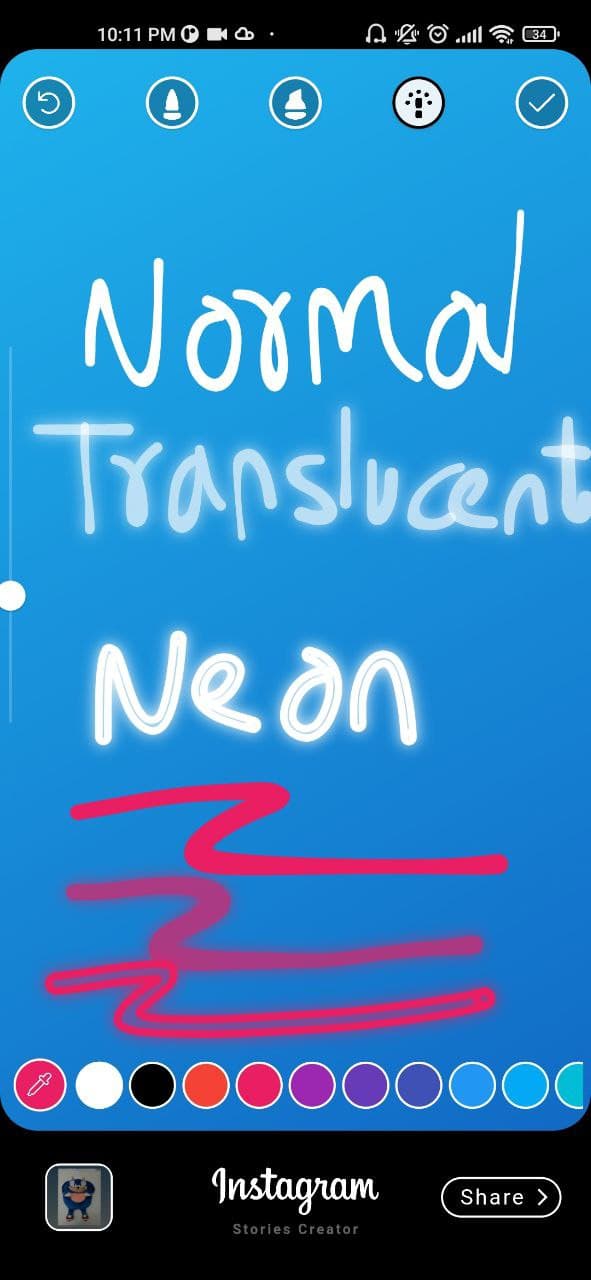
[✔️] Finger painting (normal/translucent/neon)

[✔️] Custom colors, gradients and font families

[✔️] Custom gallery picker (own package => gallery_media_picker)

[✔️] Save draft as image

[✔️] Get draft local path uri

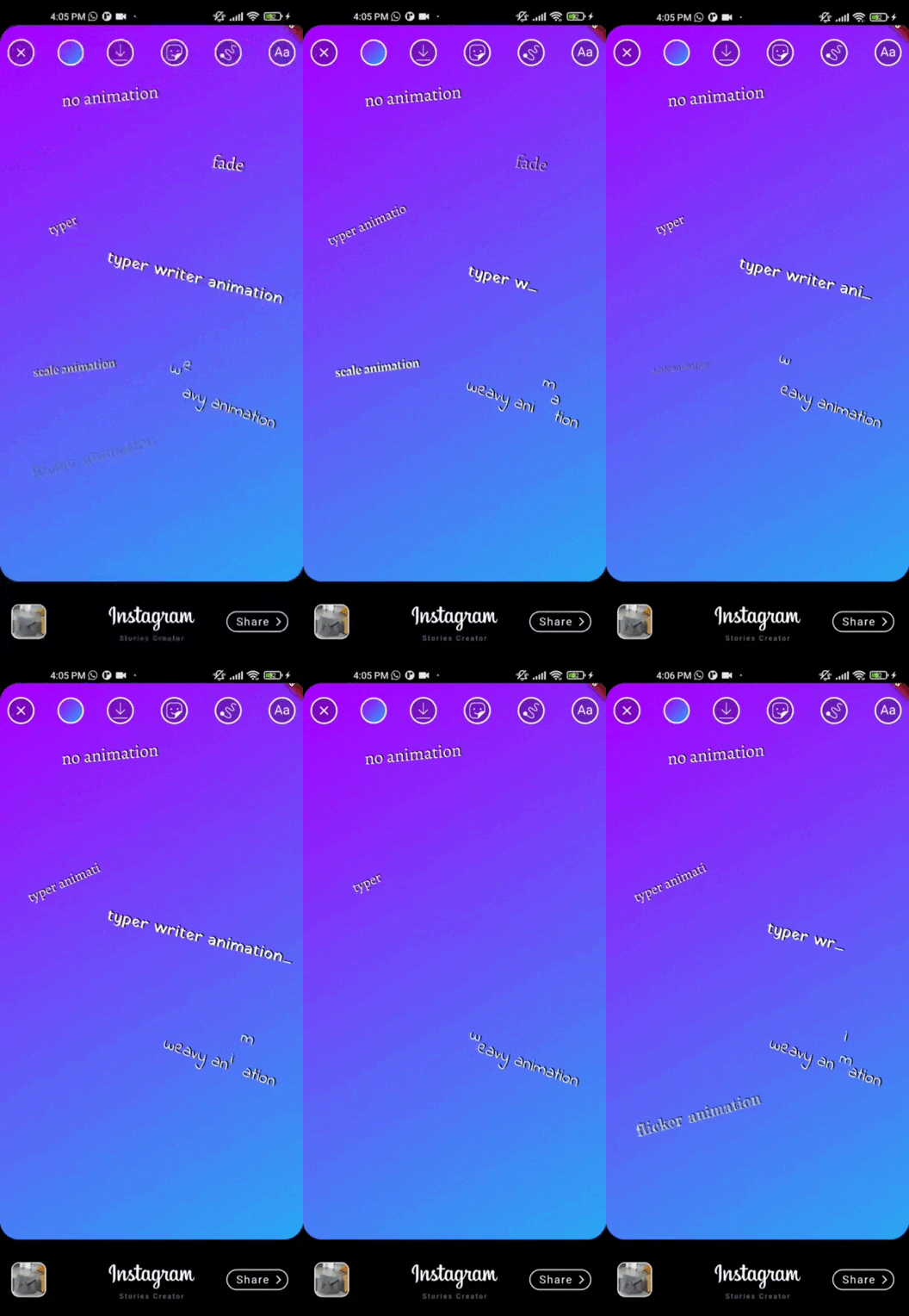
[✔️] Text animations => animated_text_kit

Future features

[❌] Save draft as a gif / video

[❌] Color filters

Demo

If you don't see the images go to the github repository and by the way give me a star :D

showcase gif showcase gif

Installation

This package has been tested in Android and ios, some features works on flutter web

Add stories_editor: 0.1.8 to your pubspec.yaml dependencies and then import it.

import 'package:stories_editor/stories_editor.dart';

How to use

  1. Android

    add uses-permission AndroidMAnifest.xml file

     <uses-permission android:name="android.permission.READ_EXTERNAL_STORAGE" />
     <uses-permission android:name="android.permission.WRITE_EXTERNAL_STORAGE"
         android:maxSdkVersion="31" />
     <uses-permission android:name="android.permission.MANAGE_EXTERNAL_STORAGE" />
     <uses-permission android:name="android.permission.INTERNET" />
     <uses-permission android:name="android.permission.VIBRATE"/>
    
    ios

    add this config to your config.plist

    <key>NSPhotoLibraryUsageDescription</key>
    <string>Privacy - Photo Library Usage Description</string>
    <key>NSMotionUsageDescription</key>
    <string>Motion usage description</string>
    <key>NSPhotoLibraryAddUsageDescription</key>
    <string>NSPhotoLibraryAddUsageDescription</string>
    
  2. Create a StoriesEditor() widget with the follow params:

StoriesEditor(
    giphyKey: '[YOUR GIPHY API KEY]', /// (String) required param
    onDone: (String uri){
      /// uri is the local path of final render Uint8List
      /// here your code
    },
    colorList: [] /// (List<Color>[]) optional param 
    gradientColors: [] /// (List<List<Color>>[]) optional param 
    middleBottomWidget: Container() /// (Widget) optional param, you can add your own logo or text in the bottom tool
    fontFamilyList: [] /// (List<String>) optional param
    isCustomFontList: '' /// (bool) if you use a own font list set value to "true"
    onDoneButtonStyle: Container() /// (Widget) optional param, you can create your own button style
    onBackPress: /// (Future<bool>) optional param, here you can add yor own style dialog
    editorBackgroundColor: /// (Color) optional param, you can define your own background editor color
    galleryThumbnailQuality: /// (int = 200) optional param, you can set the gallery thumbnail quality (higher is better but reduce the performance)
);

Example

import 'package:flutter/material.dart';
import 'package:provider/provider.dart';
import 'package:share_plus/share_plus.dart';
import 'package:stories_editor/stories_editor.dart';

void main() {
  runApp(const MyApp());
}

class MyApp extends StatelessWidget {
  const MyApp({Key? key}) : super(key: key);
  
  @override
  Widget build(BuildContext context) {
    return MaterialApp(
      title: 'Flutter stories editor Demo',
      theme: ThemeData(

        primarySwatch: Colors.blue,
      ),
      home: const Example(),
    );
  }
}

class Example extends StatefulWidget {
  const Example({Key? key}) : super(key: key);


  @override
  State<Example> createState() => _ExampleState();
}

class _ExampleState extends State<Example> {

  @override
  Widget build(BuildContext context) {
    return Scaffold(
        backgroundColor: Colors.black,
        resizeToAvoidBottomInset: false,
        body: Center(
          child: ElevatedButton(
            onPressed: (){
              Navigator.push(context, MaterialPageRoute(builder: (context) => StoriesEditor(
                giphyKey: '[HERE YOUR API KEY]',
                onDone: (uri){
                  debugPrint(uri);
                  Share.shareFiles([uri]);
                },
              ))
              );
            },
            child: const Text('Open Stories Editor'),
          ),
        )
    );
  }
}

Issues
  1. Issue of photo_View: photo_view#499 Issue log => To safely refer to a widget's ancestor in its dispose() method, save a reference to the ancestor by calling dependOnInheritedWidgetOfExactType() in the widget's didChangeDependencies() method.

ScreenShots

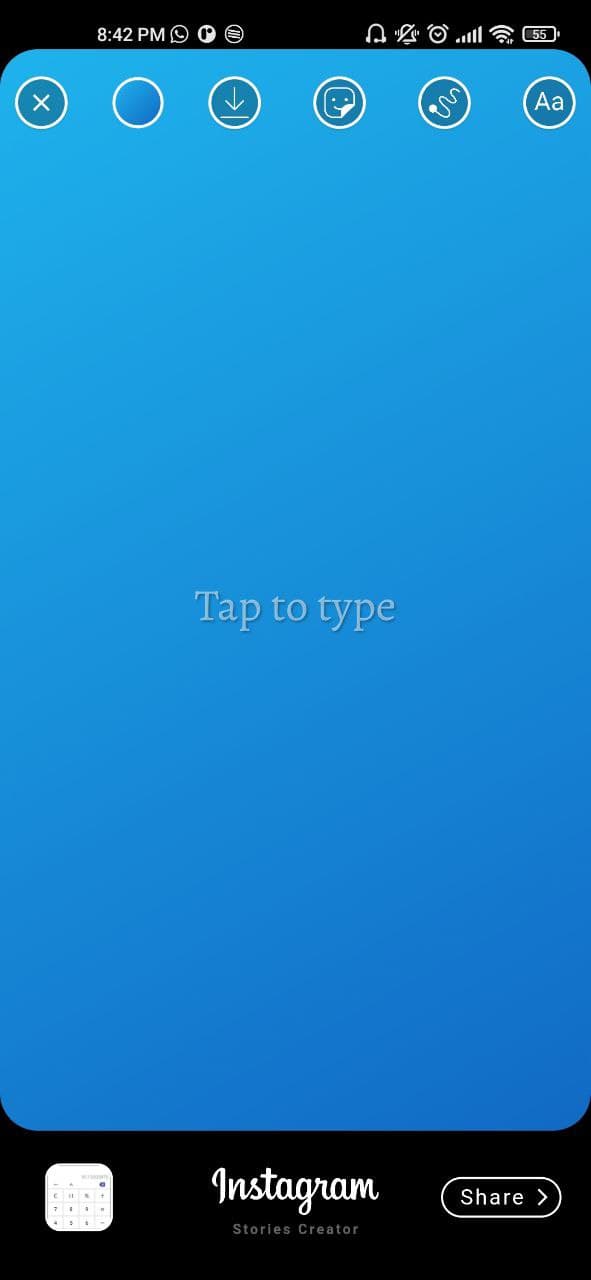
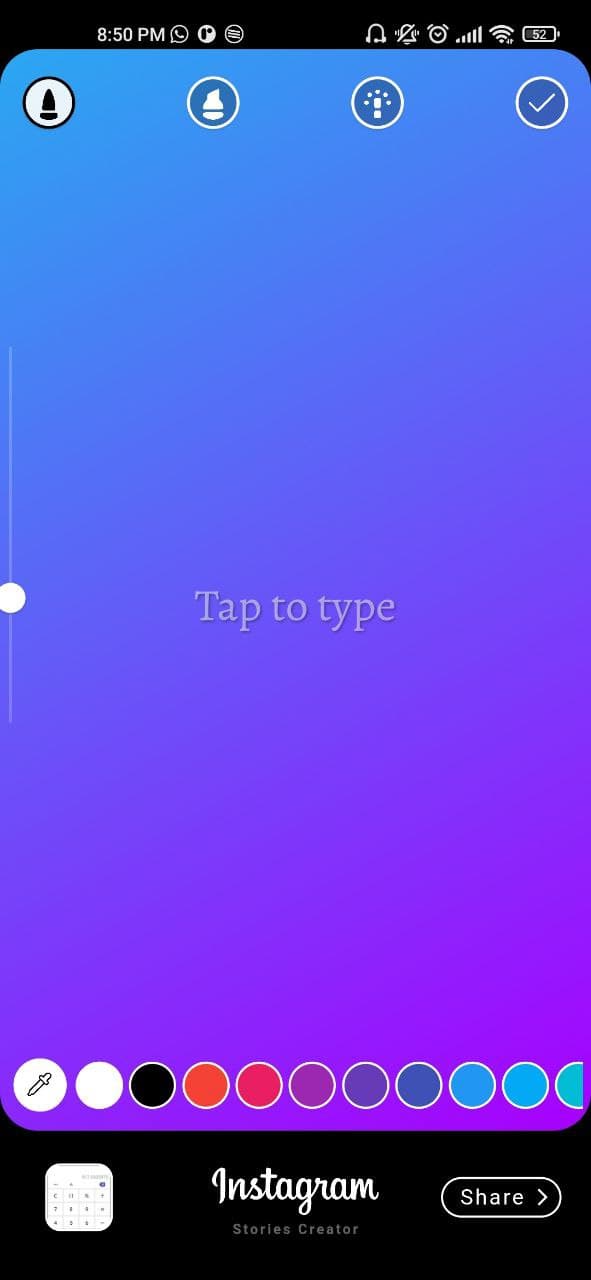
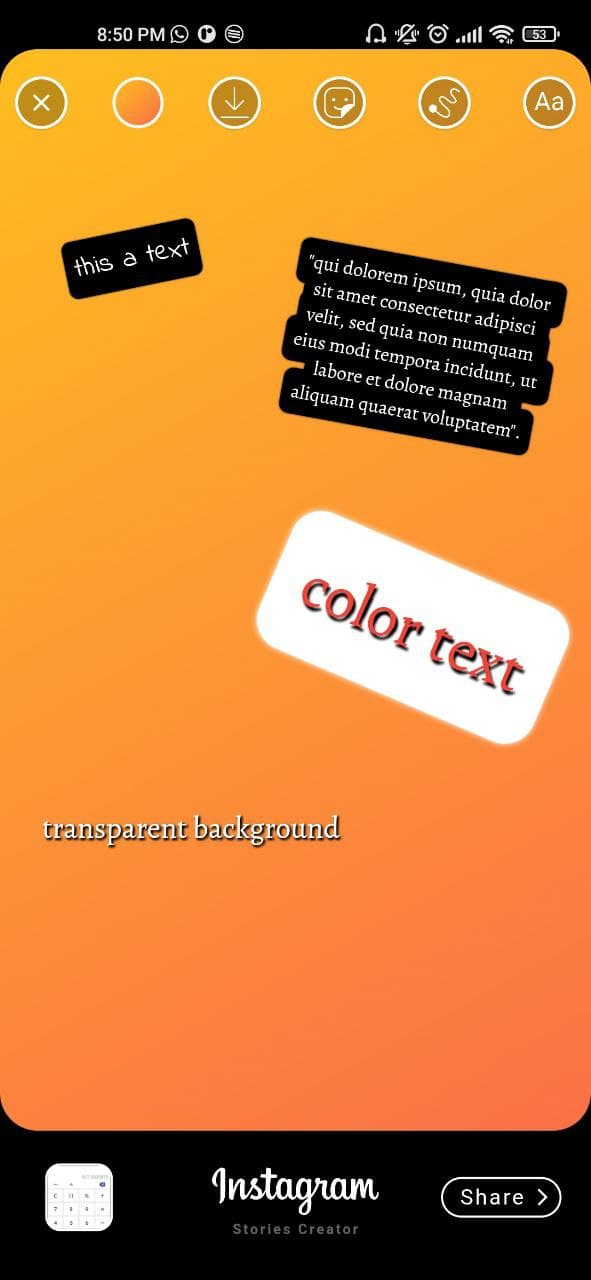
initial view

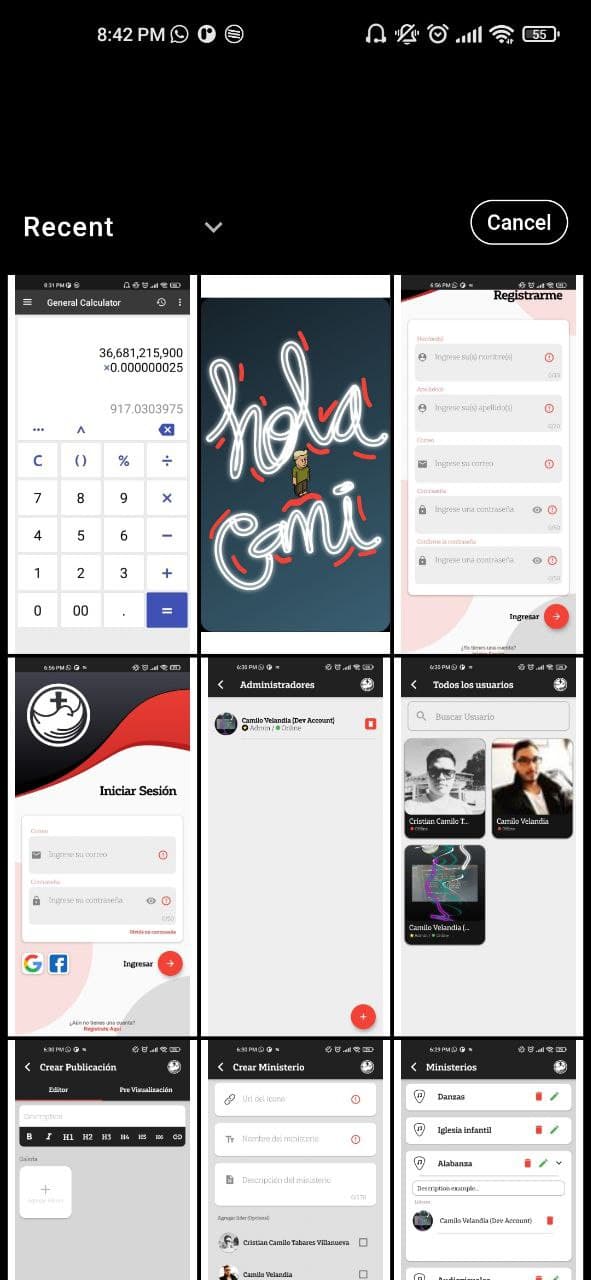
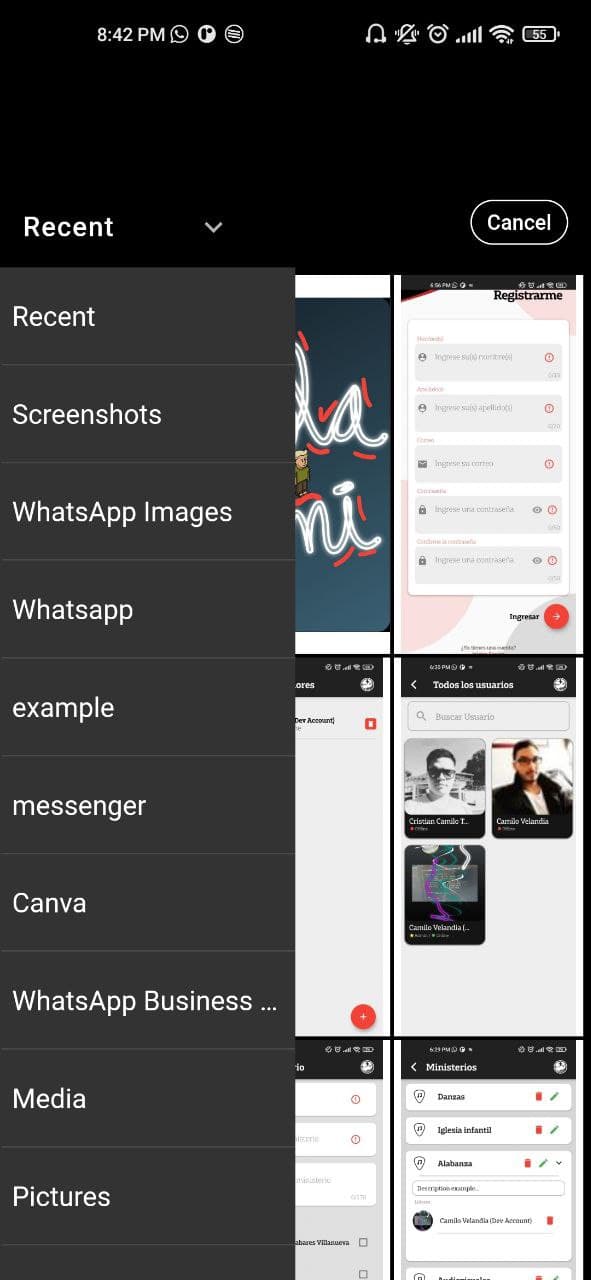
Custom image picker made with Photo_manager package

Gradient background taking image color pixel

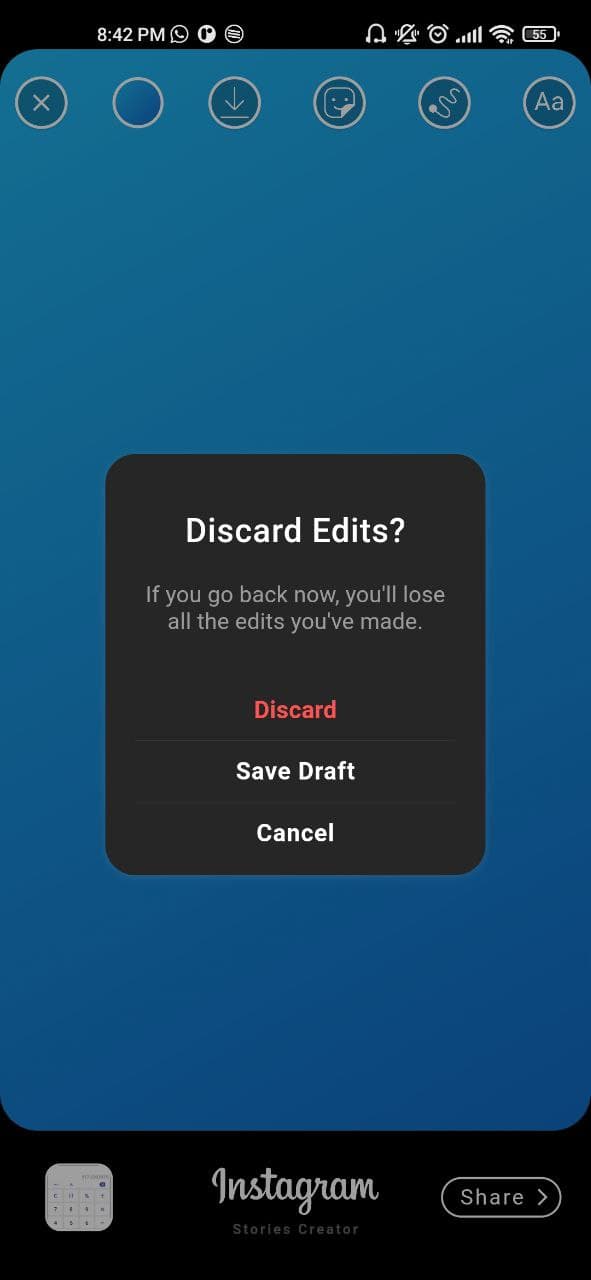
Exit Dialog

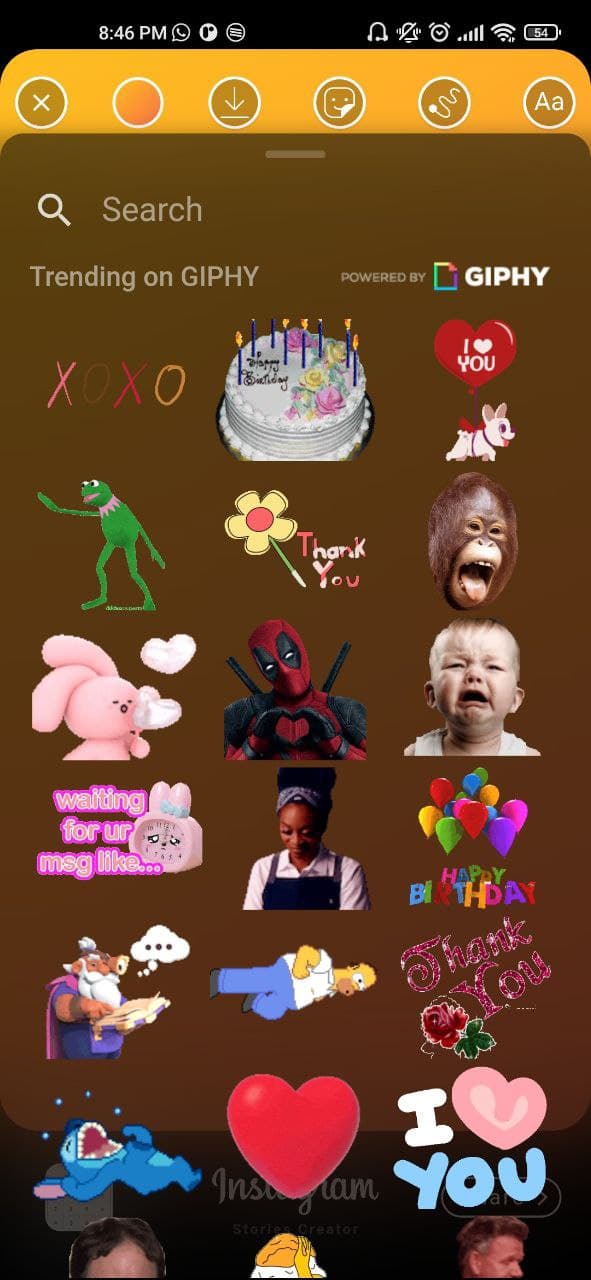
Custom Gif Picker made with a fork of Giphy_picker package

Custom finger Drawing made with perfect_freehand package

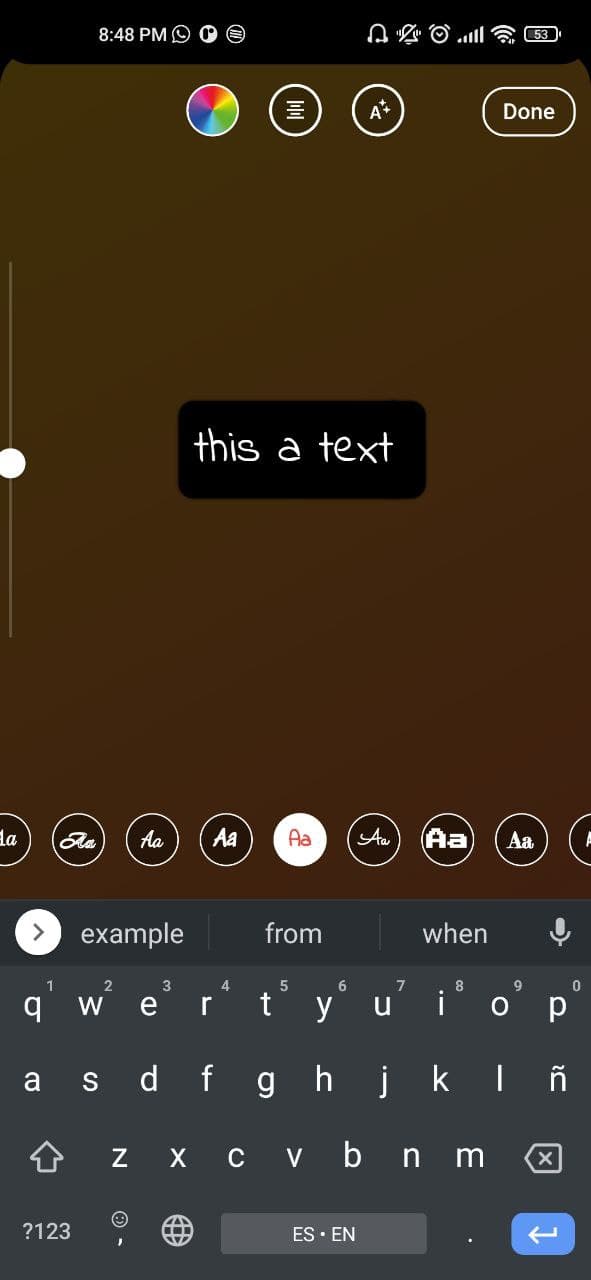
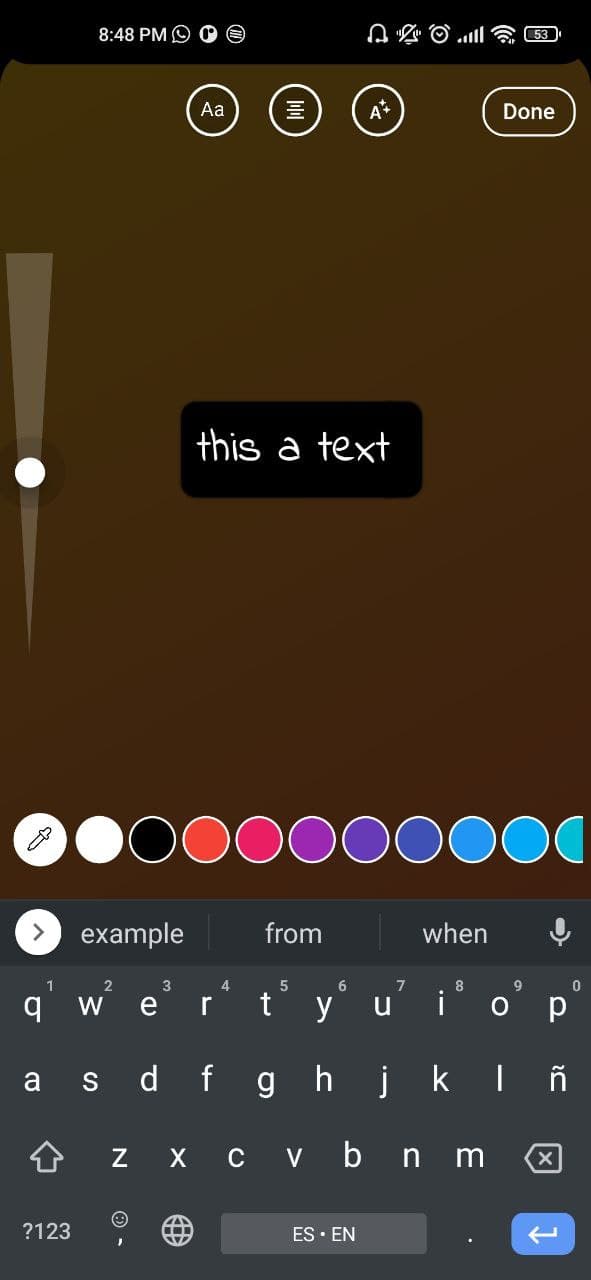
Text Editor

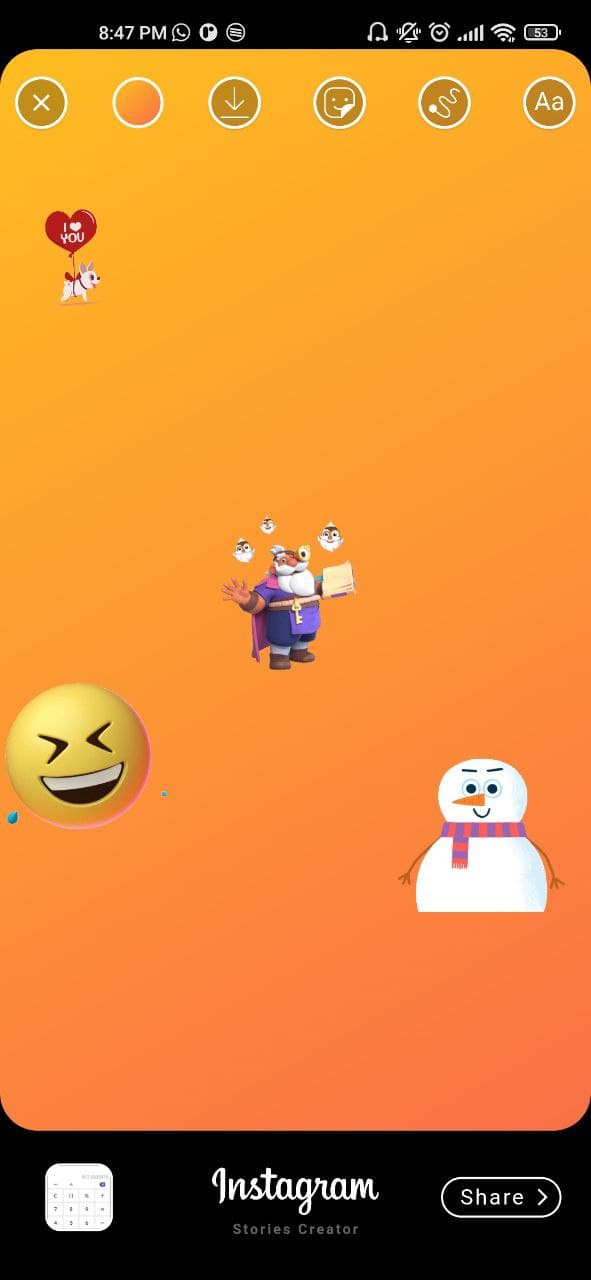
All features together

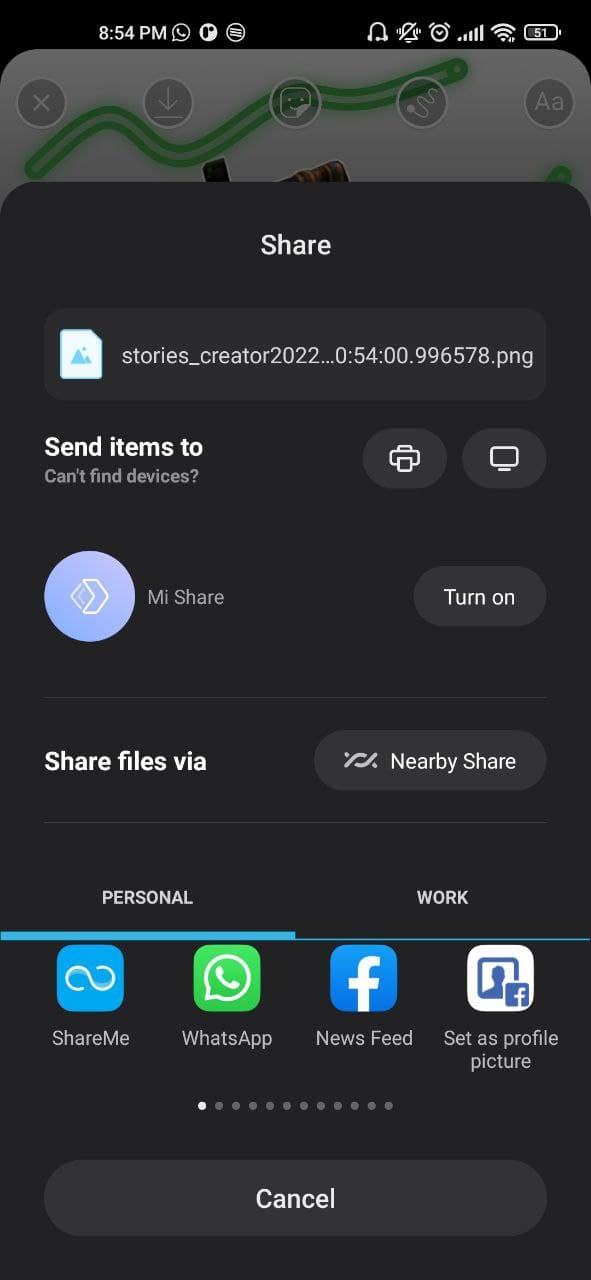
Share to social networks made with share_plus package

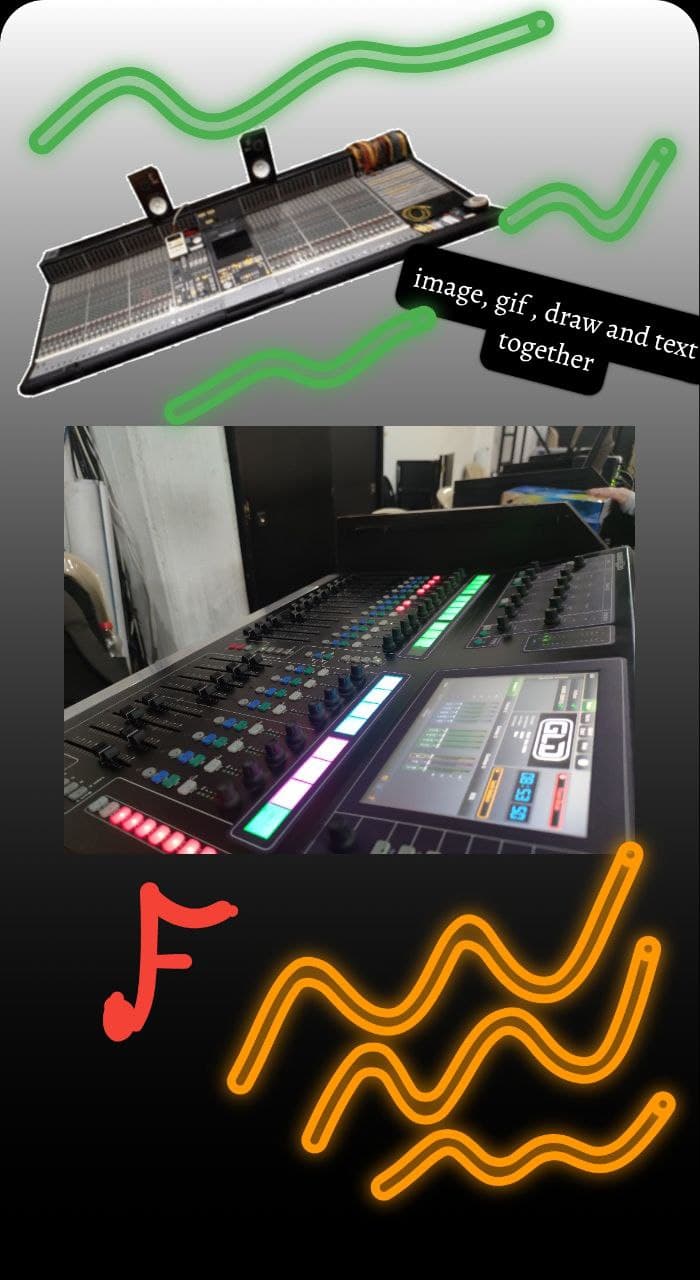
Saved image

카테고리

의존성

의존성 목록 12 개

소스 저장소

이 패키지를 사용하는 프로젝트