Aus öffentlichen Paketdaten erstellte Orientierung.
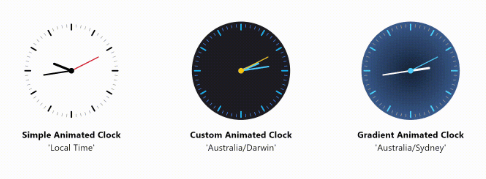
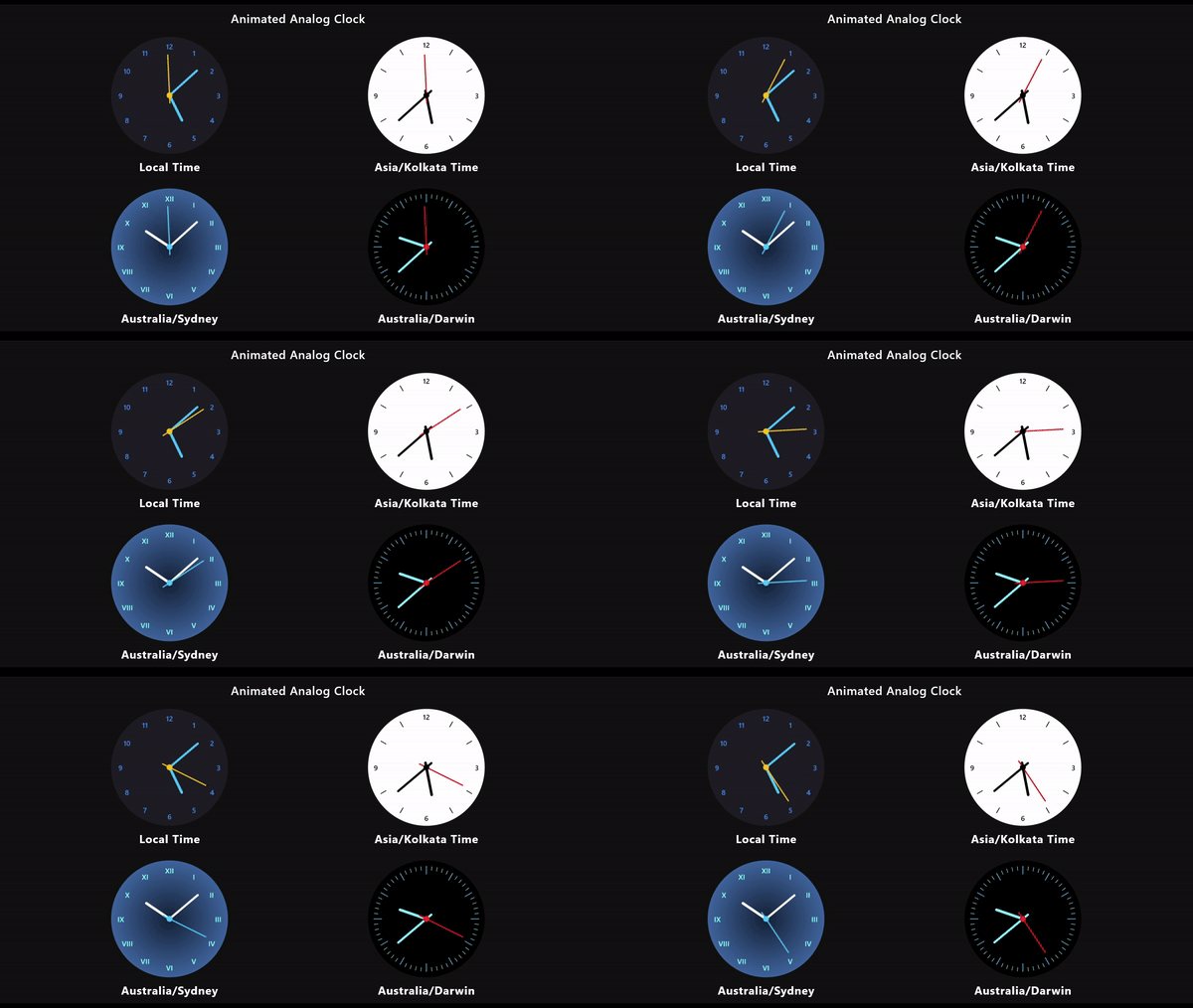
Ein anpassbarer und animierter Analoguhr-Widget für Flutter, der entwickelt wurde, um die Zeit mit fließenden Echtzeitanimationen auf mehreren Plattformen anzuzeigen. Er unterstützt verschiedene Stiloptionen für das Zifferblatt, die Zeiger und Markierungen, sodass Entwickler sein Aussehen an die App-Themen anpassen können. Der Widget aktualisiert sich dynamisch und sorgt für präzise Zeitmessung mit minimalem Leistungsaufwand. Ideal für Apps, die eine visuell ansprechende Zeitanzeige erfordern, wie beispielsweise Dashboards, Produktivitäts-Tools oder minimalistische Oberflächen.
Anwendungsfälle
Dashboard-Widgets
Produktivitäts-Apps
Minimale Benutzeroberflächen
Zeitverfolgungstools
Digitale-Wohlfühlanwendungen
Hauptmerkmale
Glatte Echtzeit-Animationen
Anpassbare Uhruhr und Zeiger
Plattformübergreifende Kompatibilität
Konfigurierbare Handstile und Farben
Automatische Zeitaktualisierungen
Leistungsstark und leichtgewichtig
Geeignet für
Entwickler, die zeitbasierte Apps erstellen
Designer, die elegante Uhlen-UIs suchen
Apps, die Echtzeit-Zeitanzeigen benötigen
Projekte für mehrere Plattformen
Benutzer, die eine einfache aber attraktive Uhr suchen
Hinweise
Kann zusätzliche Stilisierung für den Dunkelmodus erfordern
Die Leistung hängt von der Animations-Framerate ab
Beschränkt auf analoge Zeitanzeige
Nicht geeignet für reine digitale Zeitbedürfnisse
Die Anpassung erfordert möglicherweise Versuch und Irrtum, um das optimale Aussehen zu erzielen
Original-README
Originaler README-Schnappschuss aus dem verknüpften Quell-Repository. Aktuelle Inhalte finden Sie im Repository.
Flutter Animated Analog Clock
A customizable and animated analog clock widget.
This package provides a fully customizable analog clock widget that supports
animation for smooth transitions of clock hands. Users can customize various
aspects of the clock including size, colors, background, and more.
New in Version 0.2.2
Image Dial (New Feature)
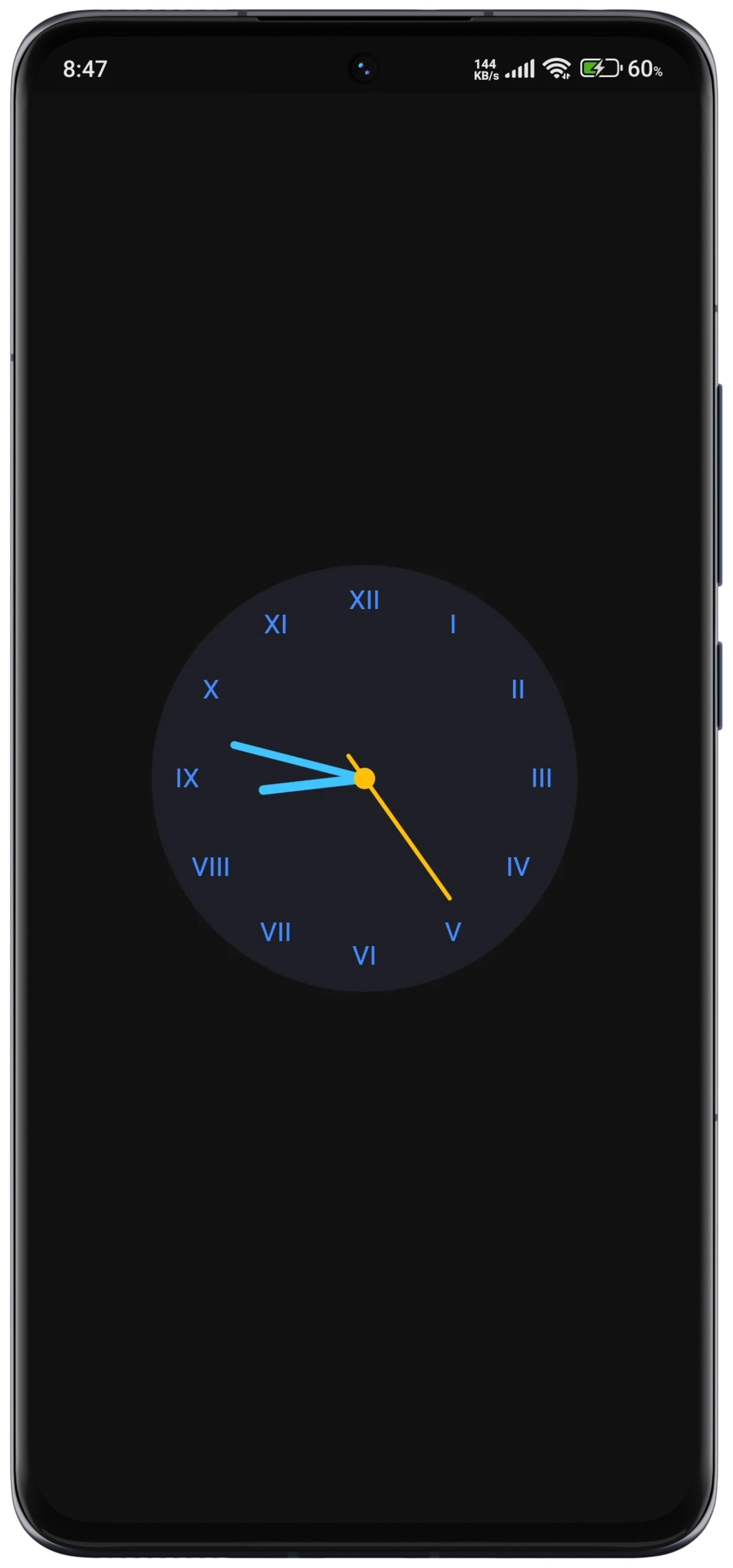
You can now use an Image Dial as the clock's face, allowing you to set a background image. This can be a network image or an asset image, making your analog clock even more visually appealing and customizable.
Customizable Design: Users can customize various aspects of the analog clock, including size, colors, background, and more, to match their app's design aesthetics.
Smooth Animations: The analog clock widget supports smooth animations for clock hands, providing a visually pleasing experience for users.
Timezone Support: The clock widget supports displaying time in different timezones, allowing users to customize the clock based on their location or preferences.
Timezone Support with Location Specification: Users can specify a location name, and the clock will display the time according to the timezone associated with that location. To find valid location names for timezones, check out the this documentation.
Lightweight and Efficient: The package is designed to be lightweight and efficient, ensuring smooth performance even on devices with limited resources.
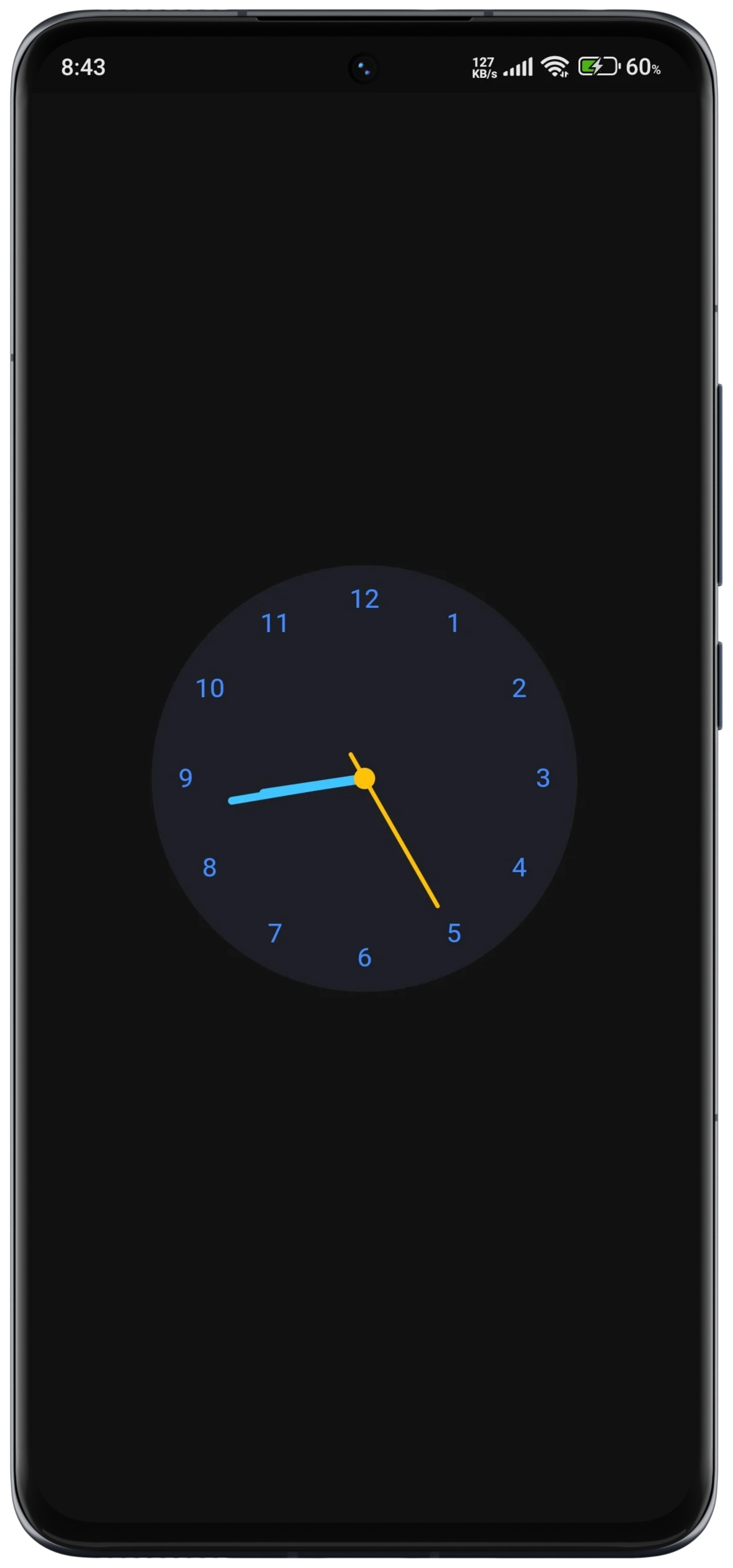
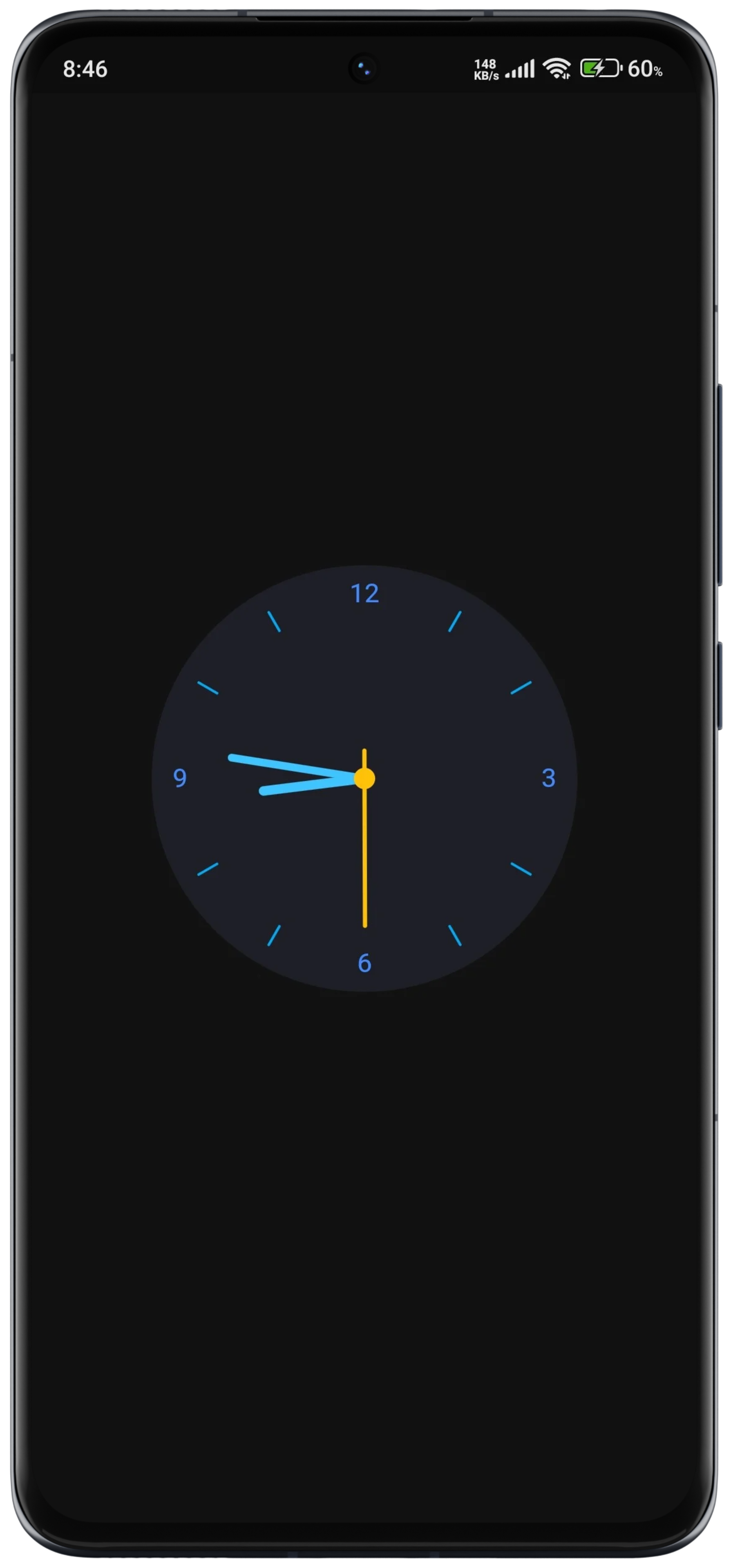
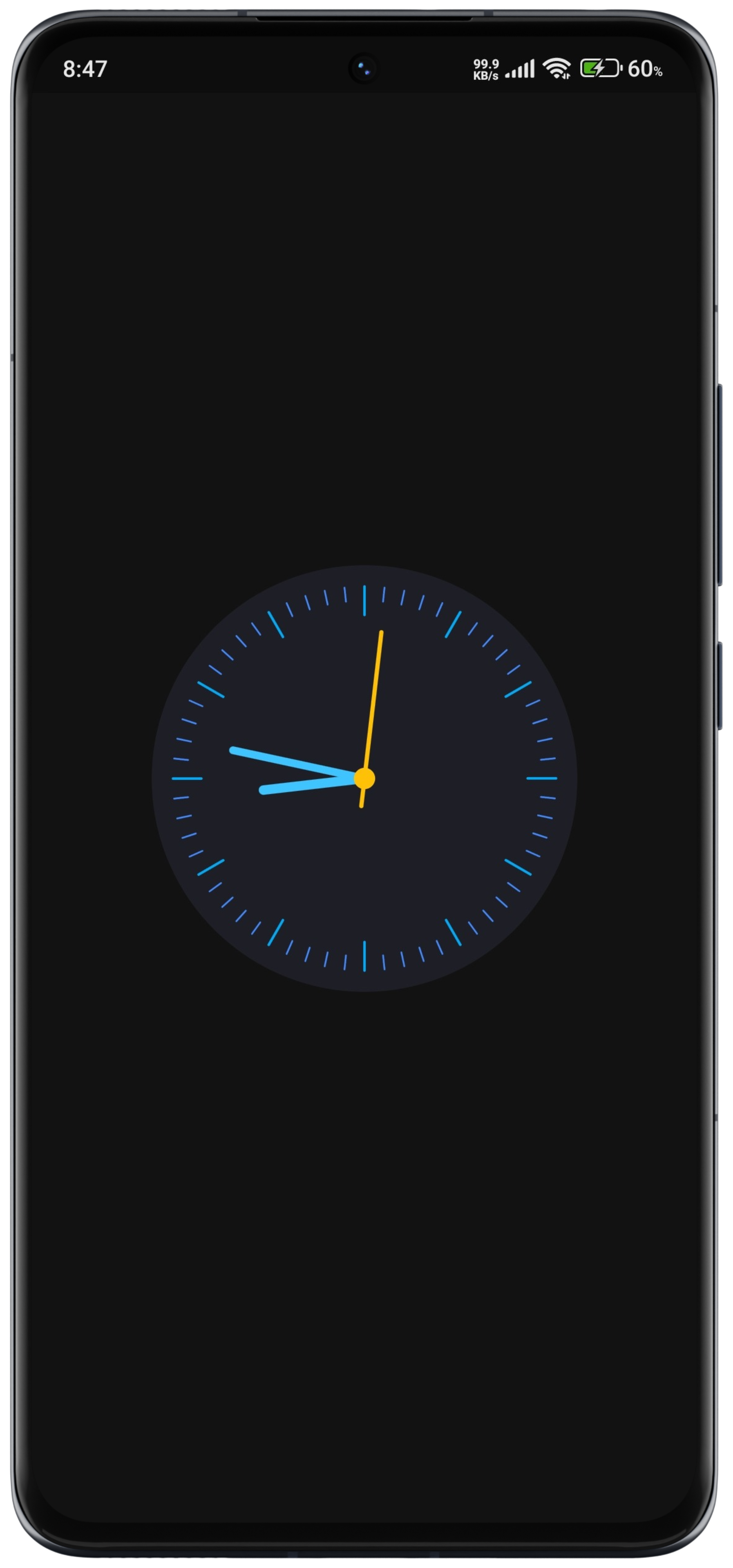
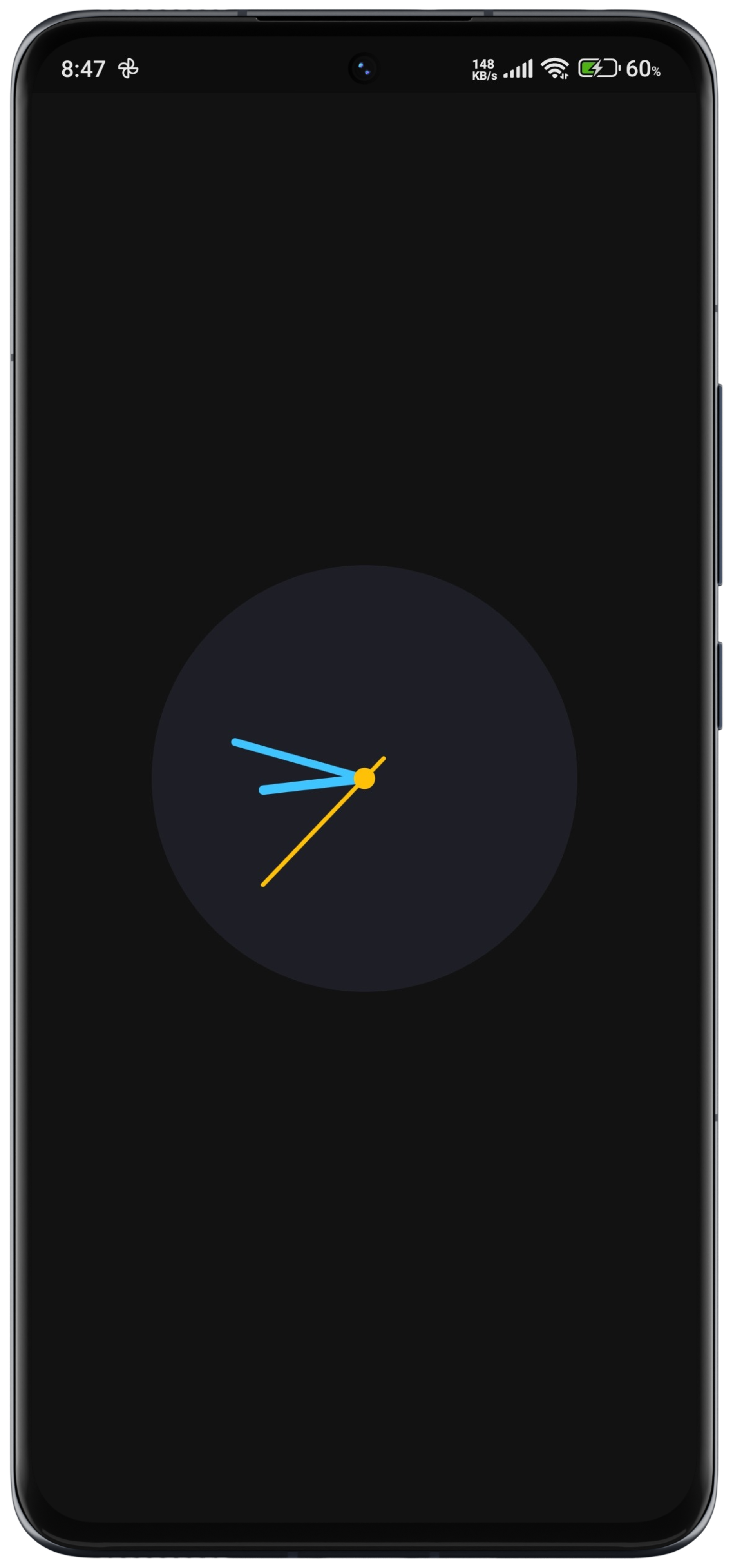
DialType Enum: Introduced the DialType enum to support different dial options: dashes, numbers, numberAndDashes, and none.
Usage
Basic Usage
constAnimatedAnalogClock()
Customization Options
AnimatedAnalogClock(
location: 'Australia/Darwin',
// Gradient Background if you want// backgroundGradient: RadialGradient(colors: []),// Set a network image as the background// backgroundImage: NetworkImage(// 'url',// ),// Alternatively, set an asset image as the background// backgroundImage: AssetImage(// 'path/to/your/asset/image.png',// ),
clock: () => DateTime.now(),
backgroundColor: Color(0xff1E1E26),
hourHandColor: Colors.lightBlueAccent,
minuteHandColor: Colors.lightBlueAccent,
secondHandColor: Colors.amber,
centerDotColor: Colors.amber,
hourDashColor: Colors.lightBlue,
minuteDashColor: Colors.blueAccent,
),
API Documentation
For detailed information about the classes and methods available in this package, refer to the API documentation.
Example
More examples can be found in the example/ folder.
License
This package is distributed under the MIT License. See the LICENSE file for details.
Contact
For questions, feedback, or suggestions regarding this package, please feel free to contact the author at [devhasanzaman@gmail.com](mailto:devhasanzaman@gmail.com).