Aus öffentlichen Paketdaten erstellte Orientierung.
Das external_app_launcher-Paket ist ein Flutter-Plugin, das Anwendungen ermöglicht, andere installierte Anwendungen auf Android- und iOS-Geräten zu öffnen. Es vereinfacht das Starten externer Anwendungen über ihre Paketnamen oder URLs und unterstützt Deep Linking sowie app-spezifische Intents. Dies ist besonders nützlich für die Integration mit nativen Apps wie Karten, Messaging- oder sozialen Plattformen. Das Plugin funktioniert nahtlos auf beiden Hauptmobilitätsplattformen und ist ideal zum Teilen von Inhalten oder zum Weiterleiten von Benutzern zu Drittanbieterdiensten. Es erfordert minimale Einrichtung und bietet zuverlässige plattformübergreifende Funktionalität.
Anwendungsfälle
Karten-Apps aus Standortdaten öffnen
Umleiten von Benutzern zu Messaging-Apps
Soziale Medien-Apps zum Teilen starten
Integration mit Zahlungs- oder E-Mail-Apps
Tiefverknüpfungen zu bestimmten App-Bildschirmen aktivieren
Hauptmerkmale
Unterstützt Android- und iOS-Plattformen
Einfache API zum Starten externer Apps
Verwaltet Paketnamen und URLs
Aktiviert Tiefverknüpfung
Plattformübergreifende Kompatibilität
Geeignet für
Apps, die App-Umleitung erfordern
Freigabefunktionen oder Integrationsfunktionen
Navigation zu Drittanbieterdiensten
Entwickler, die Hilfsprogramme erstellen
Projekte, die eine Absichtsverarbeitung erfordern
Hinweise
Benötigt korrekte Paketnamen oder URLs
Kann fehlschlagen, wenn die Ziel-App nicht installiert ist
Eingeschränkte Steuerung des Verhaltens der gestarteten App
Auf einigen Geräten können Berechtigungen erforderlich sein
Abhängig von der plattformspezifischen Implementierung
Original-README
Originaler README-Schnappschuss aus dem verknüpften Quell-Repository. Aktuelle Inhalte finden Sie im Repository.
Overview
A Flutter plugin which helps you to open another app from your app. The package asks you for four parameters out of which two are mandatory.
Getting Started
1. Add package to your project
Complete description to add this package to your project can be found here.
2. To setup native performance for the application in order to launch external apps
For opening apps in android
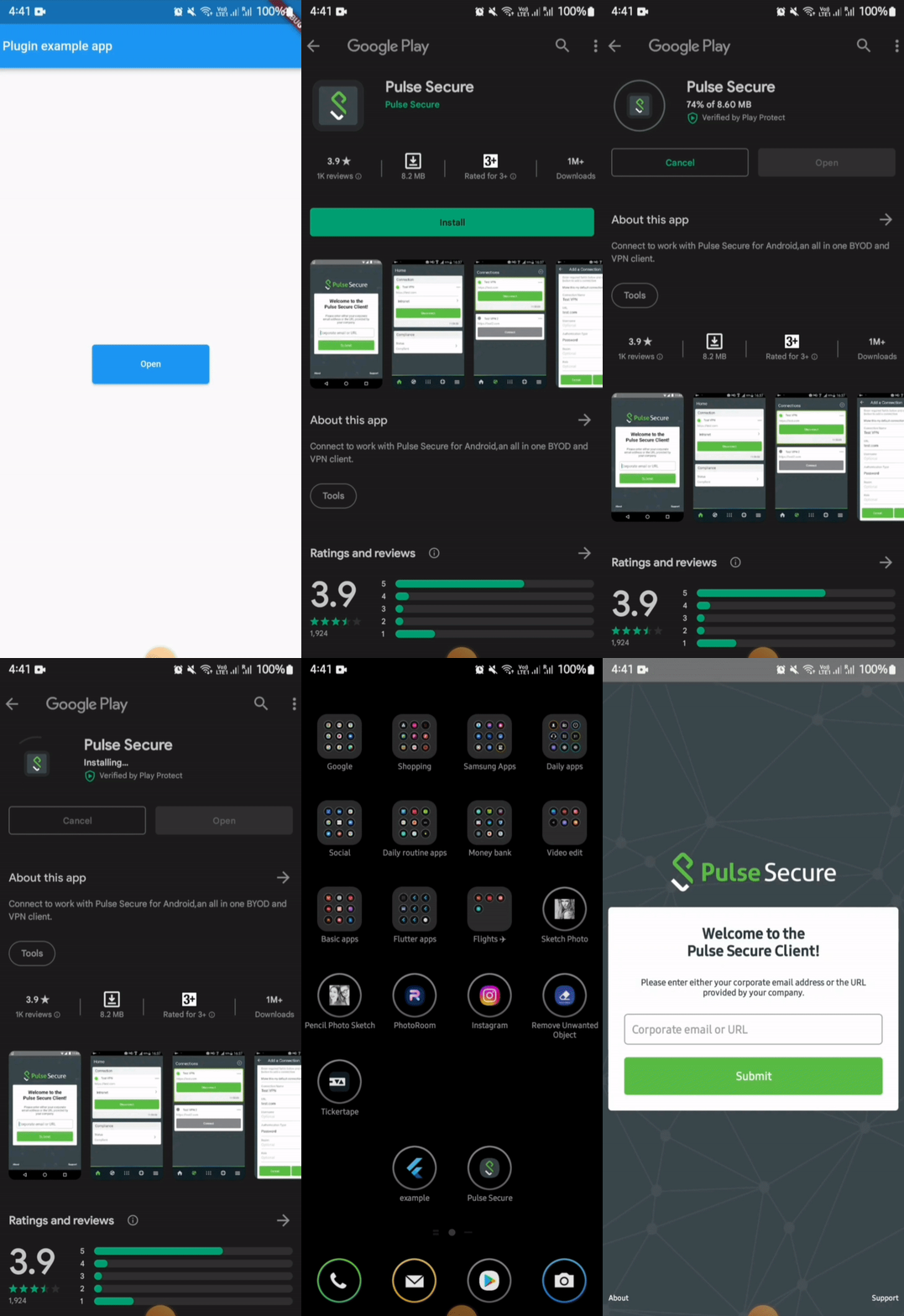
For opening an external app from your app in android, you need provide packageName of the app.
If the plugin finds the app in the device, it will be launched. But if the app is not installed in the device then it leads the user to playstore link of the app.
⚠️ Android 11+ Package Visibility (Required)
On Android 11 (API 30) and above, the OS restricts which packages your app can query. If you do not declare the target package in your AndroidManifest.xml, both isAppInstalled() and openApp() will silently behave as if the app is not installed — even if it is.
You must add a <queries> block above the <application> tag in your android/app/src/main/AndroidManifest.xml for every package you want to interact with:
<manifestxmlns:android="http://schemas.android.com/apk/res/android"><queries><!-- Declare every package you want to check or launch --><packageandroid:name="net.pulsesecure.pulsesecure" /><packageandroid:name="us.zoom.videomeetings" /><packageandroid:name="com.instagram.android" /><!-- Add more packages as needed --></queries><application...>
...
</application></manifest>
Note: Without this declaration, isAppInstalled('us.zoom.videomeetings') will always return false on Android 11+ even if Zoom is installed.
Tip: If you want to query all apps (not recommended for privacy), you can use the QUERY_ALL_PACKAGES permission instead, but this requires justification when publishing to the Play Store.
⚠️ Android 10+ Background Activity Start Limits
On Android 10 (API 29) and above, the OS restricts apps from starting activities from the background (e.g. from background services, background broadcast receivers, or background notifications). Attempting to do so will result in a SecurityException being caught and a descriptive error message being returned.
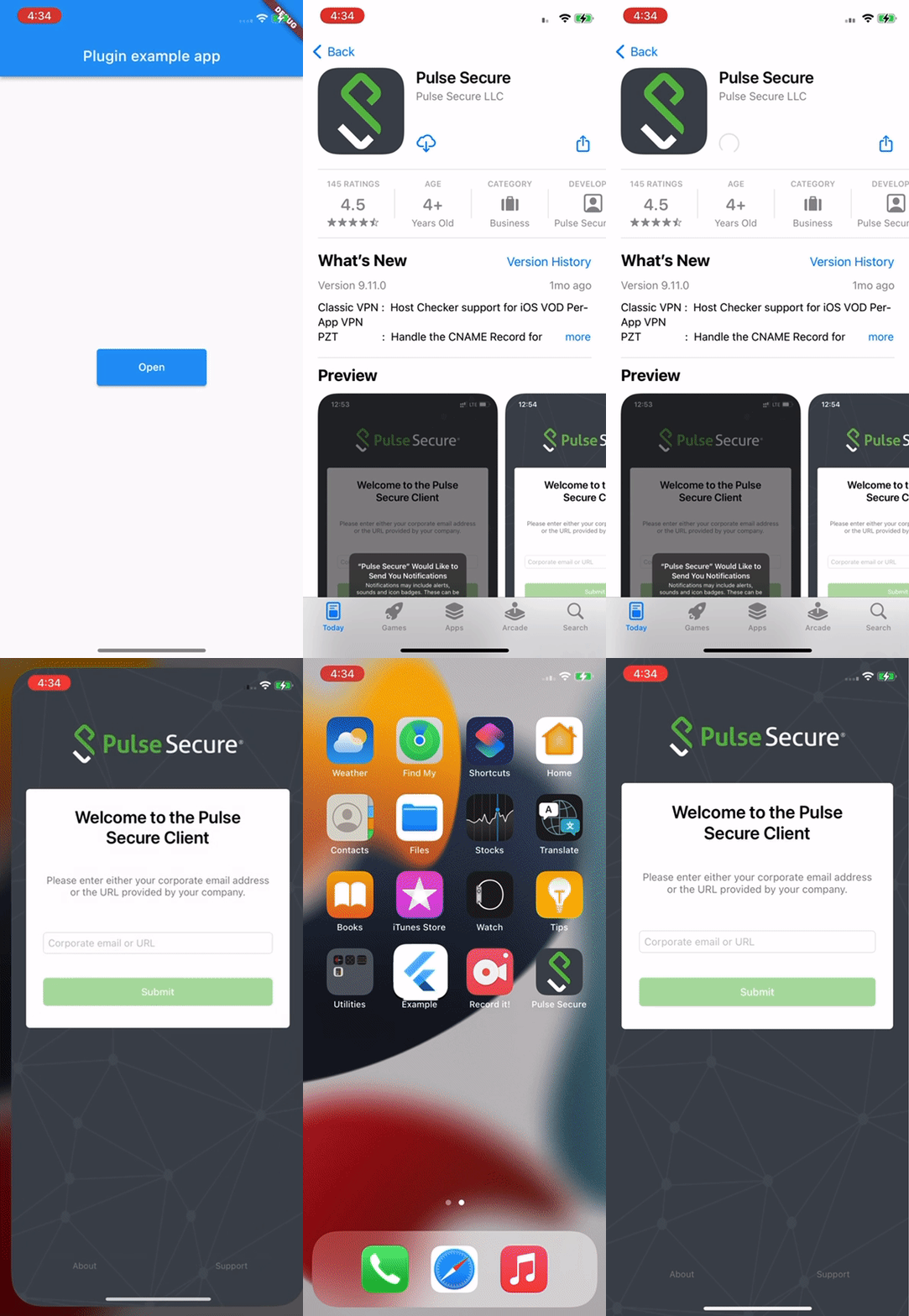
In iOS, for opening an external app from your app, you need to provide the URL scheme of the target app.
⚠️ iOS Platform Limitation: URL Schemes Required
Due to iOS security sandboxing, it is impossible to launch or query external apps using package names/bundle IDs or without a registered custom URL scheme (e.g., instagram://).
You must obtain the target app's custom URL scheme.
If your app's deployment target is iOS 9 or above, you must also whitelist the scheme in your Info.plist under LSApplicationQueriesSchemes (see below).